
Getting Started Guides
Migrating From pgAdmin
Migrating From pgAdmin
WhoDB focuses on fast data inspection, Storage Unit browsing, Scratchpad SQL, and graph visualization. Keep using PostgreSQL-native tools for server administration and backup tasks.
Connect
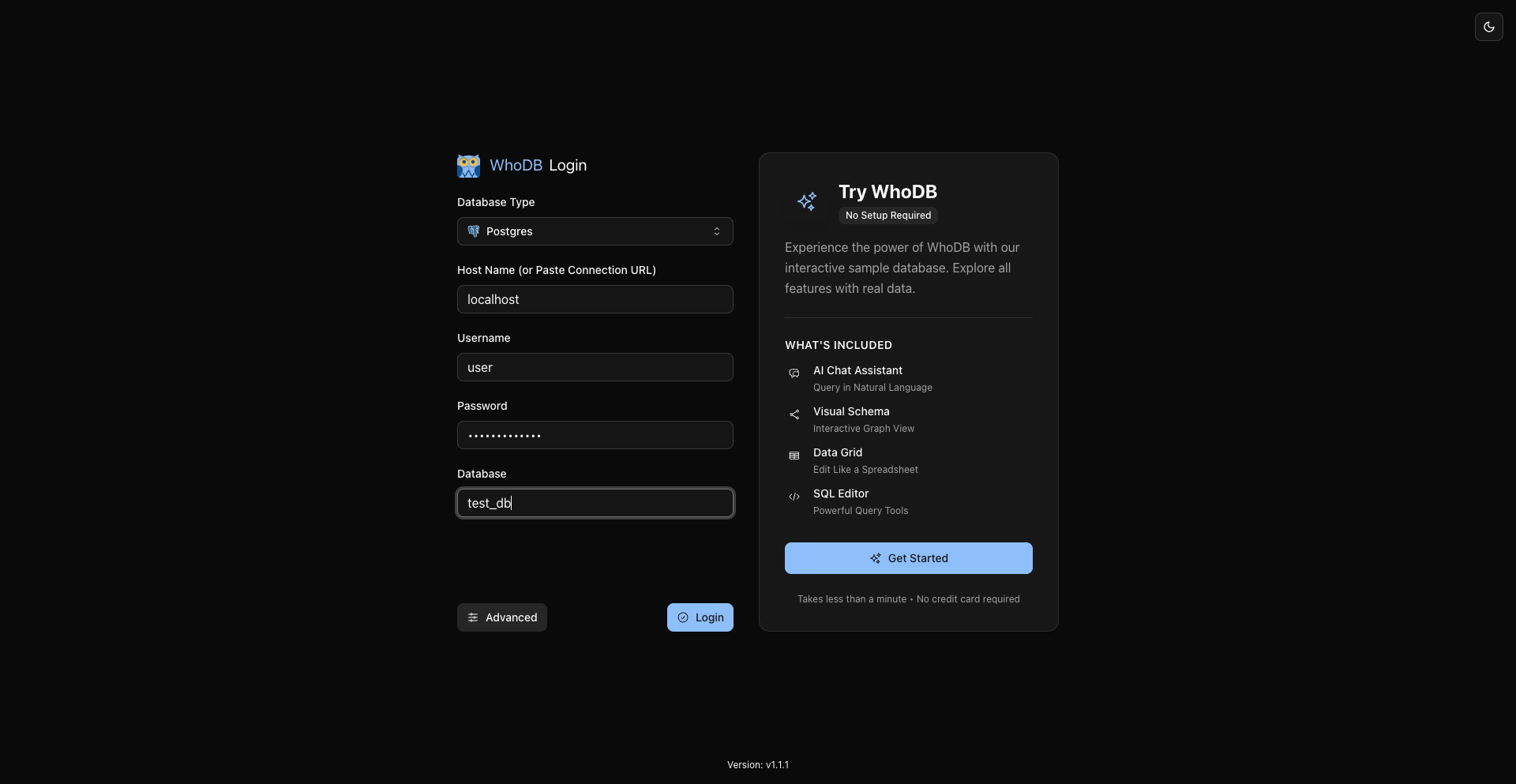
Open WhoDB, choose PostgreSQL, enter host, port, username, password, and database, then click Connect.
Browse Objects
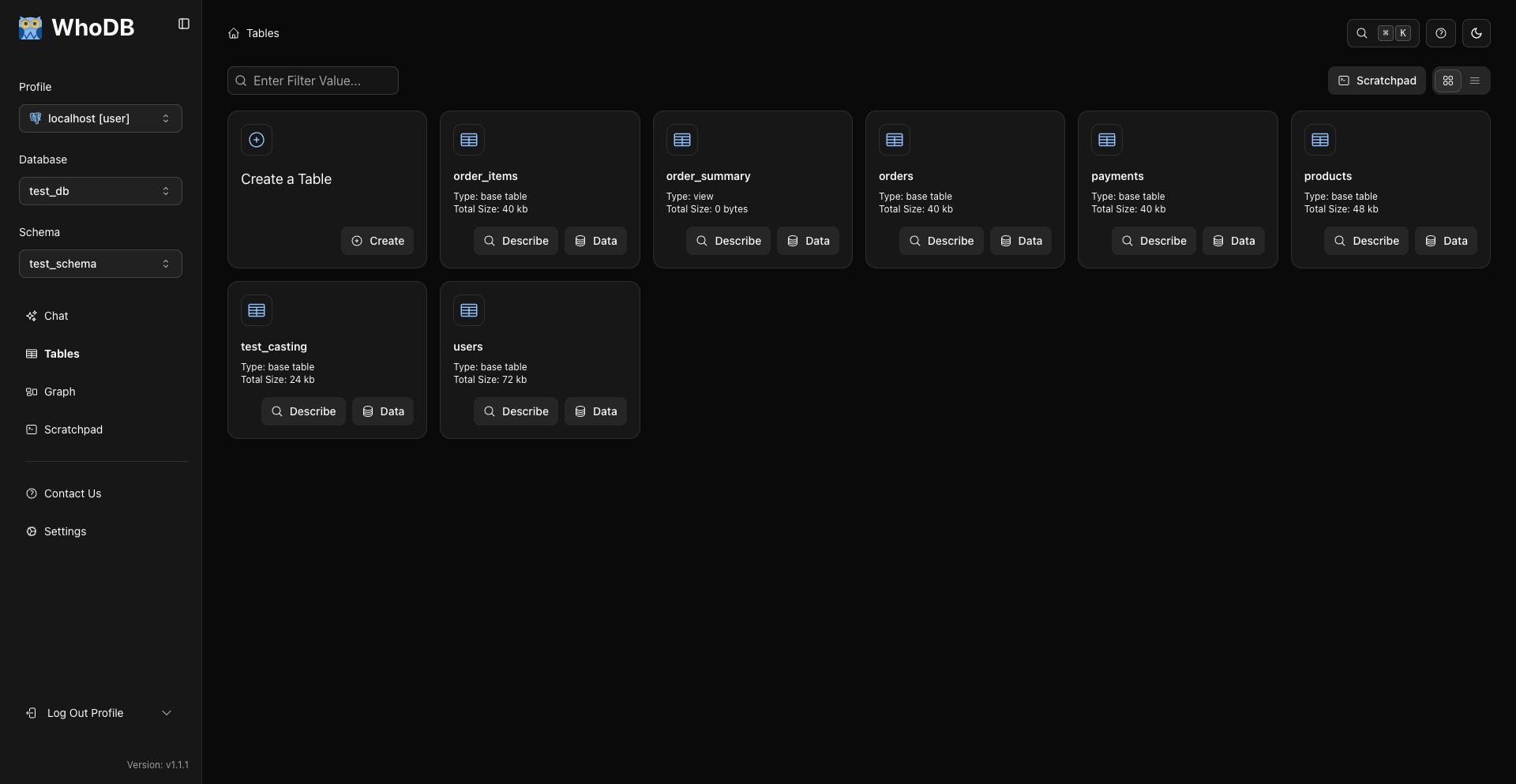
In WhoDB, use Storage Units instead of pgAdmin's object tree.
Use Describe for metadata and columns. Use Data for rows.
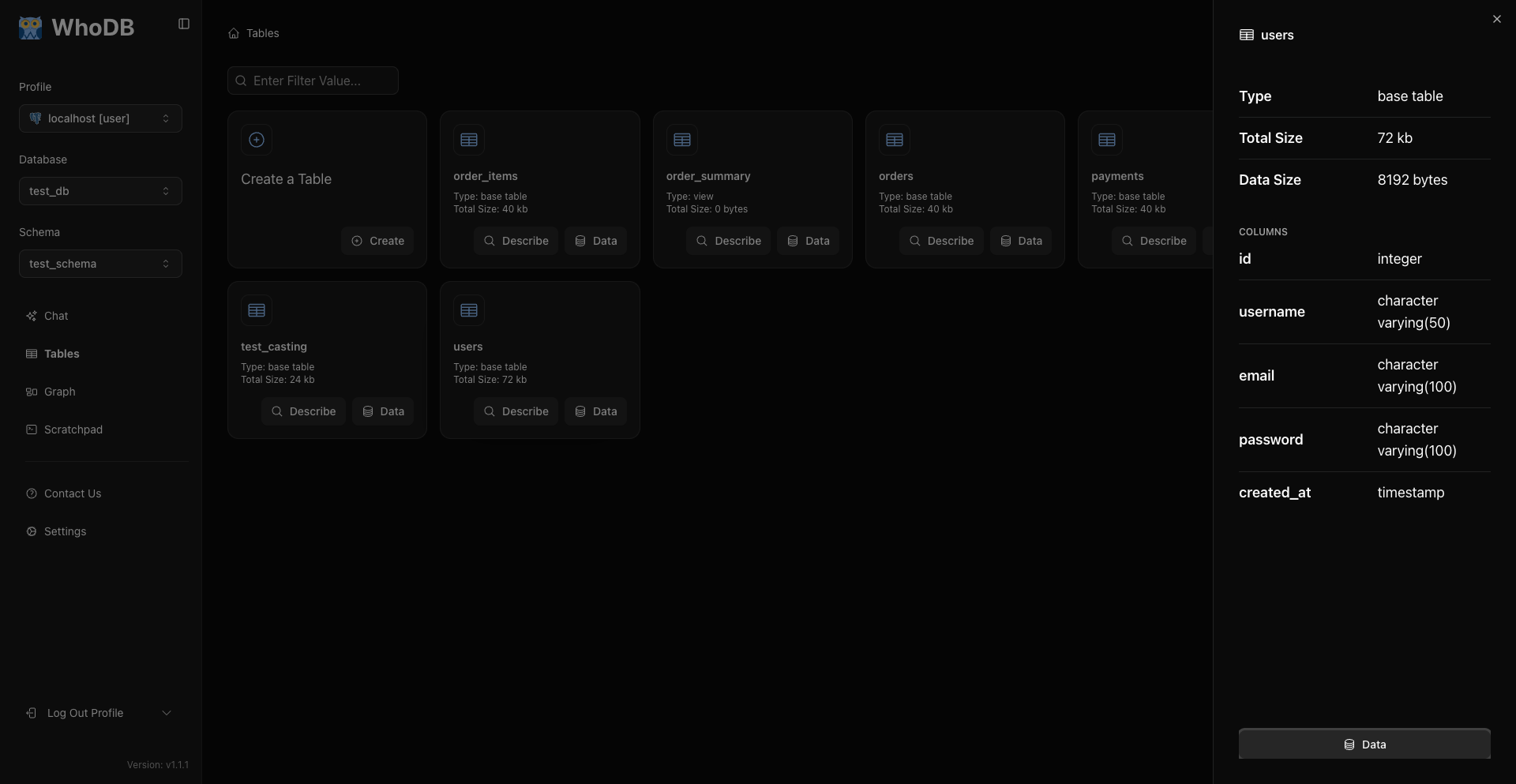
This is the main metadata workflow.
View And Filter Data
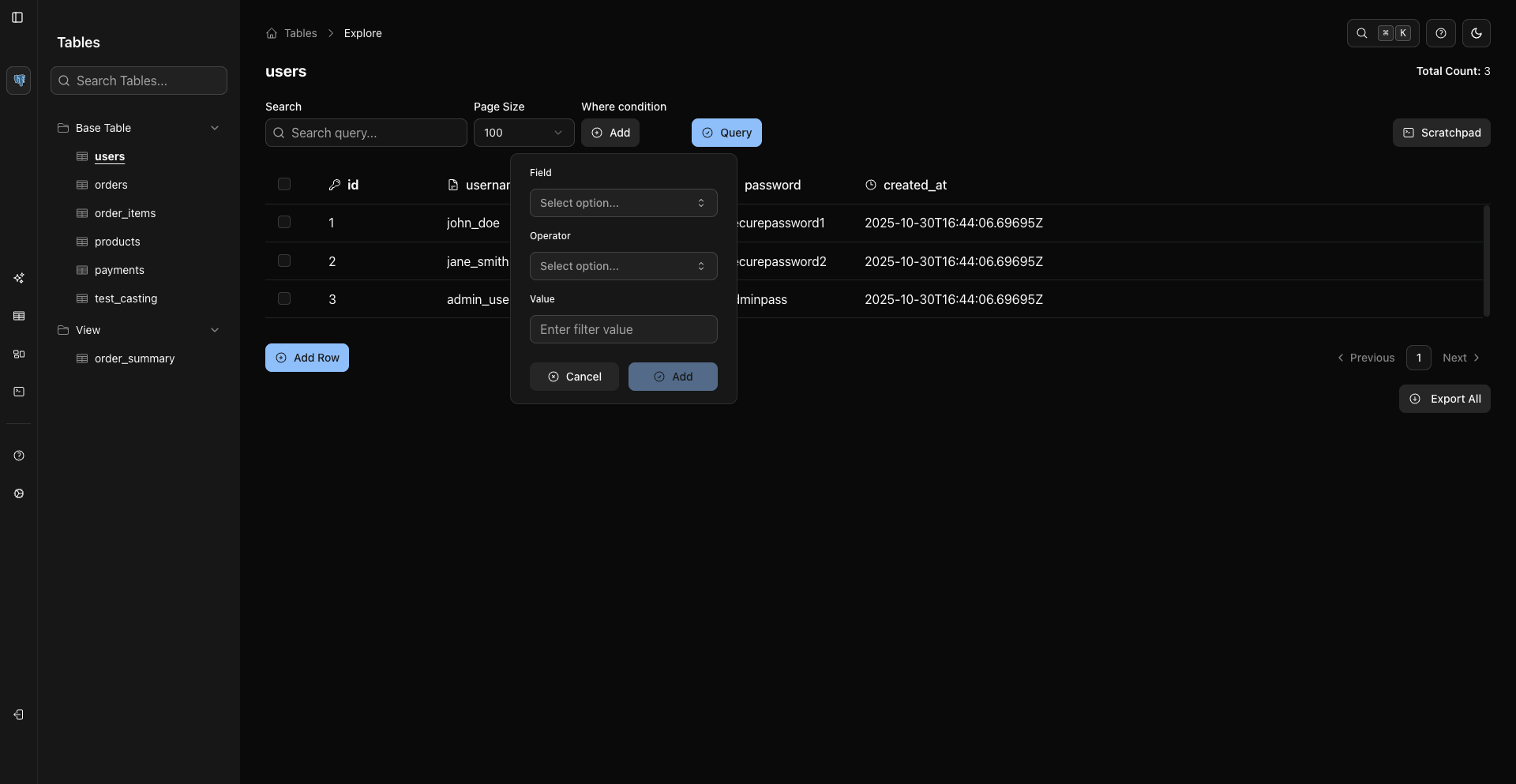
Click Data on an object, then use Search for visible rows or WHERE conditions for server-side filtering.
Run SQL
Open Scratchpad and run SQL with the blue run button or Cmd/Ctrl + Enter.
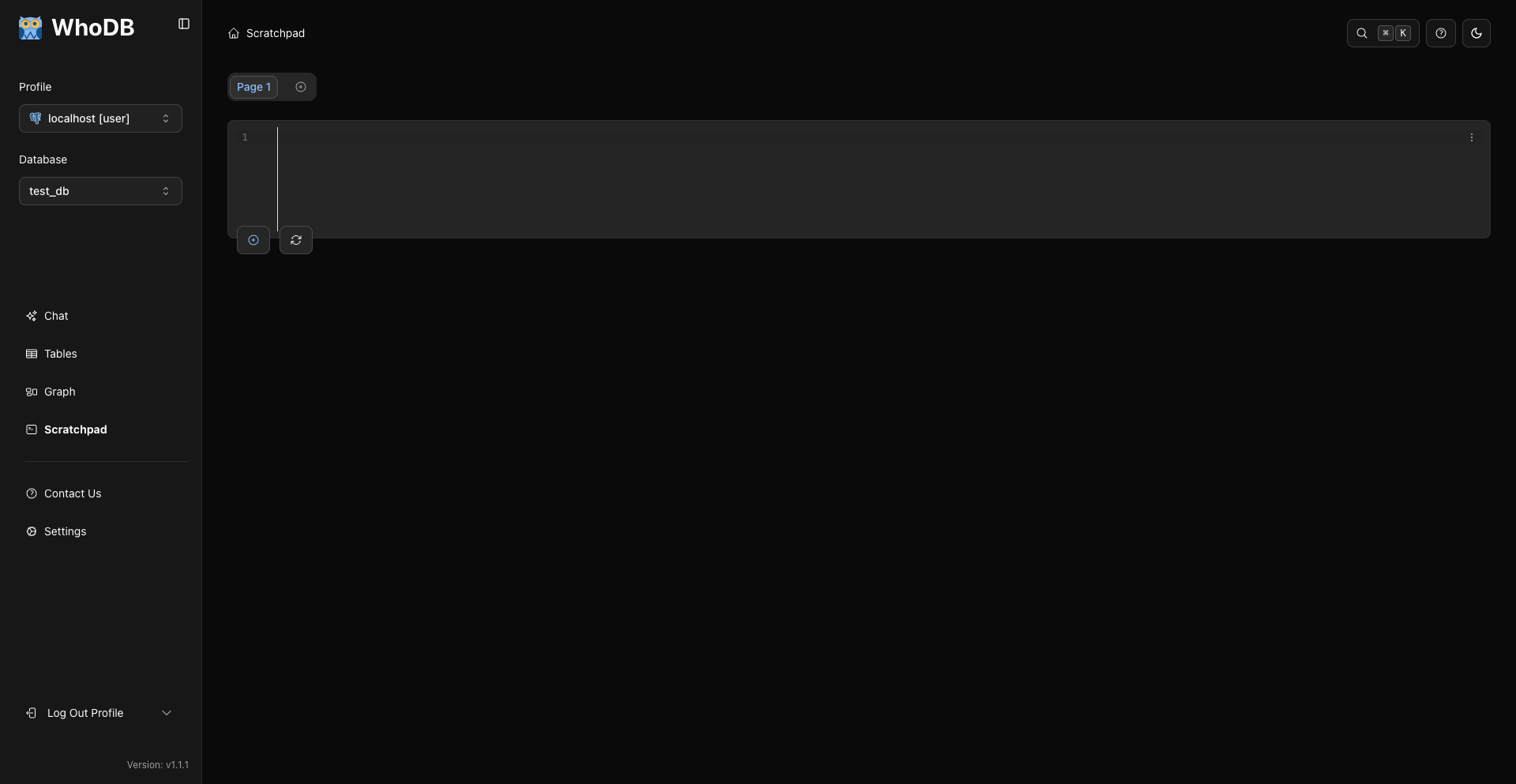
Scratchpad history opens from the cell history button or cell options menu.
Graph Relationships
Open Graph from the sidebar to visualize selected objects and relationships.
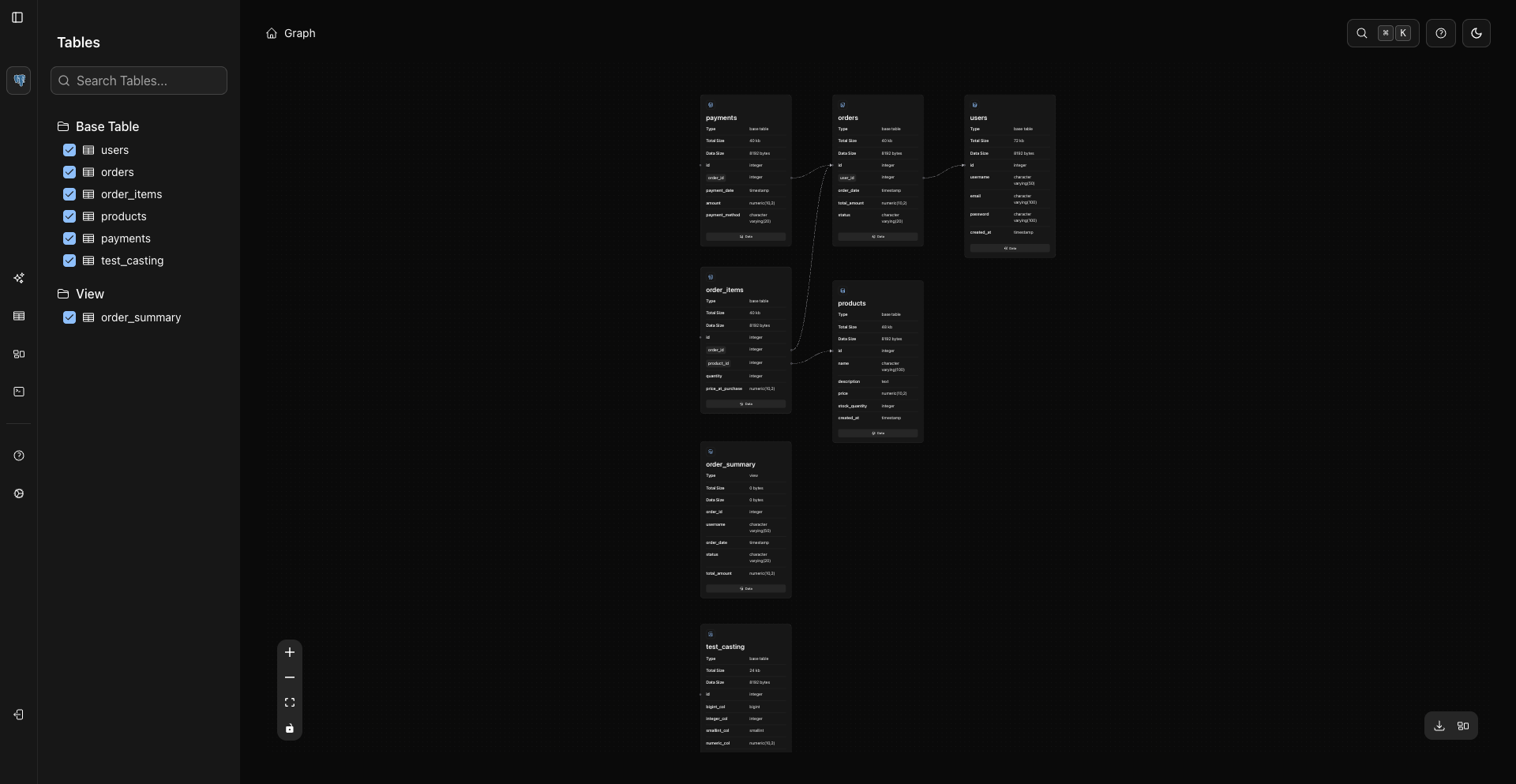
Nodes render metadata and loaded columns directly. Clicking a node can load columns. Use the node Data button to open rows.
Export And Backup
WhoDB export supports CSV, Excel .xlsx, and JSON Lines for records from sources like MongoDB when supported.
For PostgreSQL backups, continue using PostgreSQL-native tools:
Bash
pg_dump --format custom --file backup.dump "$DATABASE_URL"
Bash
pg_restore --dbname "$RESTORE_DATABASE_URL" backup.dump
Shortcut Mapping
Action | Current WhoDB Shortcut |
|---|---|
Run Scratchpad query | Cmd/Ctrl + Enter |
Clear Scratchpad editor | Cmd/Ctrl + U |
Toggle sidebar | Cmd/Ctrl + B |
Command palette | Cmd/Ctrl + K |
Table refresh | Cmd/Ctrl + R |
Table export | Cmd/Ctrl + Shift + E |