
Step-by-Step Tutorials
Schema Visualization
Schema Visualization
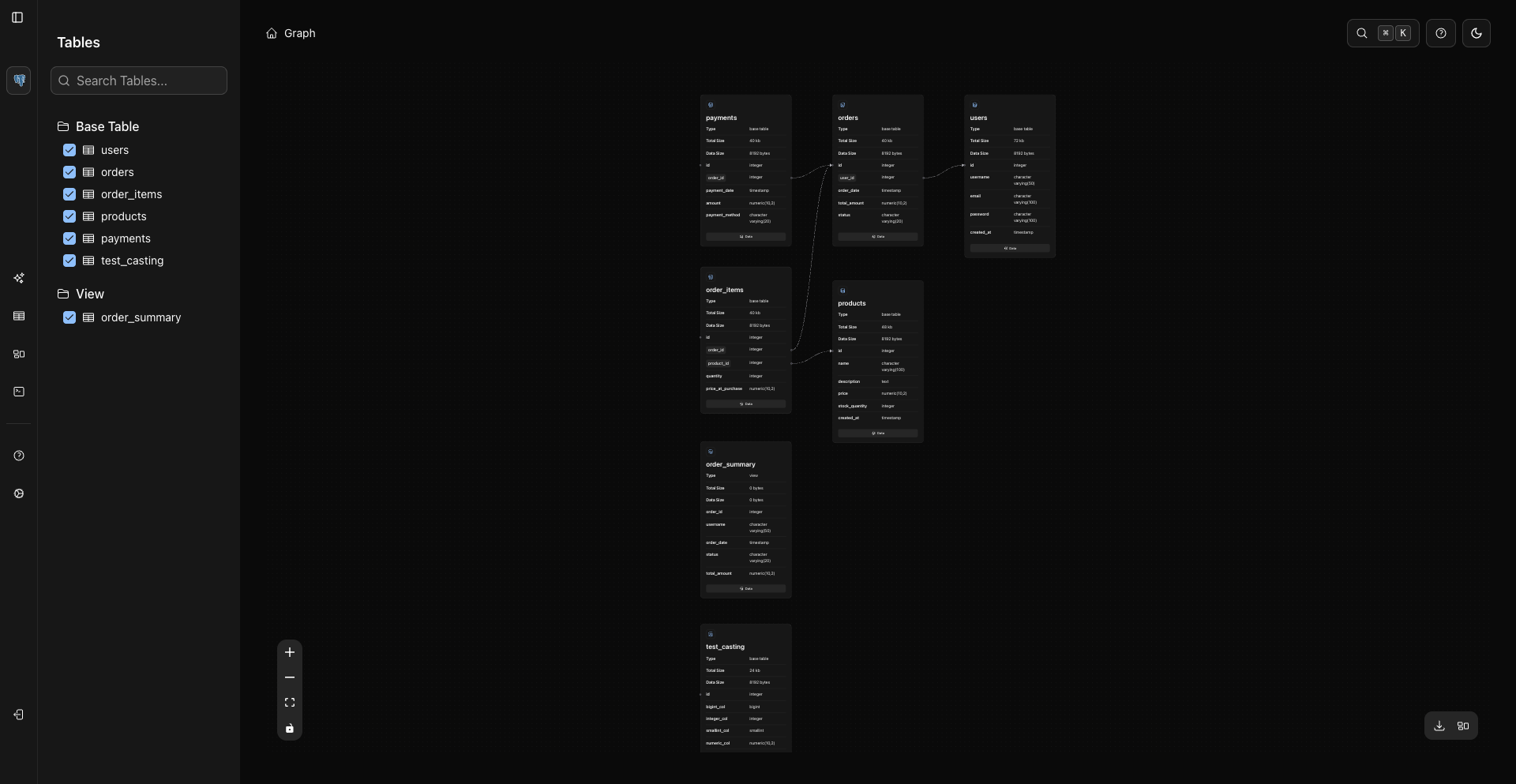
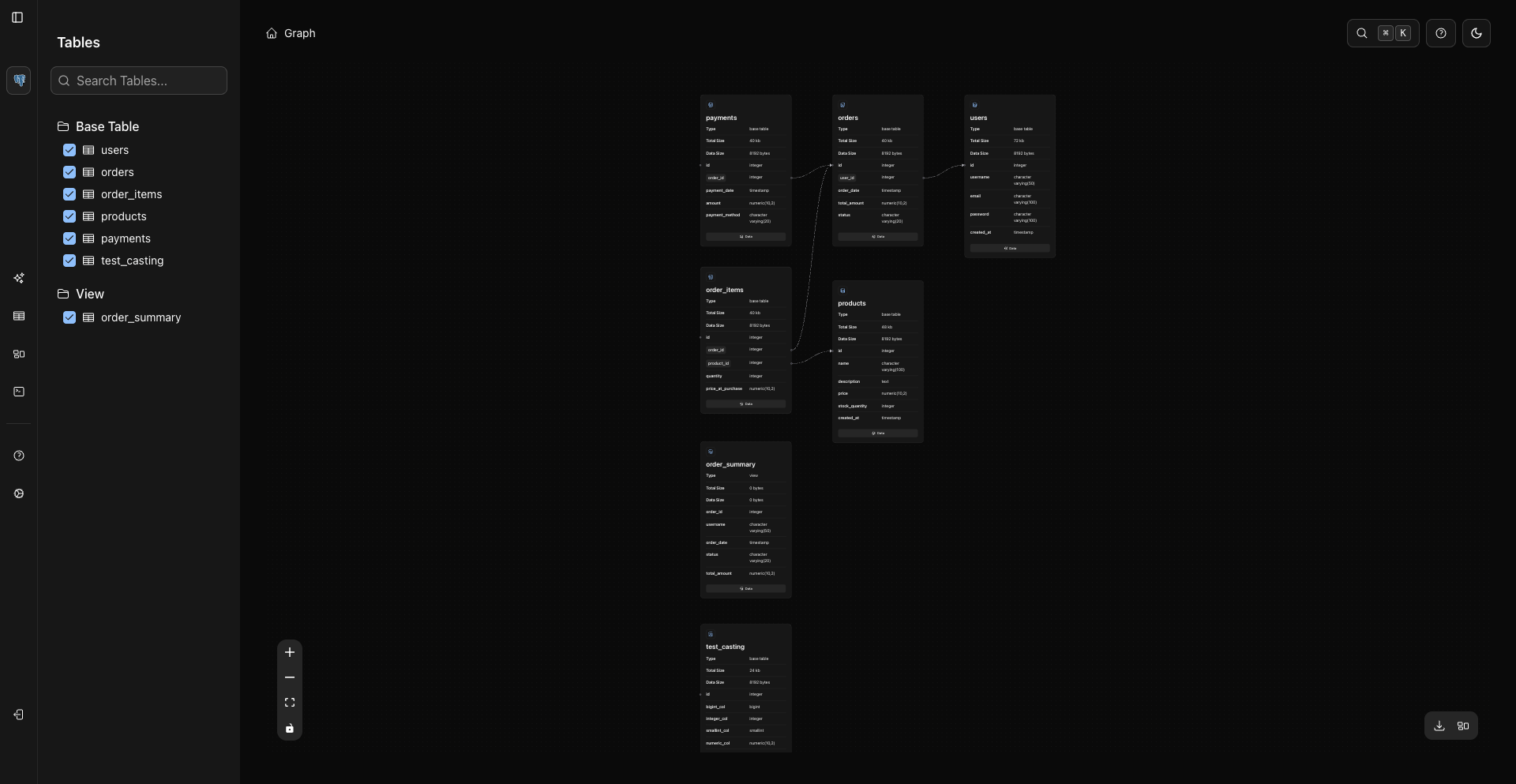
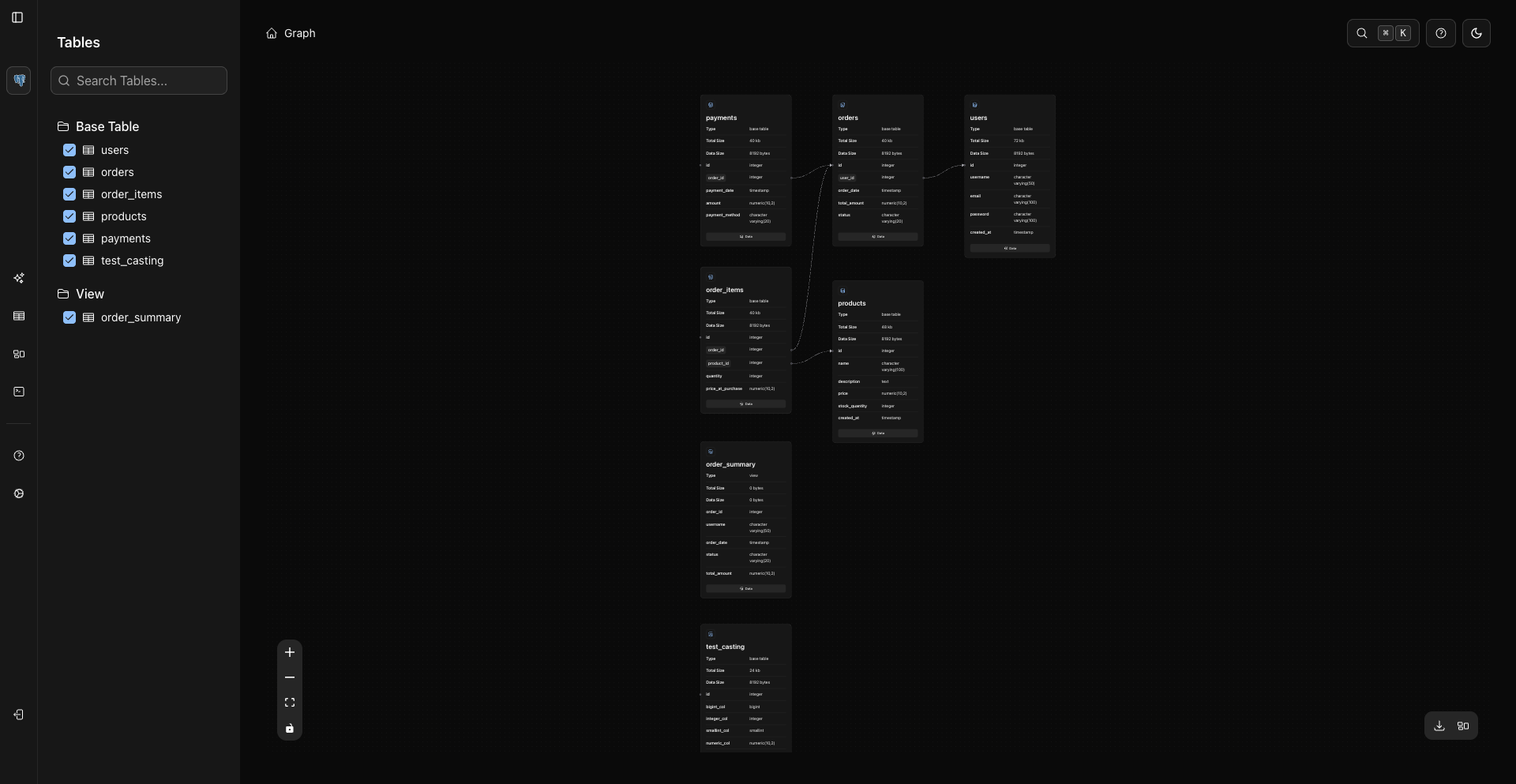
The Graph view shows selected database objects and relationships on an interactive canvas.
Open Graph
Use the sidebar Graph route.
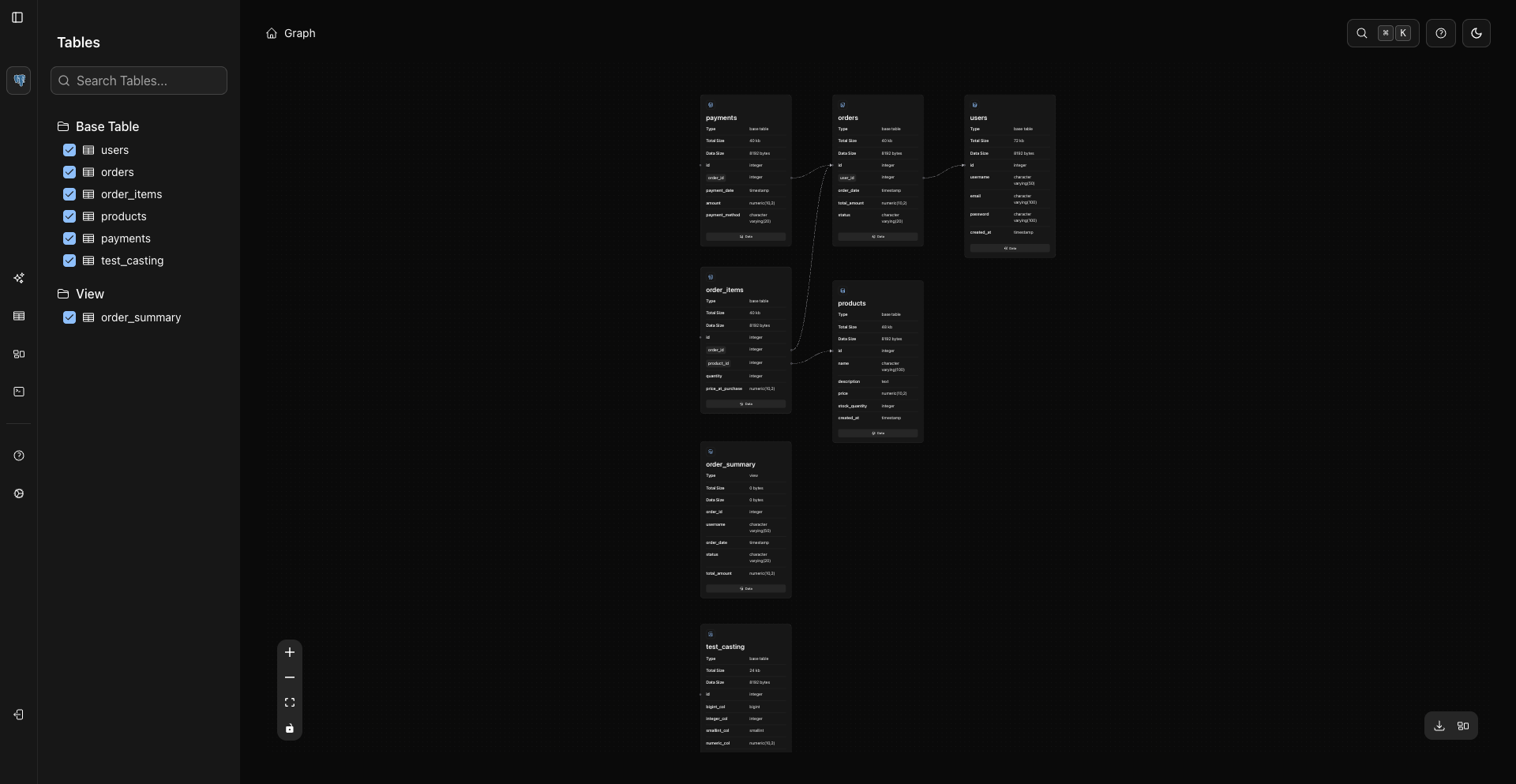
Select Objects
Use the graph sidebar to search and select the objects you want on the canvas. WhoDB initially selects a small set for convenience.
Navigate The Canvas
Graph controls are in the lower-left corner:
- Zoom in.
- Zoom out.
- Fit view.
- Toggle interaction lock/pan mode.
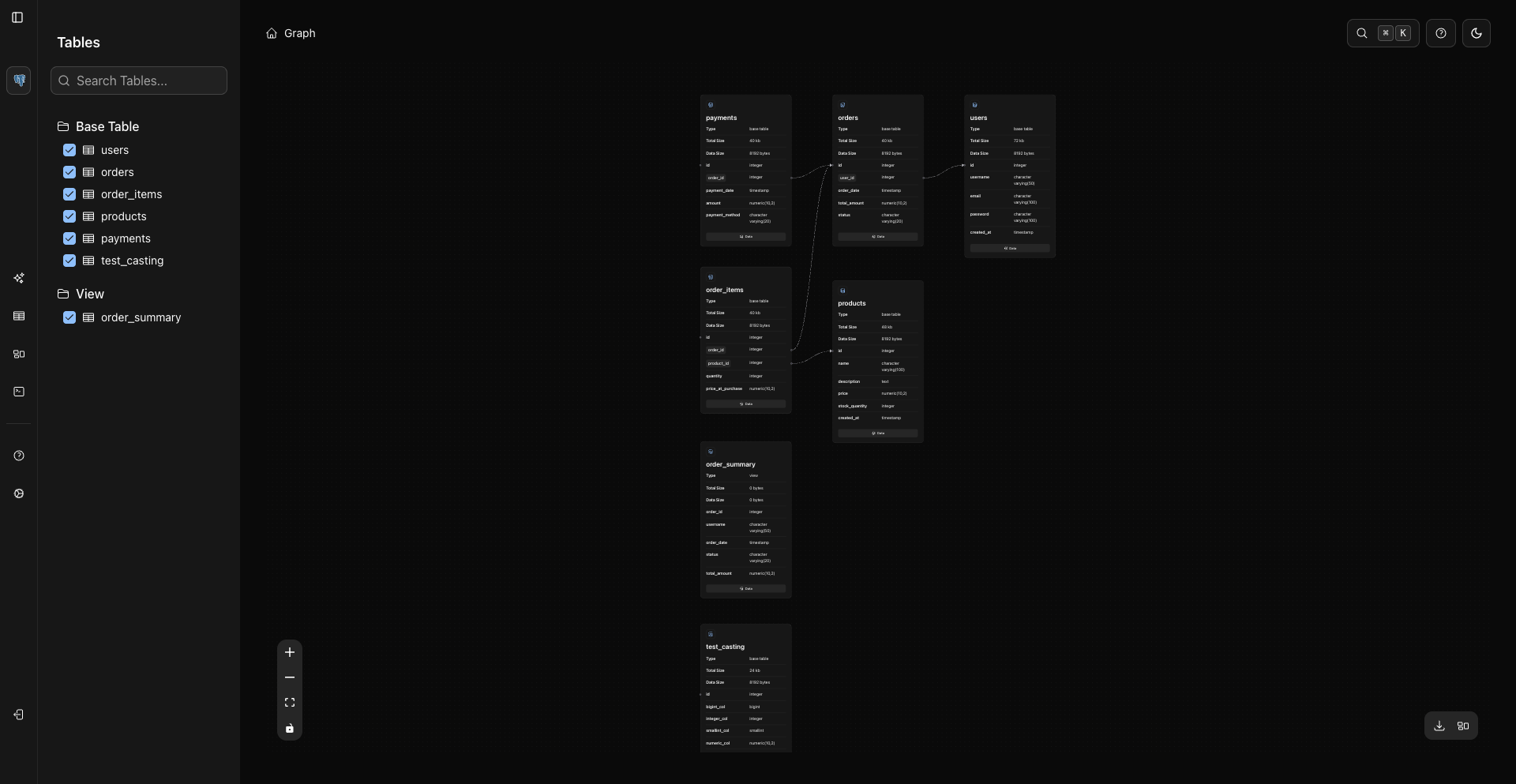
The download and layout actions are in the lower-right corner.
Read Nodes
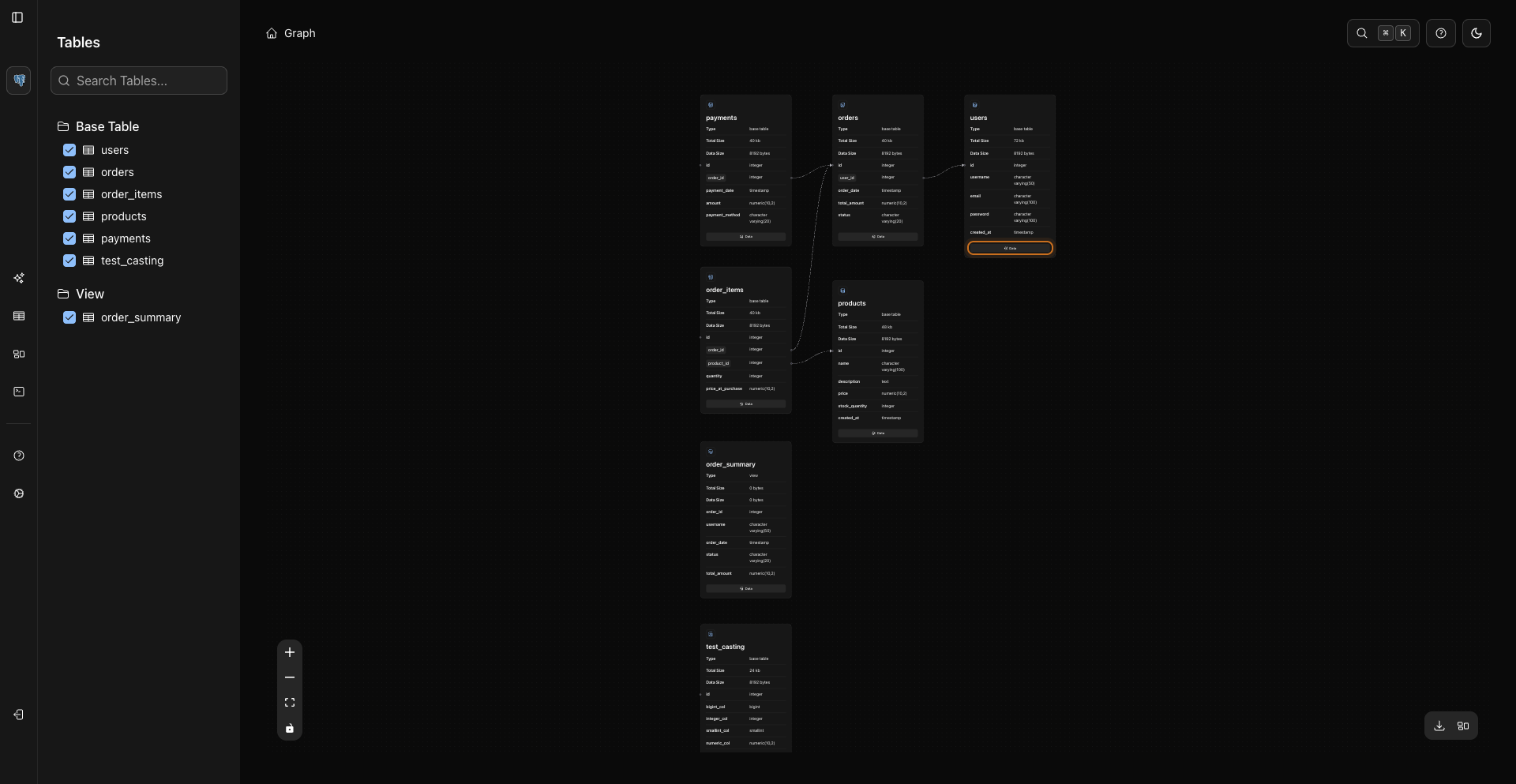
Each node card shows object metadata and loaded columns. Click a node to load its columns if they have not been loaded yet.
Node details appear directly in the card.
Use the node's Data button to open the object data page.
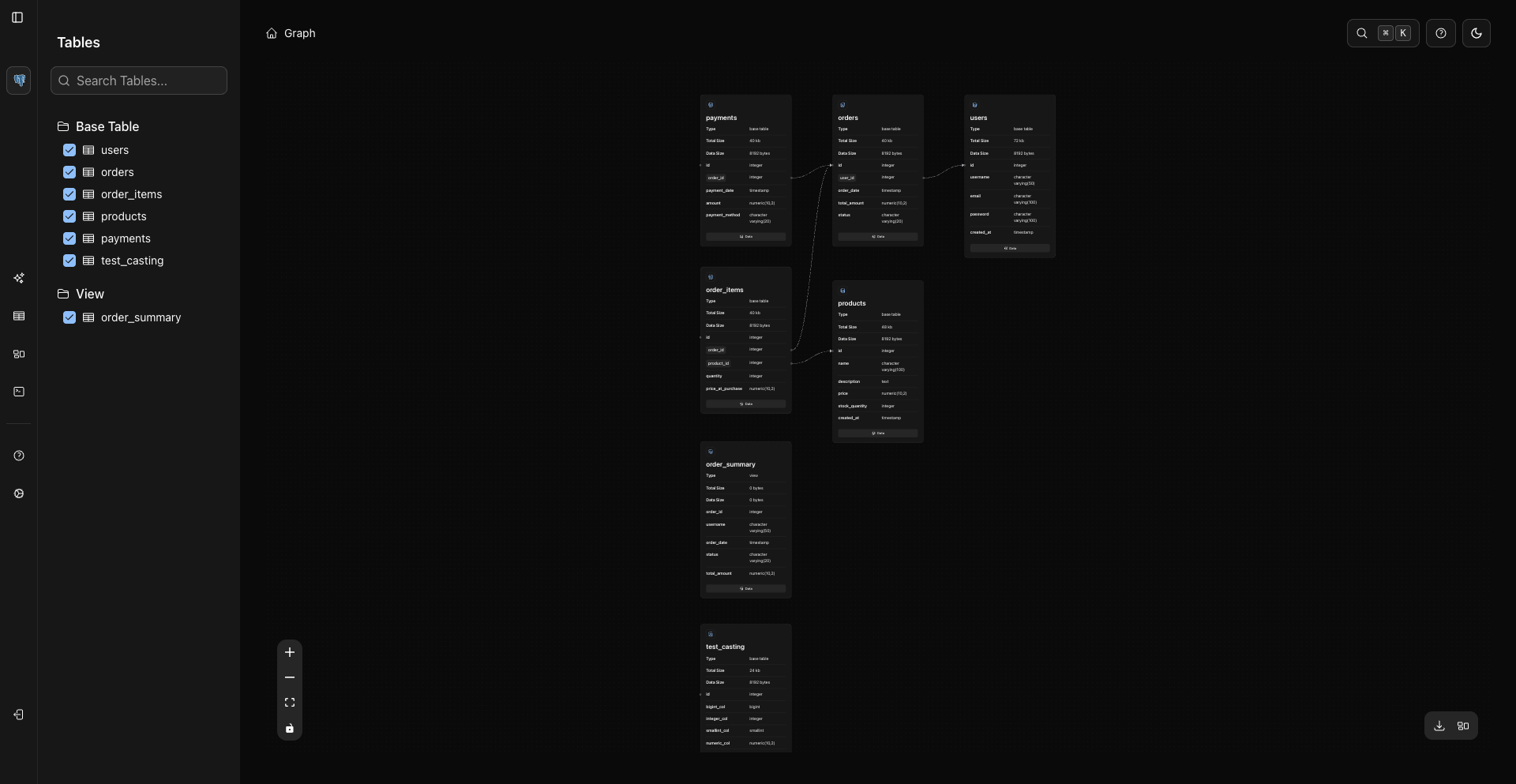
Relationship Examples
Related Pages
Previous