
Use Case Guides
AI-Powered Data Exploration
AI-Powered Data Exploration
Exploring an unfamiliar database typically involves hours of reading documentation, writing test queries, and piecing together relationships. WhoDB's AI Chat Assistant transforms this time-consuming process into a natural conversation, allowing you to understand database structure, discover data patterns, and map relationships quickly.
Tip
This guide demonstrates a complete exploration workflow using AI to understand a new database from scratch
The Challenge: Understanding Unfamiliar Databases
Whether you're a new developer onboarding onto a mature system, an analyst facing an urgent report on a database you've never seen, or a DBA auditing an acquired system, traditional exploration is slow:
- Manual query writing: Each question requires crafting SQL from scratch
- Schema navigation: Finding relationships means manually tracing foreign keys through information schema tables
- Trial and error: Understanding data patterns requires multiple query iterations
- Context switching: Constantly switching between documentation, schema viewers, and query tools
The AI Chat Assistant eliminates these barriers by letting you explore databases through natural conversation:
Ask questions in plain English without SQL knowledge
AI understands your tables, columns, and relationships automatically
See data immediately without writing queries
Ask about connections and get comprehensive answers
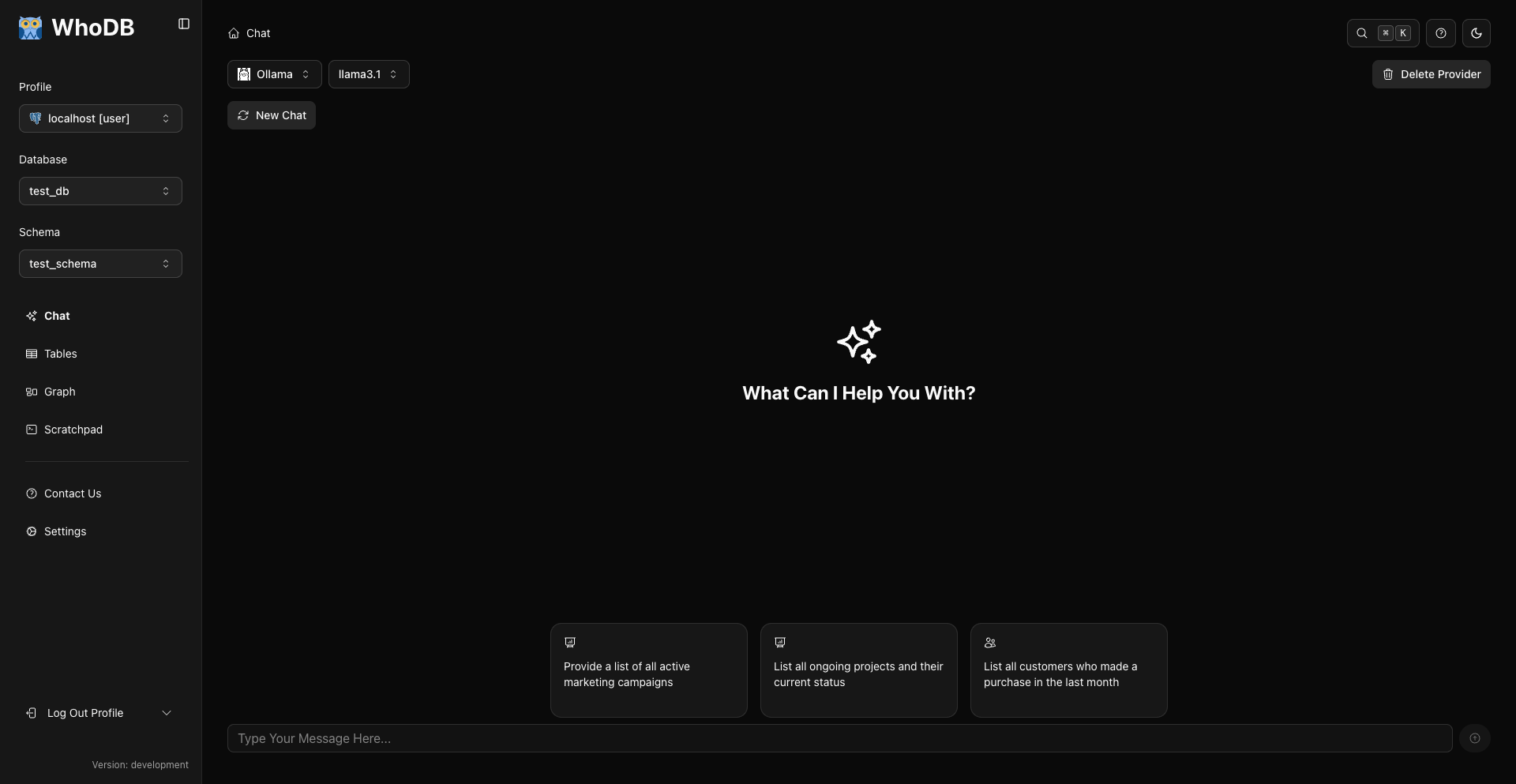
Complete AI Exploration Workflow
Let's walk through exploring an unfamiliar e-commerce database using only the AI Chat Assistant.
Phase 1: Discovery - What Exists?
Start by understanding what's in the database at a high level.
Info
In just a few questions, you understand what exists, the purpose of each table, and the scale of data
Phase 2: Structure Analysis - How is Data Organized?
Phase 3: Data Sampling - What's Actually in There?
Structure tells you what can exist. Sampling shows what actually exists.
Tip
The AI assistant generates appropriate aggregation queries automatically. Toggle to SQL view to see how grouping and counting work.
Phase 4: Relationship Mapping - How Do Tables Connect?
Check
At this point, you have a working understanding of the database structure, relationships, and data quality—all without writing a single SQL query yourself
Phase 5: Quality Assessment - Is Data Clean?
Before relying on this data, assess its completeness and consistency:
text
What percentage of users have verified emails?
How many users have never placed an order?
Show me products with unusually high or low prices
Are there any orders where the total doesn't match the sum of order items?
When was the most recent order placed?
These checks reveal incomplete data that affects analysis, outliers that might be errors, logical inconsistencies that could indicate application bugs, and whether the database is live and current.
Warning
If you discover data quality issues during exploration, document them but avoid attempting fixes without proper authorization, especially on production databases
Best Practices for AI-Powered Exploration
Start broad, then narrow. Begin with inventory questions (what tables exist, how many rows), identify the key business tables, and only then deep-dive into specific structures and relationships.
Use follow-up questions. The AI remembers your conversation context, so each question can build on the last without repeating "the users table" every time. See Conversation Features for details.
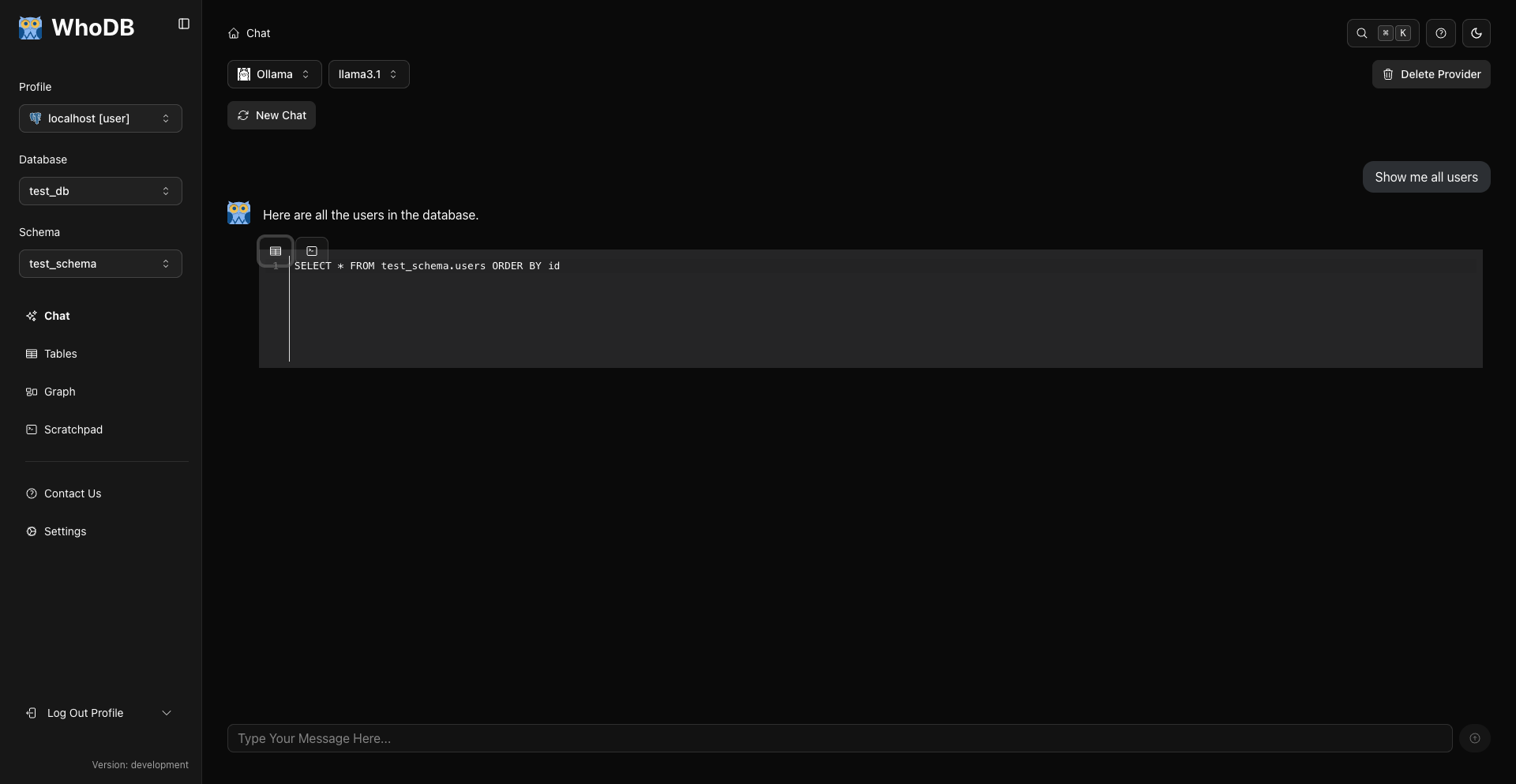
Toggle to SQL view for learning. Every AI response that returns data can show you the generated SQL — open the result's ellipsis (...) menu and select Show Code. Use it to learn SQL syntax naturally, verify the AI understood correctly, and copy queries for documentation.
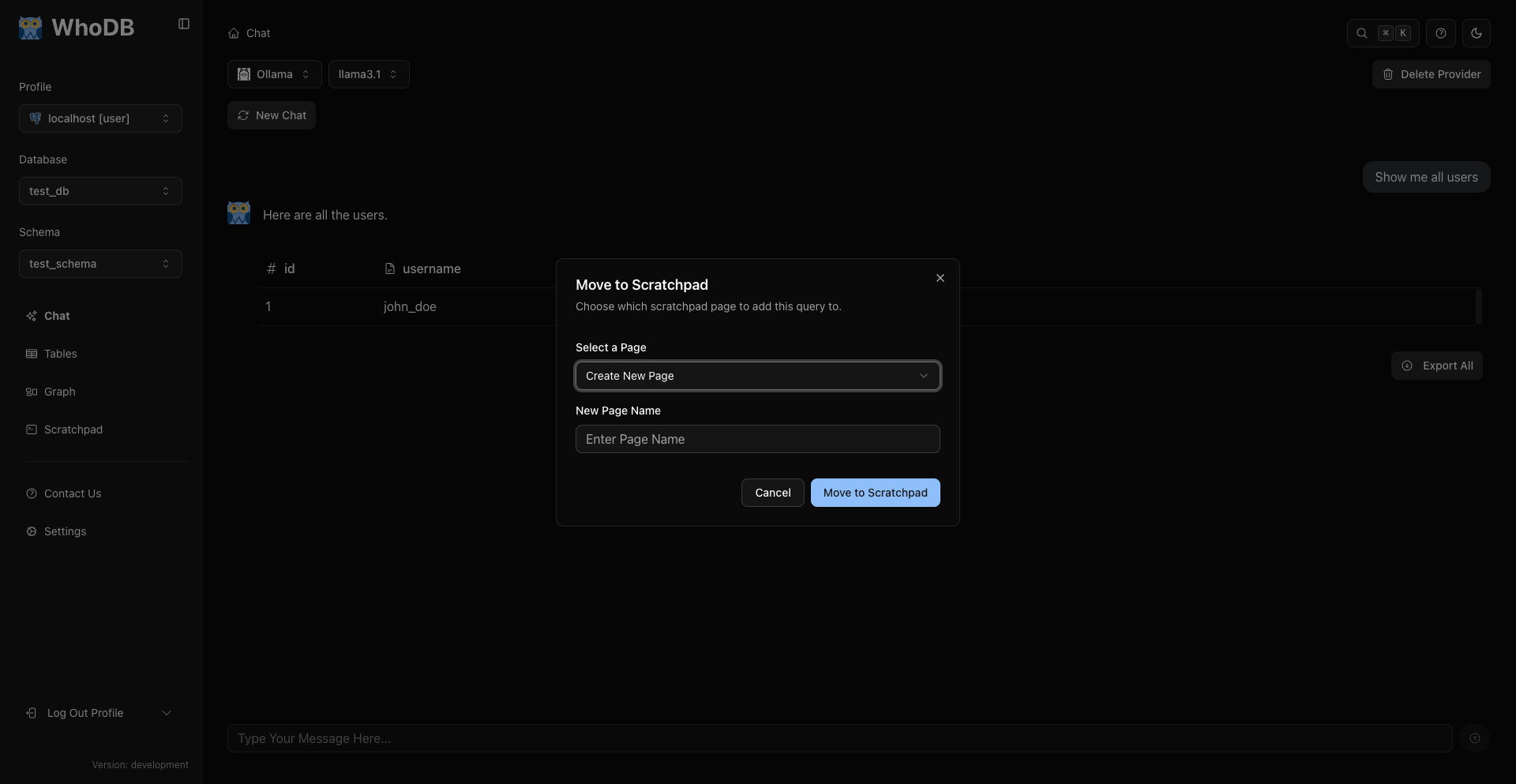
Save useful queries to Scratchpad. When exploration surfaces a query worth keeping — a complex join, a data quality check worth repeating — use Move to Scratchpad from the result's ellipsis menu to preserve it.
Ask about data, not just structure. "What are common user email domains?" and "Are there any data quality issues?" reveal how the database is actually used, beyond what columns exist.
Verify AI responses with samples. When the AI makes a claim ("orders always have a payment record"), verify it with a targeted query ("show me orders without payments").
Common Exploration Questions
Use these question templates for efficient exploration:
Discovery Phase
text
What tables are available?
How many rows are in each table?
What are the largest tables?
Which tables were most recently modified?
Structure Phase
text
What's the structure of the [table] table?
What columns are in [table]?
Which columns in [table] are required vs. optional?
What are the primary keys?
Data Phase
text
Show me 10 sample rows from [table]
What are the most common values in [column]?
What's the date range of data in [table]?
Count records by [category column]
Relationship Phase
text
How is [table1] related to [table2]?
What foreign keys exist in [table]?
Show me [entity] with its related [other entities]
Are there any many-to-many relationships?
Quality Phase
text
Find rows with missing [column] values
Show me duplicate records in [table]
Are there any orphaned records in [table]?
What percentage of [table] has [condition]?
Handling Errors During Exploration
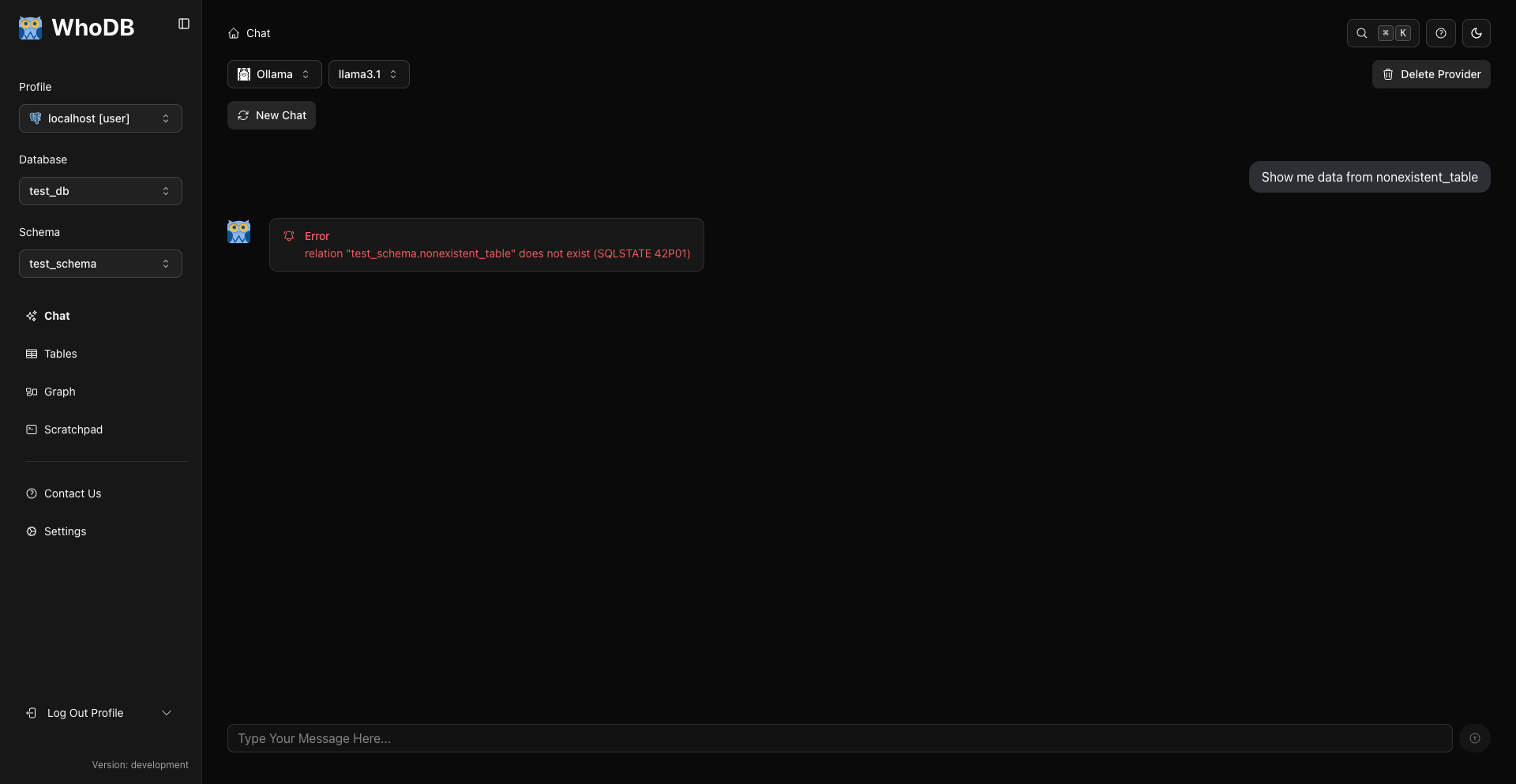
Even with AI, you might encounter errors:
Next Steps
Now that you've seen the AI-powered exploration workflow, take your skills further:
Check
You're now equipped to explore any unfamiliar database rapidly using AI—inventory the tables, examine structure, sample data, map relationships, and assess quality, all through natural conversation
Previous