
Use Case Guides
Database Exploration
Database Exploration
Use this workflow to understand an unfamiliar database in the current WhoDB UI.
1. Start With Storage Units
After connecting, open Storage Units.
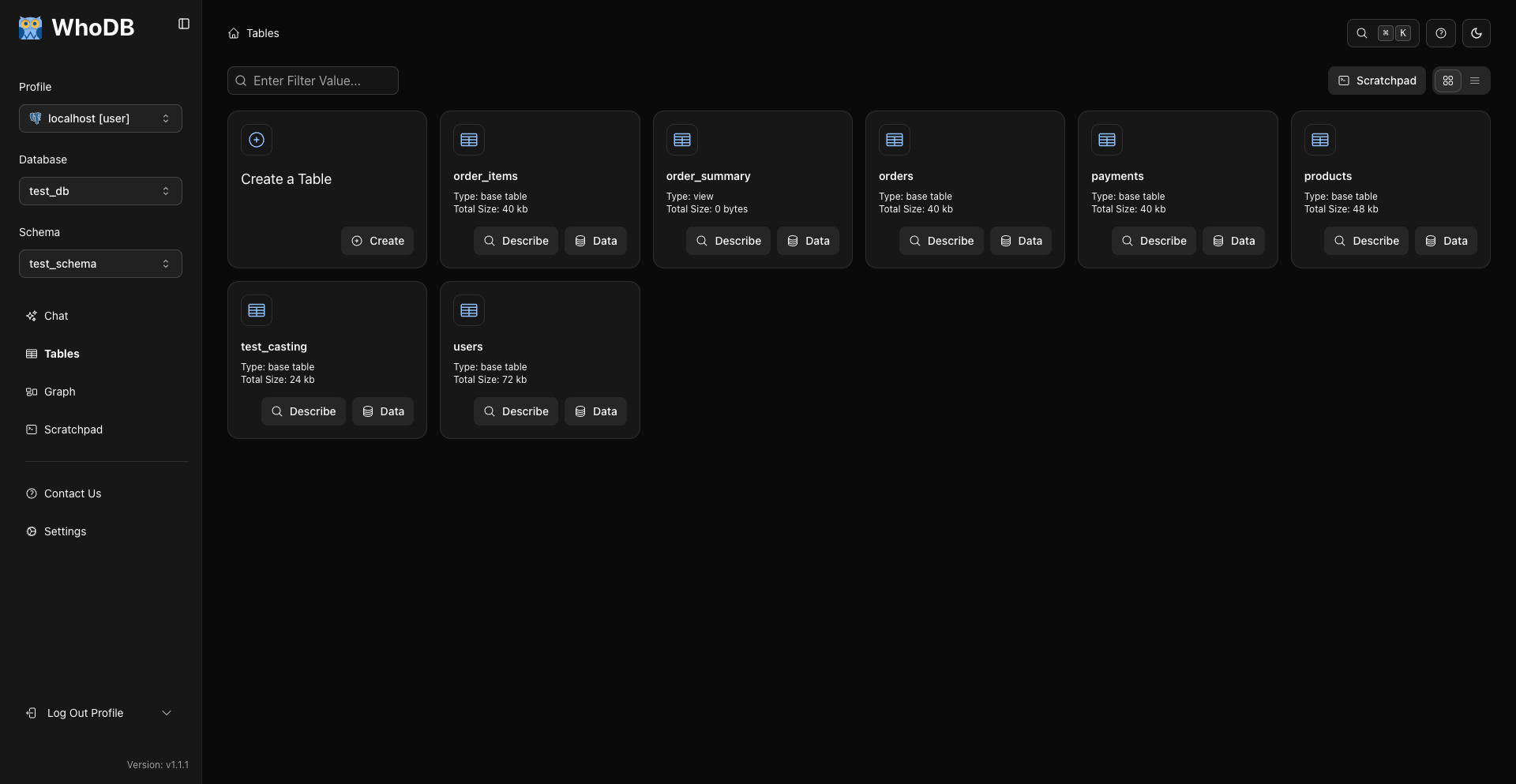
Use the search field to find likely objects.
2. Describe Interesting Objects
Click Describe on an object card to inspect metadata and columns.
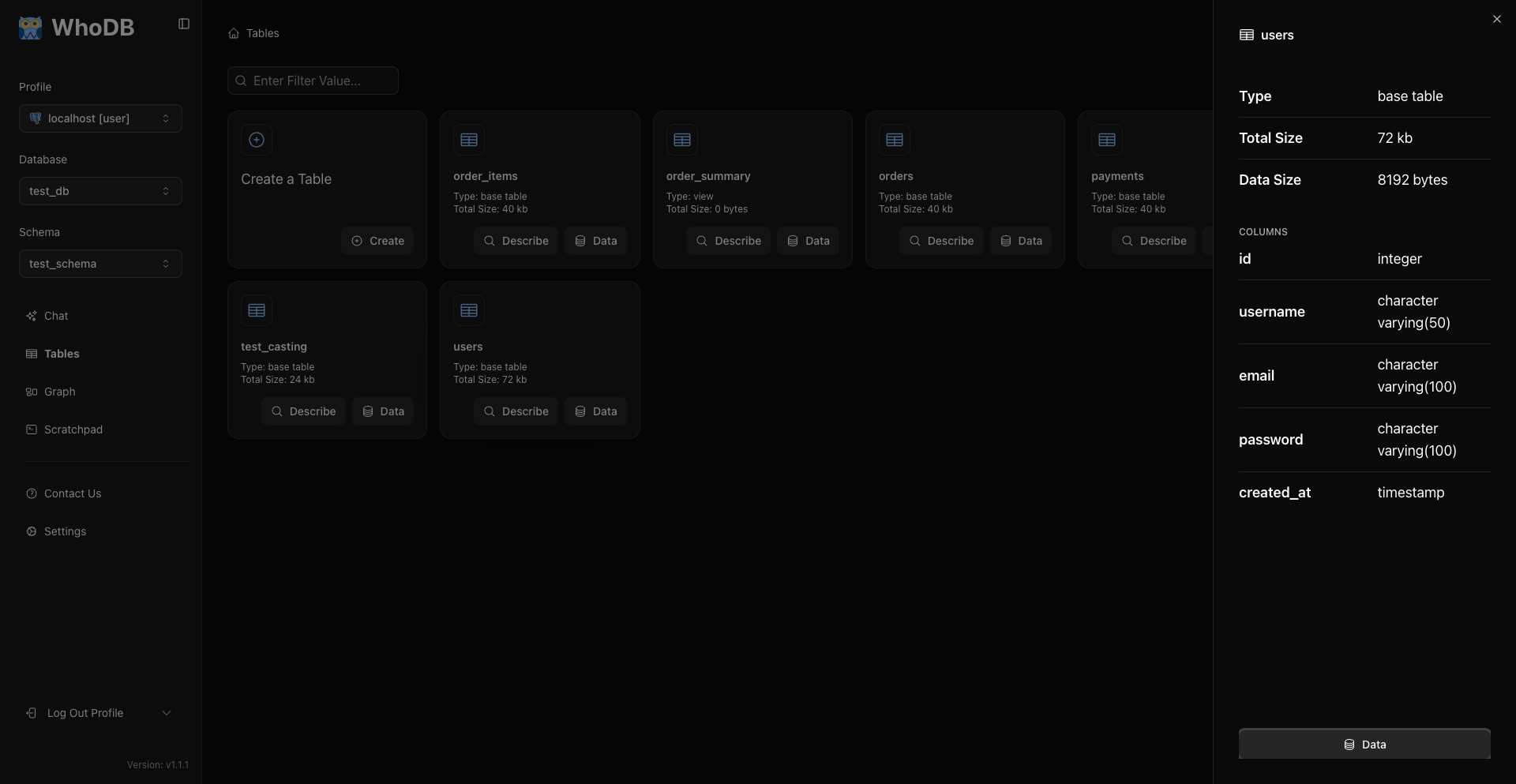
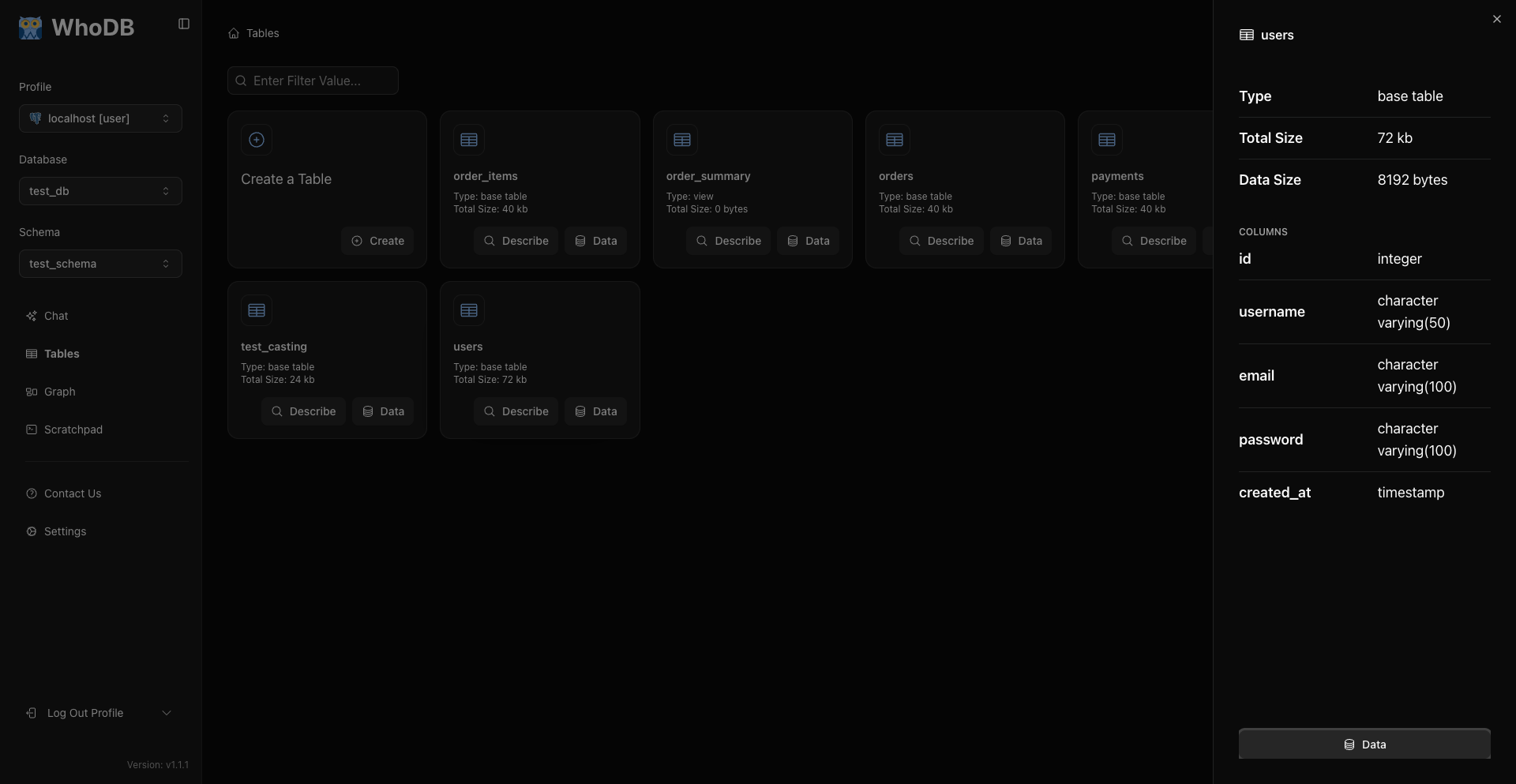
Use Describe for structure and Data for rows.
3. Open Data
Click Data to inspect rows.
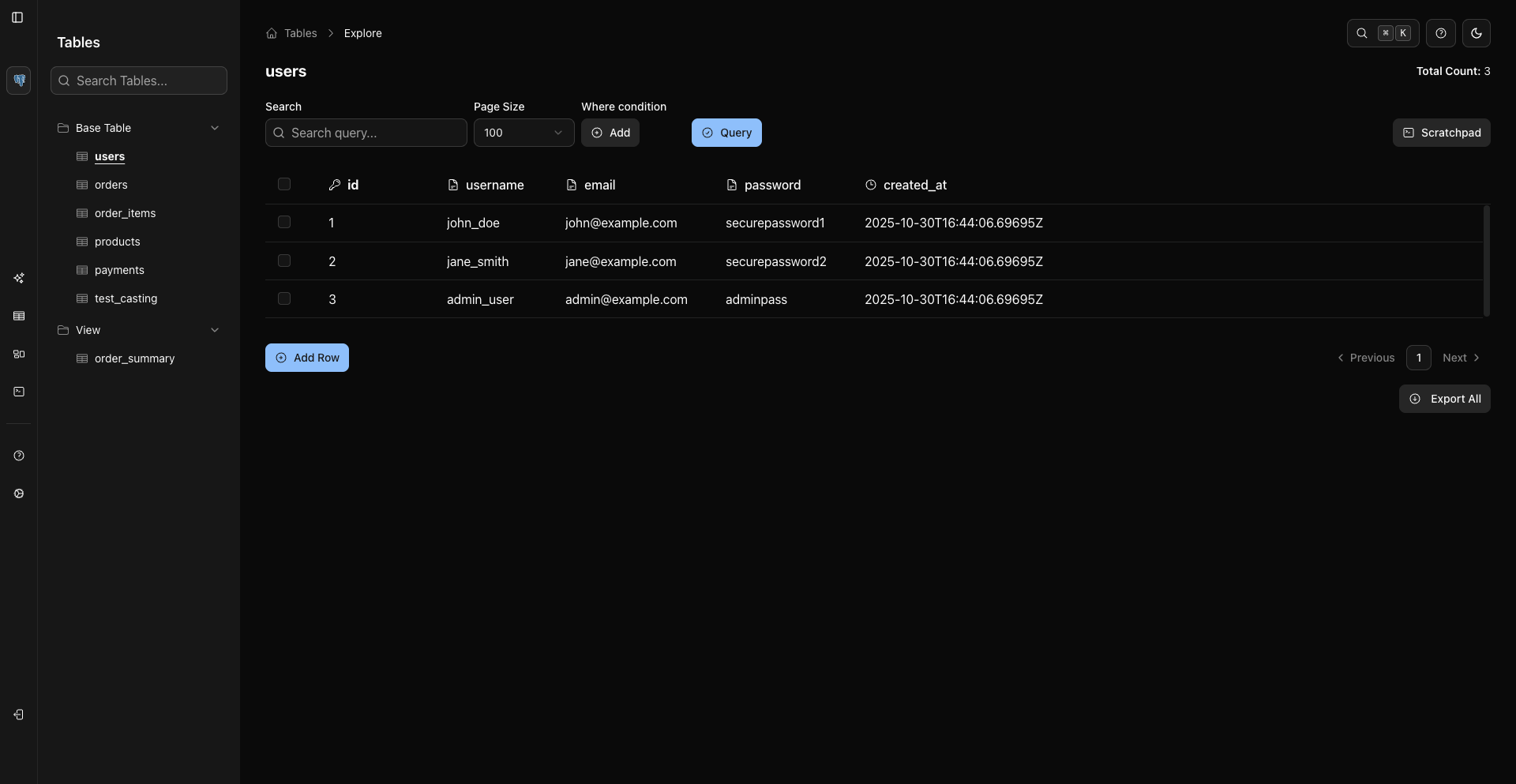
Use Search to find values in currently loaded rows. Use WHERE conditions and Query to change the server-side result set.
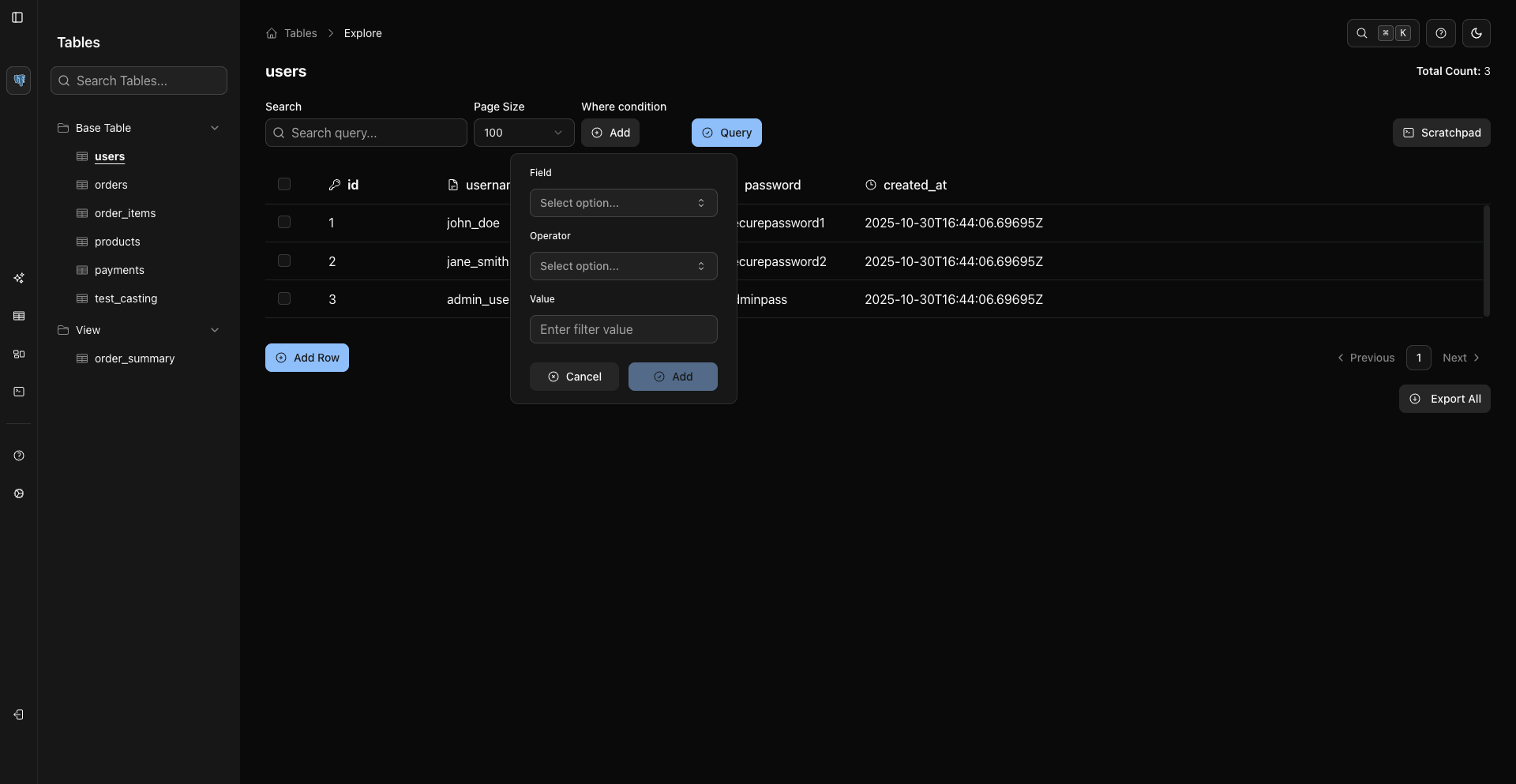
4. Inspect Relationships
Open Graph from the sidebar.
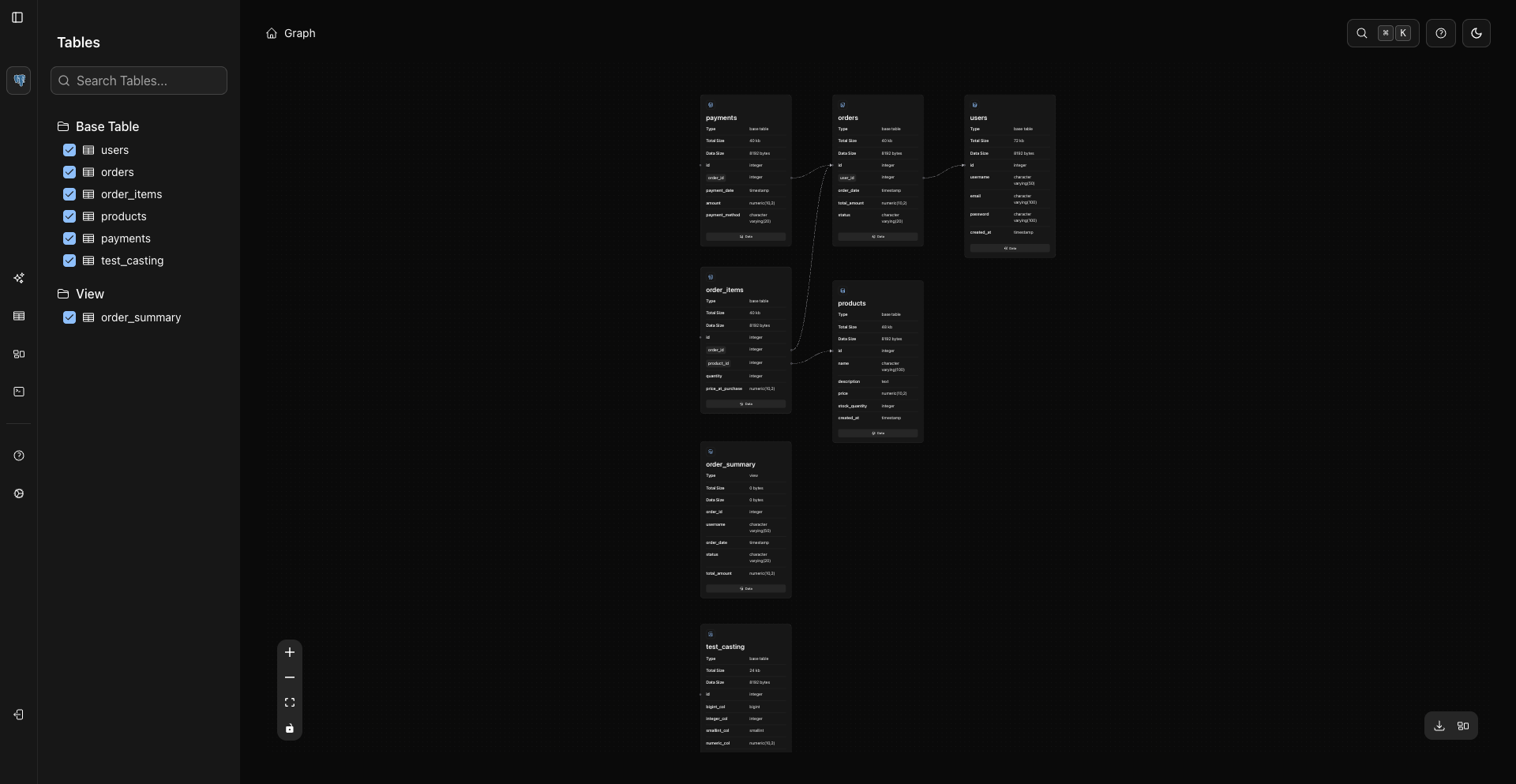
Select objects in the graph sidebar. Nodes render metadata and loaded columns directly. Clicking a node can load its columns, and the node Data button opens the object data page.
5. Ask Custom Questions In Scratchpad
Open Scratchpad for SQL queries.
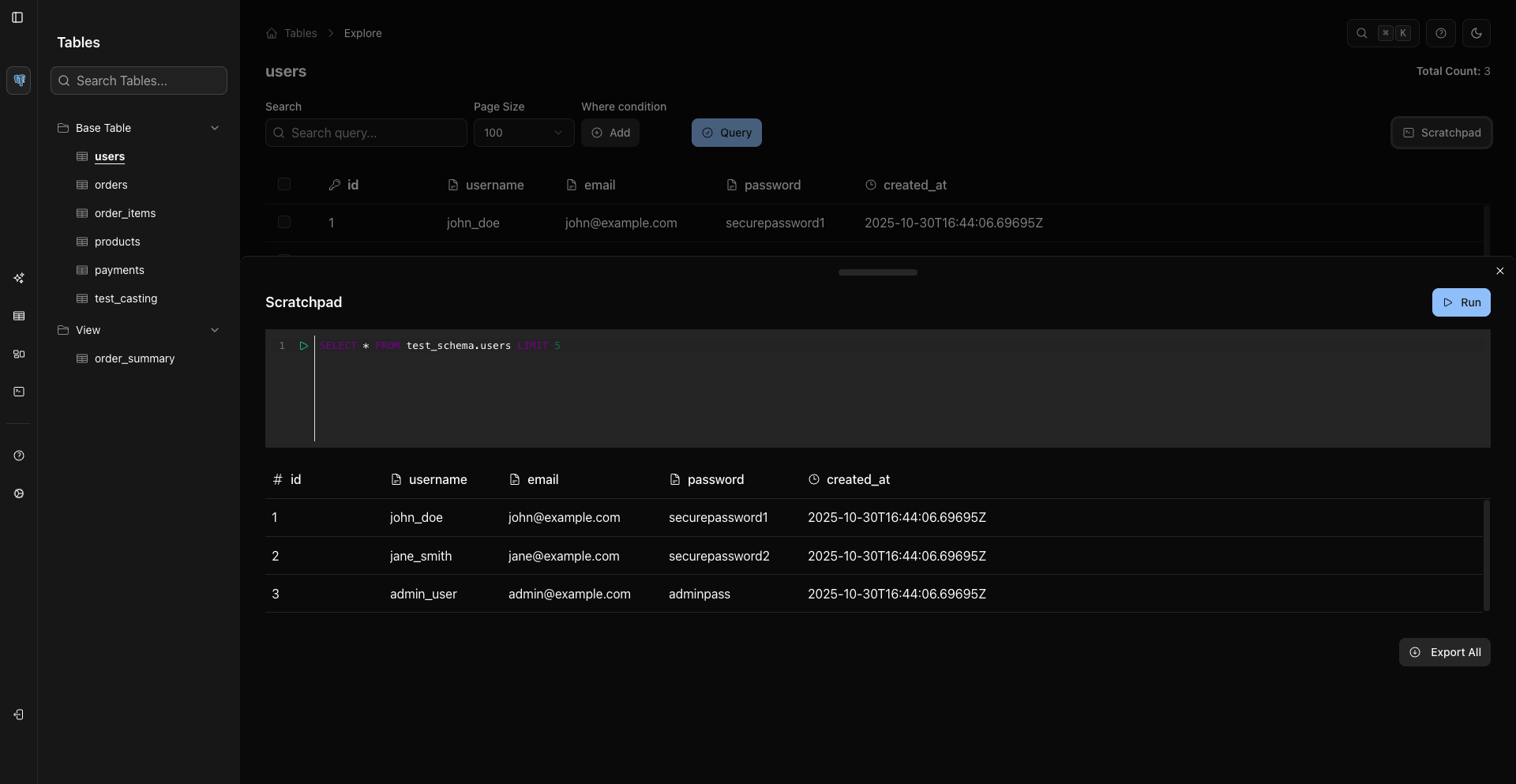
Examples:
sql
SELECT COUNT(*) AS total_users
FROM users;
sql
SELECT status, COUNT(*) AS total
FROM users
GROUP BY status
ORDER BY total DESC;
6. Export Findings
Export from the grid or Scratchpad result table when you need to hand off data.
Current formats are CSV, Excel, and JSON Lines for records from sources like MongoDB when supported.
Related Pages
Previous
Next