
Getting Started Guides
Migrating From phpMyAdmin
Migrating From phpMyAdmin
WhoDB uses a source-first UI with Storage Units, a data grid, Scratchpad, and Graph. This page maps common phpMyAdmin habits to current WhoDB behavior.
Connect
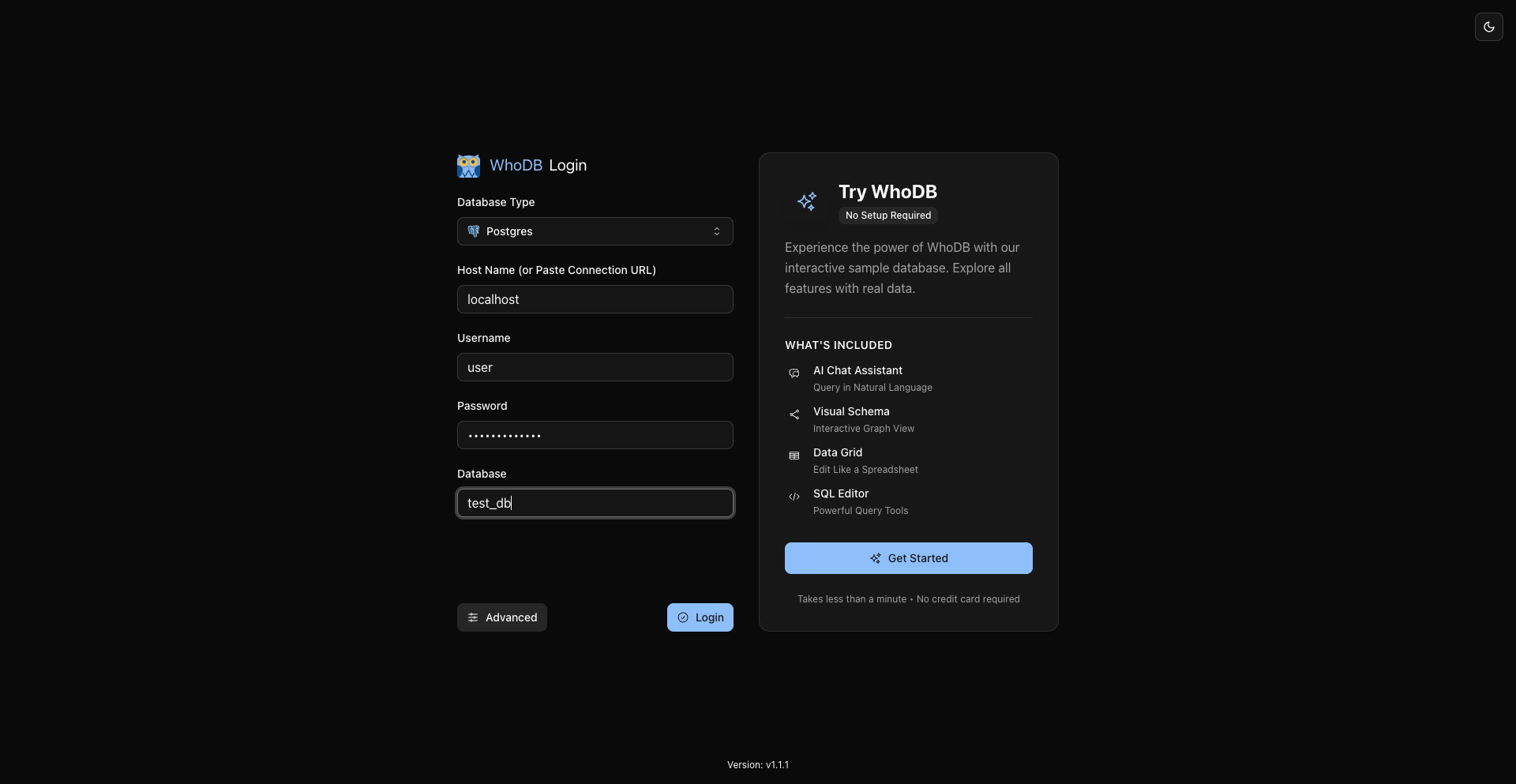
Open WhoDB, choose MySQL or MariaDB, enter connection details, and click Connect.
Browse Databases And Tables
Use the sidebar database selector when the source supports database switching. Use Storage Units to browse tables and views.
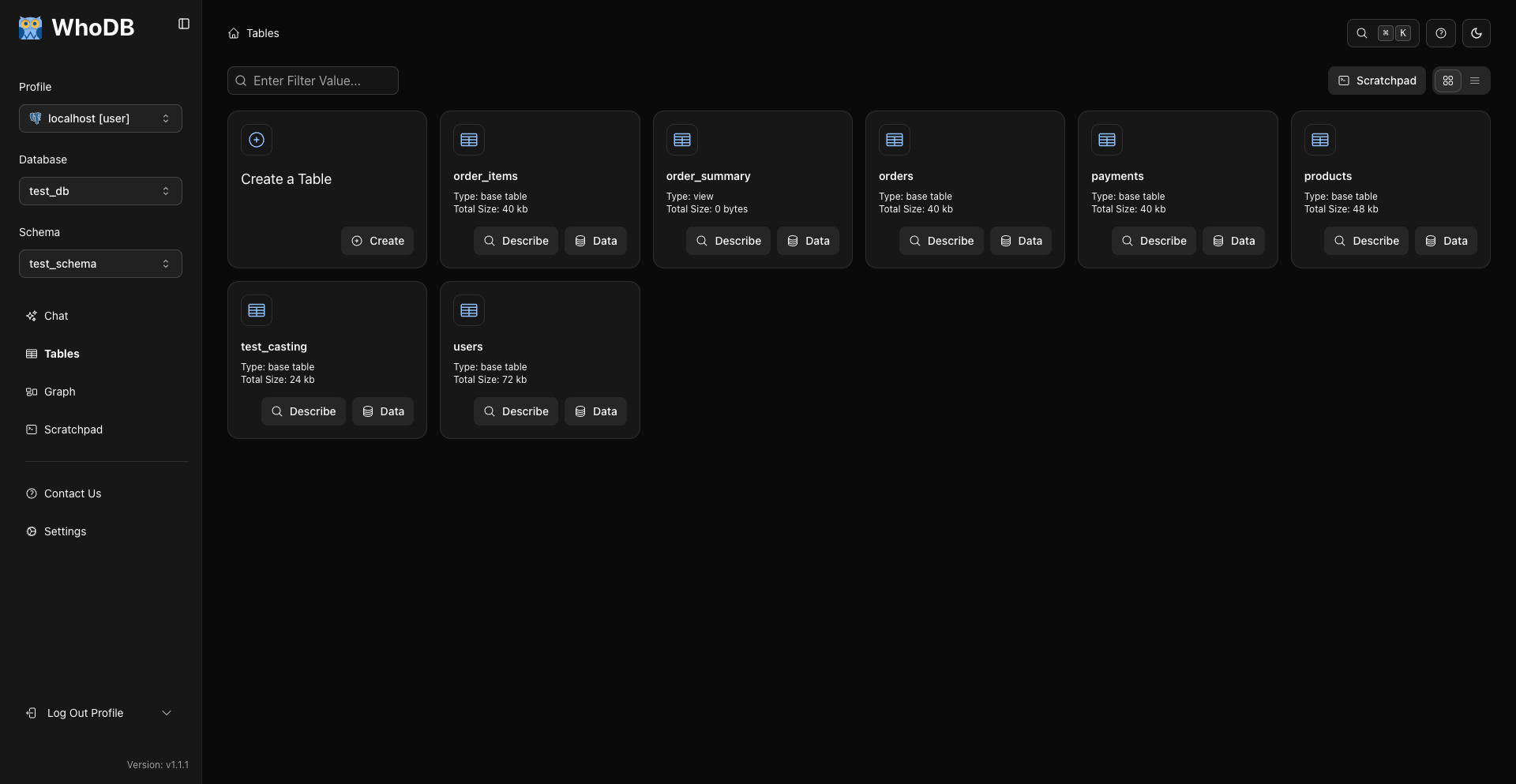
Click Describe for table metadata and Data for rows.
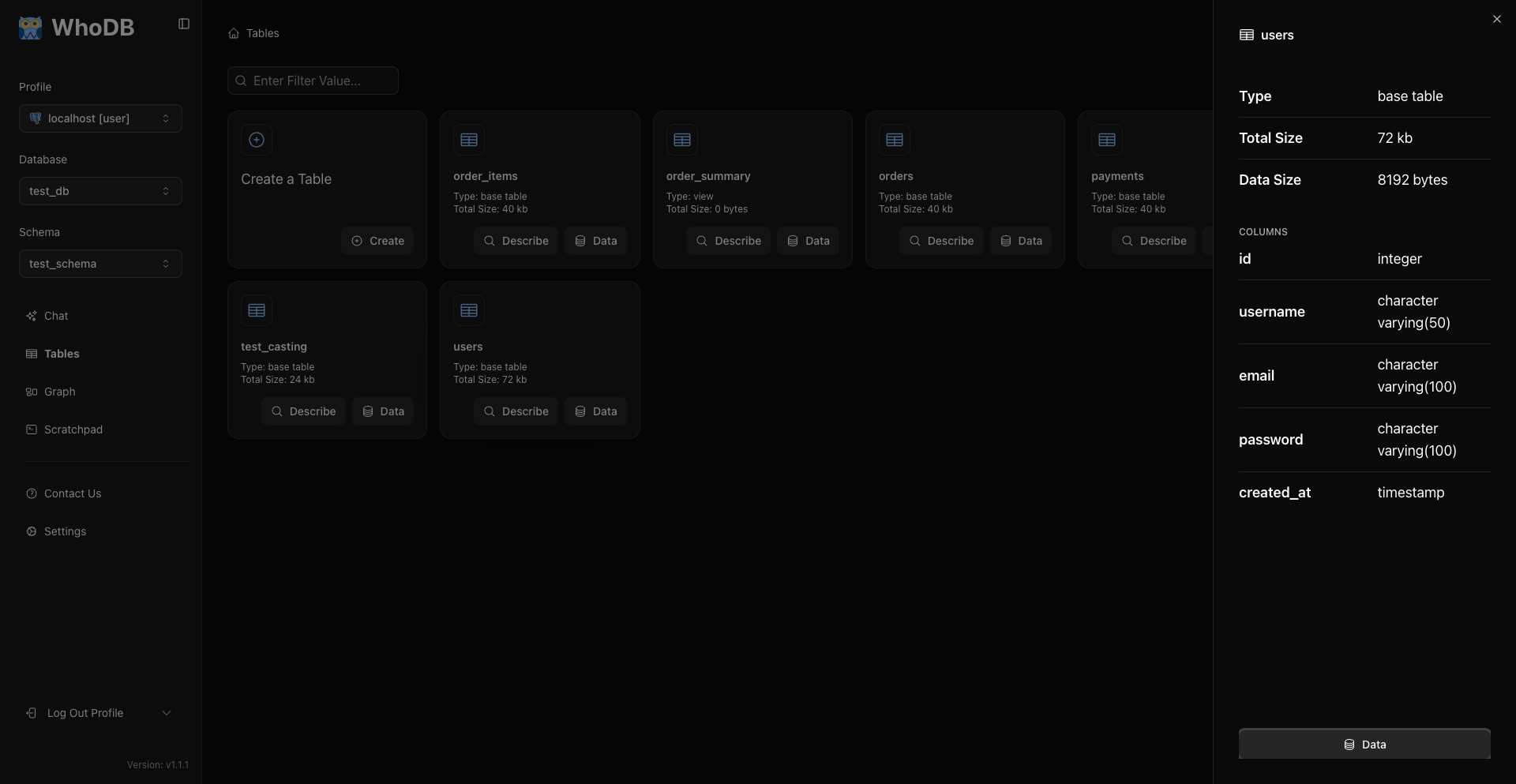
This is the main metadata workflow.
Search And Filter
In a data grid:
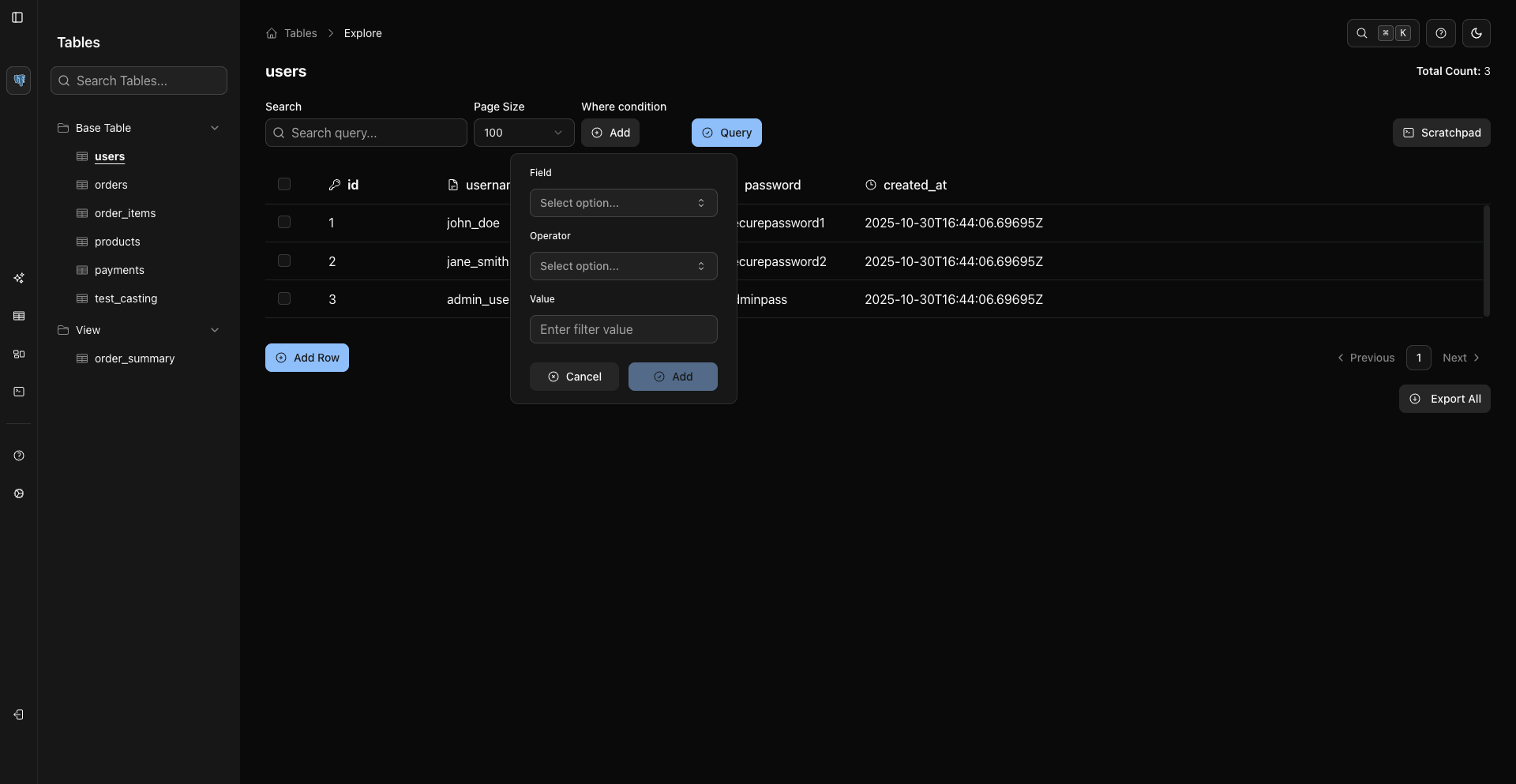
- Search finds values in currently loaded rows.
- WHERE conditions filter server-side after you click Query.
Run SQL
Use Scratchpad for SQL and run with Cmd/Ctrl + Enter.
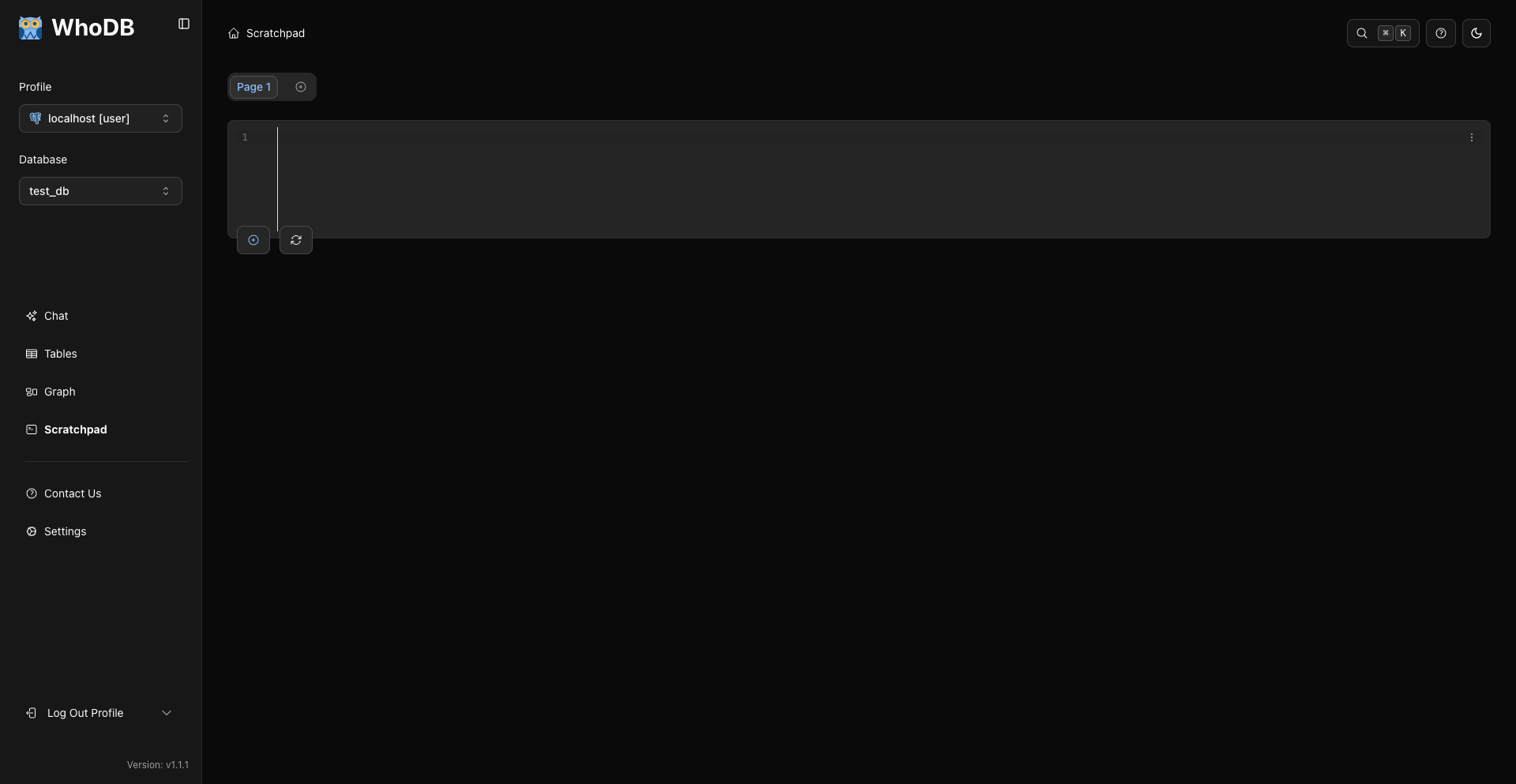
Use the visible Scratchpad page and cell controls to organize queries.
Export
WhoDB exports CSV, Excel .xlsx, and JSON Lines for records from sources like MongoDB when supported.
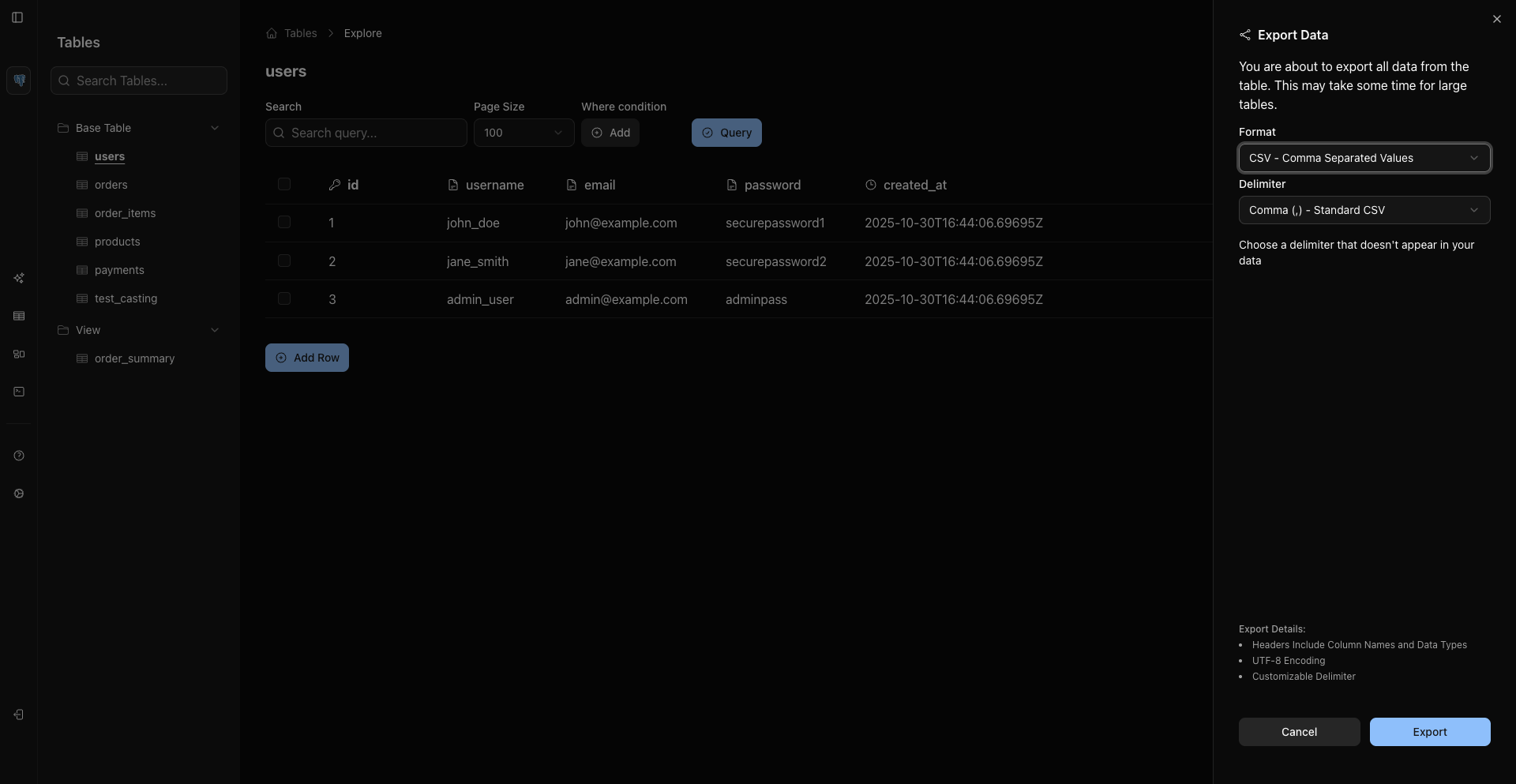
For full MySQL or MariaDB backups, use native tools:
Bash
mysqldump --host "$MYSQL_HOST" --user "$MYSQL_USER" --password="$MYSQL_PASSWORD" "$MYSQL_DATABASE" > backup.sql
Useful Shortcuts
Action | Current WhoDB Shortcut |
|---|---|
Run Scratchpad query | Cmd/Ctrl + Enter |
Clear Scratchpad editor | Cmd/Ctrl + U |
Toggle sidebar | Cmd/Ctrl + B |
Command palette | Cmd/Ctrl + K |
Table export | Cmd/Ctrl + Shift + E |
Select visible rows | Cmd/Ctrl + A |
Related Pages
Previous