
Step-by-Step Tutorials
Data Exploration Workflow
Data Exploration Workflow
This workflow follows the current WhoDB CE interface.
1. Choose The Object
Open Storage Units and use search to find the object you need.
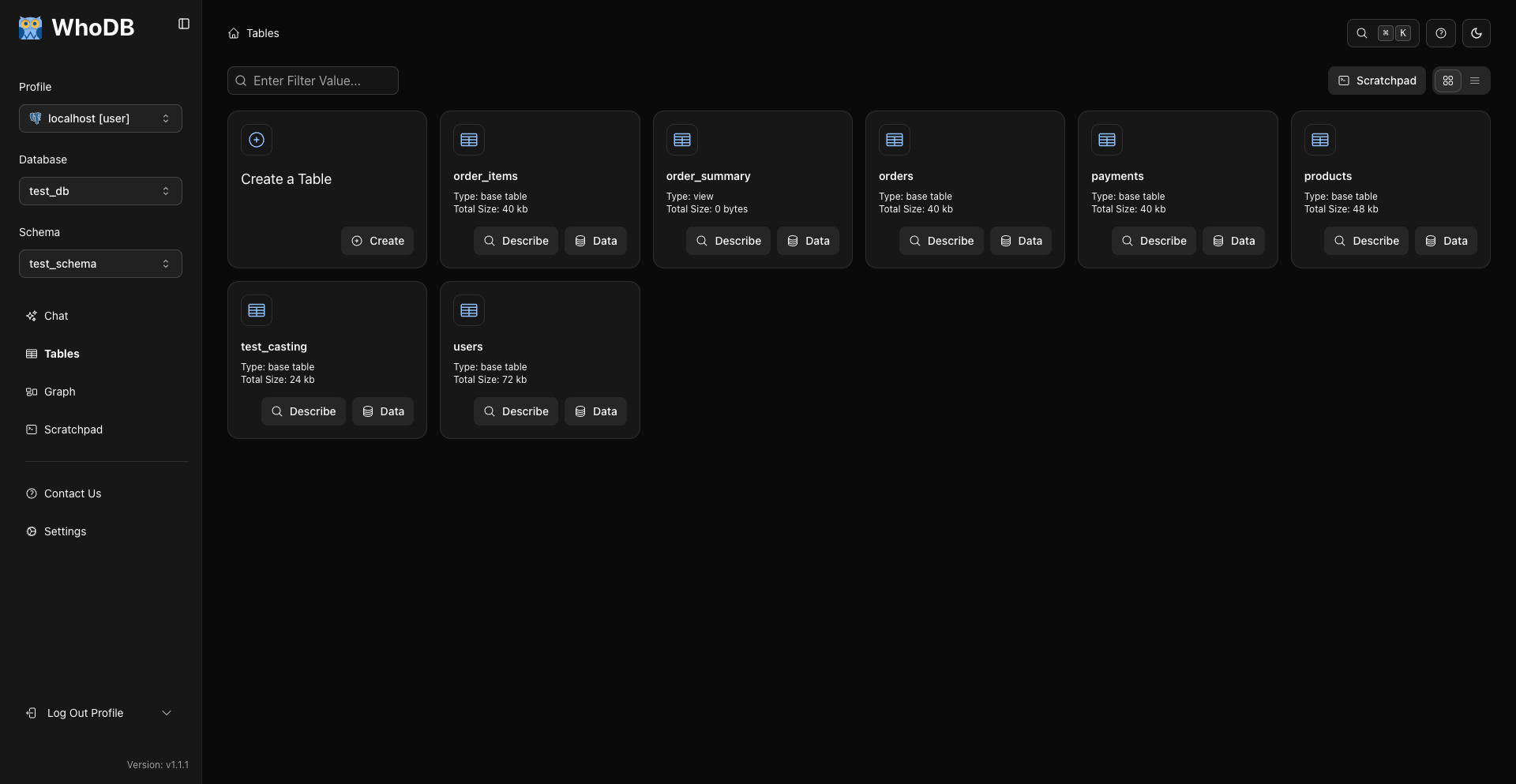
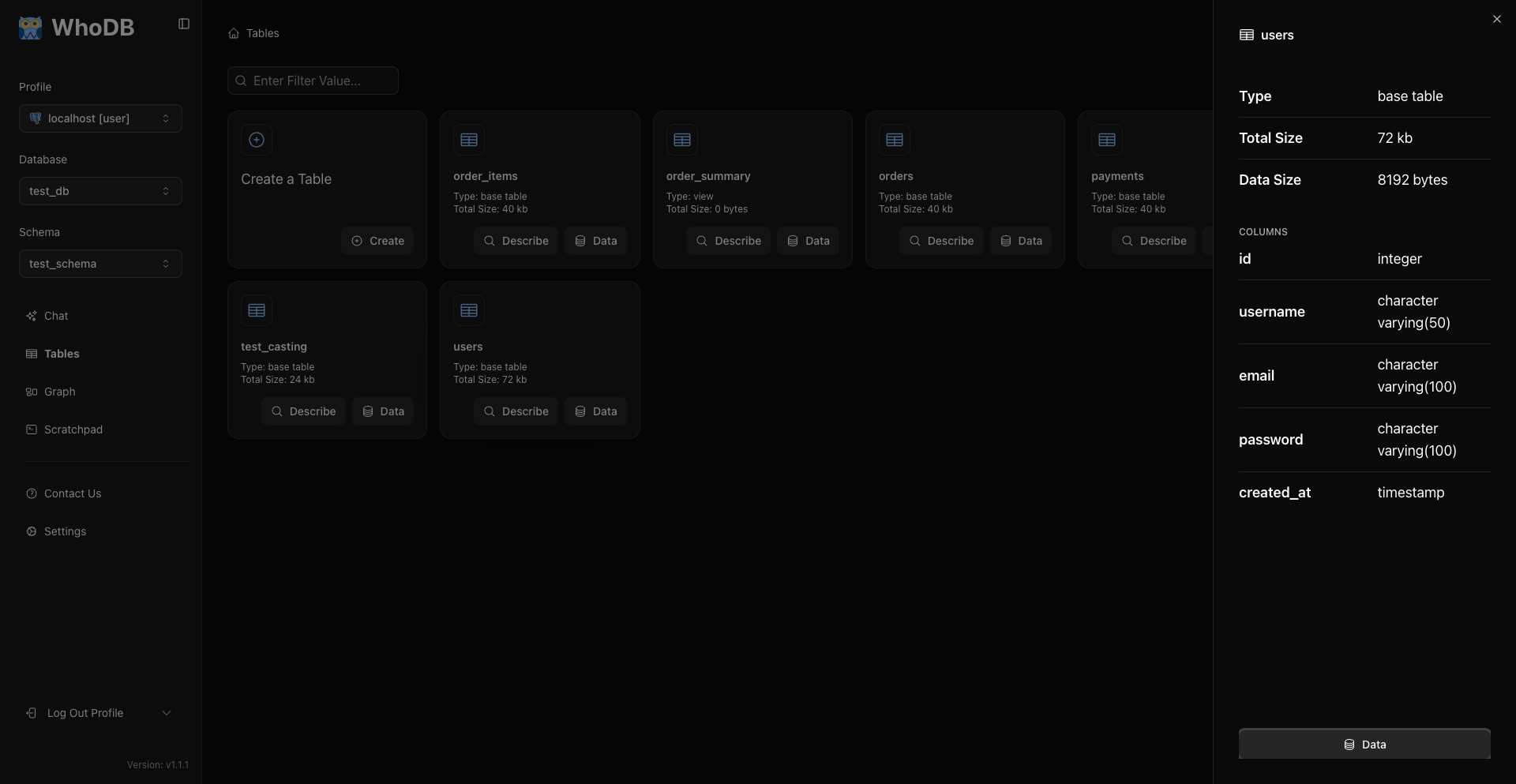
Use Describe to inspect structure and metadata.
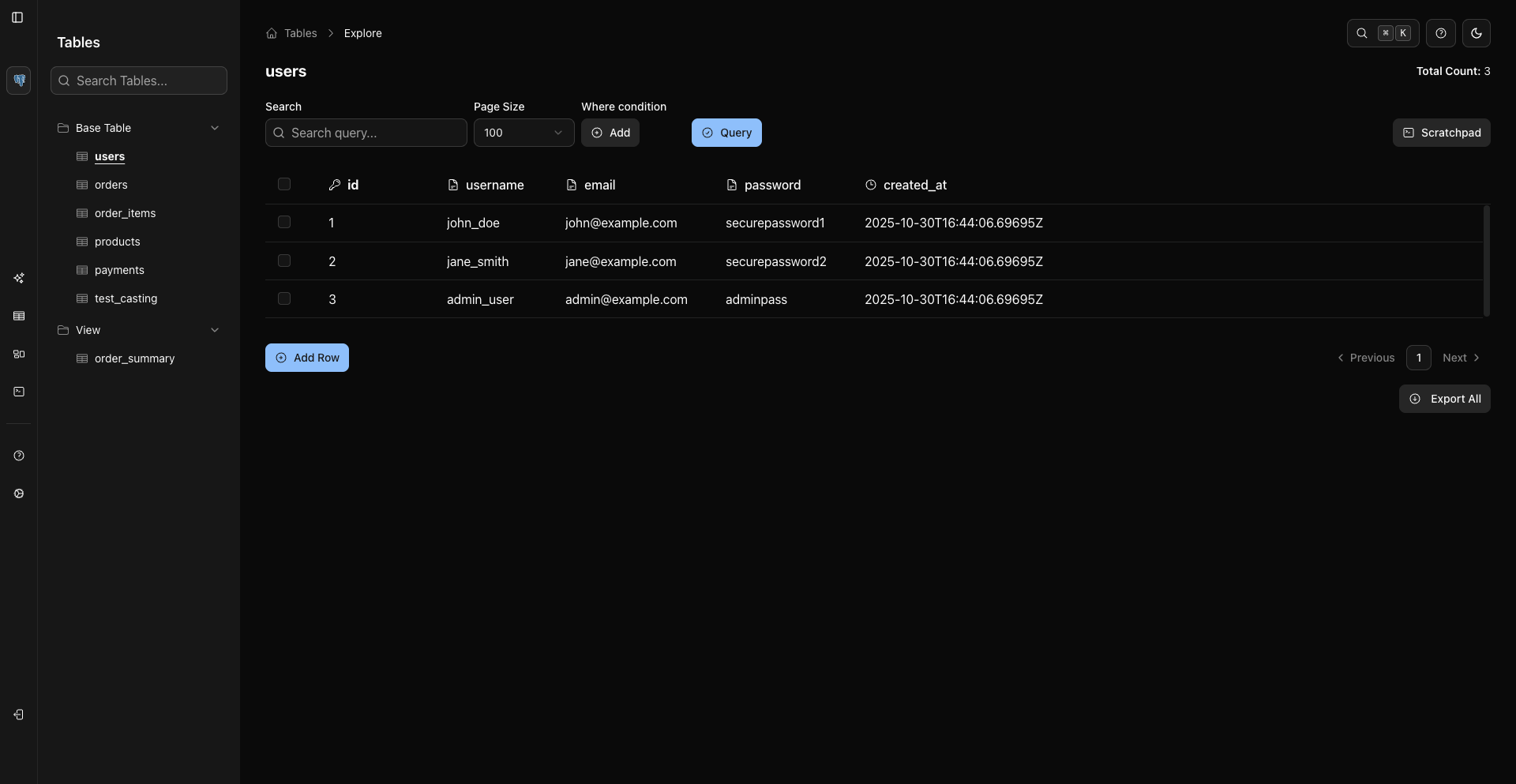
Use Data to open rows.
2. Inspect Rows
The data grid loads rows automatically. Use page size and pagination to control how much data is visible.

3. Search Visible Rows
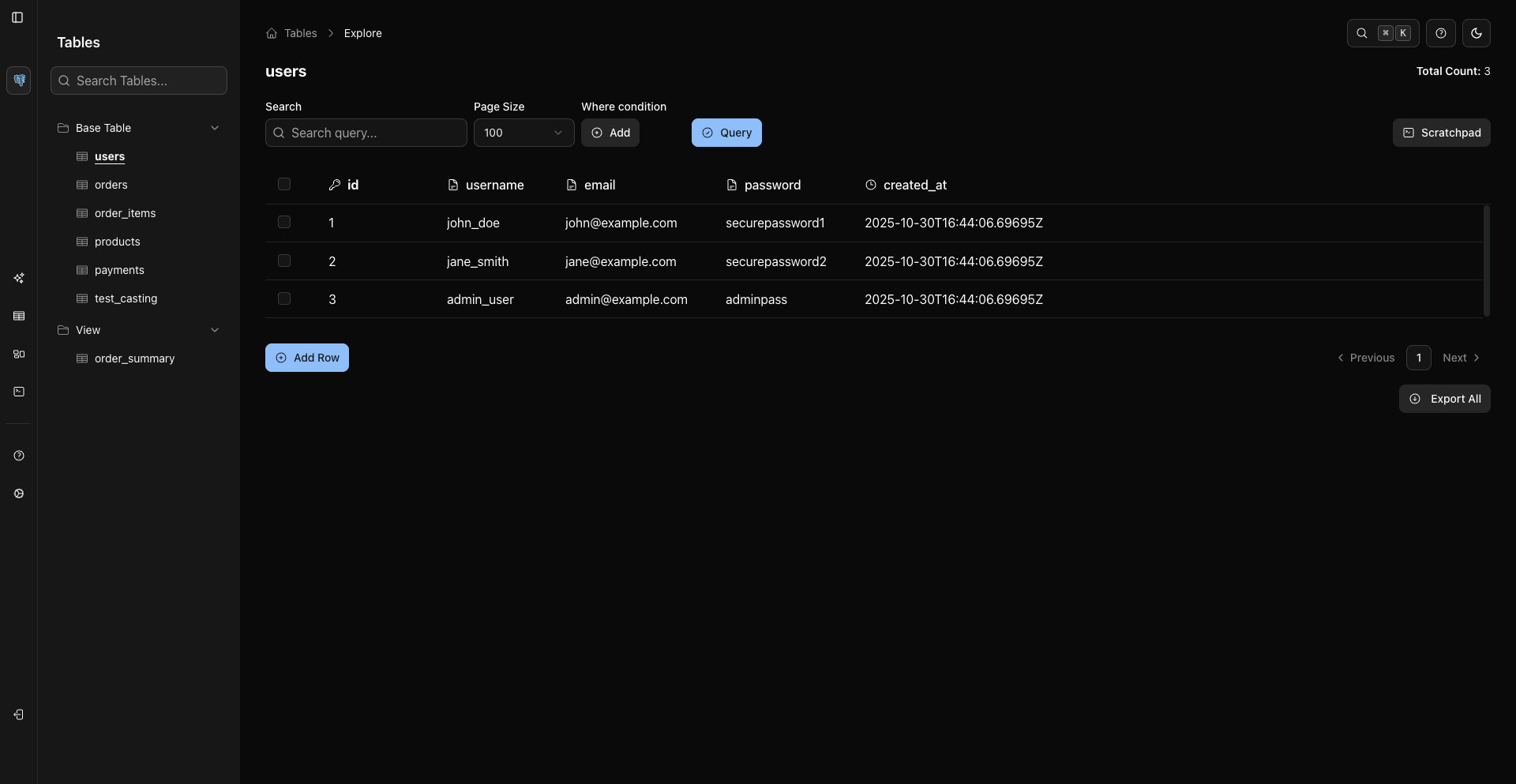
The Search field searches the rows currently loaded in the grid and highlights/scrolls matches.
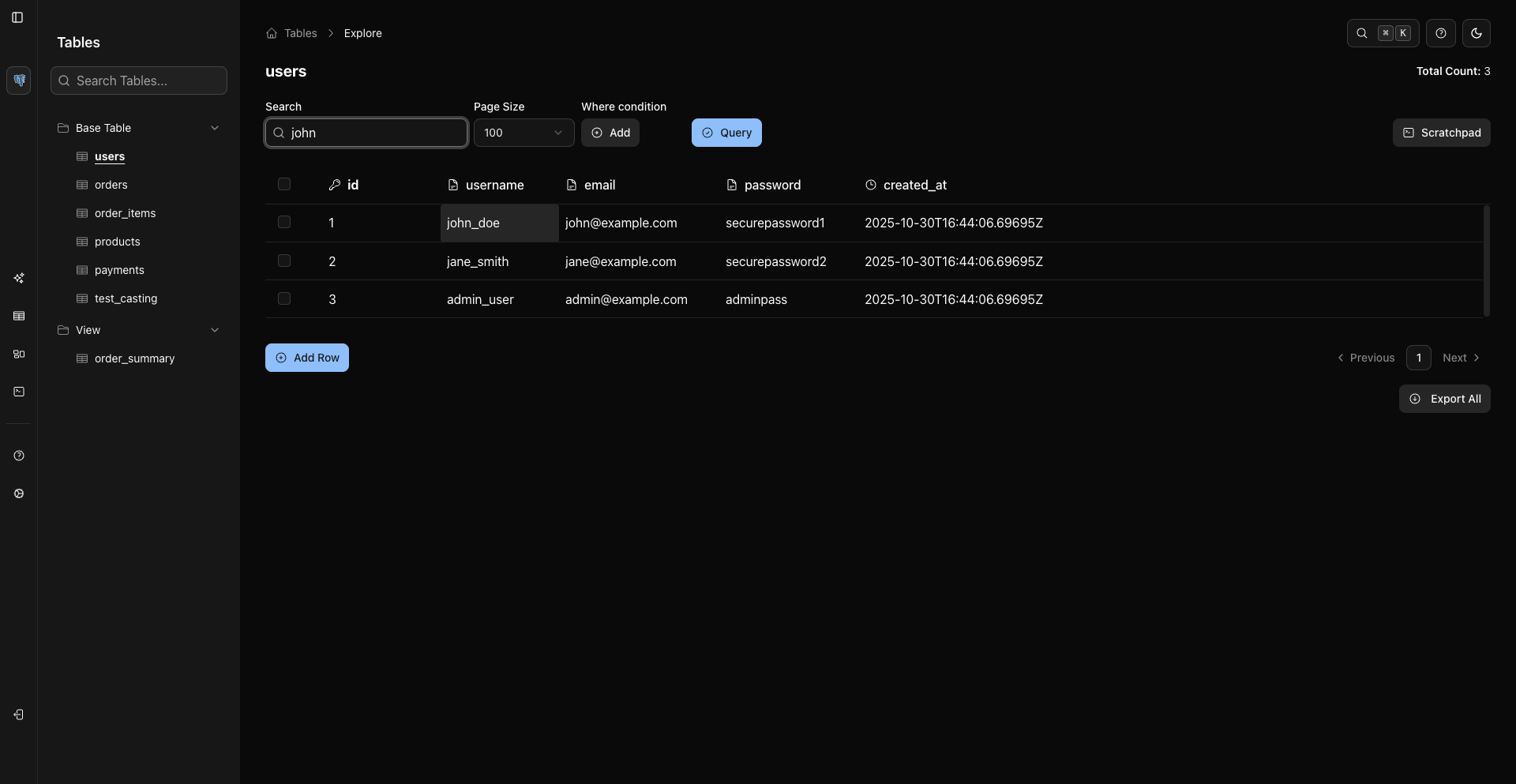
Use WHERE conditions when you want to reduce the result count.
4. Add WHERE Conditions
Use WHERE conditions to filter server-side.
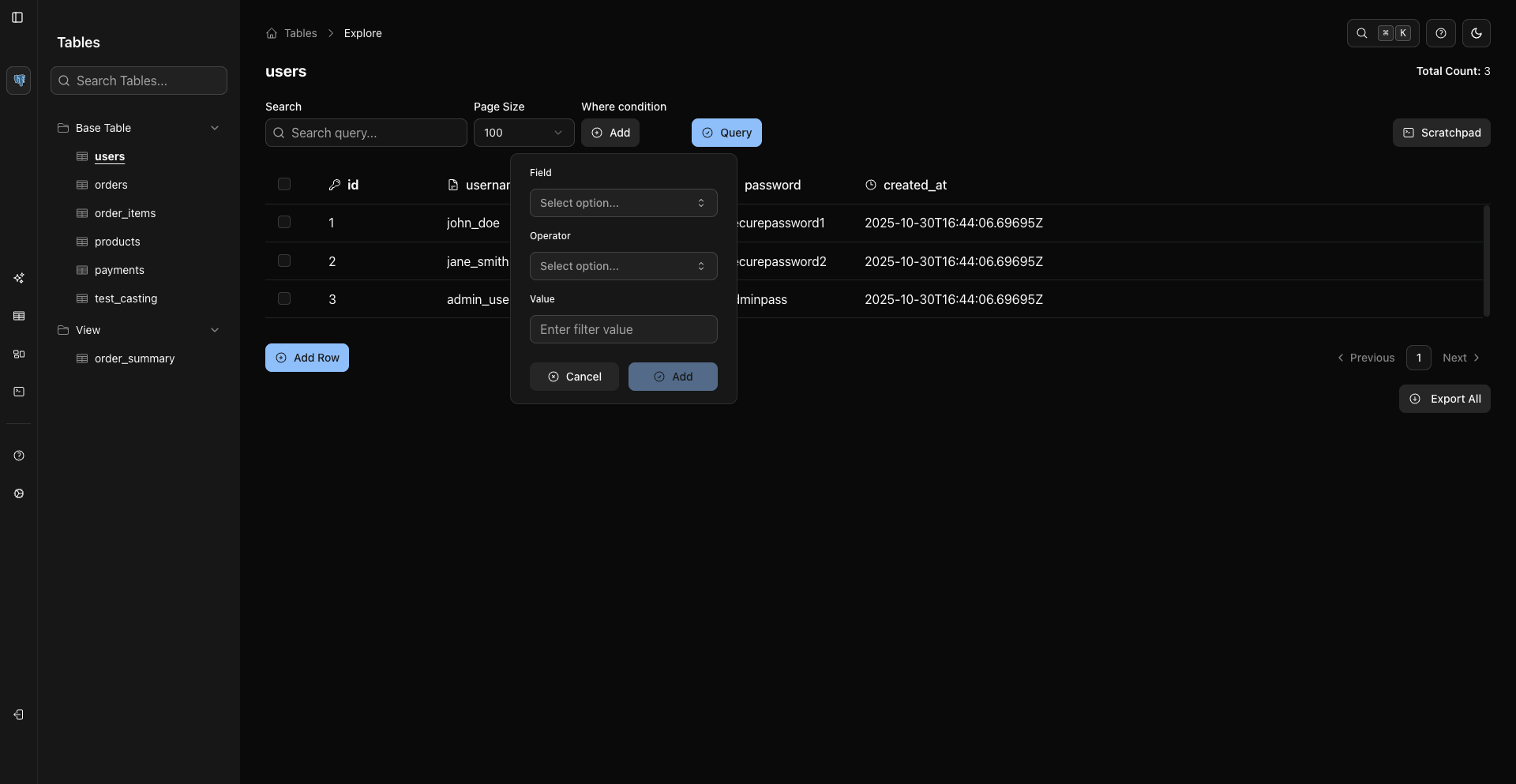
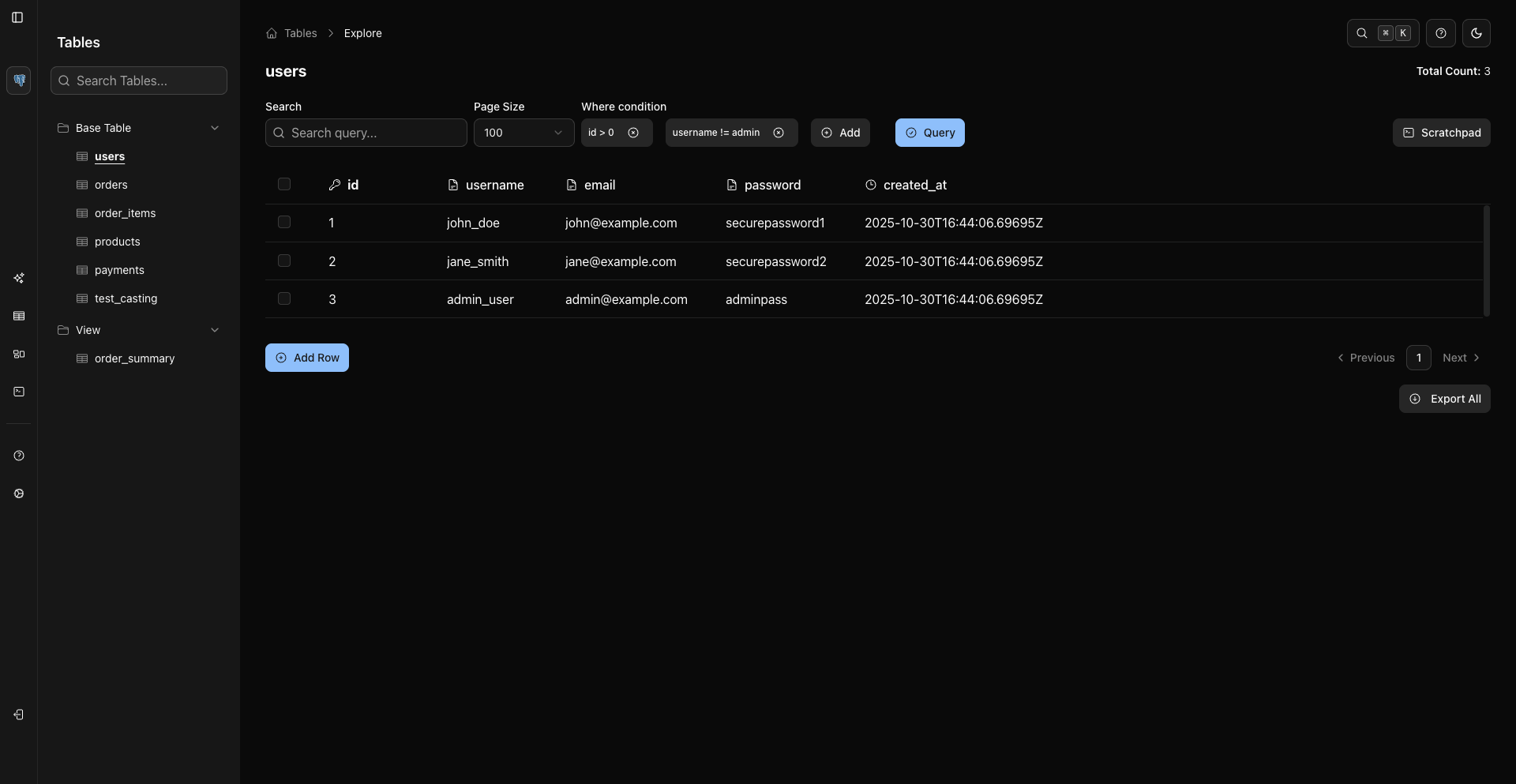
5. Sort Columns
Click a column header to sort. Shift-click additional headers for multi-column sorting.
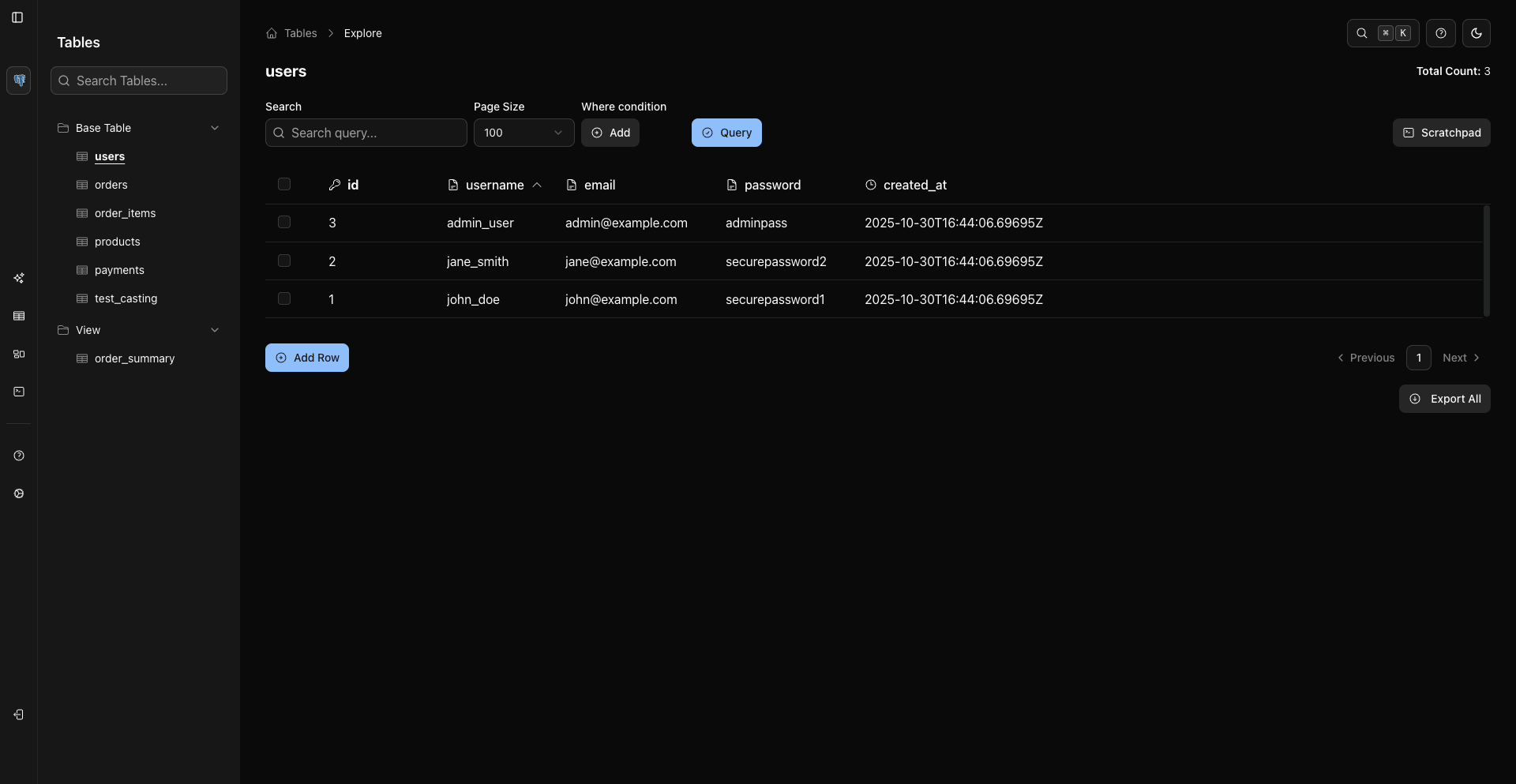
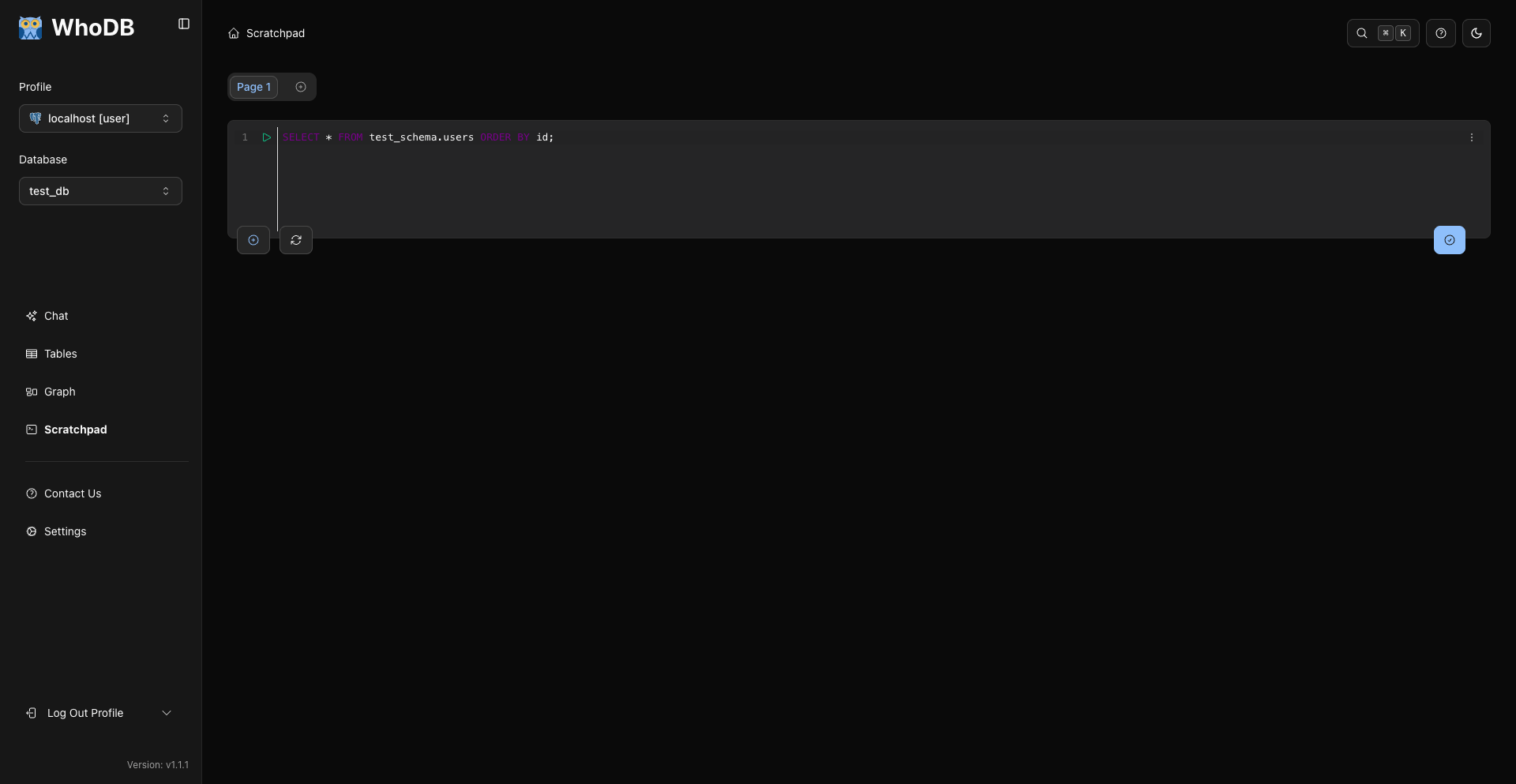
6. Use Scratchpad For Custom Questions
Open Scratchpad from the sidebar or the Storage Units shortcut and run SQL for custom analysis.
sql
SELECT status, COUNT(*) AS total
FROM users
GROUP BY status
ORDER BY total DESC;
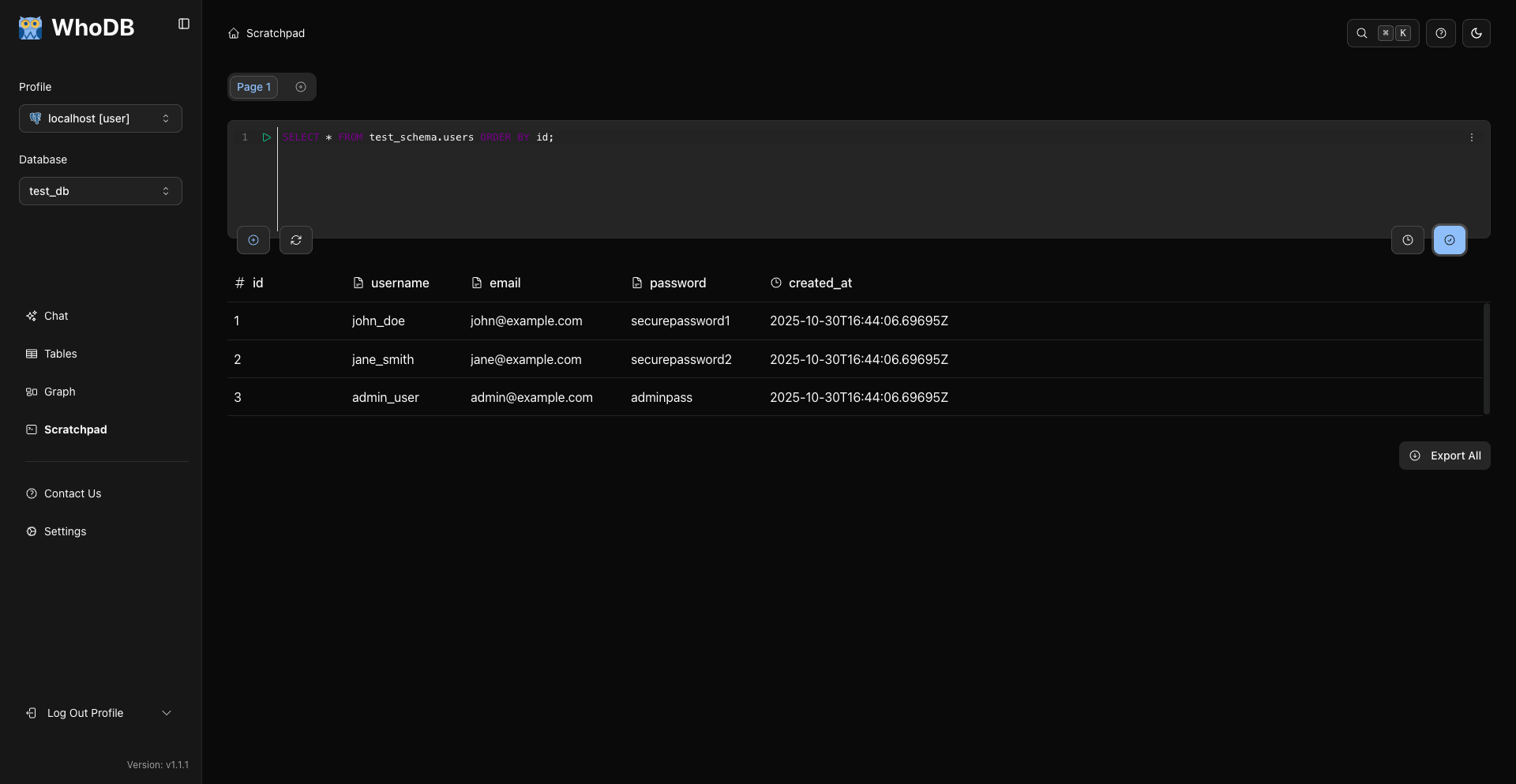
7. Export When Needed
Use export from the grid after applying filters or selecting rows.
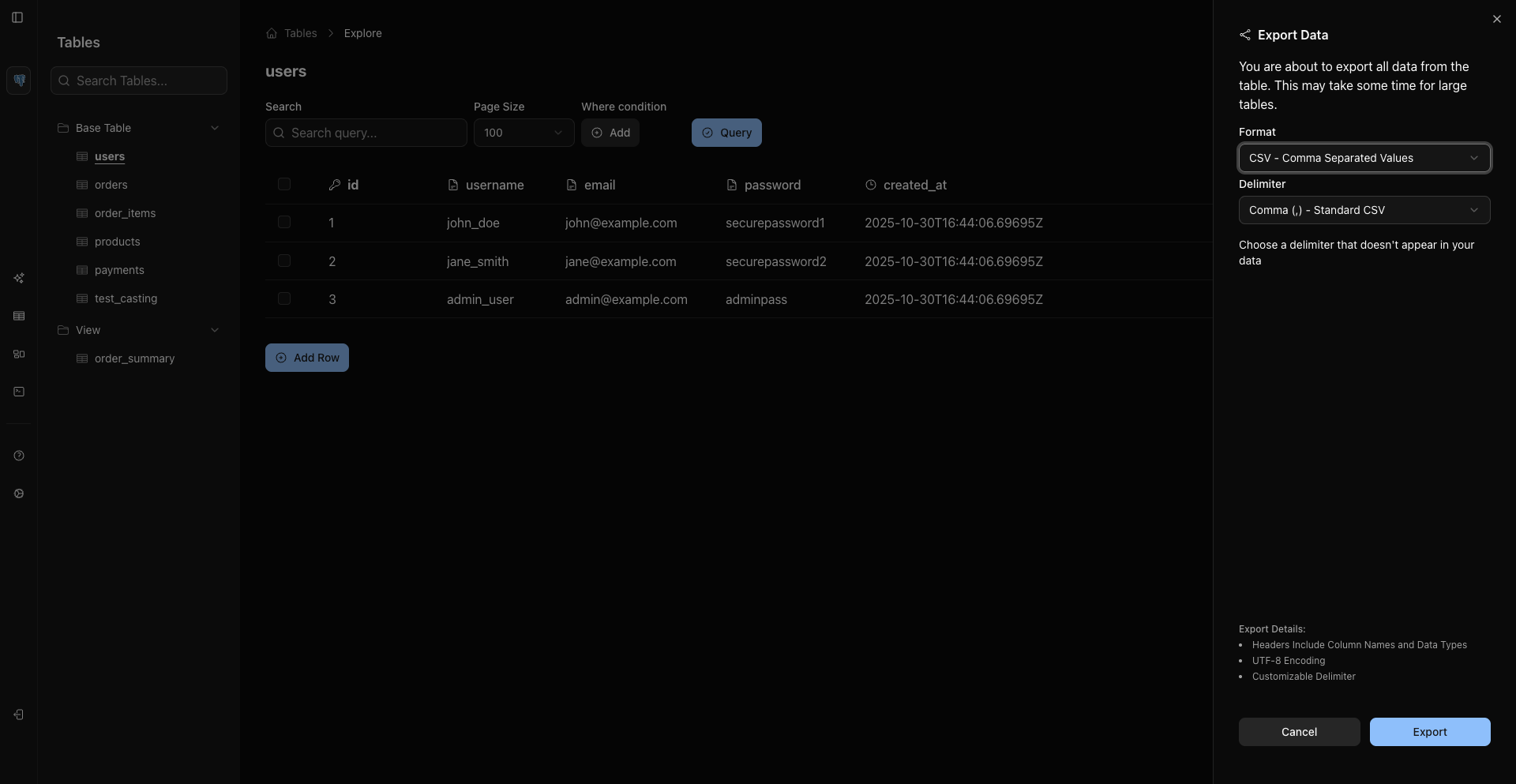
Current formats are CSV, Excel, and JSON Lines for records from sources like MongoDB when supported.