
Advanced Features
Export Options
Export Options
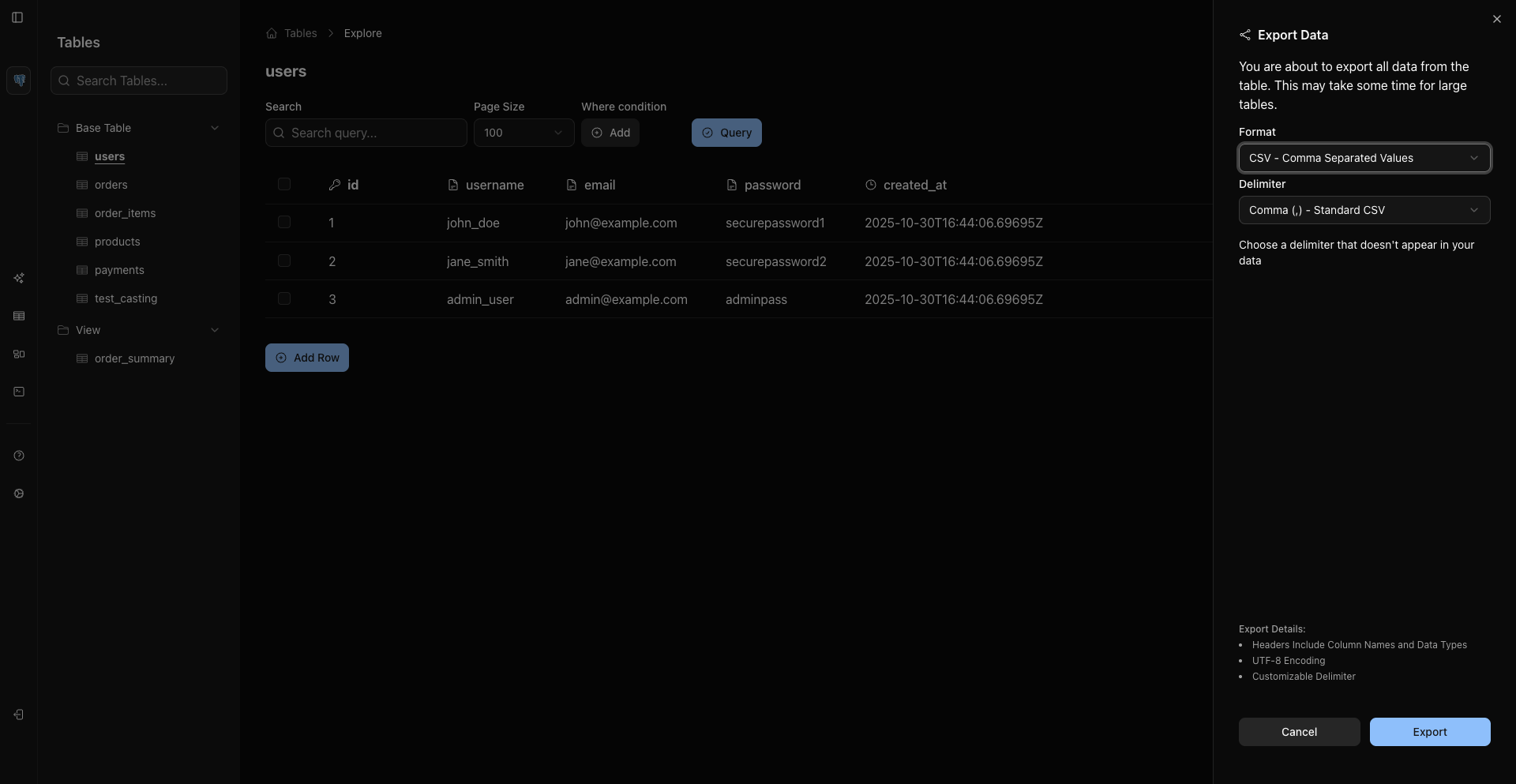
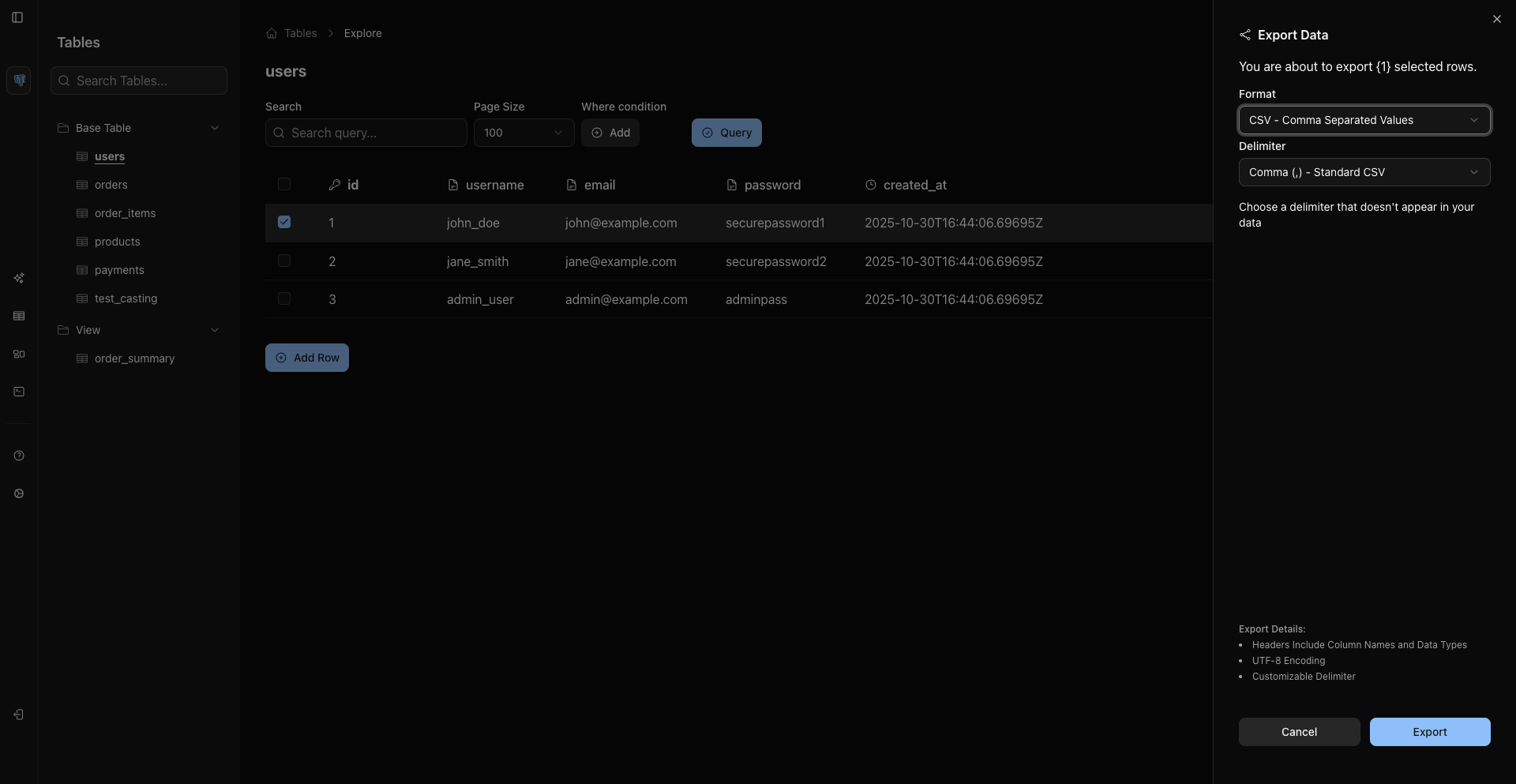
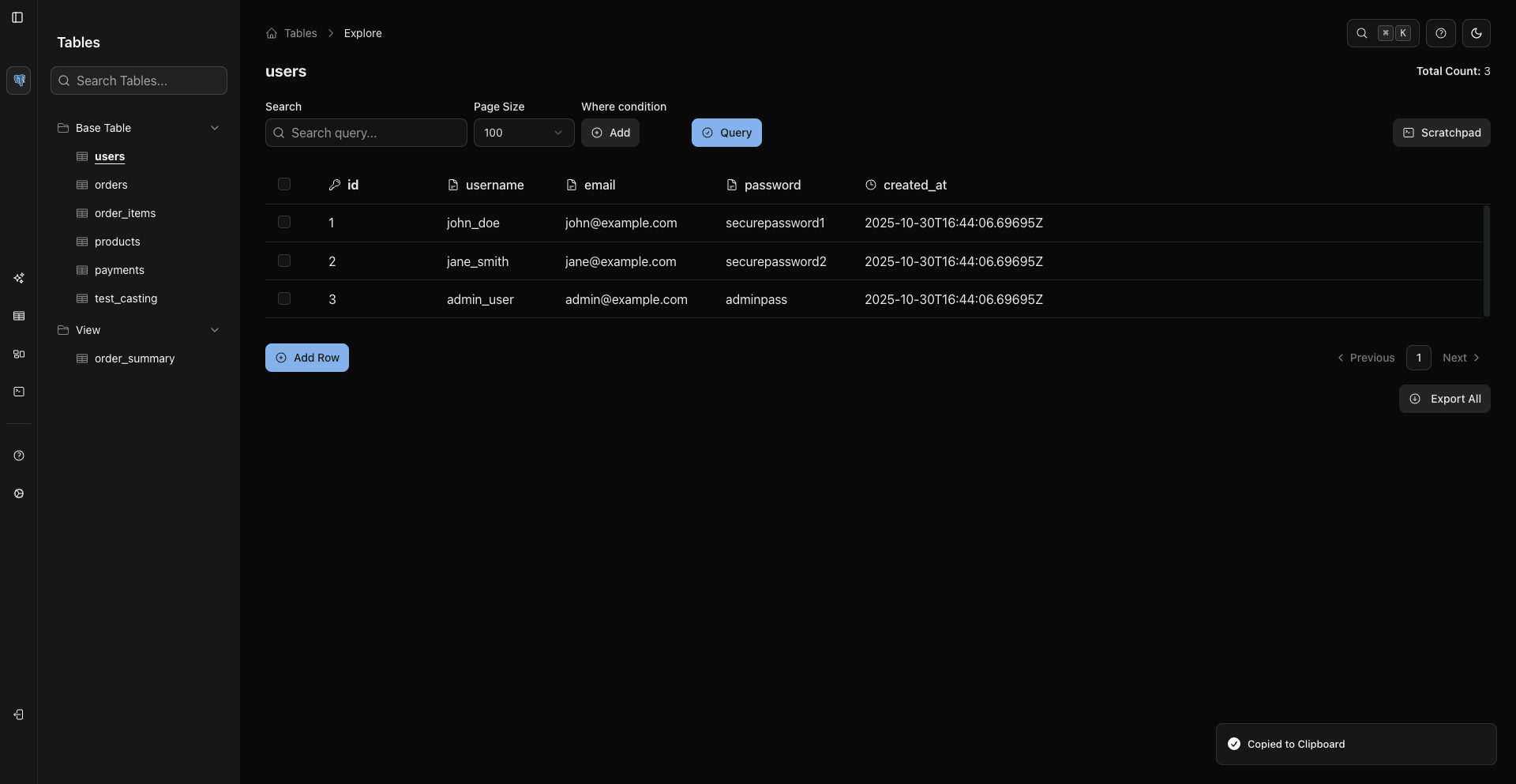
WhoDB exports data from the table grid and Scratchpad result grids. The export mode is determined by where you start the export, not by a mode selector inside the dialog.
Entry Points
Current export entry points include:
- Export All from the table footer/action area.
- Export Selected after selecting rows in the grid.
- Header or row context-menu export actions.
- Export from Scratchpad result grids.
Formats
CE currently supports:
- CSV for tabular rows.
- Excel
.xlsxfor tabular rows. - JSON Lines (NDJSON) for records from sources like MongoDB when supported.
Note
For SQL backups or migration dumps, use your database's native tools such as pg_dump, mysqldump, or mongodump.
CSV Delimiters
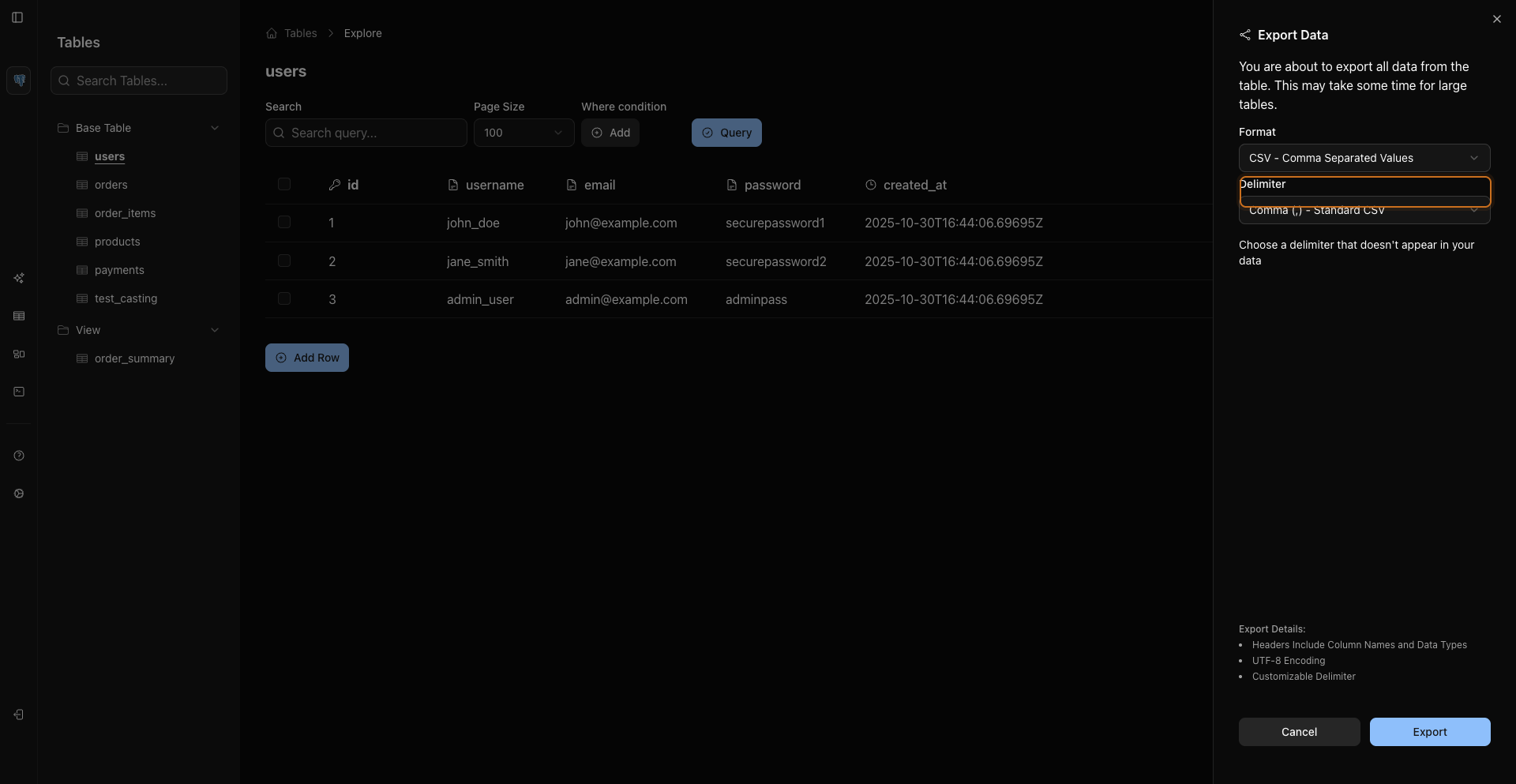
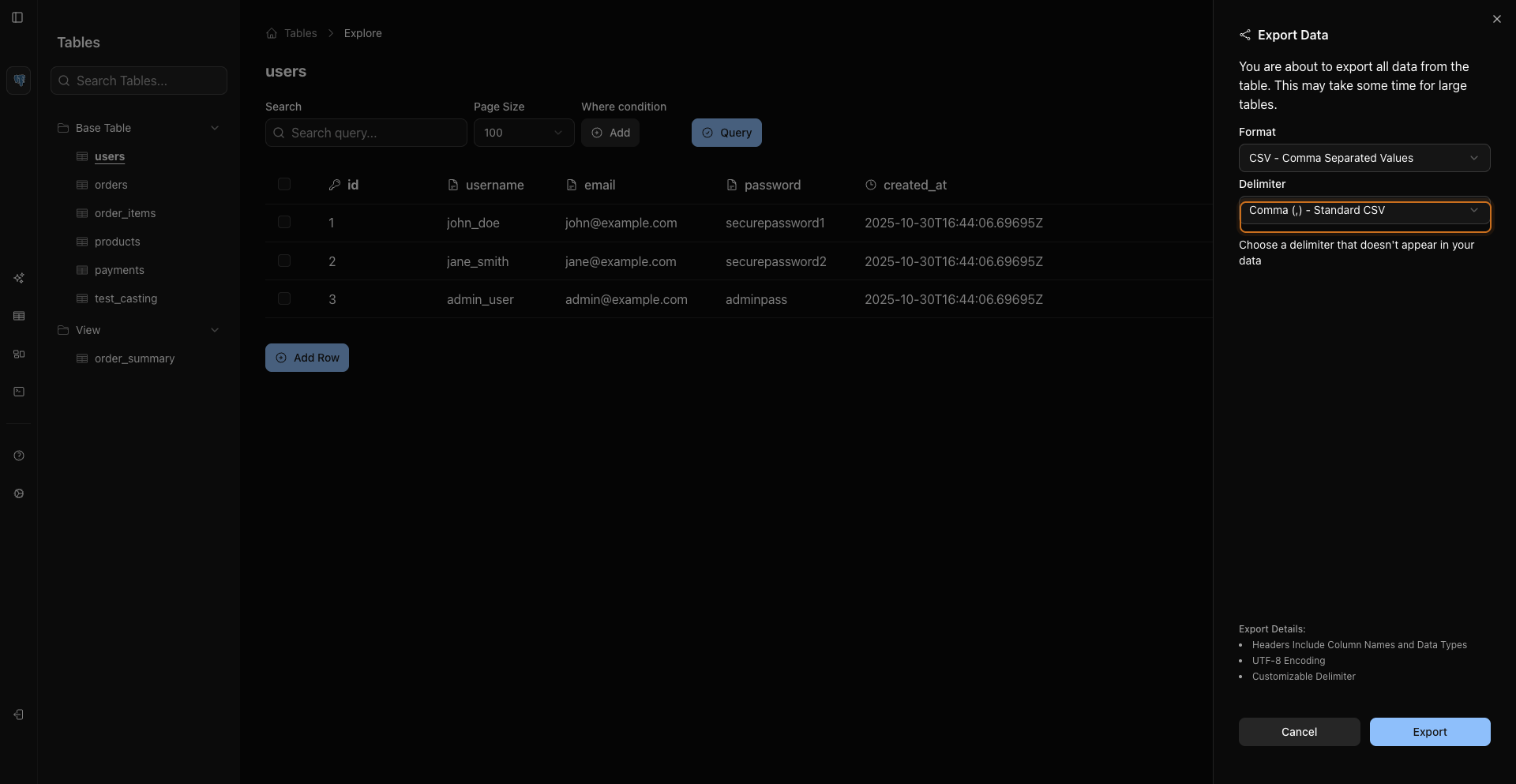
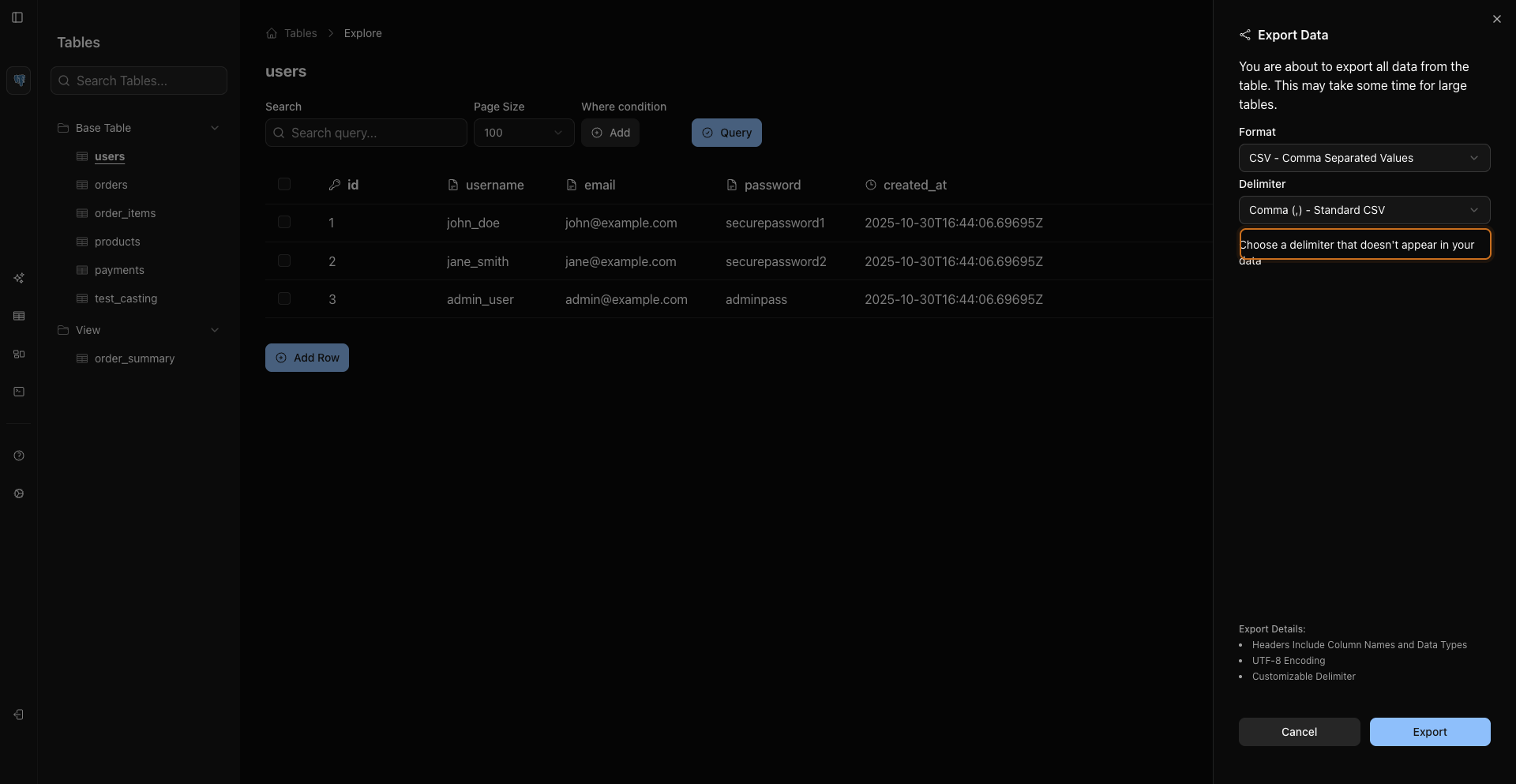
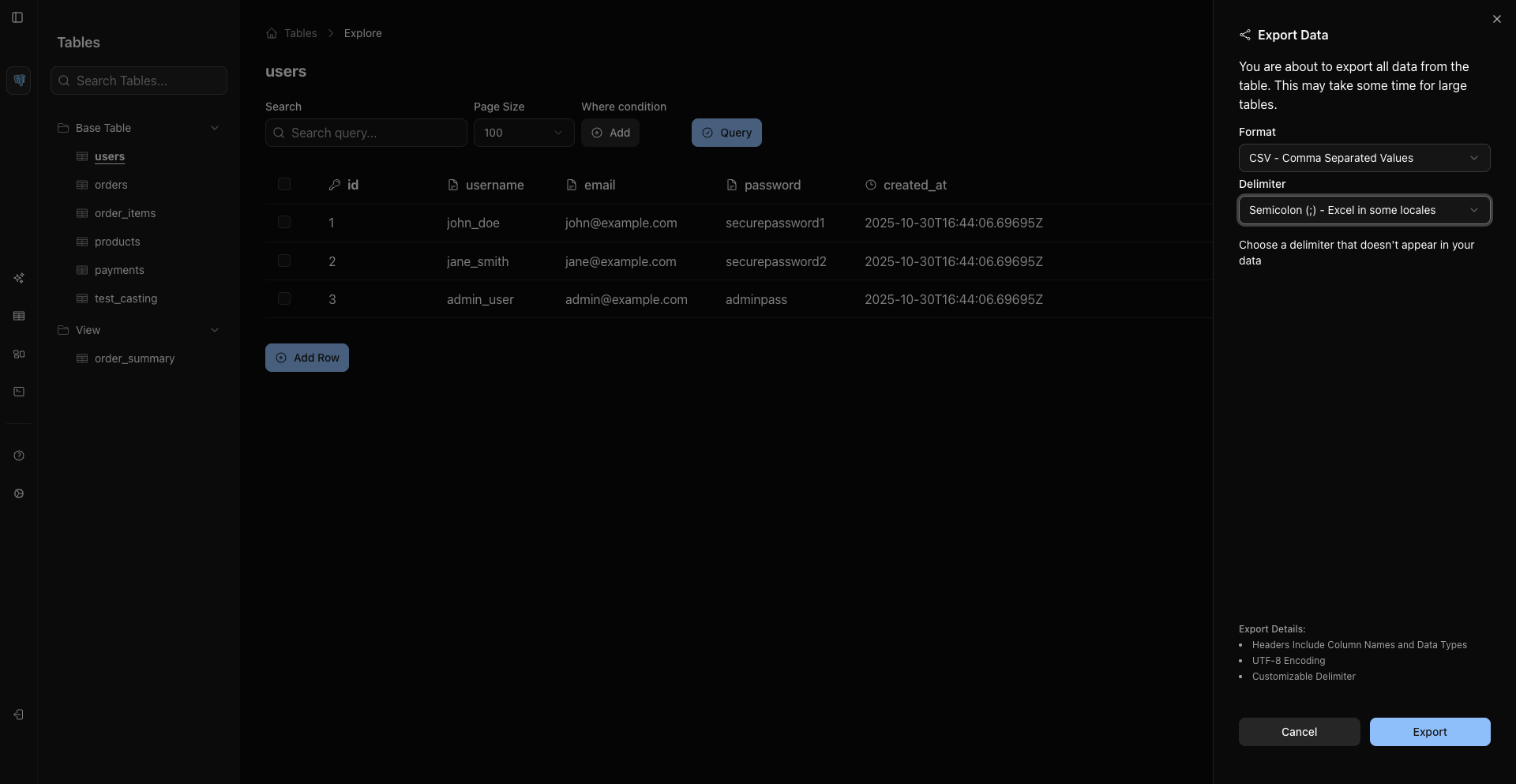
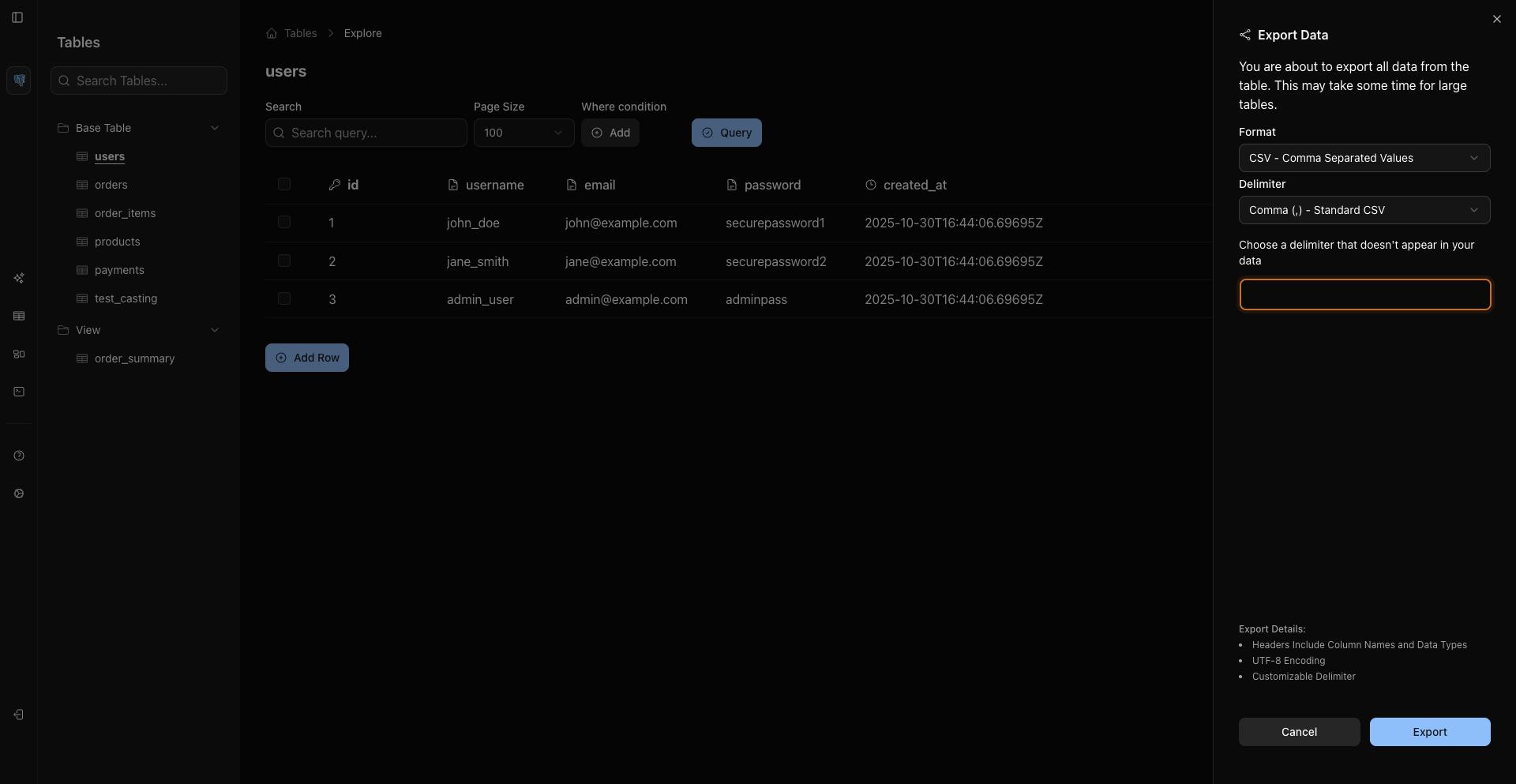
CSV export supports delimiter choices:
- Comma
- Semicolon
- Pipe
Excel Export
Excel export creates an .xlsx file from tabular data.
Choose Excel to download an .xlsx file from the current grid or result set.
Filtering Before Export
To export filtered data:
- Add WHERE conditions or adjust the grid query.
- Click Query so the grid reloads.
- Use Export All from the filtered grid.
Use the grid and the downloaded file to verify row counts, selected columns, and file size.
Selected Rows
To export selected rows:
- Select one or more rows with the row checkboxes or table selection shortcuts.
- Use the export action for selected rows.
- Choose a supported format.
Related Pages
Previous
Next