
Advanced Features
Batch Operations
Batch Operations
The table grid supports row selection and selection-based actions for sources that expose those capabilities.
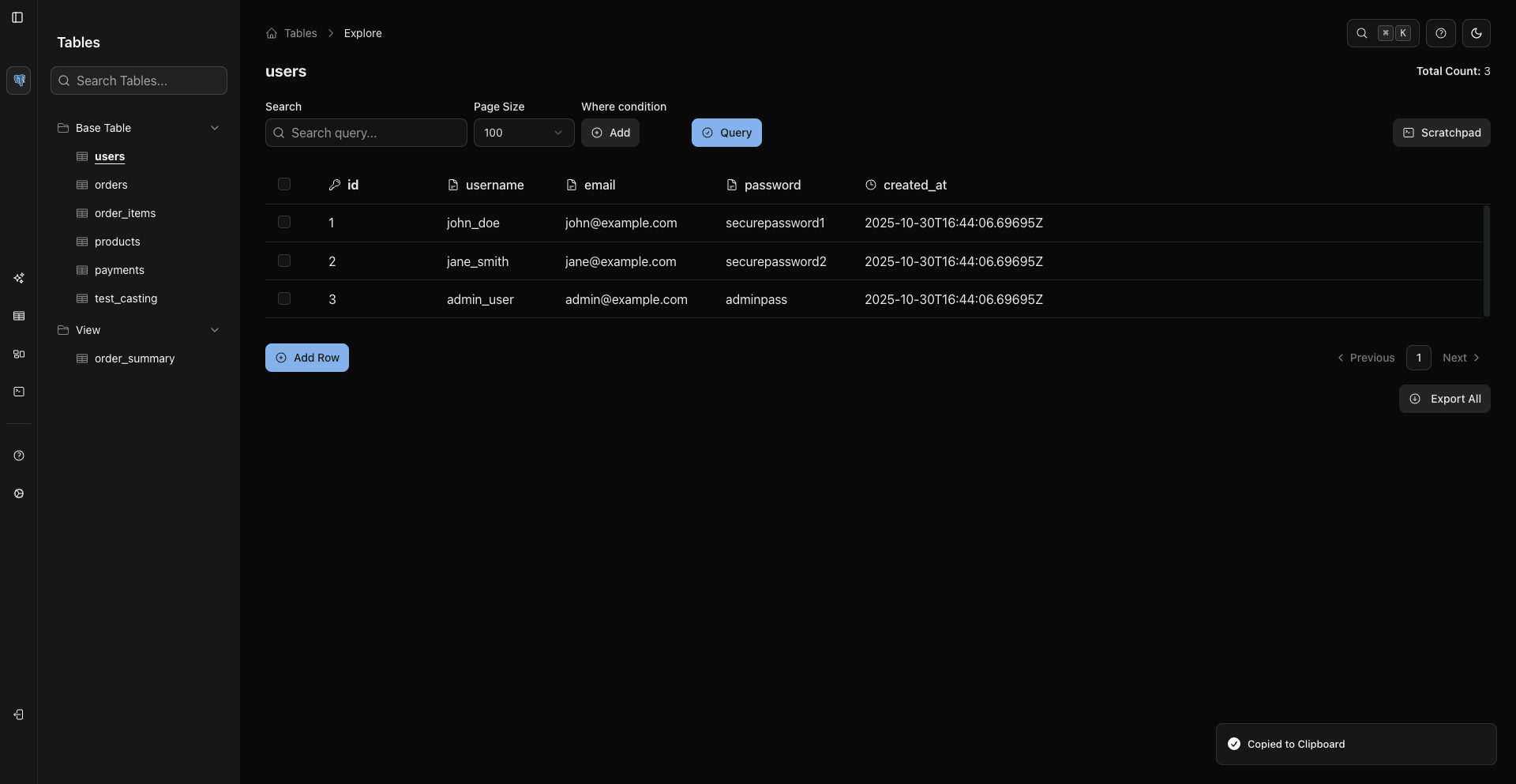
Select Rows
Use any of these current selection methods:
- Click a row checkbox.
- Use the header checkbox to select or deselect the visible page.
- Focus a row and press
Space. - Use
Shift + Arrow Up/Downto extend selection. - Use
Cmd/Ctrl + Ato select all rows in the current view. - Use the row context menu action Select Row.
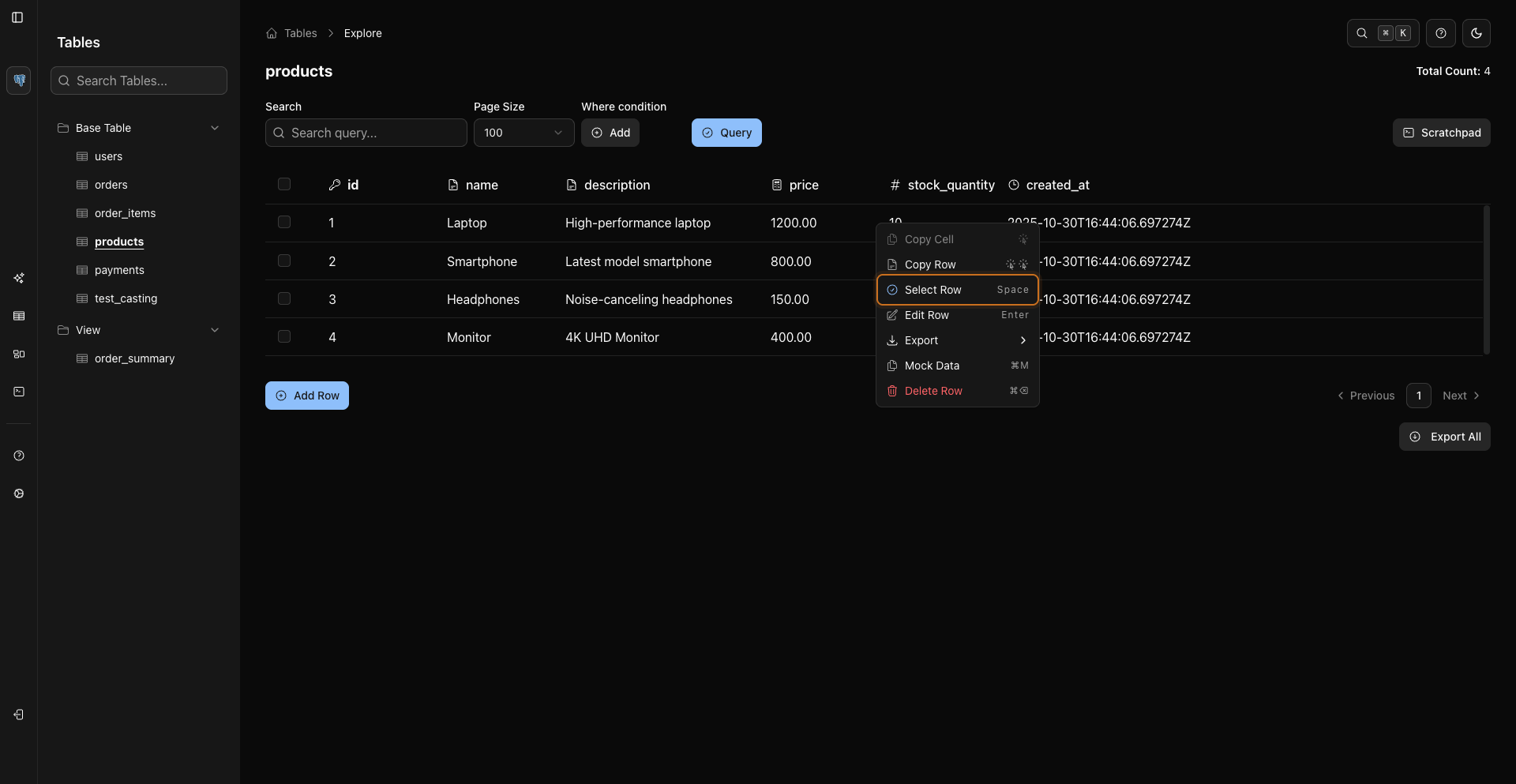
Use the header checkbox, row checkboxes, shortcuts, and context menus to select or clear rows.
Export Selected Rows
After selecting rows, use the selected-row export action.
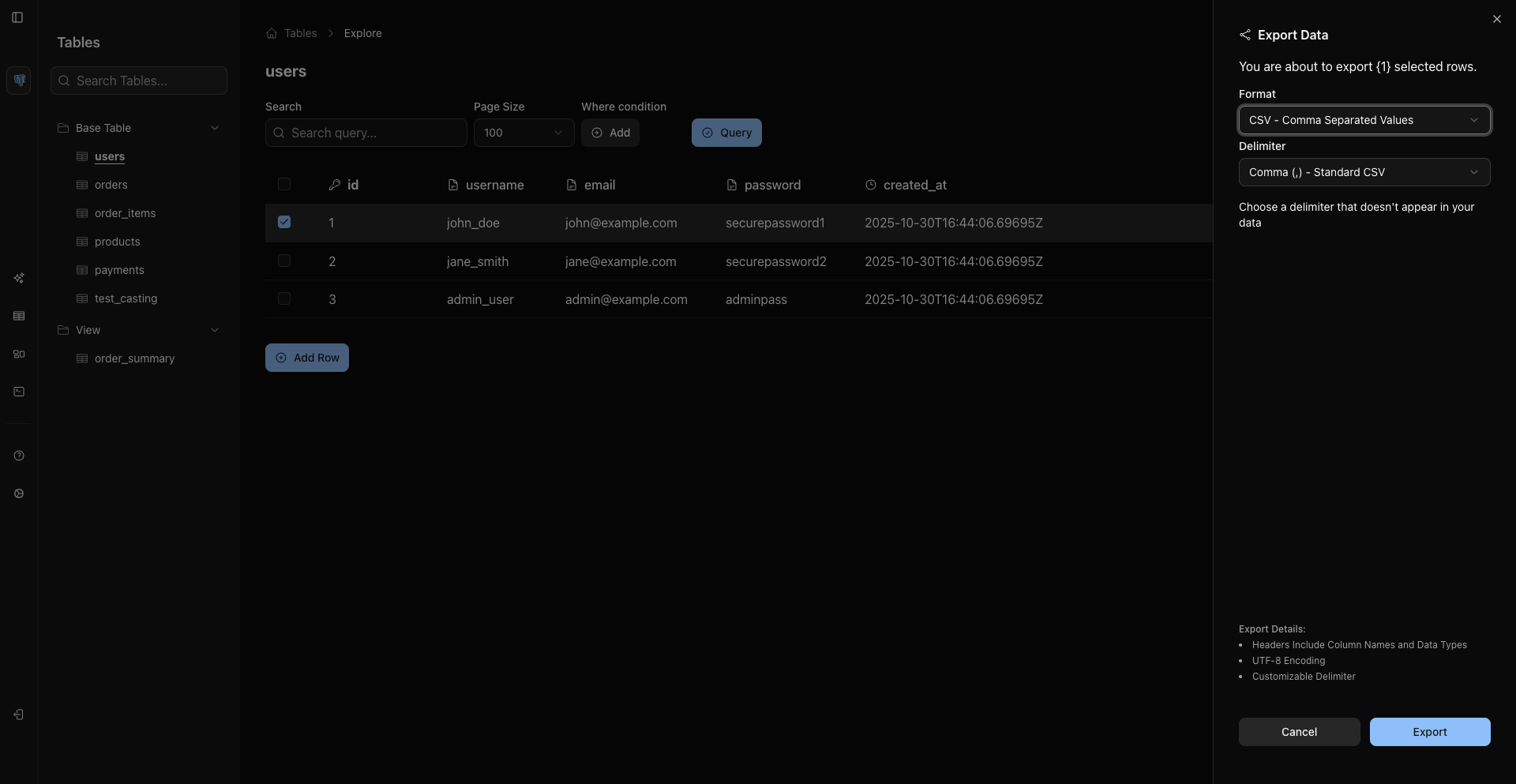
The export starts from the selected rows you chose in the grid.
Edit And Delete
If the connected source allows writes:
EnterorCmd/Ctrl + Eopens edit for the focused row.Cmd/Ctrl + DeleteorCmd/Ctrl + Backspacestarts delete for the focused row.- The row context menu also exposes Edit Row and Delete Row when supported.
Delete actions show a confirmation dialog before the mutation is submitted.
Context Menus
Right-click a grid row to open the row context menu.
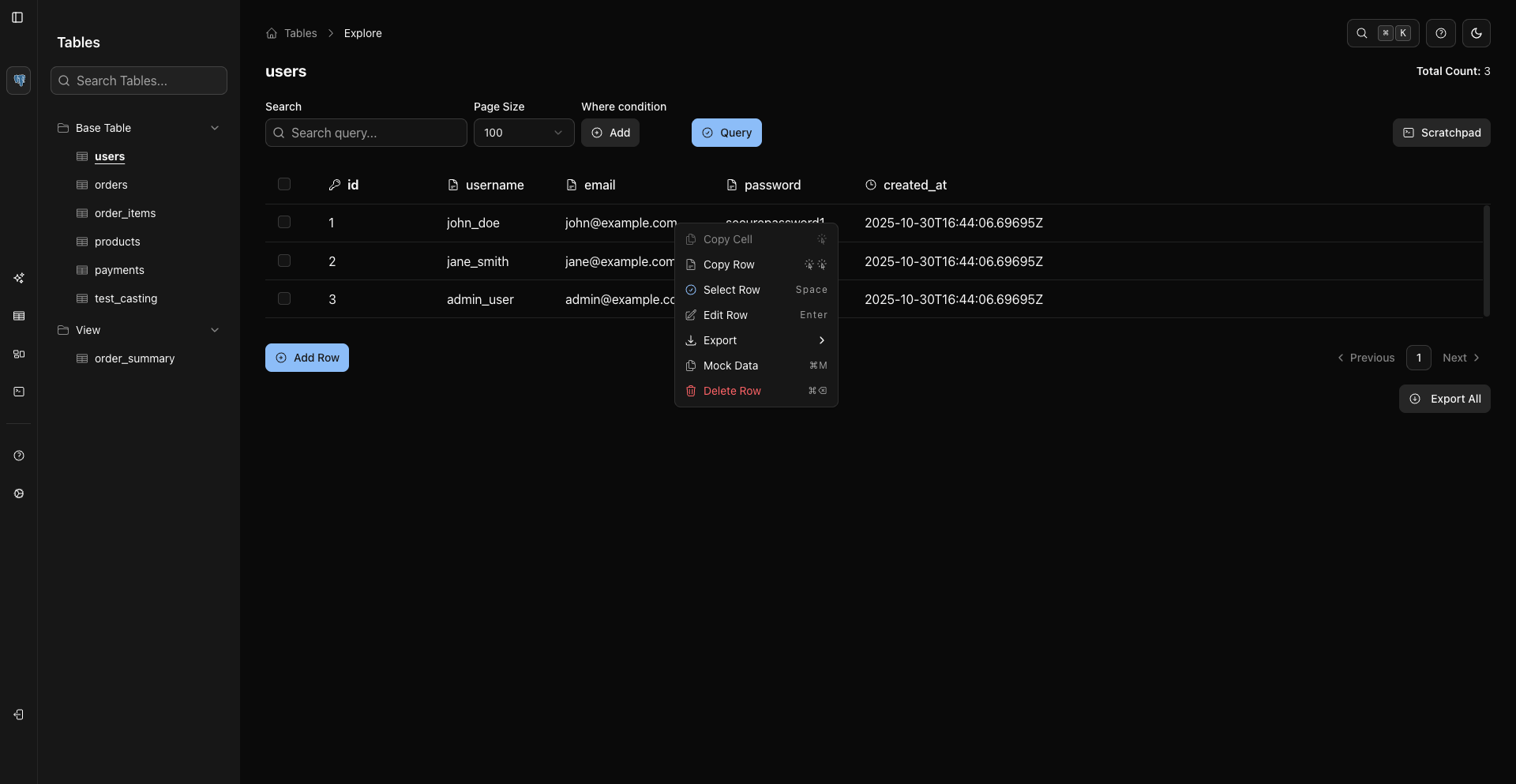
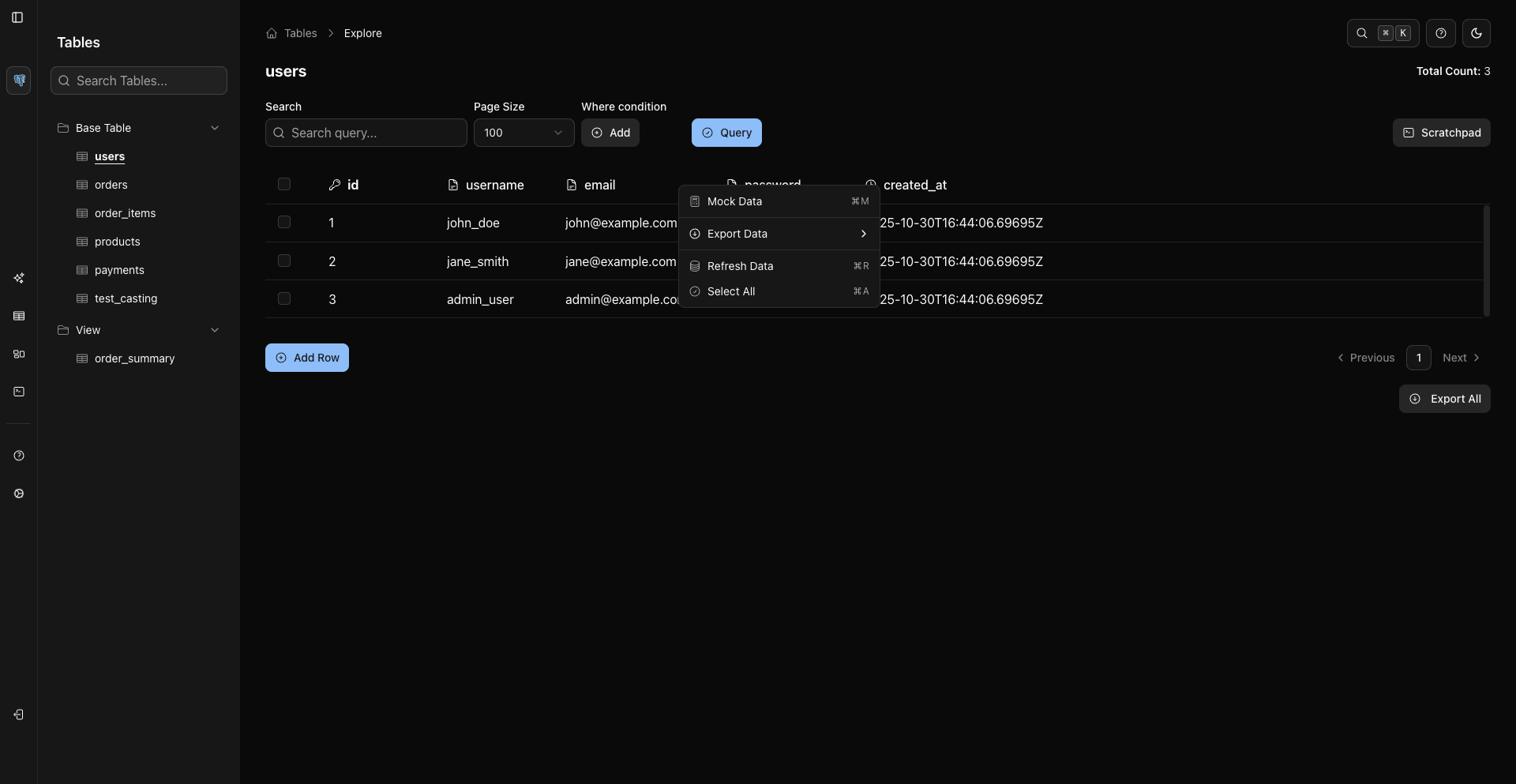
Header context menus expose table-level actions such as refresh, export, select/deselect all visible rows, and mock data when supported.
Related Pages
Previous
Next