
Core Features
Database Connectivity
Database Connectivity
WhoDB builds its connection catalog from the database plugins registered in the current build. In the current Community Edition codebase, that catalog is broader than the older docs suggested and covers relational, document, cache, search, and file-backed databases.
Tip
Use this page with First Login, Supported Databases, and Cloud Providers when you need the current connection flow.
Connection Paths
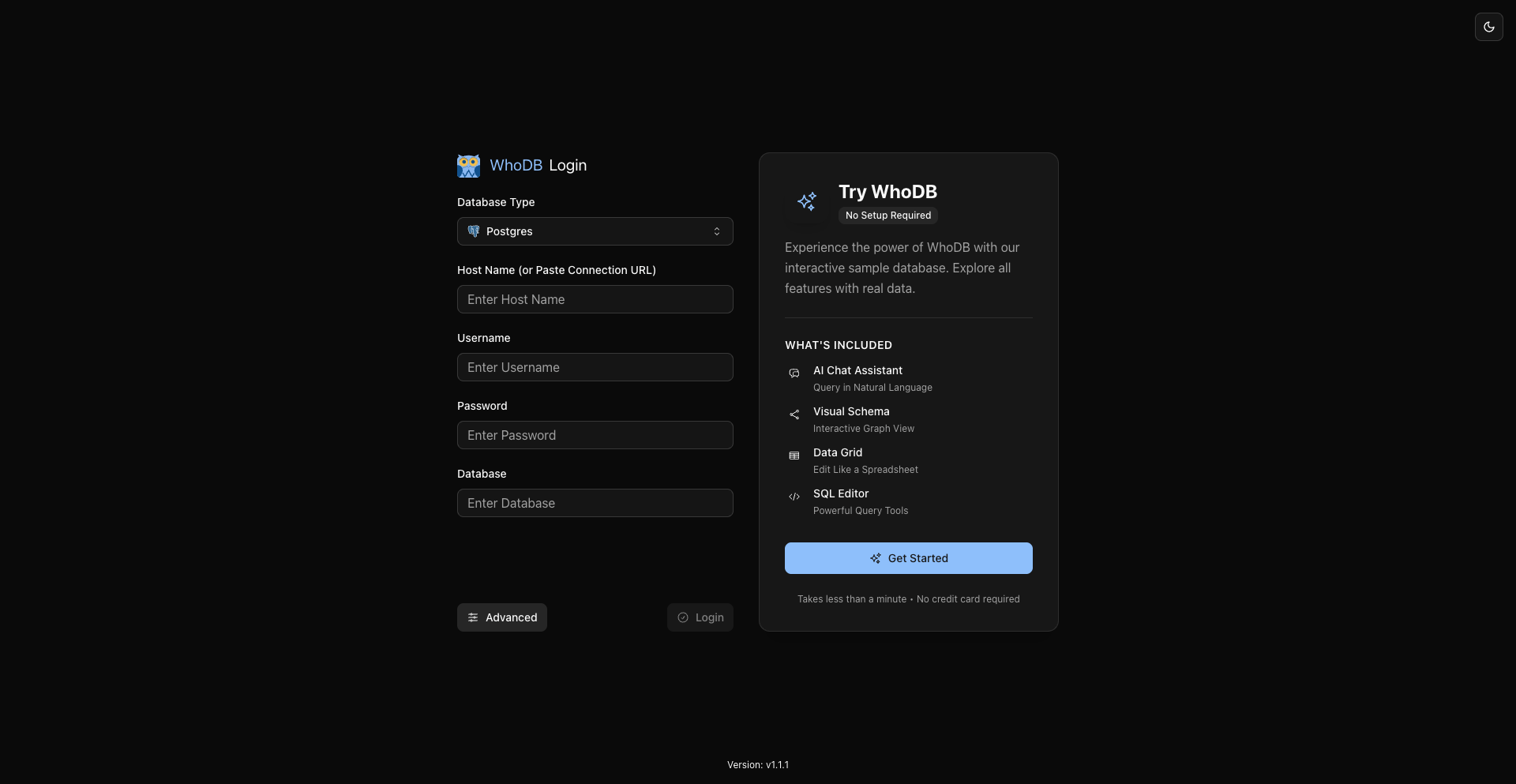
Pick a database type, fill in the fields shown for that type, and connect directly from the login page.
Reuse local or environment-defined profiles from the login page instead of retyping every field.
Experimental and disabled by default; when explicitly enabled, WhoDB can discover AWS, Azure, and GCP resources and prefill the standard login form.
SQLite and DuckDB connect through file paths instead of host and port fields.
Current CE Catalog
The current connectable catalog exposed by the app includes:
- PostgreSQL
- MySQL
- MariaDB
- CockroachDB
- SQLite3
- MongoDB
- Redis
- ElasticSearch
- ClickHouse
- DuckDB
- Memcached
- TiDB
- Valkey
- Dragonfly
- OpenSearch
- YugabyteDB
- QuestDB
- FerretDB
When AWS provider support is enabled, cloud-discovered connections can also surface:
- ElastiCache
- DocumentDB
Note
DuckDB availability depends on the build target. In this repository it is registered conditionally, so some architectures will not expose it.
What The Login Page Supports
Direct Reachability
WhoDB's web app expects the WhoDB process to be able to reach the target database directly over the network or filesystem.
- For remote databases, give the WhoDB server or desktop app network access to the endpoint.
- For browser-based deployments, set up VPN, peering, bastion forwarding, or another external network path before connecting.
- If you want built-in SSH tunneling, use the CLI & MCP tooling. SSH tunneling is a CLI feature in this codebase, not a web login form feature.
Advanced Options Reference
The advanced panel is database-aware. The exact keys depend on the selected database type, but the shared SSL/TLS keys are:
Key | Purpose |
|---|---|
SSL Mode | Selects the TLS mode for the database family |
SSL CA Content | PEM CA certificate content uploaded from the client |
SSL Client Cert Content | PEM client certificate content for mutual TLS |
SSL Client Key Content | PEM private key content for mutual TLS |
SSL Server Name | Overrides the TLS server name / hostname verification target |
For environment-defined profiles, the backend also accepts server-side certificate path keys:
Key | Purpose |
|---|---|
SSL CA Path | CA certificate file path on the WhoDB host |
SSL Client Cert Path | Client certificate file path on the WhoDB host |
SSL Client Key Path | Client key file path on the WhoDB host |
Database-specific fields come from the connectable catalog and can include values such as:
PortSearch PathRegionURL ParamsDNS EnabledHTTP ProtocolReadonly
Related Pages
Previous
Next