
Query Interface
Query Results
Query Results
Scratchpad renders query output below the cell that ran the SQL.
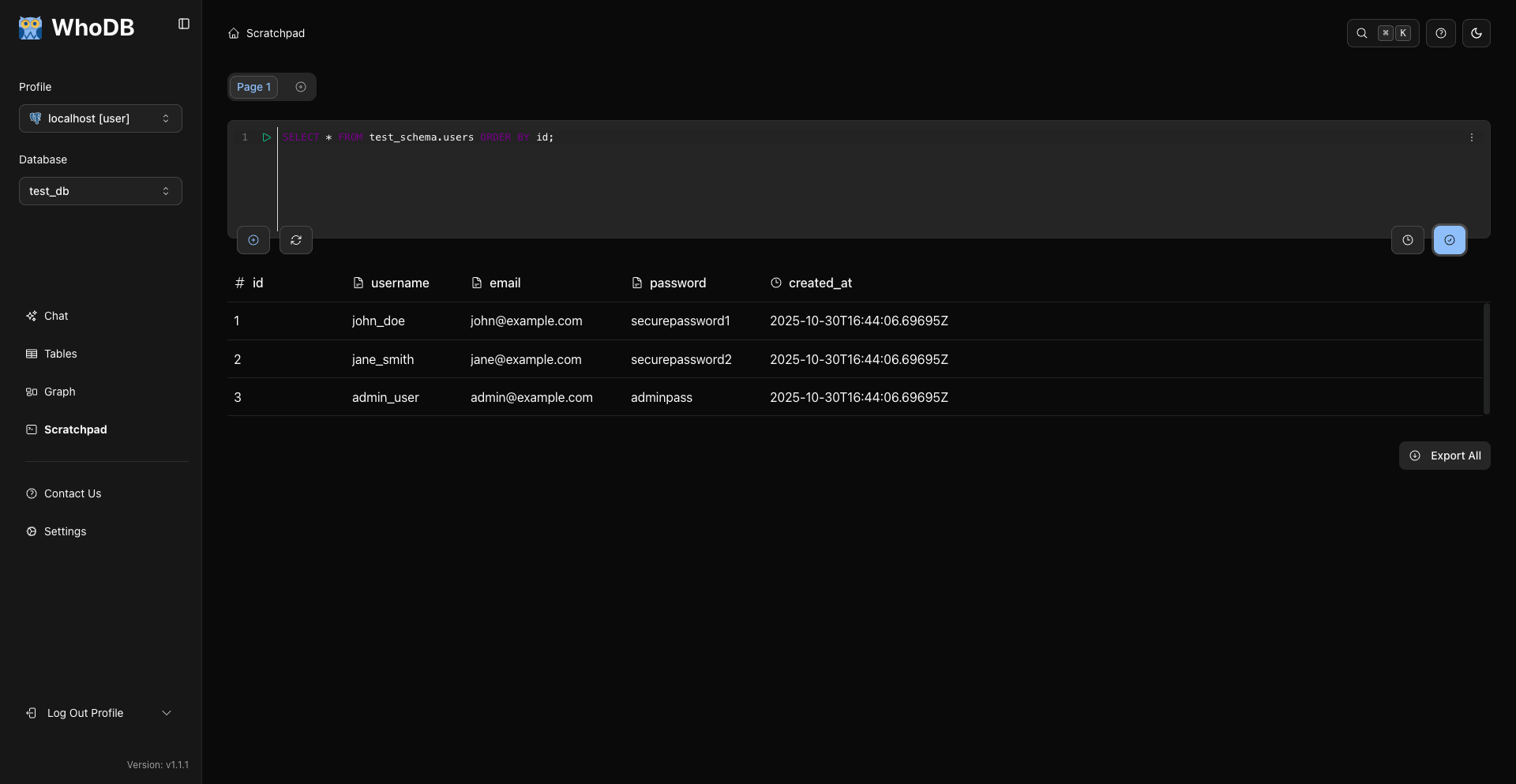
SELECT Results
SELECT queries show a table grid with columns, rows, and pagination controls when enough rows are returned.
sql
SELECT *
FROM users
LIMIT 10;
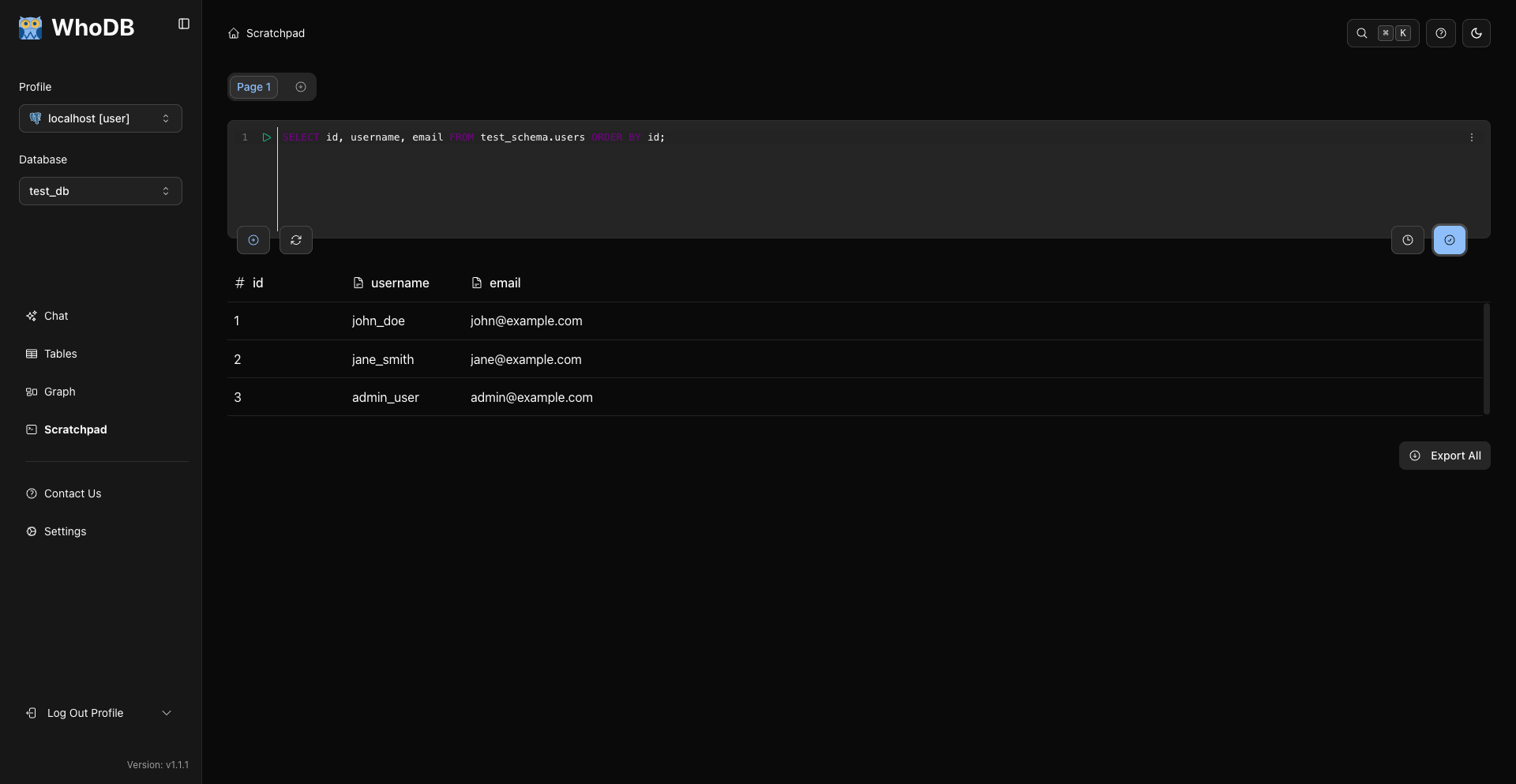
The grid uses the same table component as Storage Unit data pages, but in a read-only mode: you can copy a cell, copy a row, and export the results.
Action Results
Action queries such as INSERT, UPDATE, and DELETE show an action result after execution.
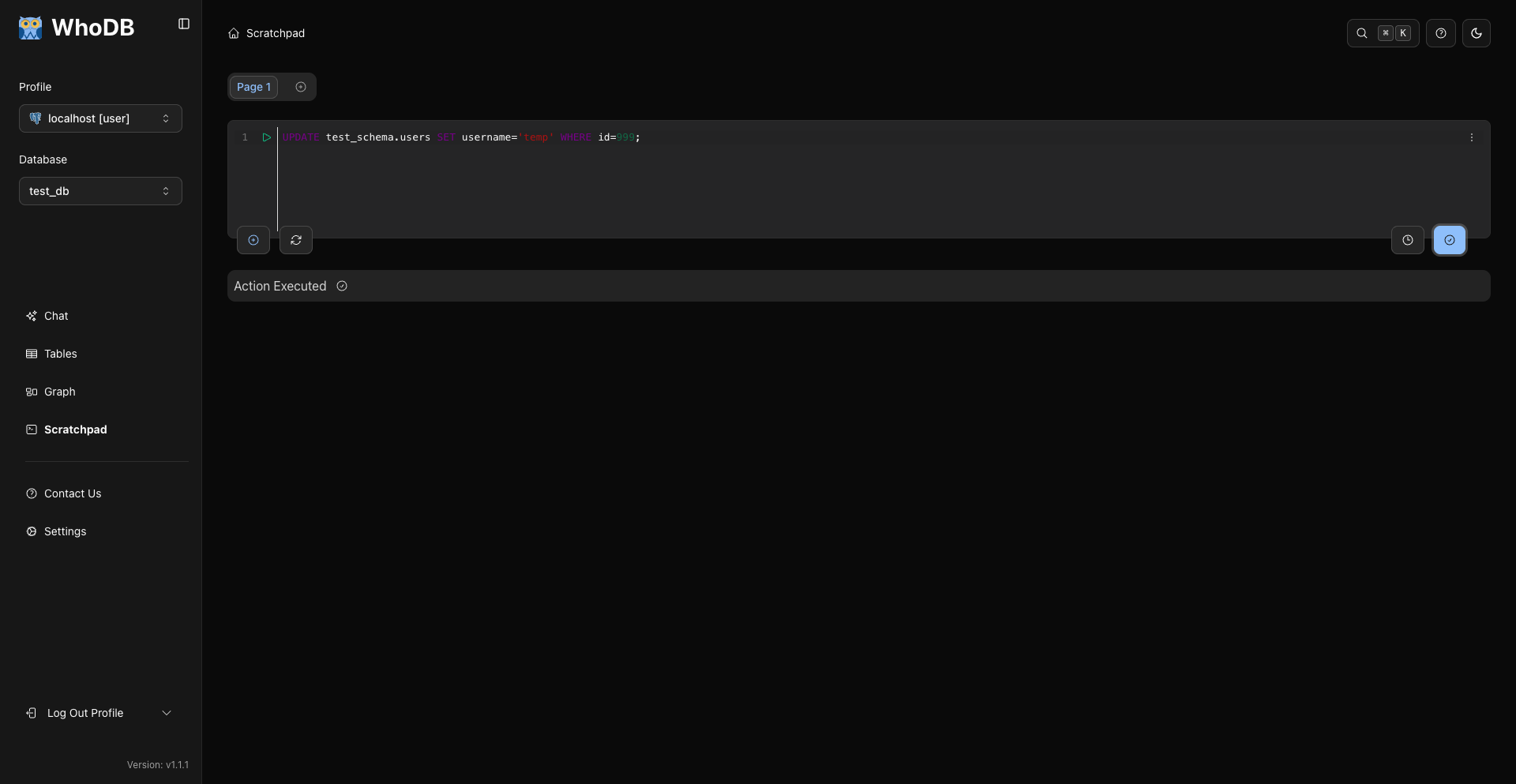
For destructive SQL, WhoDB asks for confirmation before running the query.
Empty Results
Queries that run successfully but return no rows show an empty result state rather than a table full of blank rows.
Errors
Syntax and runtime errors render below the editor.
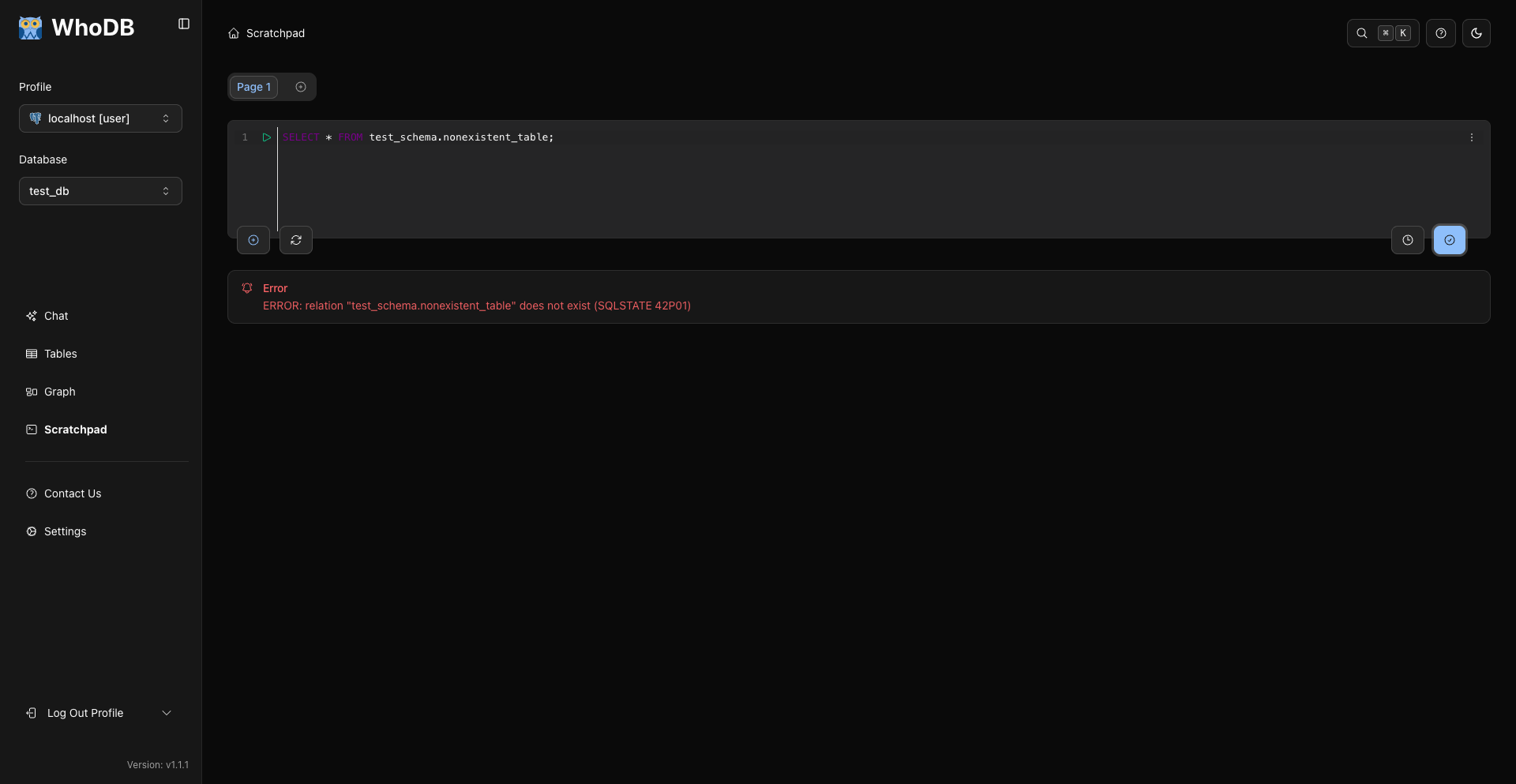
Examples:
sql
SELECT * FROM missing_table;
sql
SELECT FROM users;
Exporting Query Results
Use the export action available from the results table. CE export formats are:
- CSV
- Excel
.xlsx - JSON Lines for records from sources like MongoDB when supported
For SQL backups, migration dumps, and advanced export formatting, use your database's native tools.
Related Pages
Previous
Next