
Visualization
Relationships
Relationships
Database relationships define how tables connect to each other through foreign keys. WhoDB detects these relationships and visualizes them as edges in the graph view, so you can see how your schema fits together at a glance.
Tip
Use the graph view to understand your data model before writing queries against unfamiliar tables
What is a Relationship?
A relationship is a connection between two tables created when a column in one table references a column (usually the primary key) in another table. This connection is enforced by a foreign key constraint.
Key Components
The table being referenced. Its primary key is the target of the relationship.
The table doing the referencing. Contains the foreign key column.
One or more columns that reference the parent table's primary key
Describes how many rows in each table can participate in the relationship
Relationship Types
WhoDB visualizes four standard relationship types:
One-to-Many (1:N)
The most common relationship type.
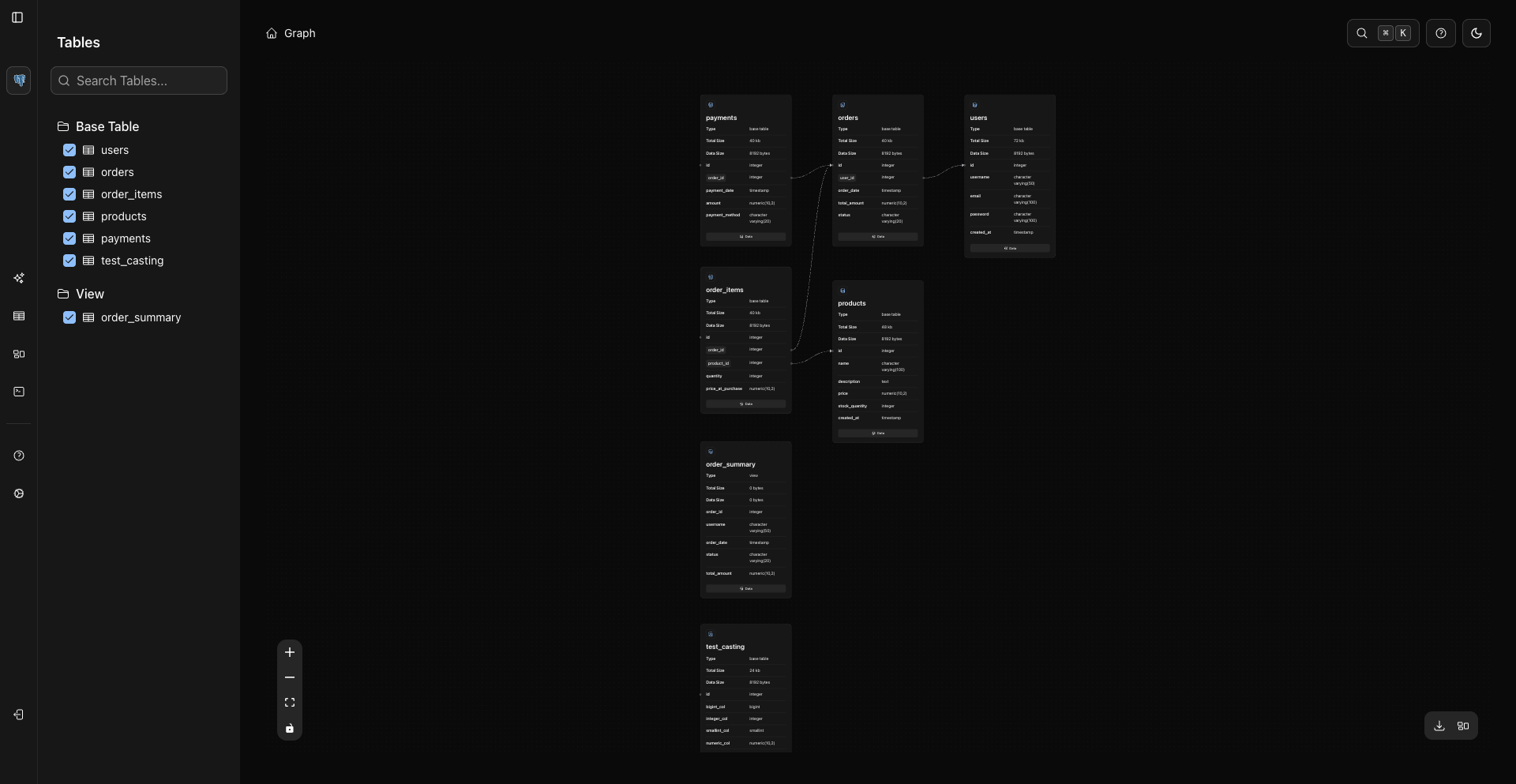
- One row in the parent table can relate to many rows in the child table
- One row in the child table relates to exactly one row in the parent table
Example
Department (1) ─── (N) Employee
- Each department can have multiple employees
- Each employee belongs to exactly one department
Typical cases: one user has many orders, one category has many products, one post has many comments.
Many-to-One (N:1)
The reverse perspective of one-to-many.
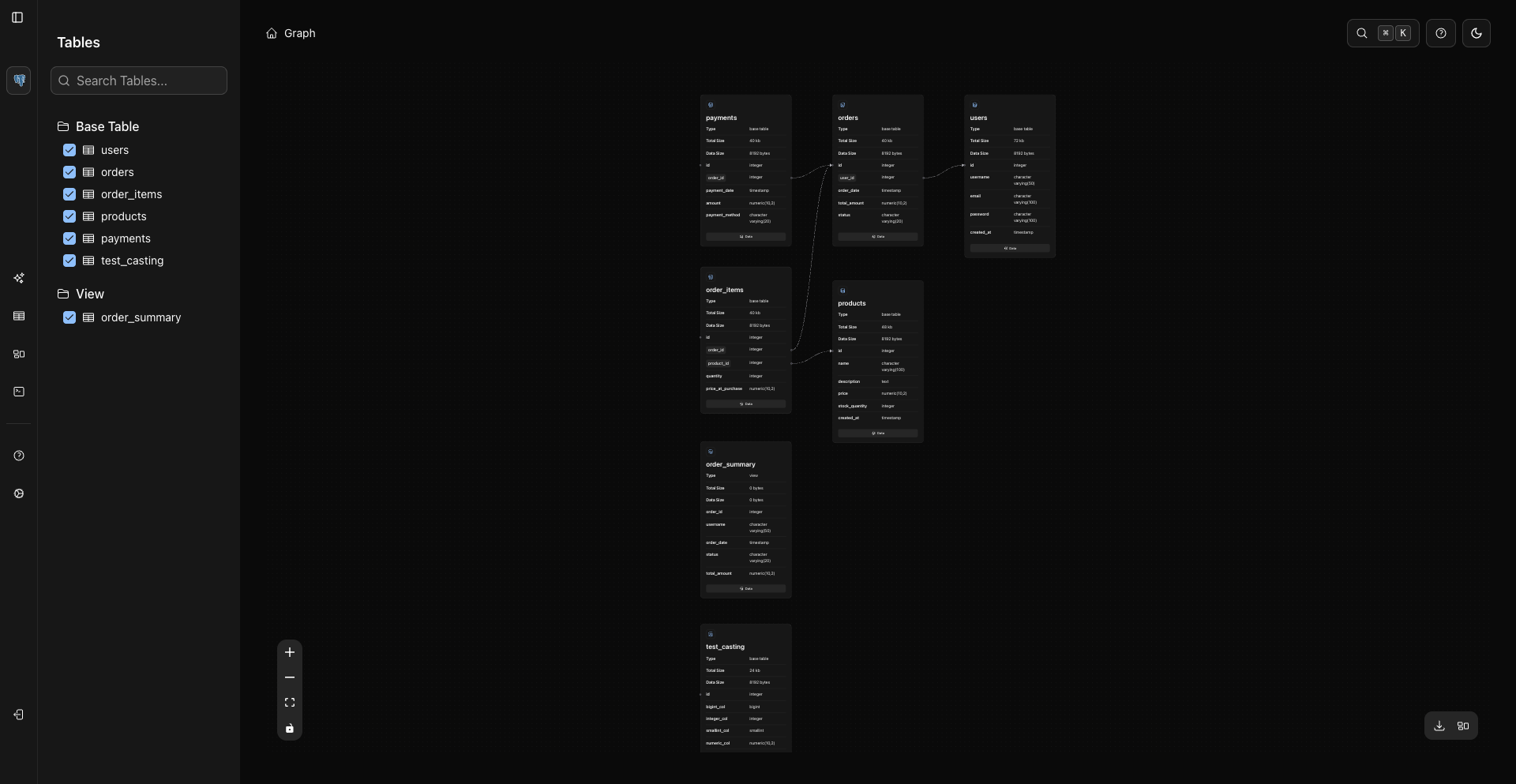
- Many rows in one table relate to one row in another table
- This is the same as one-to-many, viewed from the child table's perspective
Example
Employee (N) ─── (1) Department
- Many employees belong to one department
The graph labels the edge from whichever table's perspective it was detected, so the same foreign key may appear as one-to-many from the parent and many-to-one from the child.
One-to-One (1:1)
Each row in one table relates to exactly one row in another, typically enforced by a unique constraint on the foreign key column.
Example
User (1) ─── (1) Profile
- Each user has exactly one profile
- Each profile belongs to exactly one user
Typical cases: one user has one account profile, one employee has one personnel file.
Many-to-Many (N:N)
Multiple rows in one table relate to multiple rows in another. In relational databases this is mediated by a junction table, so in the graph a many-to-many relationship appears as two one-to-many edges meeting at the junction table.
Example
Student (N) ─┬─ (N) Course
             │
        Enrollment (junction table)
- Each student can take many courses
- Each course can have many students
Typical cases: users and roles, articles and tags, products and categories.
Reading Relationships in the Graph
Each edge (connecting line) in the graph represents a foreign key relationship between two tables. Follow an edge from a node to see which table it references; the cardinality tells you which side is the parent and which is the child.
Multiple Foreign Keys Between Tables
Two tables can have more than one relationship — for example, a bookings table referencing customers once as the booker and once as an alternate contact. Each foreign key appears as its own edge.
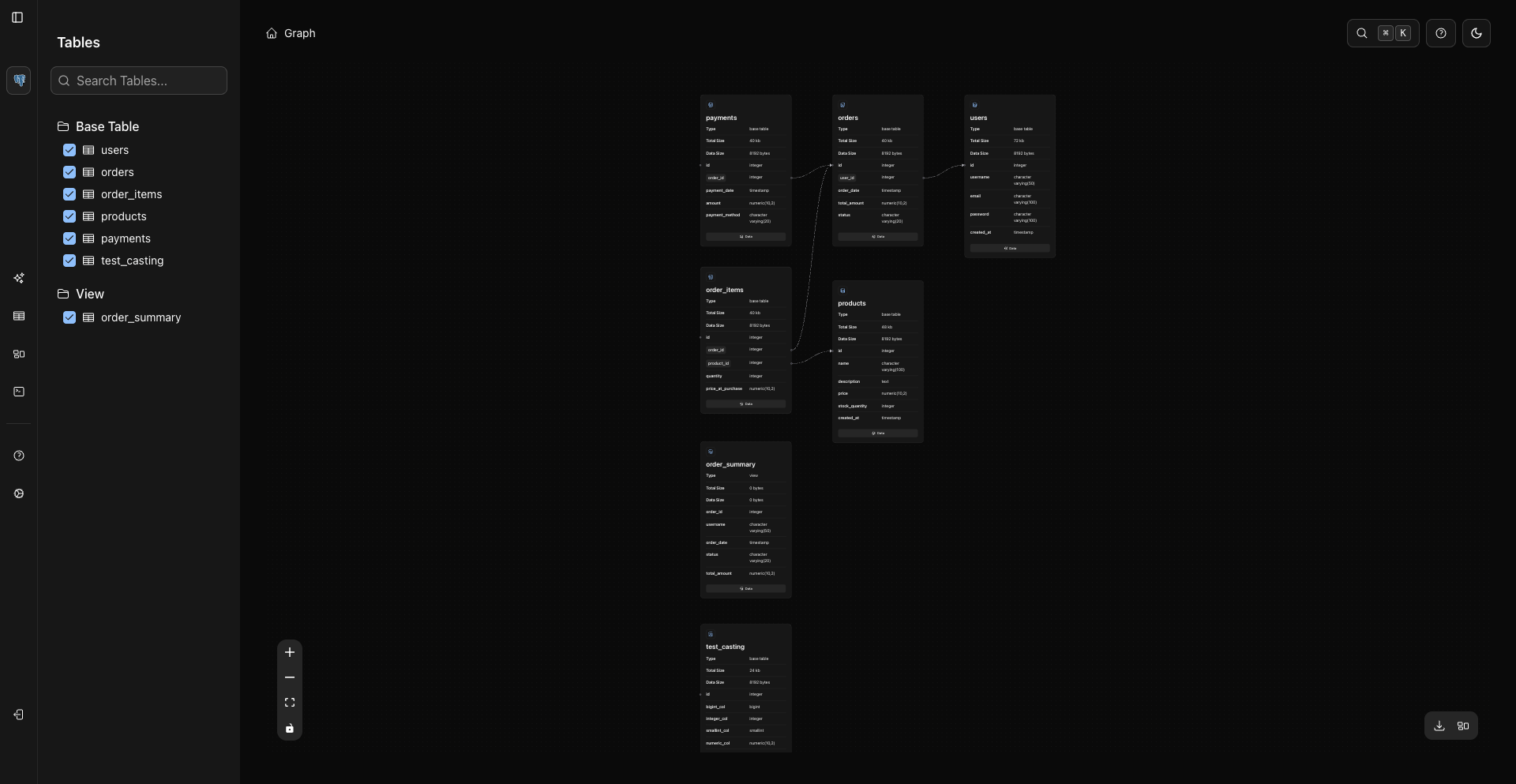
Isolated Table Node
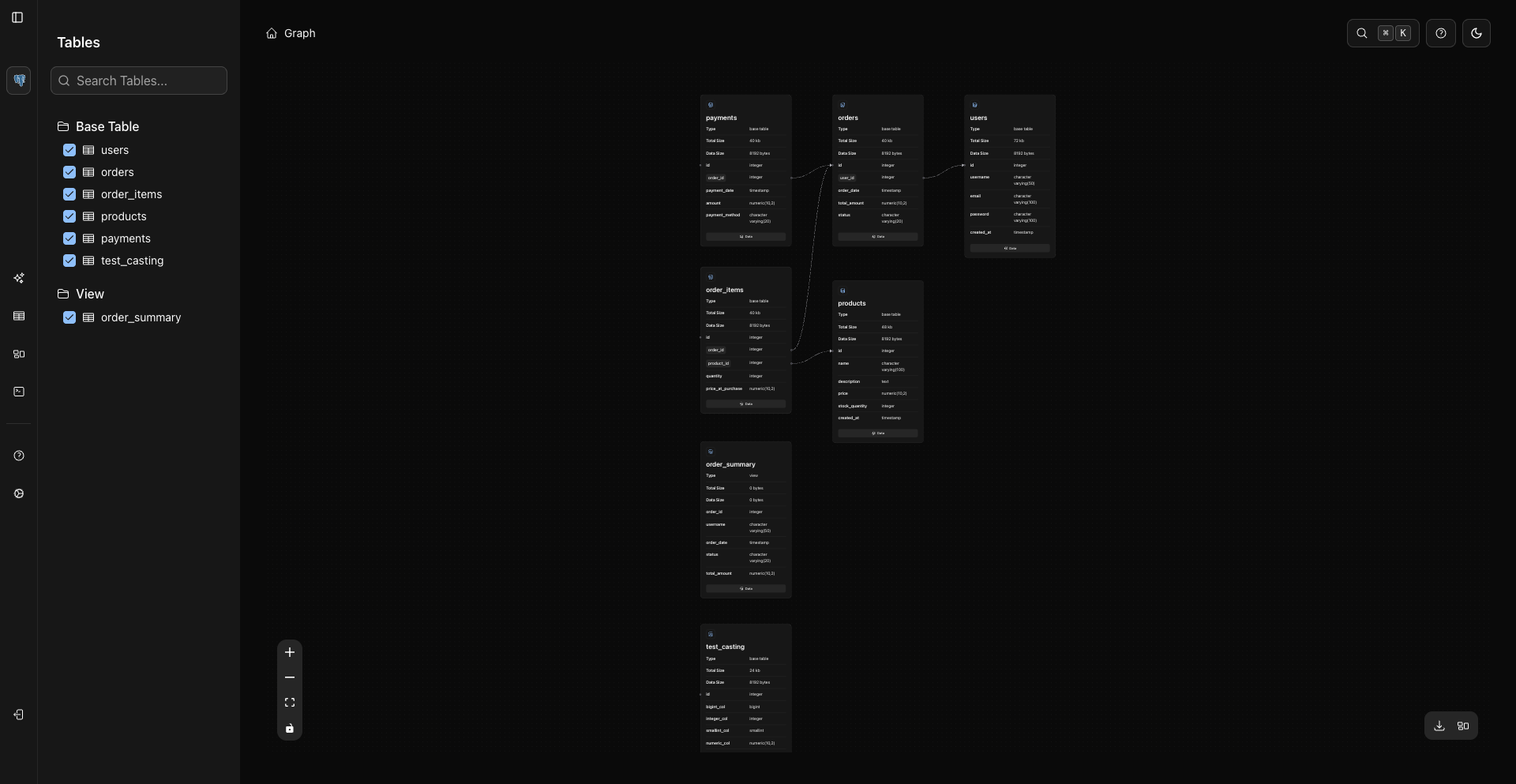
A table with no incoming or outgoing foreign key relationships appears with no connection lines. It stands alone in the schema but may still be important for data organization.
Related Topics
Previous
Next