
Advanced Features
WHERE Conditions
WHERE Conditions
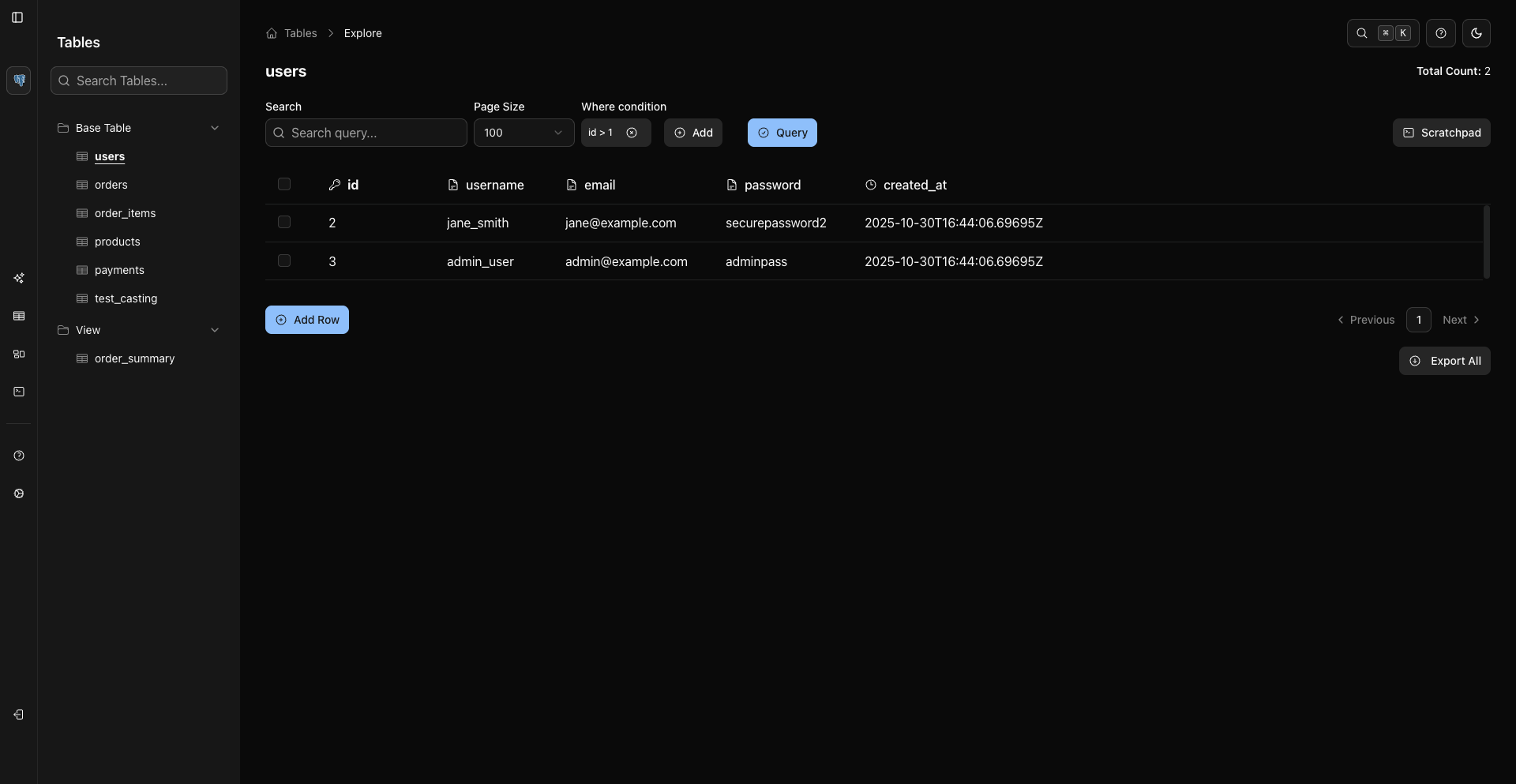
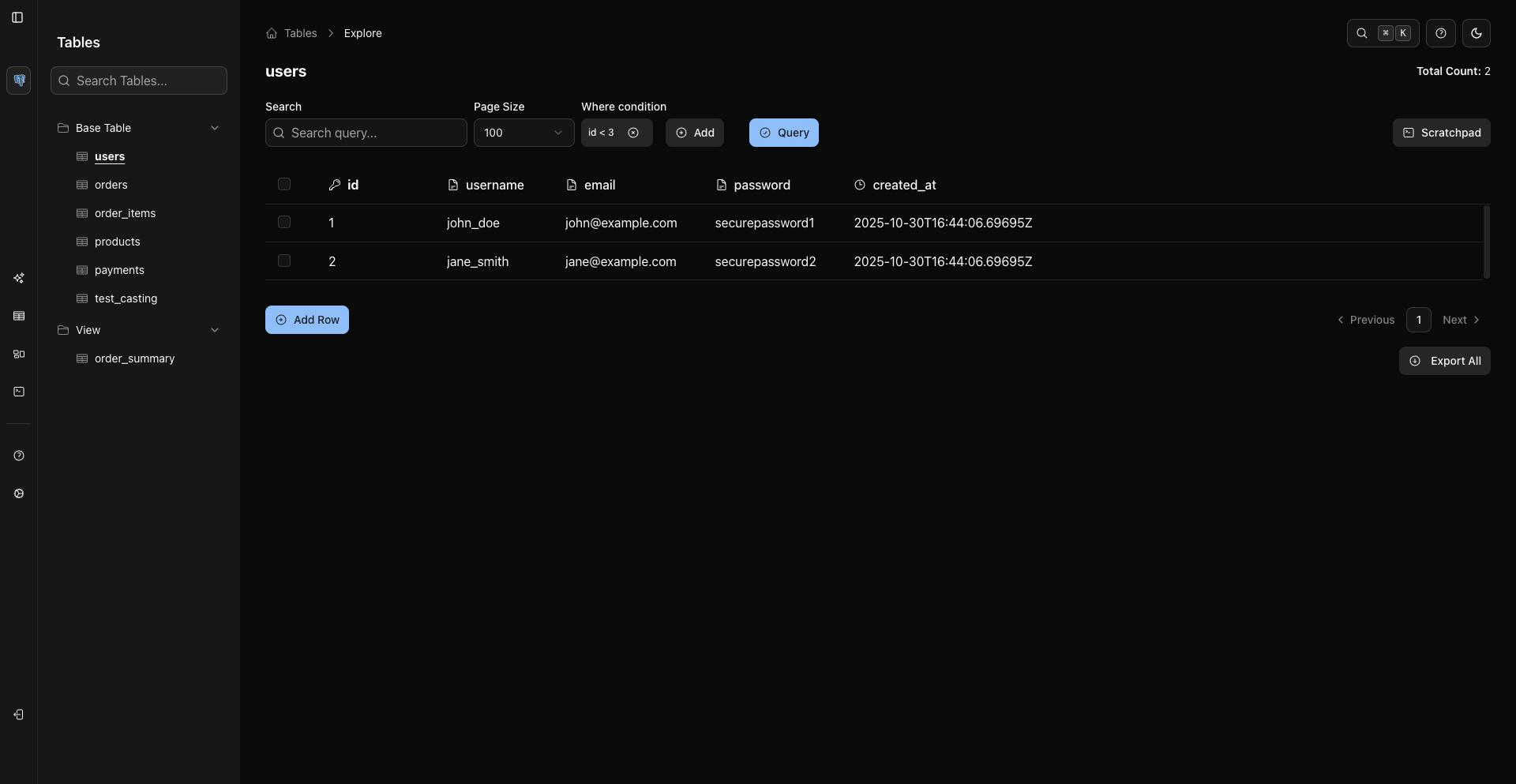
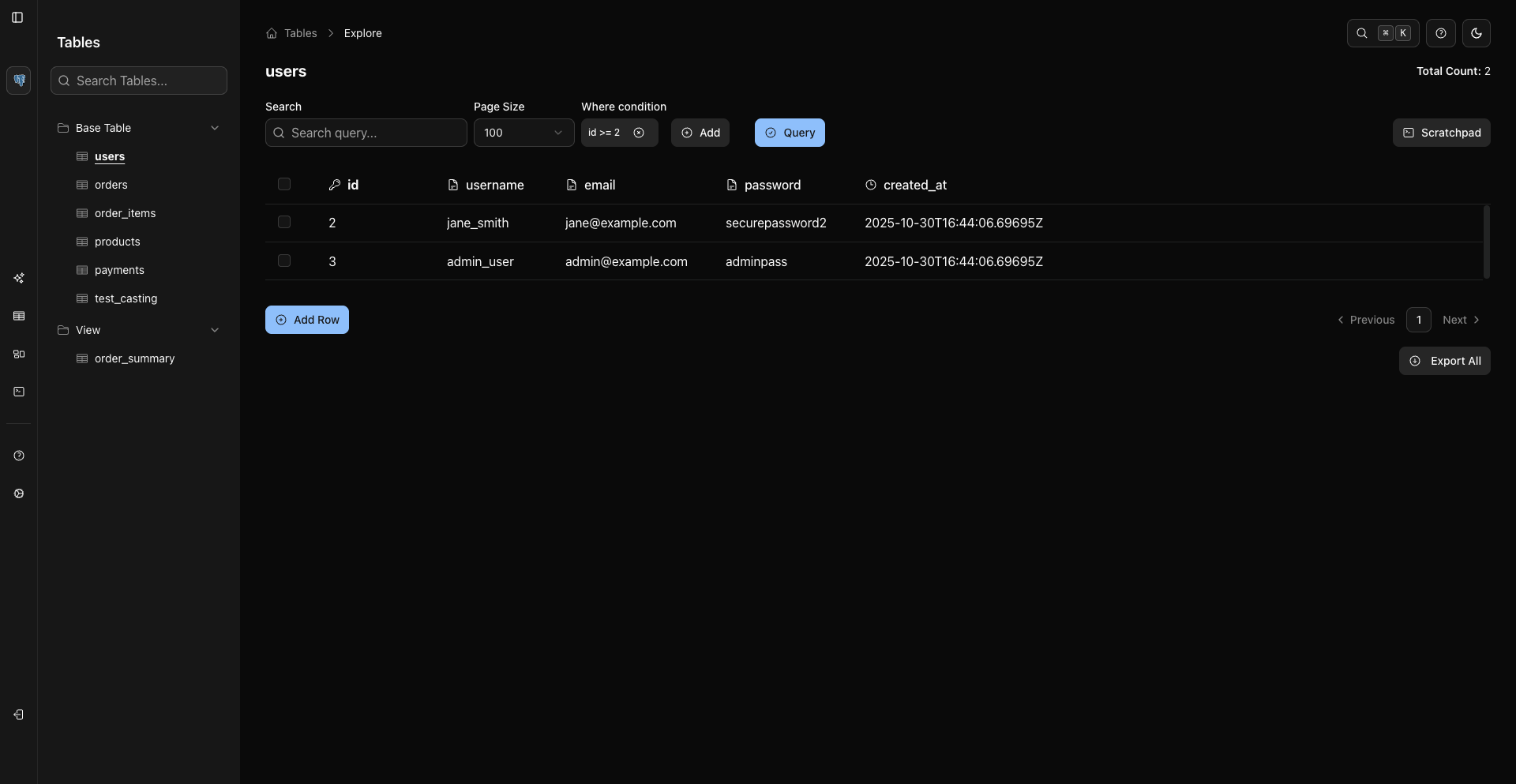
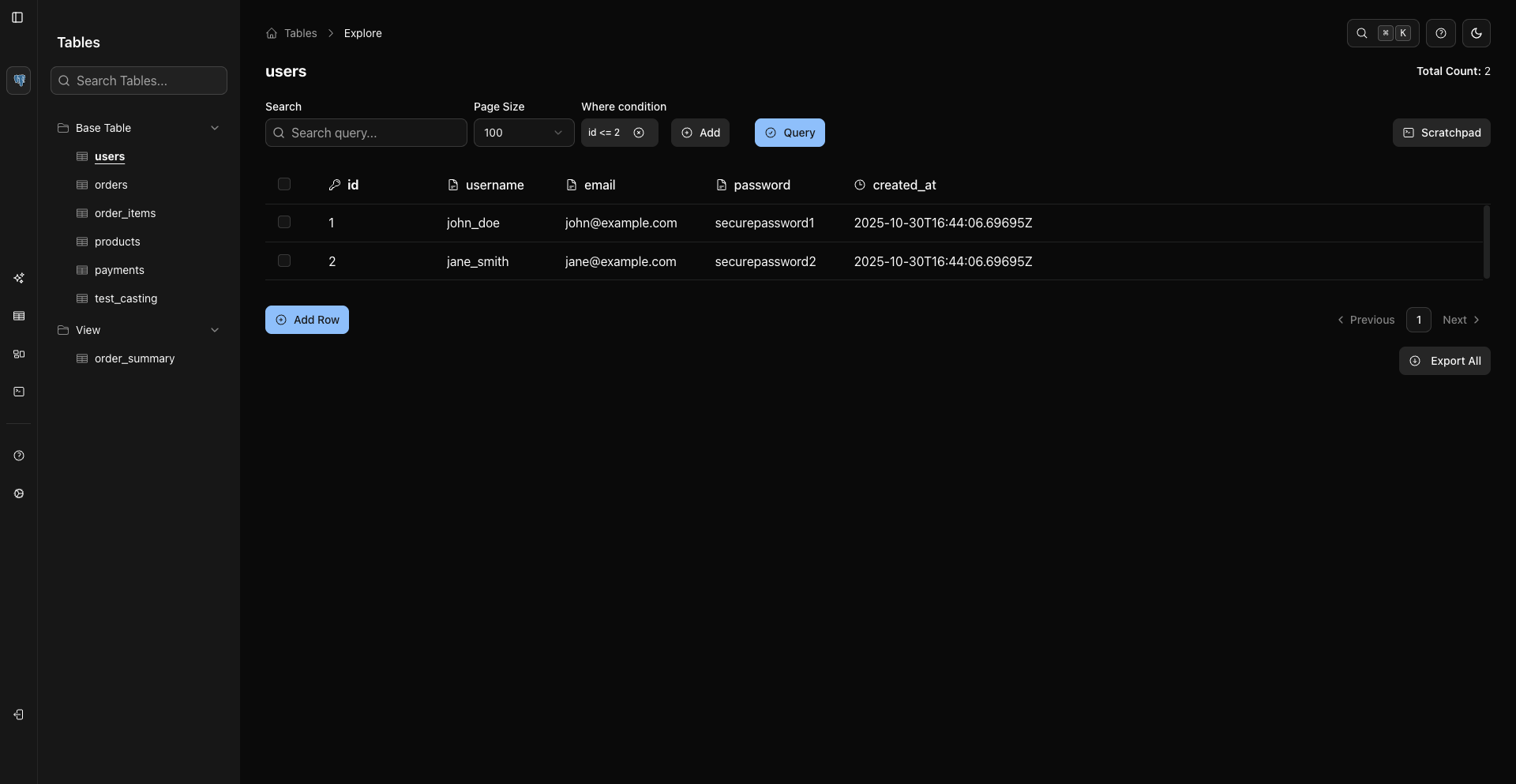
WHERE conditions add server-side filters to the Storage Unit data page. They are separate from the Search field, which only searches currently loaded grid rows.
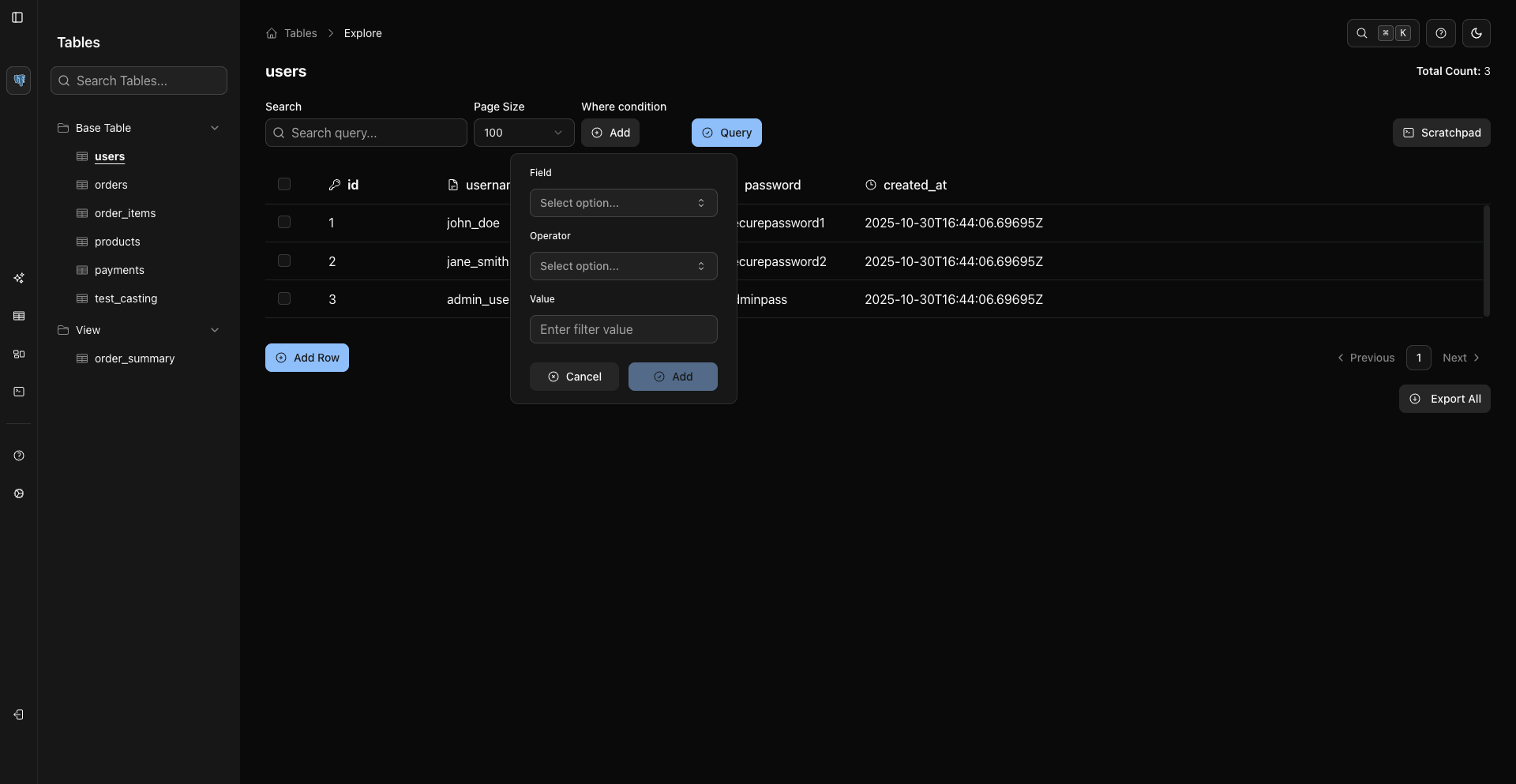
Add A Condition
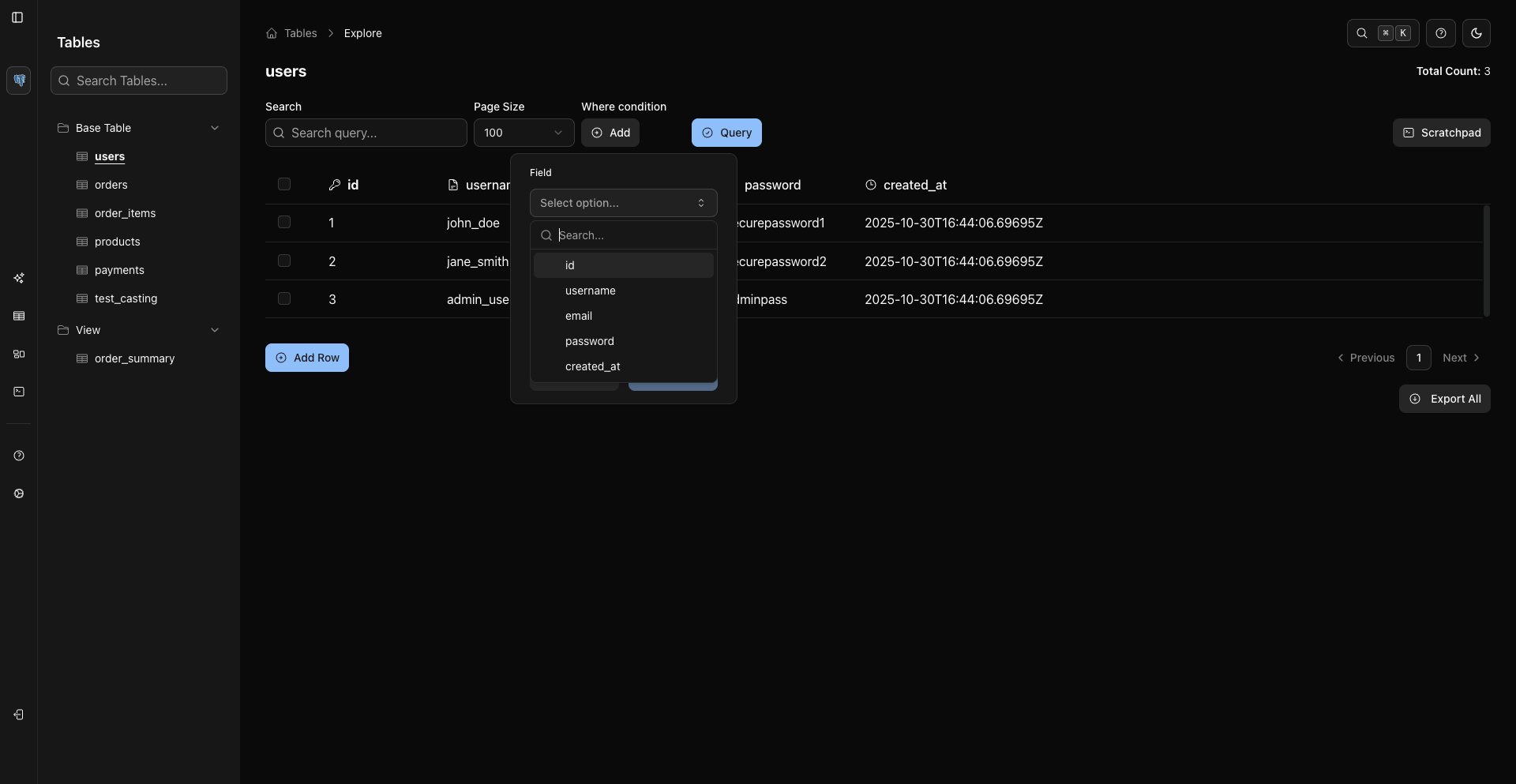
Operators
The operator dropdown lists the database's own operator tokens, provided by the backend for the connected source. For a typical SQL database such as PostgreSQL, the set includes:
=,!=,<>>,>=,<,<=BETWEEN,NOT BETWEENLIKE,NOT LIKE,ILIKE,NOT ILIKEIN,NOT INIS NULL,IS NOT NULL
The exact list varies by database.
Multiple Conditions
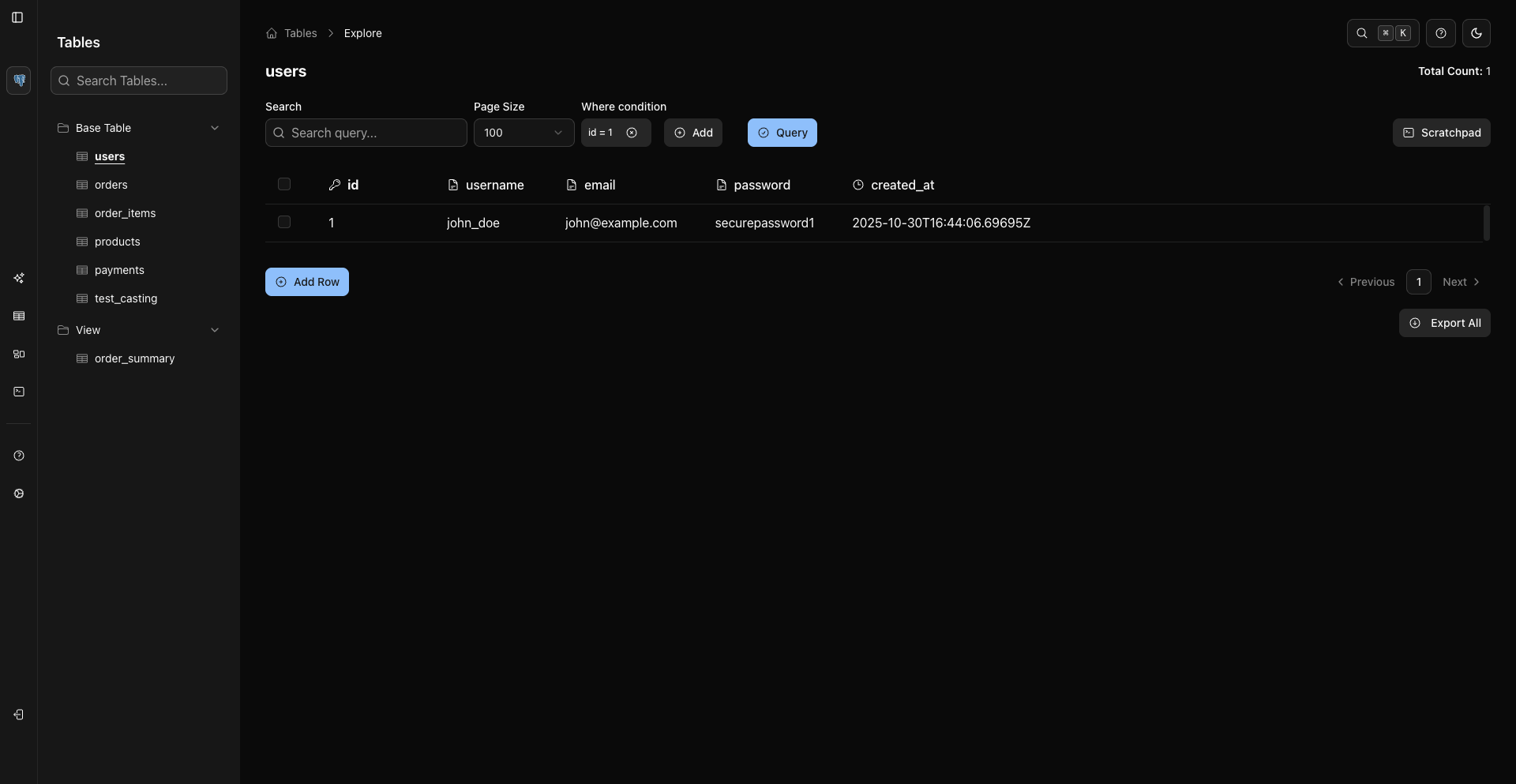
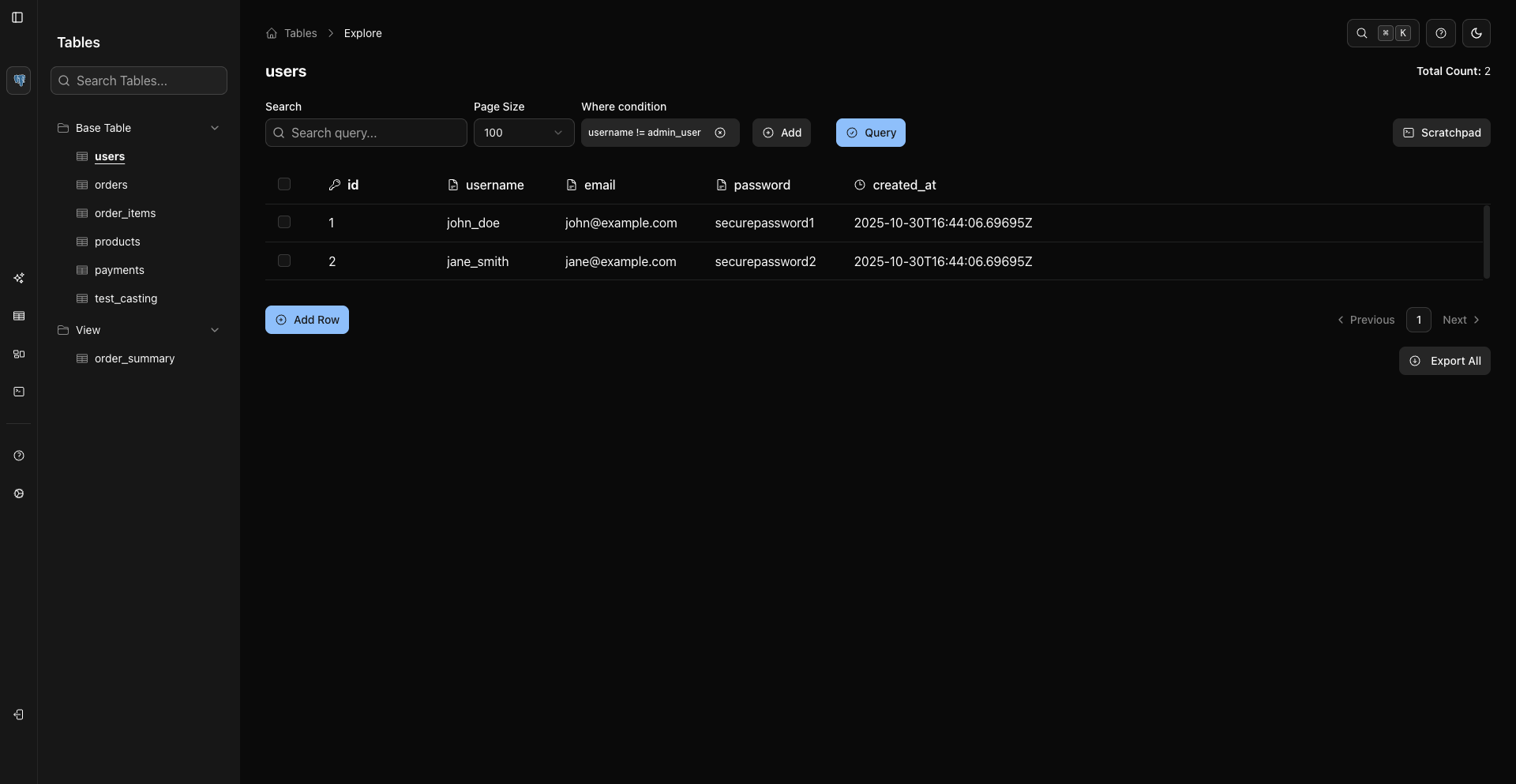
Add multiple conditions when you need a narrower result set. Conditions are combined by the current builder logic and applied when you click Query.
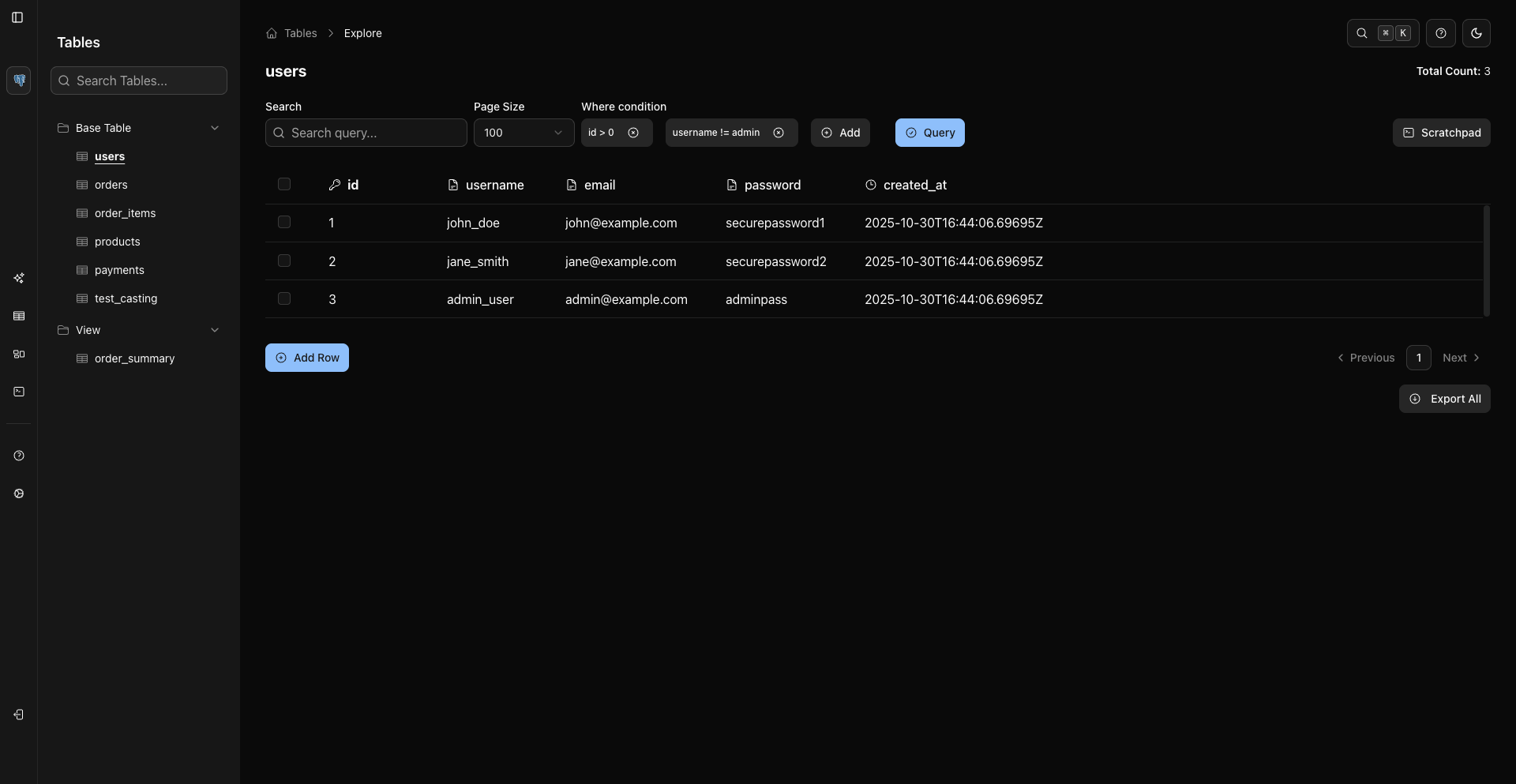
Edit Or Remove Conditions
Use the condition controls in the WHERE condition UI to edit or remove an existing condition, then click Query again to refresh the grid.
Search Versus WHERE
Feature | Behavior |
|---|---|
Search field | Searches/highlights values in the currently loaded rows |
WHERE condition | Sends a server-side filter and changes the result set after Query |
Use WHERE conditions for real filtering. Use Search to quickly find a value in the rows already visible.
Related Pages
Previous
Next