
Advanced Features
Mock Data
Mock Data
Mock data generation is available from the table grid when the connected source, object, and deployment configuration allow it.
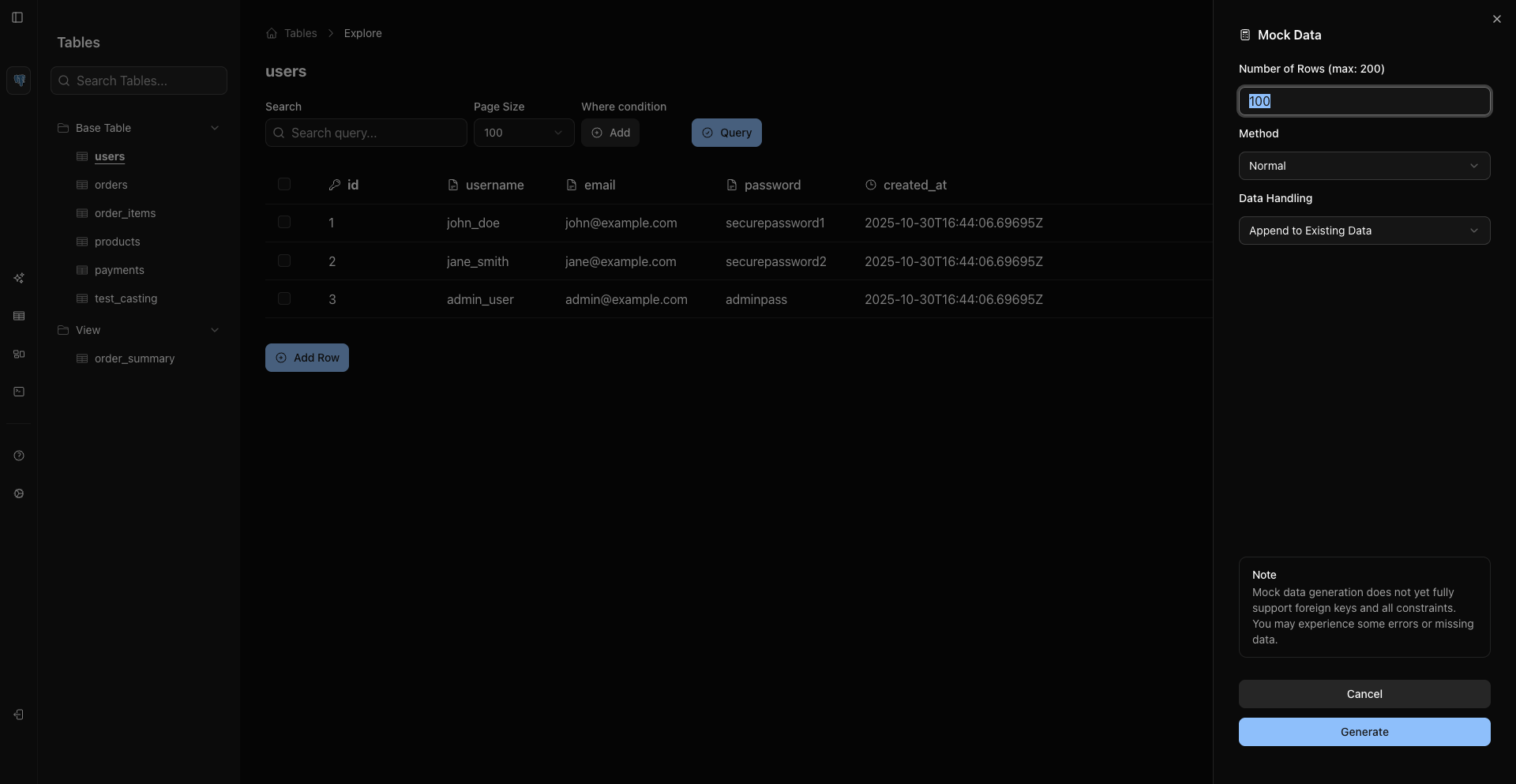
Open Mock Data
Use one of the current entry points:
- Right-click the table header and choose the mock data action.
- Use the row/header context menu where the mock data action appears.
- Press
Cmd/Ctrl + Shift + Gwhile the table has focus.
Use the grid context menu for mock data actions.
Configure Generation
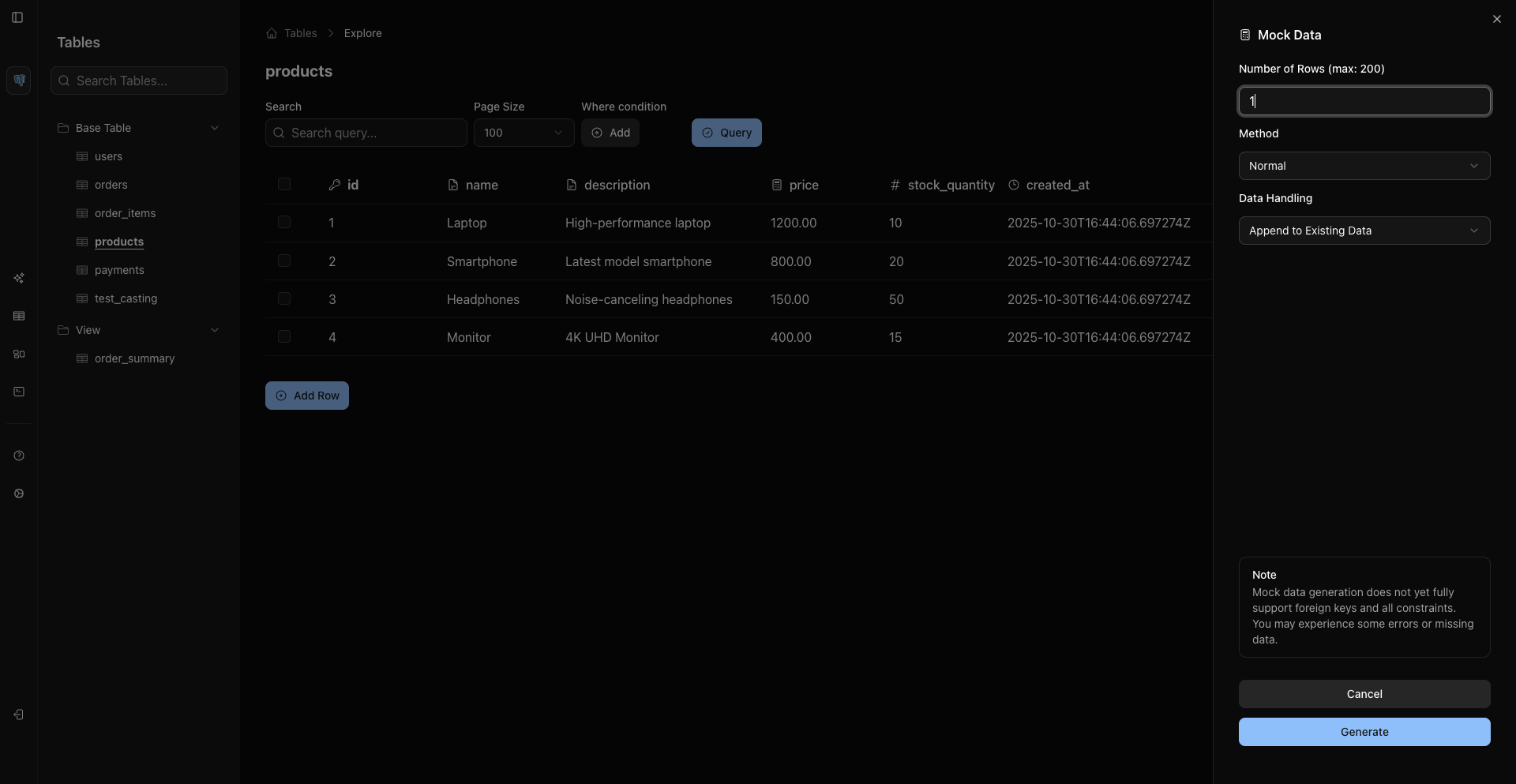
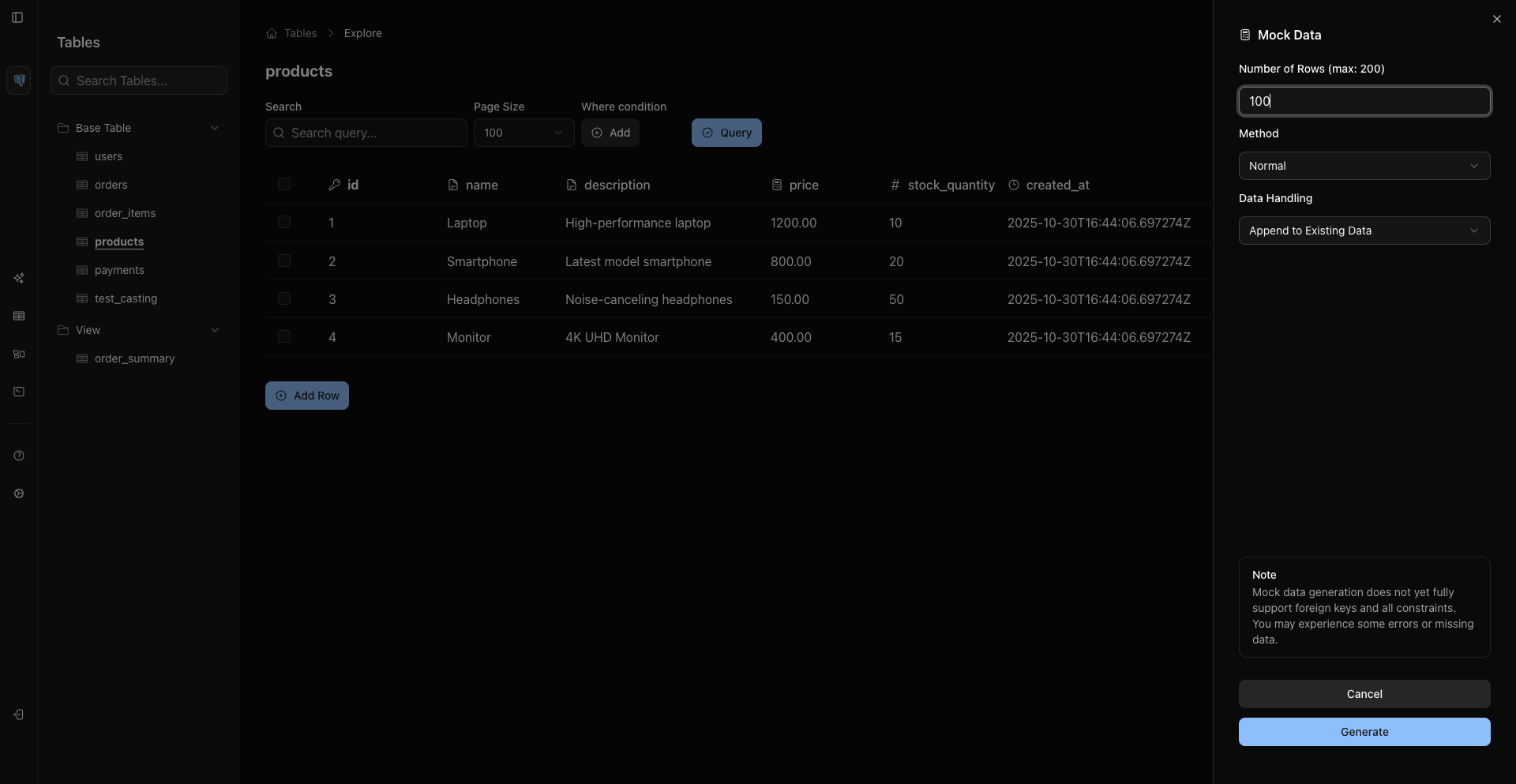
The mock data sheet lets you choose:
- Row count.
- Generation method.
- Data handling mode.
- Foreign-key variety when the source supports it.
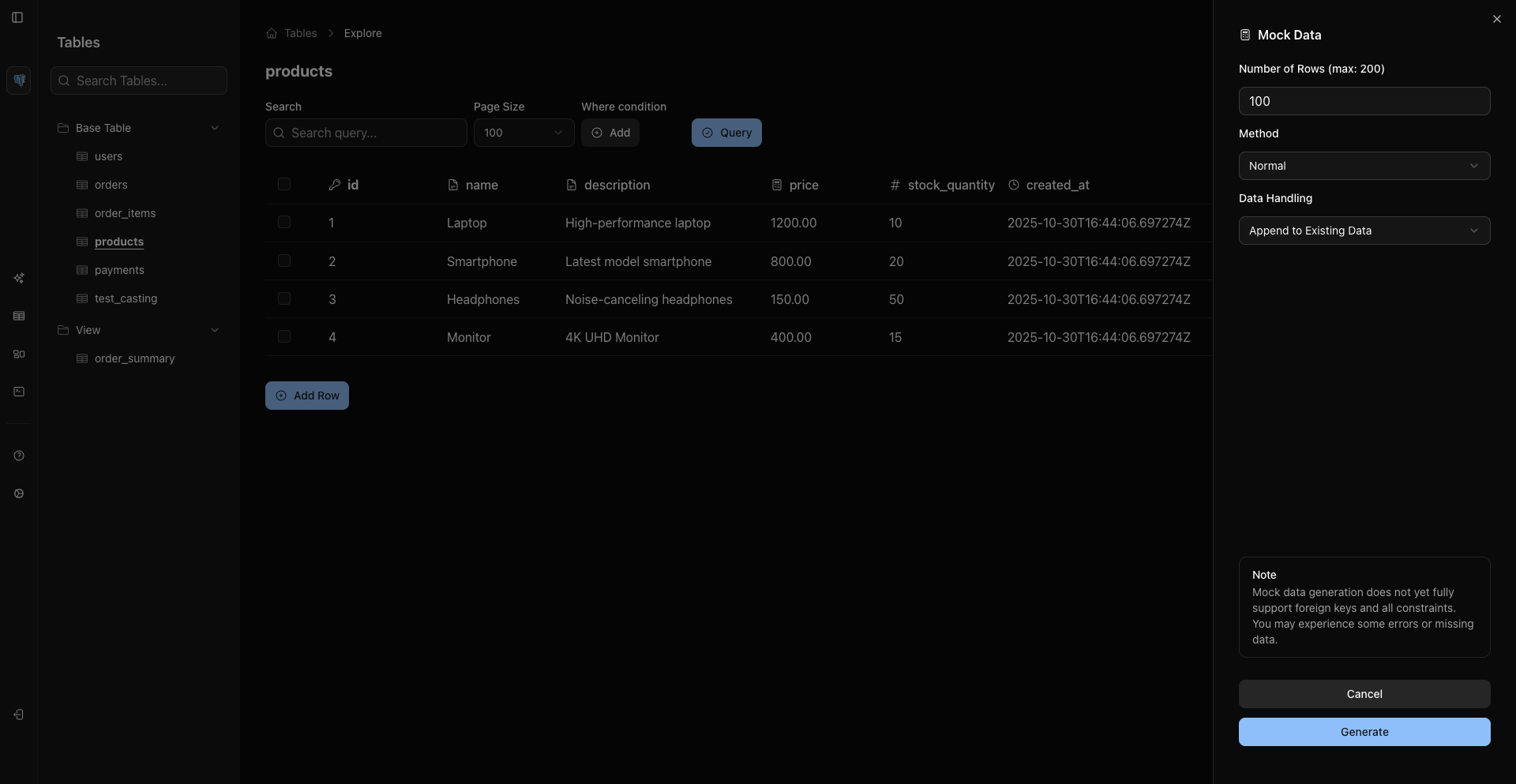
Append Or Overwrite
Use Append to add generated rows to existing data.
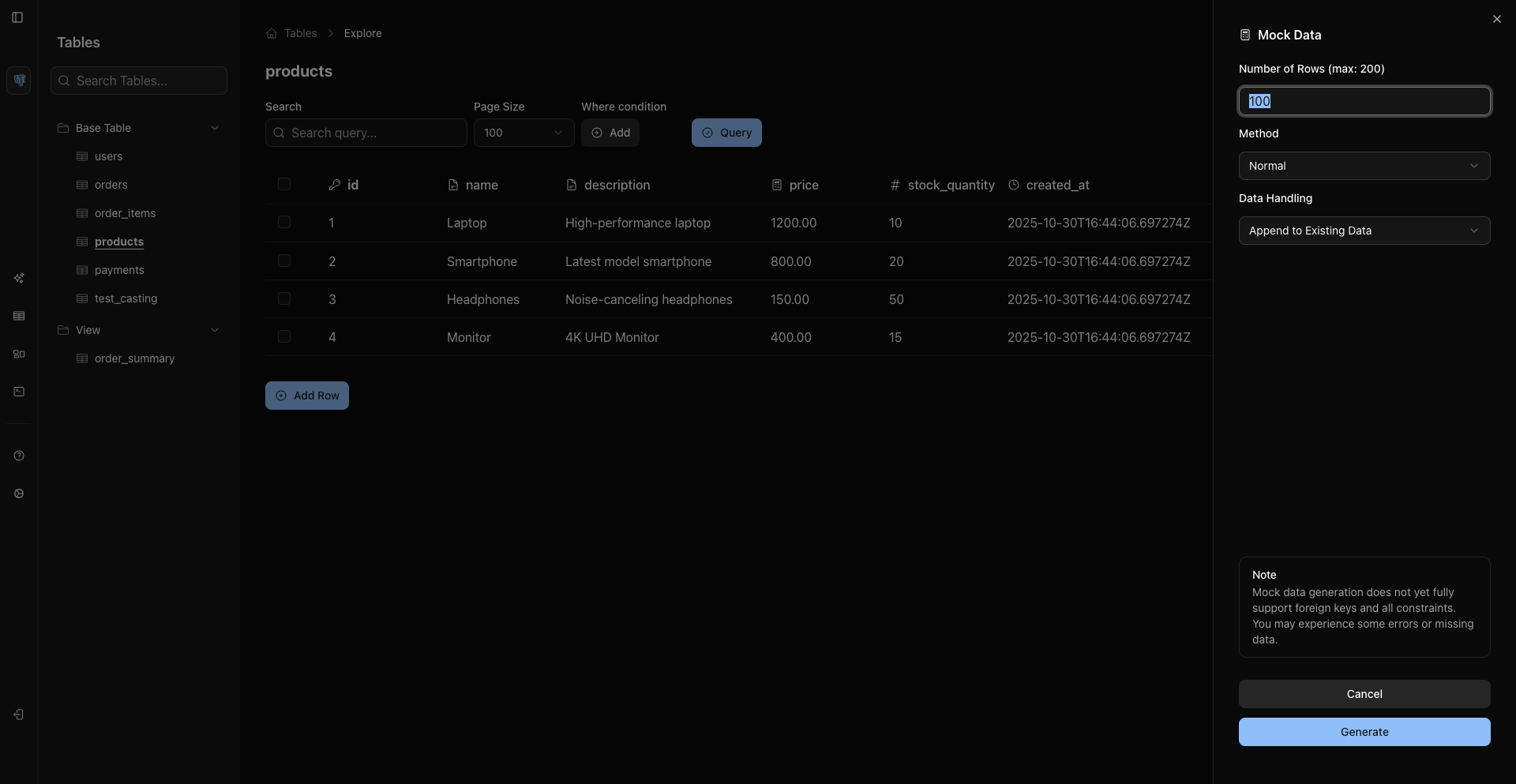
Use Overwrite only when you intentionally want generated data to replace existing rows. WhoDB shows an overwrite confirmation before proceeding.
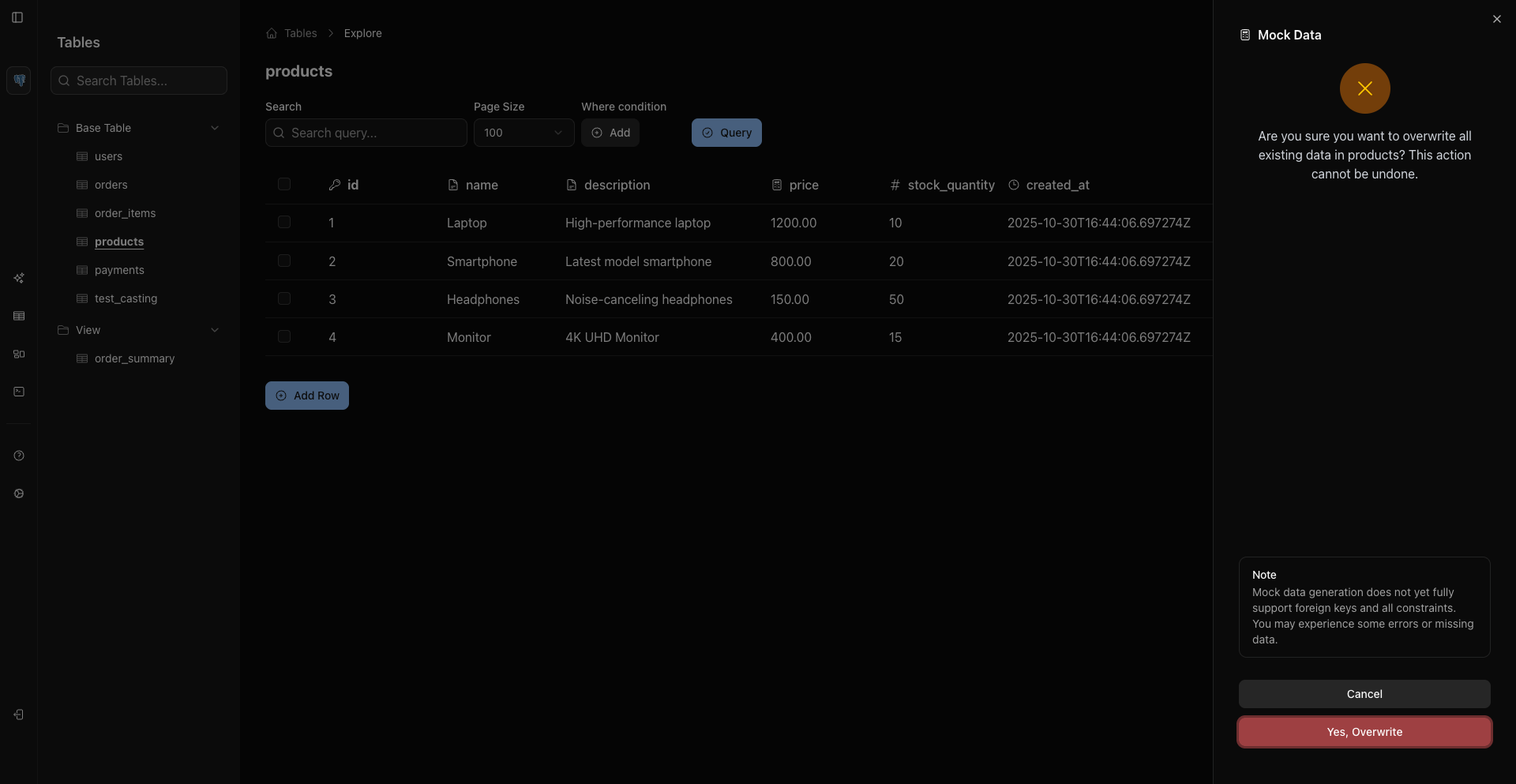
Row Counts
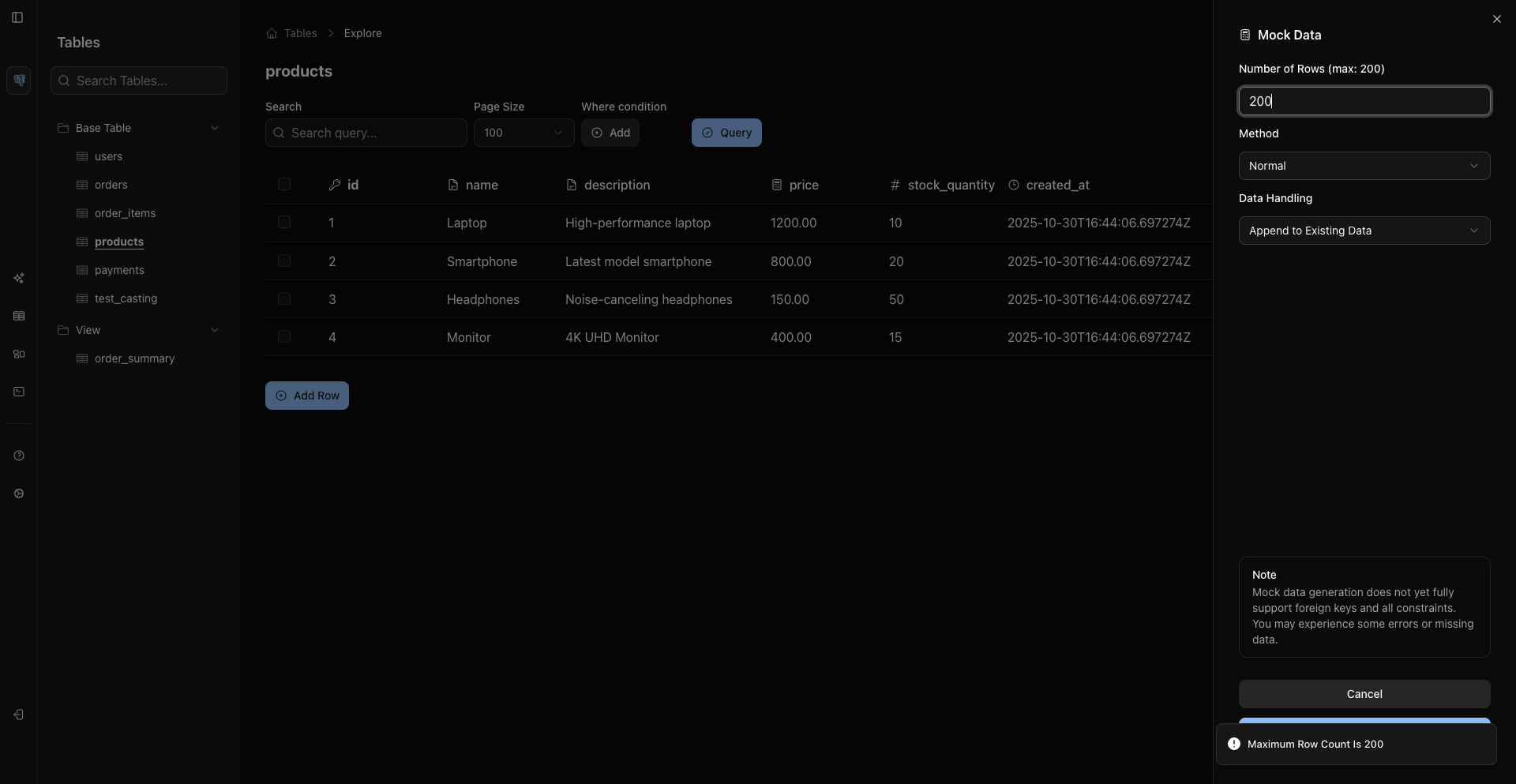
The row-count field accepts a positive number up to the current backend limit of 200 rows per generation.
Disable Mock Data
Administrators can disable mock data with the WHODB_DISABLE_MOCK_DATA_GENERATION environment variable. It has three modes:
- Unset or empty: mock data is allowed for all objects.
*: mock data is disabled everywhere.- A comma-separated list of object names: mock data is disabled only for those objects.
To disable globally:
Bash
WHODB_DISABLE_MOCK_DATA_GENERATION="*"
or a comma-separated object list:
Bash
WHODB_DISABLE_MOCK_DATA_GENERATION=users,payments
Related Pages
Previous
Next