
Query Interface
Query History
Query History
Scratchpad stores query history per cell. Each history entry includes the SQL text, execution status, and timestamp.
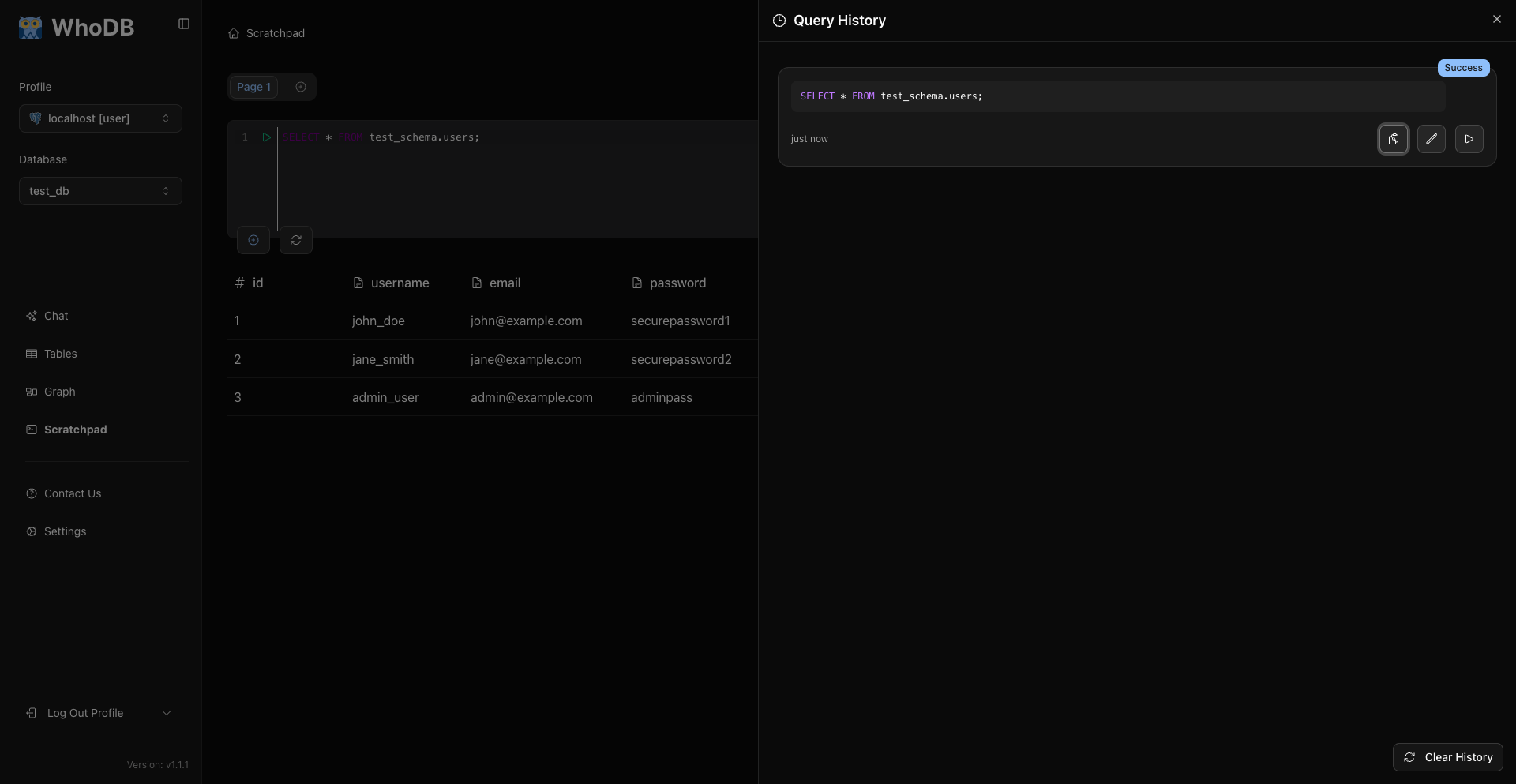
Open History
Use either of these current UI paths:
- Click the history button in the Scratchpad cell controls.
- Open the cell options menu and choose Query History.
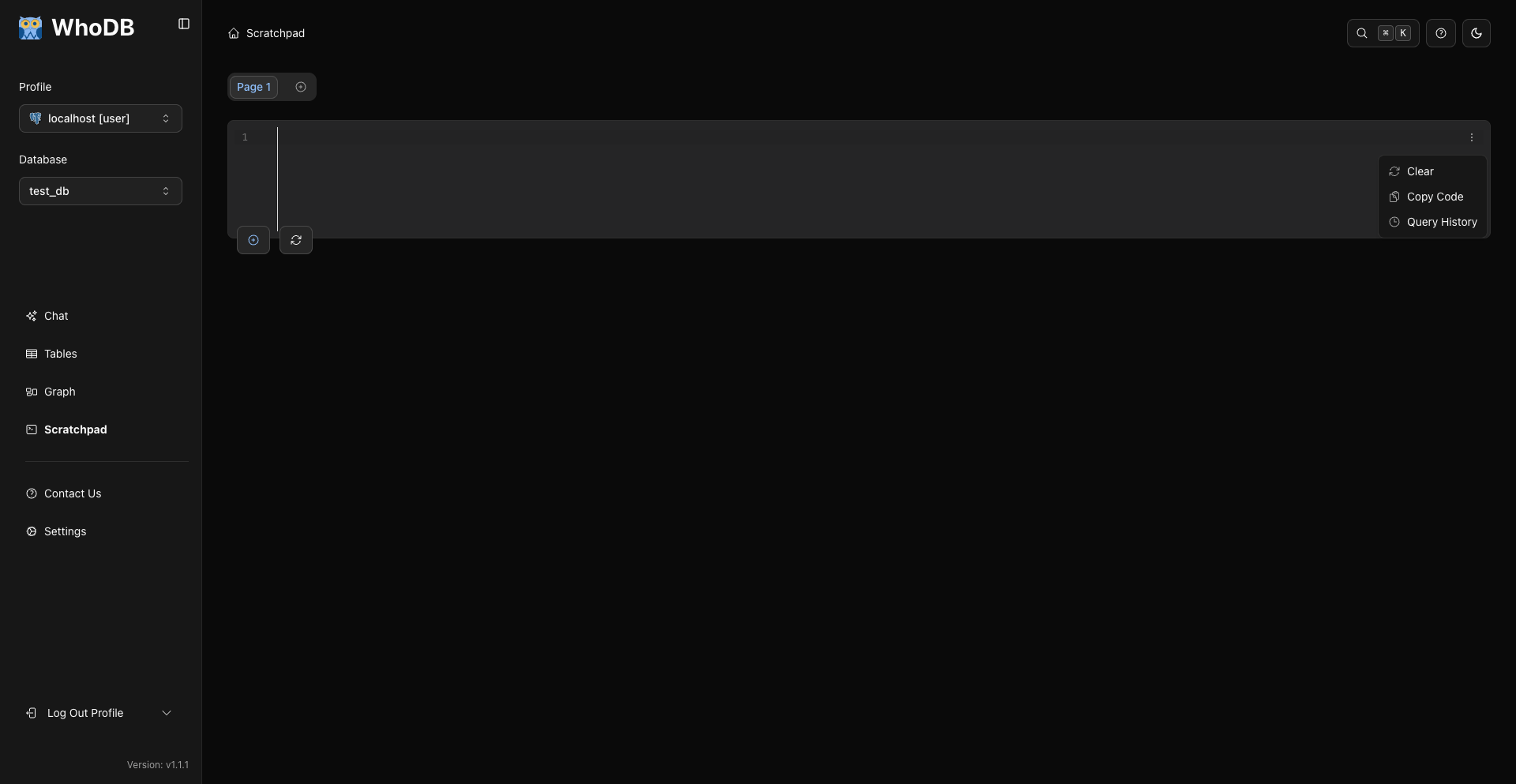
Use the in-app history controls rather than browser history shortcuts.
What Gets Saved
WhoDB adds an entry after a query is executed from the cell. History records whether execution succeeded or failed.
Note
History belongs to the cell where the query was run. Other cells and pages have their own history.
Reuse A Query
From a history entry you can:
- Copy the SQL.
- Load the SQL into the current editor.
- Run the SQL again.
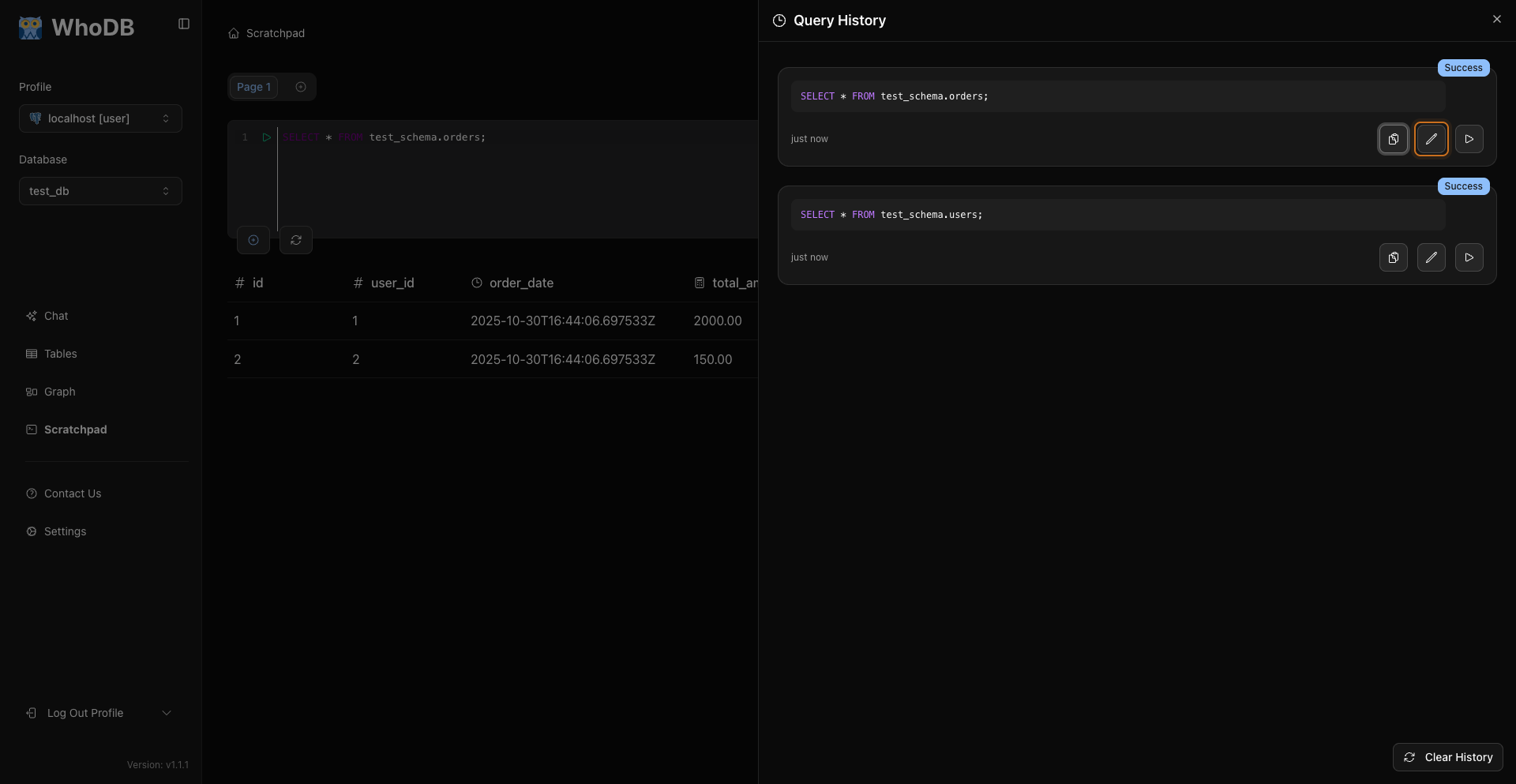
Loading a history entry puts that SQL into the current editor.
Clear History
Use the history panel control to clear the current cell's history.
Where History Is Stored
Scratchpad pages, cells, and per-cell history are saved in the browser's localStorage. They survive page reloads, but they are per-browser and per-machine and are never stored on the server.
Related Pages
Previous