
Query Interface
Writing Queries
Writing Queries
Scratchpad uses a SQL code editor for custom database queries. It supports SQL syntax highlighting, statement execution from the editor, query history, and result rendering below the cell.
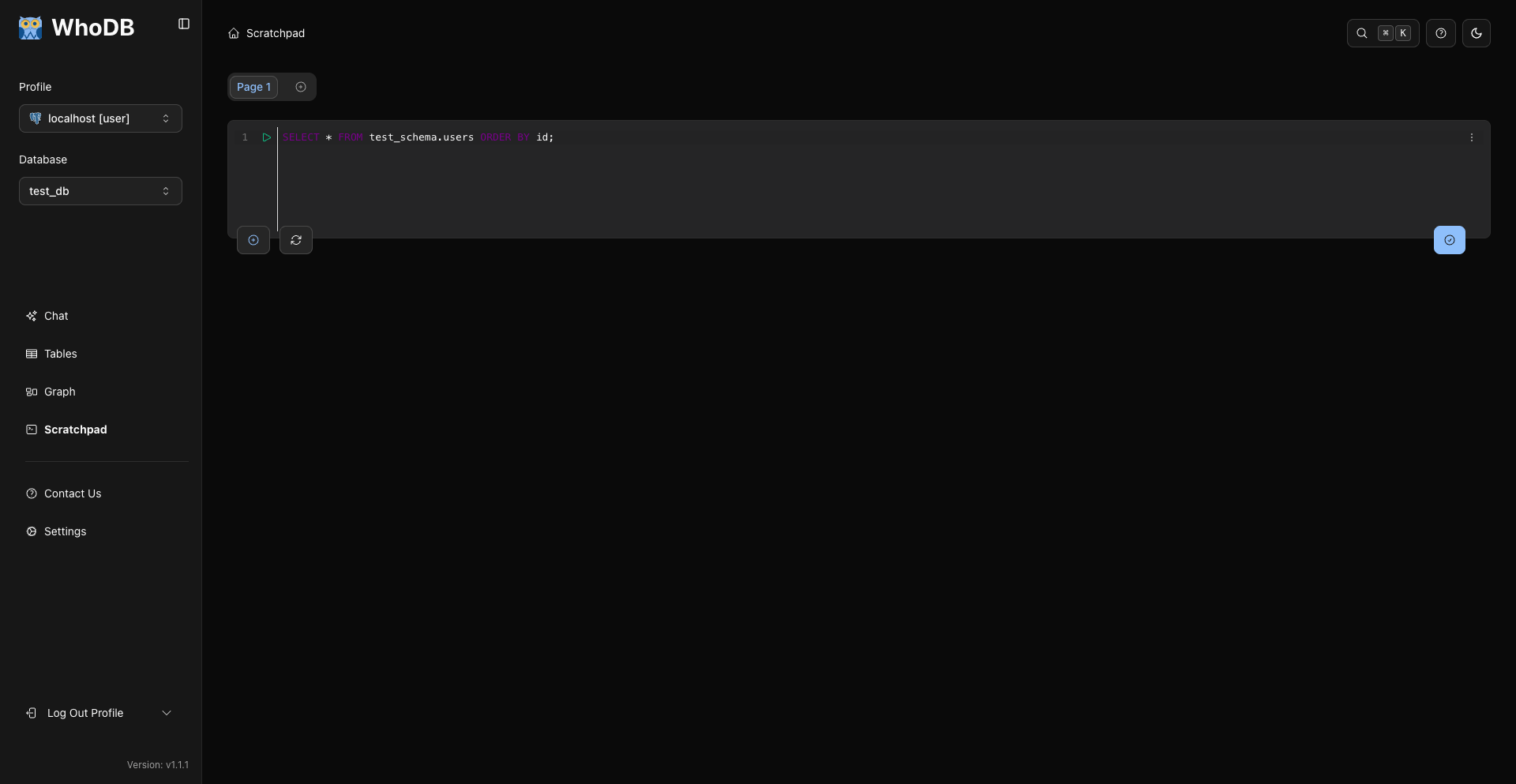
Basic Query Flow
sql
SELECT *
FROM users
LIMIT 10;
Running Part Of A Query
If you select SQL text in the editor and press Cmd/Ctrl + Enter, WhoDB runs the selected SQL. If nothing is selected, it runs the editor content.
This is useful for keeping related statements in one cell while testing only one statement at a time.
SELECT Queries
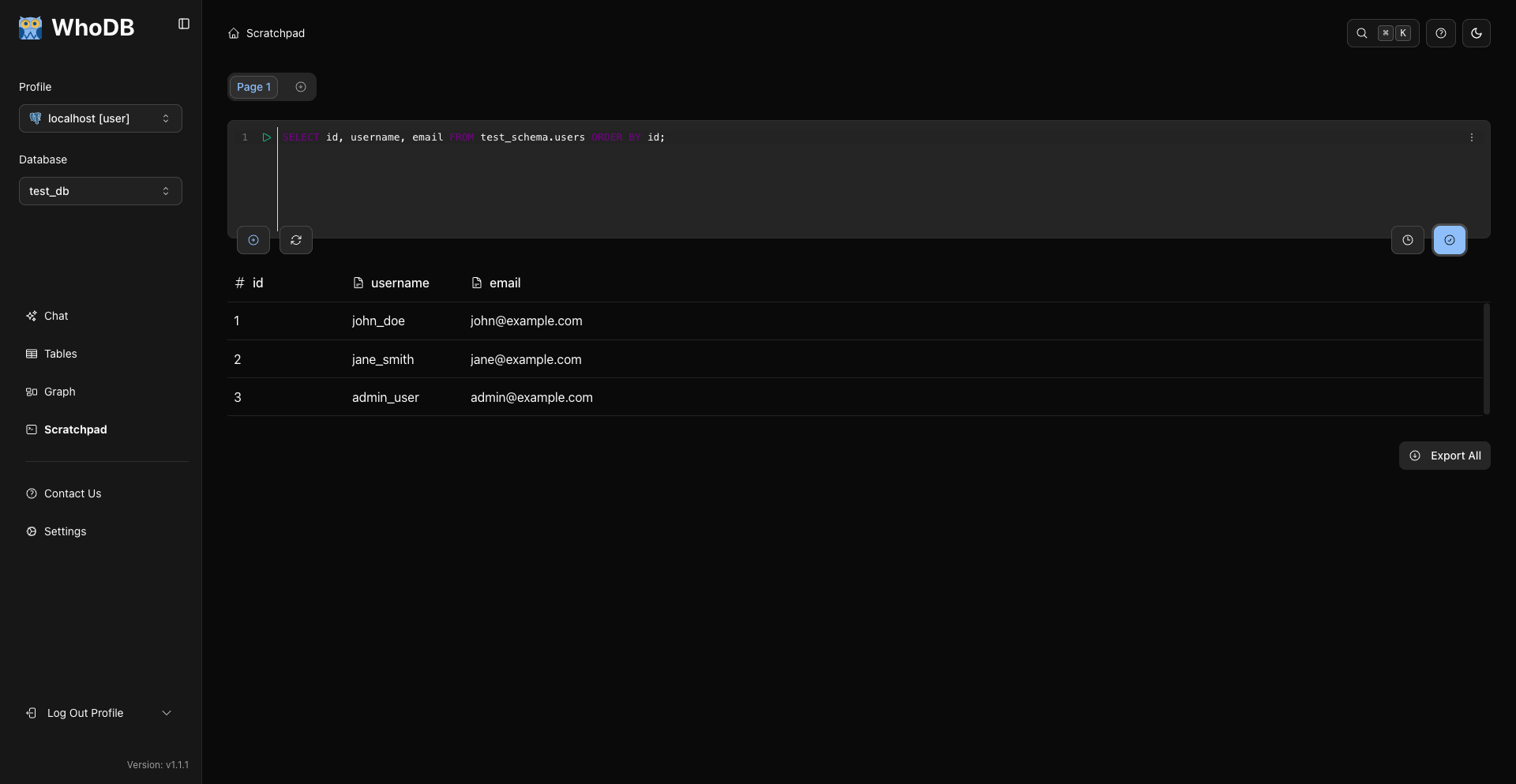
SELECT queries return an interactive grid.
sql
SELECT id, username, email
FROM users
ORDER BY id
LIMIT 25;
Aggregate Queries
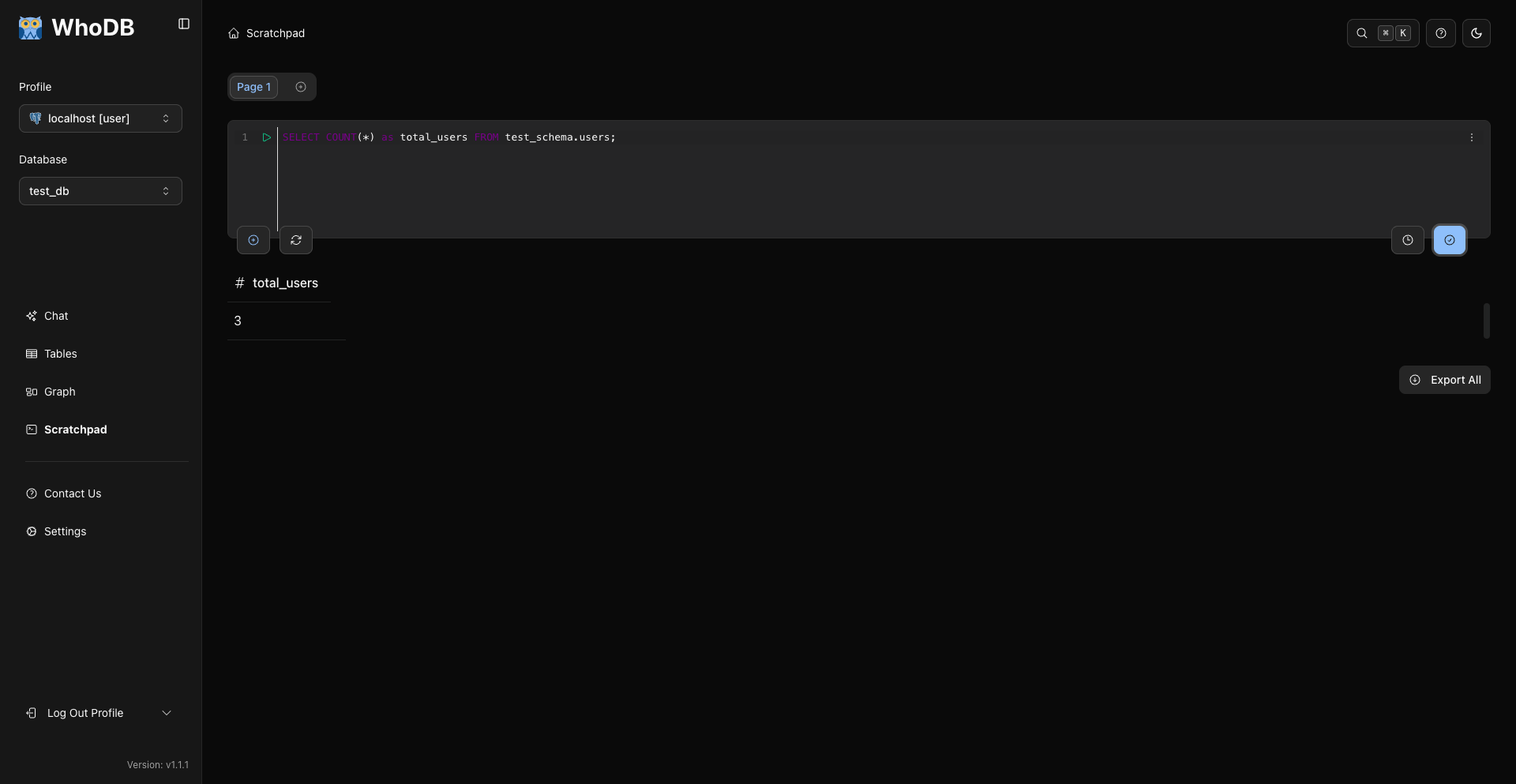
Aggregate queries work like any other SQL your database accepts.
sql
SELECT COUNT(*) AS total_users
FROM users;
Joins
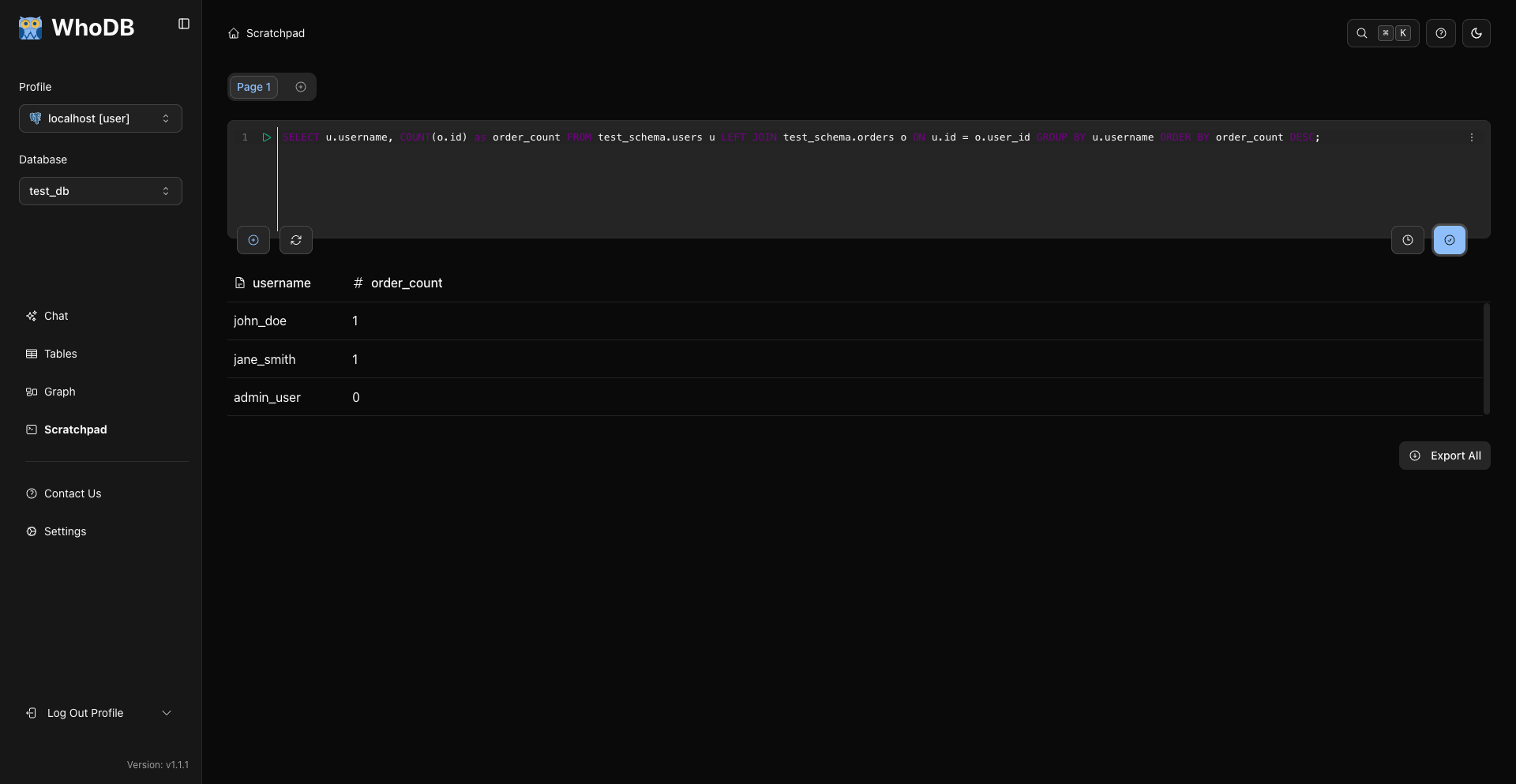
Use normal SQL joins for your database engine.
sql
SELECT u.id, u.username, p.amount
FROM users u
JOIN payments p ON p.user_id = u.id
ORDER BY p.amount DESC
LIMIT 25;
Action Queries
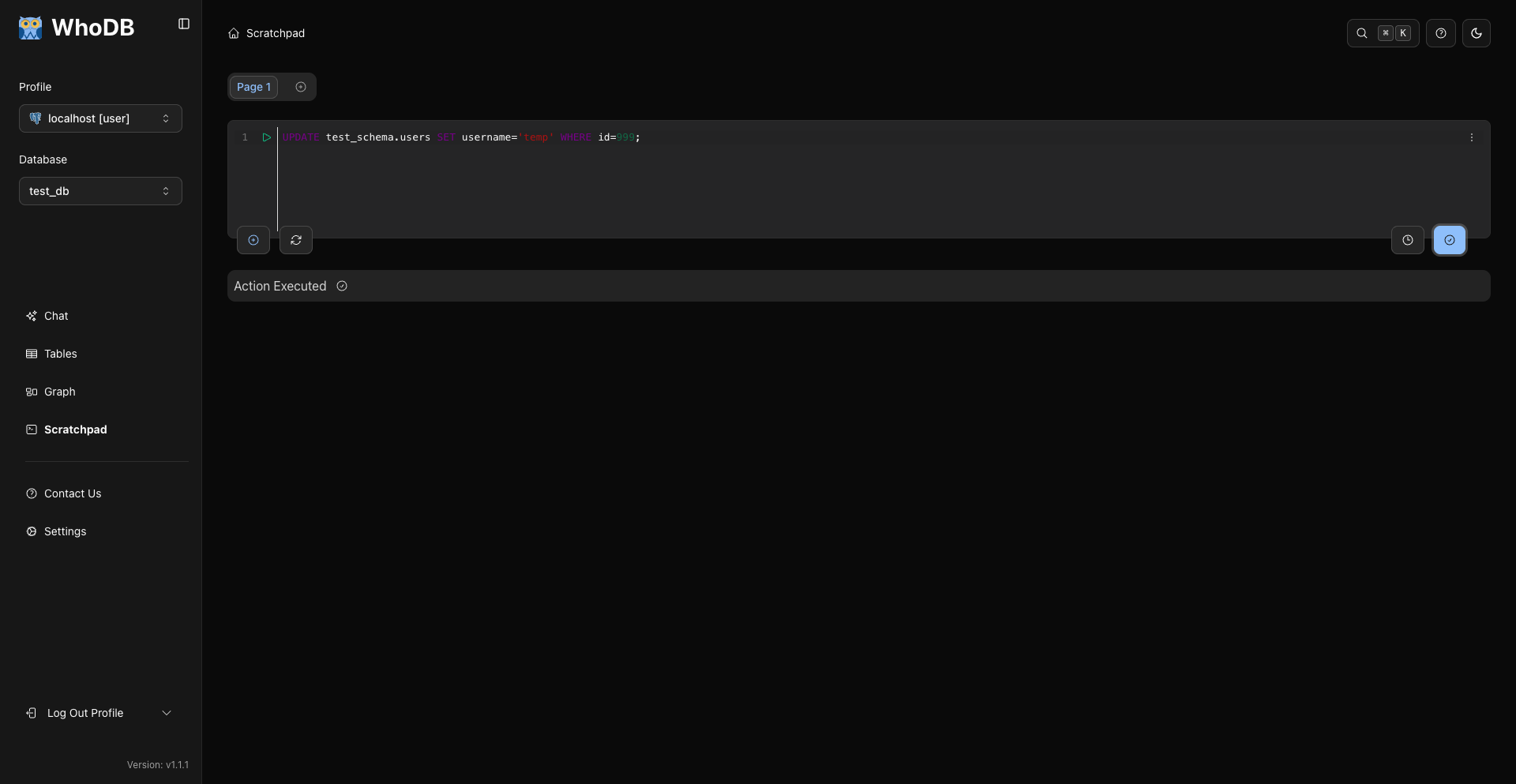
Action queries such as INSERT, UPDATE, and DELETE are supported when your database credentials allow them.
sql
UPDATE users
SET status = 'inactive'
WHERE id = 42;
WhoDB detects destructive SQL and asks for confirmation before execution.
Errors
Syntax errors and database runtime errors are displayed below the editor.
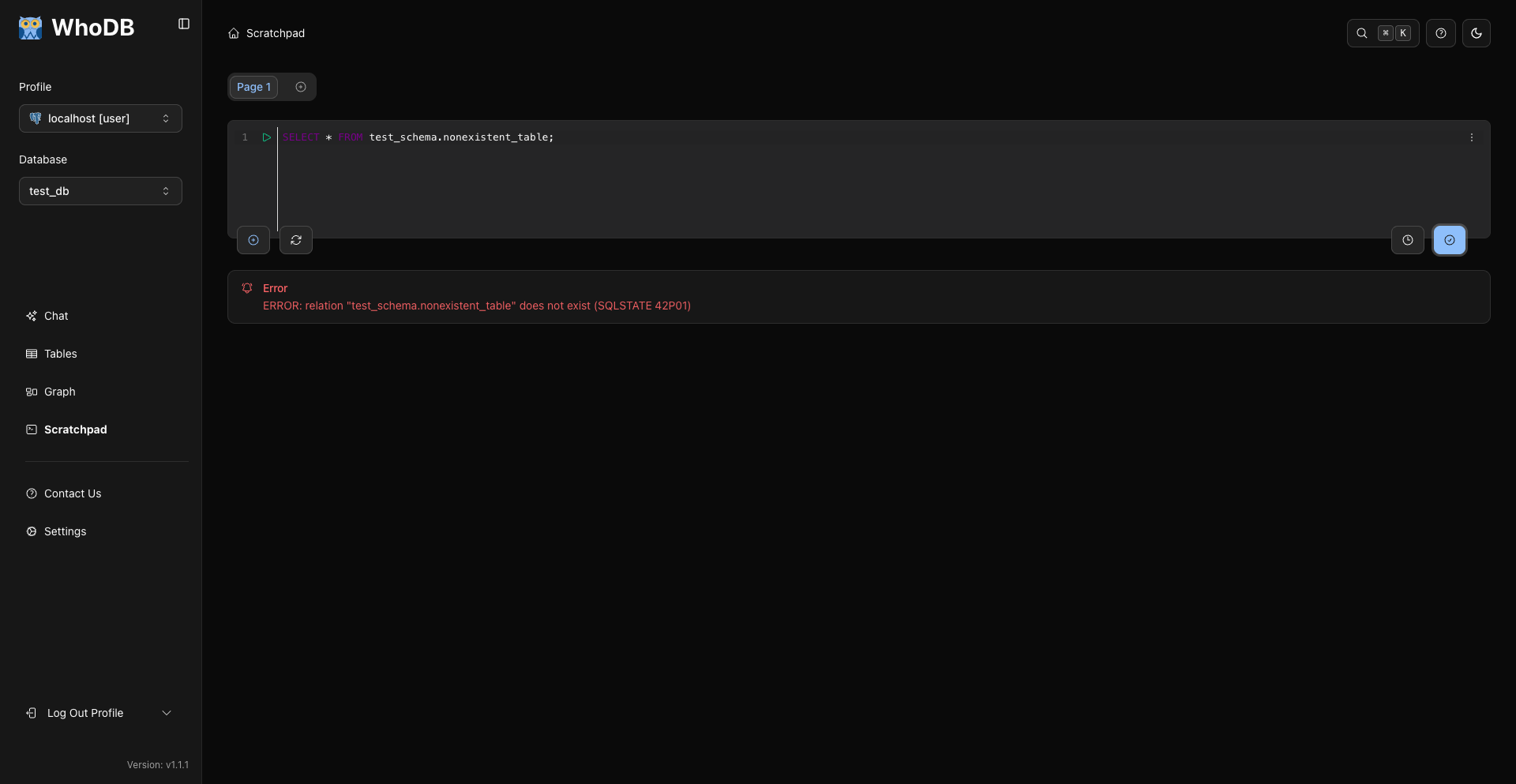
Use a smaller query to isolate the failure:
sql
SELECT 1;
Then add tables, joins, filters, and ordering back one step at a time.
Current Shortcuts
Shortcut | Action |
|---|---|
Cmd/Ctrl + Enter | Run current query or selected SQL |
Cmd/Ctrl + U | Clear current editor |
Related Pages
Previous
Next