
Core Features
Schema Explorer
Schema Explorer
WhoDB's schema exploration flow starts in Storage Units.
Use:
- Storage Units to browse objects.
- Describe to inspect object metadata and columns.
- Graph to view object relationships.
- Scratchpad to run metadata queries manually.
Inspect Object Metadata
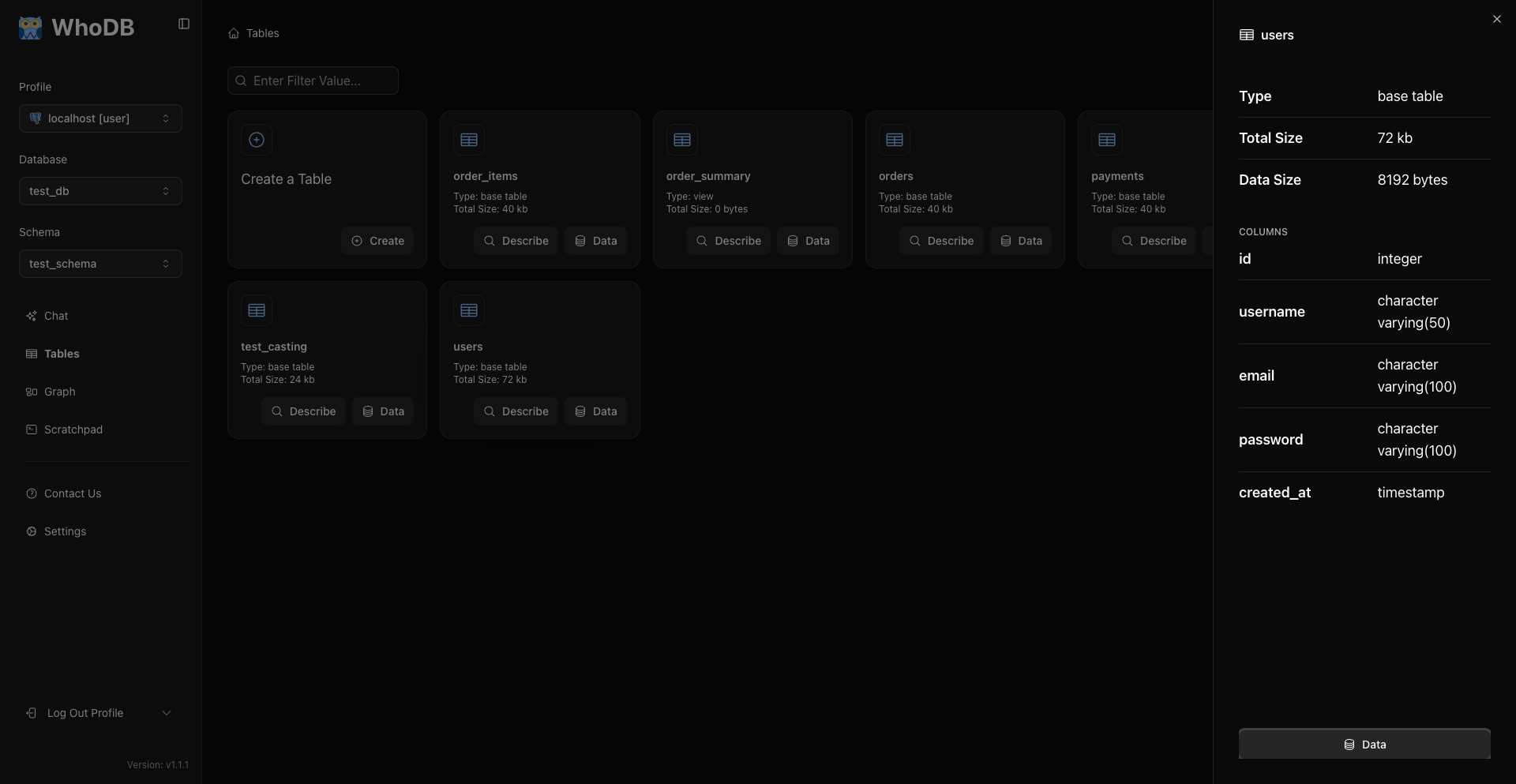
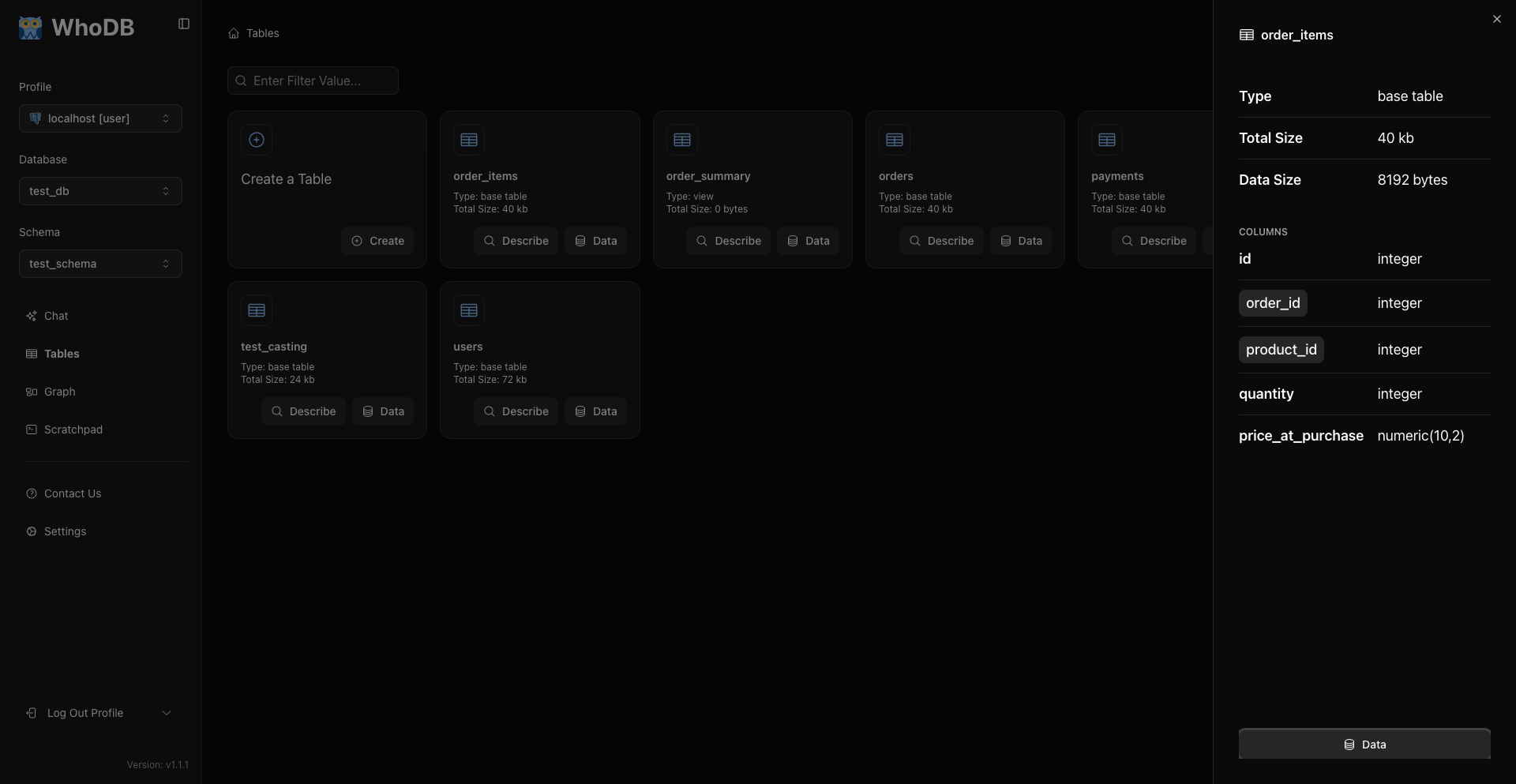
Open Storage Units and click Describe on an object card. The expanded card shows attributes exposed by the source plugin.
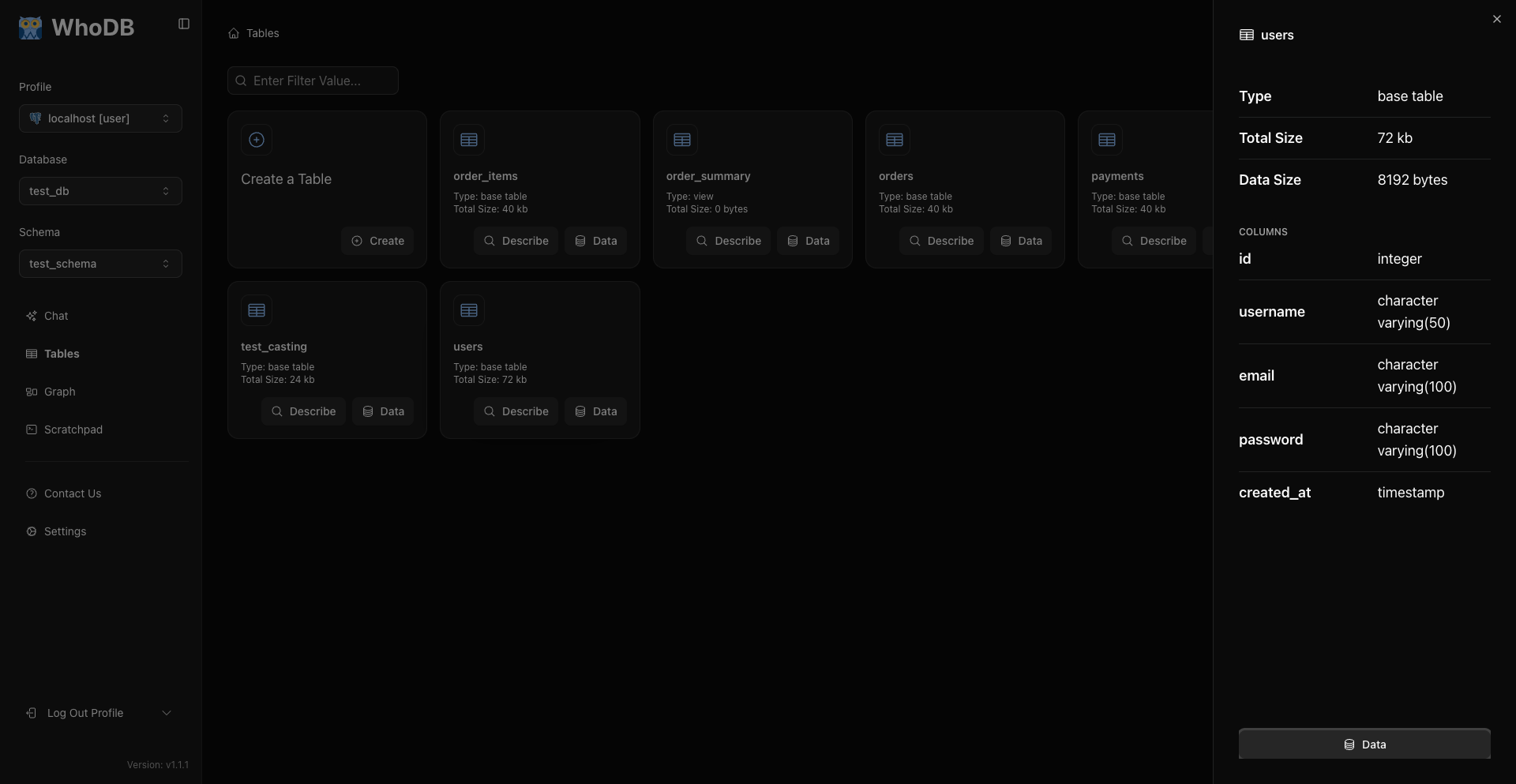
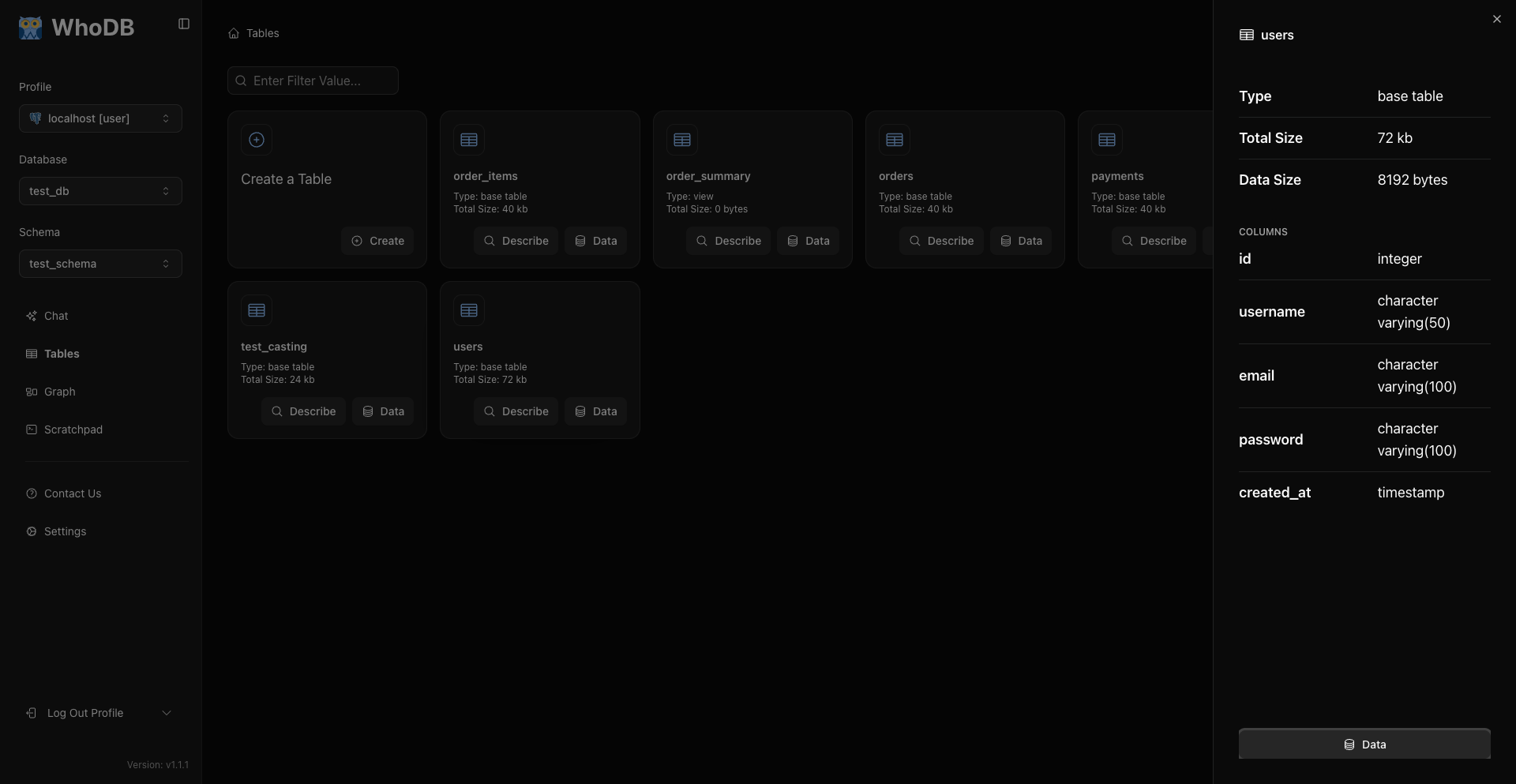
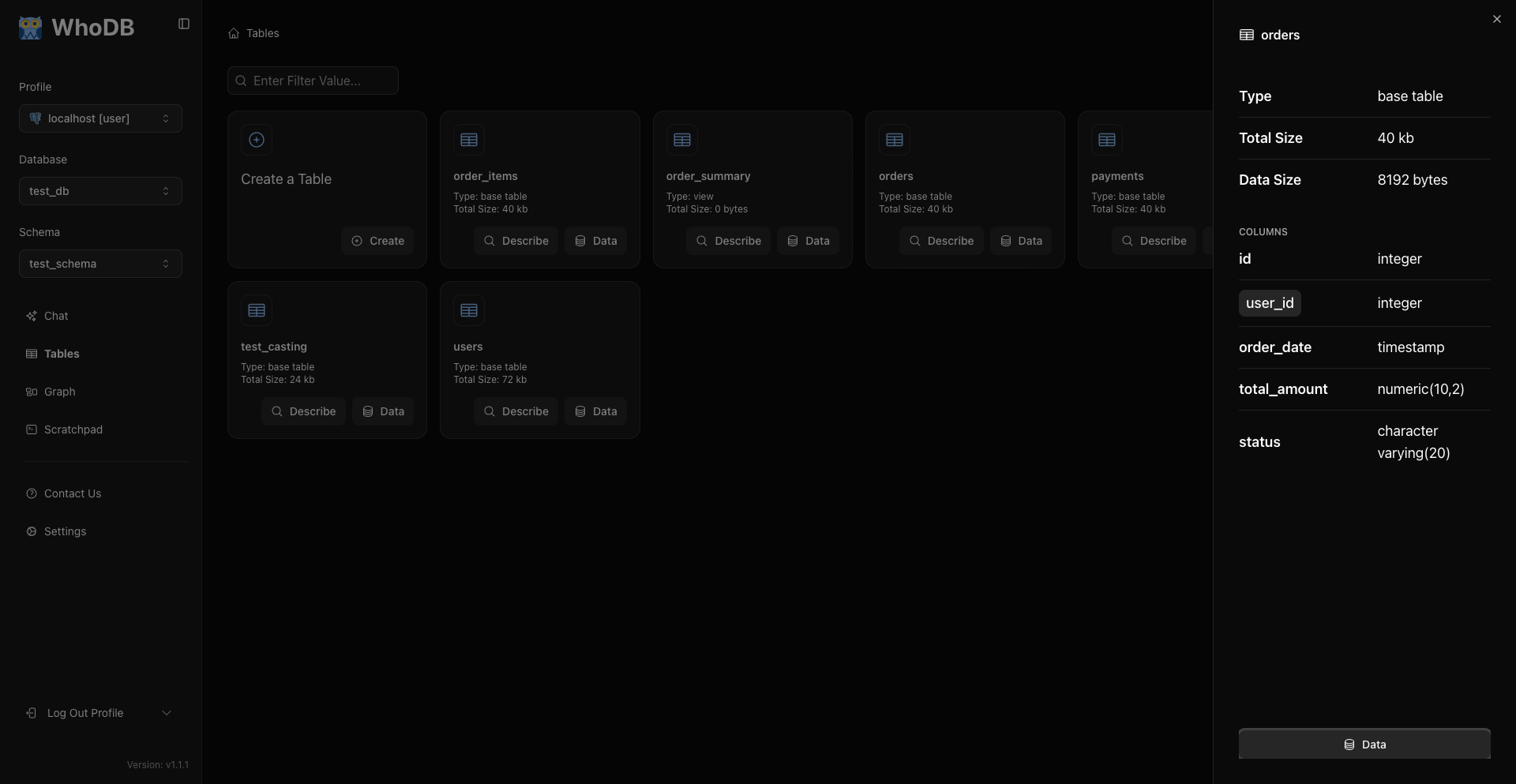
For tabular sources, columns can include type information and relationship markers when the source exposes them.
Note
The exact metadata depends on the database plugin and the privileges of the connected user.
Open Rows
Click Data on a Storage Unit card to open the row grid.
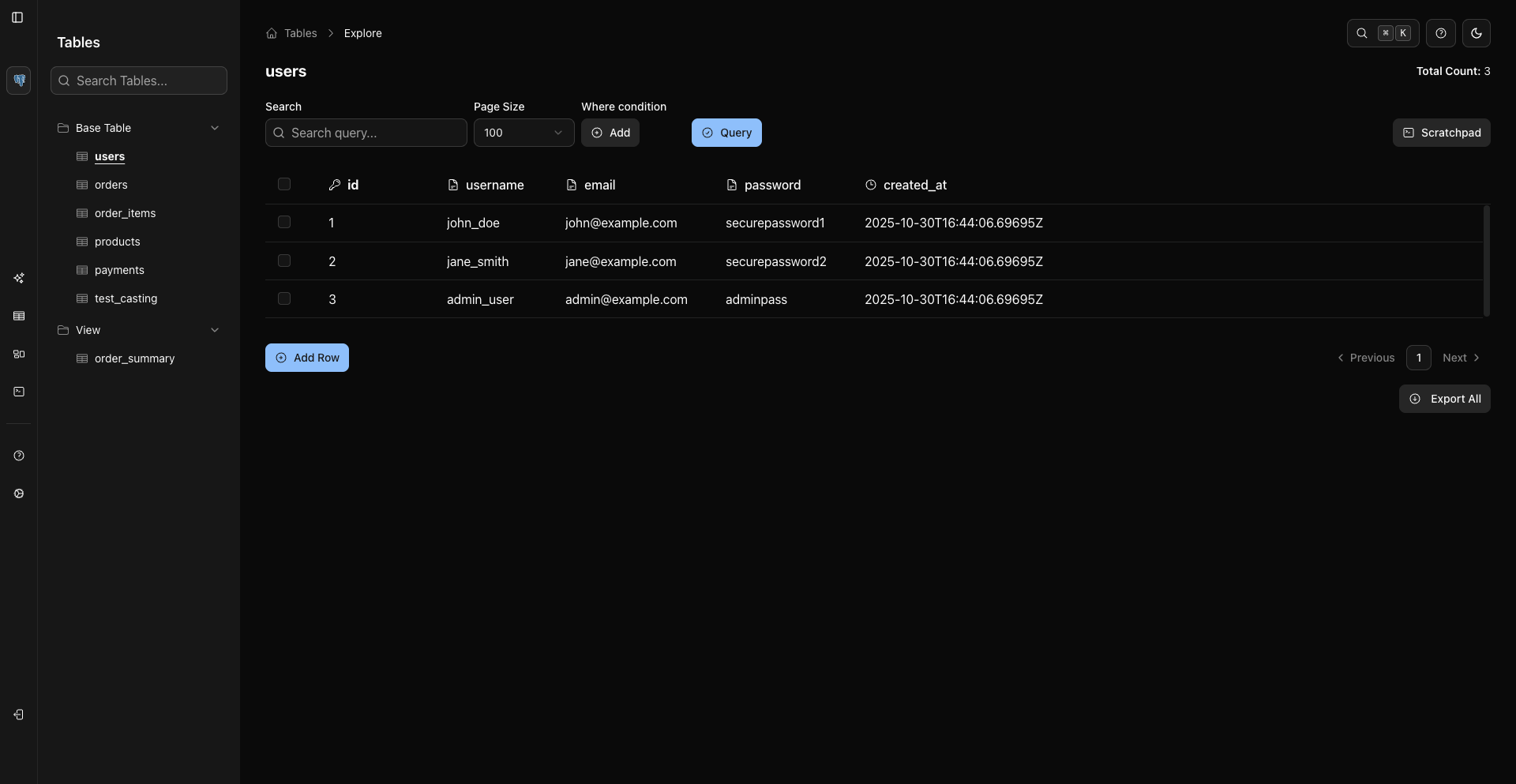
The data grid is where you search visible rows, add WHERE conditions, sort columns, paginate, edit rows, delete rows, and export.
Explore Relationships
Open Graph from the sidebar to view relationships visually.
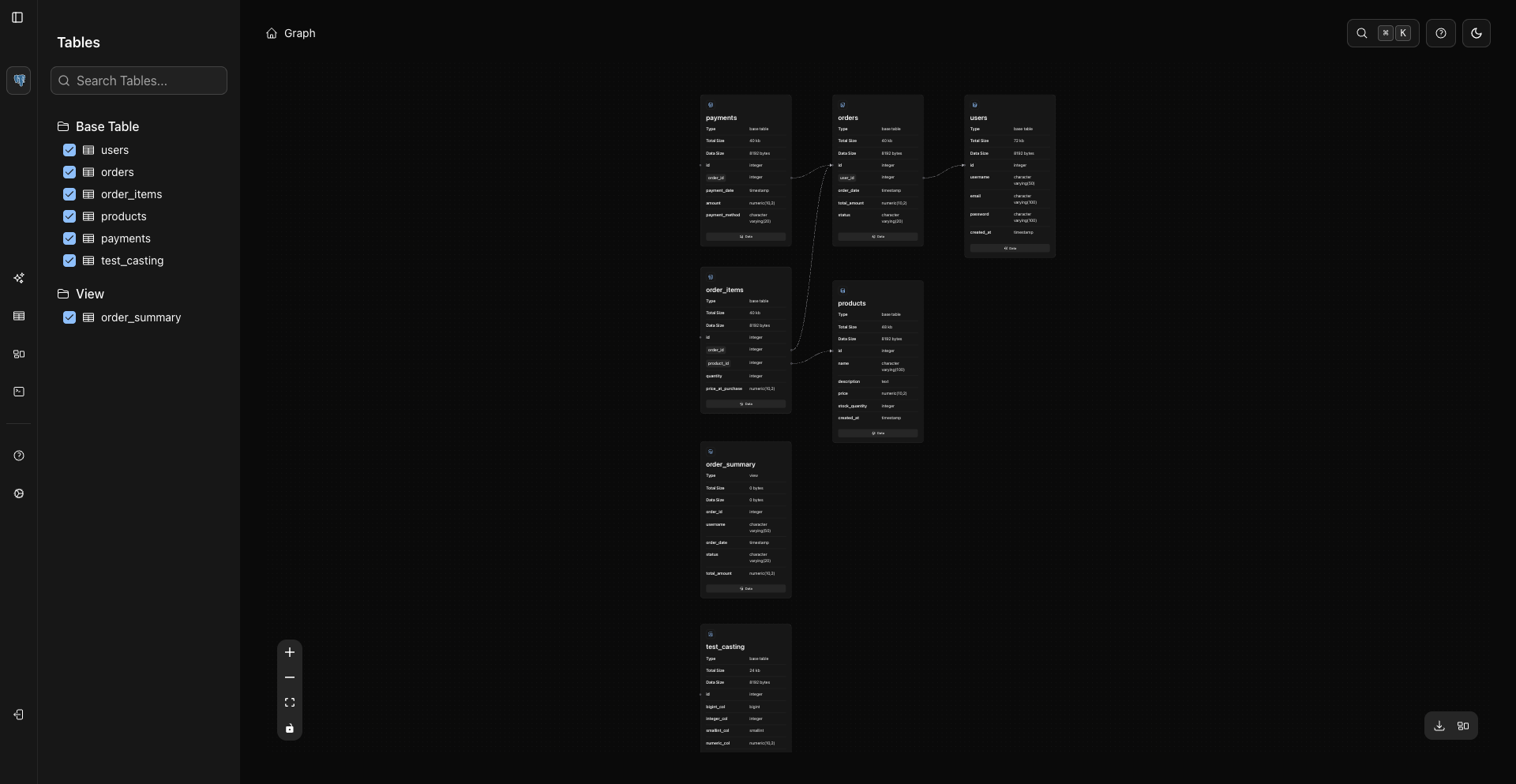
Graph nodes render metadata and loaded columns directly in each card. Clicking a node can load columns, and the Data button opens that object's data page.
Metadata Queries
For deeper database-specific metadata, use Scratchpad and your database's system catalogs.
Example for PostgreSQL indexes:
sql
SELECT *
FROM pg_indexes
WHERE schemaname = 'public'
  AND tablename = 'users';
Related Pages
Previous