
Review plans, seats, and usage
Where: Organization → Billing. Billing actions require the organization role allowed by the instance. The displayed plan and usage are the current source for that organization; this manual does not hardcode prices or entitlements.
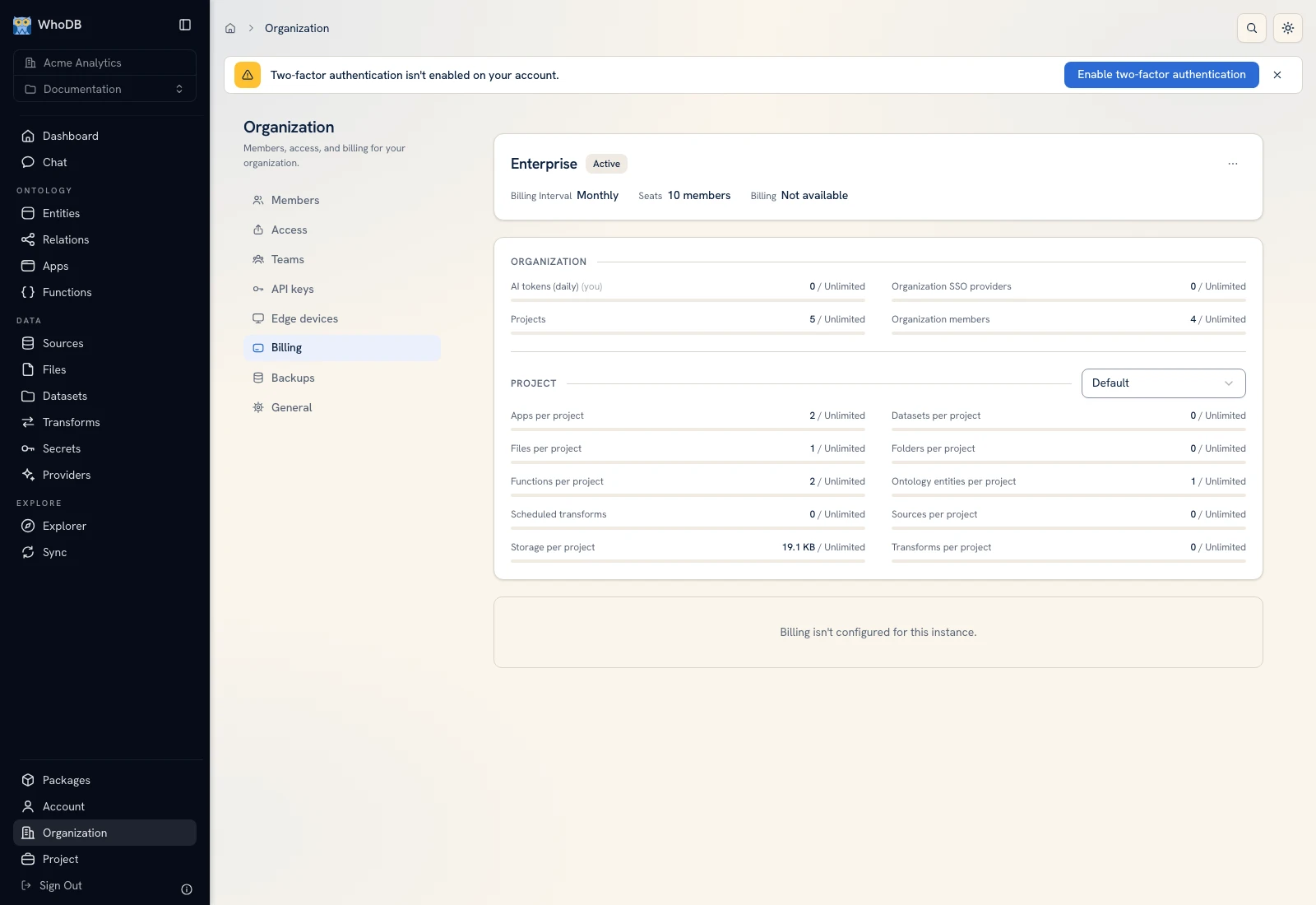 The Billing tab displays the organization's plan, usage, and management actions.
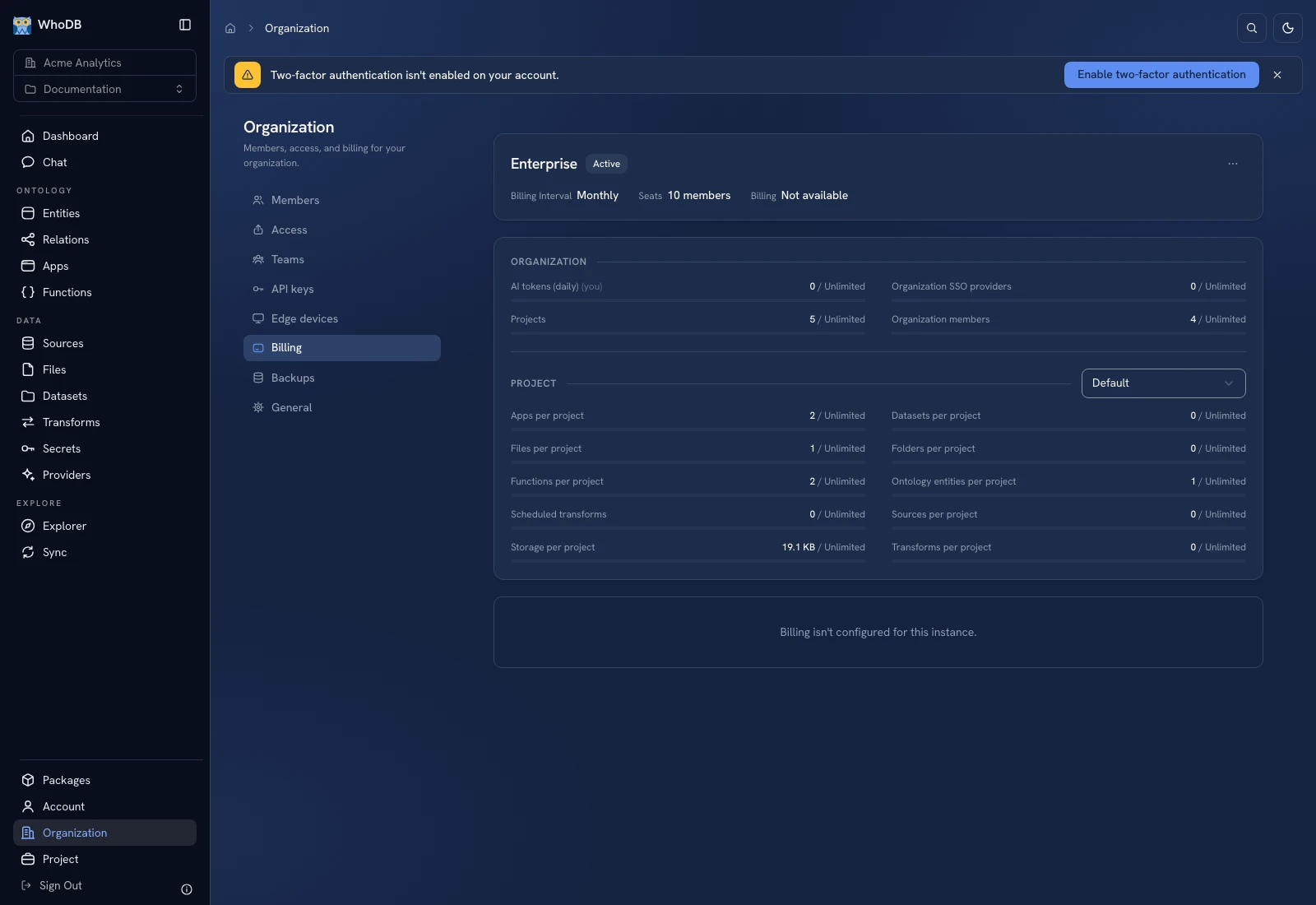 The Billing tab displays the organization's plan, usage, and management actions.
Inspect before changing#
Review the current plan, billing interval, seats/member usage, resource limits, and feature entitlements shown. If the UI says a limit is exceeded, identify the resource or seat count involved before retrying creation.
Membership, resource ownership, and plan limits are different concepts. Removing a random resource is not a reliable way to address a seat limit; inspect the usage category the product reports.
Change a plan or payment configuration#
Use the offered management/checkout action when you intend to enter the billing provider's flow. Review the target plan, interval, seats, and charges on that confirmation screen. Return to WhoDB and verify the resulting plan and entitlement state.
Do not assume clicking through to checkout completed a subscription change. A canceled or failed payment flow leaves a different result from a completed change.
Downgrades and unavailable features#
Inspect any resources/features that exceed the destination plan's limits. Follow the product's downgrade validation rather than assuming existing usage automatically fits a lower plan. Offline publication or other plan-bound actions can remain blocked until their requirement is resolved.
If billing is not configured on a self-hosted/local instance, the UI can show setup/unavailability rather than a usable checkout. Ask the installation administrator to verify that configuration. Screenshots illustrate the controls and state of the local example; they are not a live pricing quotation.
Was this page helpful?