
Find products selling below a margin floor
Give pricing teams a queue of negative-margin and below-target sales. Calculate on a consistent net-price basis and retain the cost assumptions used for the decision.
Before you begin#
You need a project where you can create transforms and datasets, plus an available Python script runtime. The sample contains only synthetic records. Start with the complete CSV, not a limited preview of a larger business dataset.
Follow Run a use-case recipe for the shared input, destination, and app steps.
Sample input#
Download the CSV, or copy it into Transforms → Library → Seed → Paste CSV.
Csv
sku,net_price,unit_cost,fee,margin_floor_pct
M-1,100.00,65.00,5.00,25
M-2,50.00,43.00,4.00,25
M-3,20.00,22.00,1.00,25
M-4,0.00,2.00,0.00,25
Build it in WhoDB#
- Create Margin exception review with the sample in Seed. Net price excludes tax and is the realized unit selling price after discounts.
- Add Script → Python, paste the calculation, and declare its output columns. Money is parsed with Decimal to keep cent-based examples reproducible.
- Preview the full result. A zero or negative selling price receives
invalid_price, not a fabricated margin percentage. - Filter
margin_status != ok. Sort bycontributionascending to bring loss-making items to the top. - Save to
margin_exceptions. Review original cost, fee, and price alongside the calculated percentage before changing a price. - Link the approved action to the SKU in a pricing app. This pipeline does not publish prices to an ecommerce system.
Script and output columns#
In Script → Output columns, add these names exactly, in this order:
Text
sku, net_price, unit_cost, fee, margin_floor_pct, contribution, margin_pct, margin_status
Paste this code into Script. Select Python and leave Dependencies empty; it uses the Python standard library.
Python
from decimal import Decimal

def main(input):
    output = []
    for row in input:
        price = Decimal(str(row["net_price"]))
        contribution = price - Decimal(str(row["unit_cost"])) - Decimal(str(row["fee"]))
        margin = contribution / price * 100 if price > 0 else None
        status = ("invalid_price" if margin is None else "loss" if contribution < 0
            else "below_floor" if margin < Decimal(str(row["margin_floor_pct"])) else "ok")
        output.append(dict(row, contribution=float(contribution),
            margin_pct=float(round(margin, 2)) if margin is not None else "", margin_status=status))
    return output
Download the script · Expected fixture output. The expected output is computed from this CSV and script; it is not a screenshot of a hosted run.
Check the result#
M-1 contributes 30.00, margin 30.0, and status ok. M-2 contributes 3.00, margin 6.0, and status below_floor. M-3 contributes -3.00, margin -15.0, and status loss. M-4 has invalid_price and blank percentage. The exception queue contains three rows.
Find the controls#
These screenshots show the current pipeline configuration controls used in this recipe. They come from the manual’s synthetic demonstration workspace; they do not show this use case already executed.
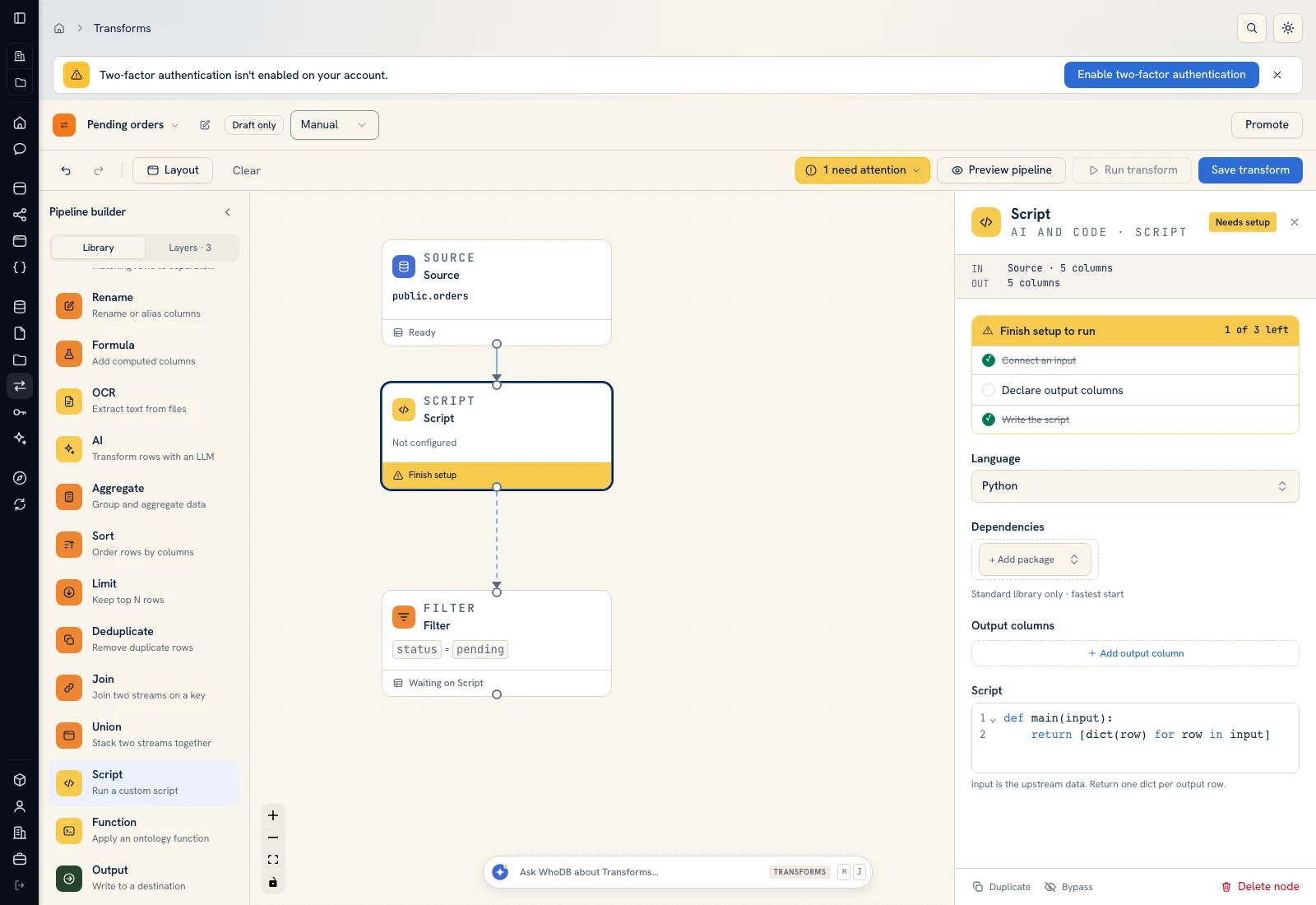 Script: select Python, declare output columns, and paste the calculation.
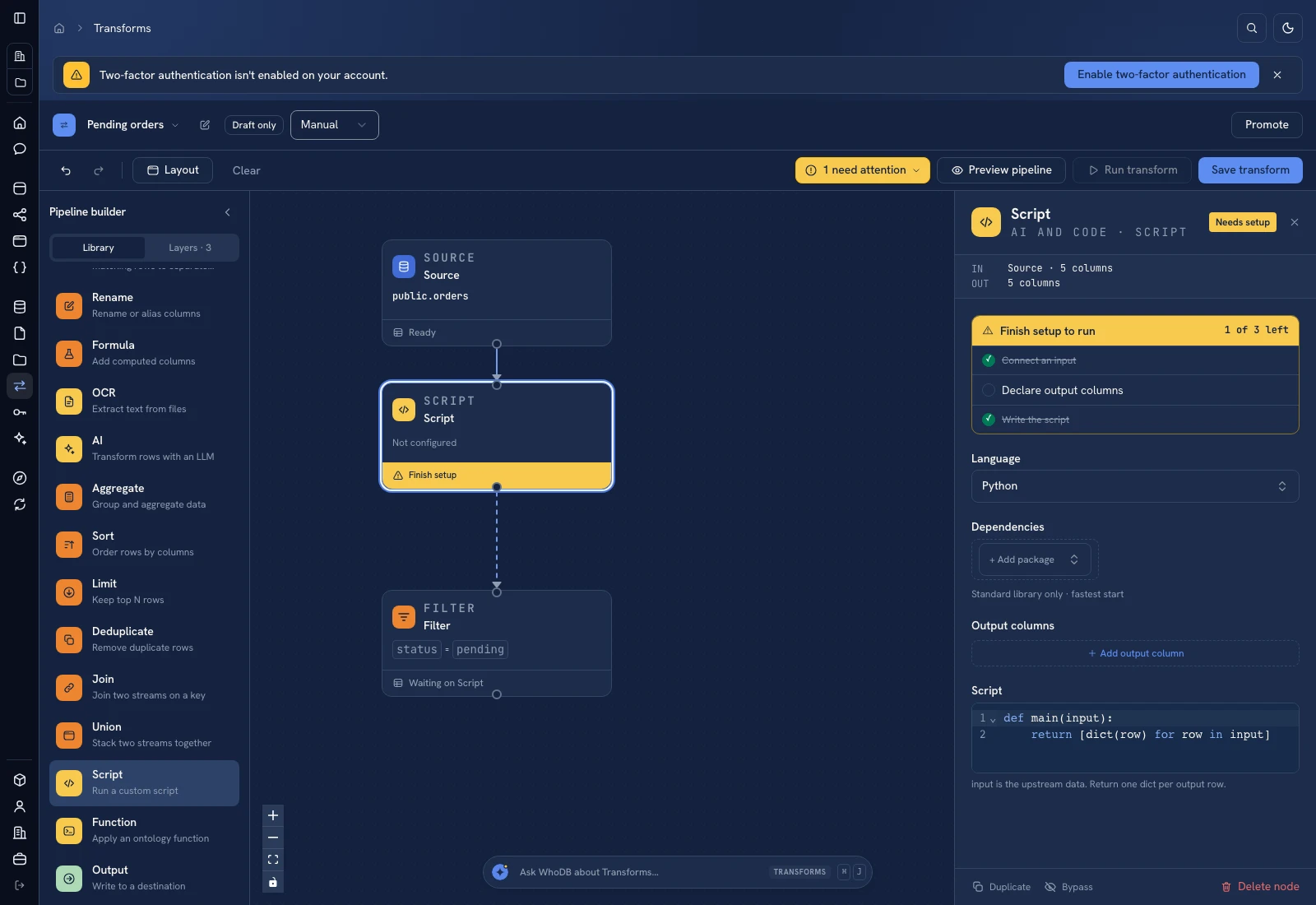 Script: select Python, declare output columns, and paste the calculation.
Put it to work#
Use the same currency and time basis for price, cost, and fees. Add fulfillment costs, rebates, returns, and exchange-rate rules when those belong in your margin definition. Track how many exceptions receive a pricing decision and whether the source cost has become stale.
For output mapping and rerun behavior, follow Write pipeline outputs. For a team-facing screen, follow Create an app and Connect state and data.
Was this page helpful?