
Turn customer feedback into a theme backlog
Convert free-text reviews into a small, stable set of product themes, then count themes without losing the original feedback. This produces an input to product prioritization rather than a sentiment-only dashboard.
Before you begin#
You need a project where you can create transforms and datasets, plus a configured AI provider and a chat model you can use. These are implementation recipes: no live model result or quality level is claimed. The sample contains only synthetic records.
Follow Run a use-case recipe for the shared input, destination, and app steps.
Sample input#
Download the CSV, or copy it into Transforms → Library → Seed → Paste CSV.
Csv
feedback_id,comment
F-1,Checkout takes too long and I gave up
F-2,The delivery arrived three days later than promised
F-3,Checkout was quick this time
F-4,I like the blue color but wish the bag had more pockets
Build it in WhoDB#
- Create Feedback theme proposals, add Seed, and paste the sample.
- Add AI in Each row mode. Keep input columns and send only
comment. Configure the controlled theme and polarity fields below. - Paste the instructions and preview all four rows. Preserve one primary theme per feedback record for this first report.
- Write the row-level result to
feedback_theme_review. Review proposed tags before including them in an approved theme report. - For the report, add a separate transform with Dataset input, then Aggregate. Group by
themeandpolarity; add a row-count measure namedfeedback_count. - Display the report alongside a table of the source feedback, so a product owner can inspect what a count represents.
AI output schema#
| Field | Type | Description to enter |
|---|---|---|
theme | Text | checkout, delivery, product_design, or other |
polarity | Text | positive, negative, mixed, or unclear |
evidence | Text | Quoted phrase supporting the primary theme |
Instructions to paste#
Text
Assign one primary feedback theme: checkout, delivery, product_design, or other.
Prefer the concrete issue the customer emphasizes; do not create extra themes.
Assign polarity positive, negative, mixed, or unclear from the comment.
If both praise and criticism are present, use mixed.
Return a short quoted evidence phrase. Do not turn a feature request into an existing fact.
Check the result#
The targets are checkout/negative, delivery/negative, checkout/positive, and product_design/mixed. The proposed aggregate should contain four groups with count 1 each; the total count must remain 4.
Test a comment that mentions several themes. With one primary theme per record, the report counts records, not every topic mention. Changing to multiple tags changes that denominator.
Find the controls#
These screenshots show the current AI configuration controls used in this recipe. They come from the manual’s synthetic demonstration workspace; they do not show this use case already executed.
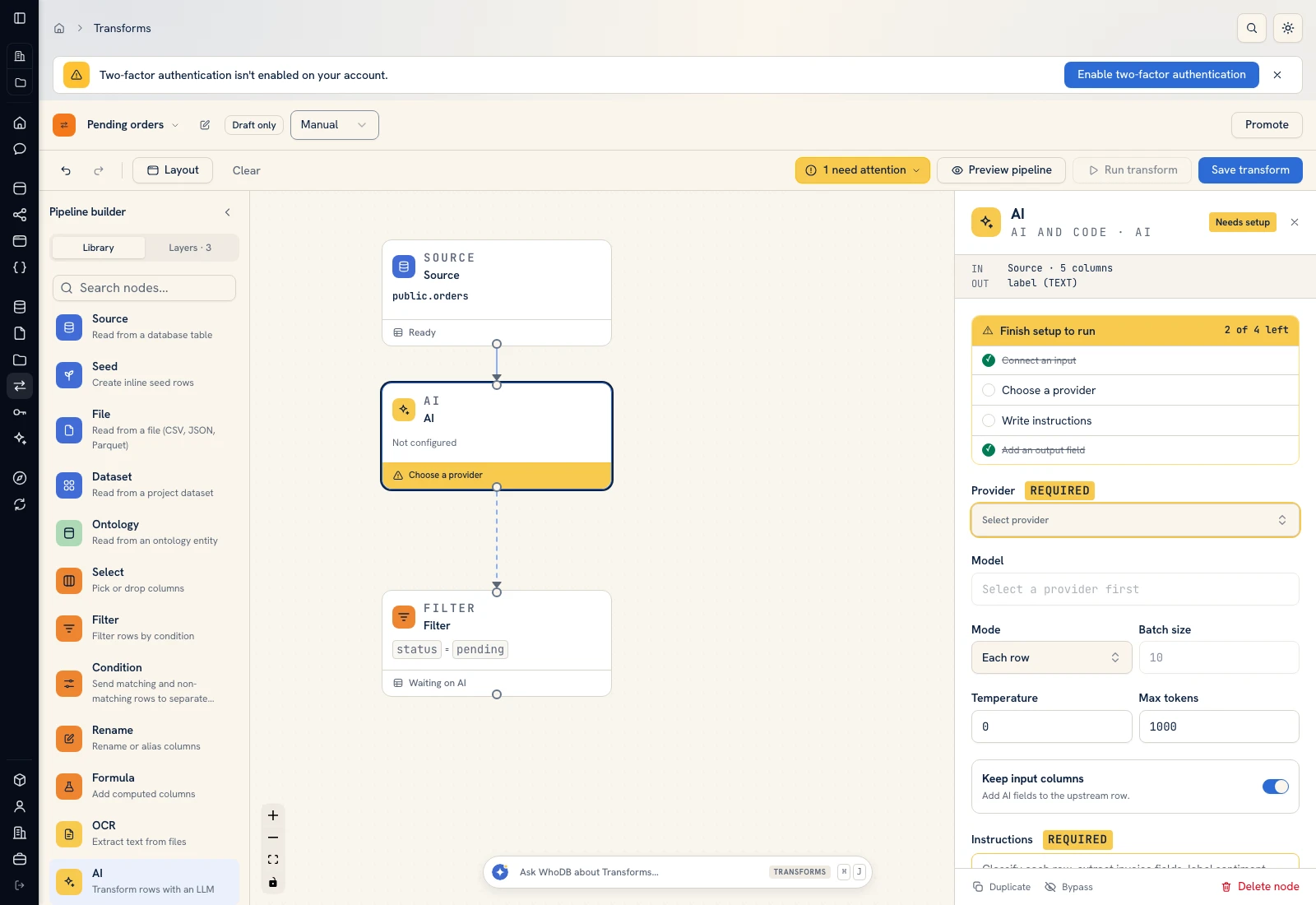 AI: choose a provider/model, supply instructions, and define output fields.
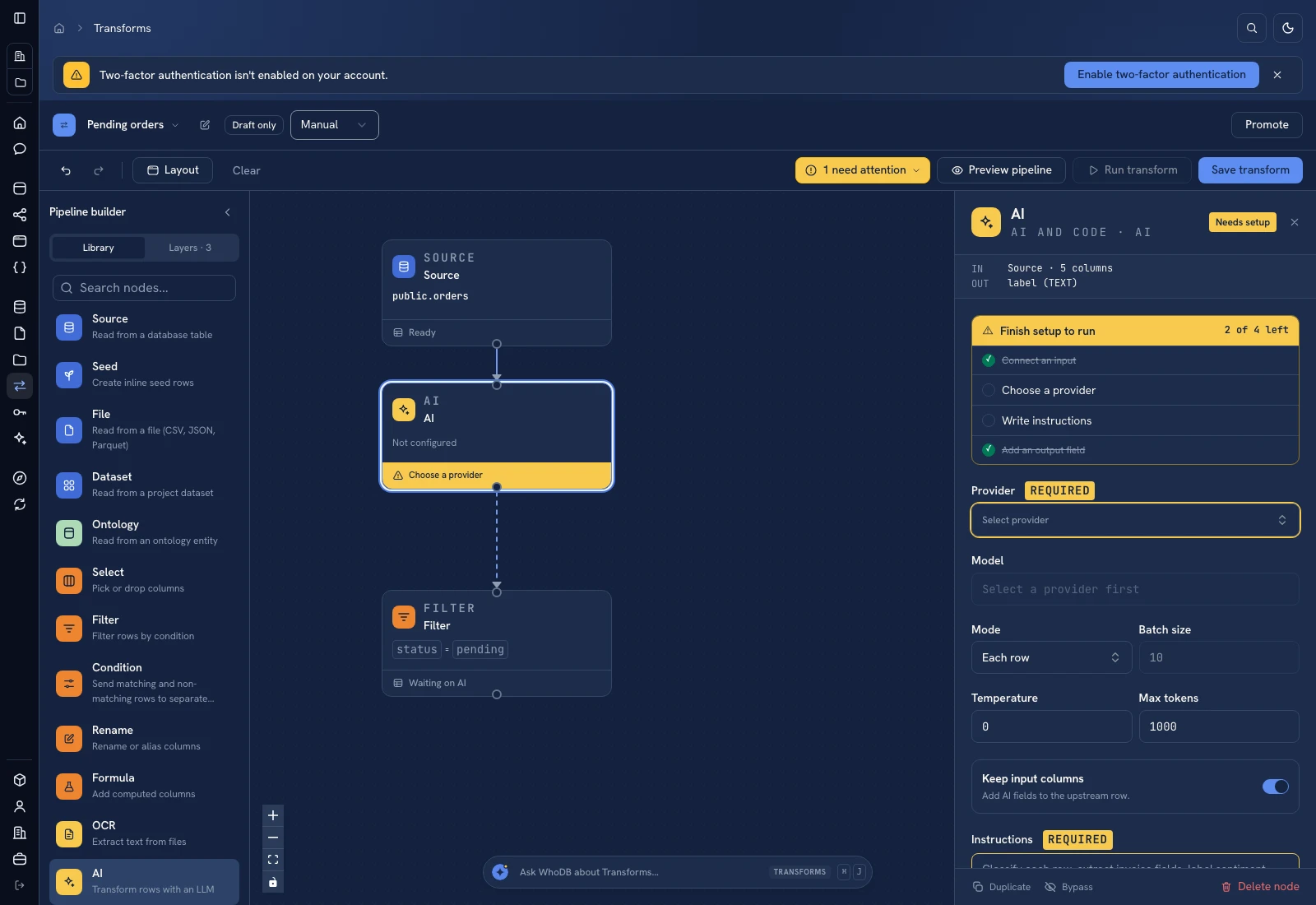 AI: choose a provider/model, supply instructions, and define output fields.
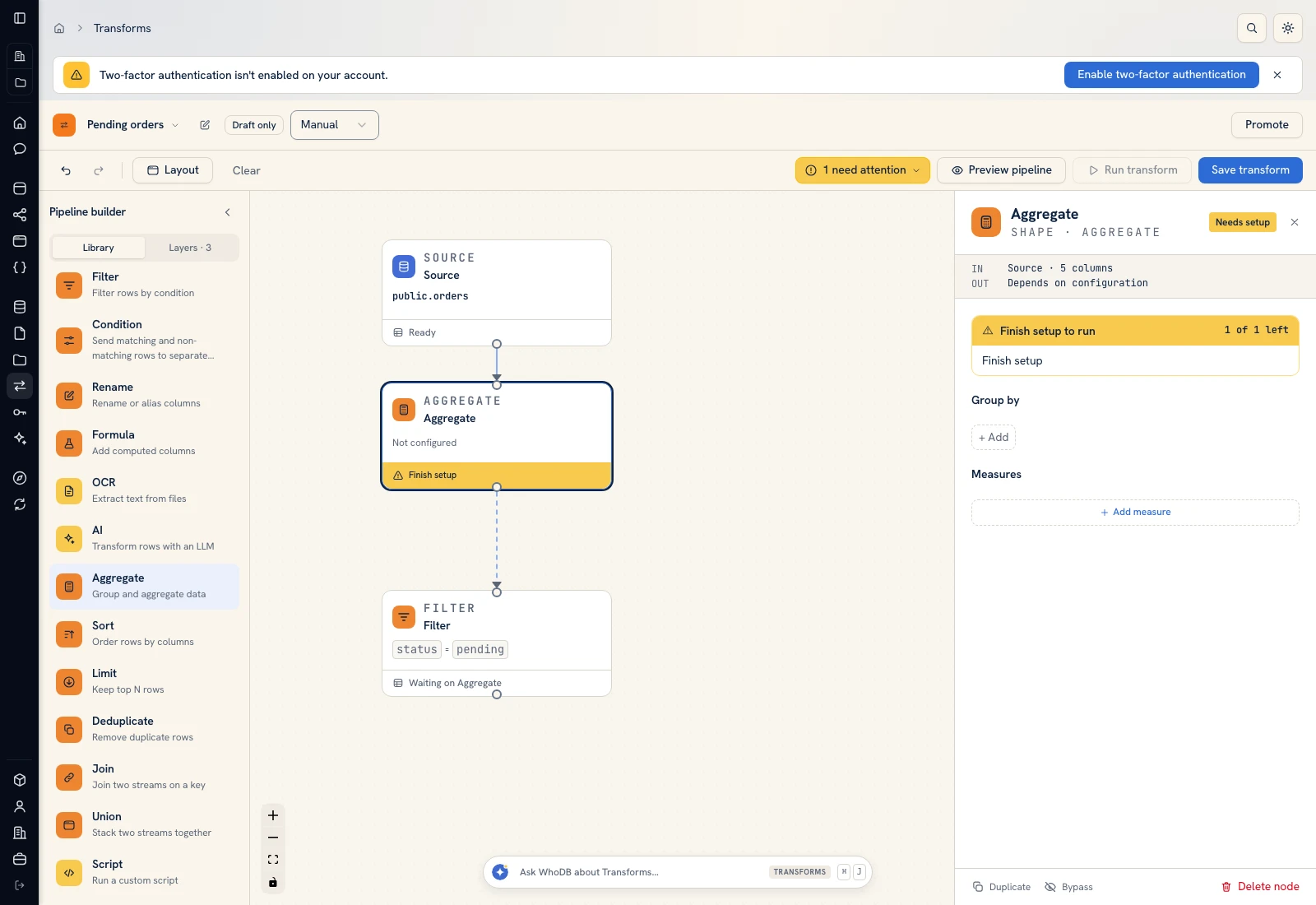 Aggregate: choose grouping columns and named measures.
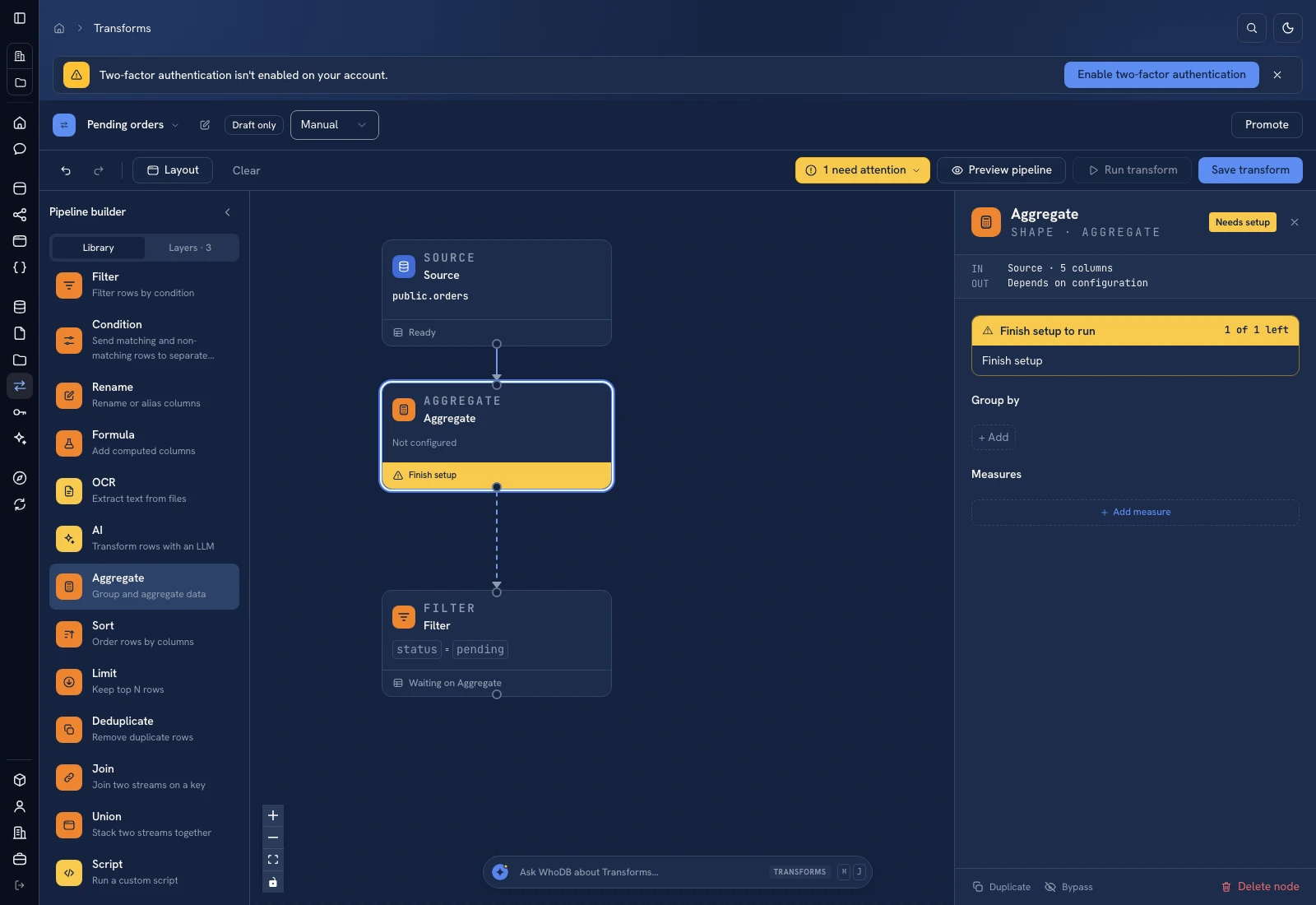 Aggregate: choose grouping columns and named measures.
Put it to work#
Compare review rates across channels and time periods only after checking collection volume and duplicates. Keep feedback_id so repeated exports do not count the same review twice. Record the theme-list version when changing definitions; otherwise a taxonomy change can look like a trend.
Related: Campaign quality for duplicate and attribution checks.
For output mapping and rerun behavior, follow Write pipeline outputs. For a team-facing screen, follow Create an app and Connect state and data.
Was this page helpful?