
Create and rotate secrets
Where: sidebar → Secrets → New secret. A secret's value is encrypted and cannot be viewed after saving; it can be replaced.
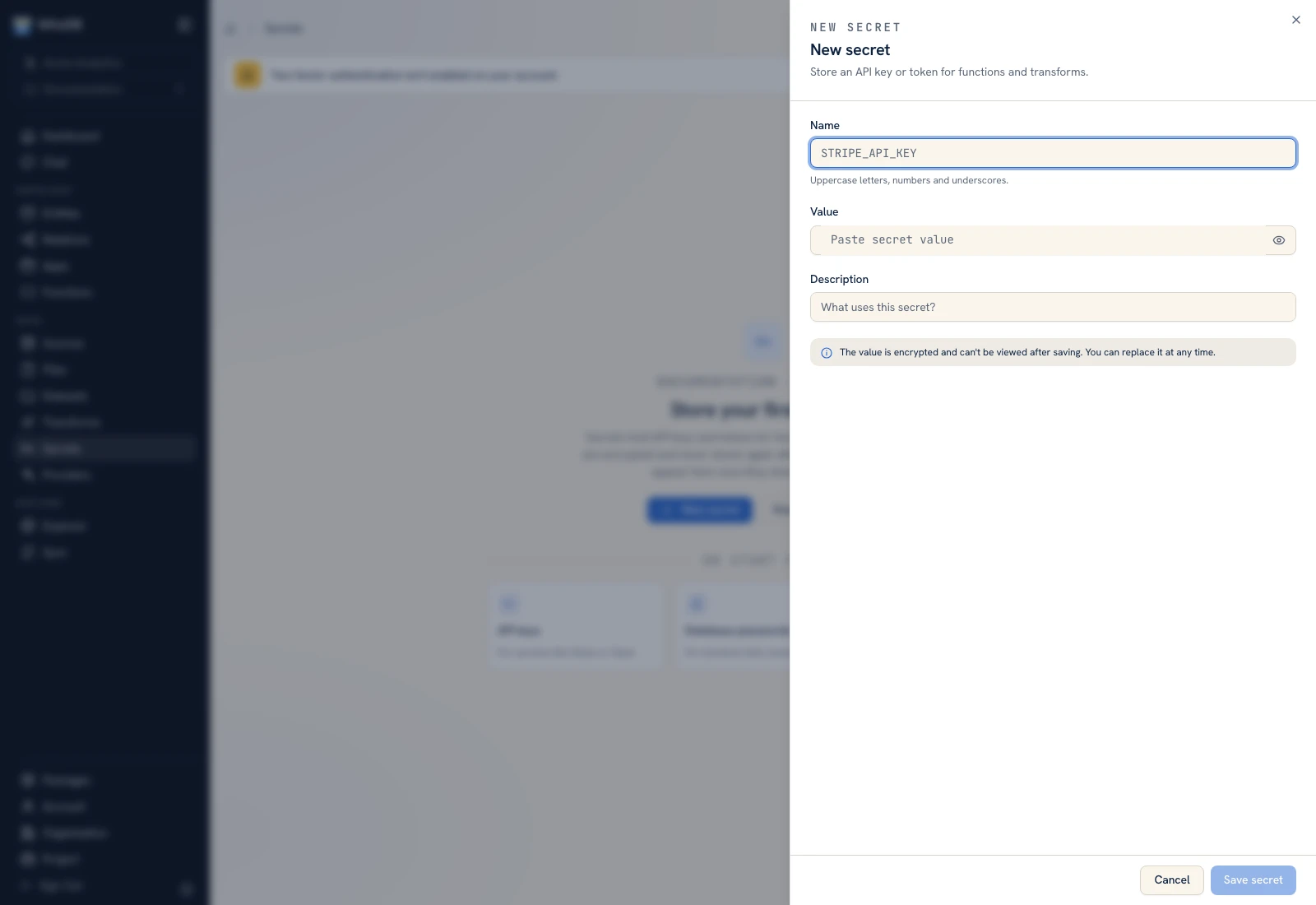 New secret asks for a name, password-masked value, and description.
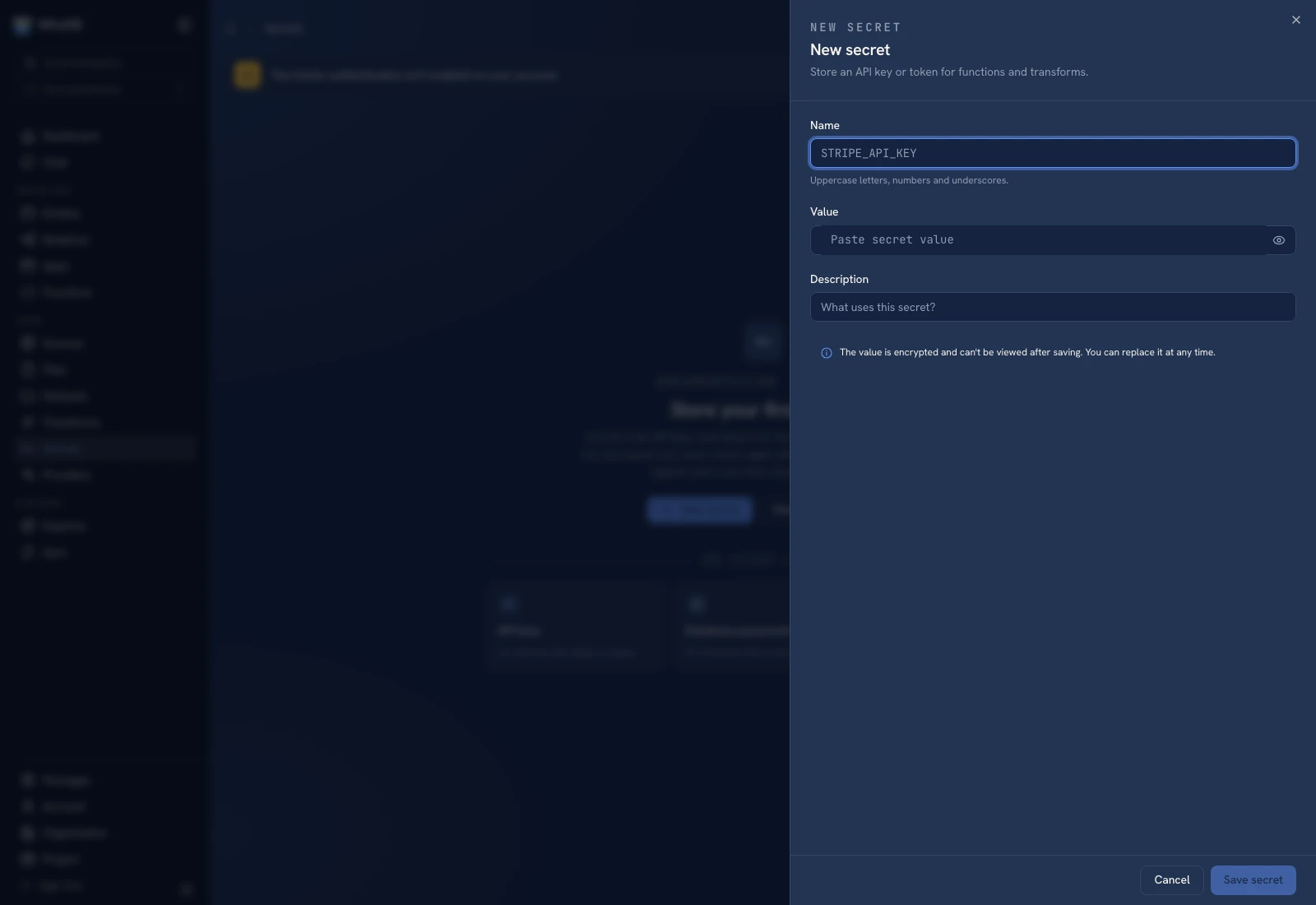 New secret asks for a name, password-masked value, and description.
Create the secret#
- Check the selected organization and project.
- Click New secret.
- Enter Name using uppercase letters, numbers, and underscores, such as
ORDER_API_TOKEN. - Paste the credential into Value. Keep the password visibility toggle closed when screen sharing or capturing the form.
- Add a description explaining the integration, without repeating the secret value.
- Click Save secret and confirm the named resource appears.
Creating a secret does not inject it into every function. Open Function bindings, select the secret, and configure the alias the code will request.
Test the alias#
Run one function input that calls the integration. If the helper reports a missing secret, check both the alias spelling and the binding to the intended stored resource. Do not work around a missing grant by embedding the token in the source file.
Rotate a value#
Open the secret's edit action, supply the replacement value, and save. Confirm a newly started consumer run reaches the integration successfully. Check whether the external service still accepts the old credential and revoke it there according to your integration's process.
Rename, share, and delete#
Review consumers before renaming or deleting a resource. The function's alias and the stored secret's name are separate configuration points. Sharing a secret follows its resource permissions; using a package does not copy secret values into the receiving project.
If a secret was exposed in a screenshot or log, replace/revoke the credential through its issuing service and update the stored value. Removing the text from the UI alone does not invalidate it.
Was this page helpful?