
Update and remove package installations
Where: Packages → the installed workflow and its update/installation information. You need authority over the destination installation.
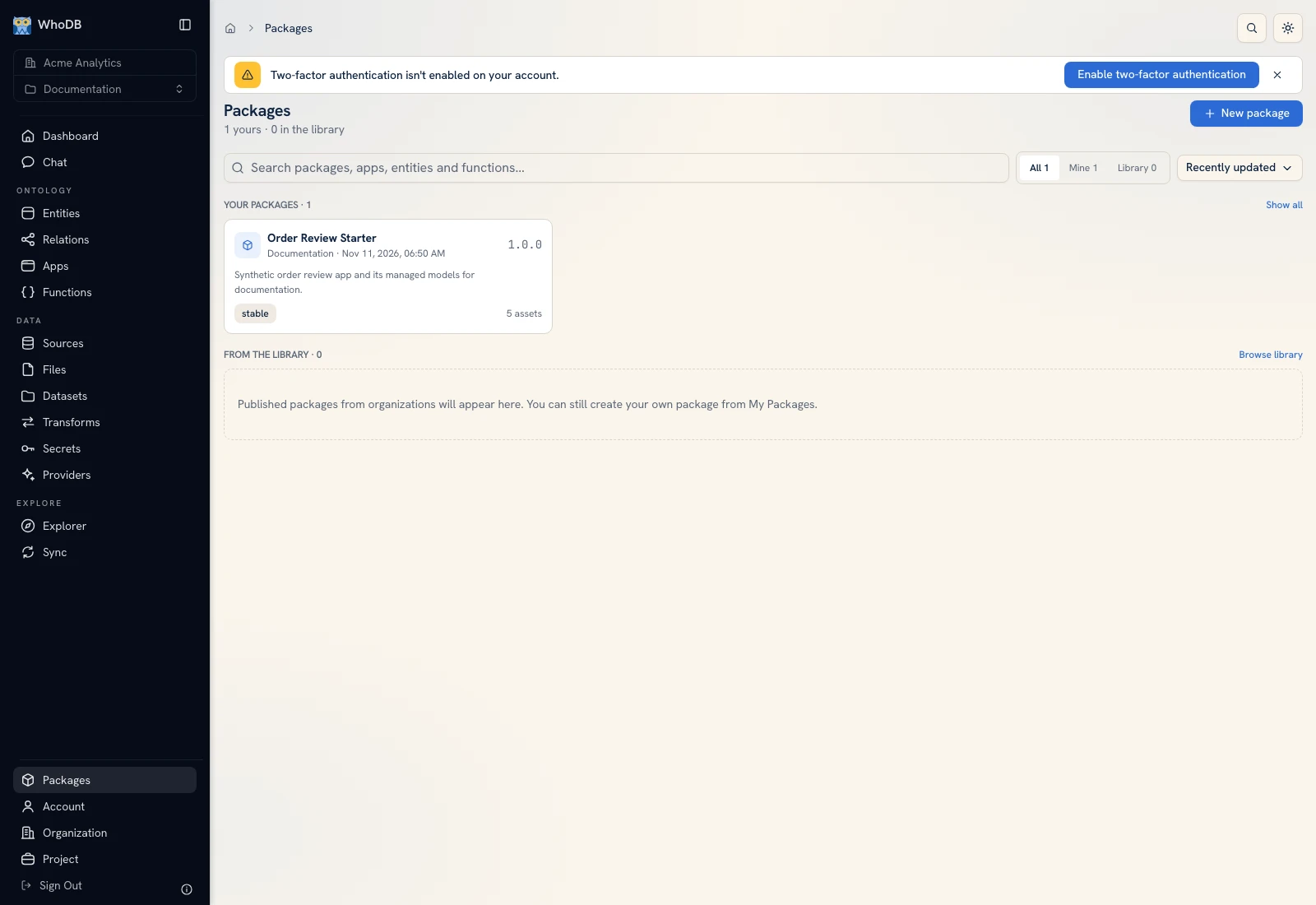 Package management is separate from editing an individual source project's draft.
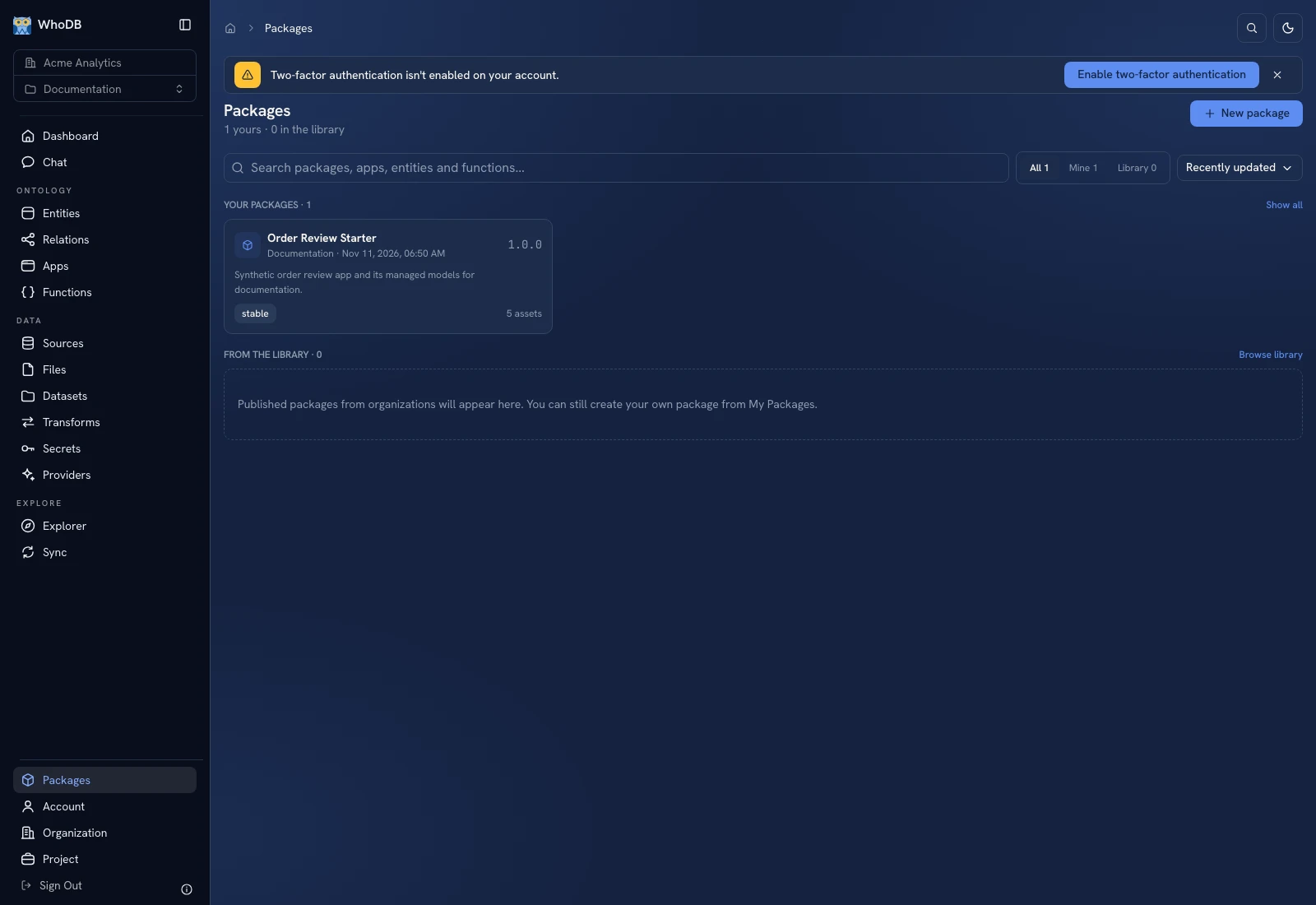 Package management is separate from editing an individual source project's draft.
Inspect update availability#
Managed installations compare their installed package with newer releases of the same name and channel. The current channel is metadata on immutable packages rather than a separate moving channel-pointer resource.
Open the update preview and compare the installed/new versions, added assets, and requirement changes. A new dependency may need a new destination binding even when the older installation worked.
Apply a reviewed update#
- Select the intended version/update action.
- Inspect the destination project and existing installation mapping.
- Review newly required source, provider, and secret bindings.
- Inspect conflicts and the proposed asset changes.
- Confirm the update.
- Open the app/function and test the same known cases used for the earlier version.
Managed copies can hide implementation according to the publisher's policy. Do not assume an installation exposes editable source simply because you can run its app.
Remove an installation#
Use Uninstall and read whether it removes only the installation record or also the installed target objects. Deleting those objects can affect other destination workflows that now depend on them. Inspect lineage and bindings before confirming.
An editable import has no continuing managed update link. Removing a package listing is not the same as removing every imported copy owned by another project.
If an update fails, preserve the preview/error and inspect the destination state before trying again. Verify the actual objects and active versions rather than relying only on the latest package name shown in a list.
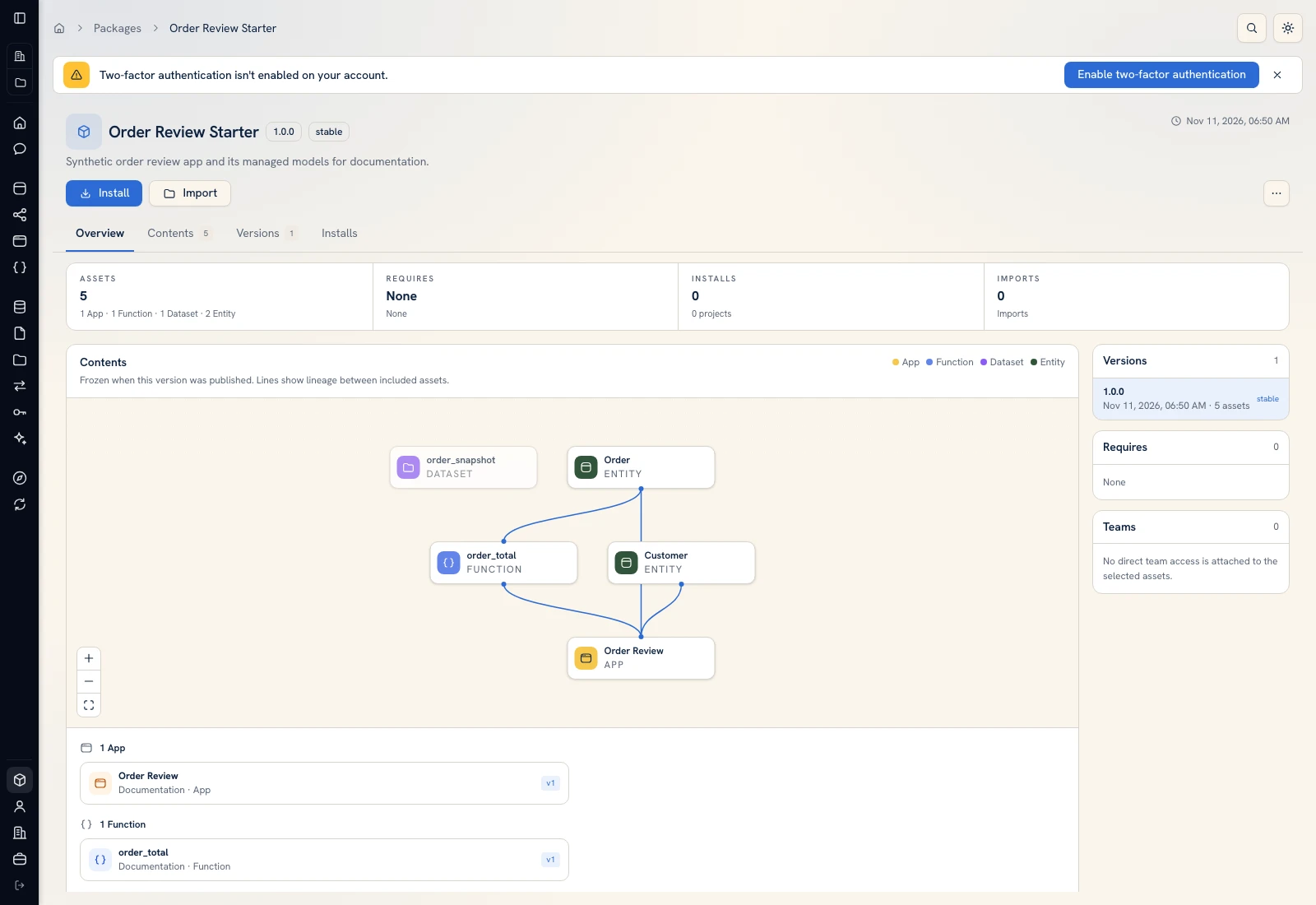 Inspect the package version and contents before changing an existing installation.
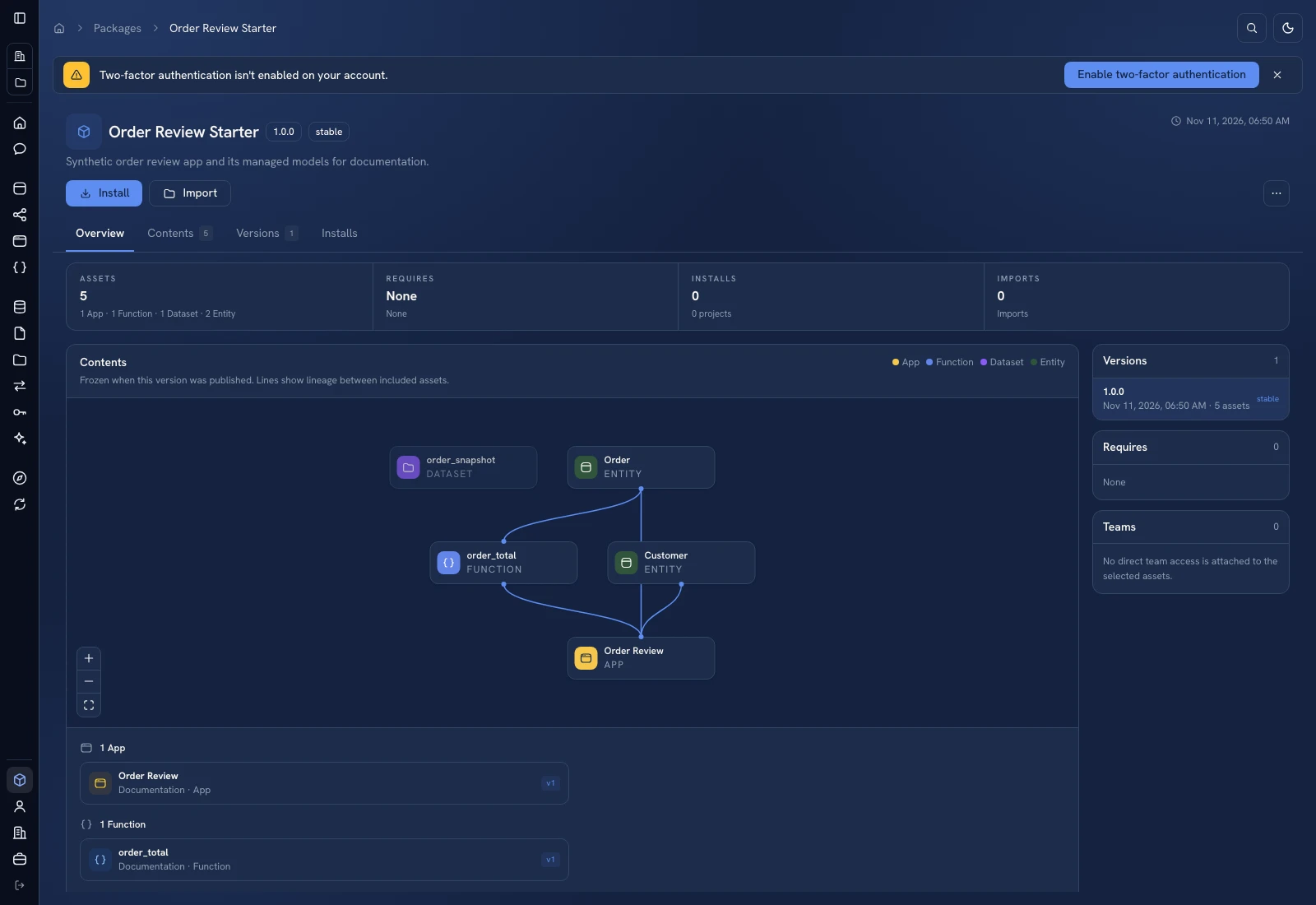 Inspect the package version and contents before changing an existing installation.
Was this page helpful?