
Edit, share, and archive sources
Where: sidebar → Sources → the source's action menu. Editing requires the appropriate resource role; sharing and deletion require owner authority.
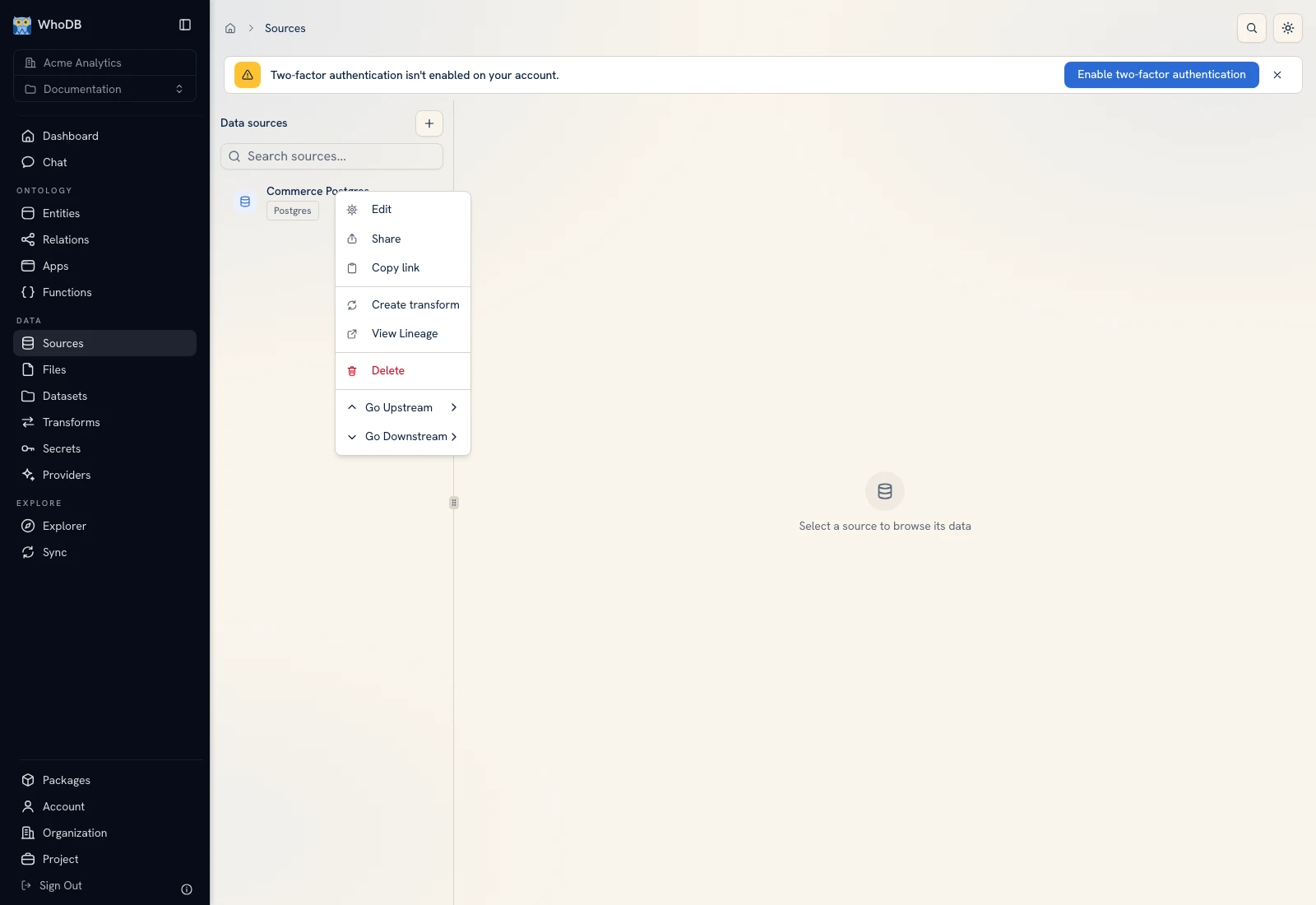 The source action menu exposes operations for the selected connection.
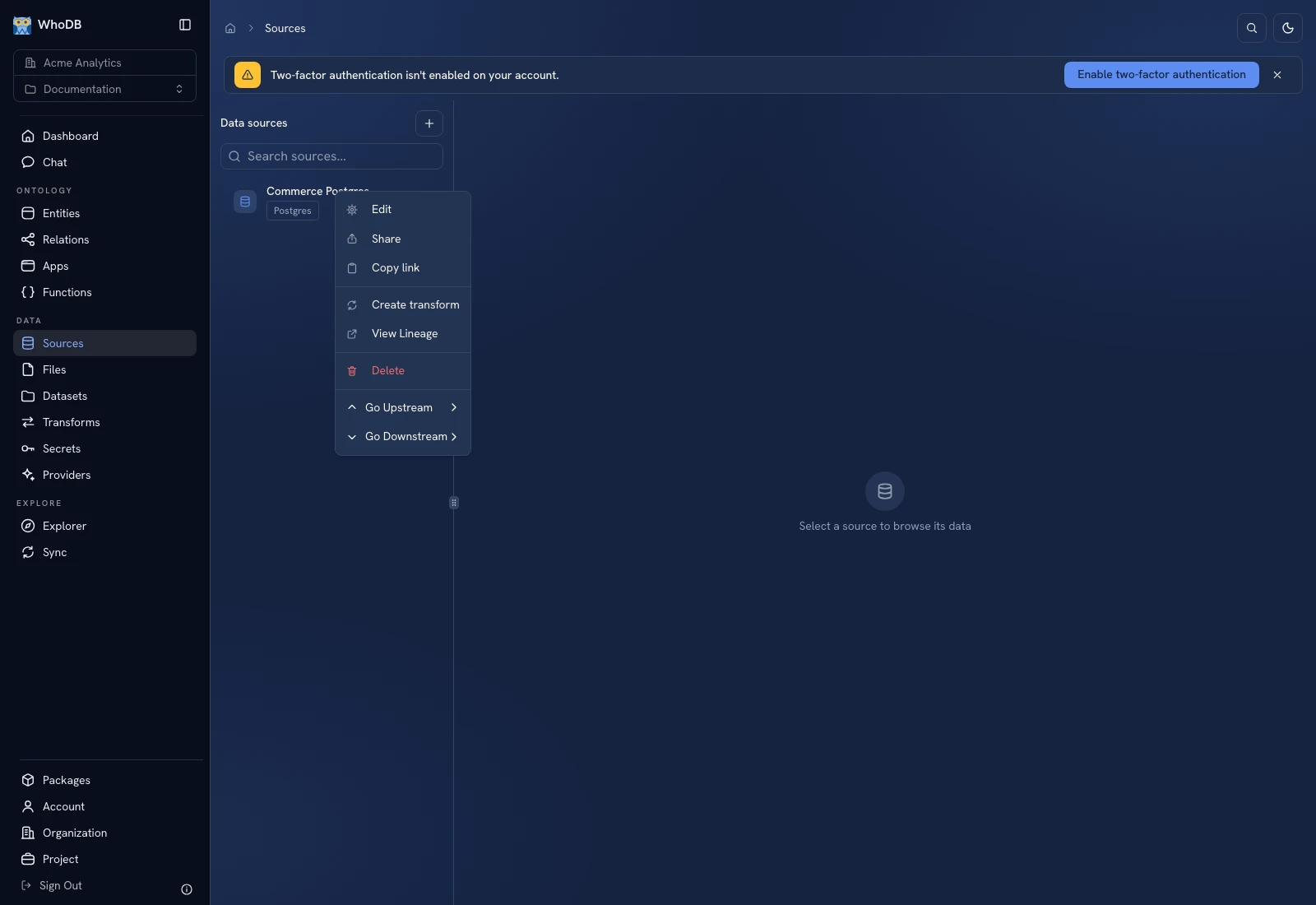 The source action menu exposes operations for the selected connection.
Edit a connection#
- Select the source and choose Edit.
- In Edit Source, review the name and connection fields.
- Change only the fields needed for the new endpoint or credential.
- Click Update Source.
- Reopen the same source object and confirm a known row is still readable.
- Inspect a dependent transform before enabling its next scheduled run.
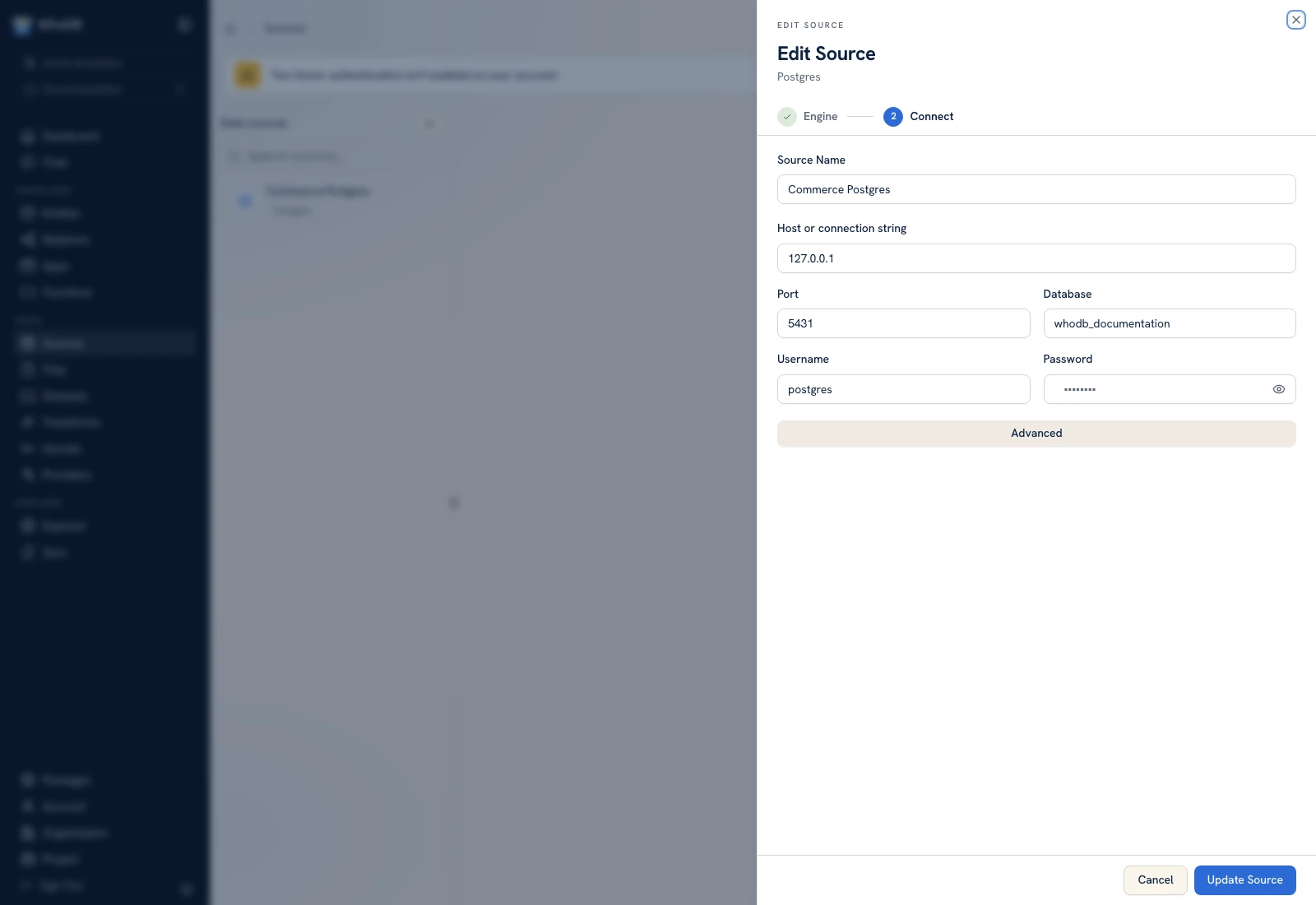 Edit Source updates the saved connection rather than creating a second source.
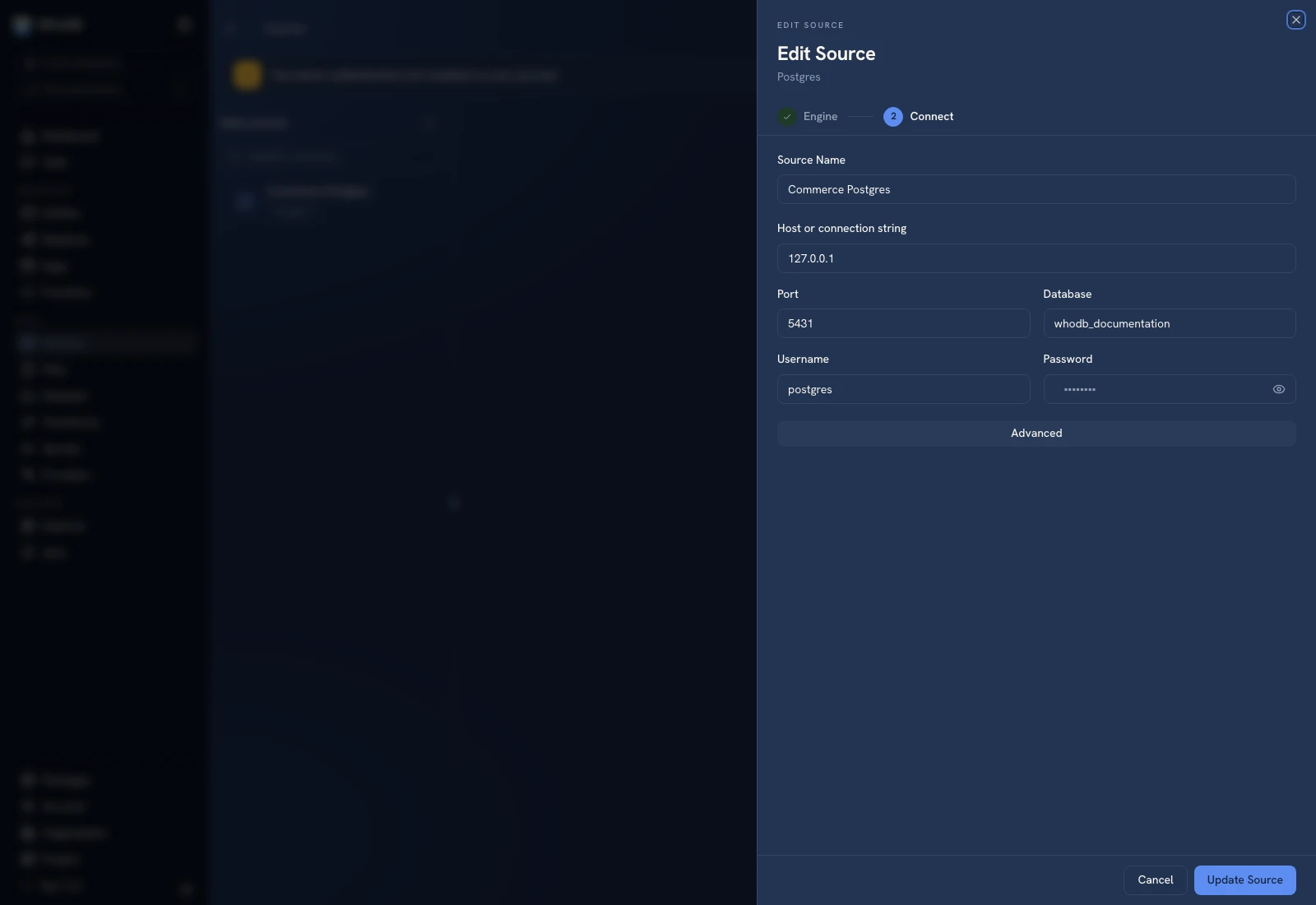 Edit Source updates the saved connection rather than creating a second source.
If configuration cannot be loaded, use Retry after checking the backend and your session. Do not save a guessed blank configuration over a source simply because the edit form could not load it.
Share the source#
Choose Share, select the recipient or team, and grant the role appropriate to the task. A Viewer can inspect data but cannot perform execution or edit actions available to other roles. Ask the recipient to select the same organization, project, source, and object.
Sharing is a Platform permission grant. It is not a transfer of the source password to the recipient. External credentials still determine what Platform can do through the connection.
Check dependencies#
Use View Lineage to identify resources that read from the source. Before a hostname, database, or schema change, check whether field names and object paths used by transforms will still exist. Test the consumers with controlled inputs after the update.
Archive a source#
Choose Delete and review the confirmation. The UI describes a 30-day Trash recovery period. Archiving makes the Platform resource unavailable to its consumers; it is not a request to drop the external database.
Open Account → Trash to inspect eligible deleted resources. Do not confuse restoring a connection resource with repairing a changed or deleted external database. See Trash.
Was this page helpful?