
Import source records into an entity
Where: start in Sources with an object selected, or build the pipeline from Transforms. You need access to the source and permission to write the destination entity.
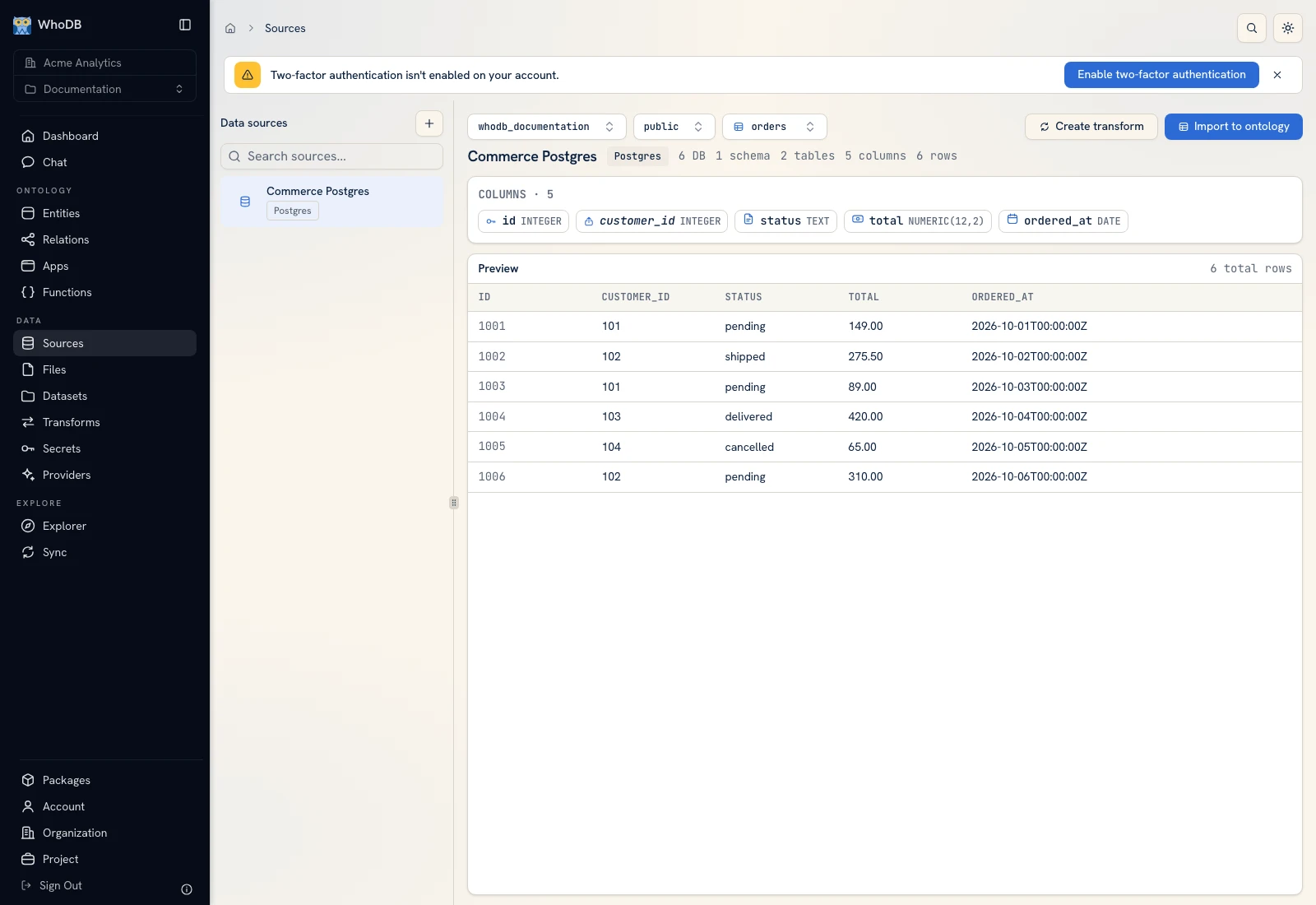 Start with a source object whose columns and example records you have verified.
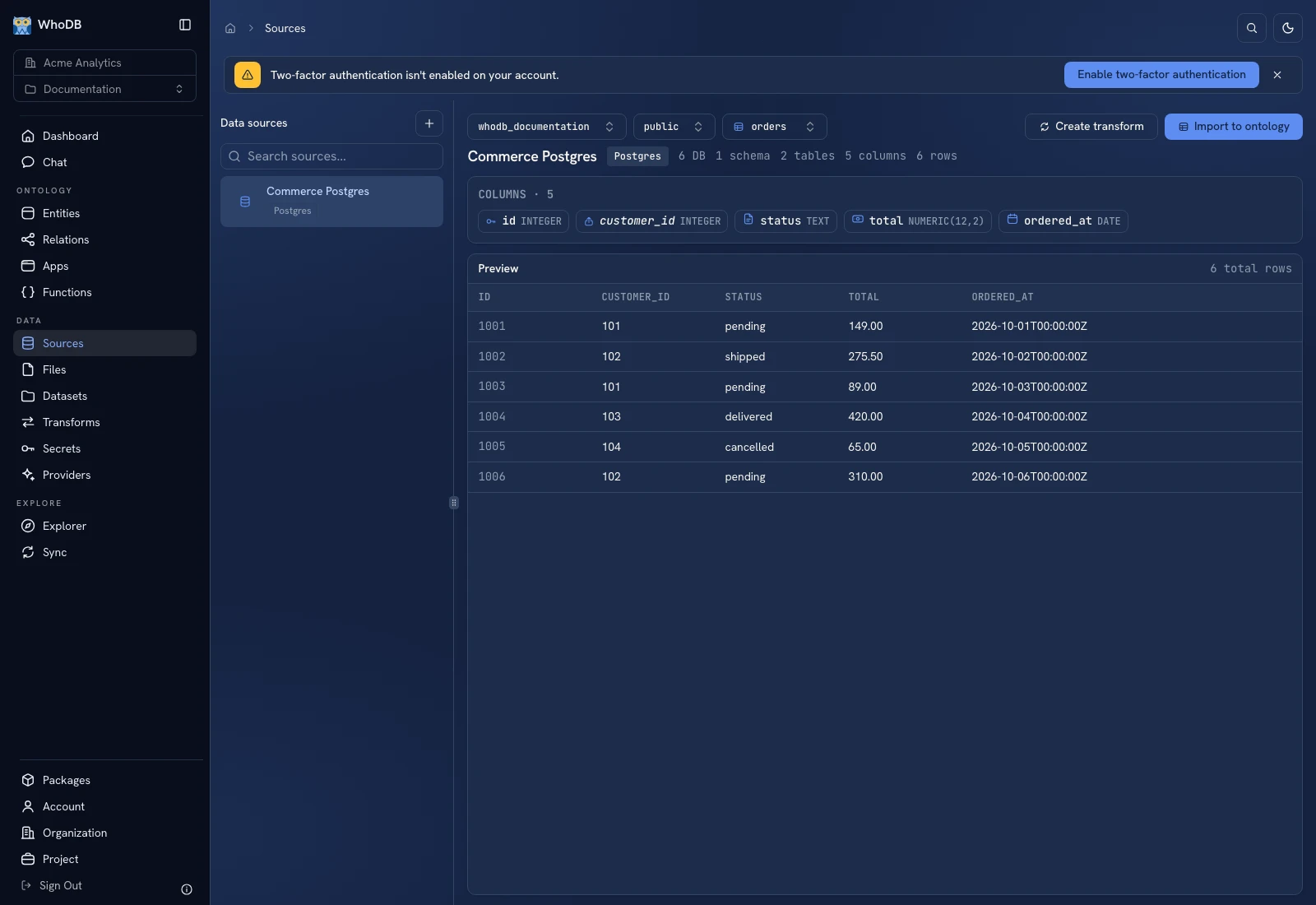 Start with a source object whose columns and example records you have verified.
Prepare the managed destination#
- Open Entities and create the destination using Create an entity.
- Keep the managed identity and define the business fields needed from the source.
- For a source with integer
id, add anexternal_idproperty when you need to retain that external identifier. - Finish creation and inspect the destination Schema before importing.
Build the import#
- Open Transforms and create an import transform, or use the source browser's Import to ontology starting action.
- Add or select a Source node. Choose the connection, database/schema levels shown, and source object.
- Add Output and set Write to to the entity destination.
- Select the managed entity and map source columns to destination properties.
- Review required properties. Use Auto-map by name for matching names, then inspect every required mapping manually.
- Select the intended write mode and, for upsert, its matching key.
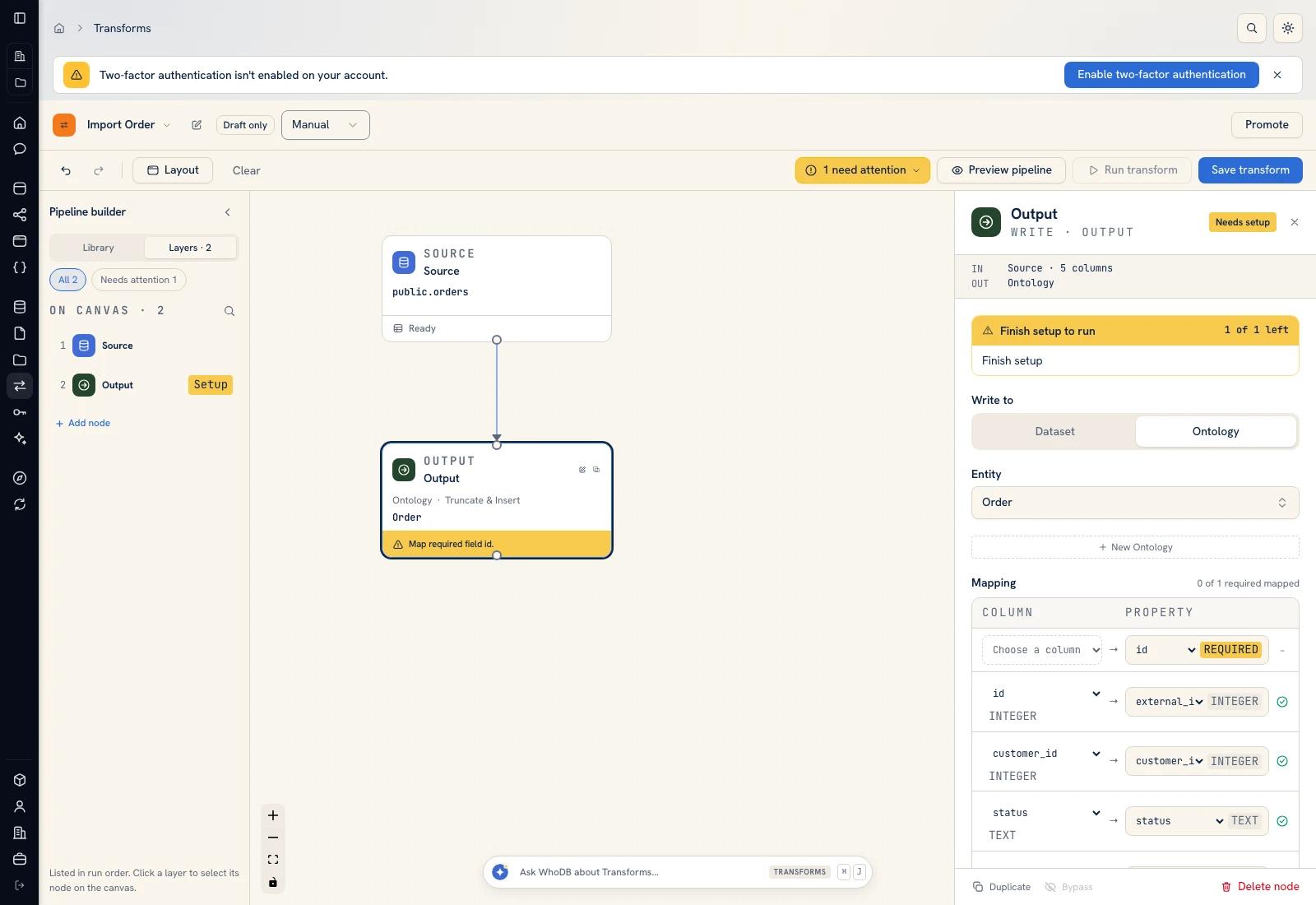 The Output configuration selects the destination, write mode, and field mappings.
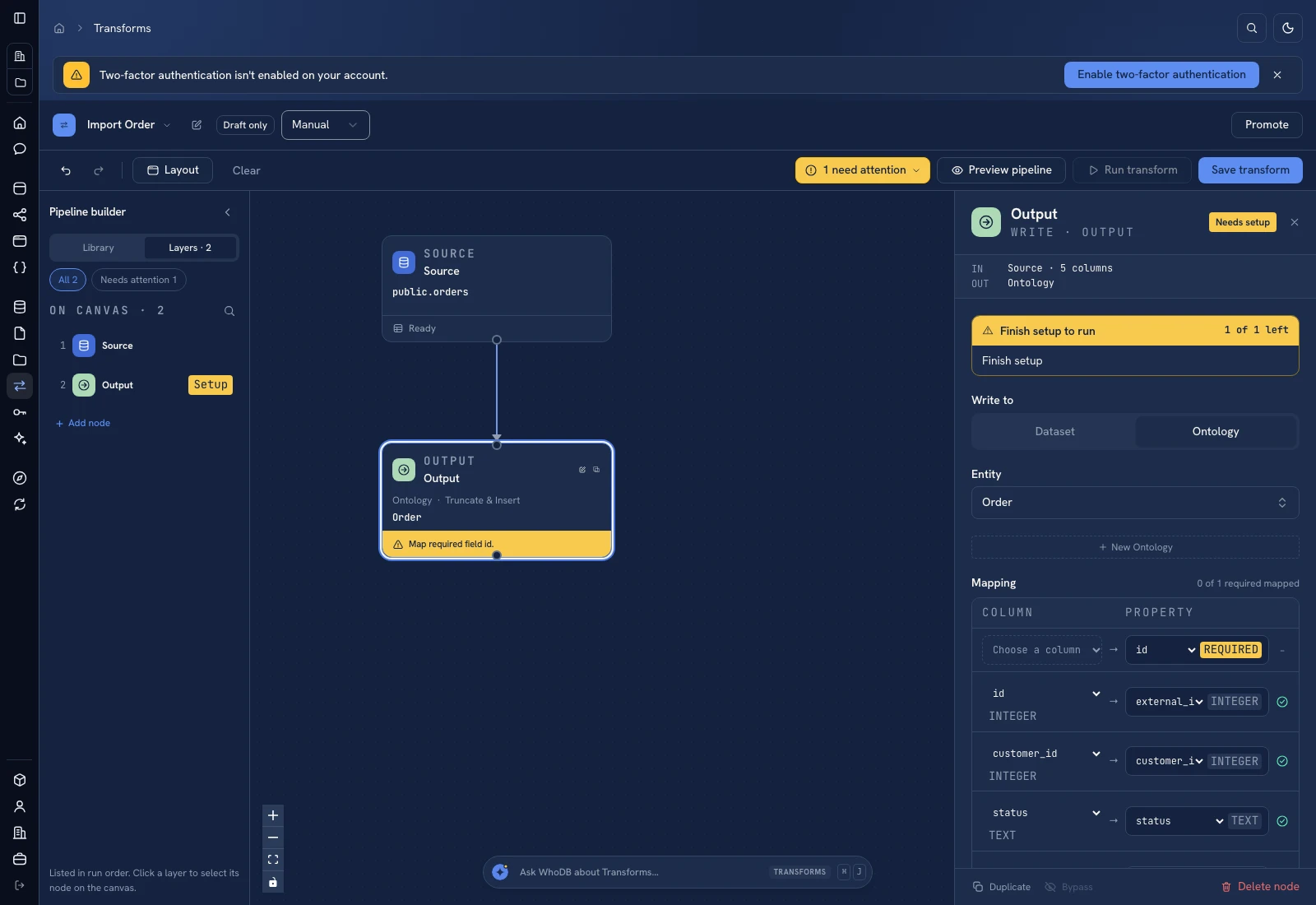 The Output configuration selects the destination, write mode, and field mappings.
For the beginner Order model, map source id to external_id, then map customer_id, status, total, and ordered_at to the corresponding properties. A replacement write removes the destination's existing rows; an upsert needs a stable key. Choose deliberately using Output modes.
Preview and run#
Preview the pipeline to inspect the rows before writing. The preview result is not an imported destination. When the preview is correct, save the graph and run it. Open its run history and check that it completed successfully.
Verify the destination#
Return to Entities, select the destination, and open its data. Compare the external keys, row count, and representative values with the source. For the fixture there are four customers and six orders. A later source change does not appear automatically in the managed entity; rerun or schedule the import explicitly.
If the run fails, inspect the run's error and the Output mappings. Type mismatch, missing required fields, or an incorrect source object path can fail an otherwise valid connection. Keep the source unchanged while diagnosing the import.
Was this page helpful?