
Create an app
Where: sidebar → Apps → New app. Before creating an app, prepare its entities and functions and identify the task a user must complete.
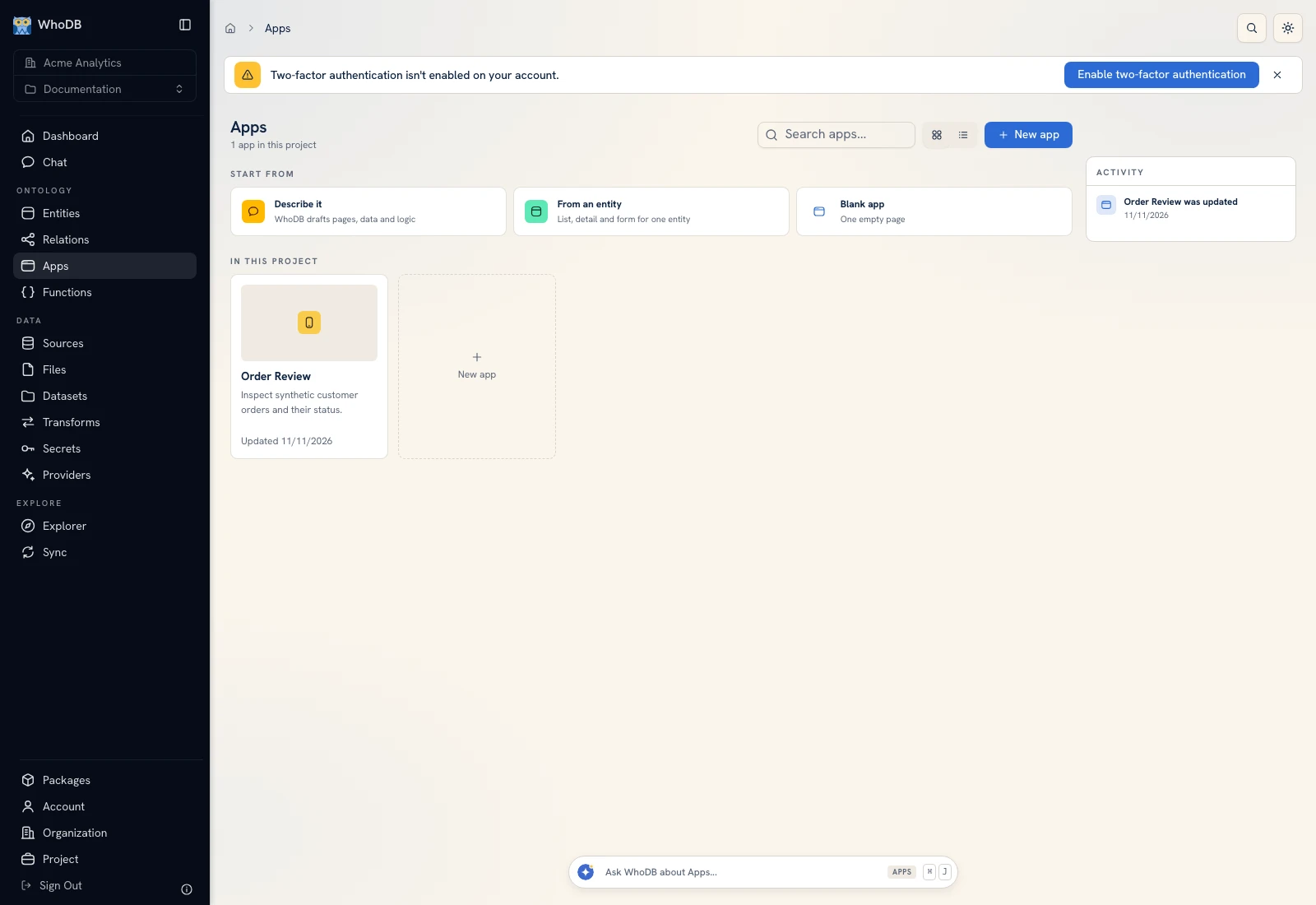 The Apps workspace offers Describe it, From an entity, and Blank app starting points.
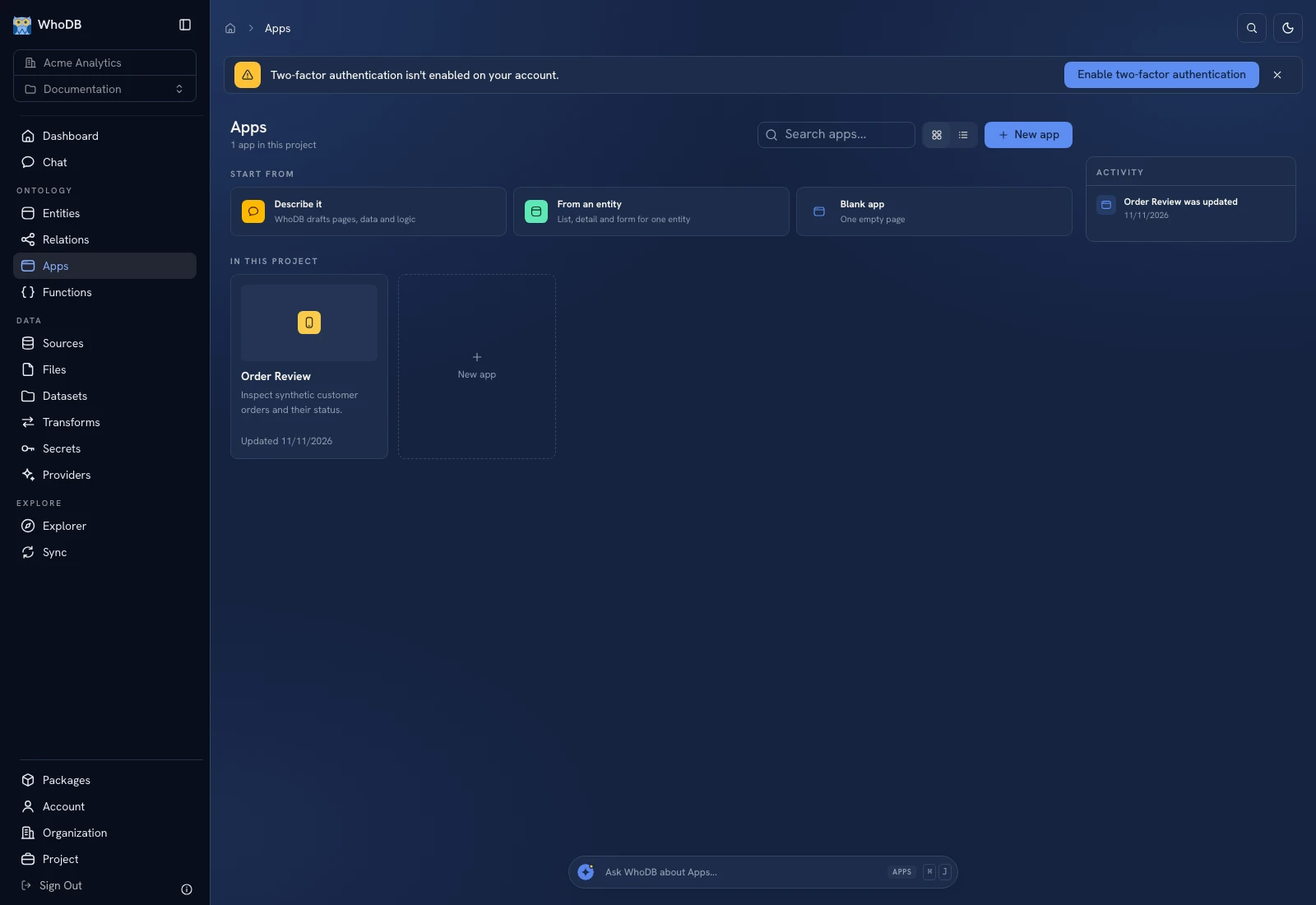 The Apps workspace offers Describe it, From an entity, and Blank app starting points.
Choose a starting point#
| Starting approach | Use it for |
|---|---|
| Describe it | Ask WhoDB to draft pages, data bindings, and logic from a concrete brief |
| From an entity | Start a list/detail/form workflow around one model |
| Blank app | Build one empty page yourself |
Click New app and follow Start, Details, and Theme. Choose the appropriate template or blank start, enter the app name and description, and configure the entities/functions needed by the workflow when requested.
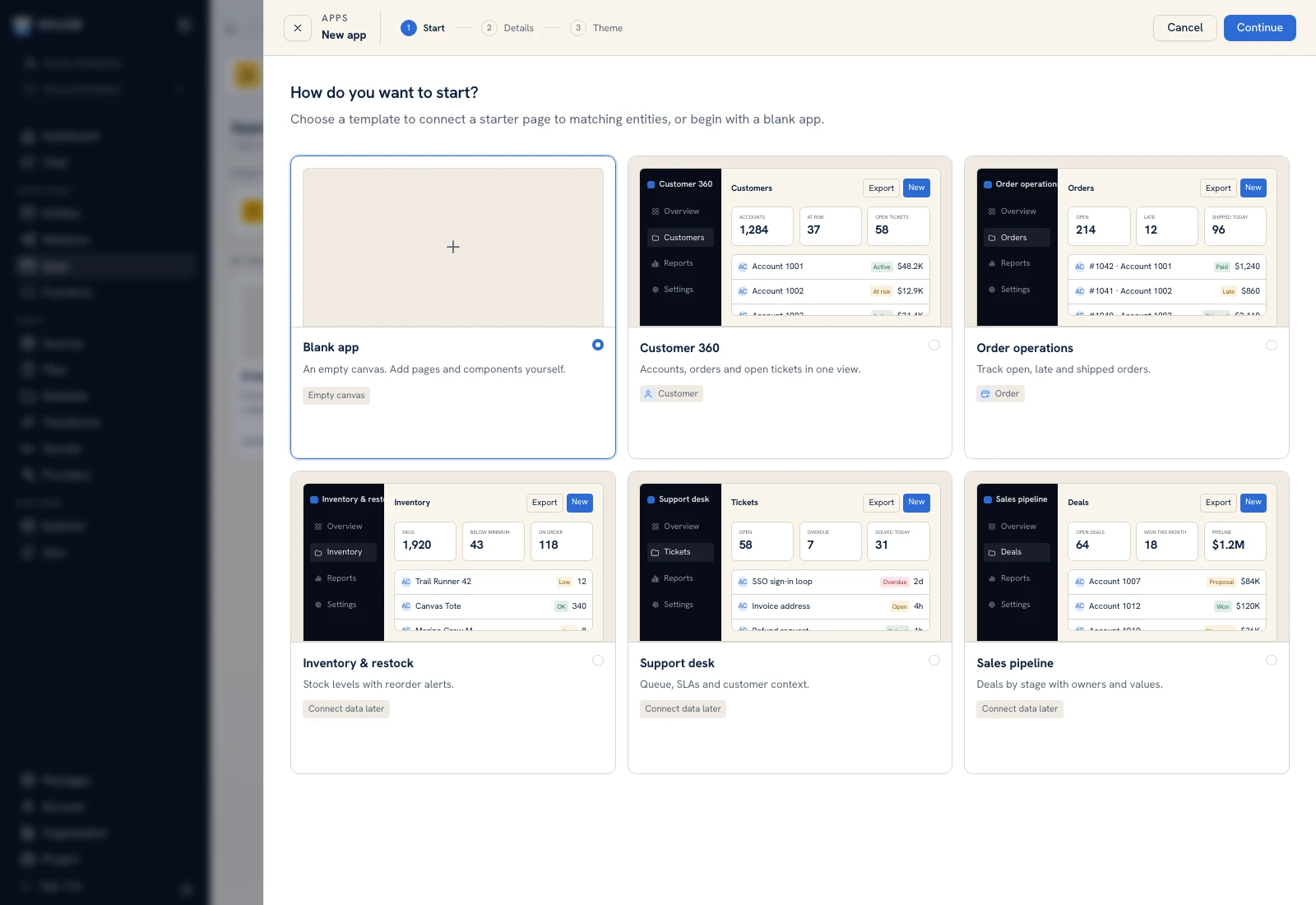 The app creation wizard begins by choosing the starting workflow.
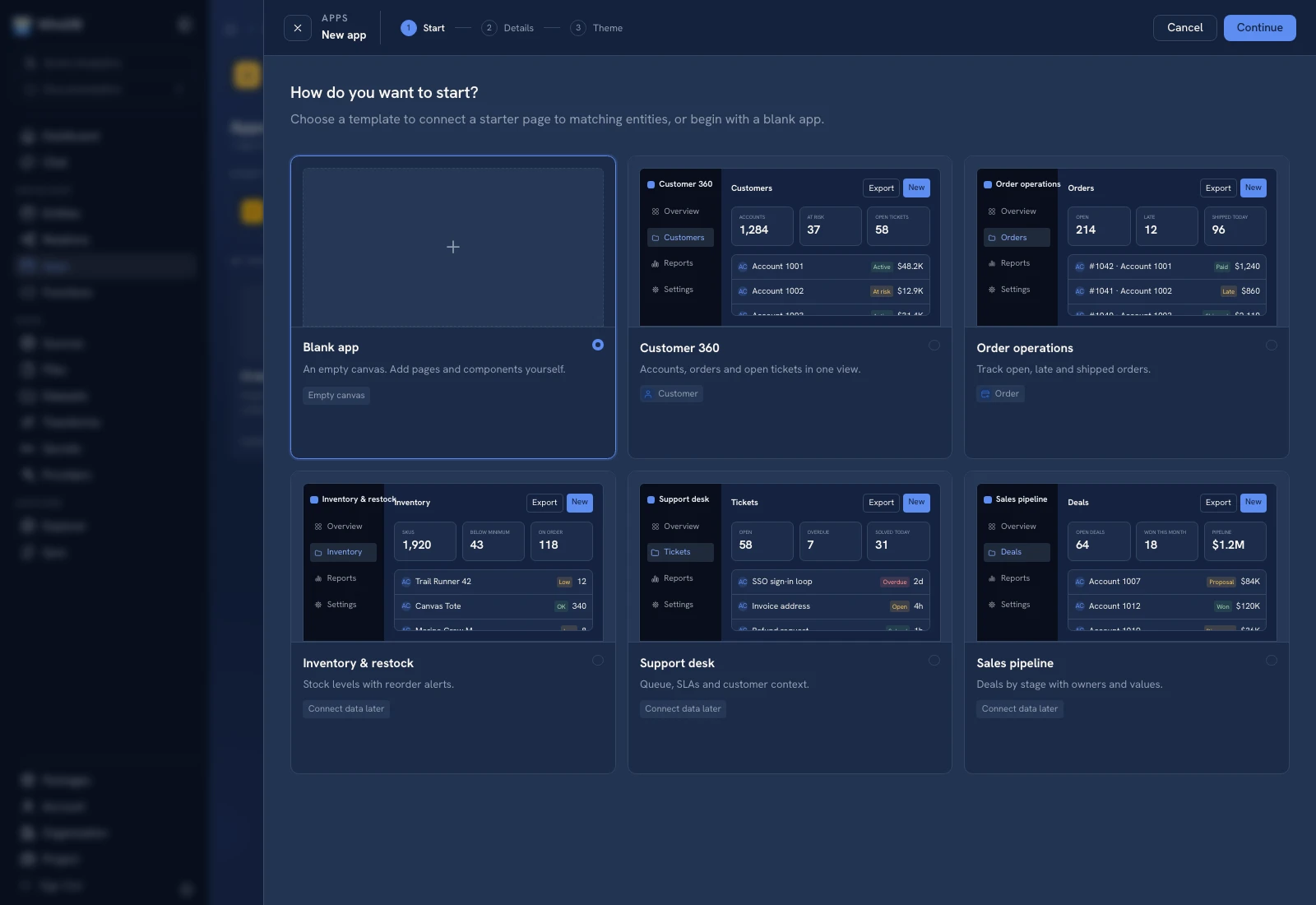 The app creation wizard begins by choosing the starting workflow.
Write a useful brief#
For example: “Create an order review app using Order and Customer. Show external order ID, customer, status, and total. Let a user select a row to inspect details. Keep the first version read-only.”
Use resource names from the current project. State the intended user, the important records, the available action, and how success should be checked. A visual brief without a data source or business task leaves important behavior undefined.
Choose and inspect a theme#
On the Theme step, filter or search the theme catalog, inspect a preview, and choose the theme and font offered by the form. Check light and dark previews when offered. Theme choice changes presentation; it does not verify data bindings or permissions.
Finish creation and open the app in its builder. The builder guide explains Page, Edit, Logic, AI, Library, Layers, and the right-hand configuration area.
Verify before sharing#
Preview with synthetic records, an empty result, a long value, and a phone-width viewport. Inspect every write or function action against the backing data. Save the draft and follow Publish and versions before expecting an app user to open it.
App users get the published runner rather than builder access. Sharing an app does not automatically supply every function/entity permission its workflow needs; use Sharing.
Was this page helpful?