
Schedule a function
Where: Functions → select the function → edit/settings → Schedule. Promote and activate a version before scheduling. Live functions run continuously and cannot use this finite-run schedule.
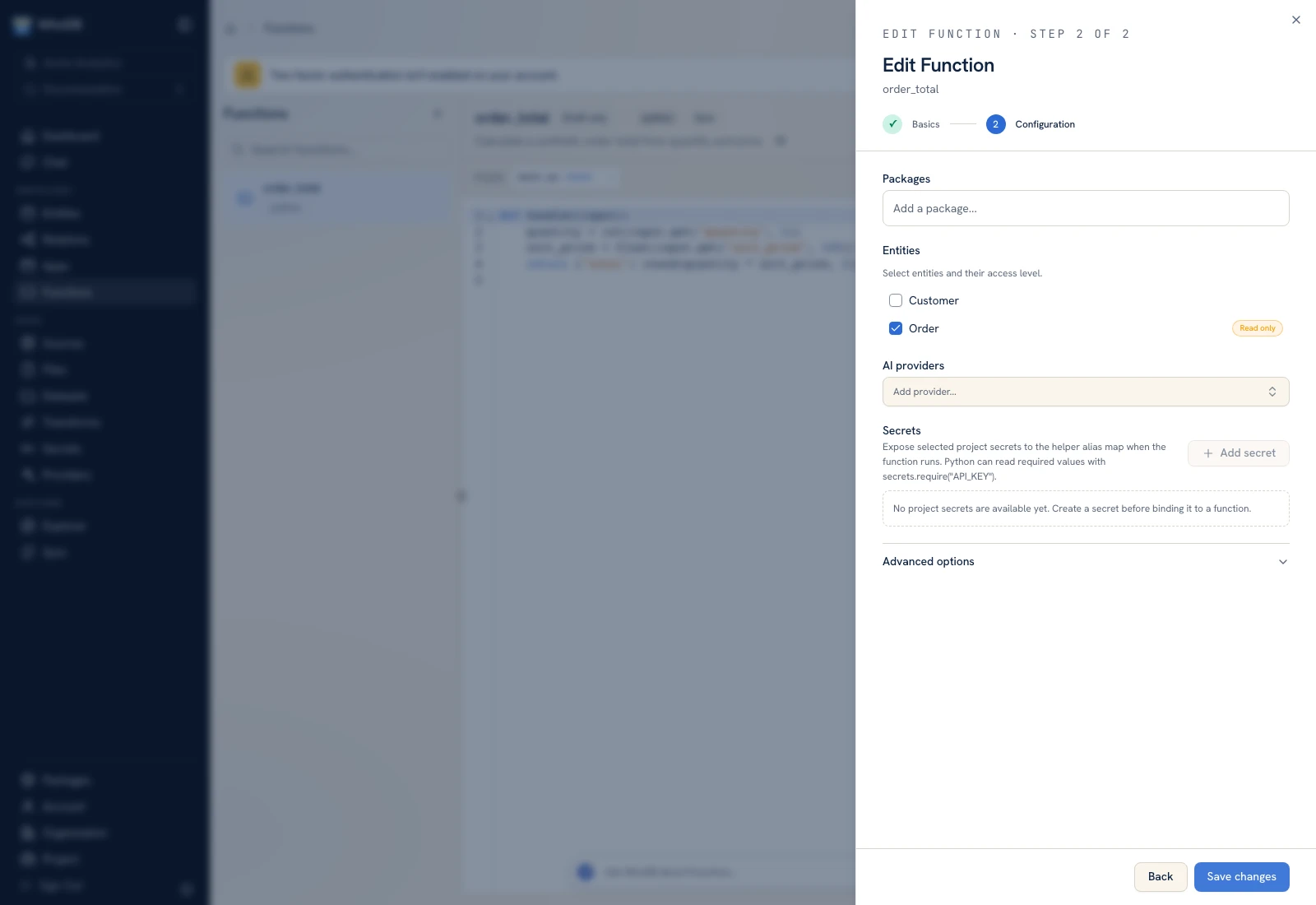 Function settings include runtime configuration and the schedule for an active version.
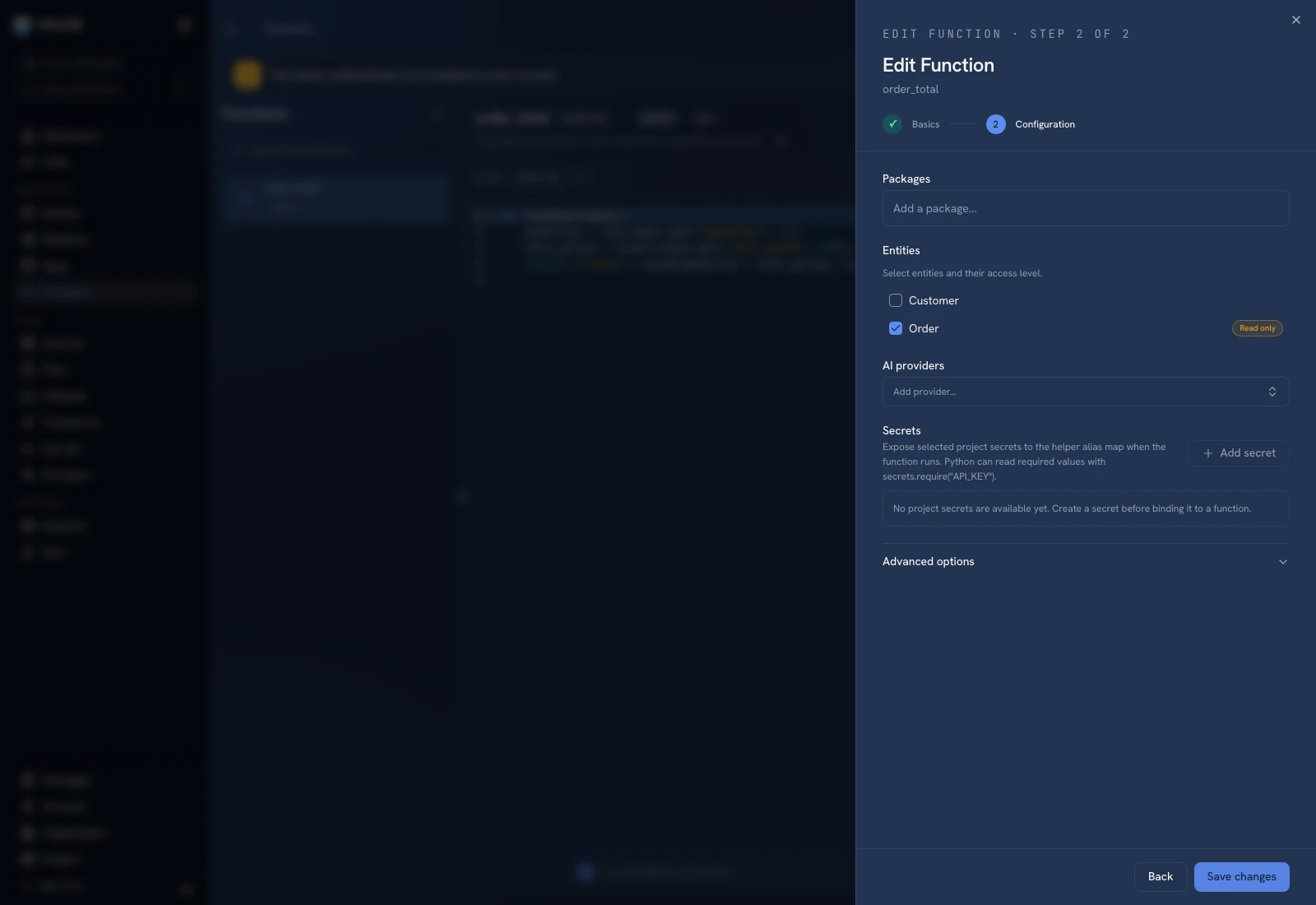 Function settings include runtime configuration and the schedule for an active version.
Configure the schedule#
- Test the saved function with the input you intend to schedule.
- Promote the intended version and confirm it is active.
- Open Schedule.
- Enter Cron expression (UTC) with five fields: minute, hour, day of month, month, weekday.
- Enter Input for every scheduled run as a JSON object.
- Save the schedule and inspect Approved for version….
An example 0 6 * * * means a daily trigger at 06:00 UTC. The form requires schedules to be at least five minutes apart. Leave the cron expression empty to turn scheduling off.
Understand the caller#
Scheduled runs act as the person who saves the schedule. Review that account's resource permissions and bindings. A schedule is not an independent grant of unrestricted access.
After promoting new code#
A schedule is approved for one active version. If another version becomes active, the UI reports that the schedule is paused until it is saved again. Recheck code, input, and effects before approving the new version's schedule.
Verify it ran#
Inspect the schedule's last-enqueued time and the corresponding persisted run. Then inspect the function's output or changed records. Last enqueued is evidence of scheduling, not successful completion.
If no run appears, check that the schedule is enabled for the current active version, that the function is eligible, and that the instance scheduler/runtime is available. If a run failed, diagnose its error rather than repeatedly re-saving the schedule.
Was this page helpful?