
Use Chat for a platform task
Where: sidebar → Chat. You need access to the resources involved and an available AI service/model configuration.
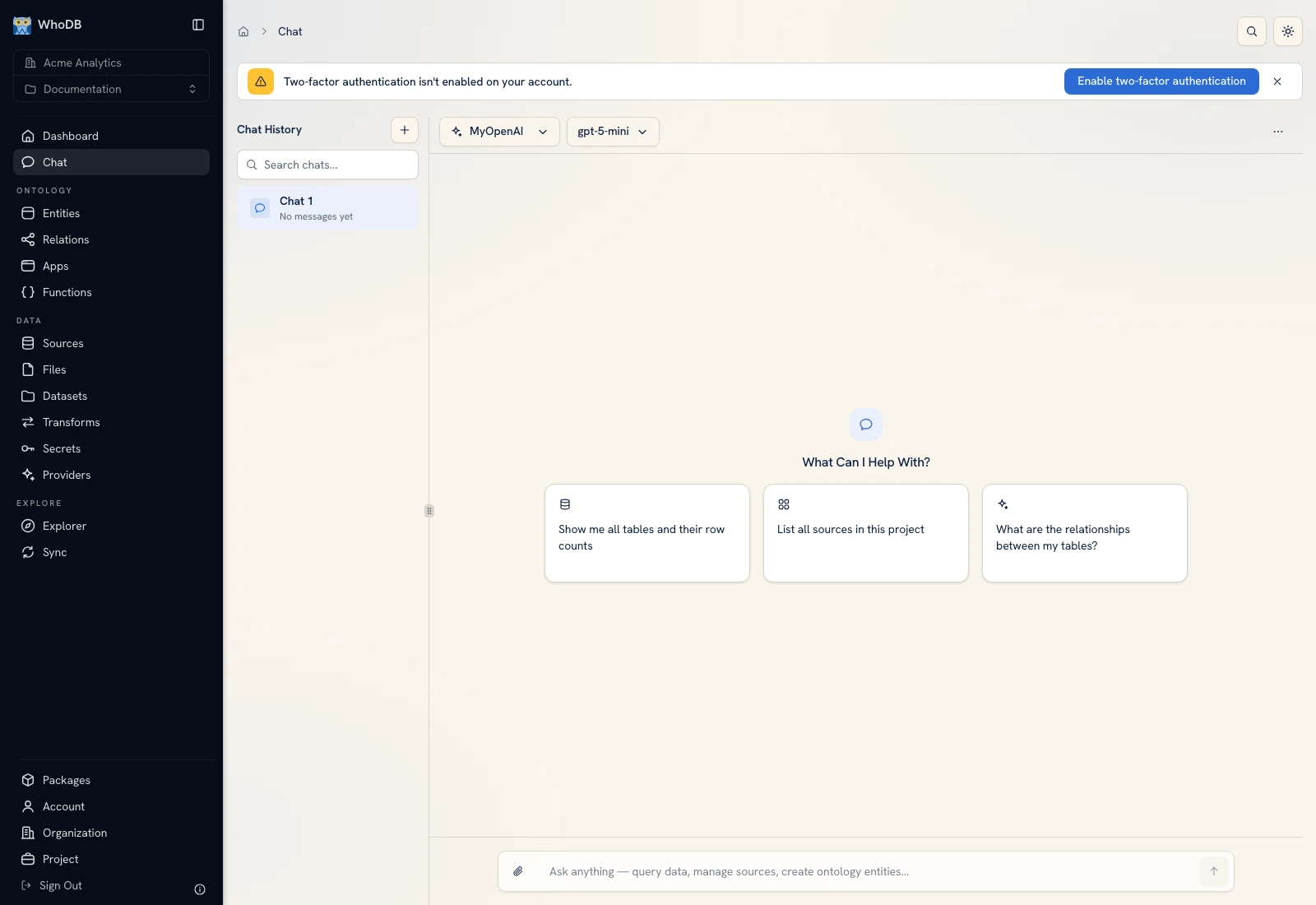 Chat opens in the selected organization/project and exposes the model and prompt controls.
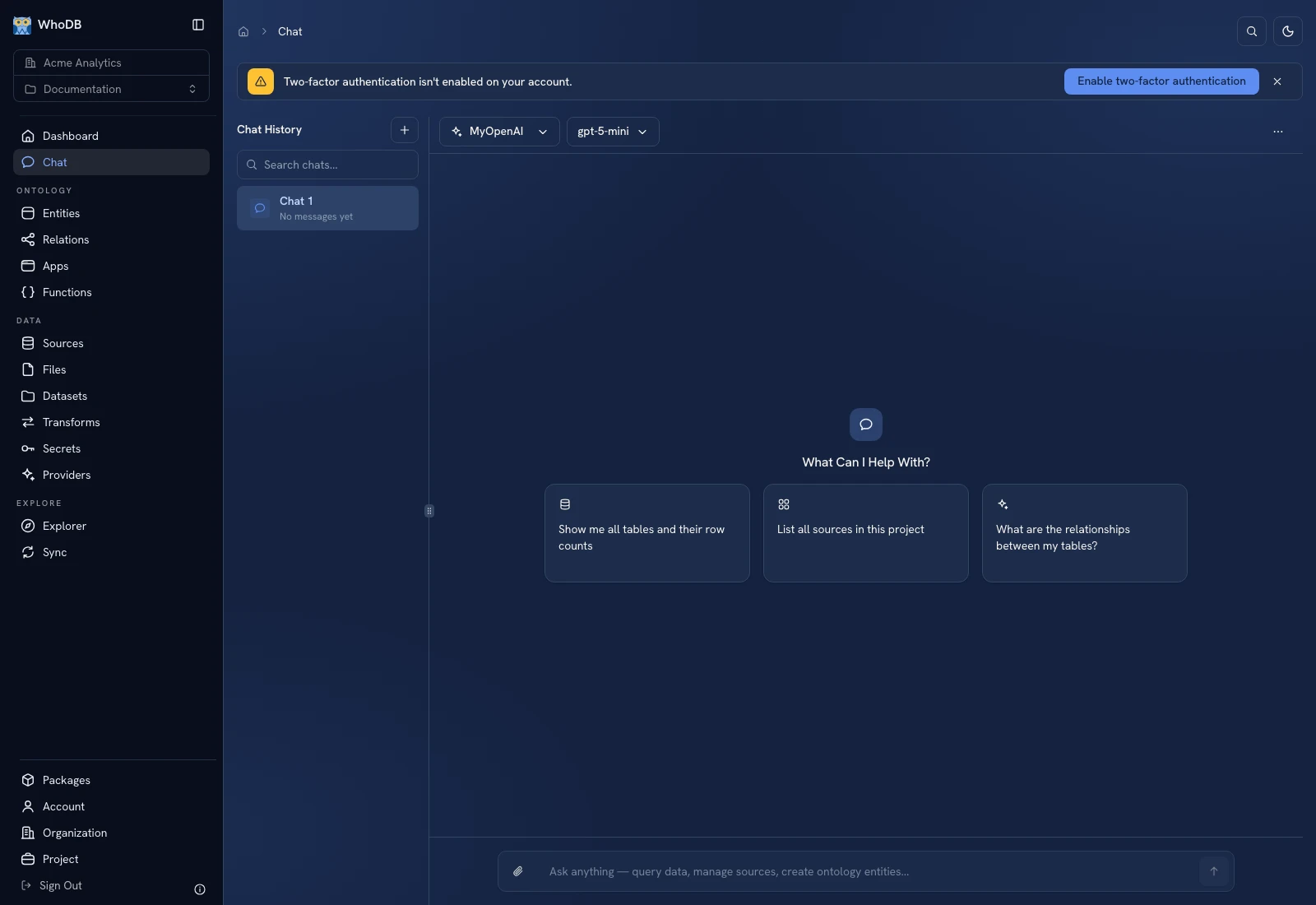 Chat opens in the selected organization/project and exposes the model and prompt controls.
Start with a precise request#
- Verify the organization and project in the sidebar.
- Select the intended provider/model using the conversation's picker.
- Name the relevant entity, source, transform, app, or function.
- State a small task and an expected verification result.
- Send the prompt and review the assistant's work and artifacts.
For example: “Inspect Order in this project. Count orders by status and show the pending orders' external IDs. Do not change any records.” The synthetic fixture has three pending orders: 1001, 1003, and 1006.
Keep the resource context explicit#
Two projects can have resources with the same name. Mention a resource ID when the name is ambiguous. Distinguish saved draft content from active versions when asking for a change or execution.
A source preview may be bounded. Use an actual aggregate/query when you need an exact count rather than inferring a complete dataset from a few displayed sample rows.
Review actions and results#
Read proposed changes and the confirmation controls presented by the product. Approve only the intended operation and workspace. After an action, open the resource itself and verify its records/configuration. An assistant's narrative is not evidence that a write completed.
Artifacts such as tables, charts, and pipeline results help inspect work. Check their column names, filters, grouping, and data scope before using them for a decision. Keep a known record or total for comparison.
When a model or tool is unavailable#
Check provider configuration, model selection, permissions, and the selected resource's runtime requirements. Configure a missing credential in Sources/Secrets/Providers rather than pasting it into the conversation.
The screenshot illustrates the conversation interface. It does not assert a live model's accuracy or promise an identical generated response.
Was this page helpful?