
Run transforms and configure triggers
Where: Transforms → open a graph. Use the toolbar to configure the trigger, preview, run, and save. Use the resource's run-history action to inspect previous executions.
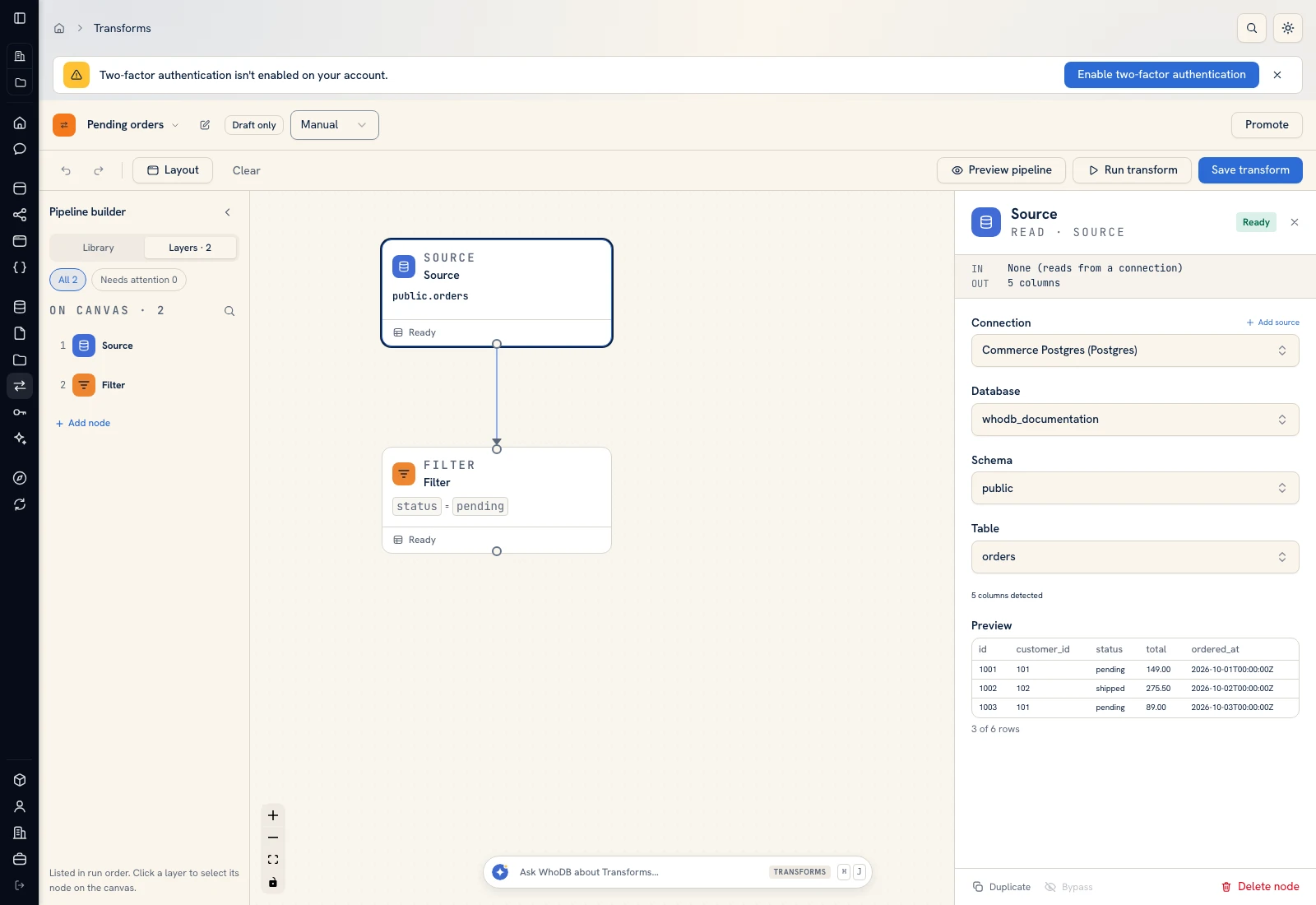 The toolbar separates Preview pipeline, Run transform, and Save transform.
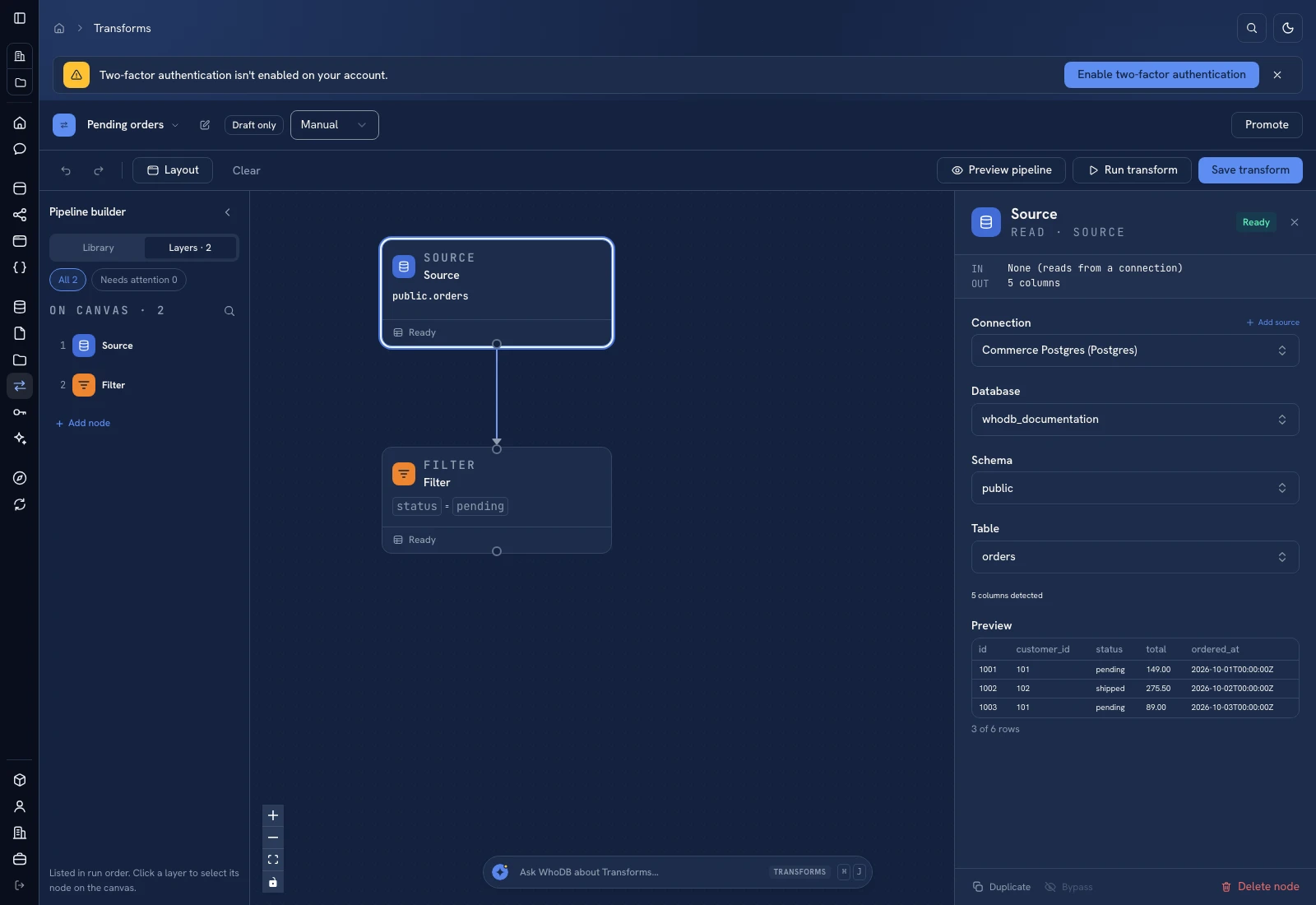 The toolbar separates Preview pipeline, Run transform, and Save transform.
Run a saved graph#
- Configure and preview the input and processing steps.
- Review the Output destination and write mode.
- Click Save transform.
- Click Run transform.
- Open run history and inspect status, start/completion time, and any error.
- Query the destination and compare known rows with the expected result.
A running state is not success. Wait for the terminal result. A success without the expected records still needs investigation of the input filters and mappings.
Configure a trigger#
Open the trigger dropdown beside the active/draft badge, shown as Manual on the example graph. Review the scheduled or live options offered by the form. For a cron schedule, read the schedule's timezone and expression controls. Save the configuration after editing it and check the resulting trigger label.
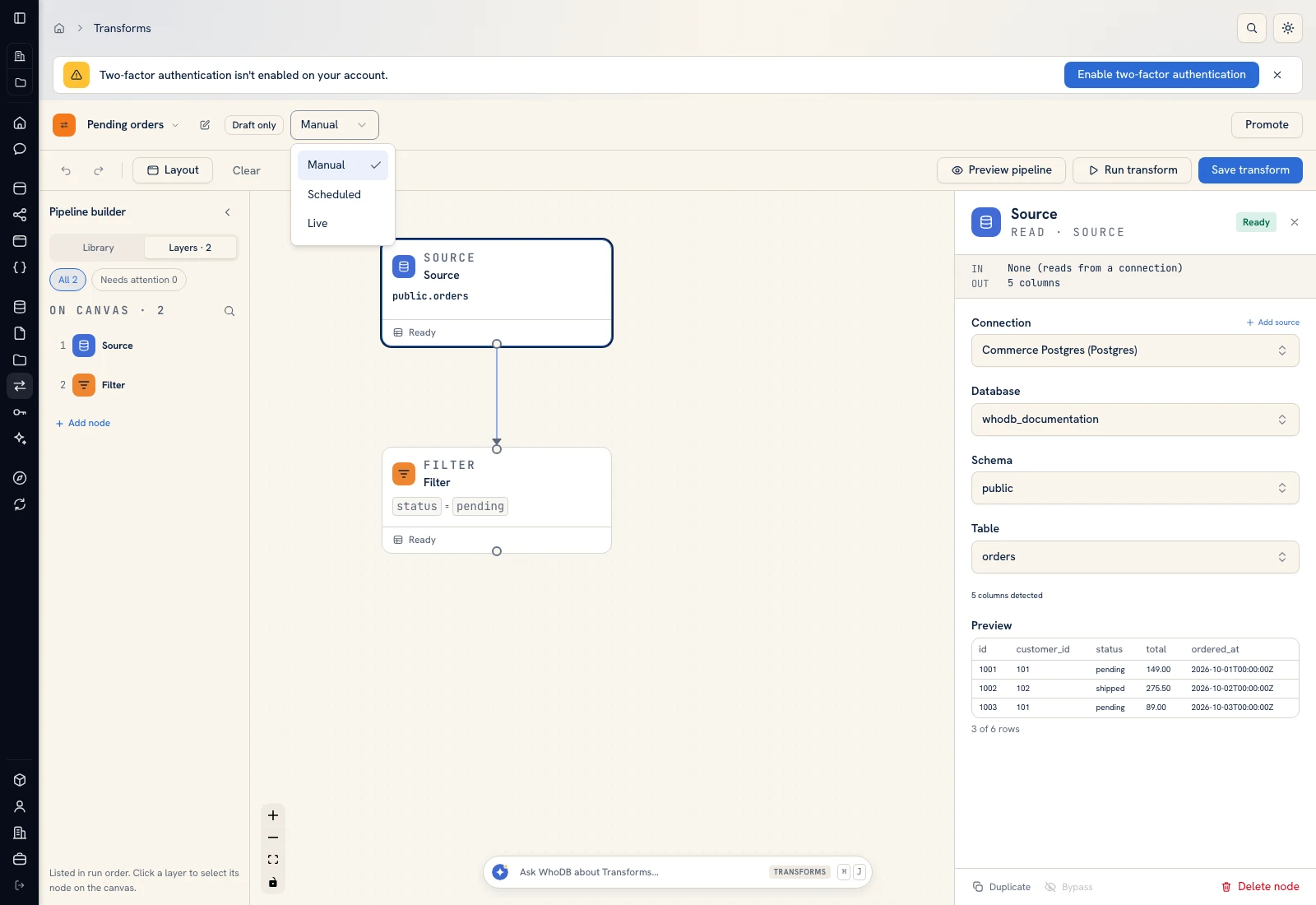 The trigger control changes when the transform is run.
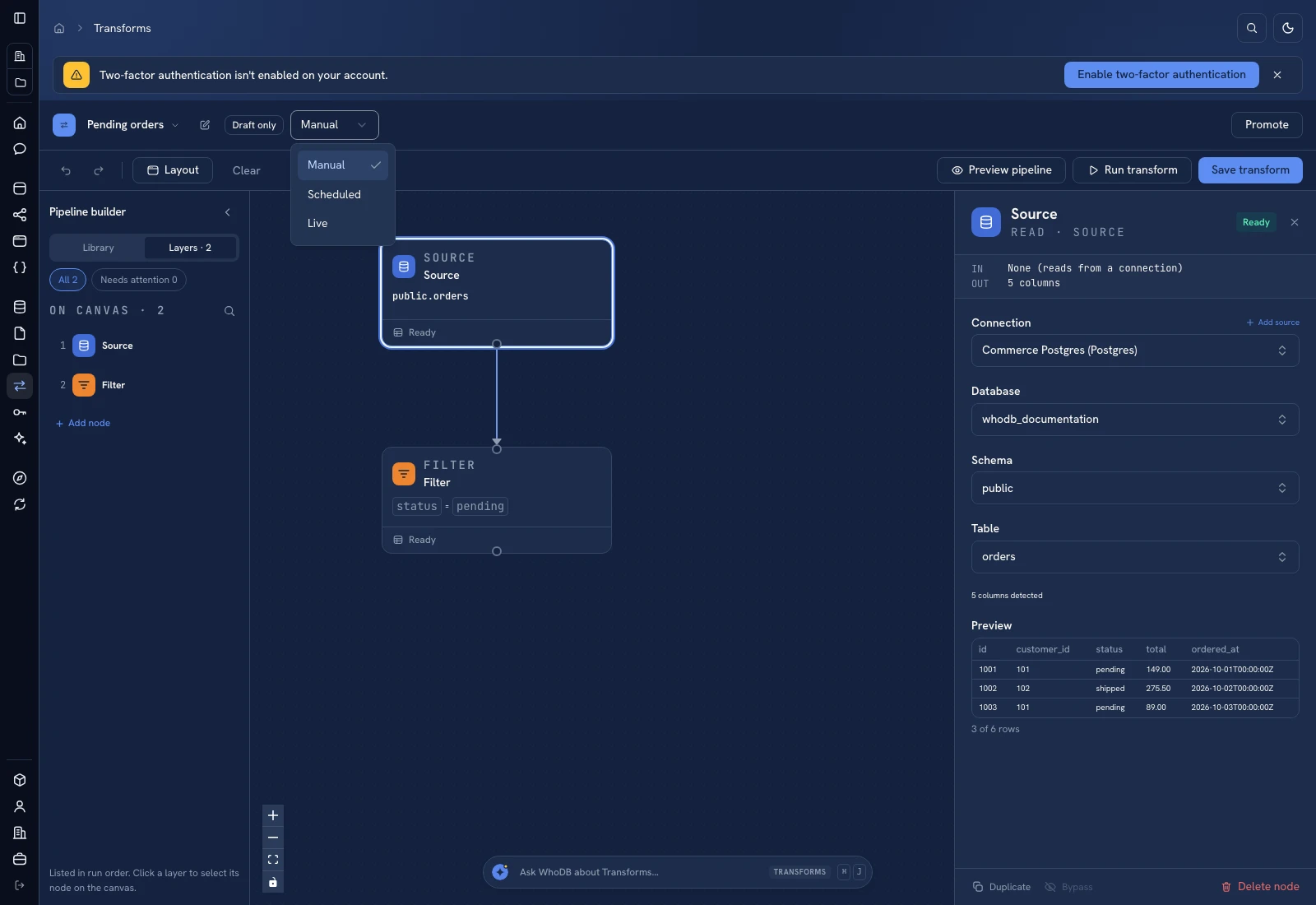 The trigger control changes when the transform is run.
Keep an initial workflow manual until its output is correct and reruns are safe. An append output can duplicate data on every schedule tick; a replacement output can remove records excluded by an unintended filter.
Live transforms#
Live configurations expose status, last processed time, records processed, and the latest error where available. Check those signals and the destination instead of assuming that an enabled live configuration has processed data. Source capabilities and the running instance's services determine availability.
Failed and interrupted runs#
Read the exact failing operation and node. Confirm source connectivity, available columns, write permissions, destination types, and runtime configuration. Correct the cause, then run a small case again.
If a write might have reached an external system before failure, inspect the external effect before rerunning. Run history is execution evidence; it is not a guarantee that a multi-system workflow is transactional.
Was this page helpful?