
Restore or permanently remove deleted resources
Where: Account → Trash. The current UI describes recovery of eligible deleted content within 30 days. Available actions depend on the resource and your permissions.
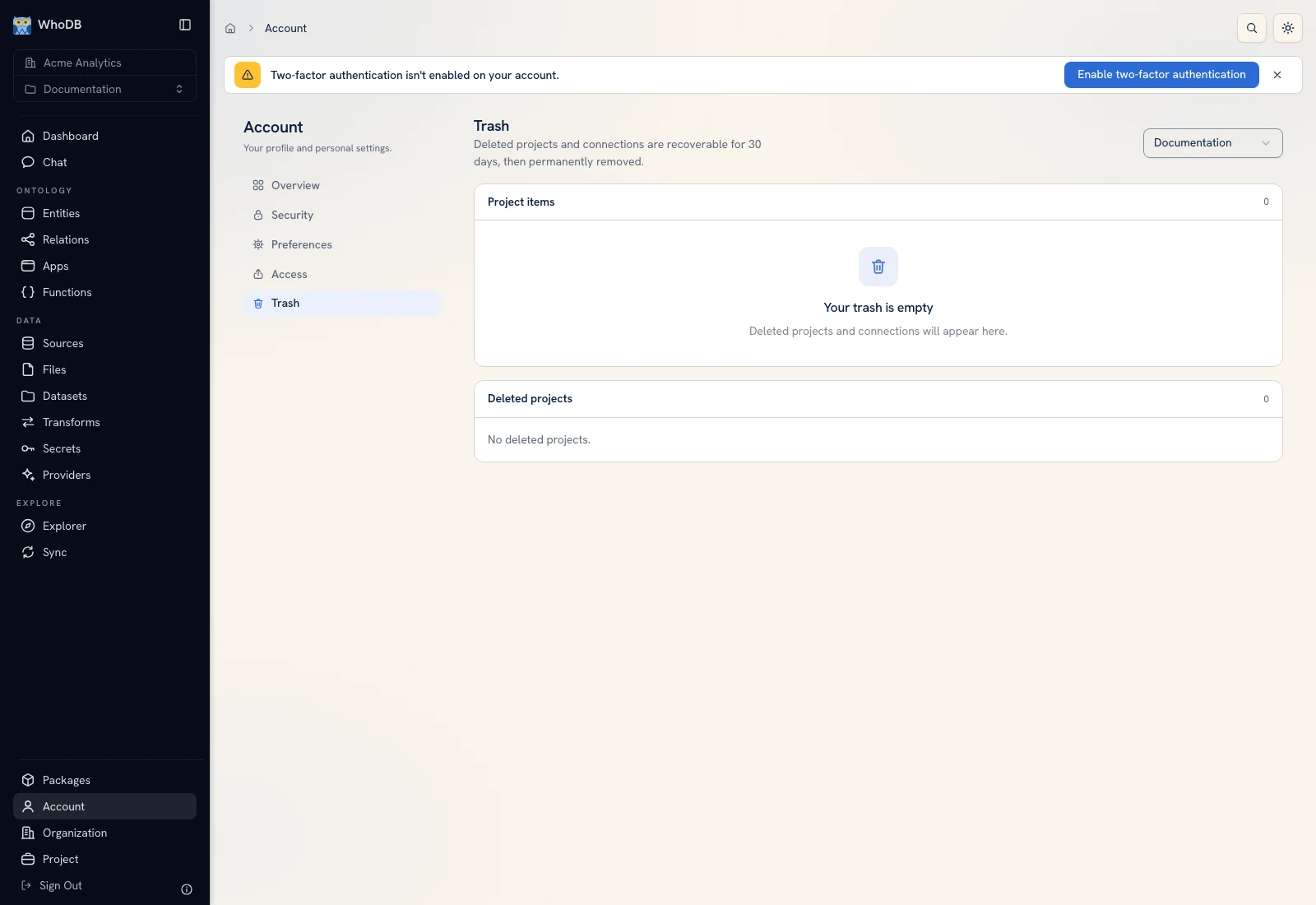 Trash lists eligible deleted resources in the user's accessible scope.
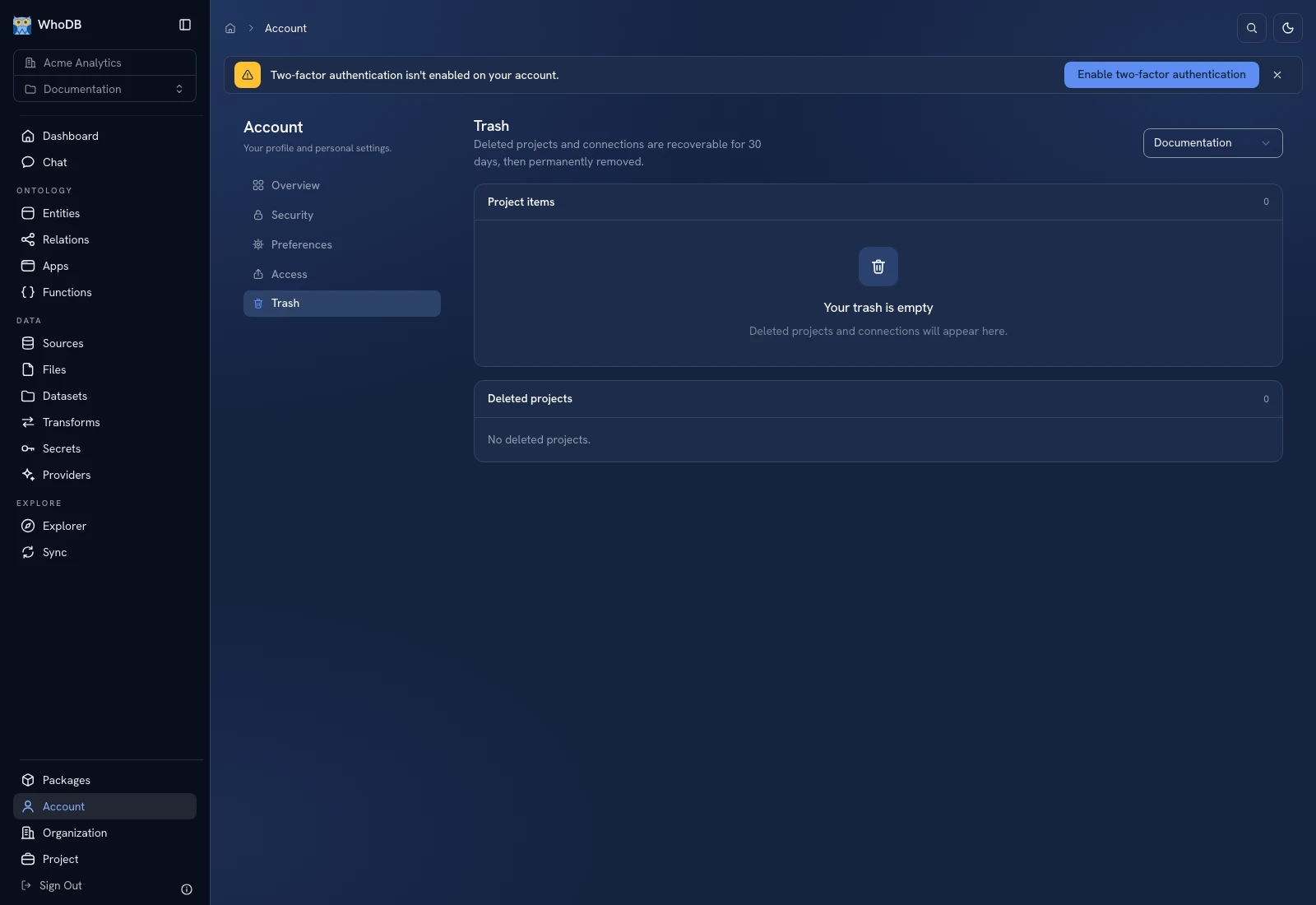 Trash lists eligible deleted resources in the user's accessible scope.
Restore an item#
- Open Trash and check the organization/project scope or filters.
- Locate the resource by name and type.
- Review its deletion information and dependencies.
- Choose Restore where available.
- Return to the original project and verify the resource and its dependent workflow.
A restored source connection does not recreate a deleted external database. A restored app still needs valid resource bindings and access. Inspect the actual data and runtime rather than stopping at the restored list entry.
Permanently remove an item#
Use the permanent-removal/purge action only when you intend to make the resource unrecoverable through Trash. Review the confirmation and named scope. A bulk selection can include more than one resource; inspect the selection before confirming.
Different deletion boundaries#
| Operation | Consequence to check |
|---|---|
| Delete a dataset/resource | Archives the resource according to its recovery rules |
| Purge Data on a dataset/entity | Removes rows while retaining its schema/resource; not a Trash recovery mechanism |
| Delete a project | Archives its workspace and makes its resources inaccessible during that state |
| Delete an organization | Removes the organization and its content/backups as described by the confirmation |
| Delete an account | Can include owned organizations and their backups after the stated confirmation/grace process |
Read Backups before irreversible actions. Trash and encrypted backups are different recovery mechanisms and have different authority, content scope, and time limits.
If an item is not listed, confirm its type, ownership, selected organization, deletion date, and whether the original operation was a data purge rather than an archive.
Was this page helpful?