
Create and manage datasets
Where: sidebar → Datasets → New dataset. A dataset is a stored data resource with a schema. Decide how rows will arrive before choosing its schema mode.
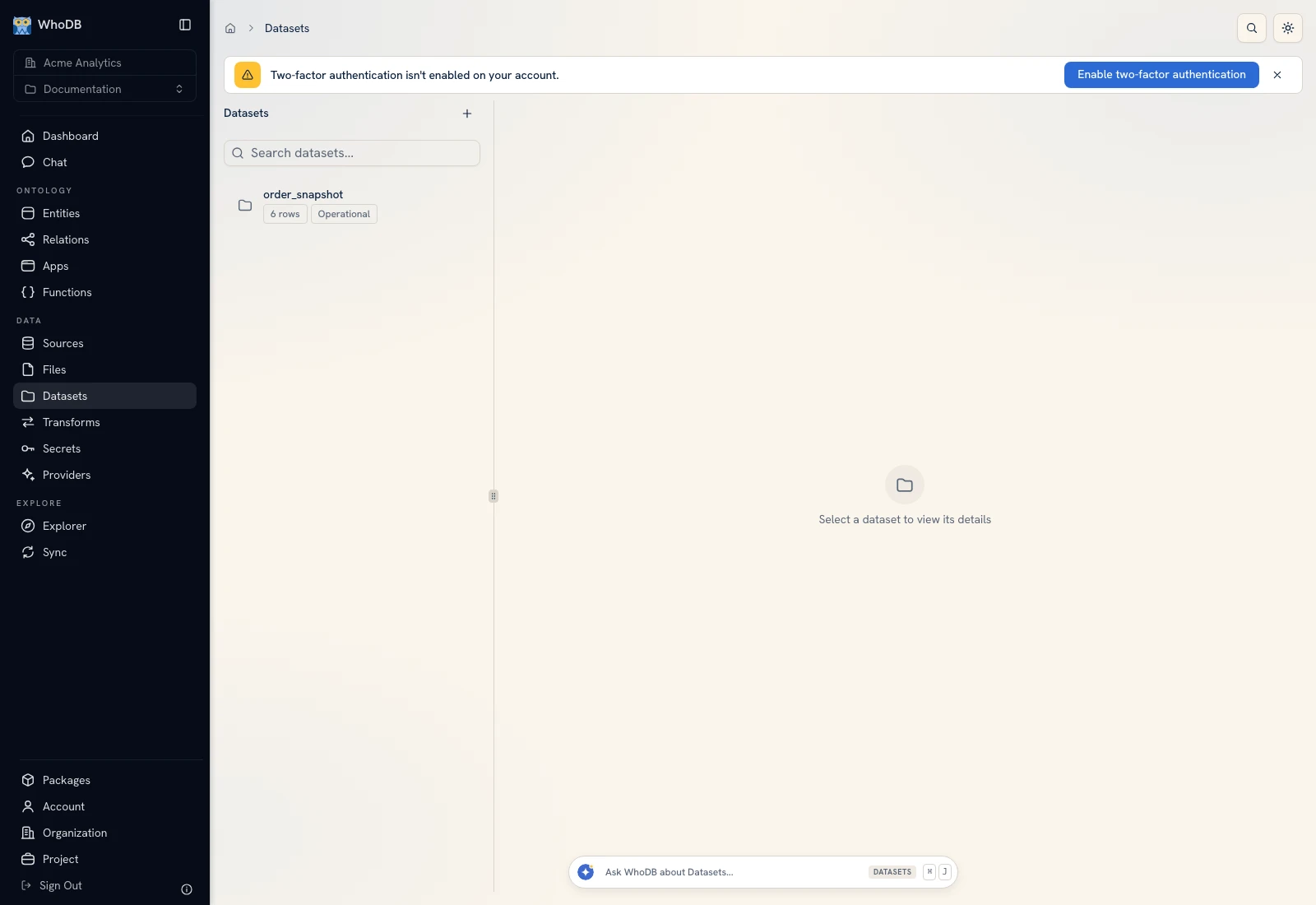 The Datasets list and the selected dataset's metadata.
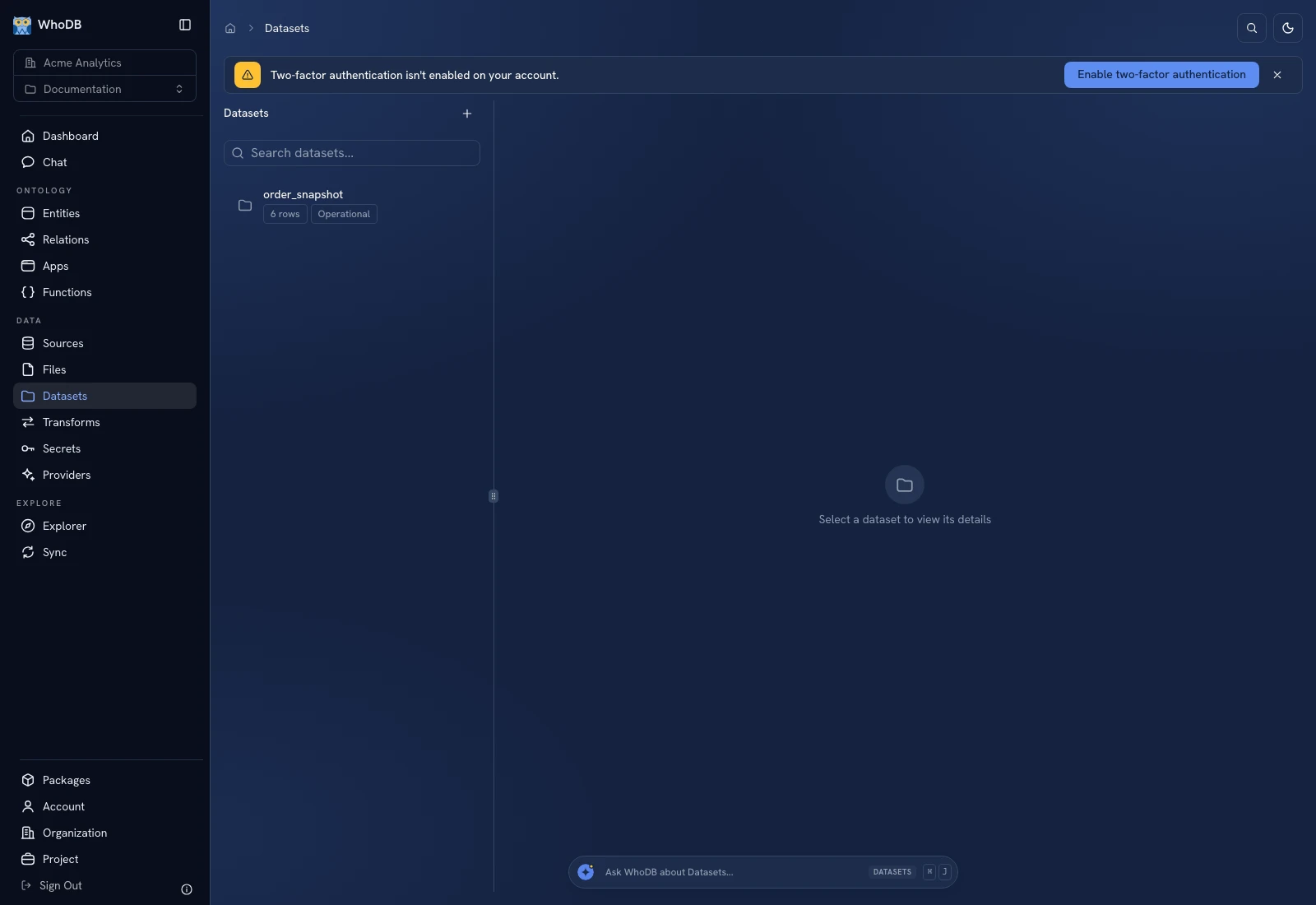 The Datasets list and the selected dataset's metadata.
Step 1: choose the source approach#
In New dataset · Step 1 of 2, choose Empty dataset or Source table.
| Choice | What you configure |
|---|---|
| Empty dataset | Storage mode, then the schema to be inferred or defined manually |
| Source table | A saved source and its browse path, used to infer the dataset schema |
Select Operational for interactive application workloads or Analytical for analytical workloads when that storage service is available. Source-table creation uses operational storage in the current form. Click Continue.
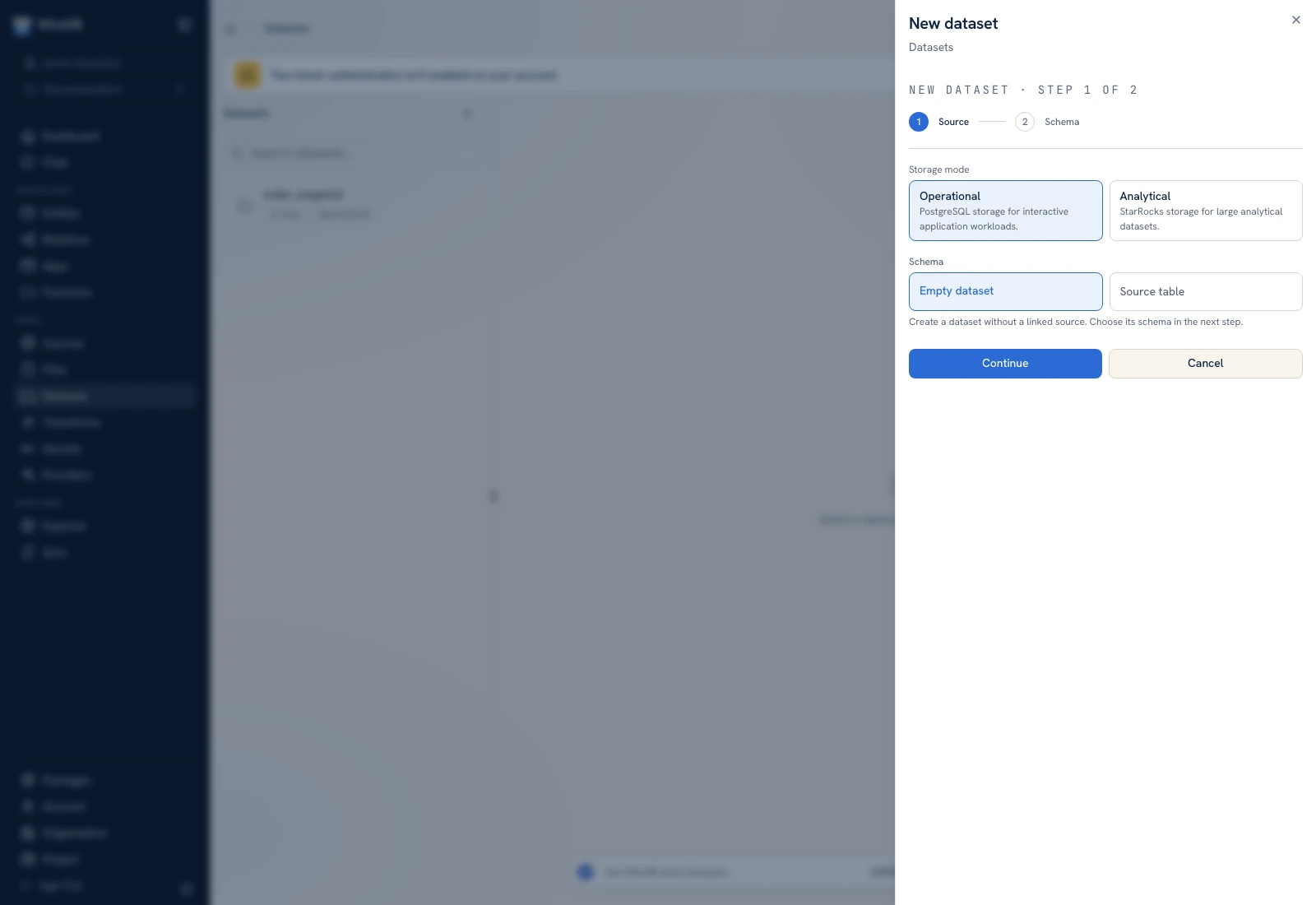 The Source step chooses storage and whether the dataset starts empty or uses a source table.
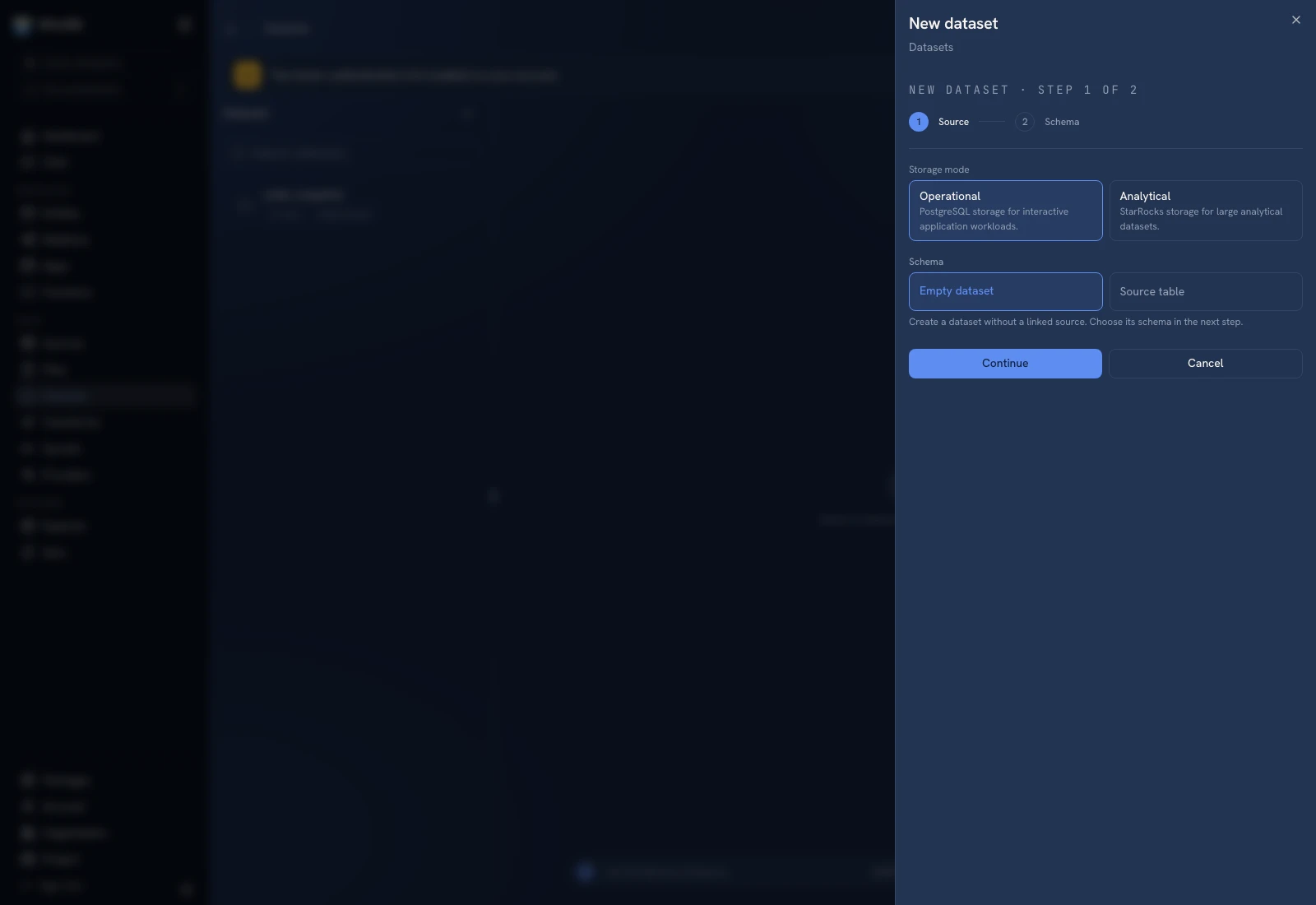 The Source step chooses storage and whether the dataset starts empty or uses a source table.
Step 2: name and define the schema#
Enter Name and Description. For an empty dataset, choose Auto when the first write will supply the schema, or define columns manually when you already know their names and types. Add a column for each field the destination should store. Click Create Dataset.
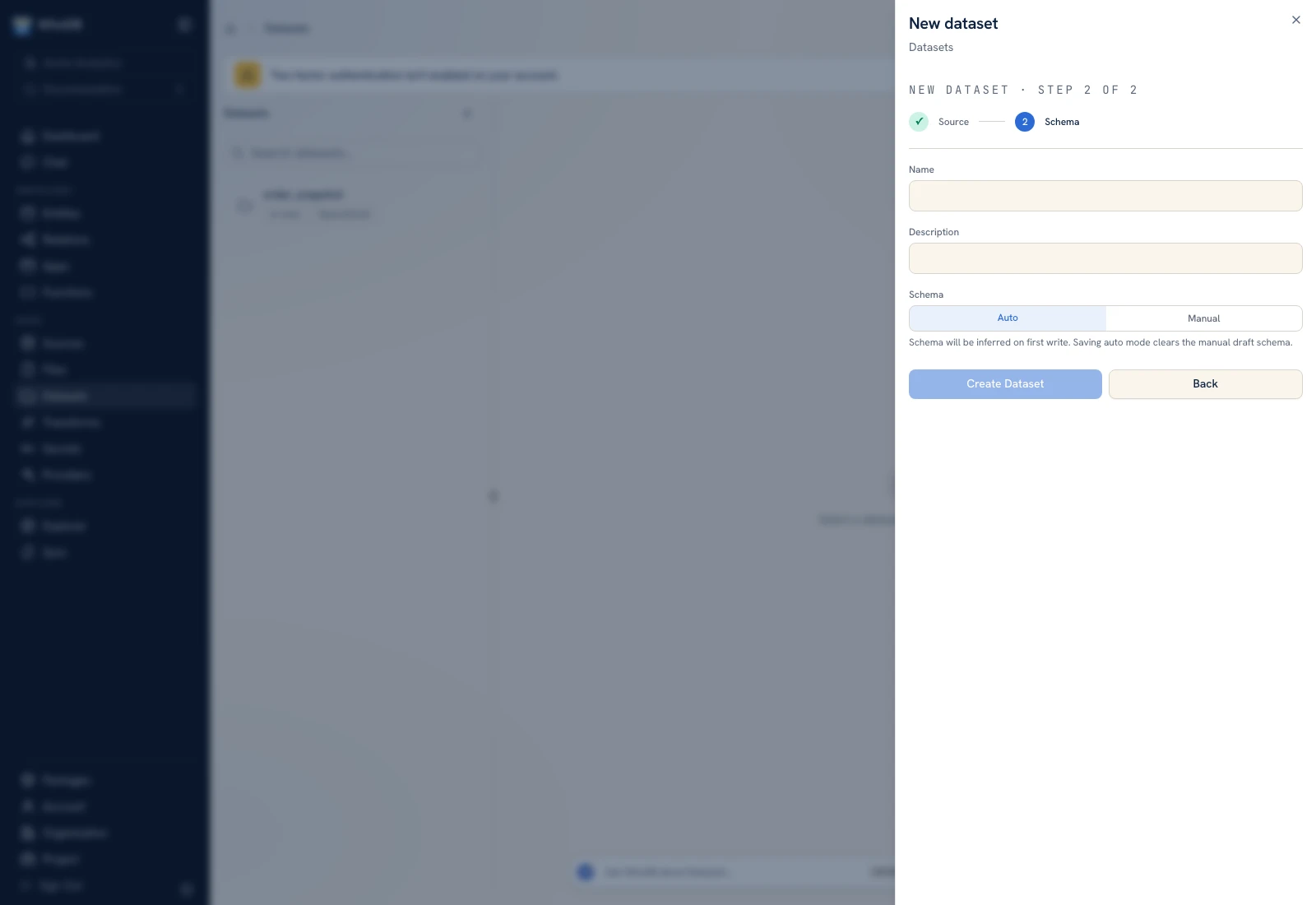 The Schema step names the dataset and defines its initial columns.
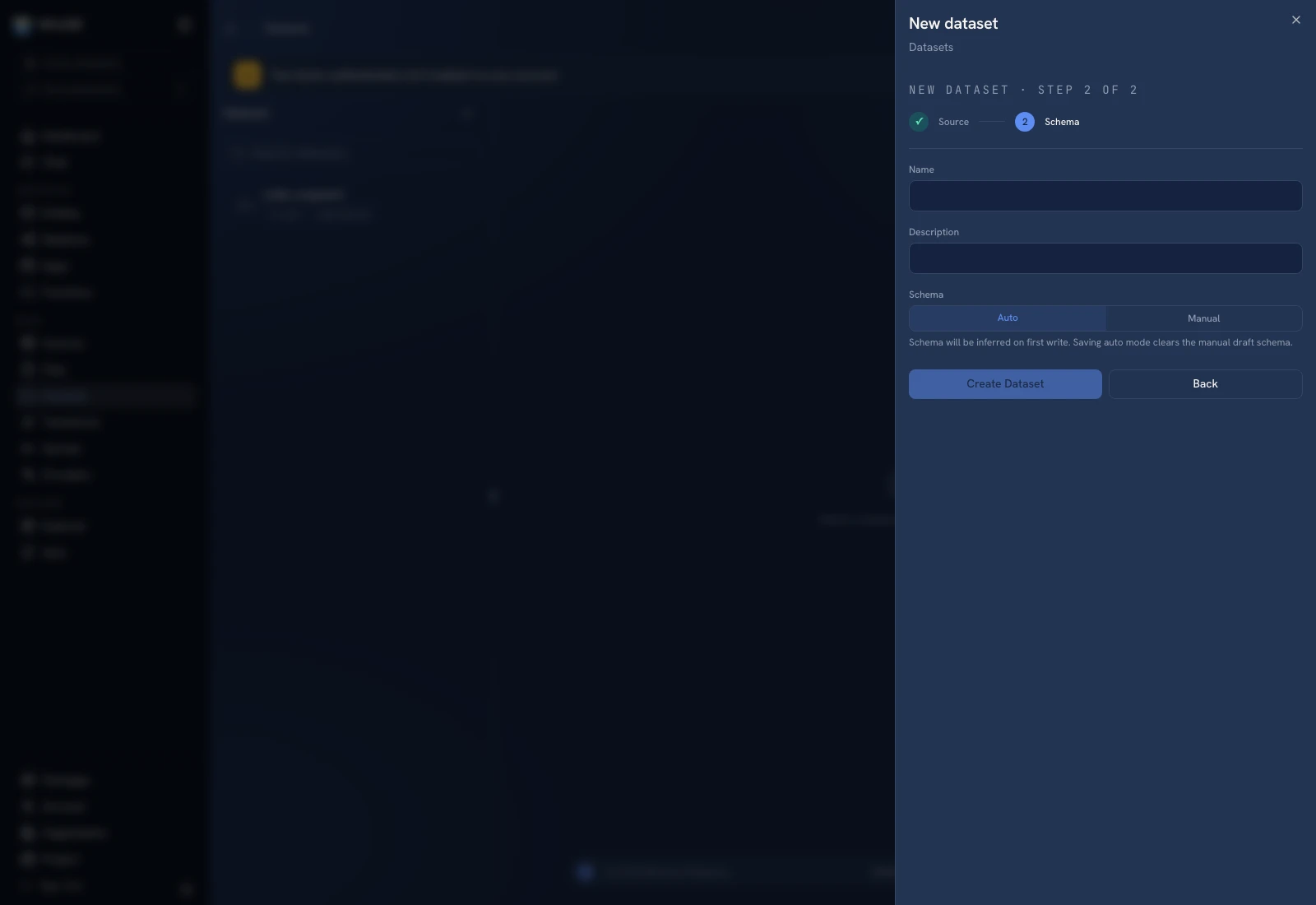 The Schema step names the dataset and defines its initial columns.
Creation of a schema does not establish a recurring data copy. If the dataset is empty, load a file or configure a transform explicitly. See Promote a file.
Inspect the result#
Select the dataset in the list. Use Data to inspect its records and Lineage to inspect recorded dependencies. Navigate result pages with the controls below the data. Verify a known key and a value in each important column.
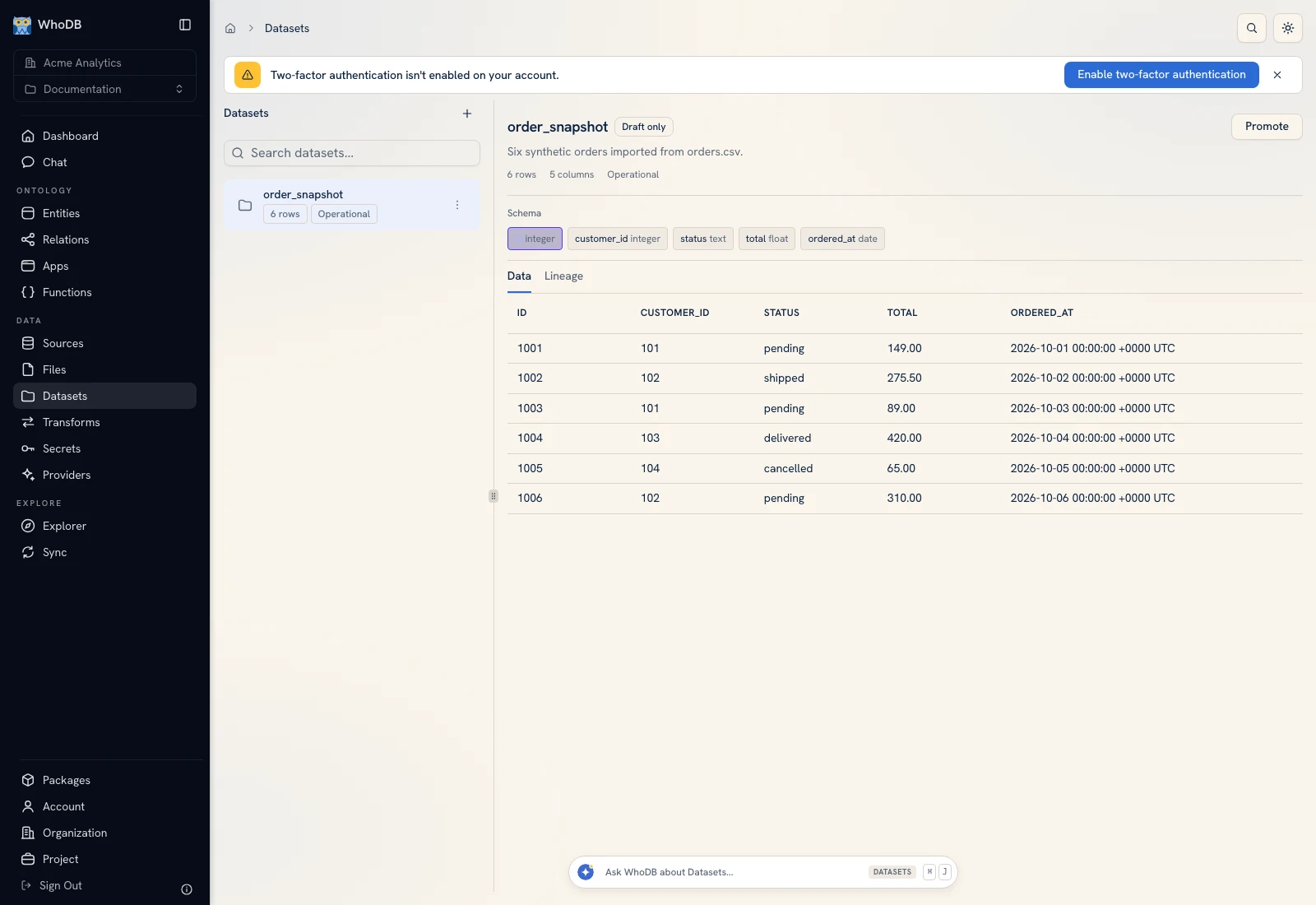 The order_snapshot Data tab contains six imported example orders.
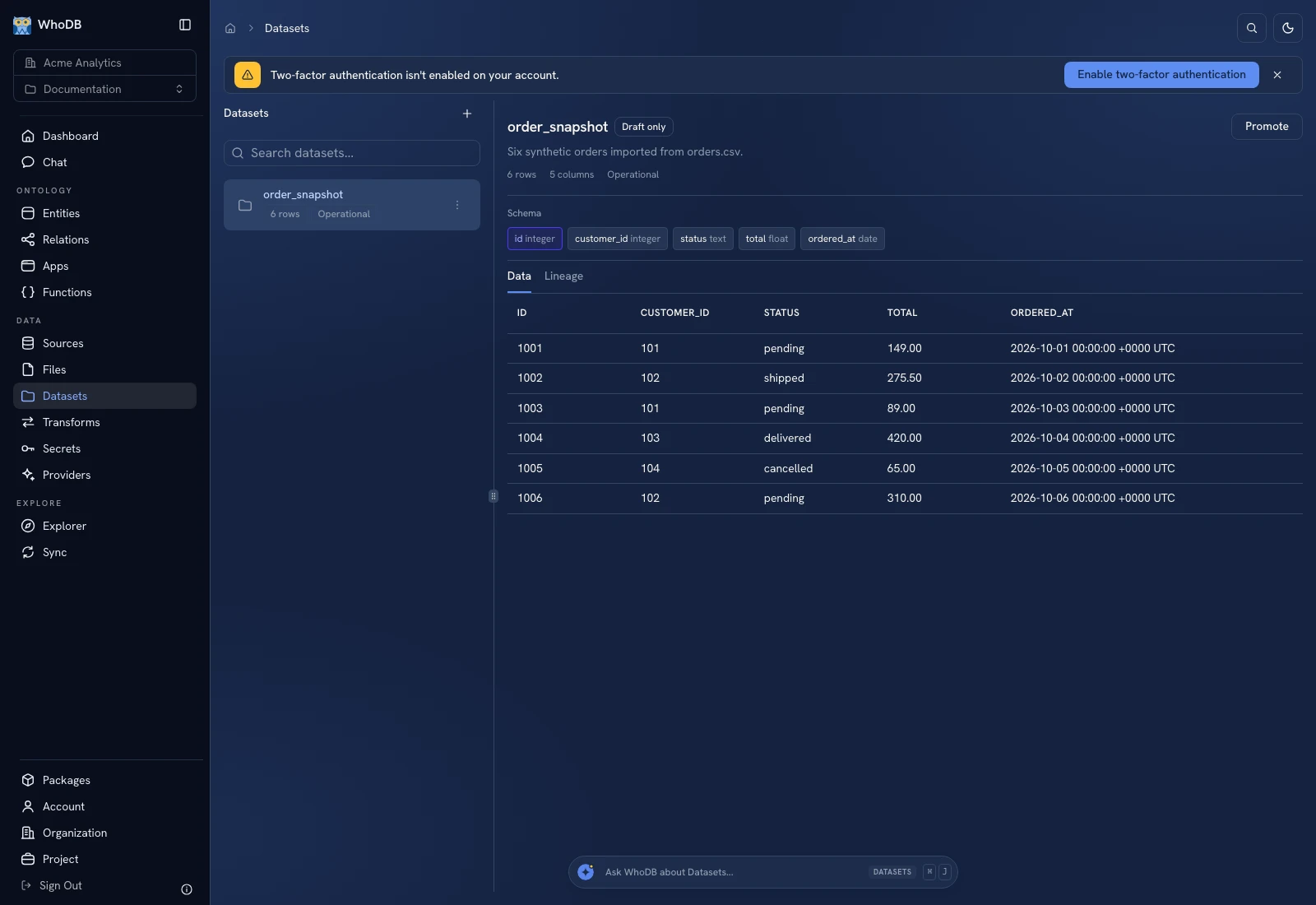 The order_snapshot Data tab contains six imported example orders.
Edit schema and versions#
Choose Edit to update the name, description, and draft schema. Source and storage are selected at creation and cannot be changed through this editor. Auto clears the manual draft schema; manual draft saves add missing backing columns. Dropping or altering columns is applied when a production version is made active, so inspect that transition before using it on existing data.
Use Versions to distinguish the editable schema from the active version. Purge Data removes every row while retaining the dataset and schema and cannot be undone. Delete archives the resource for Trash recovery; it is a different operation.
Was this page helpful?