
CLI, API identities, and MCP
Where: terminal and your assistant client's MCP configuration. Install the CLI using the Community CLI guide, then check the installed CLI's help for the supported authentication and workspace commands.
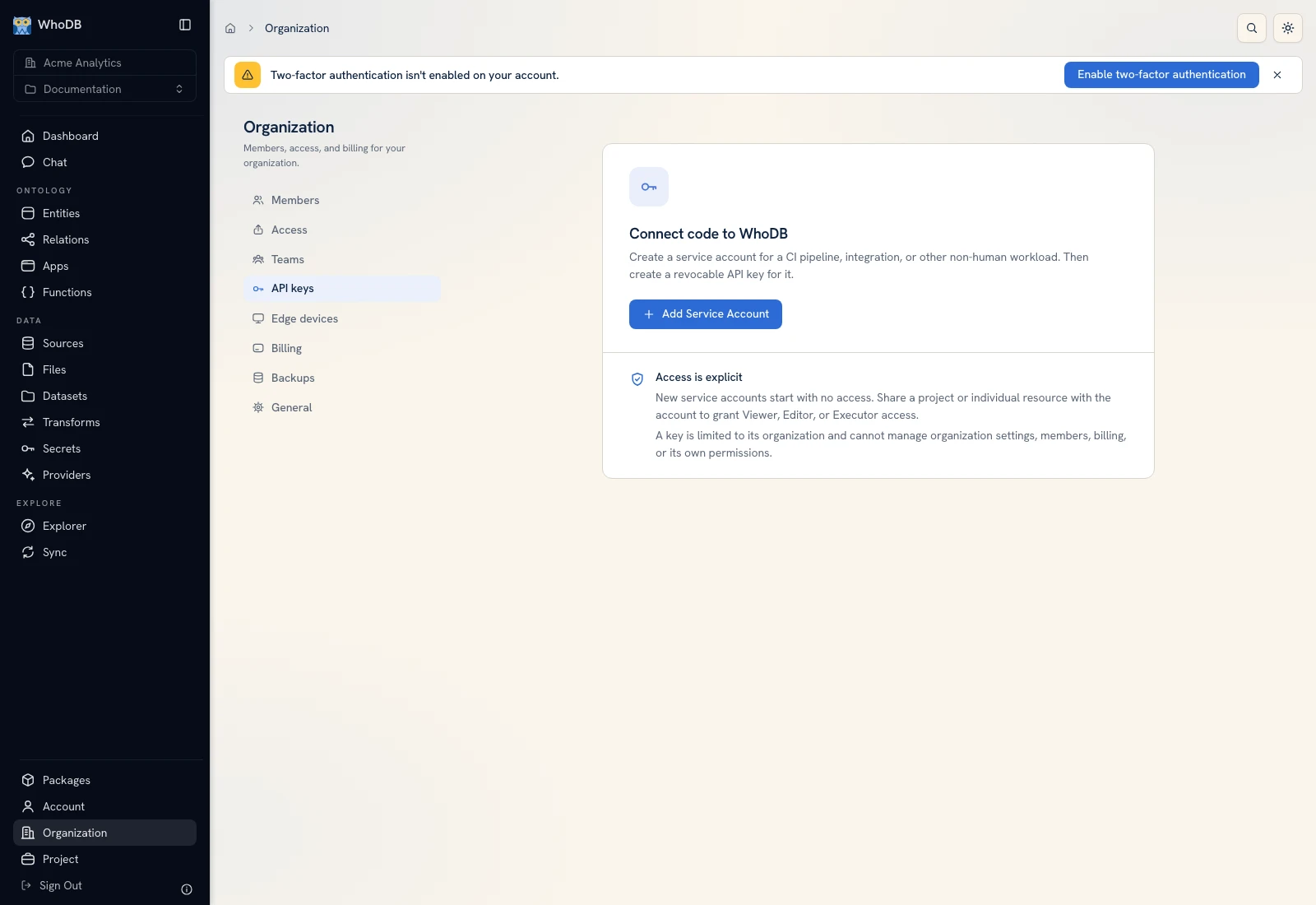 Service Accounts is the platform UI for nonhuman API identities, separate from browser OAuth sessions.
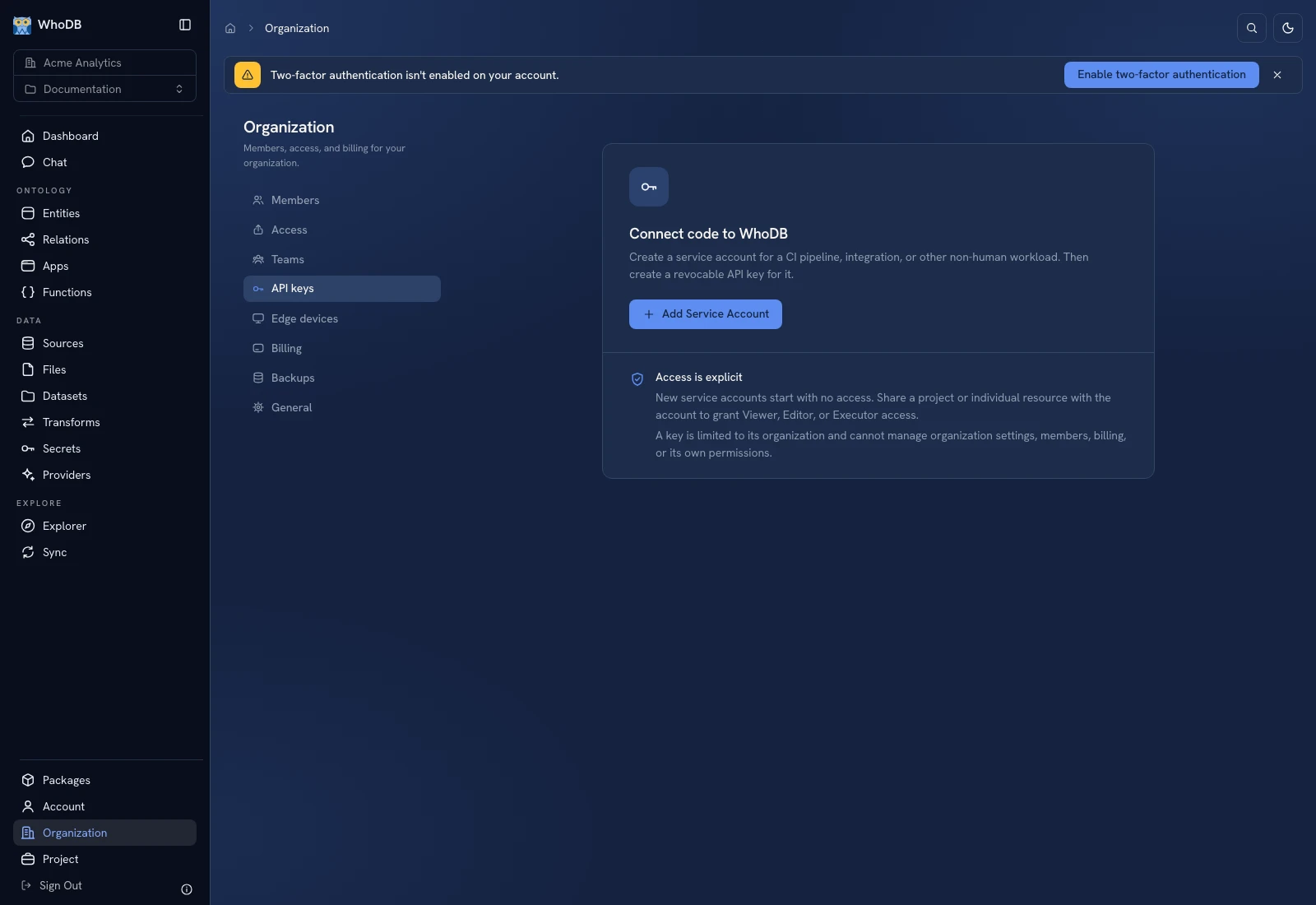 Service Accounts is the platform UI for nonhuman API identities, separate from browser OAuth sessions.
Use explicit workspace context#
Authenticate to the intended host and select the organization and project. Check the reported context against the browser's selectors before running commands. Use canonical workspace IDs for automated jobs and keep API keys in the job's secret store.
The service-account credential path applies to CLI platform commands and normal supported API access. Hosted MCP uses its OAuth flow rather than treating a general API key as an MCP token.
Start a focused CLI MCP server#
Use the profile appropriate to the task:
Shell
whodb mcp serve --tool-profile data
whodb mcp serve --tool-profile functions
whodb mcp serve --tool-profile workspace
Profiles narrow discovery. Resource permissions, read-only settings, disabled tools, and write-confirmation requirements continue to apply. Register the command using your client's current MCP configuration instructions.
Hosted MCP#
Some instances also expose hosted MCP. Ask the administrator for its enabled endpoint and authentication configuration; an implemented route is not proof that a deployment enabled it.
Authorize through the browser consent flow. Read-only consent does not authorize writes, and OAuth does not grant more resource permissions than the user's platform account has. Hosted write calls prepare a preview that must be approved in WhoDB's authenticated approvals page before confirmation executes it. A client-side prompt alone does not approve that hosted write.
Inspect an interrupted write#
Read the preview's workspace, resource, and changes before approving. After execution, read the affected resource and verify the result. If execution is interrupted, inspect its outcome before preparing another write; a multi-step workflow is not automatically transactional.
For app/function changes, inspect draft versus active versions as well as the tool result.
Was this page helpful?