
Find duplicate suppliers without auto-merging records
Prepare candidate duplicate supplier groups using an explicit normalized tax identifier. Preserve each original supplier ID and name so procurement can decide whether records represent the same legal entity.
Before you begin#
You need a project where you can create transforms and datasets, plus an available Python script runtime. The sample contains only synthetic records. Start with the complete CSV, not a limited preview of a larger business dataset.
Follow Run a use-case recipe for the shared input, destination, and app steps.
Sample input#
Download the CSV, or copy it into Transforms → Library → Seed → Paste CSV.
Csv
supplier_id,supplier_name,tax_id
SUP-1,Northwind Supplies,AB-123
SUP-2,Northwind Supply Ltd,ab 123
SUP-3,Cedar Paper,CD-456
SUP-4,Cedar Services,
Build it in WhoDB#
- Create Supplier duplicate review and load the fixture into Seed. Keep tax IDs and supplier IDs as text.
- Add Script → Python. The normalization below removes spaces/punctuation and changes letters to uppercase; agree that this is valid for your identifier scheme first.
- Declare the output columns and preview. Filter
duplicate_status != uniqueto retain duplicates and missing identifiers for different review tasks. - Sort by
normalized_tax_id, thensupplier_id. Save tosupplier_identity_reviewand show every original record in the review table. - Compare legal names and authoritative records before merging anything in the source. This pipeline only proposes a group; it does not move invoices or bank details between suppliers.
Script and output columns#
In Script → Output columns, add these names exactly, in this order:
Text
supplier_id, supplier_name, tax_id, normalized_tax_id, duplicate_count, duplicate_status
Paste this code into Script. Select Python and leave Dependencies empty; it uses the Python standard library.
Python
import re
from collections import Counter

def main(input):
    keyed = [(row, re.sub(r"[^A-Z0-9]", "", str(row["tax_id"]).upper())) for row in input]
    counts = Counter(key for _, key in keyed if key)
    return [dict(row, normalized_tax_id=key, duplicate_count=counts[key] if key else 0,
        duplicate_status="missing_tax_id" if not key else "candidate_duplicate" if counts[key] > 1 else "unique")
        for row, key in keyed]
Download the script · Expected fixture output. The expected output is computed from this CSV and script; it is not a screenshot of a hosted run.
Check the result#
SUP-1 and SUP-2 share AB123, each with group size 2 and status candidate_duplicate. SUP-3 is unique. SUP-4 is missing_tax_id; missing values must not become one artificial duplicate group.
Find the controls#
These screenshots show the current pipeline configuration controls used in this recipe. They come from the manual’s synthetic demonstration workspace; they do not show this use case already executed.
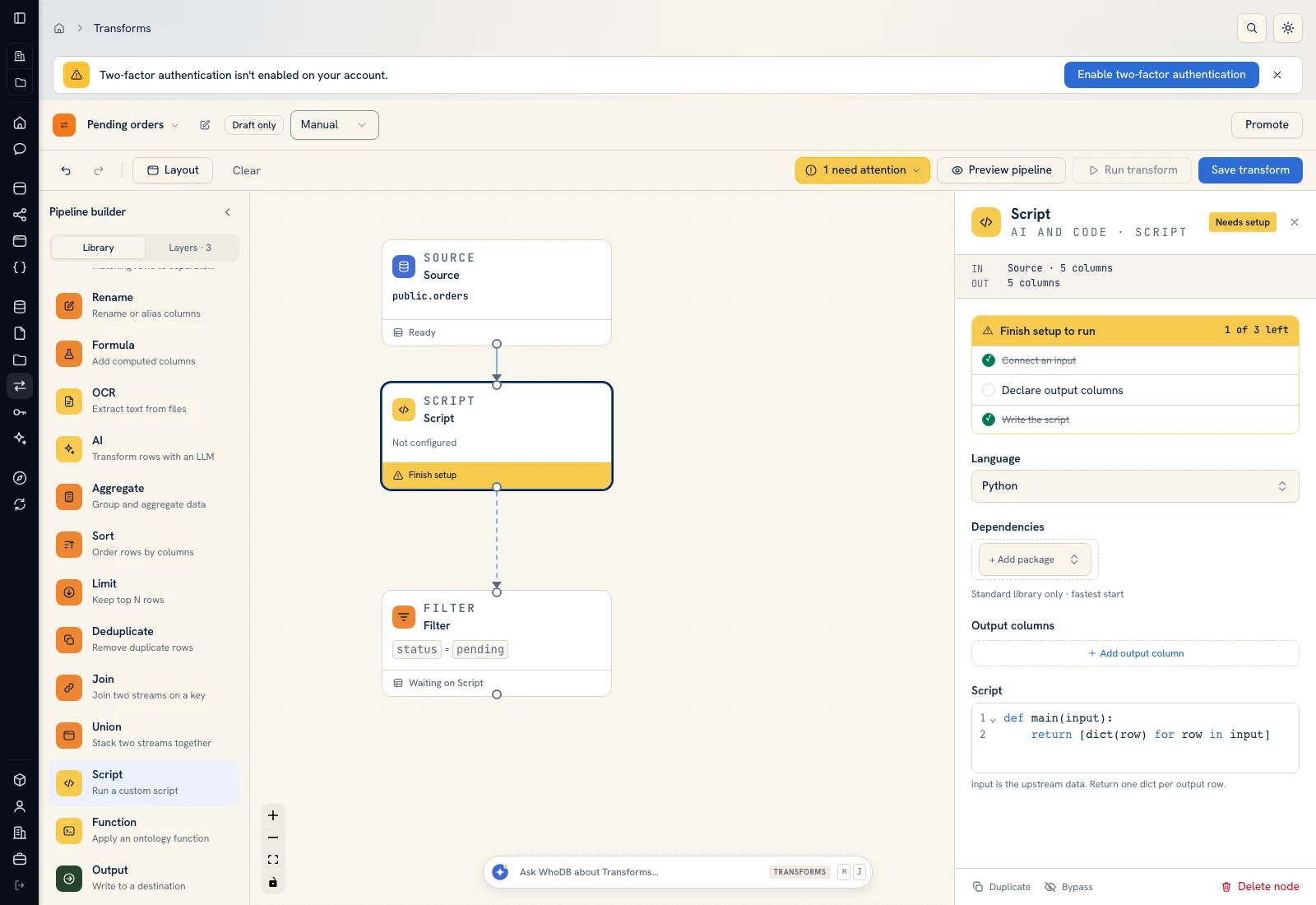 Script: select Python, declare output columns, and paste the calculation.
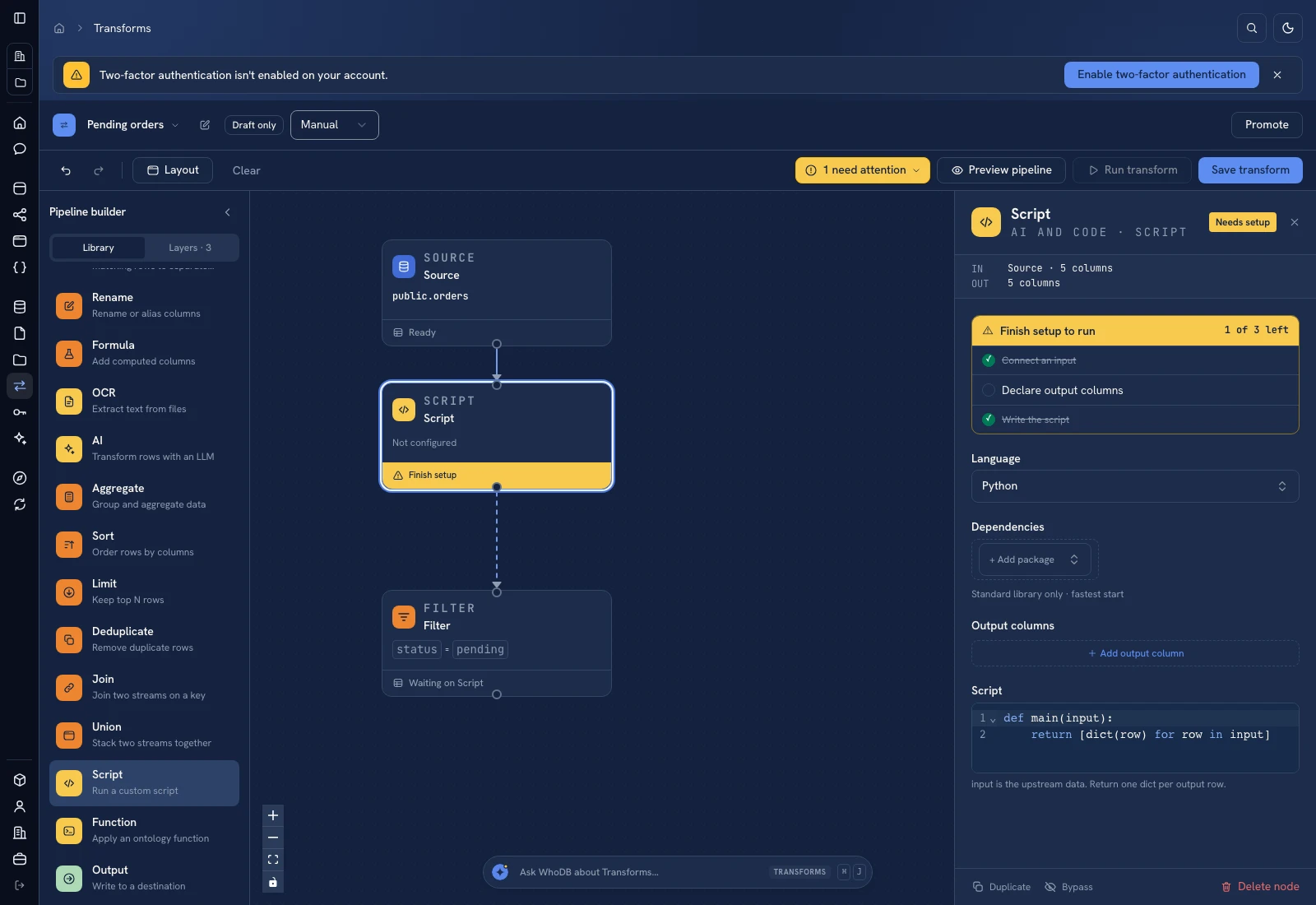 Script: select Python, declare output columns, and paste the calculation.
Put it to work#
Include jurisdiction and entity type in a real matching key when the same text can identify different entities. Do not use this normalization for bank accounts or identifiers with meaningful punctuation without a specific rule. Keep reviewer decisions so an intentionally separate supplier is not proposed for merging on every refresh.
For output mapping and rerun behavior, follow Write pipeline outputs. For a team-facing screen, follow Create an app and Connect state and data.
Was this page helpful?