
Run Sync, Async, and Live functions
Where: choose the mode in Functions → New function → Basics. Review an existing function's mode badge in its detail header.
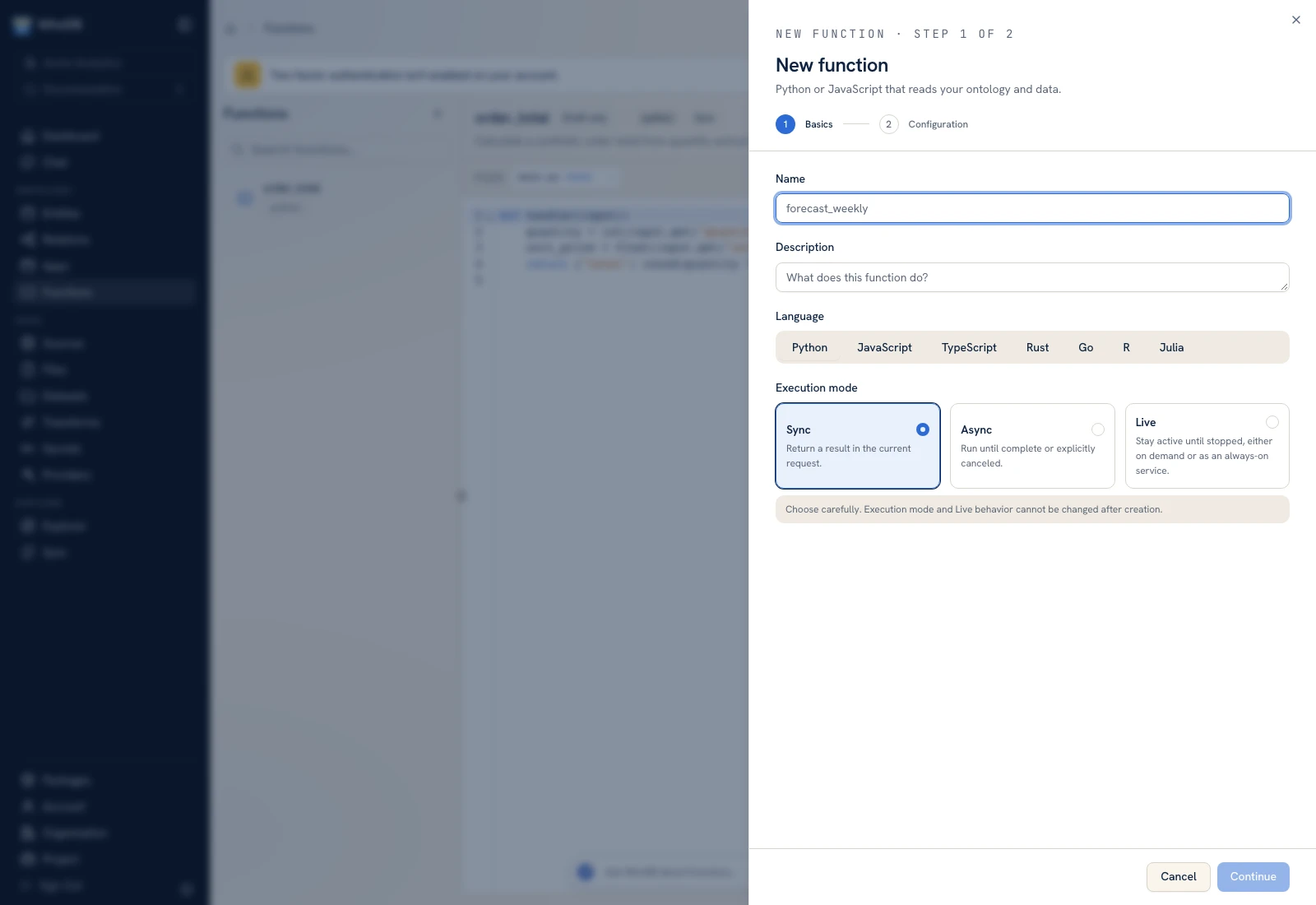 Function creation distinguishes Sync, Async, and Live execution.
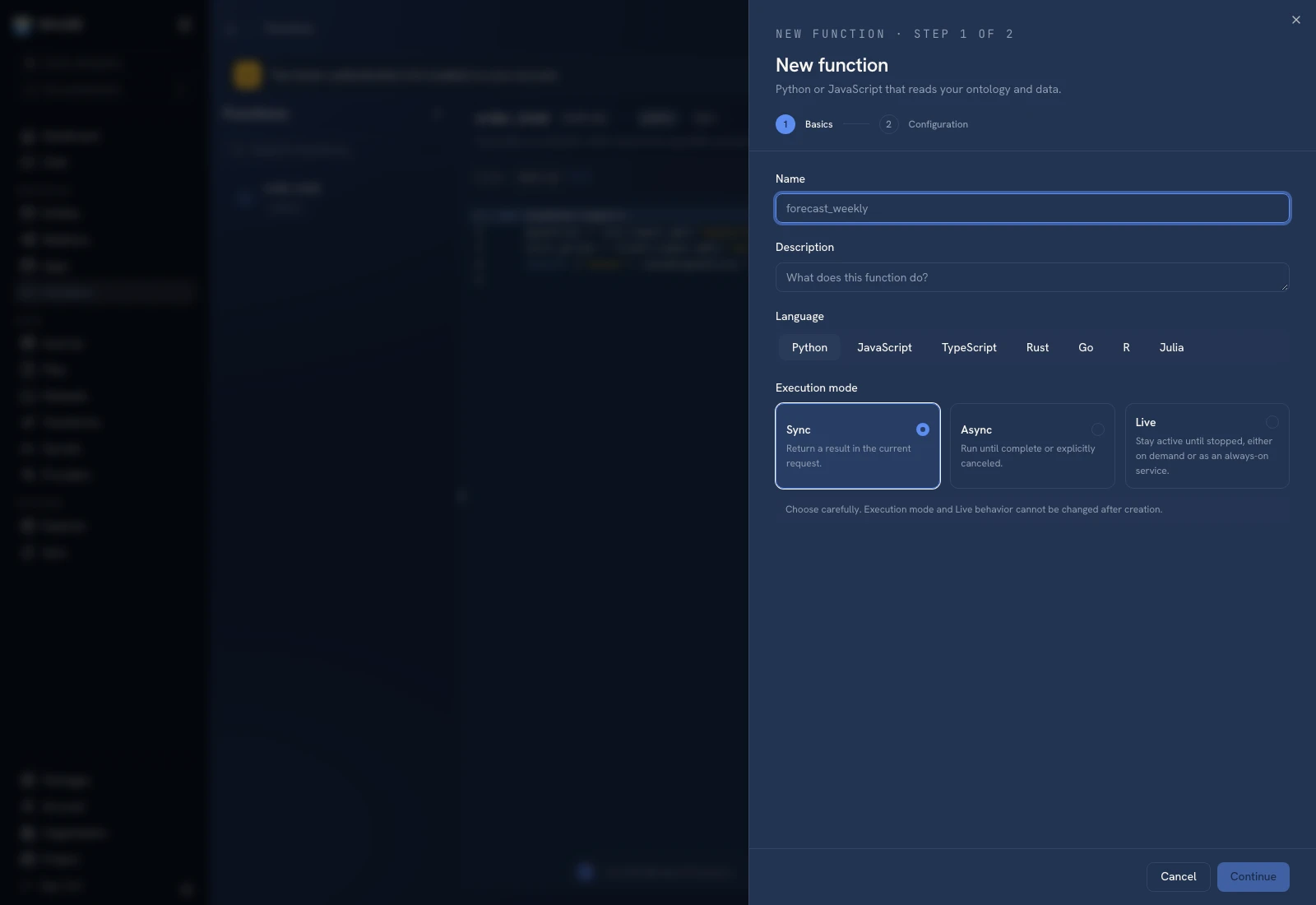 Function creation distinguishes Sync, Async, and Live execution.
| Mode | Behavior | First check |
|---|---|---|
| Sync | Returns a result in the current request | Run a small JSON input and inspect Output/Logs |
| Async | Runs until completion or explicit cancellation with a tracked run | Start run, inspect its status, then its terminal output |
| Live: On-demand stream | Handles each streaming request from an app | Verify one request and its stream behavior |
| Live: Always-on service | Starts immediately and restarts if it exits | Start service and inspect its running state/logs |
Execution mode and Live behavior are immutable after creation. If the task needs a different lifecycle, create a function with the intended mode rather than assuming an edit changes it.
Track a persisted run#
Async and Live work can move through Queued, Starting, Running, Completed, Failed, Canceling, and Canceled. Queued means execution has not completed; Canceling means the runtime is still stopping.
Use Start run, Start service, or Run function according to the selected mode. Save code before starting detached work. Inspect input, output, logs, and any error for the actual run you started.
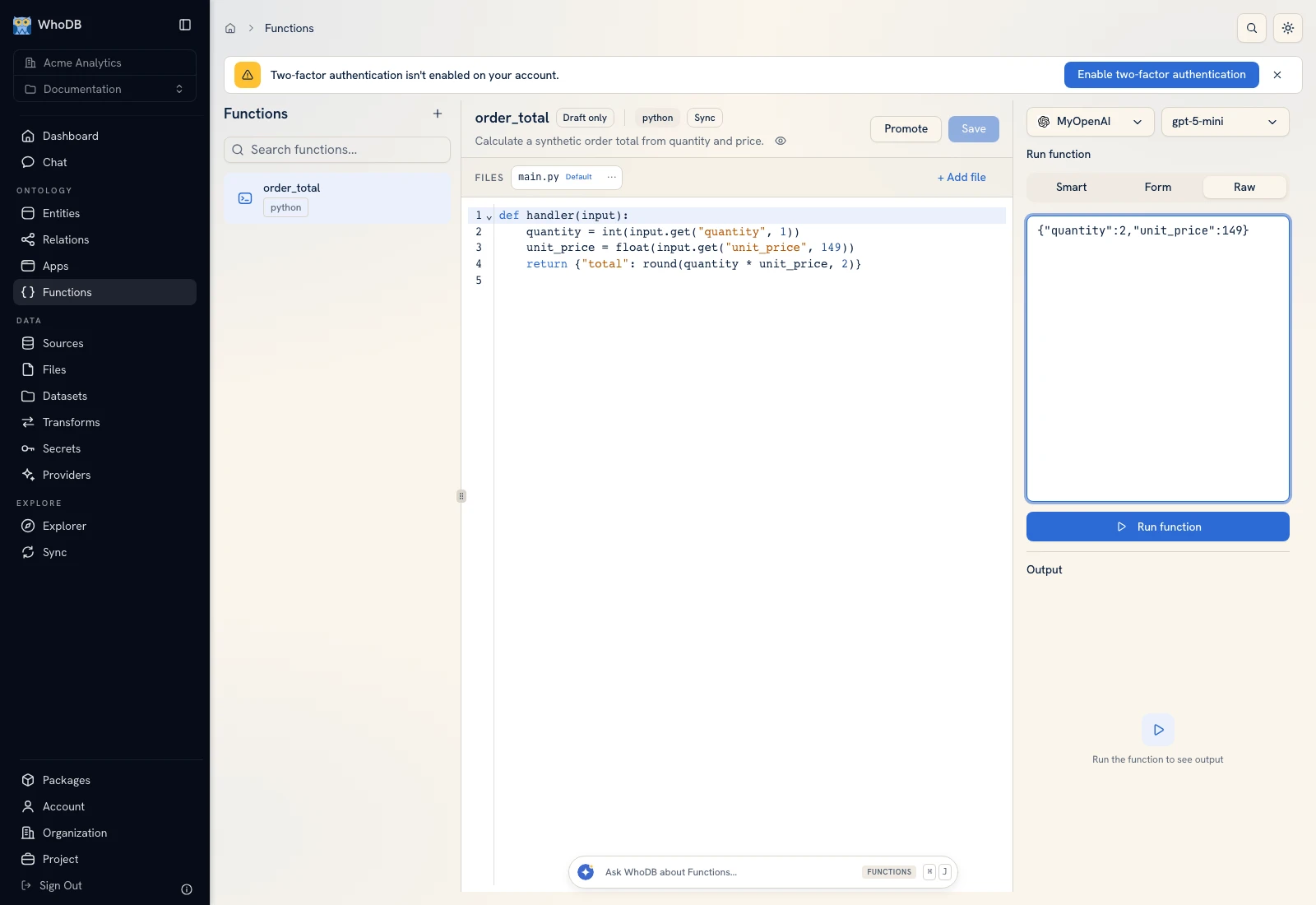 The input/output panel is where a deterministic request is supplied and its outcome inspected.
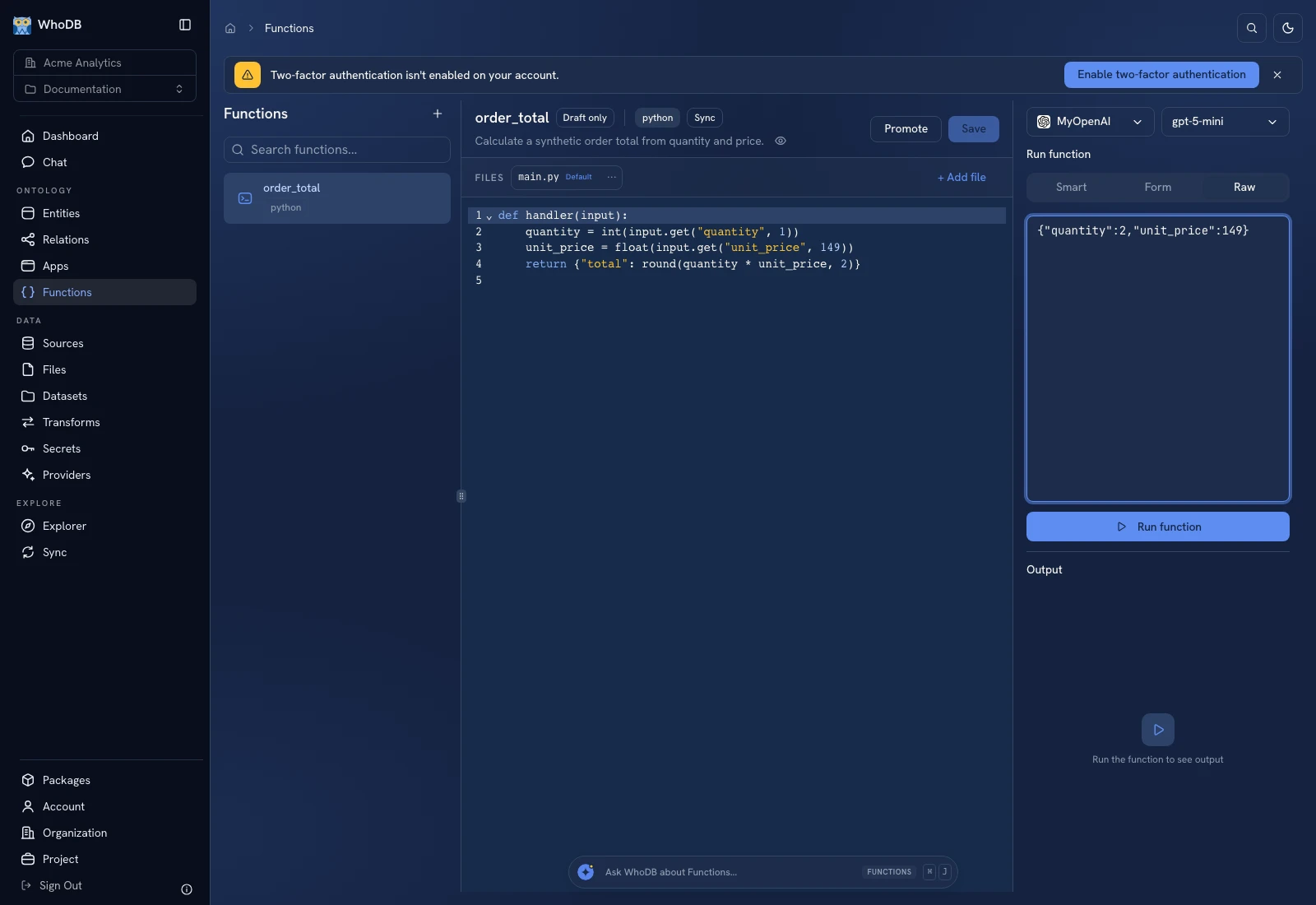 The input/output panel is where a deterministic request is supplied and its outcome inspected.
Stop work#
Use Stop run when the selected function exposes an active run. Wait for cancellation to finish rather than treating the initial click as proof that the process has stopped. A missing active run is different from a failed cancellation.
Interrupted or unknown outcomes#
A failed request or lost runtime can leave the external effect uncertain. Inspect the destination system before starting another write. Persisted run tracking does not make an arbitrary external API action transactional.
For repeated finite work, use Schedules. For a function that must run on a particular local computer, use Edge devices; supported edge modes are a narrower set than all Platform runtimes.
Was this page helpful?