
Build a renewal follow-up pipeline
Give account managers a time-bounded list of contracts approaching renewal, with an explicit owner and overdue status. This is an operational reminder queue rather than a revenue forecast.
Before you begin#
You need a project where you can create transforms and datasets, plus an available Python script runtime. The sample contains only synthetic records. Start with the complete CSV, not a limited preview of a larger business dataset.
Follow Run a use-case recipe for the shared input, destination, and app steps.
Sample input#
Download the CSV, or copy it into Transforms → Library → Seed → Paste CSV.
Csv
contract_id,account,renewal_date,annual_value,owner,status
C-1,Acme Analytics,2026-11-20,12000,Ada,active
C-2,Cedar Studio,2027-02-01,3000,Noah,active
C-3,Northwind Lab,2026-11-01,18000,,active
C-4,Orchid Co,2026-11-18,5000,Ada,cancelled
Build it in WhoDB#
- Create Renewal follow-up, using the sample in Seed. Define renewal date as the date requiring a commercial decision, rather than mixing it with invoice due date.
- Add the Python Script, declare output columns, and preview against the fixed reporting date.
- Filter
renewal_action != none. Sort bydays_to_renewalascending, then annual value descending. - Write to
renewal_followup. Give account managers a table with contract, value, owner, timing, and action. - Handle
assign_ownerbefore ordinary outreach. Record last contact and next action separately from the calculated timing fields.
Script and output columns#
In Script → Output columns, add these names exactly, in this order:
Text
contract_id, account, renewal_date, annual_value, owner, status, days_to_renewal, renewal_stage, renewal_action
Paste this code into Script. Select Python and leave Dependencies empty; it uses the Python standard library.
Python
from datetime import date

AS_OF = date(2026, 11, 10)

def main(input):
    output = []
    for row in input:
        days = (date.fromisoformat(row["renewal_date"]) - AS_OF).days
        in_window = row["status"] == "active" and days <= 30
        action = "none" if not in_window else "assign_owner" if not row["owner"].strip() else "contact_owner"
        output.append(dict(row, days_to_renewal=days,
            renewal_stage="overdue" if days < 0 else "upcoming", renewal_action=action))
    return output
Download the script · Expected fixture output. The expected output is computed from this CSV and script; it is not a screenshot of a hosted run.
Check the result#
At 2026-11-10, C-1 is ten days away and needs contact_owner; C-2 is outside the 30-day horizon; C-3 is nine days overdue and needs assign_owner; C-4 is cancelled and excluded. The worklist has two rows.
Find the controls#
These screenshots show the current pipeline configuration controls used in this recipe. They come from the manual’s synthetic demonstration workspace; they do not show this use case already executed.
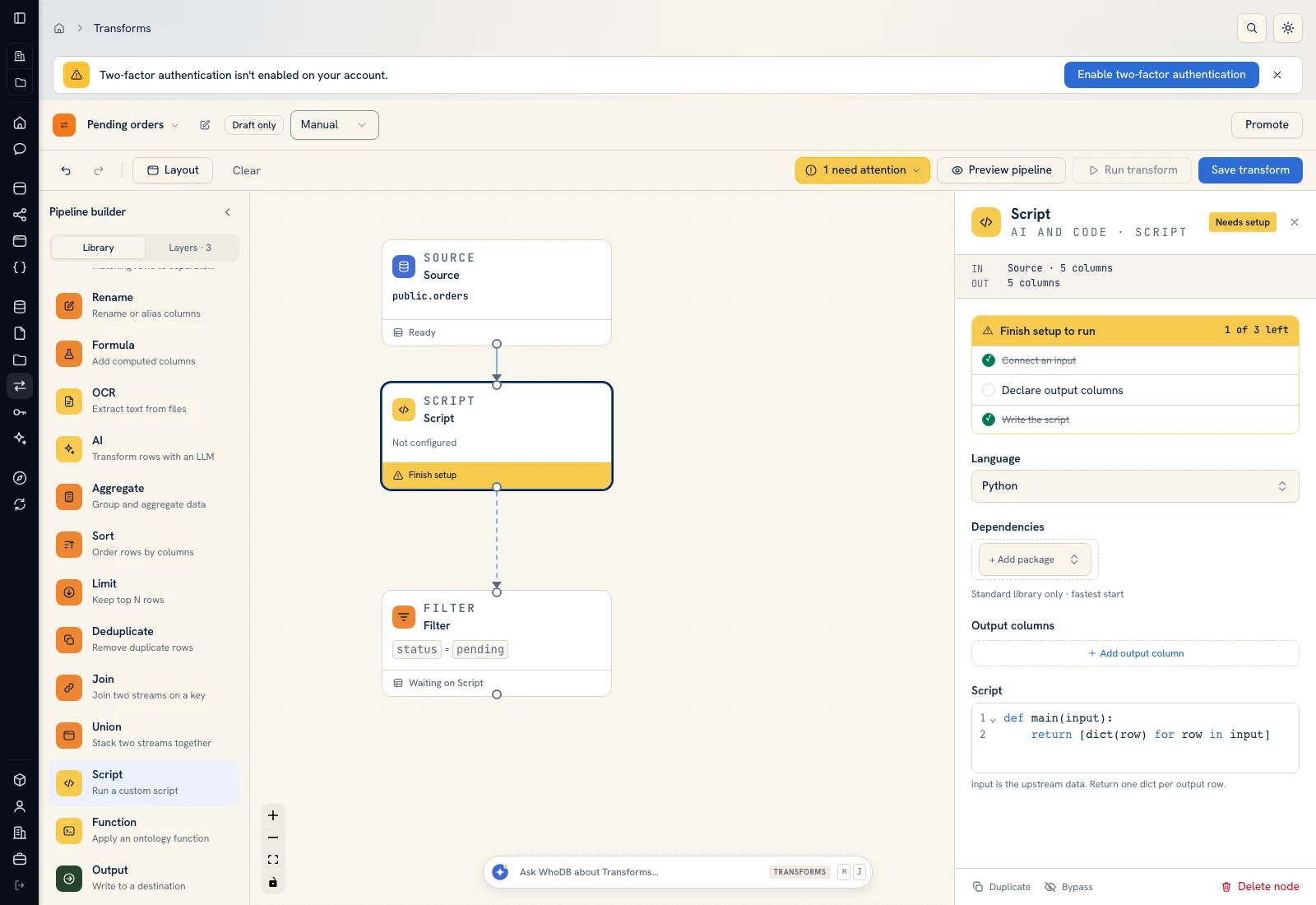 Script: select Python, declare output columns, and paste the calculation.
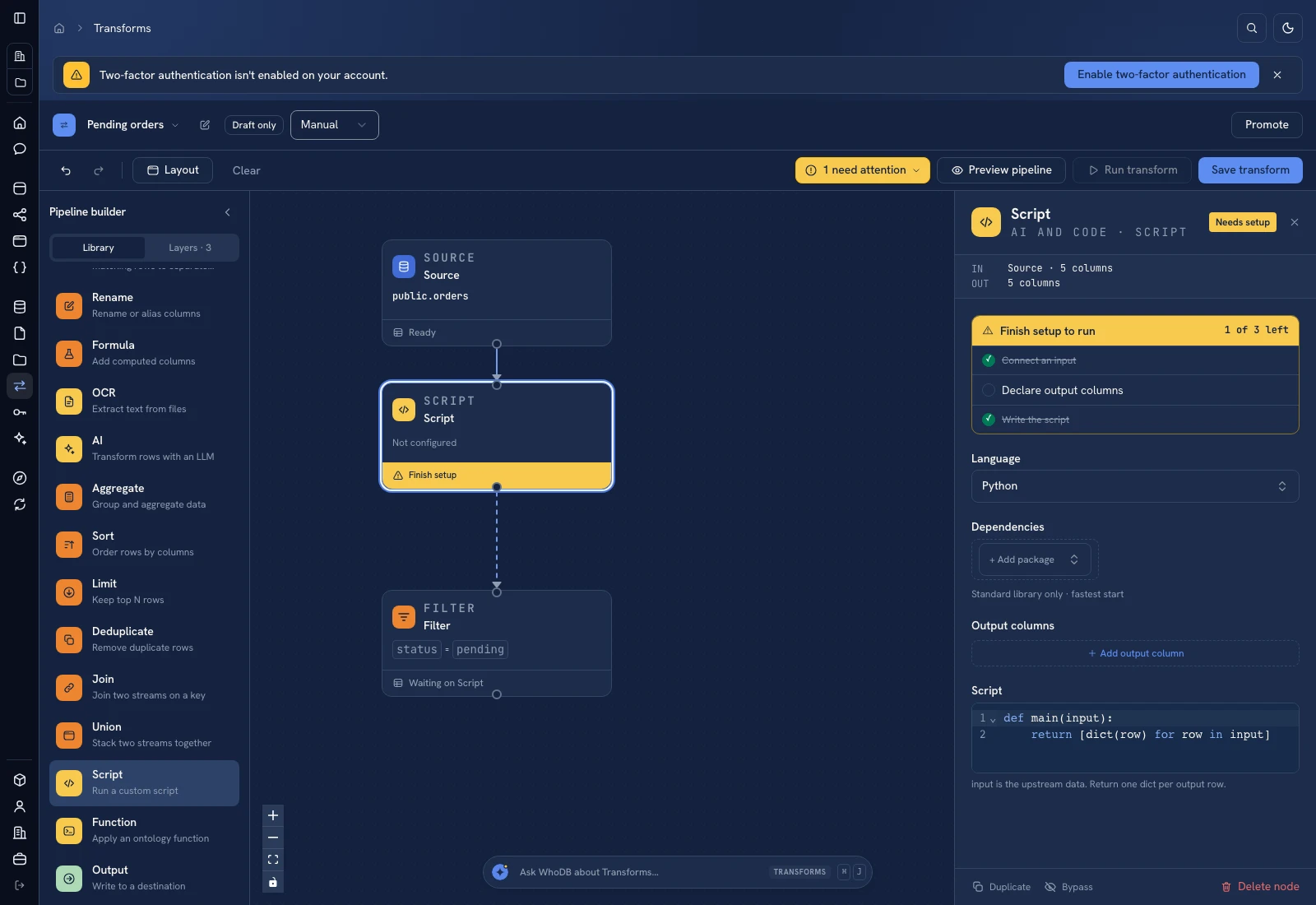 Script: select Python, declare output columns, and paste the calculation.
Put it to work#
Include notice periods and auto-renewal terms when choosing the action date. Snapshot the queue if you need historical reporting: replacing today's result does not retain last month's renewal pipeline. Track timely first contact and owner coverage; annual contract value alone does not establish renewal probability.
For output mapping and rerun behavior, follow Write pipeline outputs. For a team-facing screen, follow Create an app and Connect state and data.
Was this page helpful?