
Route support tickets with AI suggestions
Prepare a reviewable ticket queue with a suggested team and urgency. Keep triage separate from replying to customers or closing their tickets.
Before you begin#
You need a project where you can create transforms and datasets, plus a configured AI provider and a chat model you can use. These are implementation recipes: no live model result or quality level is claimed. The sample contains only synthetic records.
Follow Run a use-case recipe for the shared input, destination, and app steps.
Sample input#
Download the CSV, or copy it into Transforms → Library → Seed → Paste CSV.
Csv
ticket_id,subject,message
T-1,Charged twice,I see two charges for order 1042
T-2,Cannot sign in,Every employee is locked out of our account
T-3,Color options,Do you sell this bottle in green
T-4,Help please,Something is wrong
Build it in WhoDB#
- Load this CSV into Seed in a transform called Support triage proposals. For a real queue, replace Seed with a saved ticket source.
- Connect AI. Use Each row, keep input columns, and send
subjectandmessageonly. - Configure the output schema and instructions below. Test three rows, then preview the fourth ambiguous ticket too.
- Store output in
support_triage_review. Expose the original message, suggestion, and explanation in a review app. - After review, write the selected team and priority into a managed Ticket entity or an explicitly configured integration. An AI node alone does not update the external help desk.
- Add a Filter on the stored suggestions if you want a separate suggested-priority queue; keep unclassified tickets visible in the general queue.
AI output schema#
| Field | Type | Description to enter |
|---|---|---|
suggested_team | Text | billing, technical, sales, or general |
suggested_priority | Text | urgent, normal, or review |
reason | Text | Short evidence-based explanation |
Instructions to paste#
Text
Suggest a team and priority for this support ticket.
billing: payment, charge, or invoice problems.
technical: access failures, errors, or broken functionality.
sales: product availability or pre-purchase questions.
general: insufficient detail or none of these categories.
urgent only for an explicit organization-wide outage or all users locked out.
normal for other clear requests; review when details are insufficient.
Quote the evidence in reason. Do not reply to the customer or claim resolution.
Check the result#
T-1 should suggest billing and normal; T-2 should suggest technical and urgent; T-3 should suggest sales and normal; T-4 should suggest general and review. Every suggestion must have a reason grounded in the ticket.
These are fixture acceptance targets. Assess urgent-ticket recall on your labeled backlog before using the suggestions to order real work.
Find the controls#
These screenshots show the current AI configuration controls used in this recipe. They come from the manual’s synthetic demonstration workspace; they do not show this use case already executed.
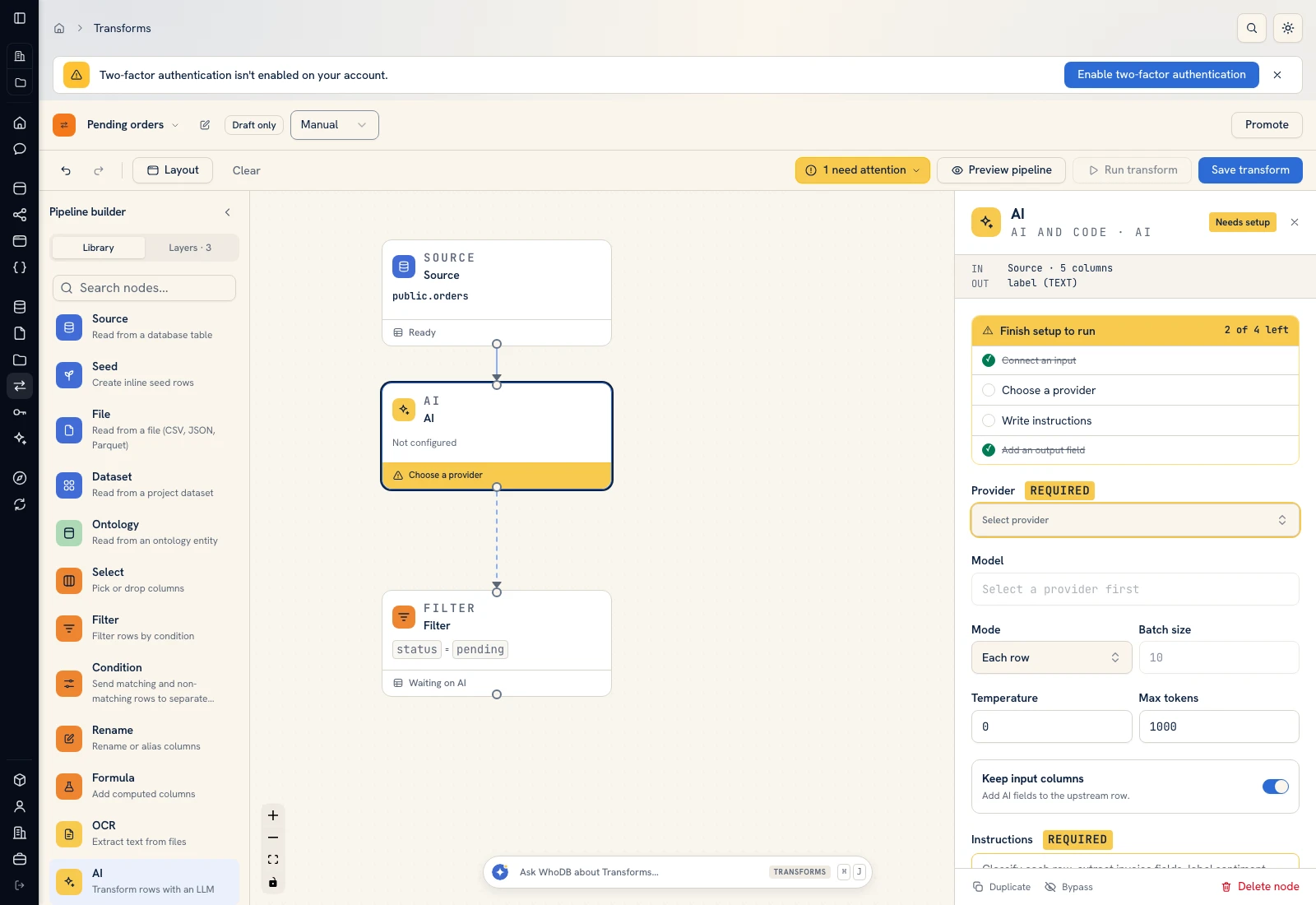 AI: choose a provider/model, supply instructions, and define output fields.
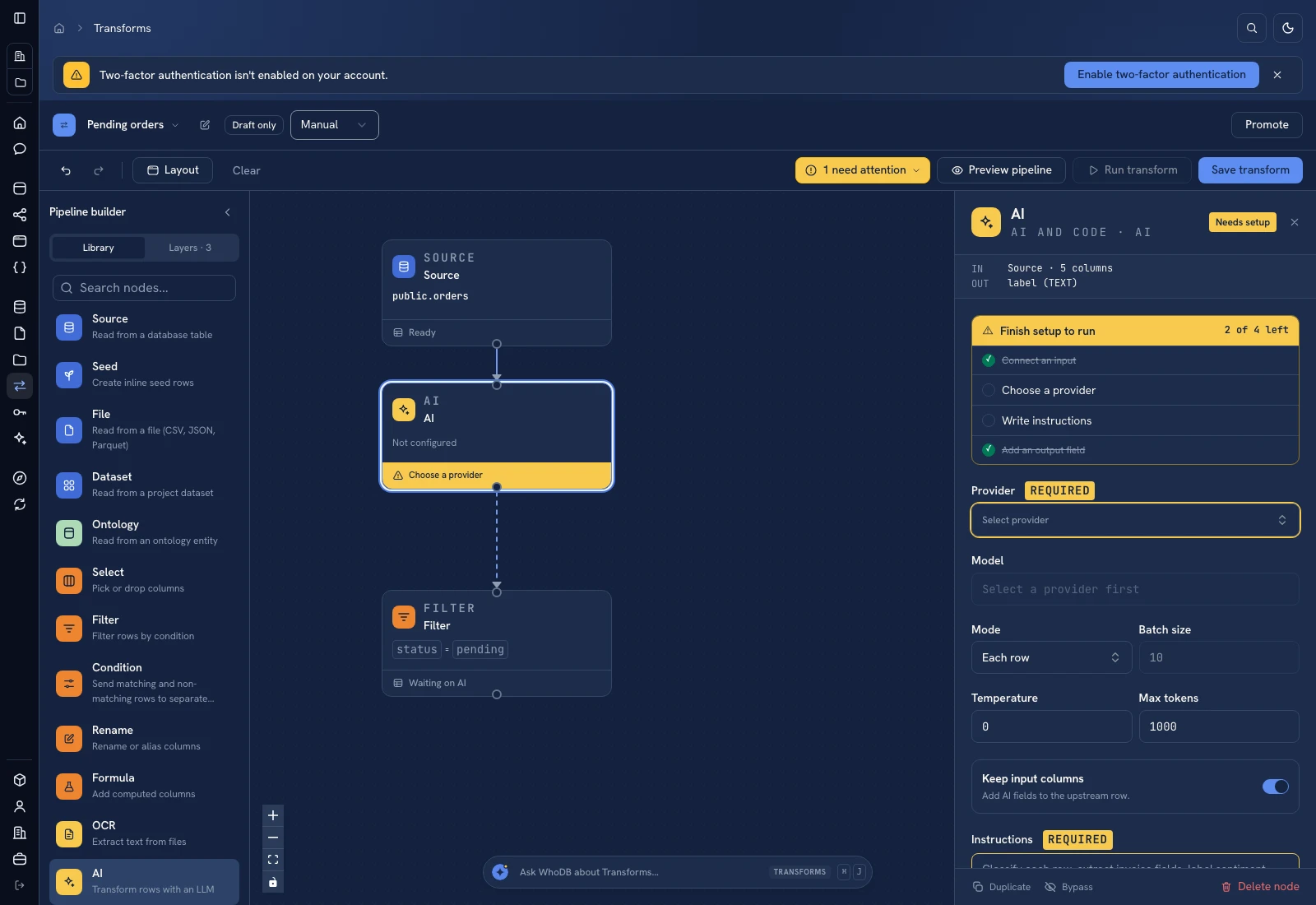 AI: choose a provider/model, supply instructions, and define output fields.
Put it to work#
Have support leads approve the routing vocabulary and urgency policy. Track reassignment rate and missed urgent cases. A review queue needs a named owner and a time target for unclassified tickets. Do not equate a short or angry message with an urgent incident without the criteria in your policy.
Related: Customer health and Operational handover.
For output mapping and rerun behavior, follow Write pipeline outputs. For a team-facing screen, follow Create an app and Connect state and data.
Was this page helpful?