
Join, union, aggregate, sort, and deduplicate
Where: Transforms → select a processing node. Decide the expected number and meaning of output rows before configuring a join or aggregate.
Join two streams#
- Add Join and connect the two streams to its left and right inputs.
- Choose Inner, Left, Right, or Full according to which unmatched rows must remain.
- Select the matching keys from each input.
- Preview a known match and an unmatched row.
- Inspect duplicate keys on both sides if the output count increases unexpectedly.
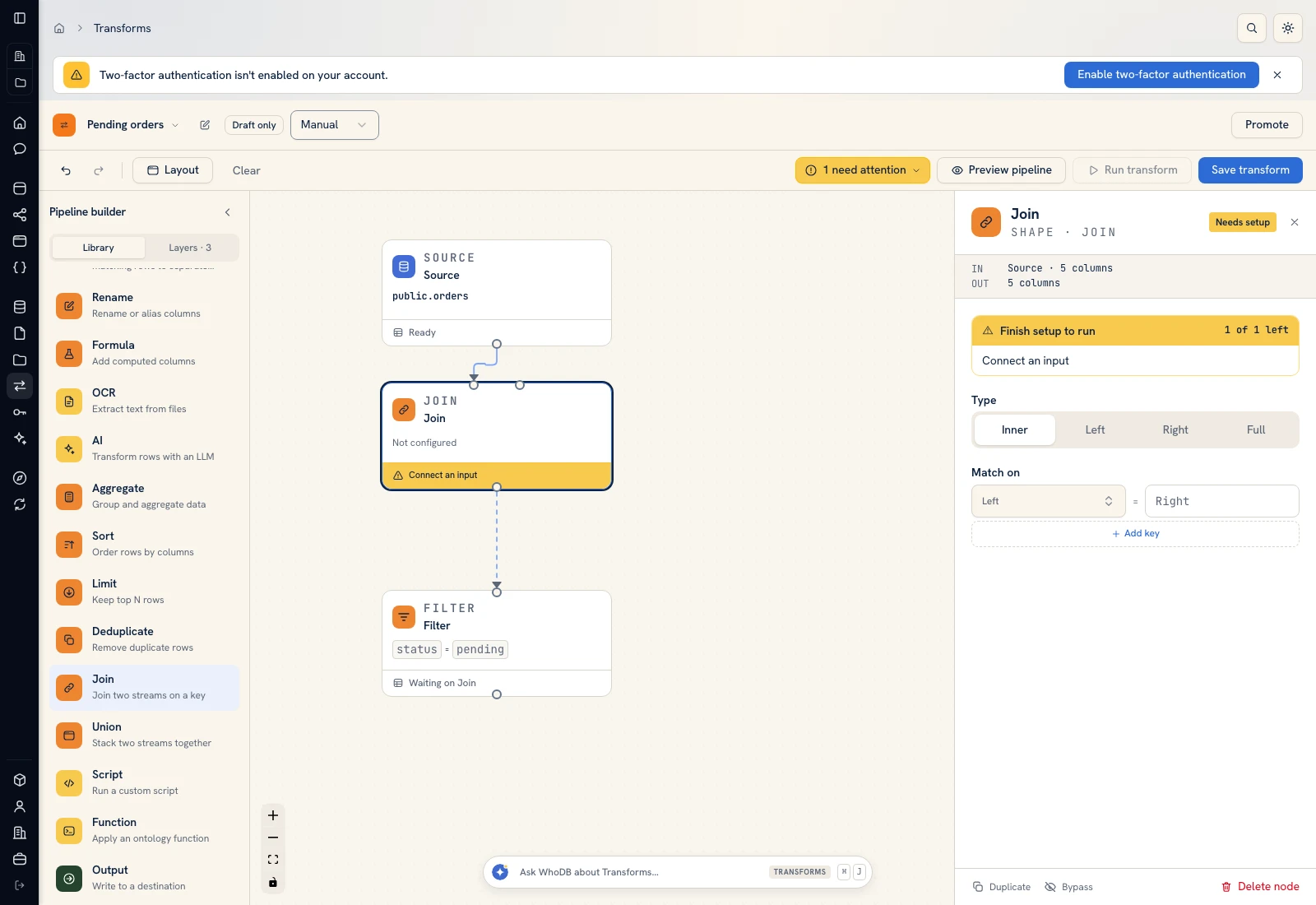 Join configuration distinguishes the two inputs, join type, and matching keys.
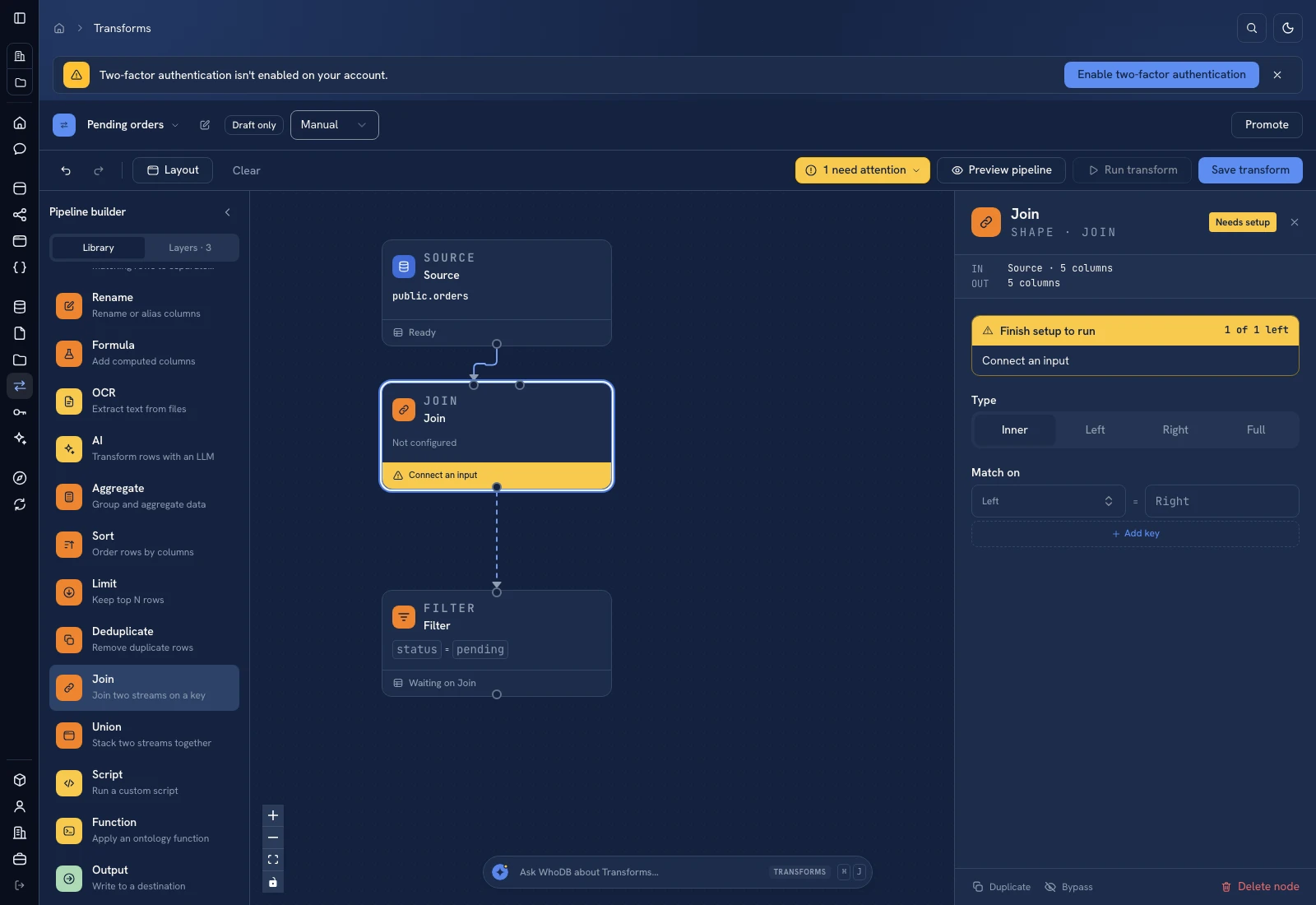 Join configuration distinguishes the two inputs, join type, and matching keys.
Joining Orders to Customers should not multiply an order when the customer business key is unique. If a customer key occurs twice, a matching join can legitimately emit multiple rows; fix the model or input uniqueness instead of hiding that effect with an arbitrary limit.
Union compatible rows#
Add Union, connect both inputs, and choose alignment By name or By position. Verify compatible types and the column names/order required by that mode. Choose whether duplicate rows remain. Add source column can add _source so you can identify an input after stacking.
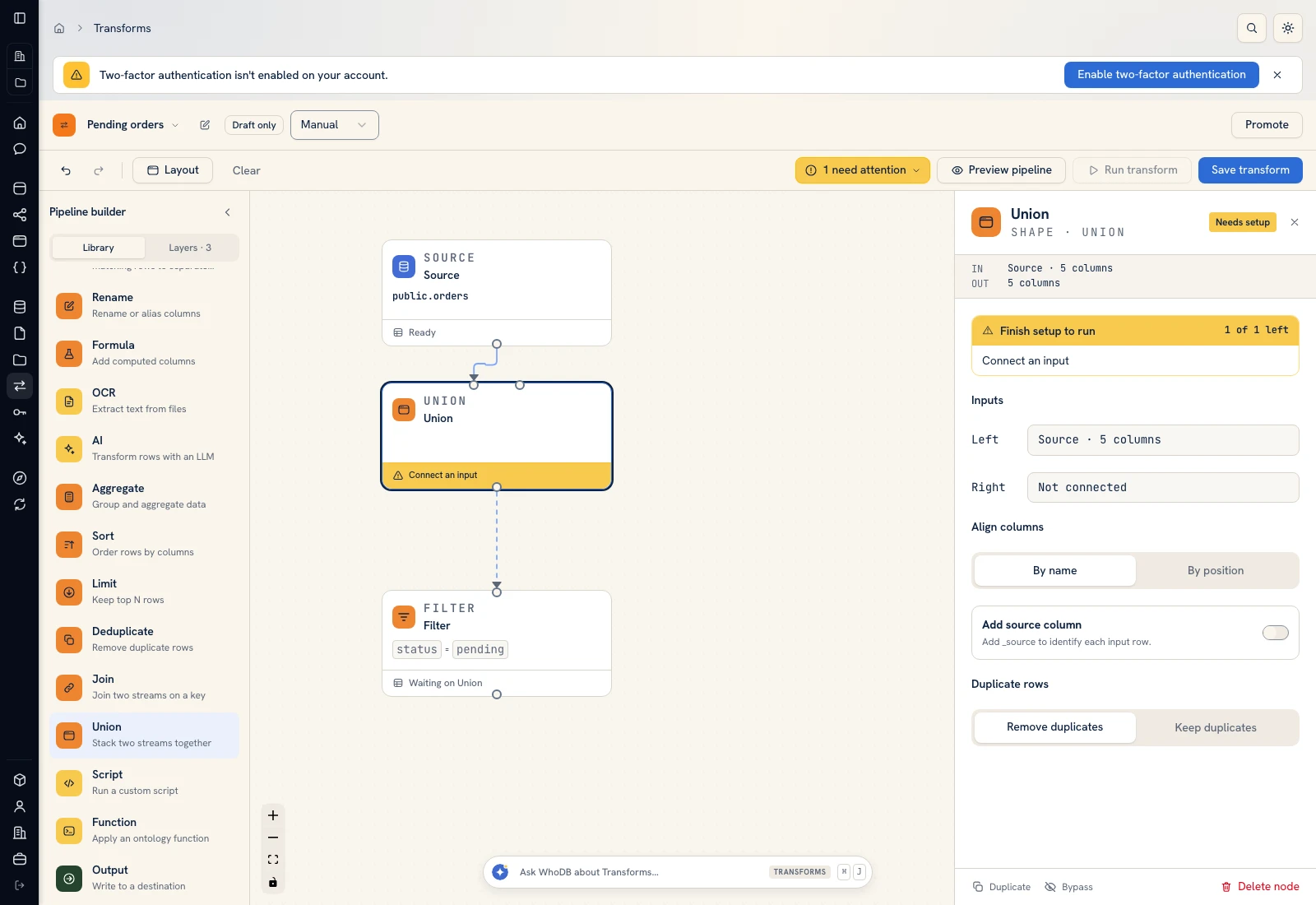 Union aligns compatible columns and controls duplicate handling.
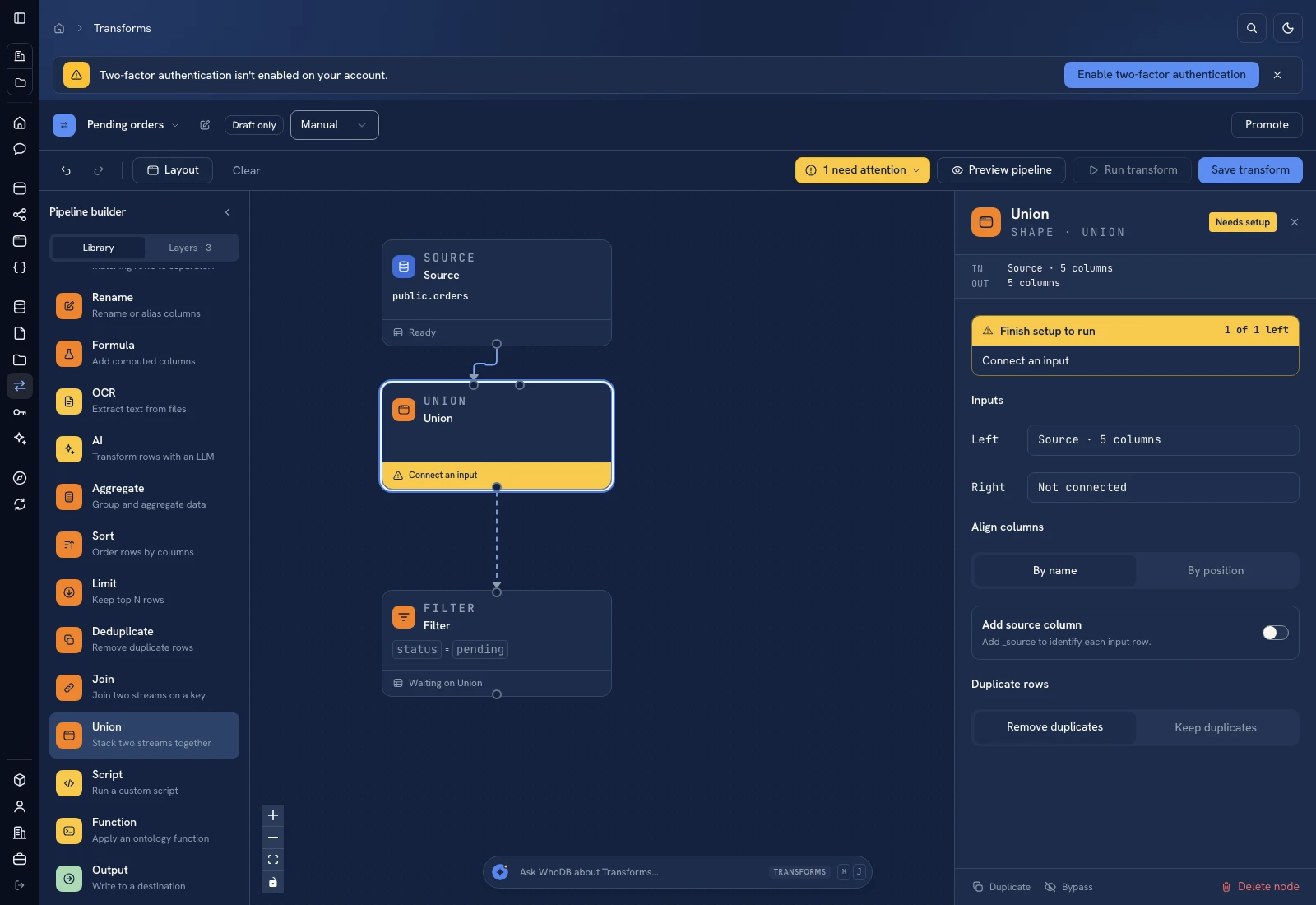 Union aligns compatible columns and controls duplicate handling.
Aggregate#
Choose Group by fields, then Add measure for each count, sum, or other available aggregation. Name the output measures clearly. For a status report, group by status and count rows; verify the pending count is three in the example fixture.
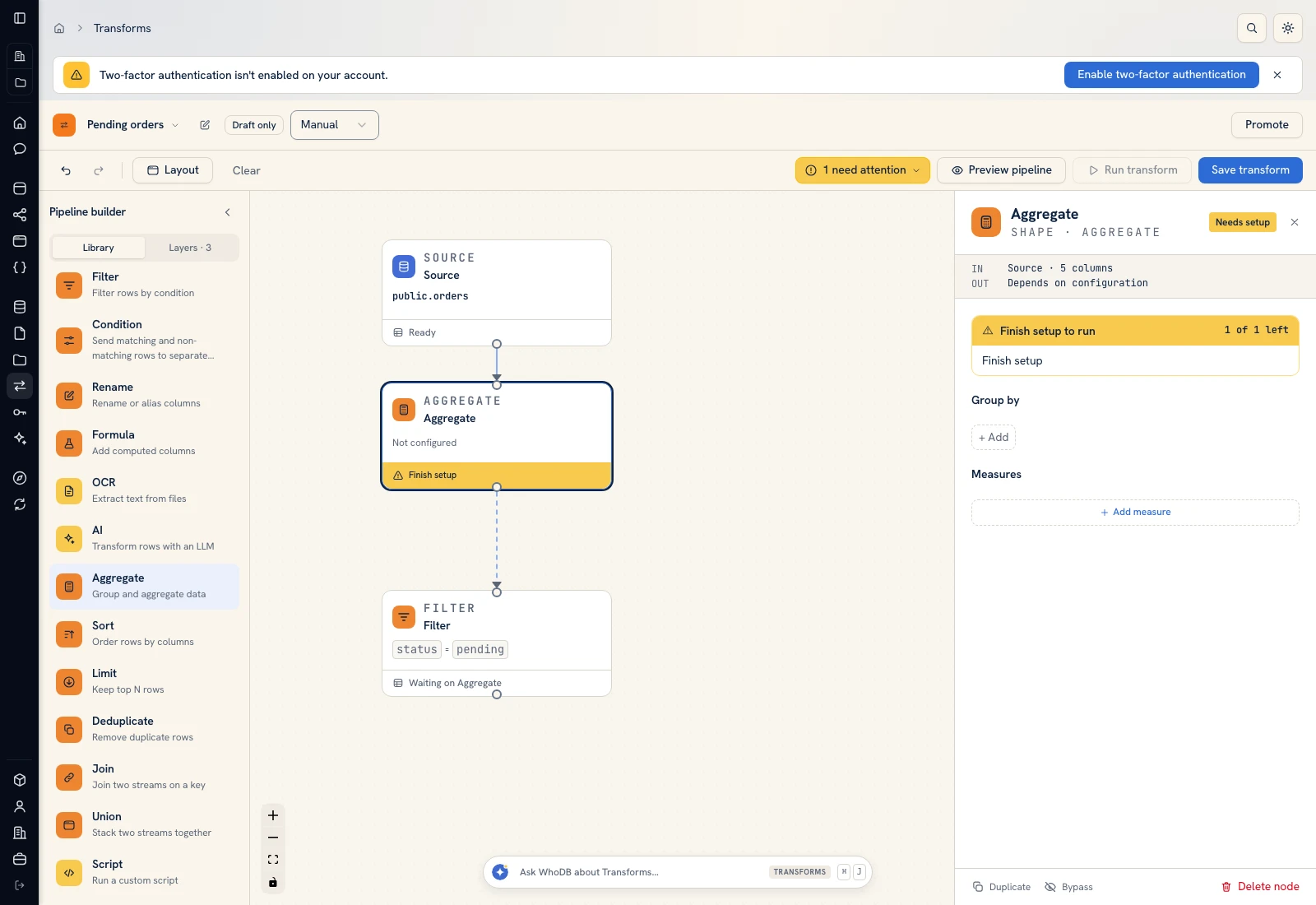 Aggregate defines grouping columns and named measures.
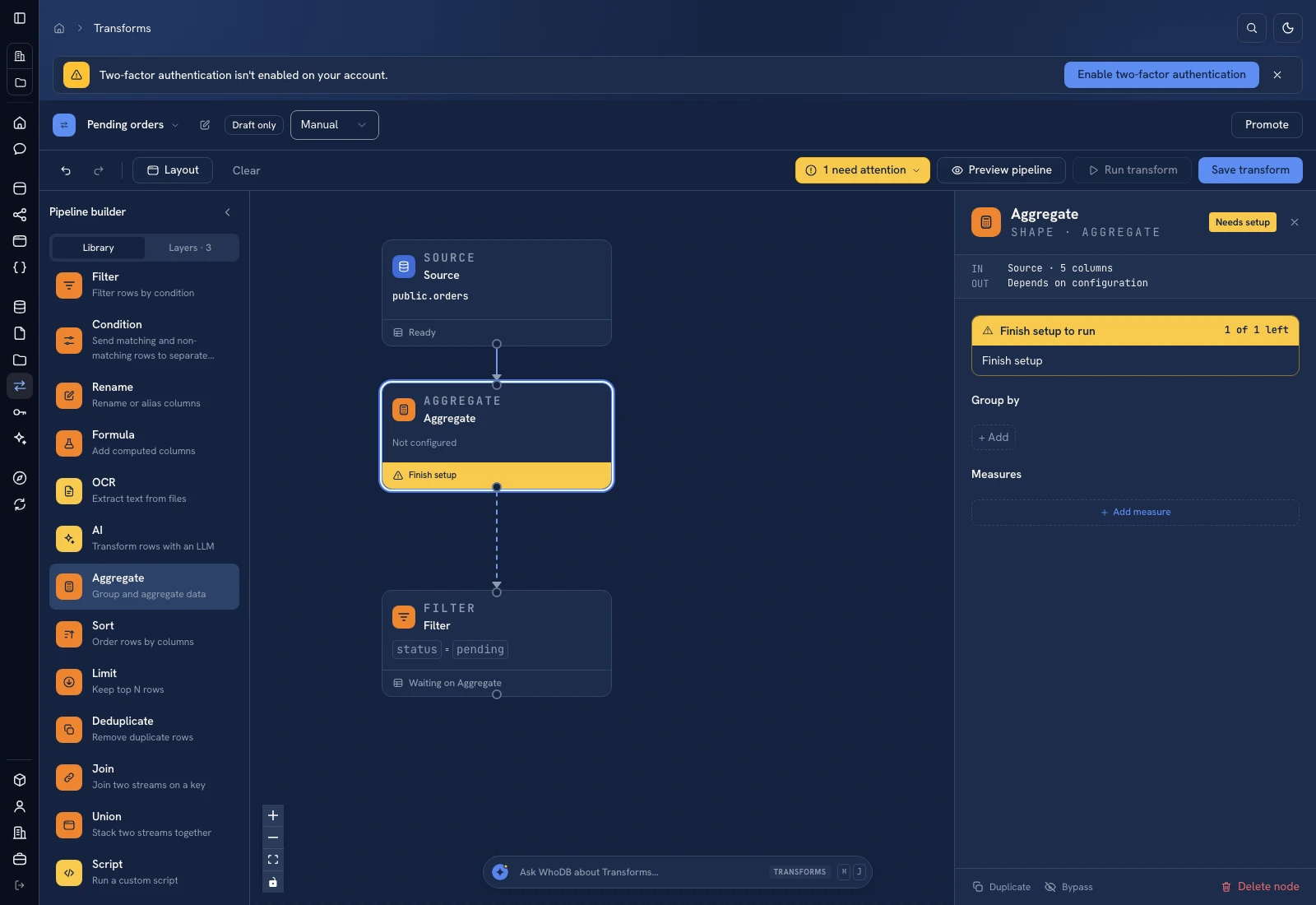 Aggregate defines grouping columns and named measures.
Sort and Limit#
Use Sort with one or more keys and directions. Configure Empty values last when that is the intended ordering. Put Limit after sorting when you need a top-N result. Without a deliberate sort, first N does not describe a stable business ranking. For random sampling, record the sample seed if you need a repeatable selection.
Deduplicate#
Select the comparison columns. With no keys selected, the UI describes comparison of whole rows. Choose which duplicate to retain and its ordering where those controls are shown. A deduplicate operation does not merge contradictory values into a single correct record; decide which record should win before applying it.
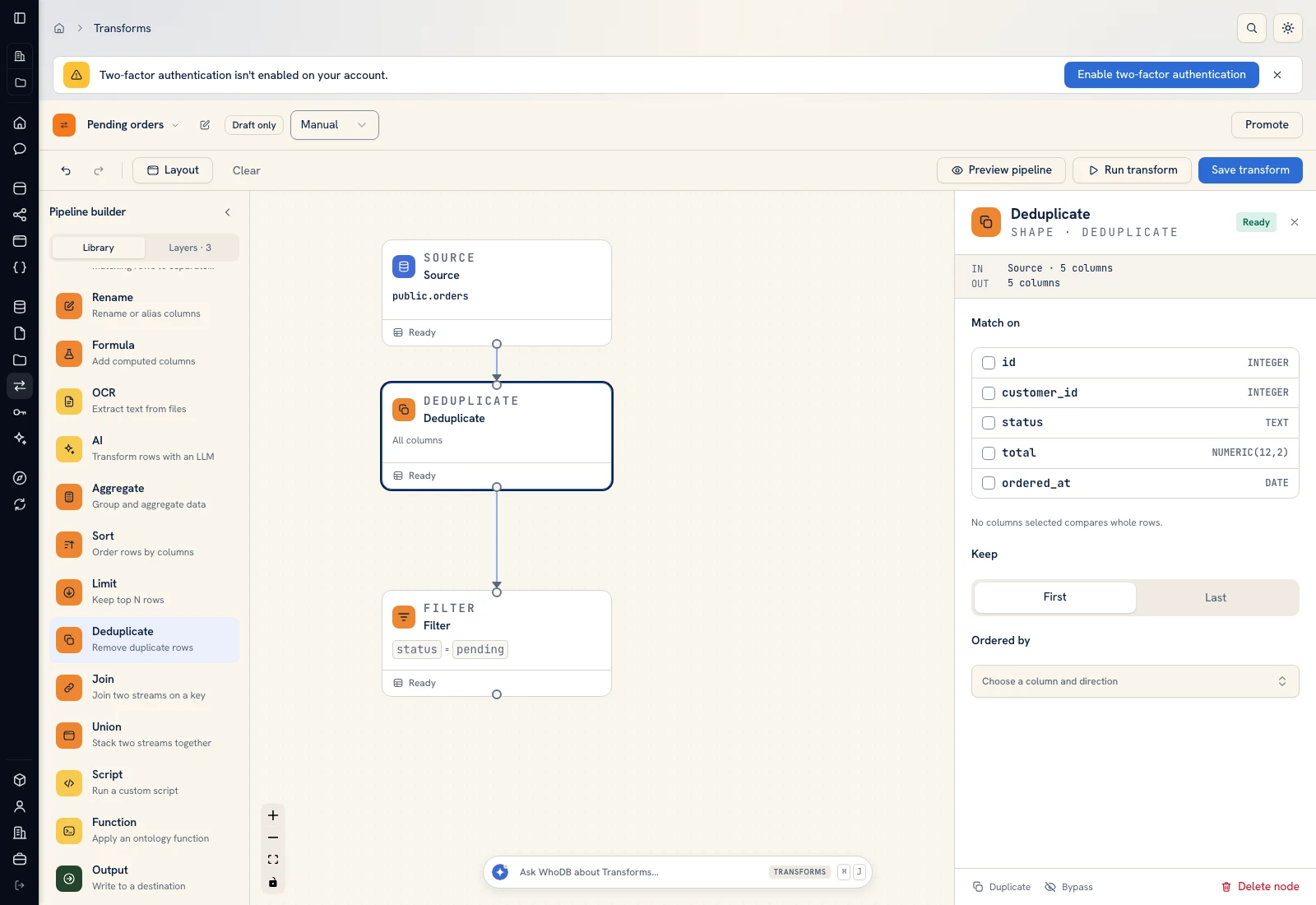 Deduplicate compares selected keys and controls which matching row remains.
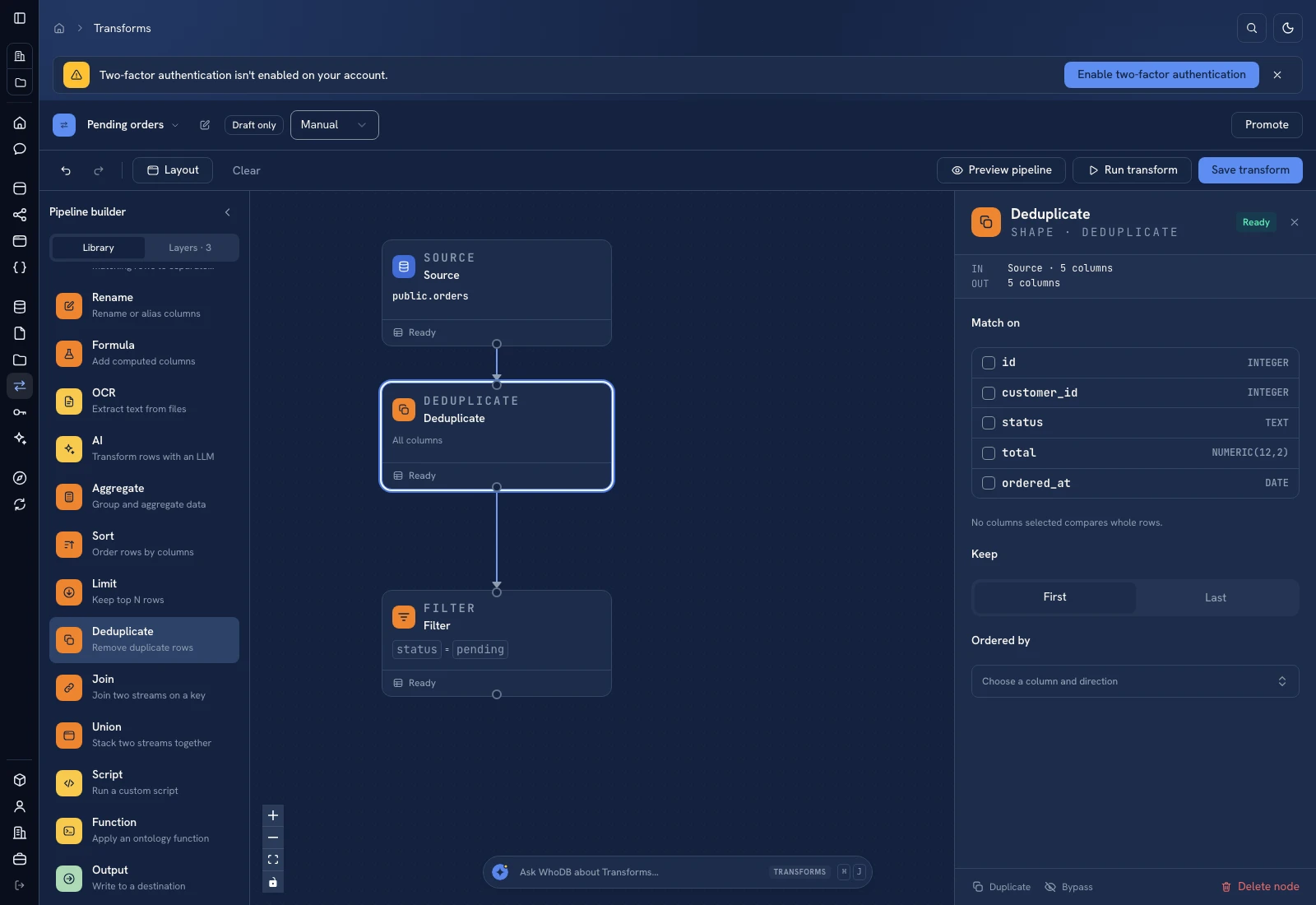 Deduplicate compares selected keys and controls which matching row remains.
Inspect keys, counts, and representative values after each combining step before adding an Output node.
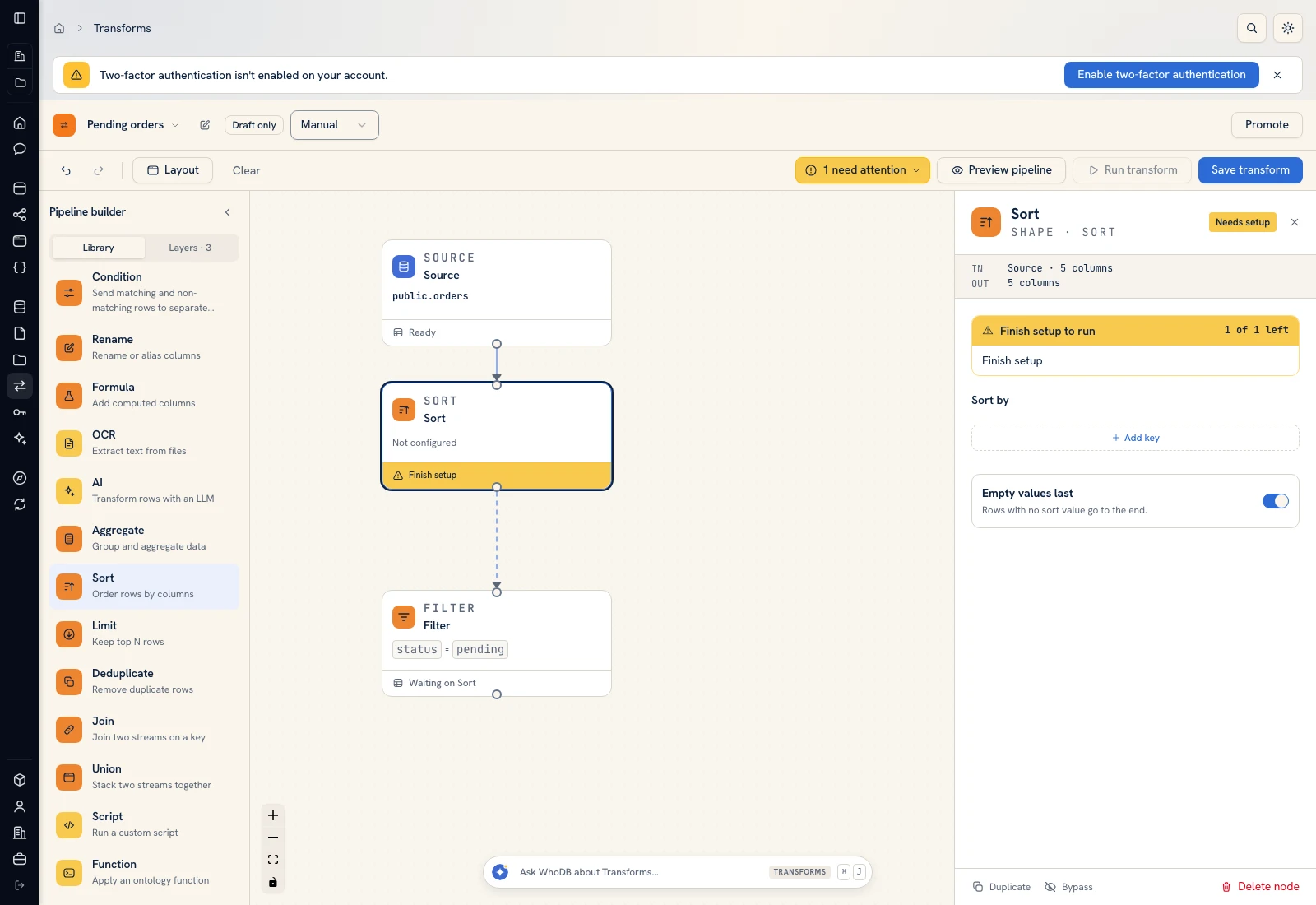 Sort configures keys, directions, and empty-value ordering.
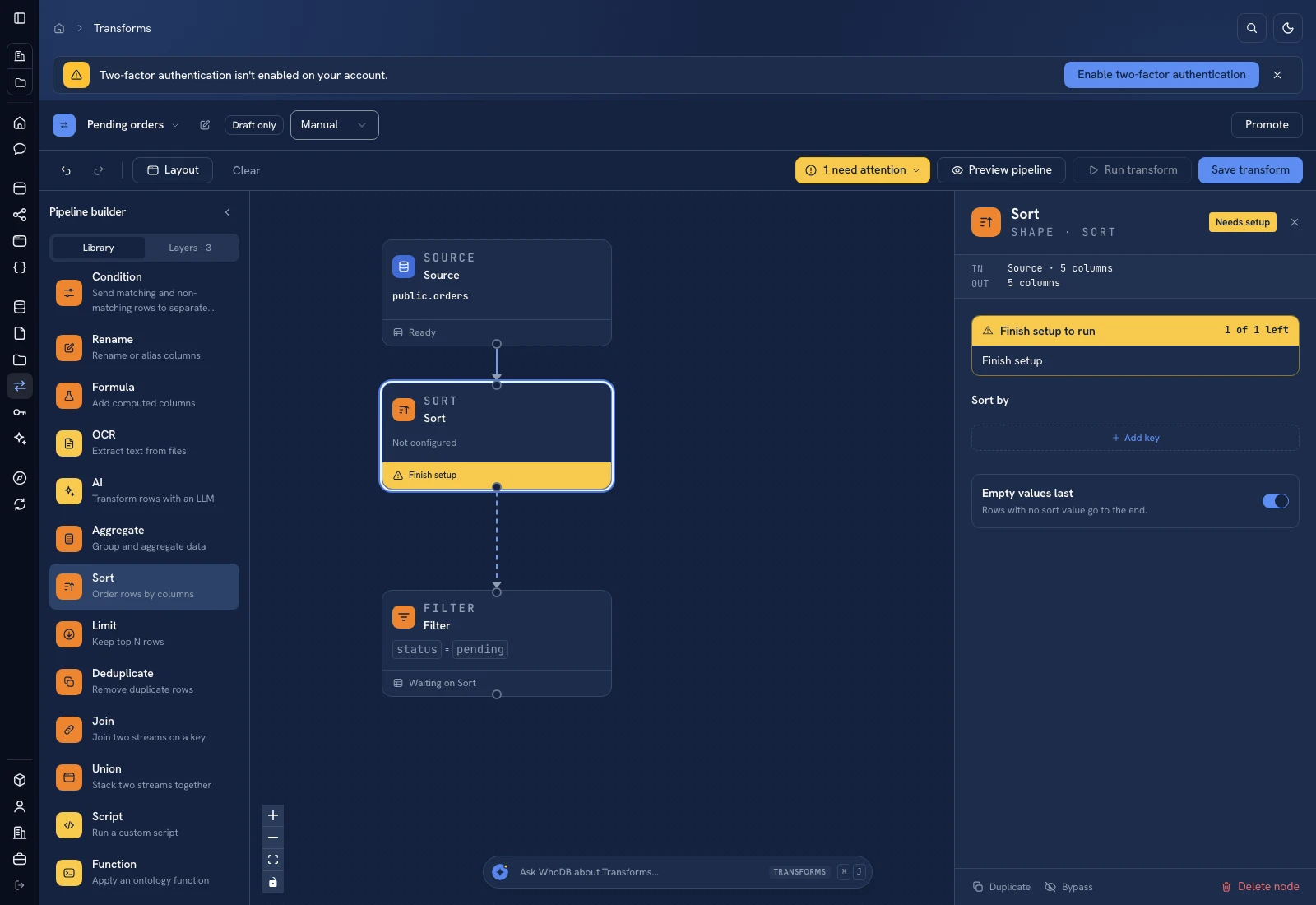 Sort configures keys, directions, and empty-value ordering.
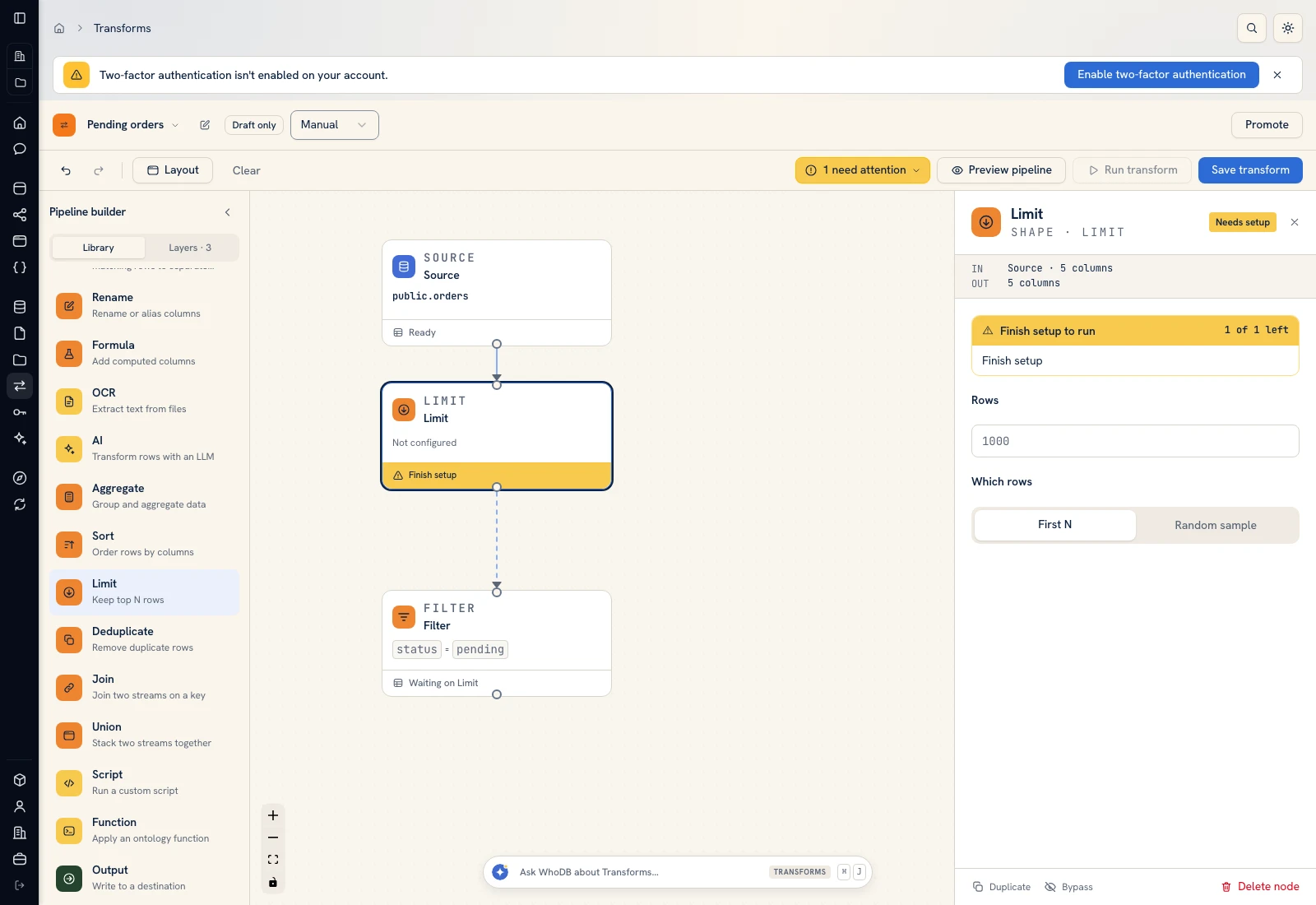 Limit chooses first-N rows or a reproducible random sample.
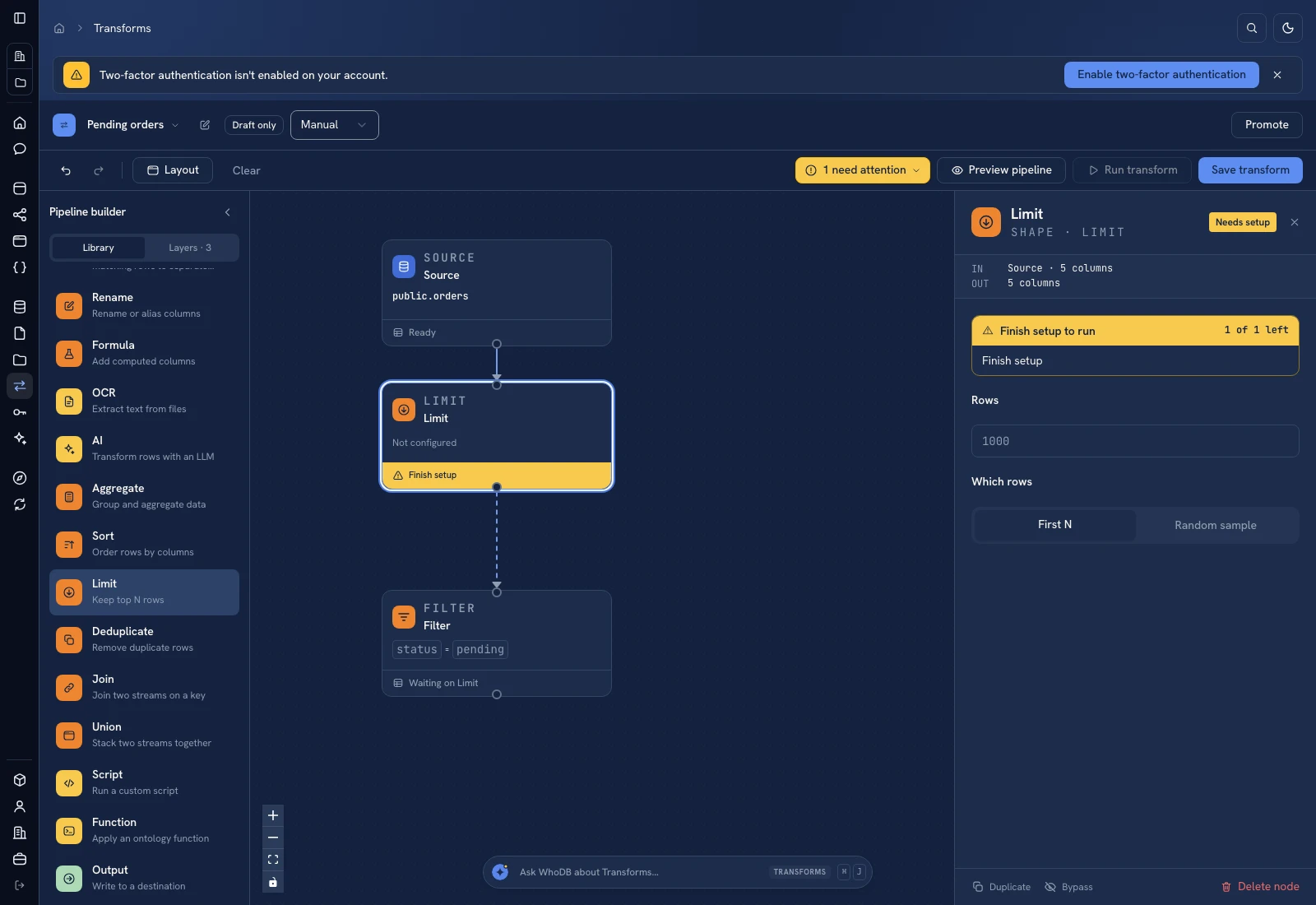 Limit chooses first-N rows or a reproducible random sample.
Was this page helpful?