
Prioritize replenishment by stock coverage
Give a buyer a sorted list of SKU/location pairs whose available stock will not cover lead time plus a buffer. The example proposes quantities; it does not create purchase orders.
Before you begin#
You need a project where you can create transforms and datasets, plus an available Python script runtime. The sample contains only synthetic records. Start with the complete CSV, not a limited preview of a larger business dataset.
Follow Run a use-case recipe for the shared input, destination, and app steps.
Sample input#
Download the CSV, or copy it into Transforms → Library → Seed → Paste CSV.
Csv
sku,location,on_hand,reserved,daily_demand,lead_days,buffer_days
R-1,Store-A,10,2,4,3,2
R-2,Store-A,50,0,5,3,2
R-3,Store-B,4,0,0,3,2
Build it in WhoDB#
- Paste the CSV into Seed in Replenishment review. Use one row per SKU/location and demand measured in units per day.
- Connect Script, select Python, leave Dependencies empty, and paste the code below. Declare every output column listed below.
- Preview all rows before filtering. Available units are on-hand minus reserved; the target is demand multiplied by lead time plus buffer.
- Add Filter after Script:
reorder_units > 0. Add Sort oncoverage_daysascending, with empty values last. - Write the result to
replenishment_reviewand display SKU, location, coverage, lead time, and proposed units in a buyer's table. - Keep a second unfiltered result for zero-demand or negative-availability review. A missing demand estimate should be corrected before a buyer accepts a quantity.
Script and output columns#
In Script → Output columns, add these names exactly, in this order:
Text
sku, location, on_hand, reserved, daily_demand, lead_days, buffer_days, available_units, coverage_days, reorder_units, stock_status
Paste this code into Script. Select Python and leave Dependencies empty; it uses the Python standard library.
Python
from math import ceil

def main(input):
    output = []
    for row in input:
        available = int(row["on_hand"]) - int(row["reserved"])
        demand = float(row["daily_demand"])
        target = demand * (int(row["lead_days"]) + int(row["buffer_days"]))
        output.append(dict(row, available_units=available,
            coverage_days=round(available / demand, 2) if demand > 0 else "",
            reorder_units=max(0, ceil(target - available)) if demand > 0 else 0,
            stock_status="no_demand" if demand <= 0 else "review" if available < 0 else "calculated"))
    return output
Download the script · Expected fixture output. The expected output is computed from this CSV and script; it is not a screenshot of a hosted run.
Check the result#
R-1 has available 8, coverage 2.0 days, and proposed reorder 12. R-2 has coverage 10.0 and reorder 0. R-3 has no demand, blank coverage, and status no_demand. The replenishment queue must contain exactly R-1.
Find the controls#
These screenshots show the current pipeline configuration controls used in this recipe. They come from the manual’s synthetic demonstration workspace; they do not show this use case already executed.
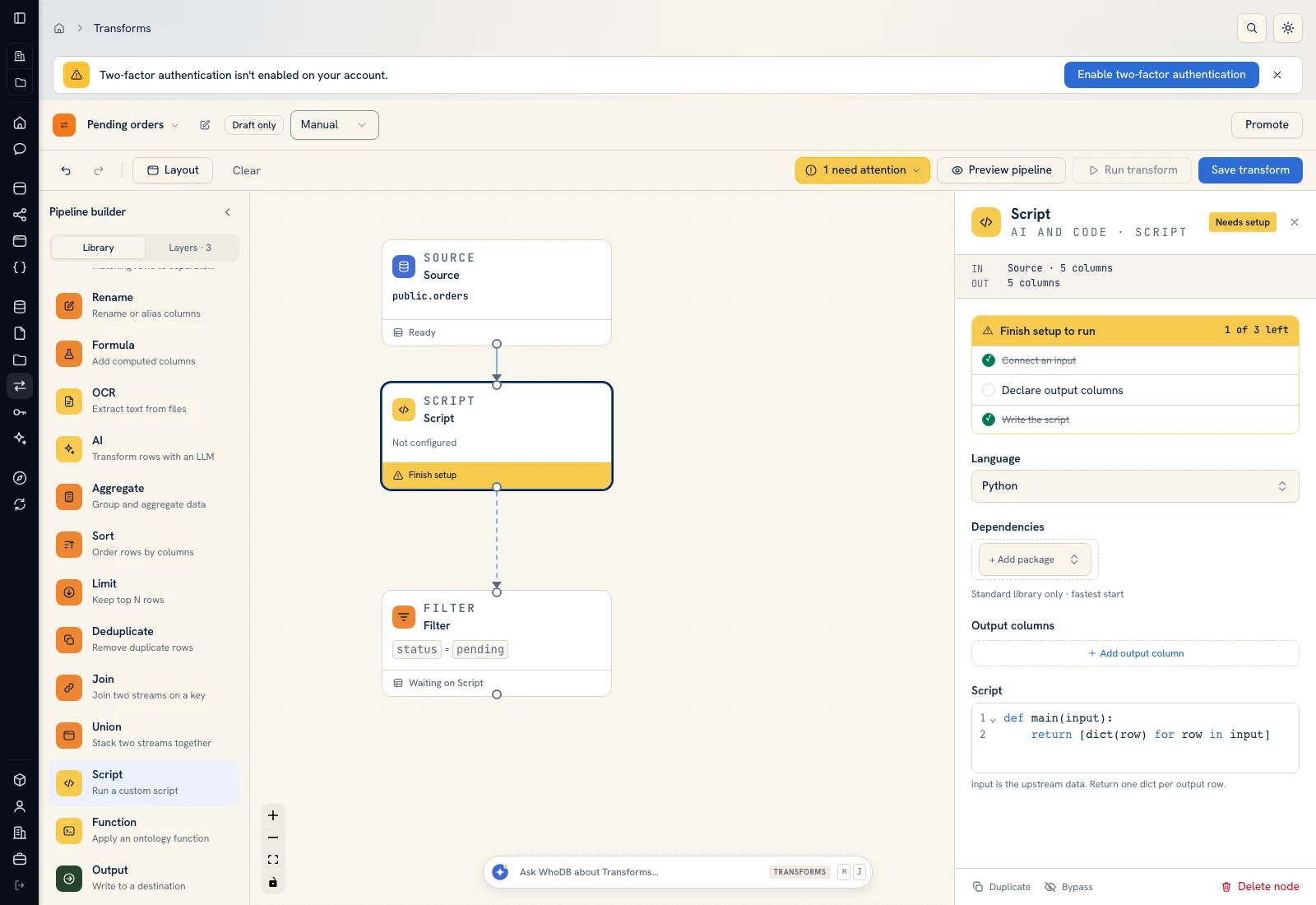 Script: select Python, declare output columns, and paste the calculation.
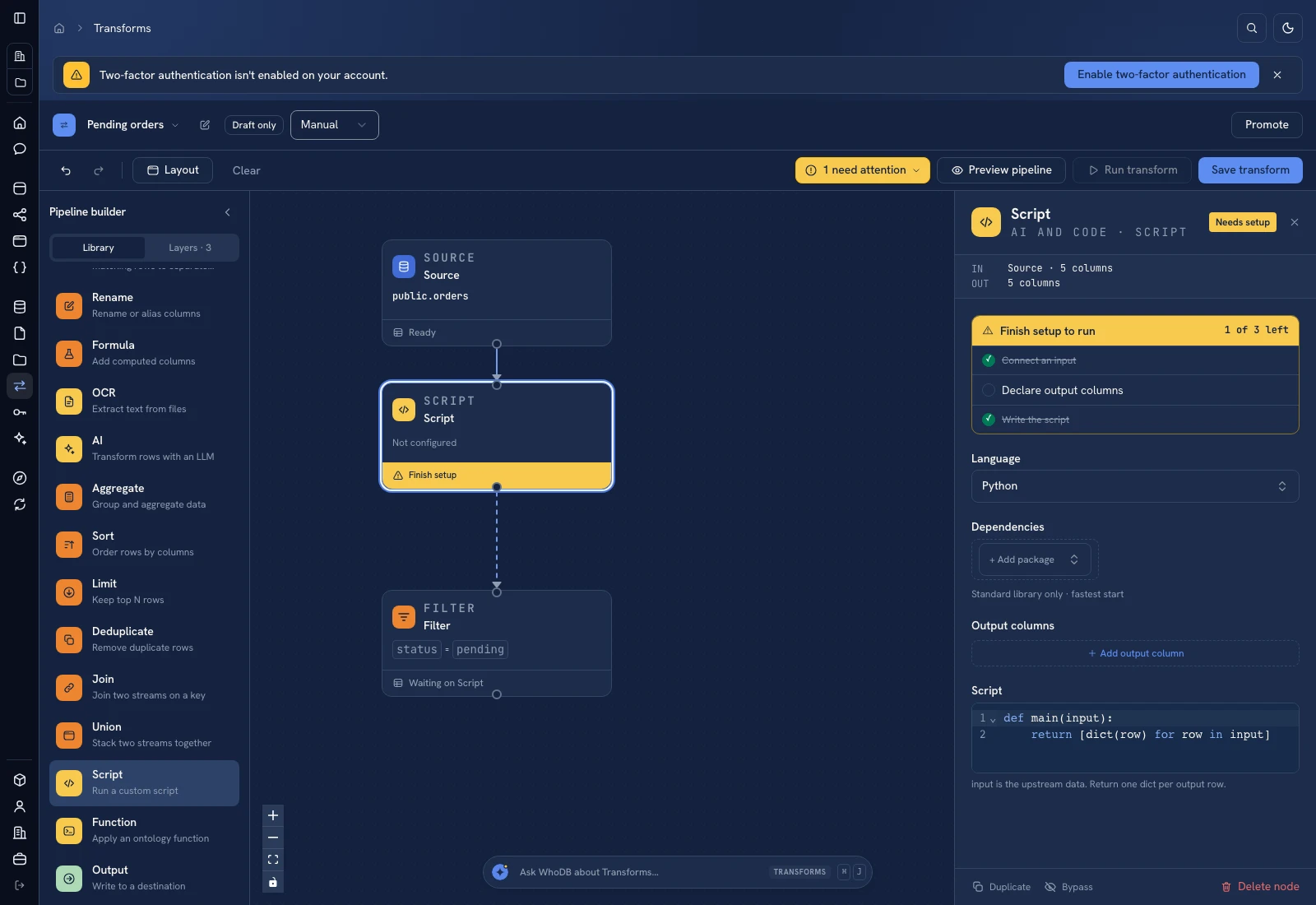 Script: select Python, declare output columns, and paste the calculation.
Put it to work#
Replace the fixture's daily demand with a business-approved demand measure; the script does not forecast seasonality. Add supplier pack sizes, minimum orders, inbound stock, and capacity constraints before turning proposals into purchase orders. Review stock freshness and repeated SKUs before every run.
Related: Store performance and Margin exceptions.
For output mapping and rerun behavior, follow Write pipeline outputs. For a team-facing screen, follow Create an app and Connect state and data.
Was this page helpful?