
Browse source objects and records
Where: sidebar → Sources → select a saved source. You need viewing access to the source and credentials that can read the external objects.
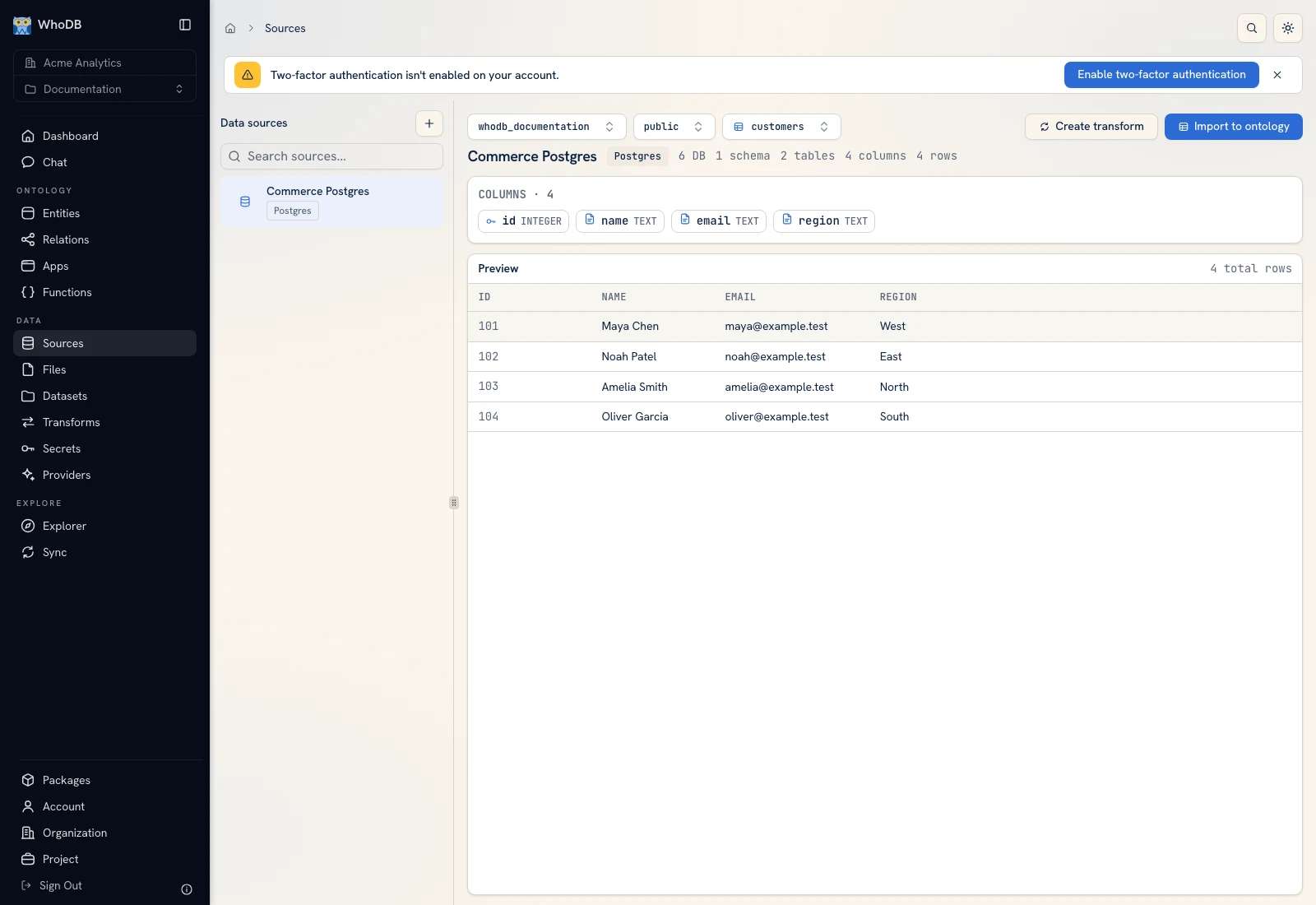 The Commerce Postgres object browser, with database and schema selection.
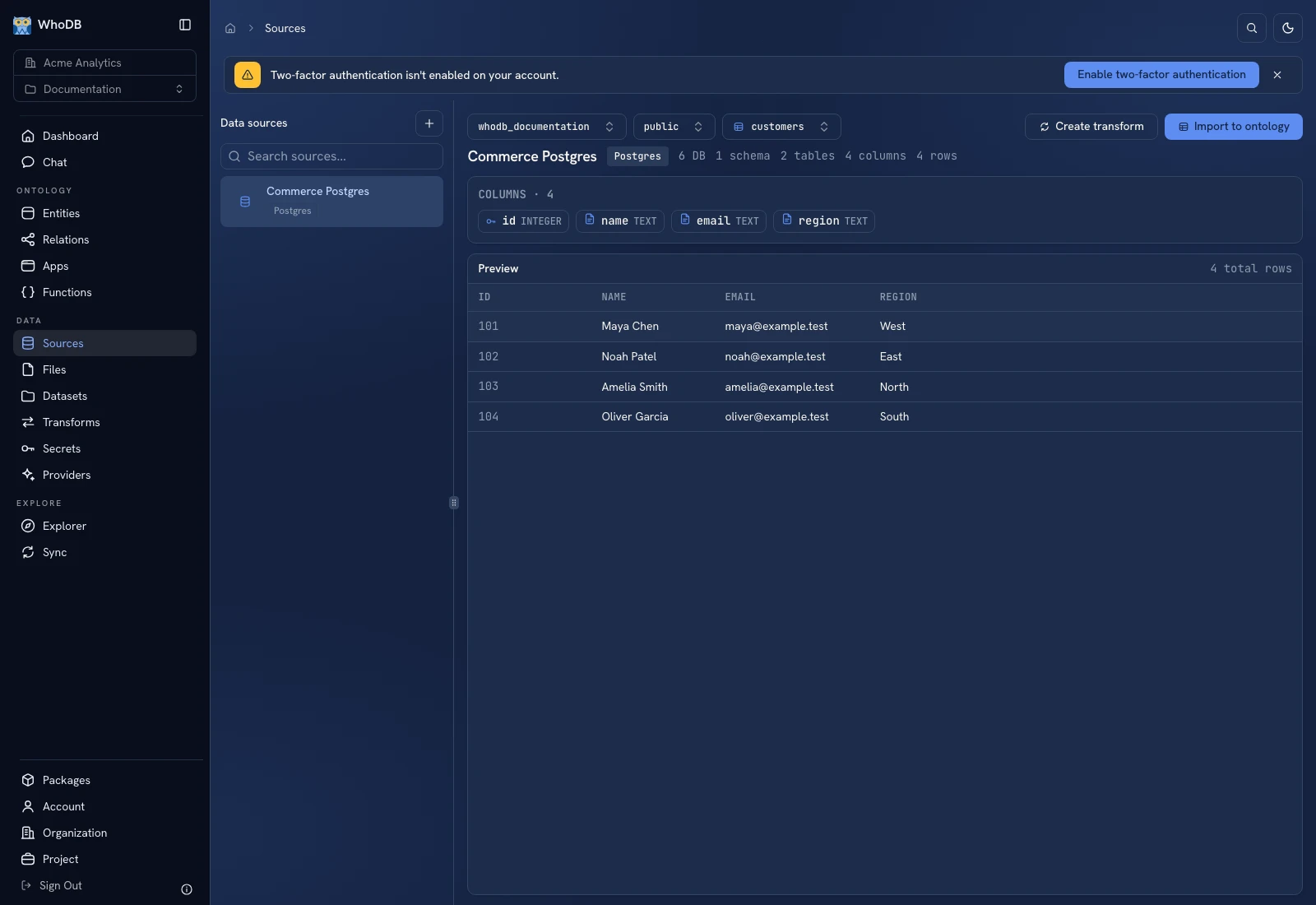 The Commerce Postgres object browser, with database and schema selection.
Choose an object#
- Click the source name in the resource list.
- If Databases is shown, choose the database.
- If Schemas is shown, choose the schema containing your object.
- Use Filter tables… to narrow the object list.
- Select the table, view, or collection you need.
The hierarchy comes from the selected connector. An analytics or document source may start directly at a collection; an object store shows buckets and keys. Follow the levels the screen offers.
Read the columns and preview#
Check Columns for the field names, types, and any primary/foreign key indicators. Open Preview to inspect sample rows. Use Previous and Next to move between available pages. A preview page is a bounded result, not proof that you have exported or counted the complete source.
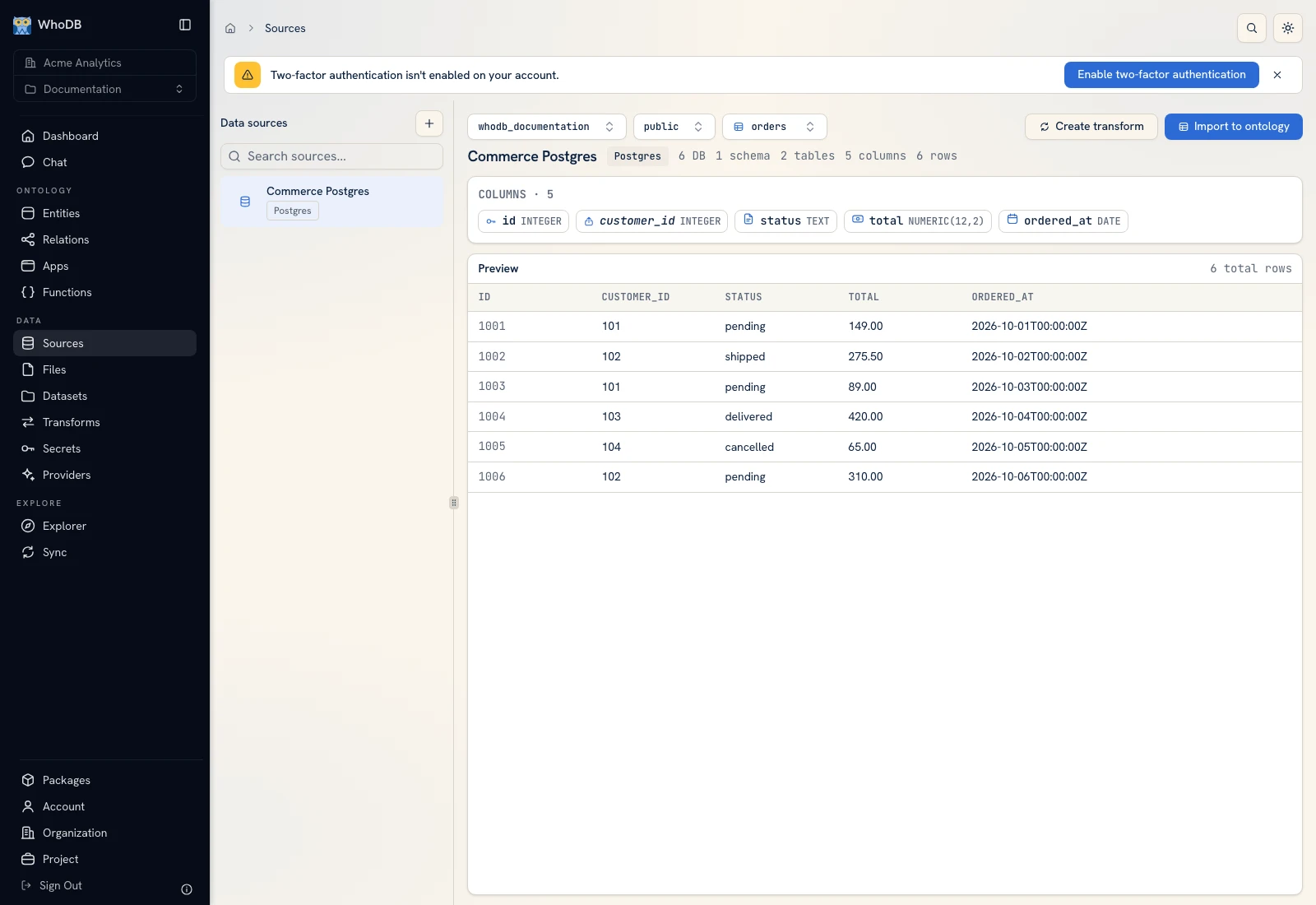 The orders preview shows the known synthetic order IDs, statuses, totals, and dates.
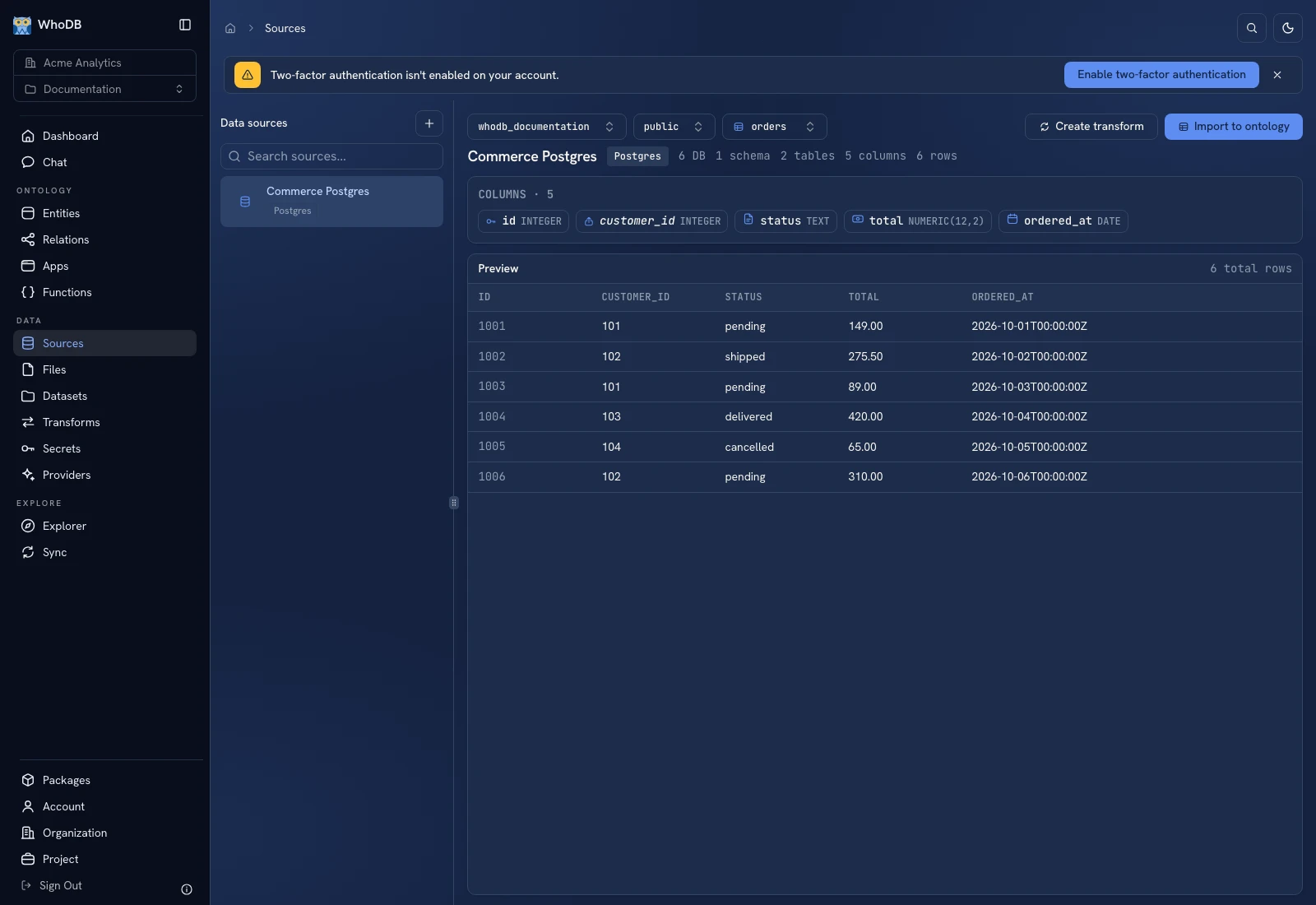 The orders preview shows the known synthetic order IDs, statuses, totals, and dates.
For the documentation fixture, orders contains six rows. Order 1001 belongs to customer 101, has status pending, and total 149.00. Use a similarly recognizable record in your own source to check the connection's interpretation of values.
Build from the selected object#
Use Import to ontology when you want managed business records, or Create transform for a pipeline. Import should produce a managed destination and a data movement workflow; it does not enable a permanently live binding of an entity to the external table. Review Import records and inspect the transform's output mappings.
View Lineage opens the dependency view for the source. See Explorer for upstream and downstream inspection.
If the list is empty#
Confirm the database/schema selection, external permissions, and search filter. Couldn't browse this source indicates a connection/browse failure; use Retry after correcting it. No tables found in this schema is a different state: the connection may work while that schema has no accessible tables.
Was this page helpful?