
Invite members and app users
Where: sidebar → Organization → Members. You need an organization management role. Screenshots use the local seeded .test accounts; no invitation needs to be sent to reproduce the form.
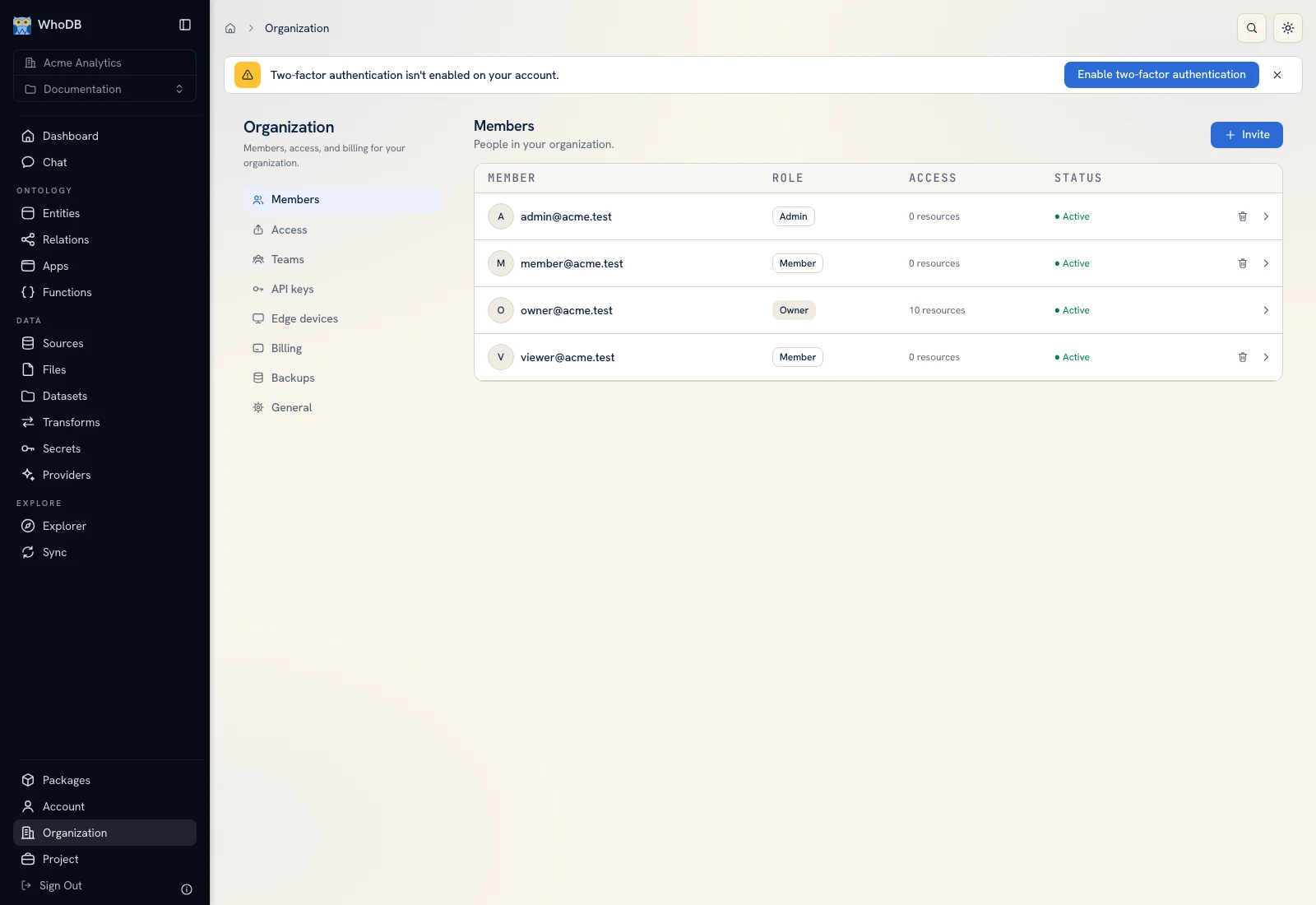 Members lists the organization's people, roles, and invitation status.
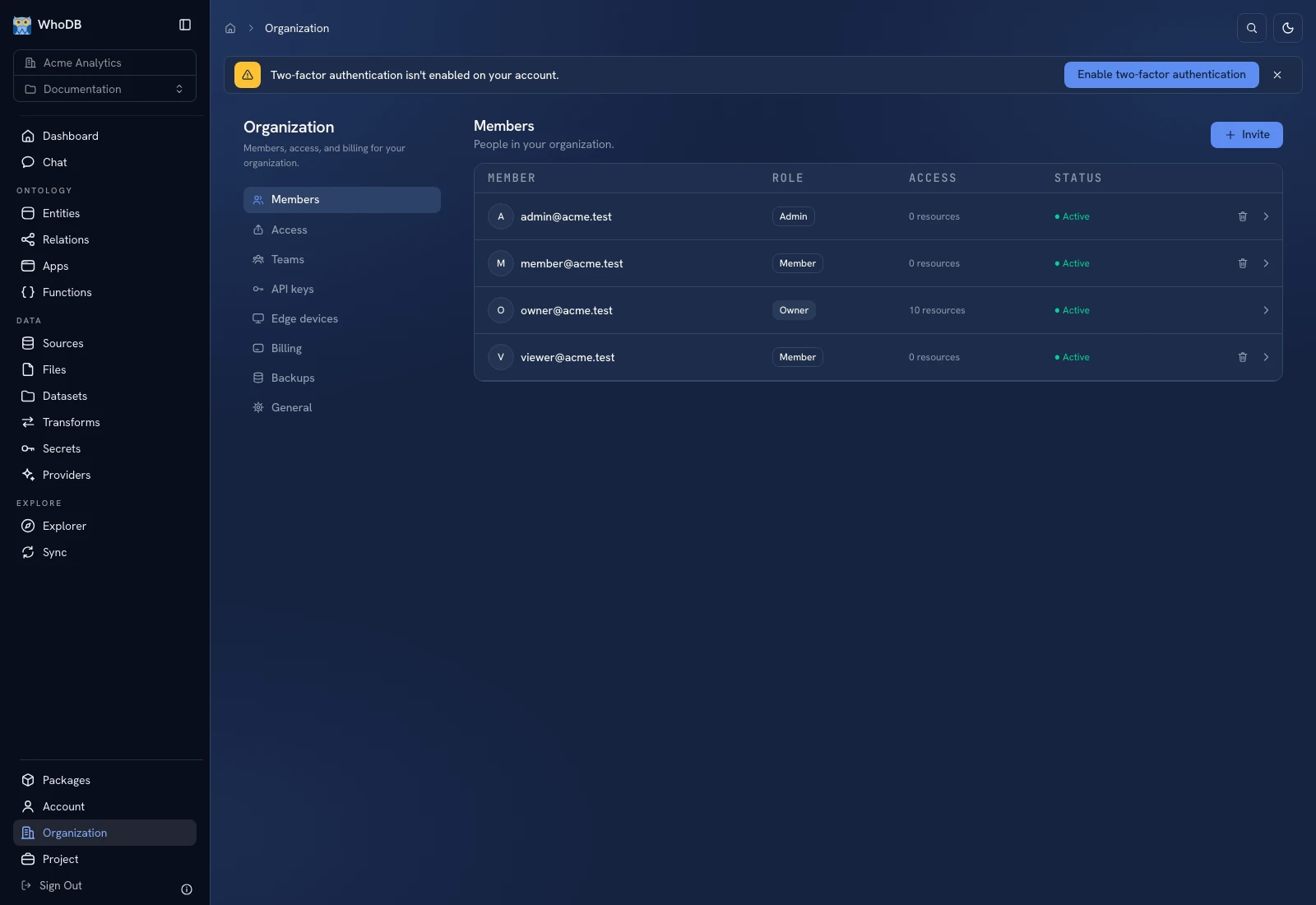 Members lists the organization's people, roles, and invitation status.
Invite a person#
- Select the correct organization.
- Open Members.
- Enter the person's email address.
- Choose Invite as: Member or App user according to the intended access.
- Review the address and role, then click Invite only when you intend to send/add that invitation.
- Inspect its resulting status or login-link guidance.
A Member participates in the workspace with separately granted resource access. An App user signs in to run shared apps and does not get the full builder workspace. The UI states that app users do not use a seat; check the current organization billing surface for applicable plan constraints.
Grant the actual workflow#
After membership, share the relevant project/app and required resources. A user who can sign in but sees no apps may simply have no published apps shared with them. Follow Sharing and test using that account.
Manage invitations and removal#
Use the offered reinvite control for a pending invitation when appropriate. For removal, select Remove from organization, check the named email, and confirm. Removal revokes access to every app/resource shared through that organization; it is broader than removing someone from one team.
Do not use a real colleague's email merely to test the screenshot workflow. The documentation capture uses the local seeded member table and does not submit invitations.
Verify a teammate's access#
Have the recipient select the organization and project, open the shared app/resource, and perform the intended action. A successful admin preview does not verify their permissions. If a function action is denied, check execution access to the bound function and any nested target.
Was this page helpful?