
Create a function
Where: sidebar → Functions → the plus control or New function. Start with a pure calculation so you can verify the runtime without involving an external service.
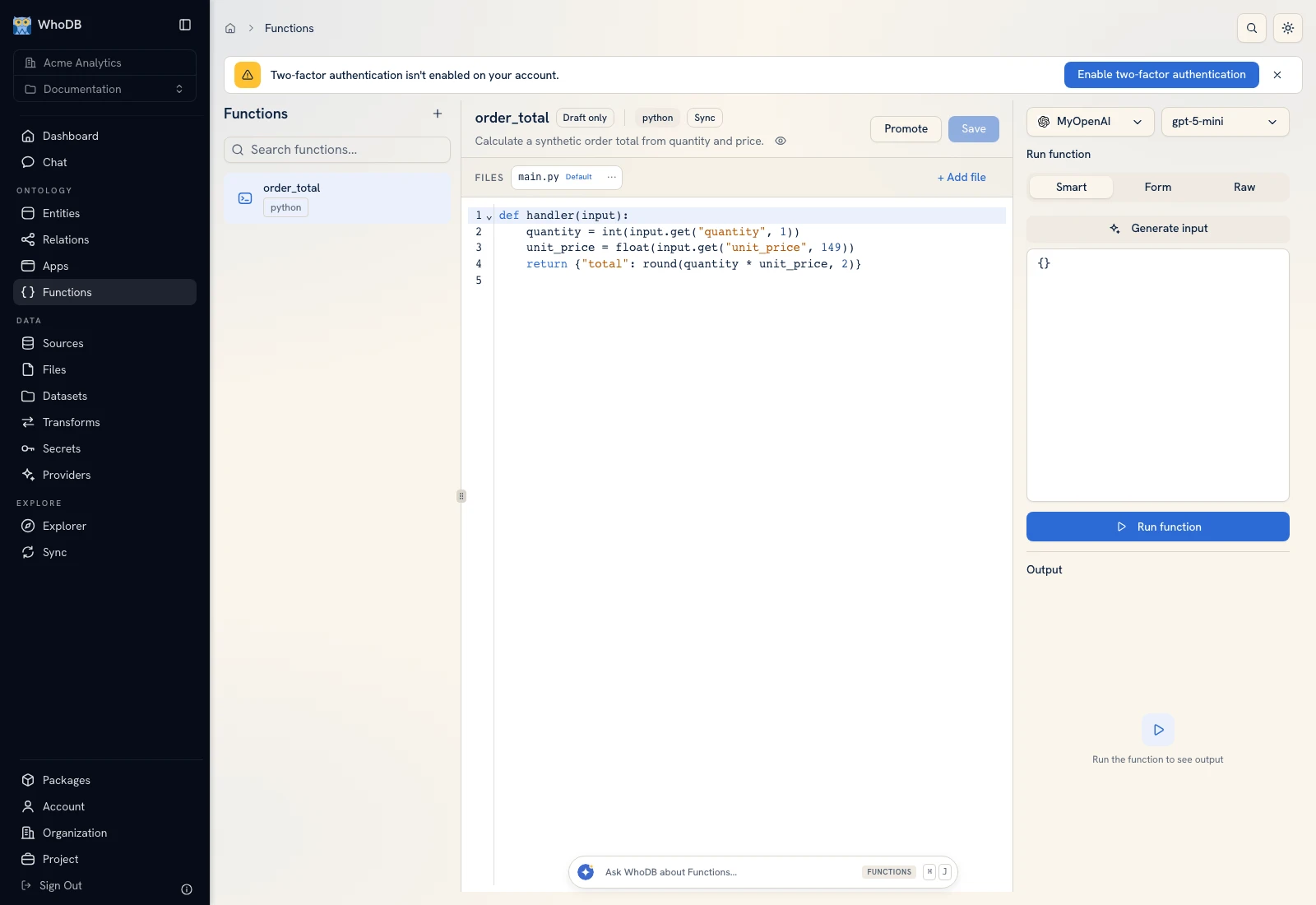 The function workspace shows source files, the code editor, input modes, and output.
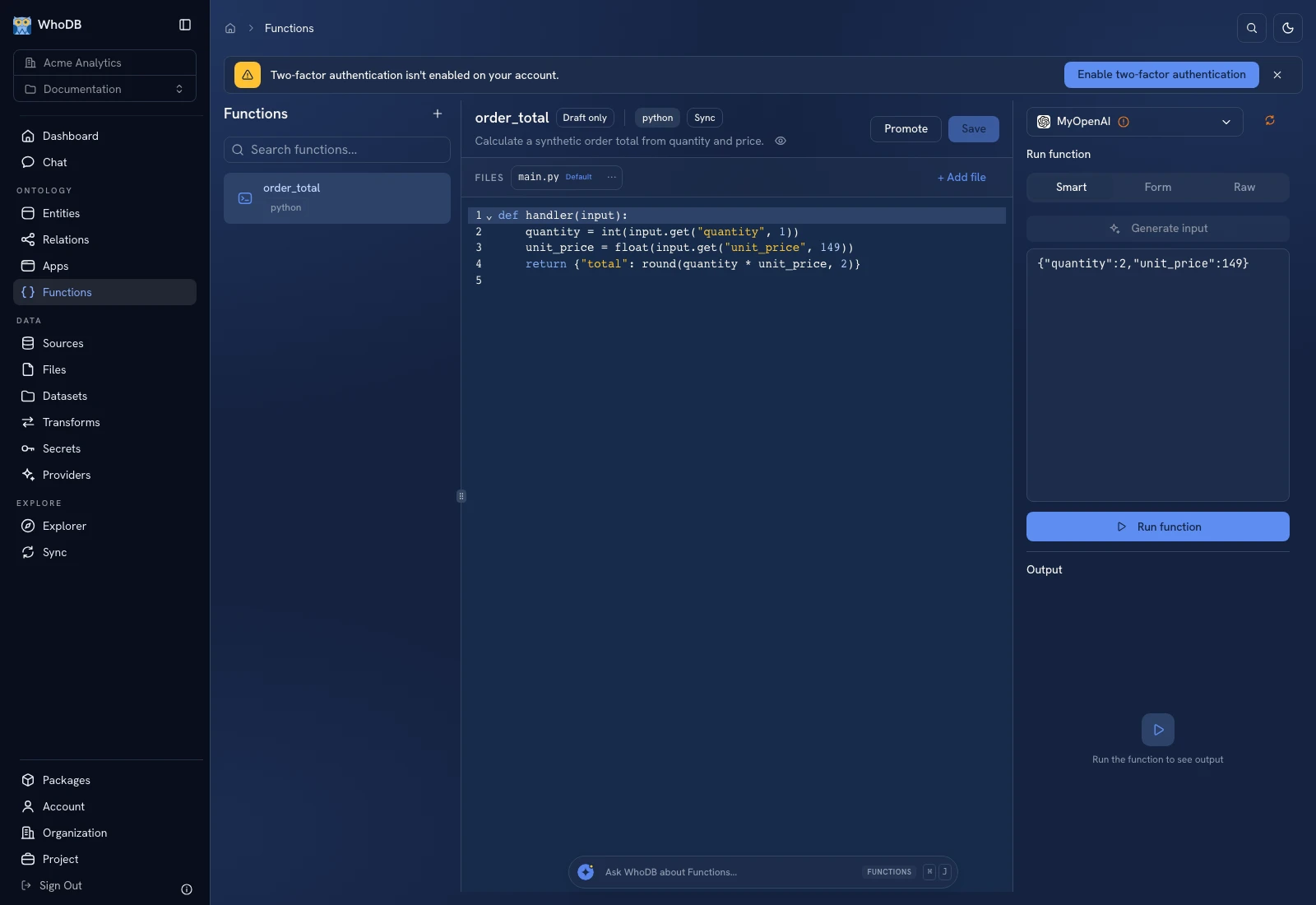 The function workspace shows source files, the code editor, input modes, and output.
Step 1: Basics#
Enter Name, Description, and Language. The form lists the supported languages, including Python, JavaScript, TypeScript, Rust, Go, R, and Julia on the captured instance. Choose Execution mode: Sync, Async, or Live. Live also asks how the function should run.
Execution mode and Live behavior cannot be changed after creation. Use Execution modes before committing to one.
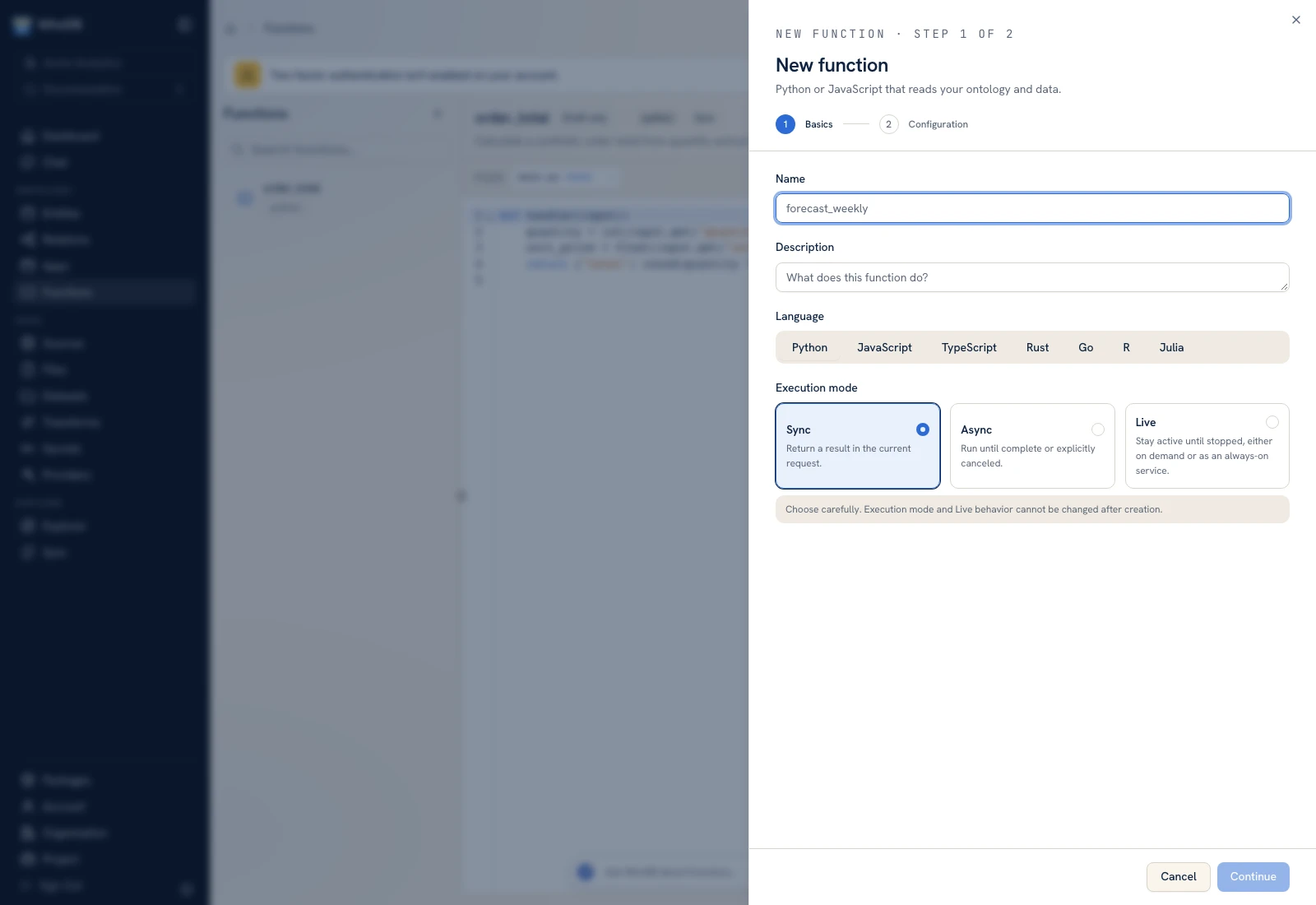 The Basics step chooses the function's identity, language, and execution mode.
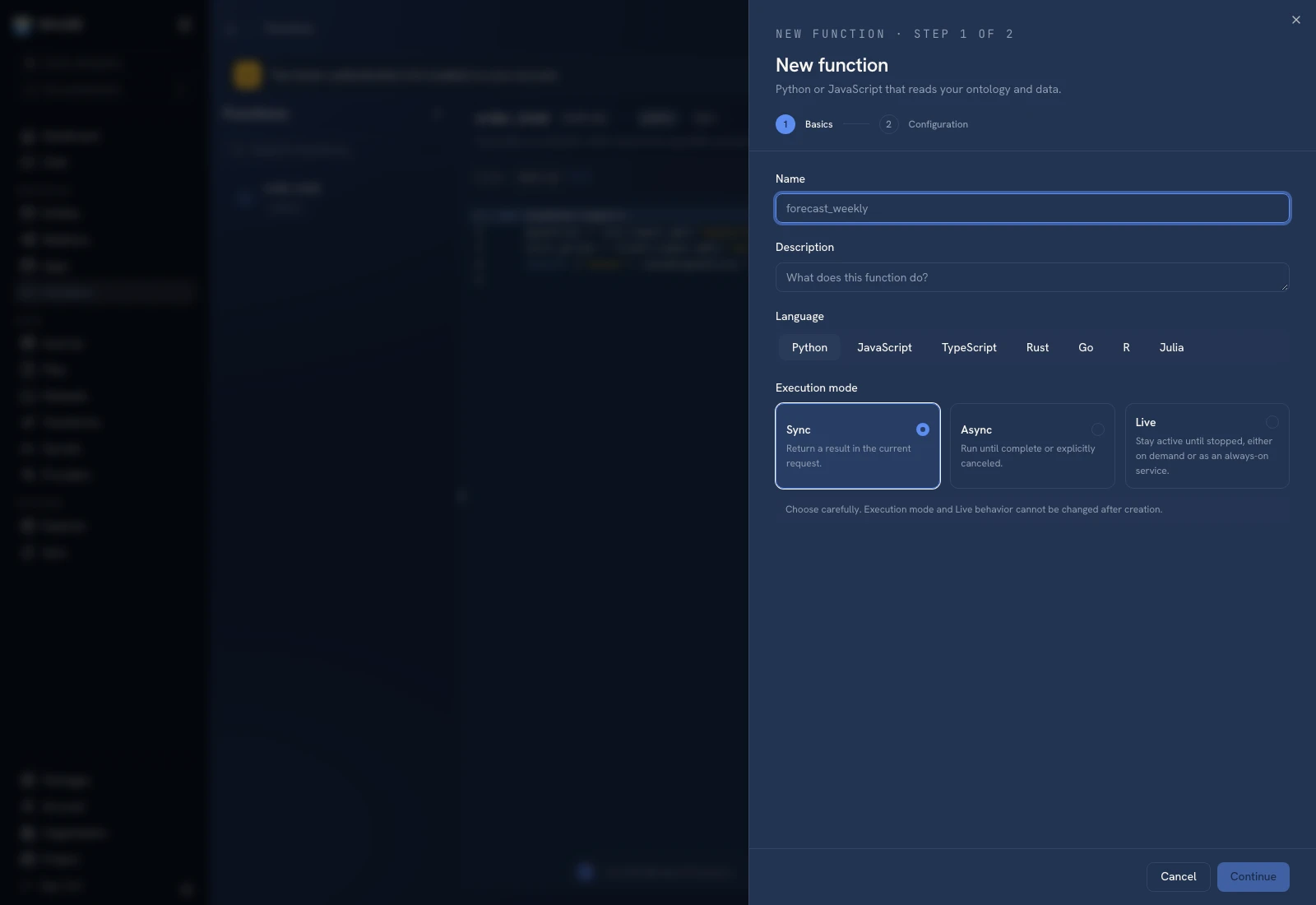 The Basics step chooses the function's identity, language, and execution mode.
Step 2: Configuration#
Select the entities, AI providers, and secrets required by the function. Choose Read or Read & write access for entity bindings according to the operation. Configure secret aliases rather than pasting values into source code. Review Bindings for each dependency type.
Finish with Create function. Select the resulting function in the list.
Write and save code#
The default entry file appears under Files. Keep the language's starter entry-point contract. A minimal Python calculation is:
Python
def handler(input):
    quantity = int(input.get('quantity', 1))
    unit_price = float(input.get('unit_price', 149))
    return {'total': round(quantity * unit_price, 2)}
Click Save before running a saved or detached version. See Code and dependencies for extra files and packages.
Run an exact input#
Choose Raw in the input panel and enter:
JSON
{"quantity": 2, "unit_price": 149}
Click Run function and inspect Output and Logs. The expected calculation is 298.0; compare the returned value with that expectation. Smart input generation uses an AI provider and is a separate operation—Raw is sufficient for this deterministic test.
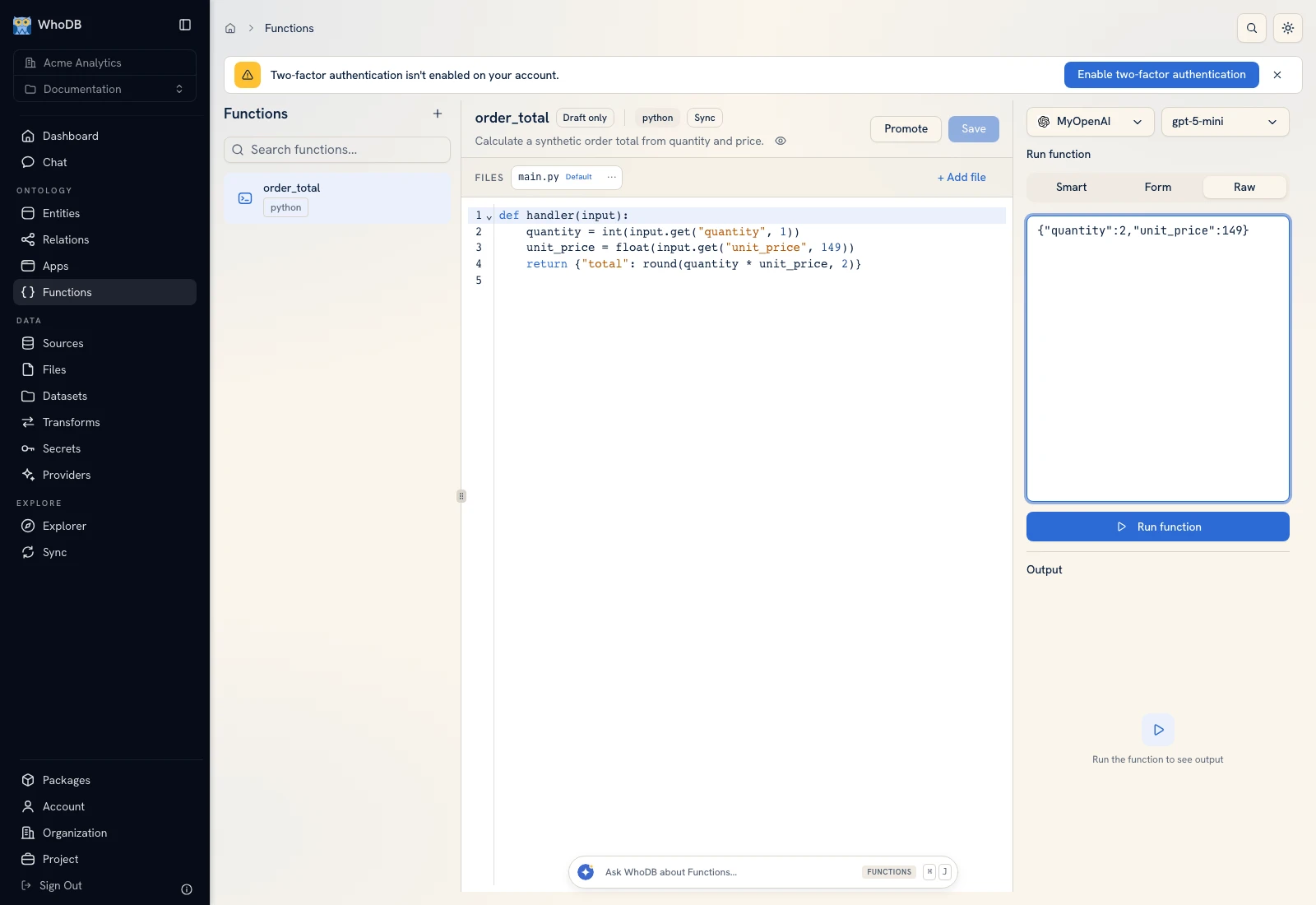 Raw input supplies the exact JSON used to test order_total.
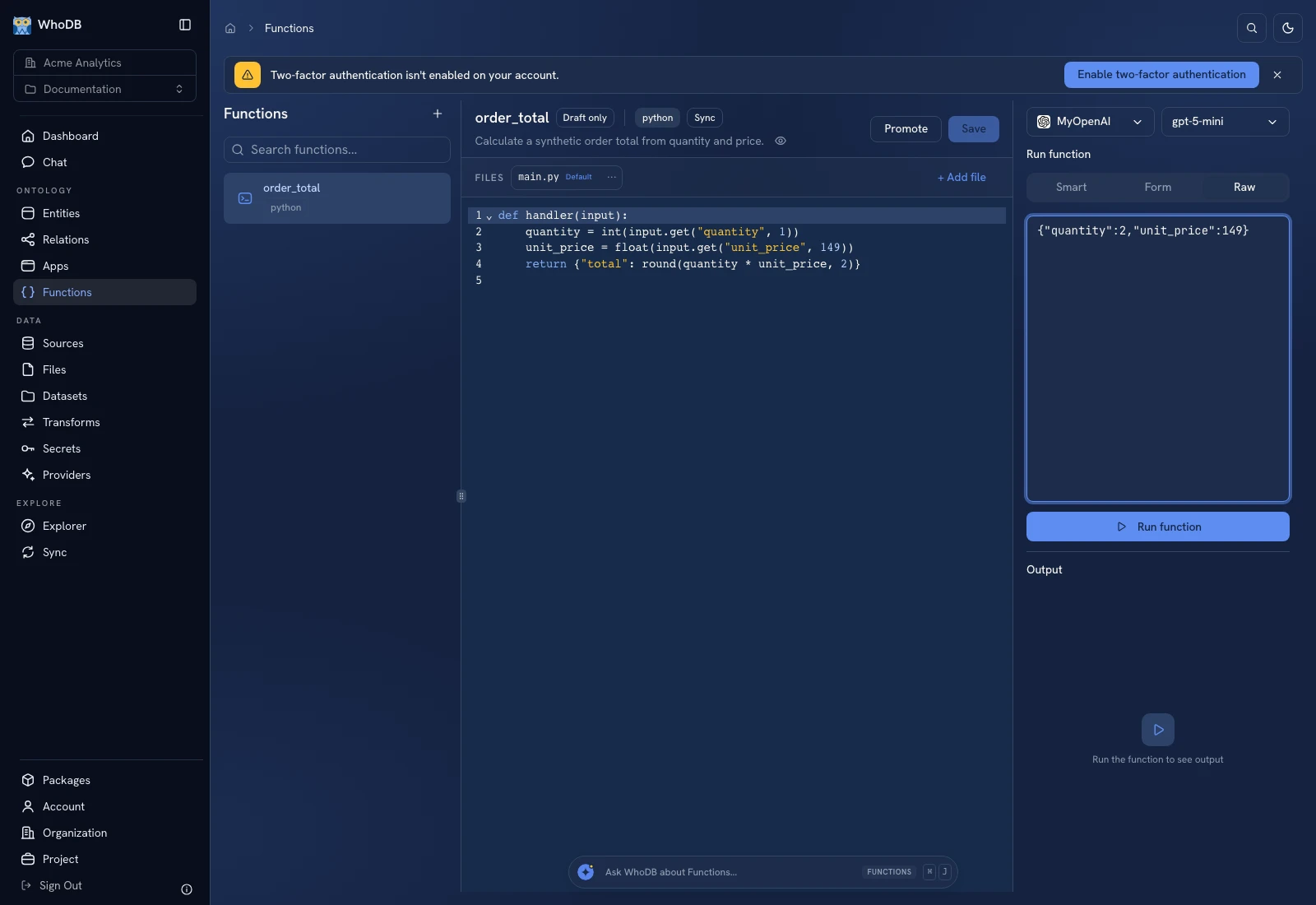 Raw input supplies the exact JSON used to test order_total.
Execution-only callers run the deployed active version, not arbitrary unsaved code. Review Versions before sharing a function or scheduling it.
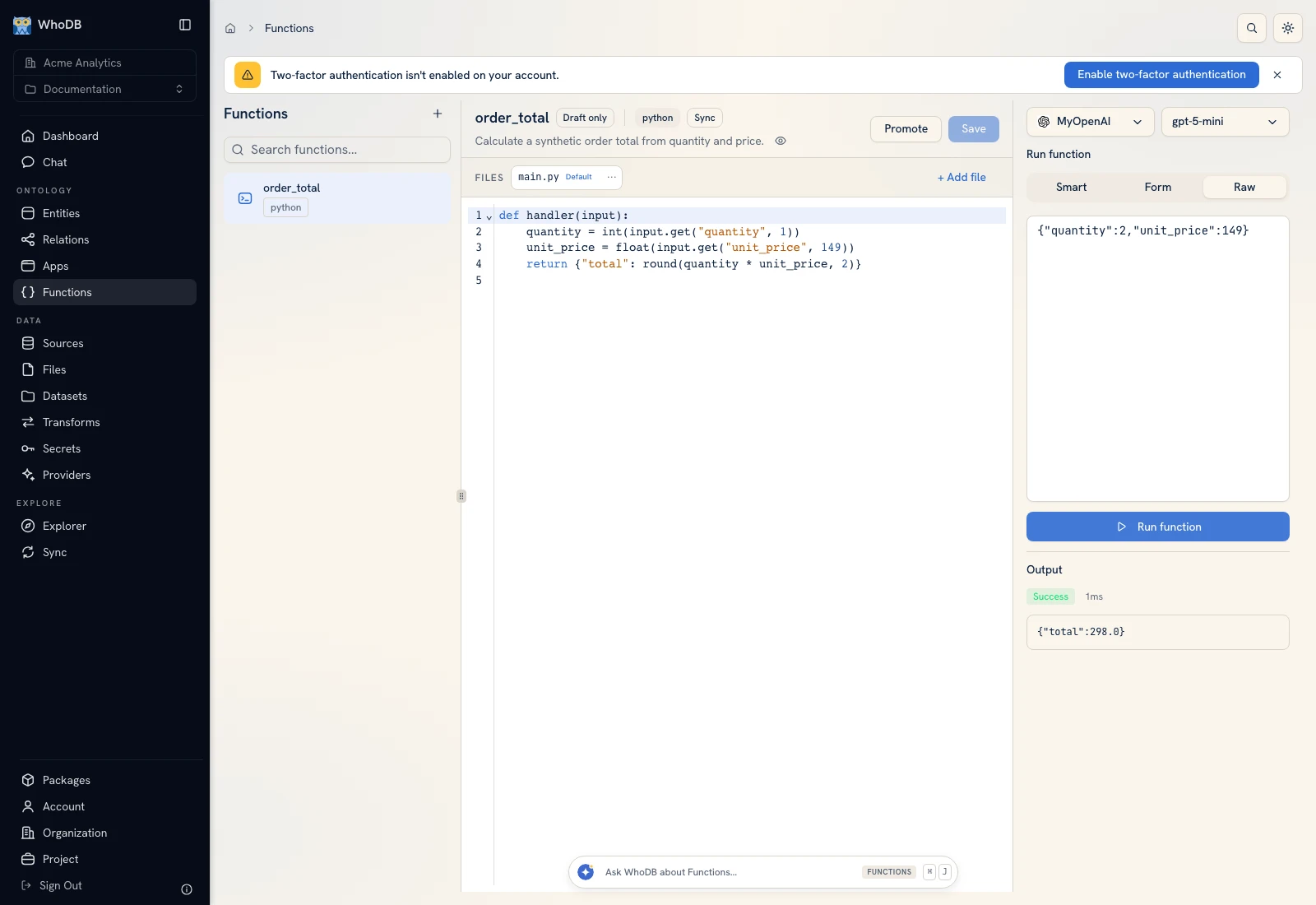 The order_total function returns total 298 for quantity 2 and unit price 149.
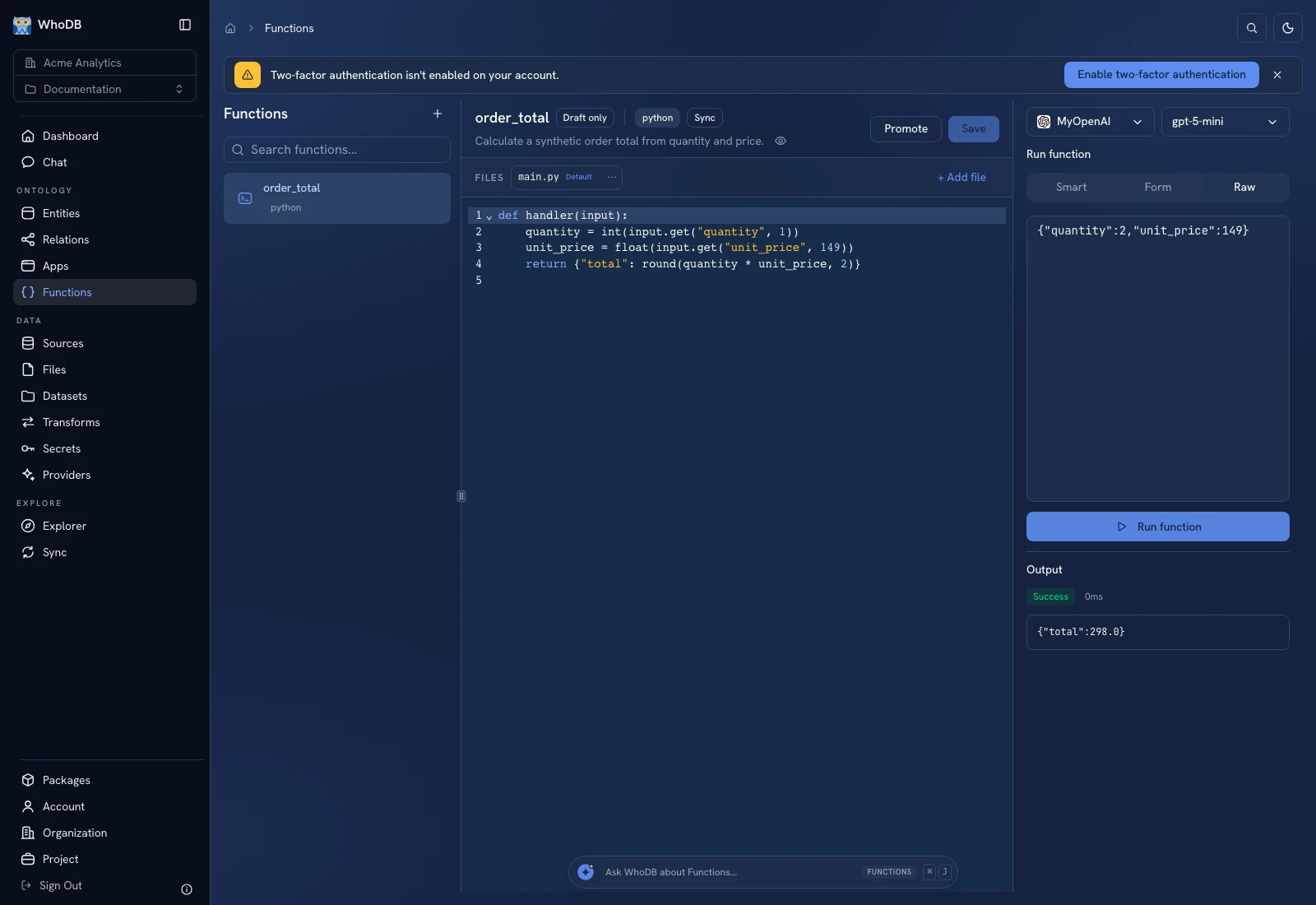 The order_total function returns total 298 for quantity 2 and unit price 149.
Was this page helpful?