
Create teams and share with groups
Where: Organization → Teams. A team receives resource grants in the same way a person does; its membership determines who benefits from those grants.
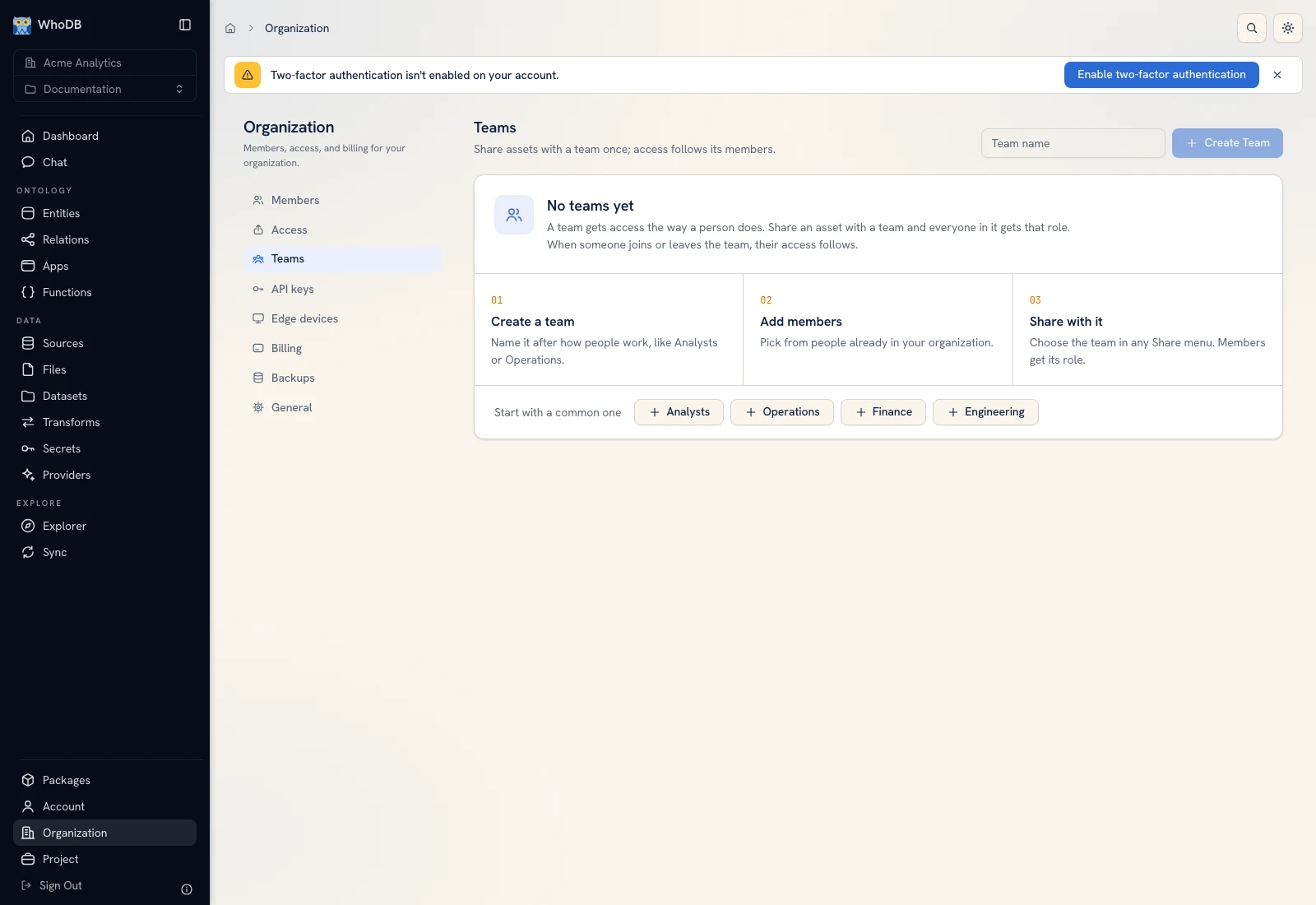 The Teams view lists groups and their membership.
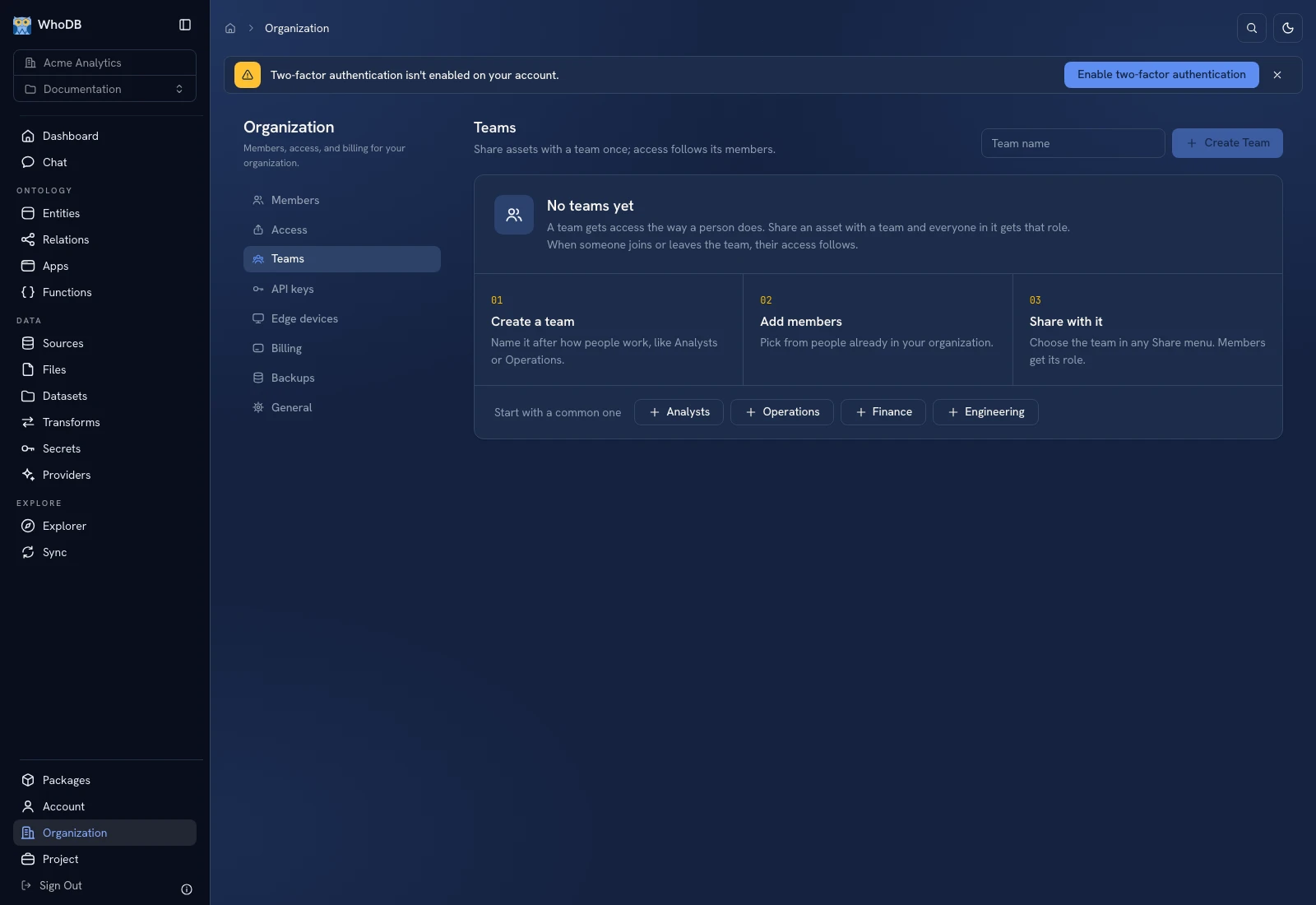 The Teams view lists groups and their membership.
Create the team#
Enter a meaningful name in Team name at the top of the Teams screen, then click Create Team. Open the team and use the member selector to choose people already in the organization. Add each intended member and verify the displayed membership count/list.
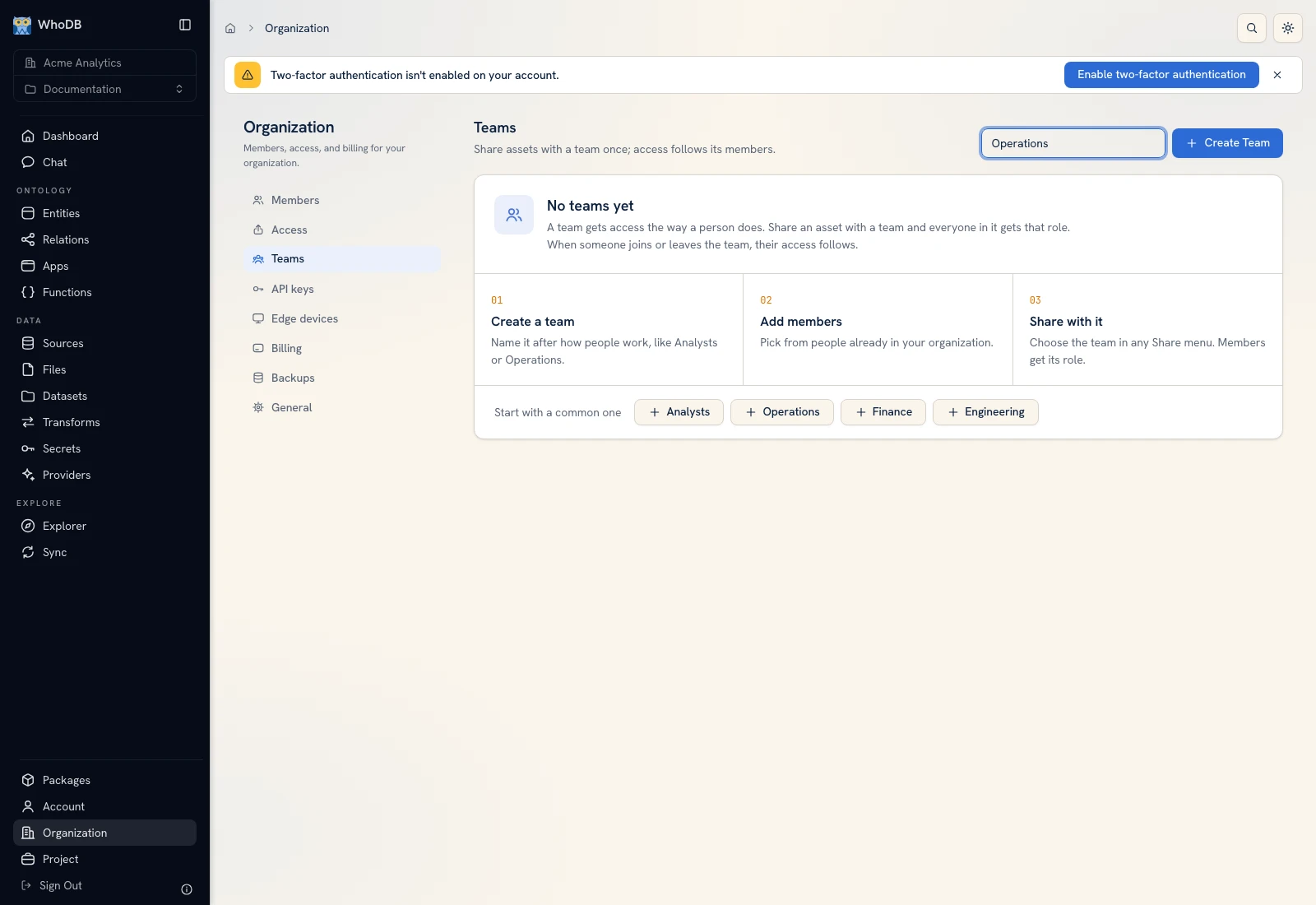 The team creation form defines the group that will receive shared access.
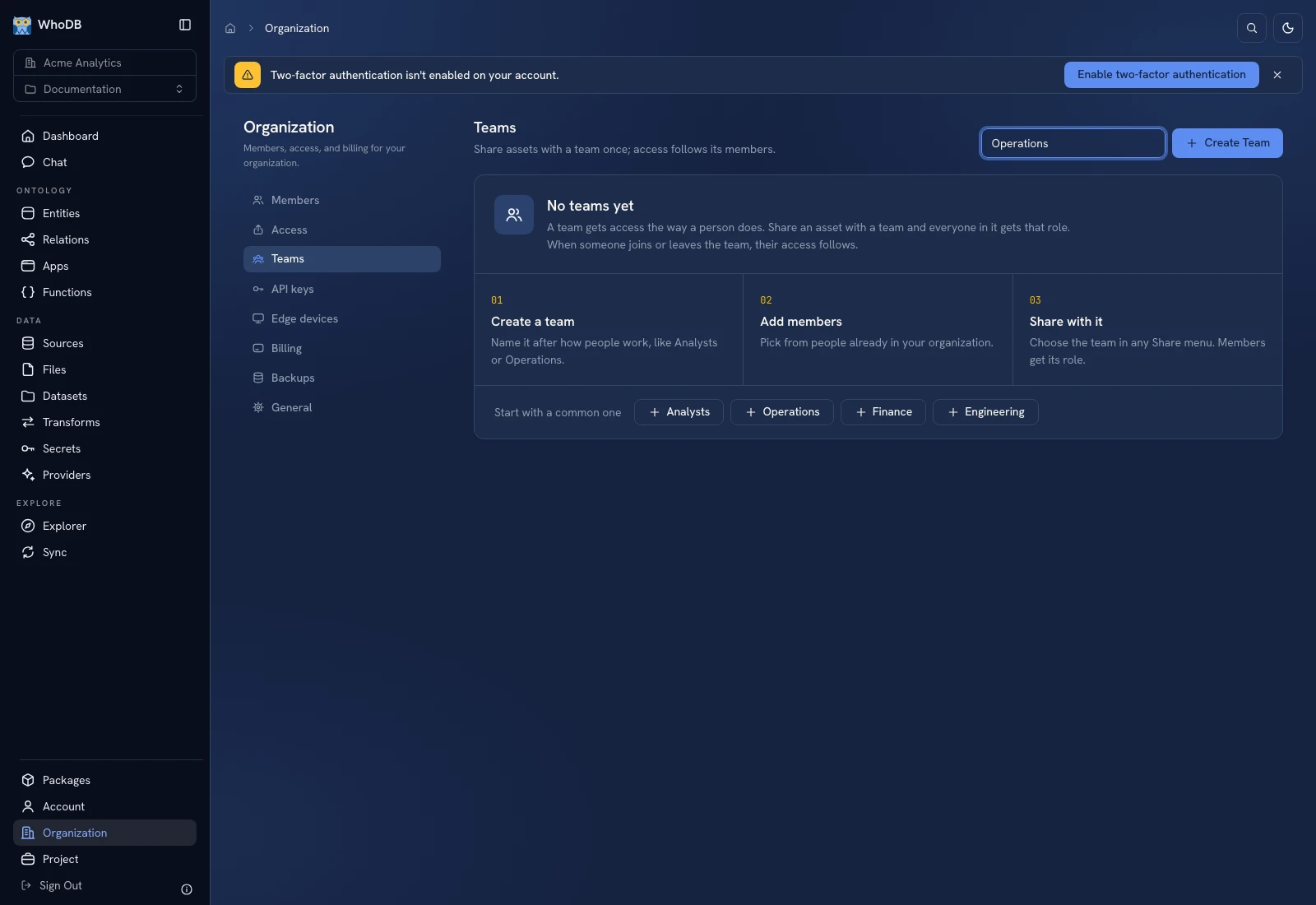 The team creation form defines the group that will receive shared access.
If the person is not available, first check Members in the current organization. Creating a team does not invite external people by itself.
Share a resource with the team#
Open the resource's Share action, choose the team, and grant Viewer, Editor, Executor, or the appropriate supported role. Members receive the team's access to that resource. Review role meanings before granting edit or execution authority.
Use View grants or Organization Access to inspect the resulting permissions. A team name alone does not grant access to all resources in a project.
Maintain membership#
Use Rename to change the displayed team name. Remove a member through the team's own controls when only team membership should change; organization removal is a separate, broader action.
Deleting a team removes access supplied through its grants. Review consumers before confirming, especially scheduled or app workflows that rely on those people having execution rights.
Verify#
Test a representative member's resource access after adding or removing them. Check direct grants too: removing someone from a team does not establish that they have no other path to the same resource.
Was this page helpful?