
Assign sales leads using explicit routing rules
Create a repeatable routing queue that a sales-operations owner can explain. This recipe assigns teams by region and company size; it does not infer purchasing intent or silently discard out-of-territory leads.
Before you begin#
You need a project where you can create transforms and datasets, plus an available Python script runtime. The sample contains only synthetic records. Start with the complete CSV, not a limited preview of a larger business dataset.
Follow Run a use-case recipe for the shared input, destination, and app steps.
Sample input#
Download the CSV, or copy it into Transforms → Library → Seed → Paste CSV.
Csv
lead_id,region,employees,company
L-1,EMEA,1200,Acme Works
L-2,AMER,45,Cedar Studio
L-3,APAC,180,Northwind Lab
L-4,UNKNOWN,20,Orchid Co
Build it in WhoDB#
- Create Lead routing review, load the sample into Seed, and keep one row per lead ID.
- Add Script → Python with the code below. The example defines enterprise as
500or more employees and recognizes EMEA, AMER, and APAC. - Preview all rows. Filter
routing_status = reviewfor an unassigned queue; keep assigned leads in the main result. - Write to
lead_routing_review. Showassigned_teamandrouting_reasonalongside the source region and company size in an app. - After a sales owner accepts the route, update the managed Lead entity or your configured CRM integration. Creating the result dataset alone does not change CRM ownership.
Script and output columns#
In Script → Output columns, add these names exactly, in this order:
Text
lead_id, region, employees, company, assigned_team, routing_status, routing_reason
Paste this code into Script. Select Python and leave Dependencies empty; it uses the Python standard library.
Python
def main(input):
    output = []
    for row in input:
        region = row["region"].strip().upper()
        known = region in ("EMEA", "AMER", "APAC")
        segment = "ENTERPRISE" if int(row["employees"]) >= 500 else "SMB"
        output.append(dict(row, assigned_team=region + "_" + segment if known else "UNASSIGNED",
            routing_status="assigned" if known else "review",
            routing_reason="region + employee threshold 500" if known else "unknown region"))
    return output
Download the script · Expected fixture output. The expected output is computed from this CSV and script; it is not a screenshot of a hosted run.
Check the result#
L-1 routes to EMEA_ENTERPRISE; L-2 to AMER_SMB; L-3 to APAC_SMB. L-4 routes to UNASSIGNED with status review. Changing the example threshold to 100 should move L-3 into APAC enterprise without changing its region.
Find the controls#
These screenshots show the current pipeline configuration controls used in this recipe. They come from the manual’s synthetic demonstration workspace; they do not show this use case already executed.
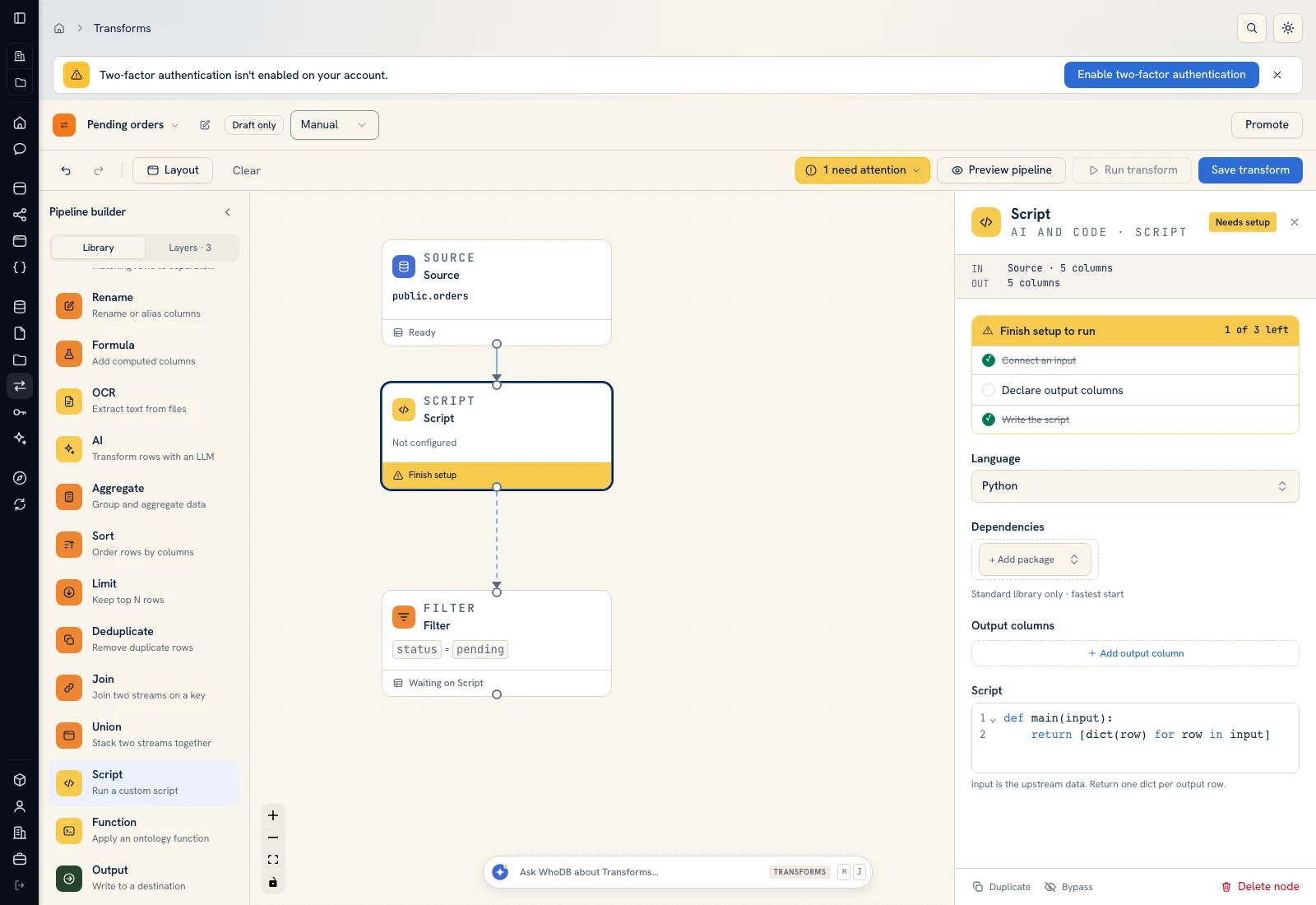 Script: select Python, declare output columns, and paste the calculation.
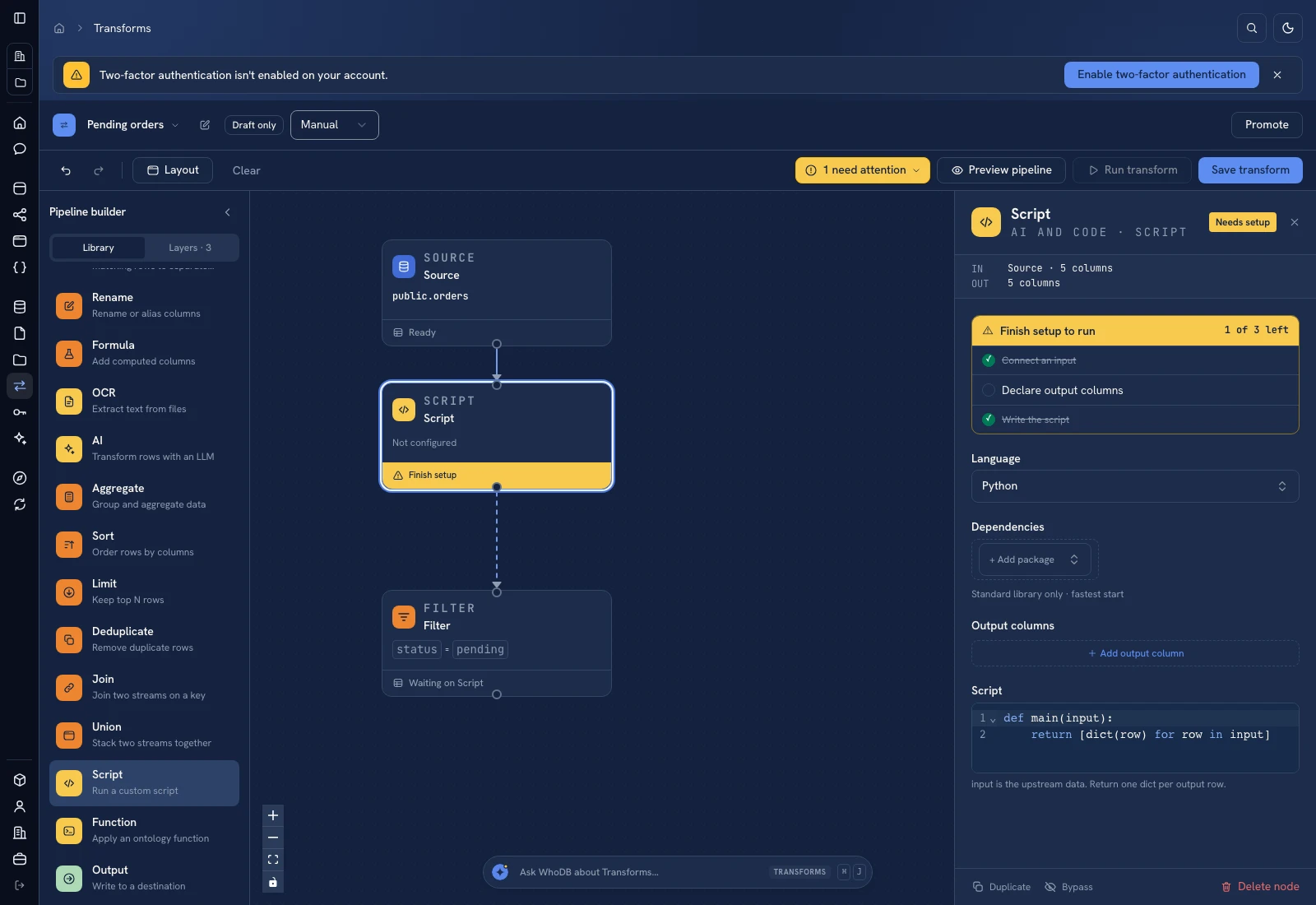 Script: select Python, declare output columns, and paste the calculation.
Put it to work#
Publish the territory rule with an effective date, then retain the rule version with each routing decision. Add existing-account ownership, named-account exceptions, and capacity rules before replacing a team's current assignment process. Measure unassigned age and reassignment rate, not only the number of leads routed.
For output mapping and rerun behavior, follow Write pipeline outputs. For a team-facing screen, follow Create an app and Connect state and data.
Was this page helpful?