
Configure pipeline inputs
Where: Transforms → builder → Library → choose an input. Input nodes read data; their connector or resource permissions still apply.
Source#
- Add Source and click it.
- Under Connection, select the saved source.
- Choose Database and Schema when shown, then Table or the connector's corresponding object.
- Inspect detected columns and the embedded Preview.
- Connect the output to your next step.
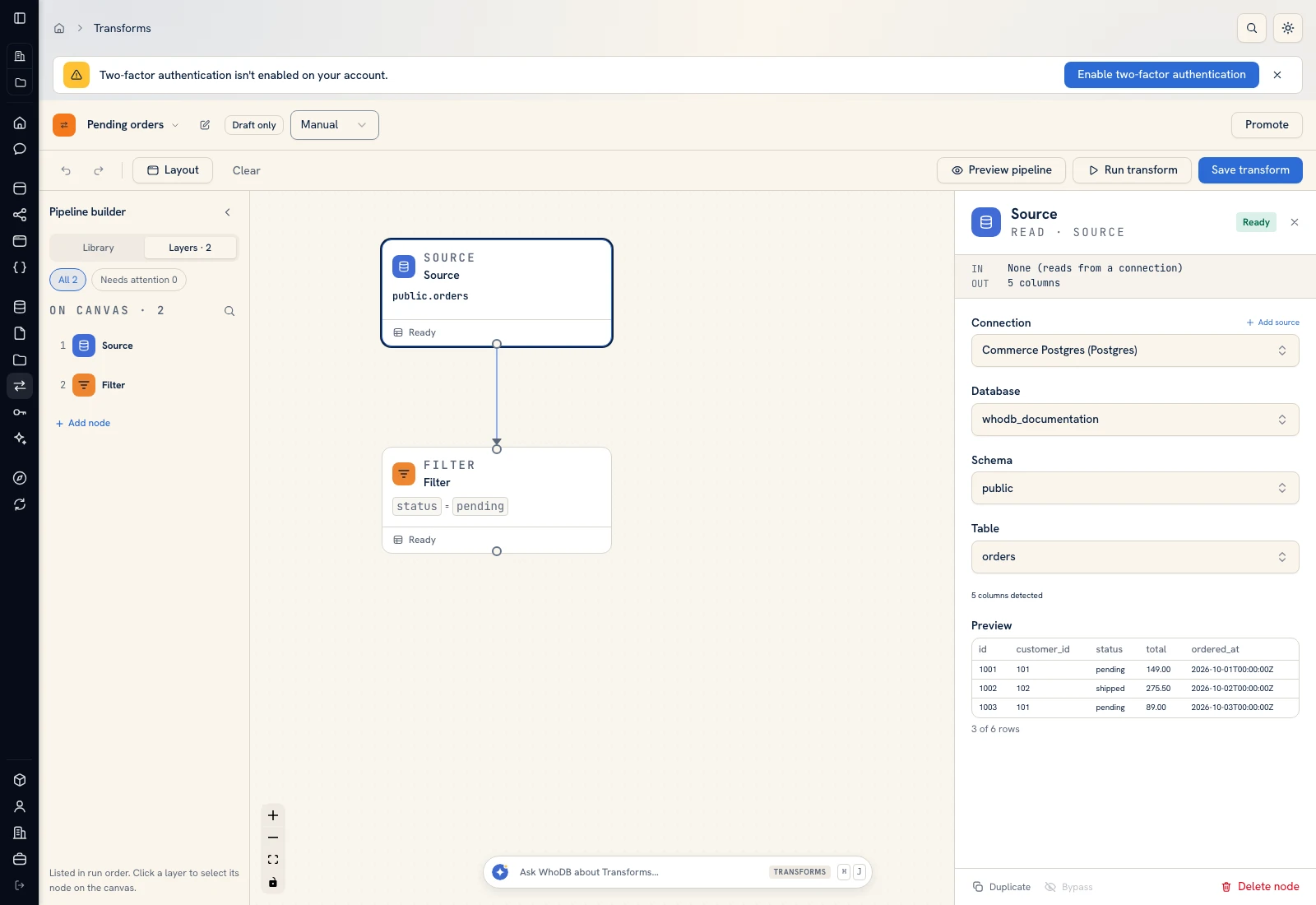 The Source node selects Commerce Postgres and public.orders, with detected columns and a sample preview.
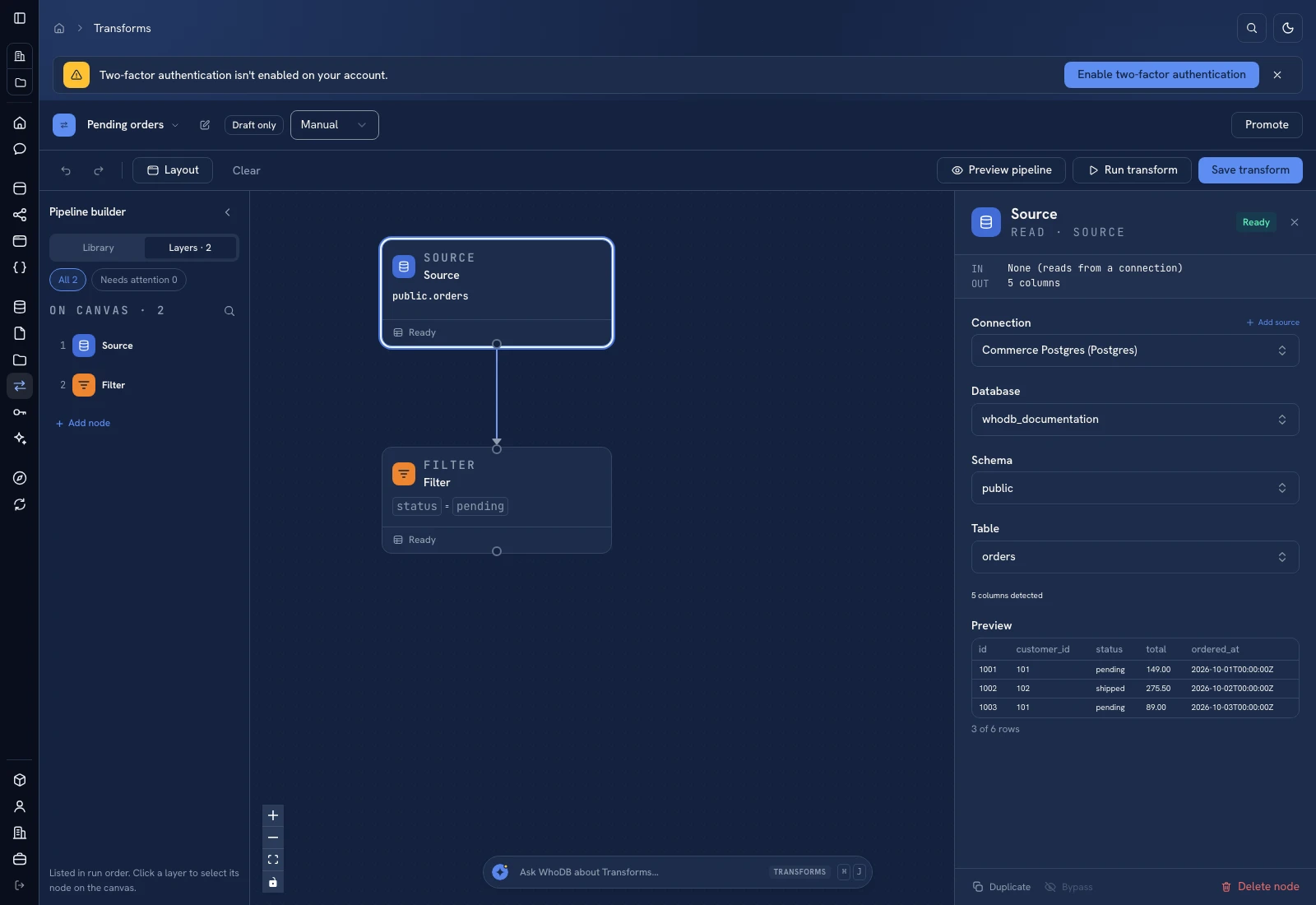 The Source node selects Commerce Postgres and public.orders, with detected columns and a sample preview.
If a selector is empty, verify the previous browse level and source permissions. Add source starts connection setup; return to the node afterward and select the saved connection.
Seed#
Add Seed for a small lookup or a reproducible example. Define column names and types with Add Column, then use Add row and edit cells. Paste CSV accepts headers and rows; review the imported values and types before continuing. Use text for identifiers whose leading zeroes matter.
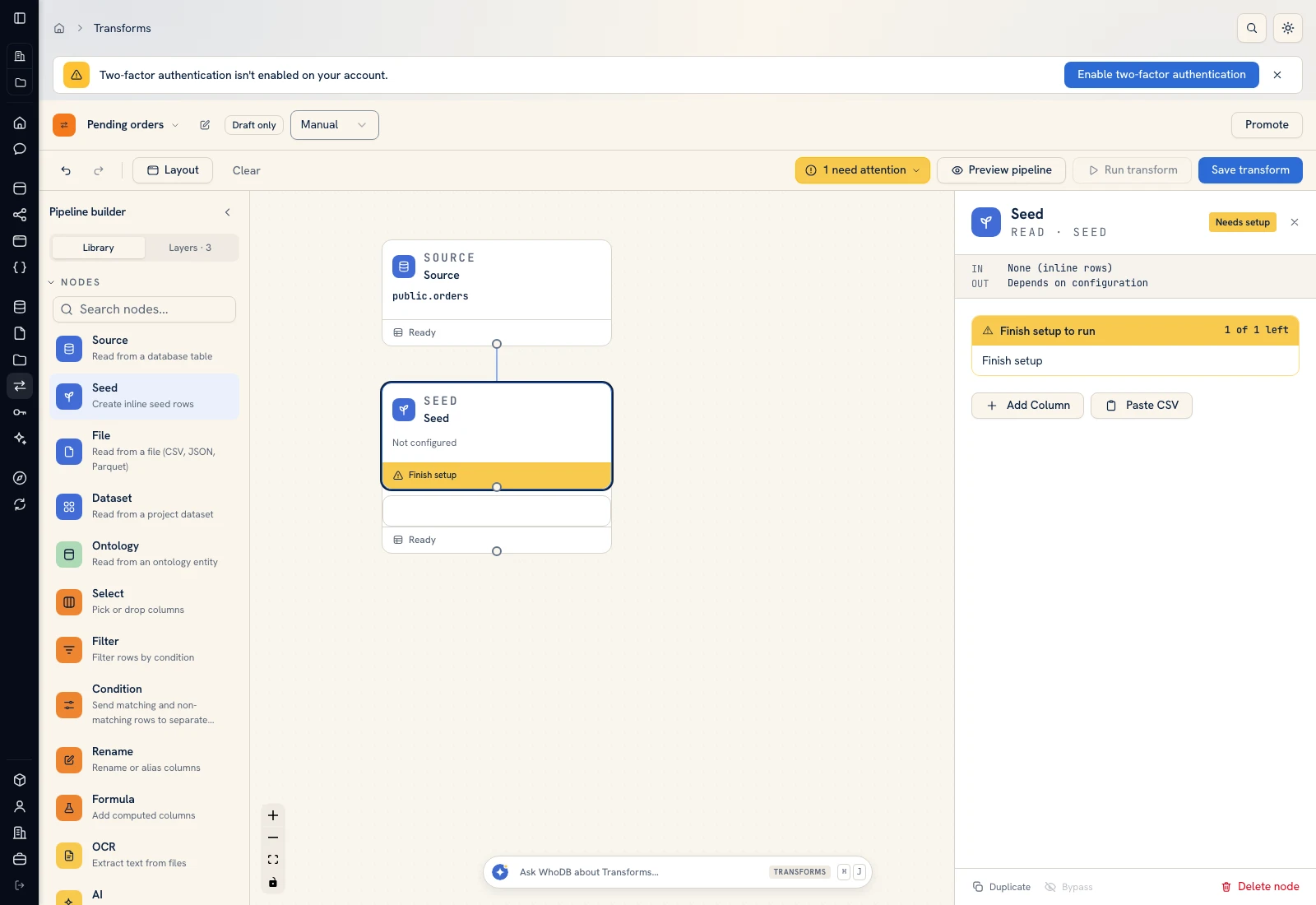 Seed configuration provides typed columns, editable cells, and CSV input.
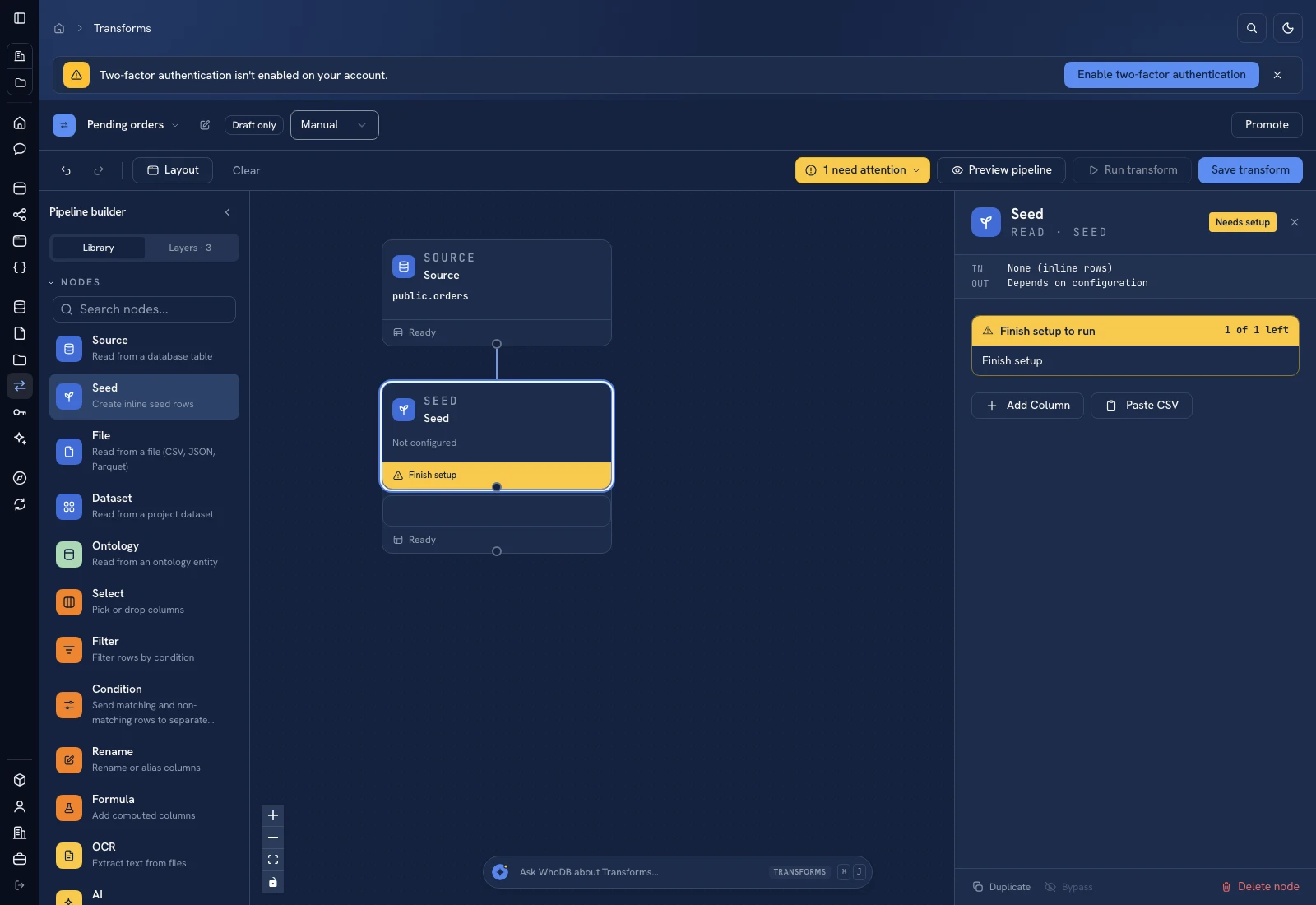 Seed configuration provides typed columns, editable cells, and CSV input.
File#
Choose One file or Folder, then select the project content. Review First row is header for tabular input and Warn on schema change when later uploads may add or remove columns. Inspect the file preview and the selected file's name, size, and upload information.
A file input used for OCR carries documents to the OCR node; it is not the same as promoting every file to a dataset. See Files.
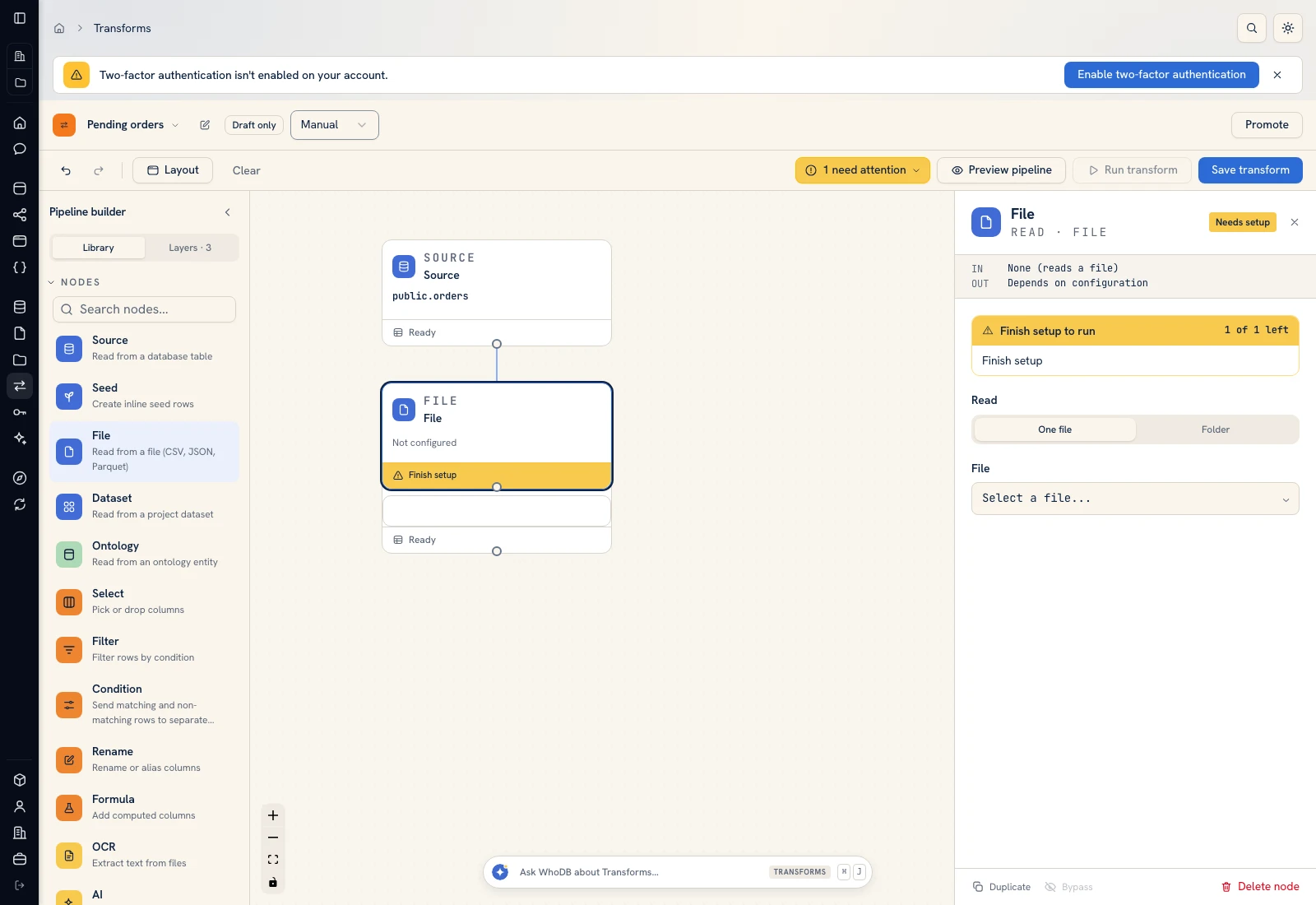 File input selects the project file or folder and its interpretation settings.
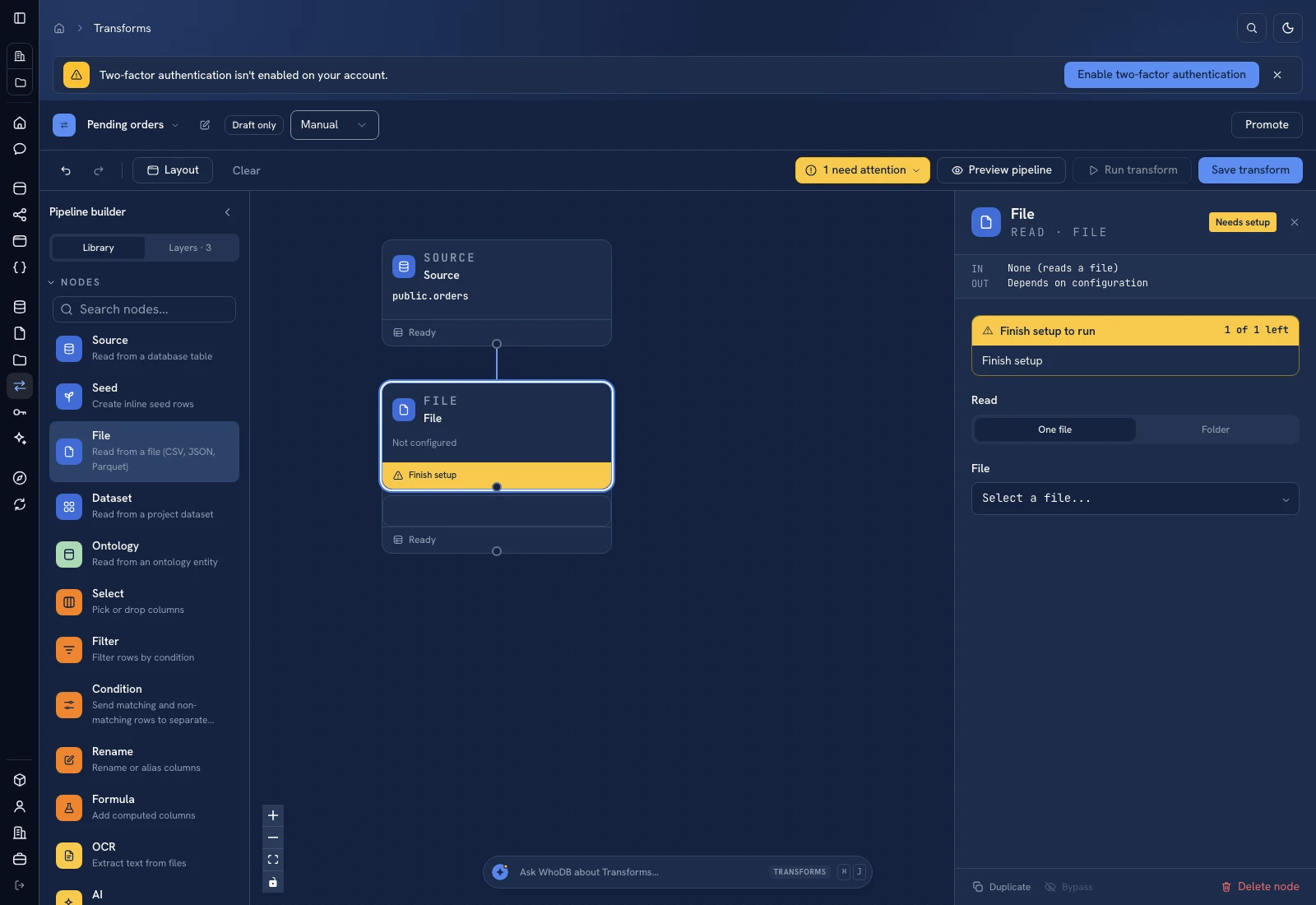 File input selects the project file or folder and its interpretation settings.
Dataset#
Select the project dataset and the columns required downstream. Verify the dataset contains records before treating an empty pipeline result as a configuration failure. A dataset input does not refresh that dataset from its original source.
Ontology (entity)#
Select an entity and its properties. Use Updated since when you intentionally want records updated on or after a UTC date. Last 30 days supplies a convenient range and Clear date returns to all records. The filter is unavailable when the entity has no updated-at property.
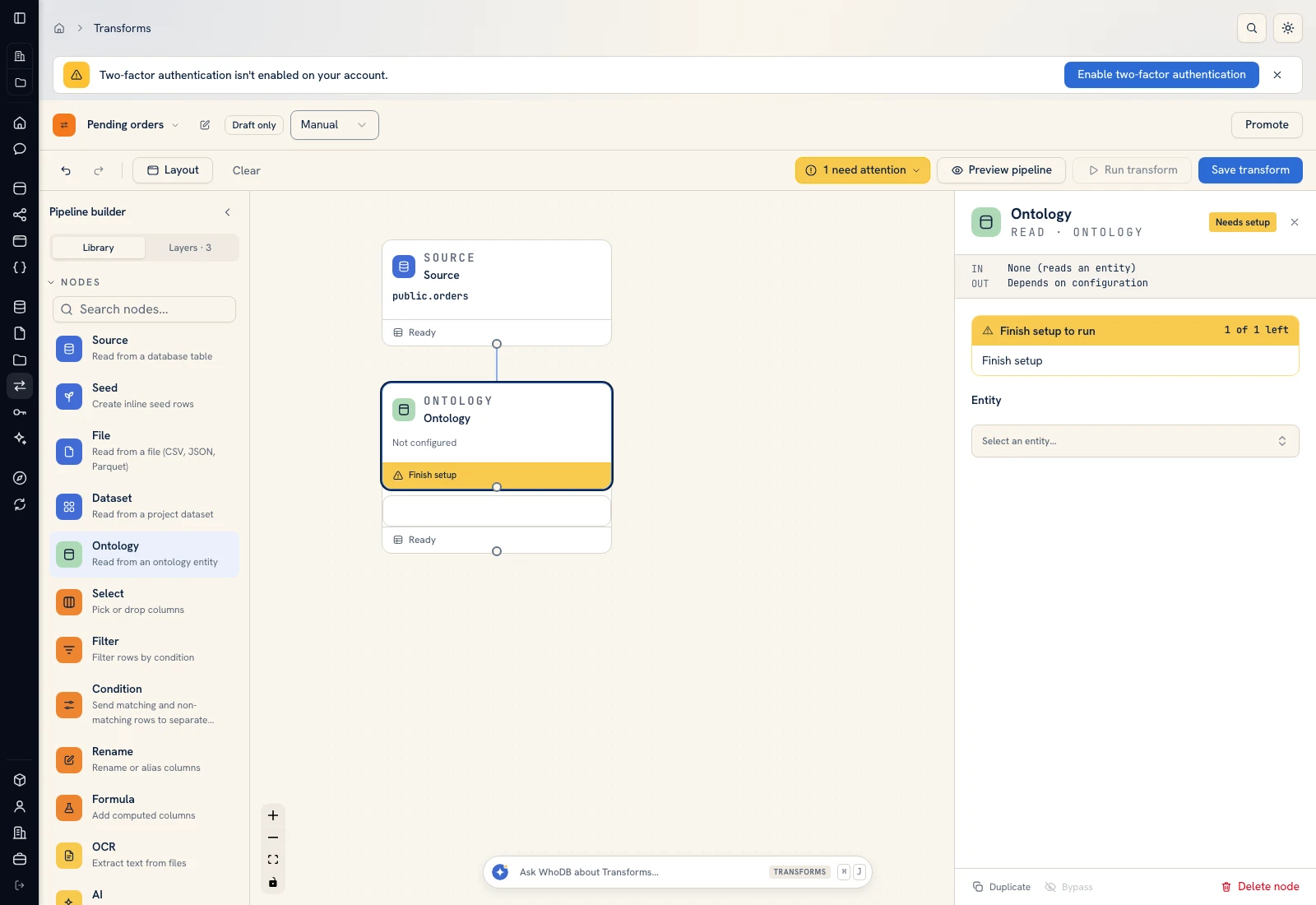 Entity input selects the managed business records and properties exposed to the pipeline.
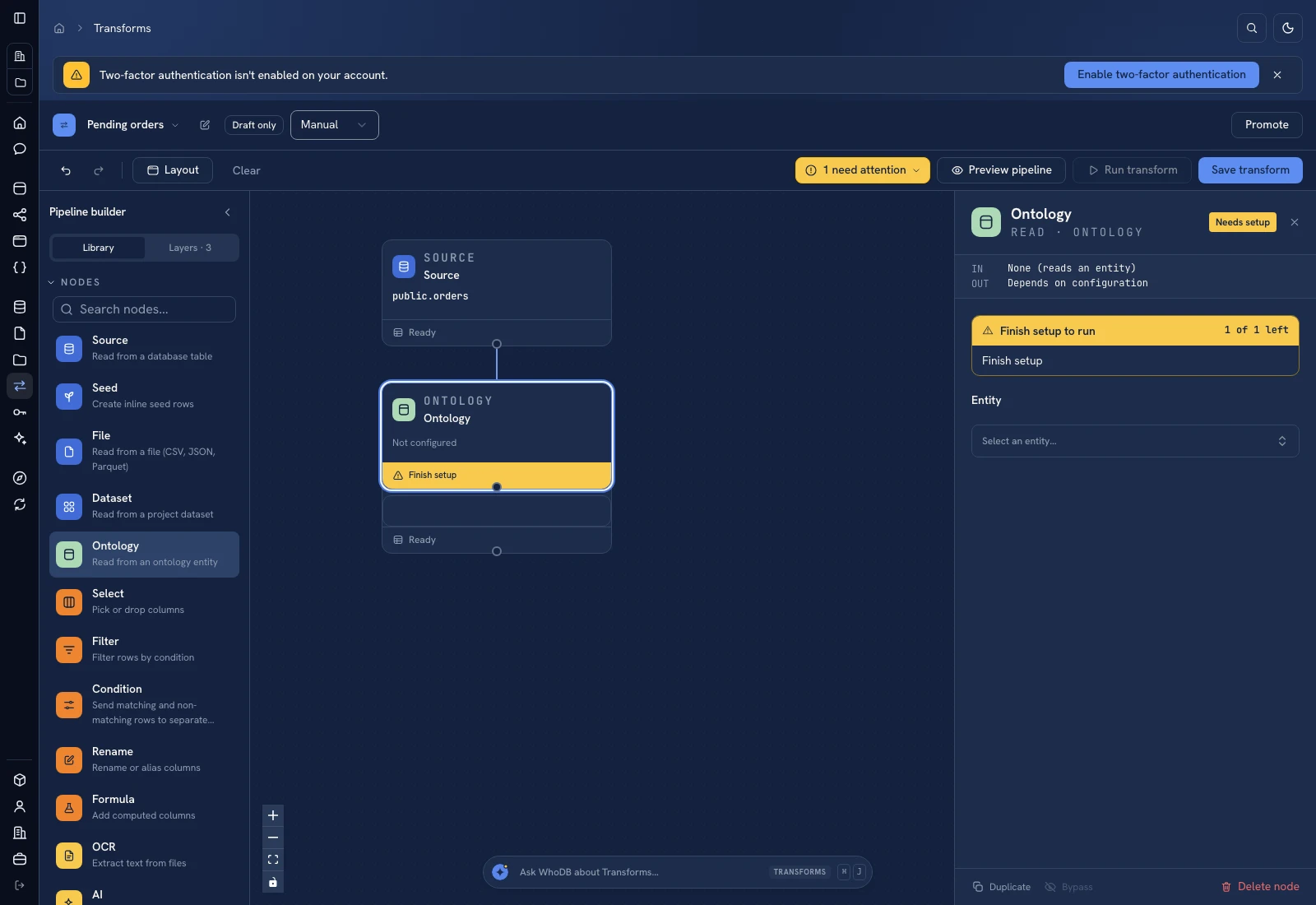 Entity input selects the managed business records and properties exposed to the pipeline.
After any input change, preview it before editing downstream formulas or mappings. Keep the record key visible during development so you can trace a row through the graph.
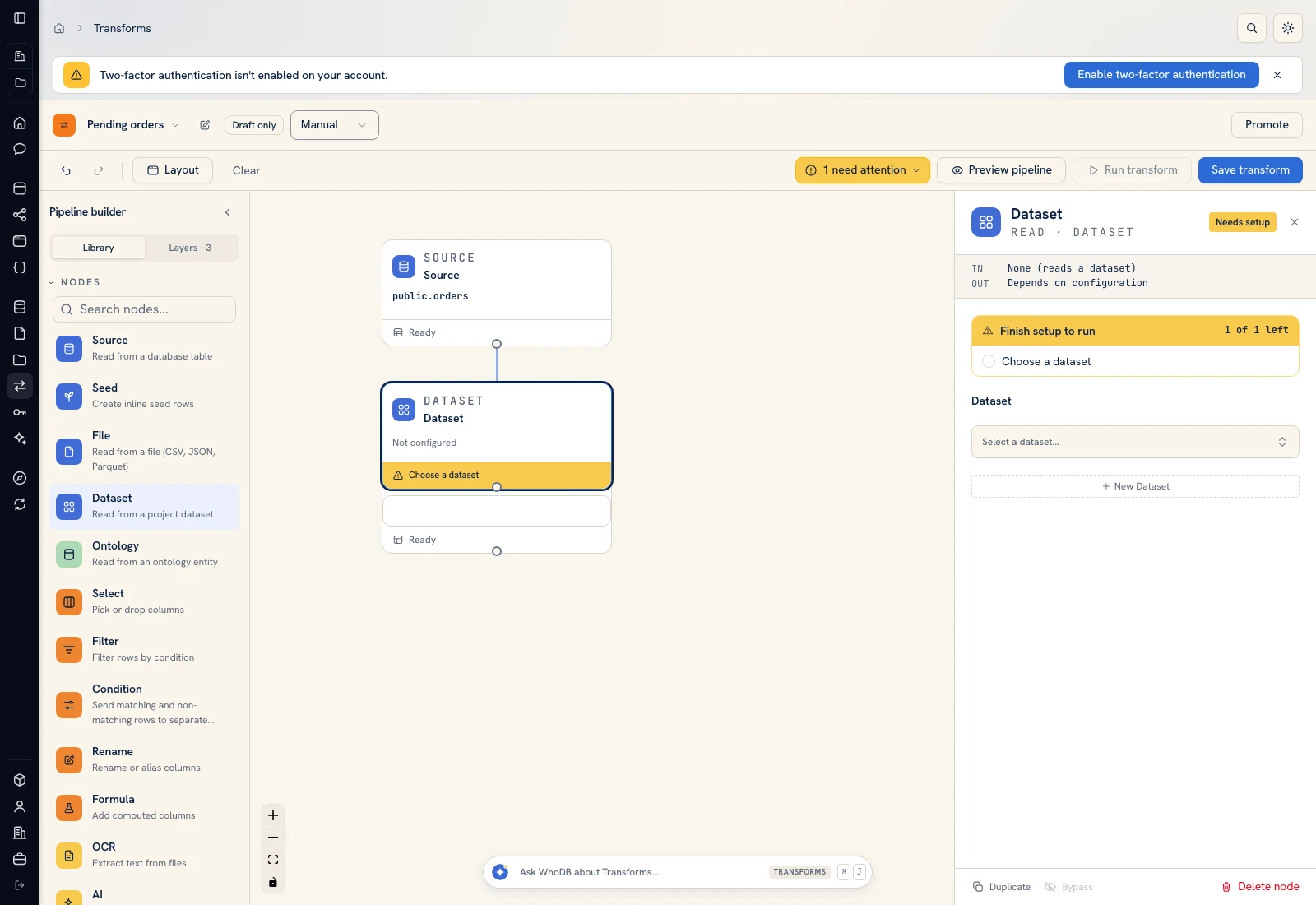 Dataset input selects an existing project dataset and its fields.
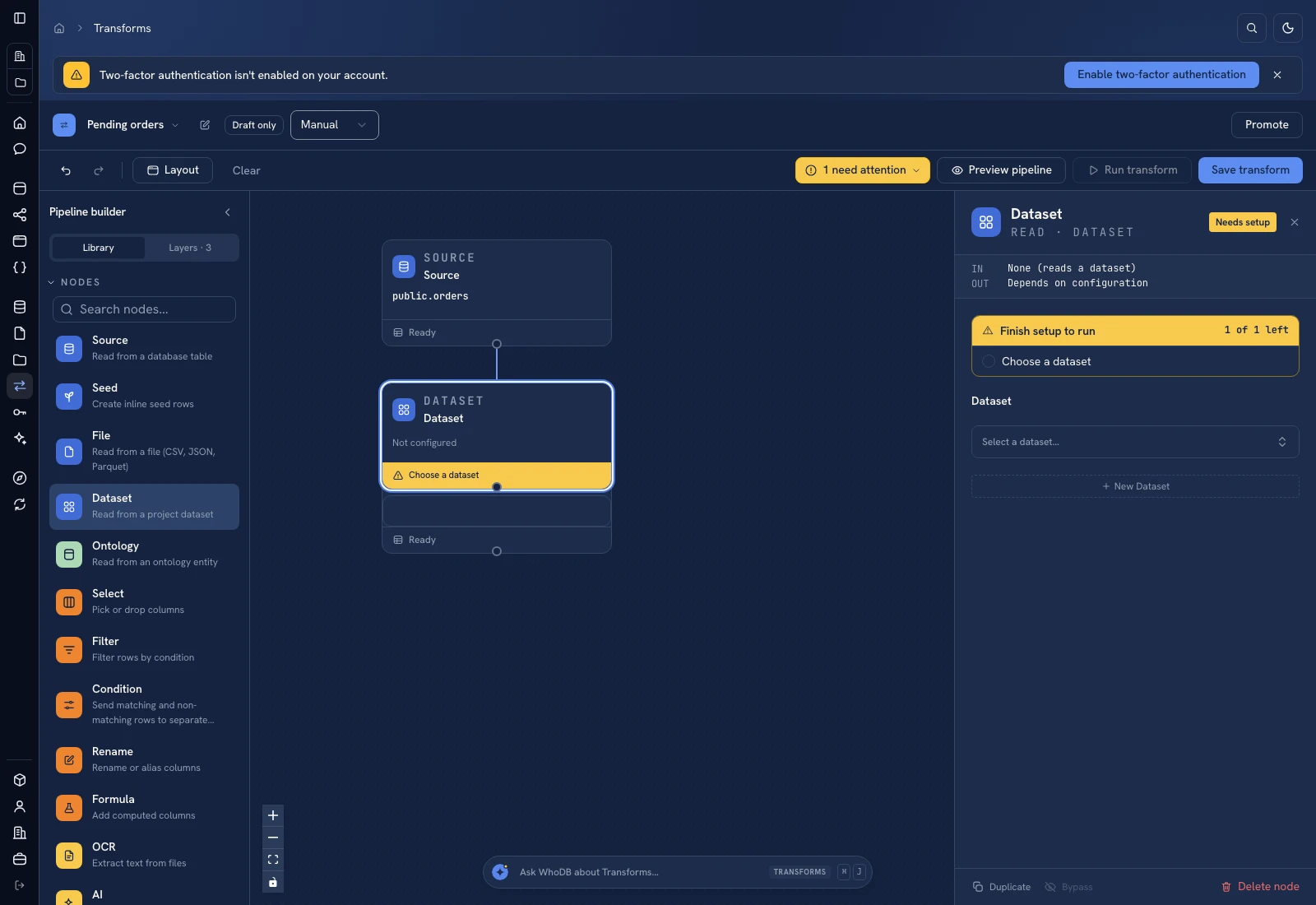 Dataset input selects an existing project dataset and its fields.
Was this page helpful?