
Package and distribute a workflow
Where: sidebar → Packages. Packages are organization-level bundles; their assets can come from selected projects.
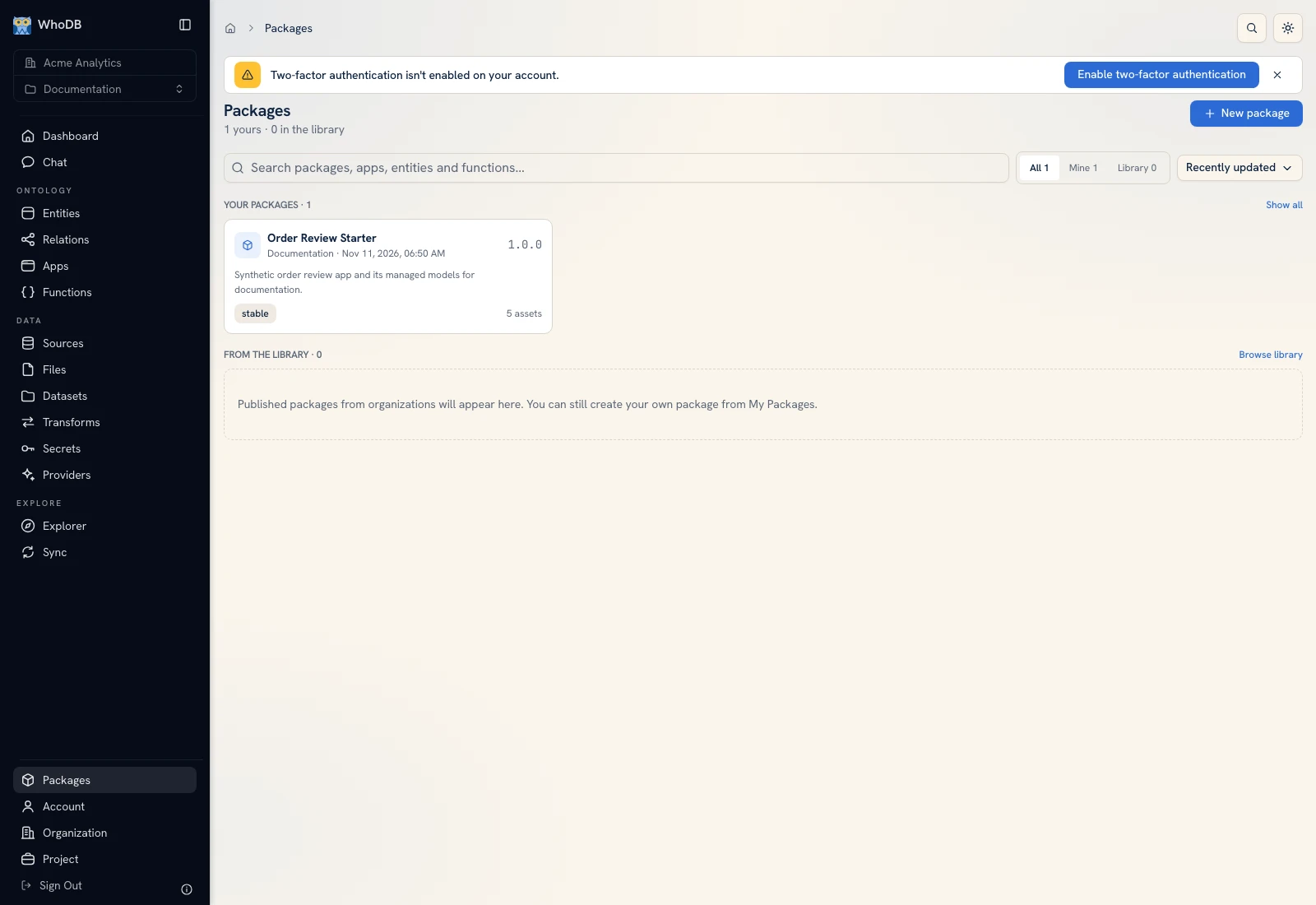 Packages is the entry point for publishing a workflow or finding a shared bundle.
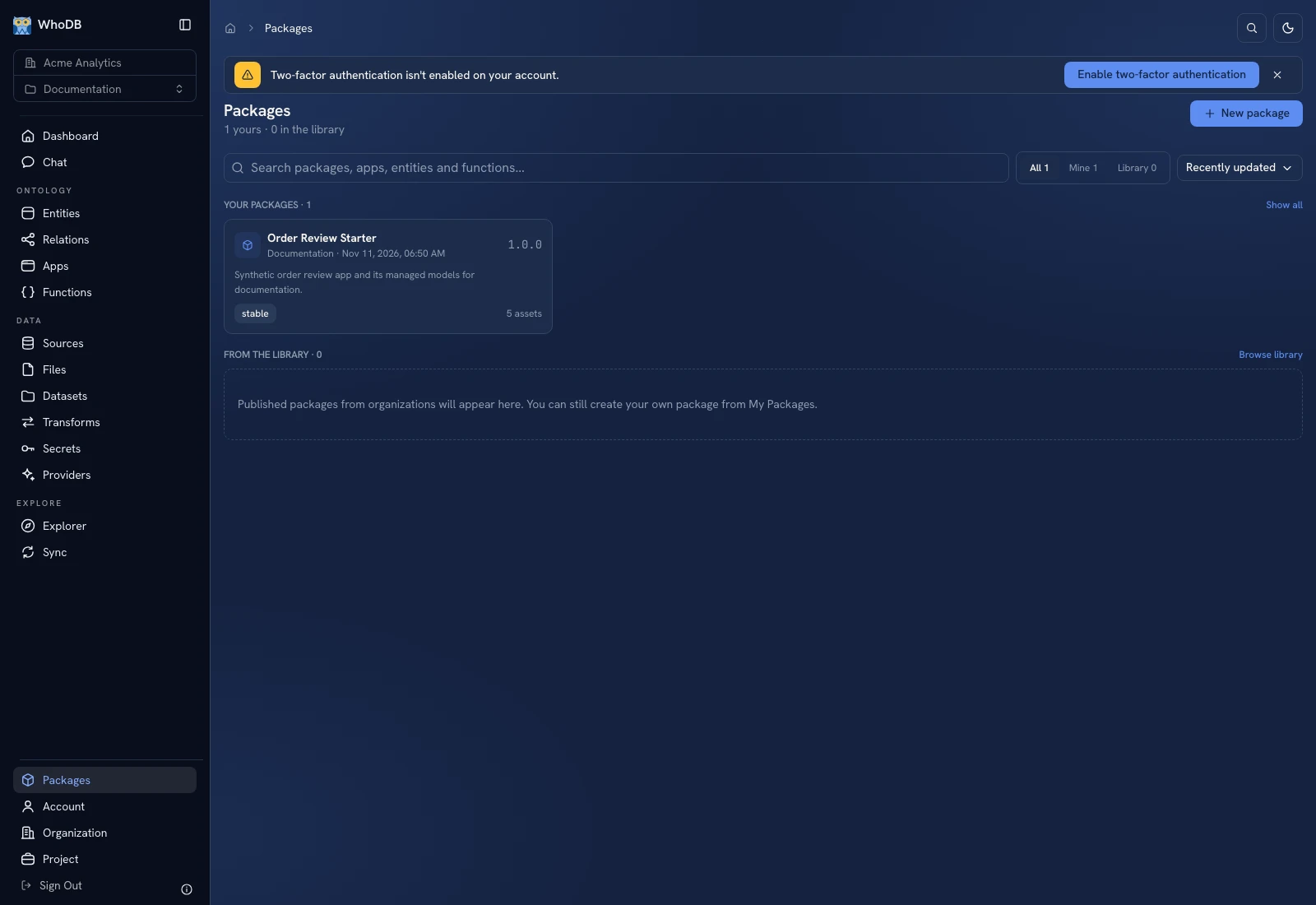 Packages is the entry point for publishing a workflow or finding a shared bundle.
Choose the delivery model#
| Option | Recipient result |
|---|---|
| Managed install | Read-only managed copies with update tracking |
| Editable copy / Import | Copies the recipient can change; they do not keep receiving managed upgrades |
Publish a package when an app, function, model, dataset, or transform should travel with its dependencies. Creating a package freezes resource versions; it does not activate apps/functions in the source or destination.
Create a package#
Click New package, enter its name/version/channel, choose the source project, and select assets. Use Draft to freeze the current content or choose an existing version to pin it exactly. Review delivery and per-item visibility/importability.
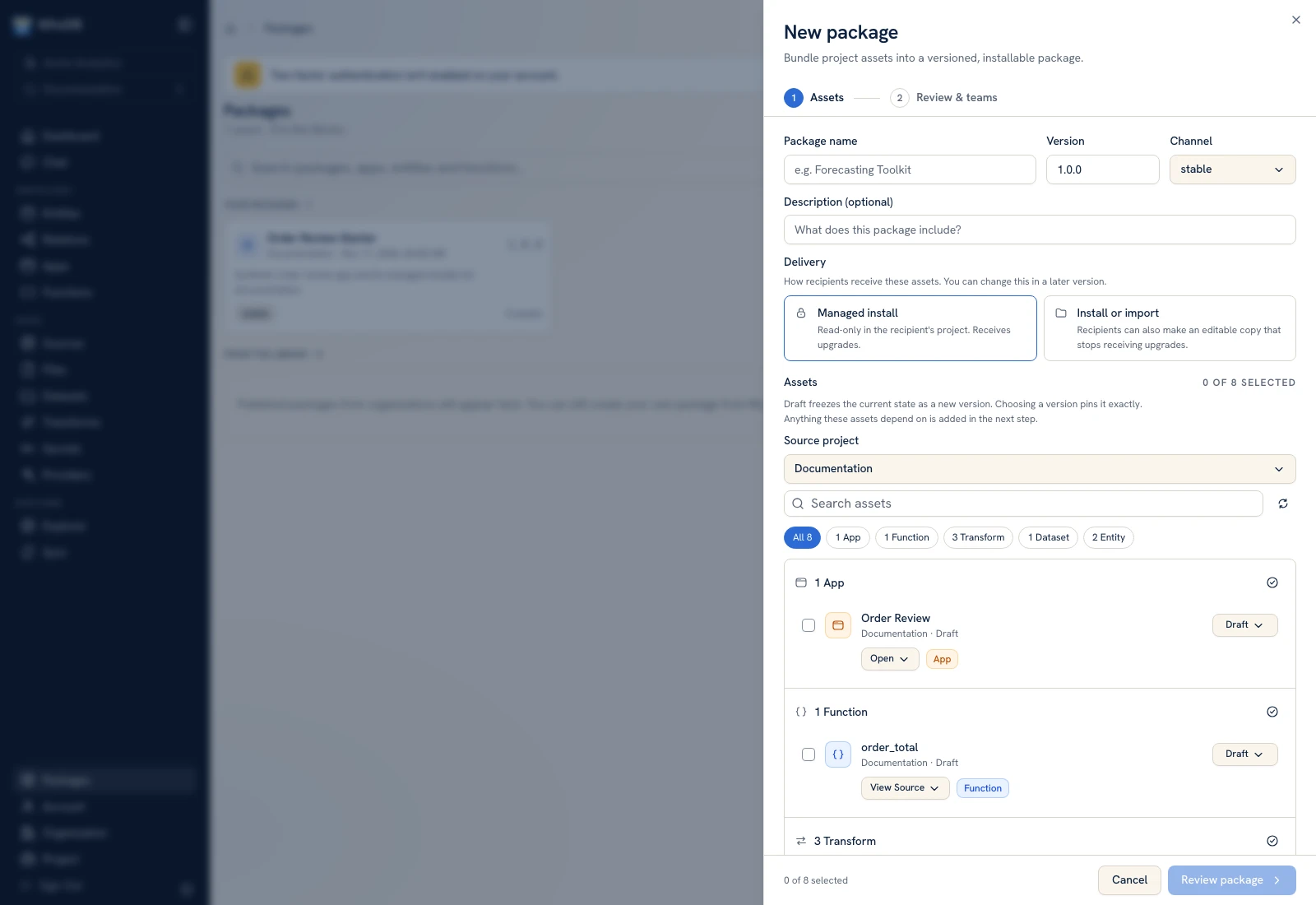 Package Assets selects resources and versions before dependencies are expanded.
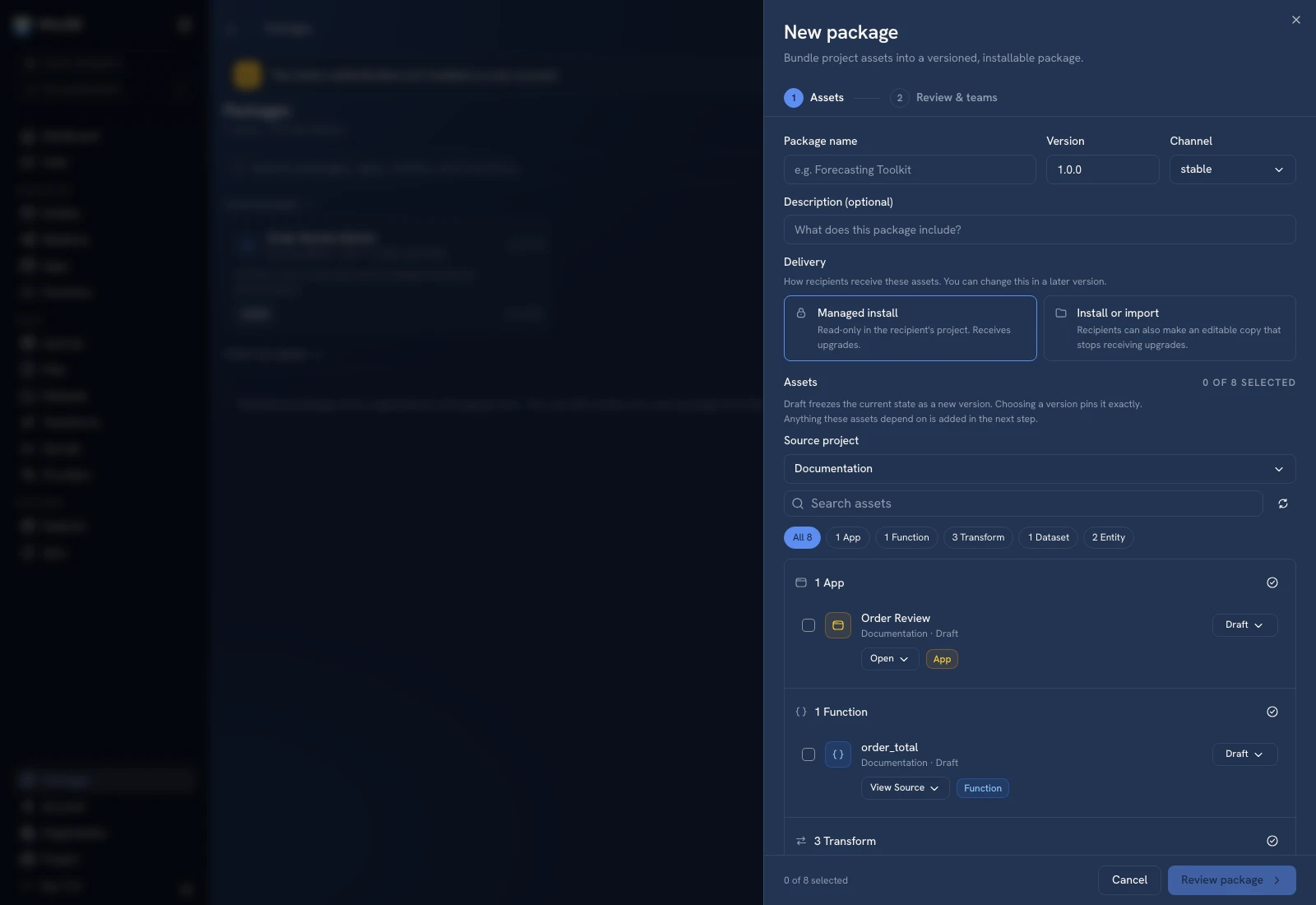 Package Assets selects resources and versions before dependencies are expanded.
Continue with Review package. Inspect the dependency expansion, source/secret/provider requirements, conflicts, and team-sharing choices. Only publish after verifying the final included list. See Create a package.
Install or import#
Open a package and review Overview, Contents, Versions, and requirements. Choose the destination project and managed installation or editable copy, then inspect the preview and bind destination resources. See Install and import.
A requirement is not a credential value. Receiving projects provide their own source connections, secrets, and providers where required. Managed dataset snapshots can carry seed rows, so inspect actual data before distributing a package.
Maintain the workflow#
Use installed lineage/update availability to inspect an existing installation. Review each update preview and verify the app or function after applying it. Use Updates and removal for the distinction between removing an installation record and deleting the installed objects.
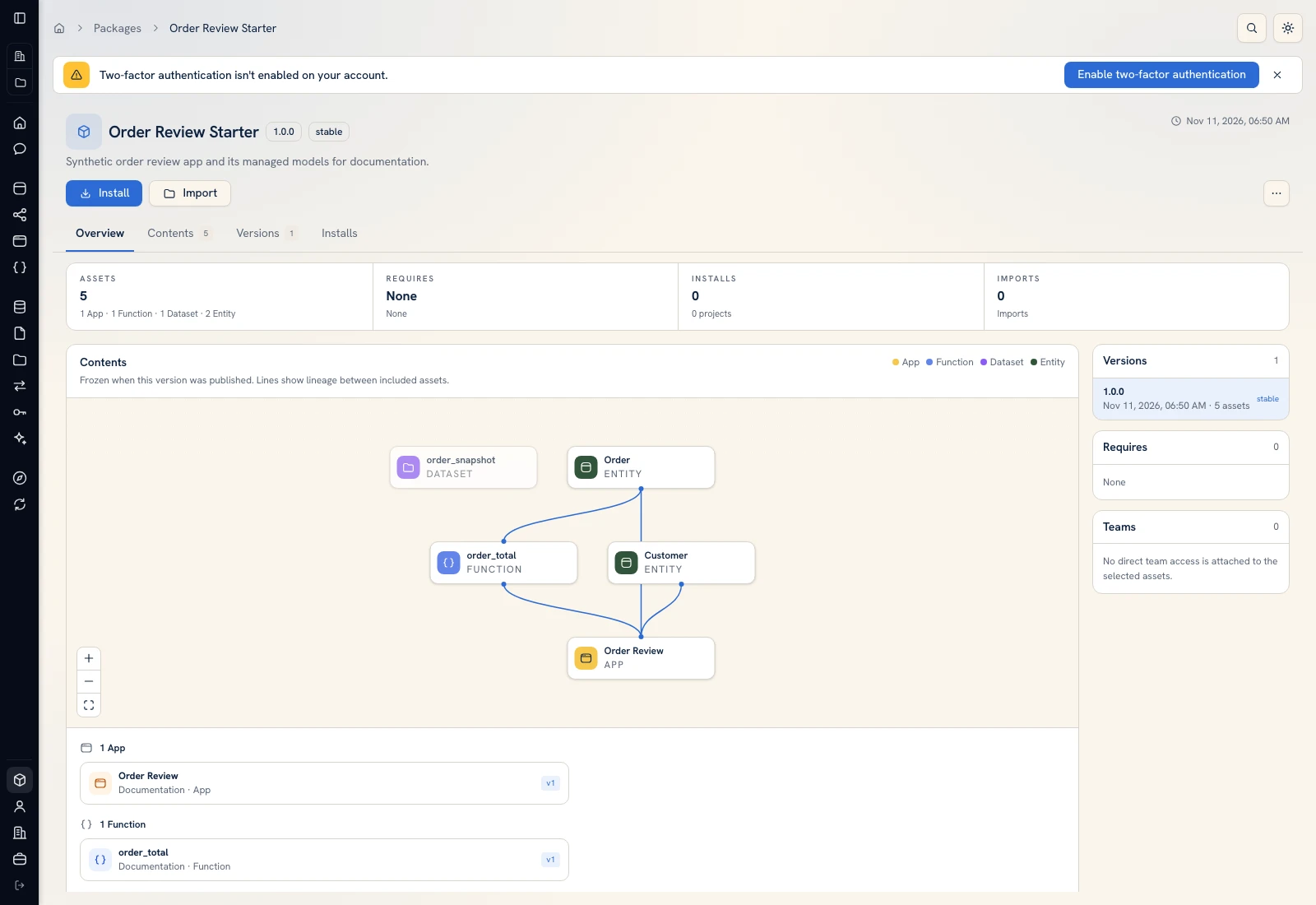 Order Review Starter contains five frozen synthetic workflow assets.
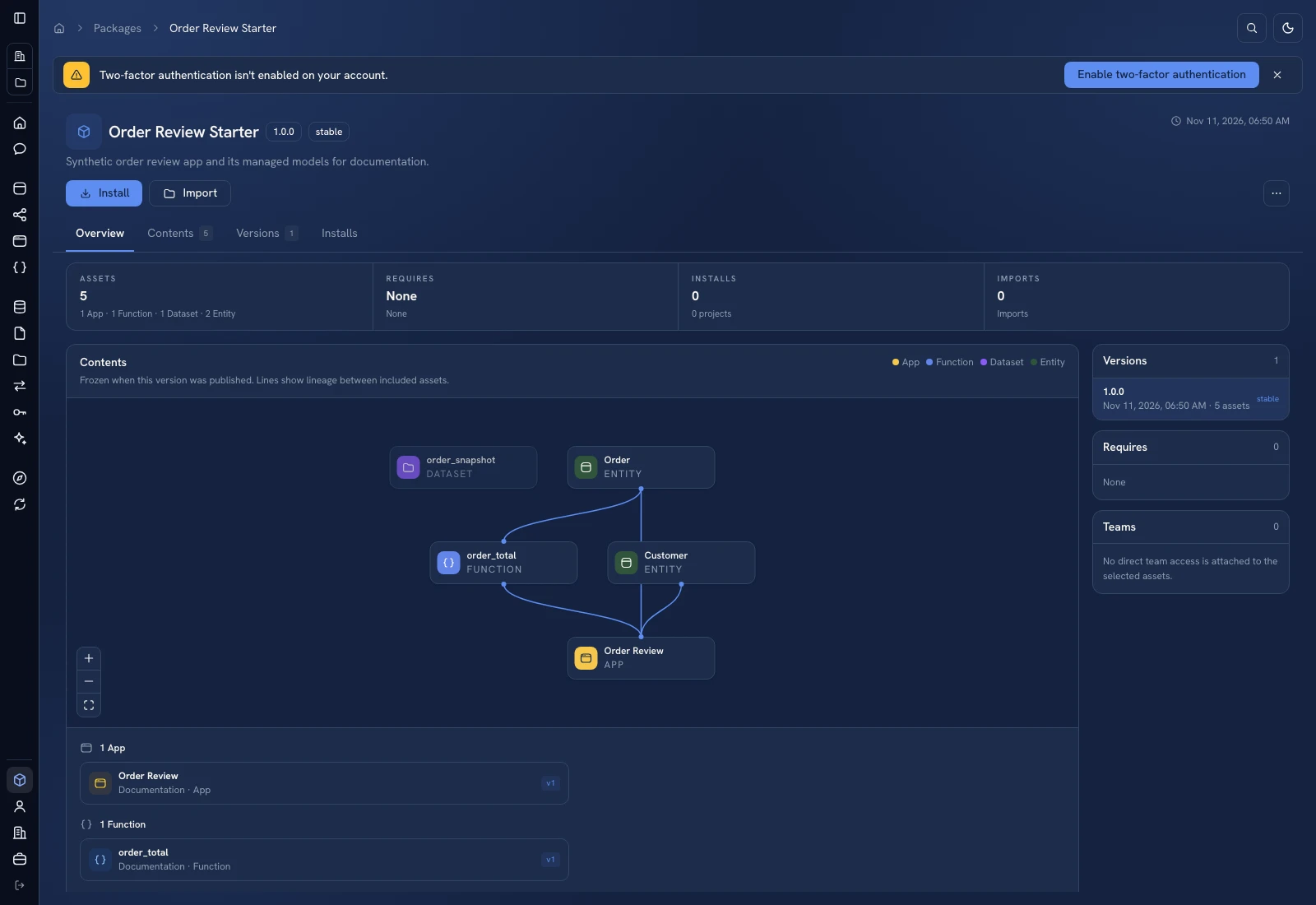 Order Review Starter contains five frozen synthetic workflow assets.
Was this page helpful?