
Compare store performance against daily targets
Produce a store/day review table that distinguishes low sales attainment from low conversion. Keep the target and visitor denominator visible so managers can investigate the right problem.
Before you begin#
You need a project where you can create transforms and datasets, plus an available Python script runtime. The sample contains only synthetic records. Start with the complete CSV, not a limited preview of a larger business dataset.
Follow Run a use-case recipe for the shared input, destination, and app steps.
Sample input#
Download the CSV, or copy it into Transforms → Library → Seed → Paste CSV.
Csv
store_id,business_date,net_sales,target_sales,visitors,transactions
ST-1,2026-11-09,900.00,1000.00,200,30
ST-2,2026-11-09,1200.00,1000.00,100,25
ST-3,2026-11-09,0.00,0.00,0,0
Build it in WhoDB#
- Create Store daily review with one row per store/business date. The sample uses same-currency net sales and a count of visitors for that same day.
- Add Script → Python with the code below. Declare all output fields before previewing.
- Inspect attainment and conversion separately. The example flags attainment below
95%and conversion below20%. - Save the full result to
store_daily_performance. Filterperformance_status != on_trackfor the manager's review queue. - Display sales, target, visitors, transactions, percentages, and reasons together. A missing target or closed store must remain distinguishable from a successful trading day.
Script and output columns#
In Script → Output columns, add these names exactly, in this order:
Text
store_id, business_date, net_sales, target_sales, visitors, transactions, attainment_pct, conversion_pct, performance_reasons, performance_status
Paste this code into Script. Select Python and leave Dependencies empty; it uses the Python standard library.
Python
def main(input):
    output = []
    for row in input:
        sales, target = float(row["net_sales"]), float(row["target_sales"])
        visitors, transactions = int(row["visitors"]), int(row["transactions"])
        attainment = round(sales / target * 100, 2) if target > 0 else ""
        conversion = round(transactions / visitors * 100, 2) if visitors > 0 else ""
        reasons = []
        if target <= 0:
            reasons.append("no_target")
        elif attainment < 95:
            reasons.append("below_target")
        if visitors <= 0:
            reasons.append("no_visitors")
        elif conversion < 20:
            reasons.append("low_conversion")
        output.append(dict(row, attainment_pct=attainment, conversion_pct=conversion,
            performance_reasons=", ".join(reasons), performance_status="review" if reasons else "on_track"))
    return output
Download the script · Expected fixture output. The expected output is computed from this CSV and script; it is not a screenshot of a hosted run.
Check the result#
ST-1 has 90.0% attainment, 15.0% conversion, and reasons below_target, low_conversion. ST-2 is on track at 120.0% and 25.0%. ST-3 has blank percentages and reasons no_target, no_visitors.
Find the controls#
These screenshots show the current pipeline configuration controls used in this recipe. They come from the manual’s synthetic demonstration workspace; they do not show this use case already executed.
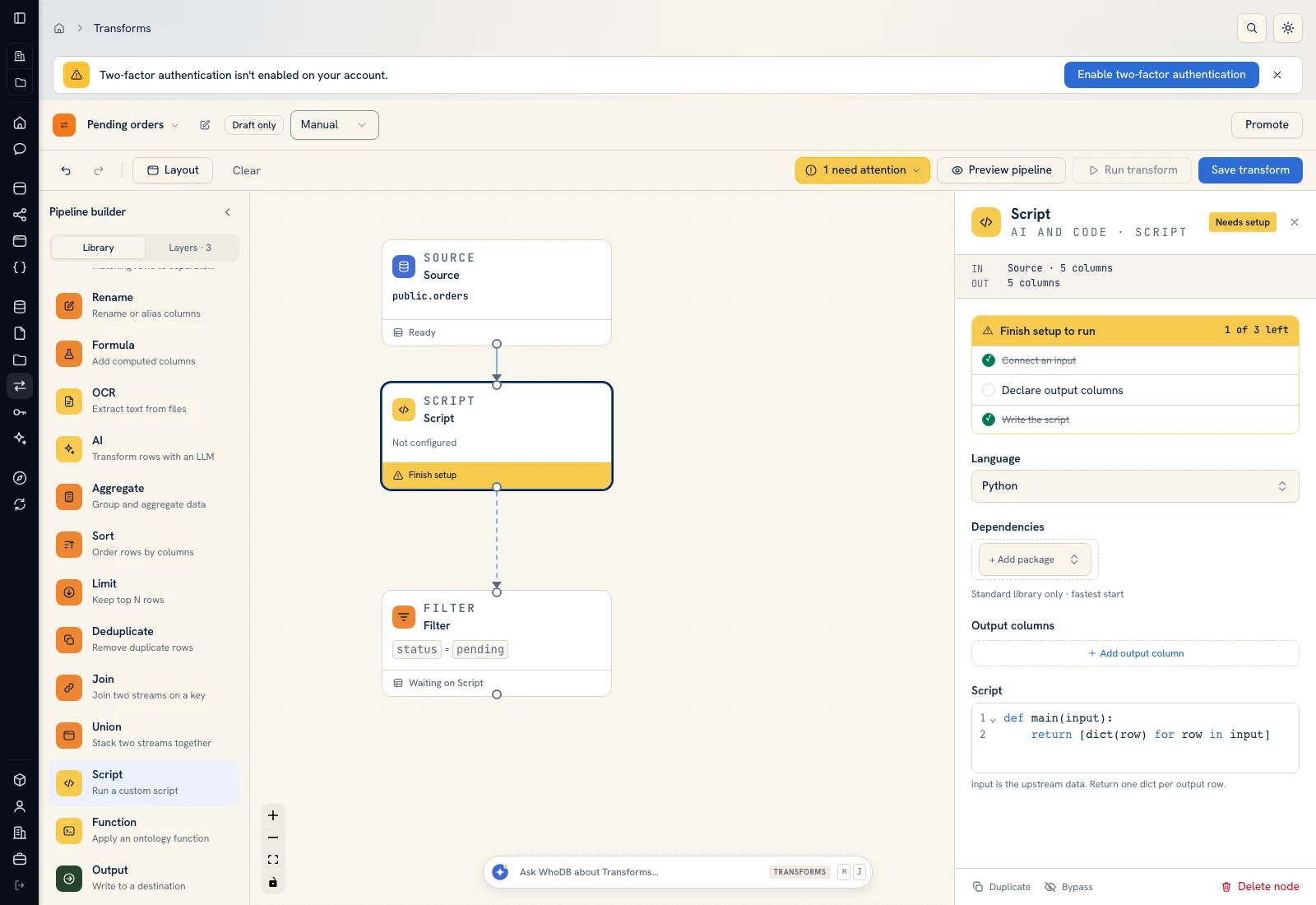 Script: select Python, declare output columns, and paste the calculation.
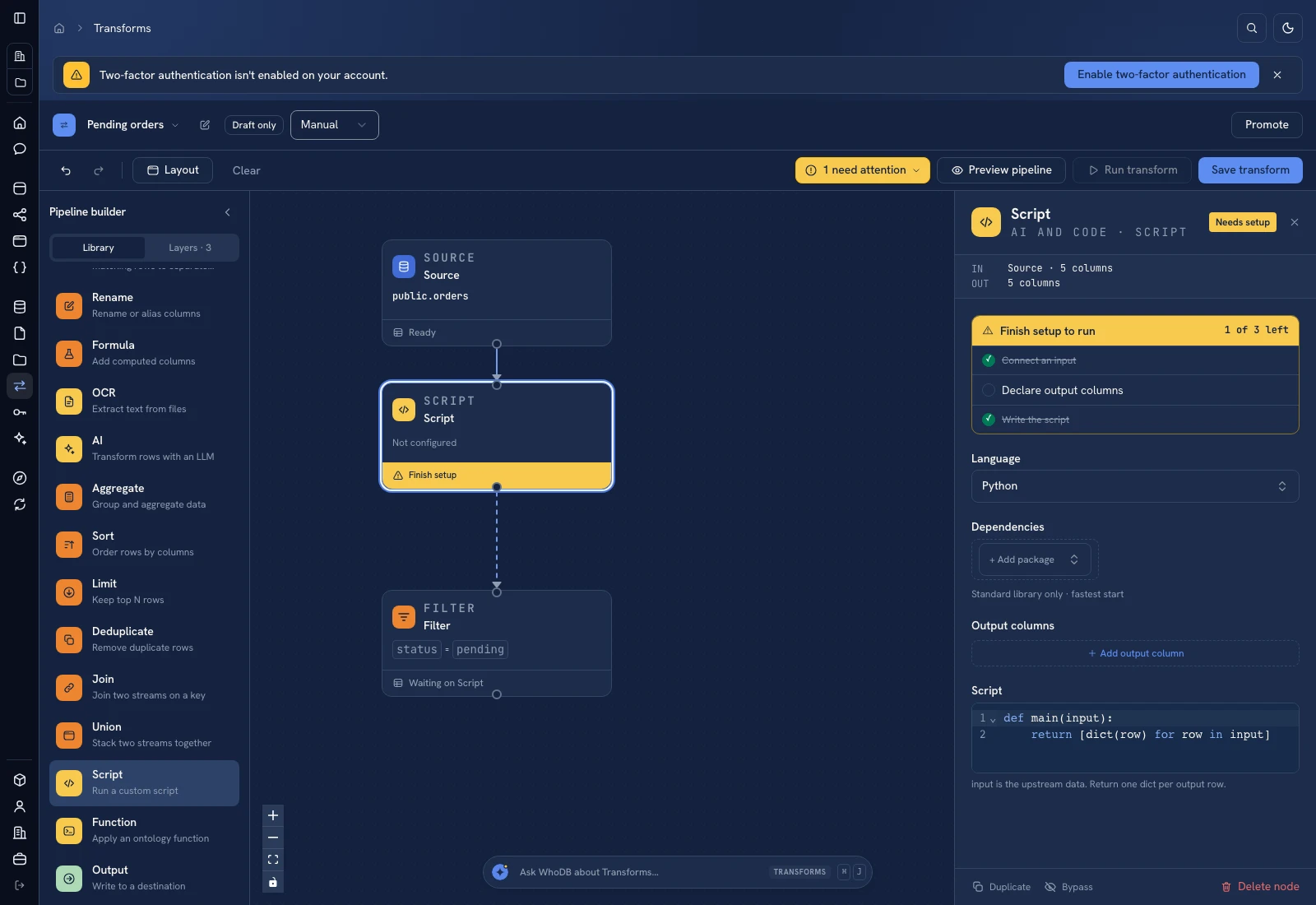 Script: select Python, declare output columns, and paste the calculation.
Put it to work#
Confirm whether visitor counts include staff, repeat entries, and groups before treating the ratio as conversion. Validate store closures and timezones. Compare like-for-like dates and keep historical snapshots if targets are revised after the day closes.
For output mapping and rerun behavior, follow Write pipeline outputs. For a team-facing screen, follow Create an app and Connect state and data.
Was this page helpful?