
Build a shift-handover queue from unresolved work
Give an incoming shift a sorted list of open work that is overdue, blocked, or missing an owner. The result preserves the next action and source reference so the team can act rather than read an untraceable summary.
Before you begin#
You need a project where you can create transforms and datasets, plus an available Python script runtime. The sample contains only synthetic records. Start with the complete CSV, not a limited preview of a larger business dataset.
Follow Run a use-case recipe for the shared input, destination, and app steps.
Sample input#
Download the CSV, or copy it into Transforms → Library → Seed → Paste CSV.
Csv
work_id,work_type,status,due_at,owner,blocker,next_action
W-1,shipment,open,2026-11-10T10:00:00Z,Ada,carrier_delay,Contact carrier
W-2,invoice,open,2026-11-11T10:00:00Z,,,Assign finance owner
W-3,ticket,closed,2026-11-09T10:00:00Z,Noah,,Resolved
W-4,order,open,2026-11-11T10:00:00Z,Noah,,Check warehouse response
Build it in WhoDB#
- Normalize work from the queues you operate into the fixture columns. Keep
work_typeandwork_idtogether as the source key; different systems can reuse an ID. - Create Shift handover, paste the sample into Seed, and add the Python Script below. For live inputs, Union → By name can combine streams after each uses this common schema.
- Preview, then Filter on
include_in_handover = true. Sort bypriority_scoredescending, thenwork_idfor stable ordering. - Write to
shift_handoverand display source, owner, blocker, next action, and handover reasons in the incoming shift's app. - Acknowledge and update the underlying work record through an explicitly configured action. Replacing this calculated queue must not erase the original work or its ownership history.
Script and output columns#
In Script → Output columns, add these names exactly, in this order:
Text
work_id, work_type, status, due_at, owner, blocker, next_action, handover_reasons, priority_score, include_in_handover
Paste this code into Script. Select Python and leave Dependencies empty; it uses the Python standard library.
Python
from datetime import datetime

AS_OF = datetime.fromisoformat("2026-11-10T12:00:00+00:00")

def main(input):
    output = []
    for row in input:
        reasons = []
        if row["status"] != "closed":
            due = datetime.fromisoformat(row["due_at"].replace("Z", "+00:00"))
            if due < AS_OF:
                reasons.append("overdue")
            if row["blocker"].strip():
                reasons.append("blocked")
            if not row["owner"].strip():
                reasons.append("unowned")
        score = (2 if "overdue" in reasons else 0) + (1 if "blocked" in reasons else 0) + (1 if "unowned" in reasons else 0)
        output.append(dict(row, handover_reasons=", ".join(reasons),
            priority_score=score, include_in_handover=bool(reasons)))
    return output
Download the script · Expected fixture output. The expected output is computed from this CSV and script; it is not a screenshot of a hosted run.
Check the result#
At the fixed UTC reporting time, W-1 is overdue and blocked, score 3; W-2 lacks an owner, score 1. W-3 is closed and excluded even though its due time has passed. W-4 is open but not yet due, blocked, or unowned, so it stays out of this exception-focused handover.
Find the controls#
These screenshots show the current pipeline configuration controls used in this recipe. They come from the manual’s synthetic demonstration workspace; they do not show this use case already executed.
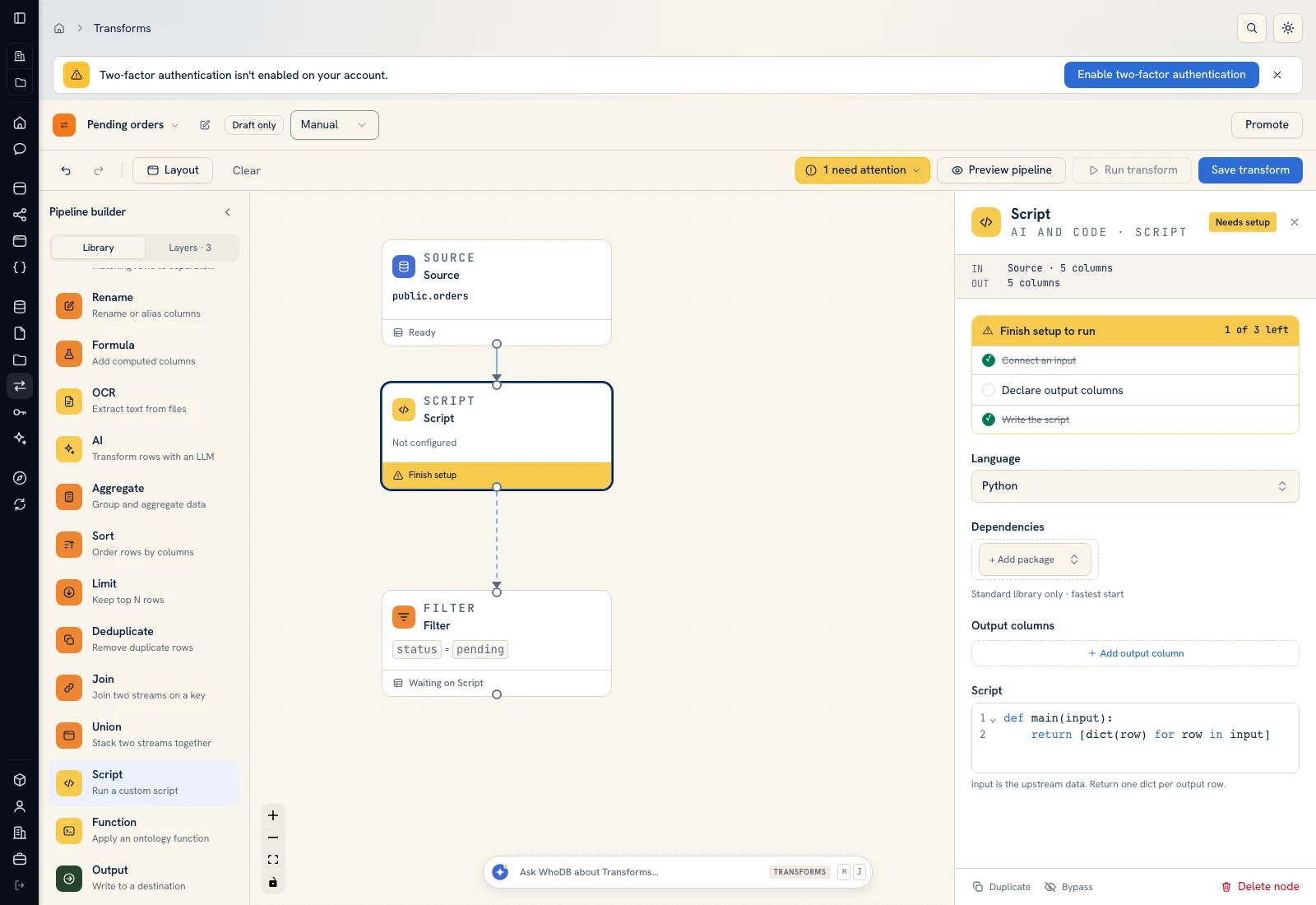 Script: select Python, declare output columns, and paste the calculation.
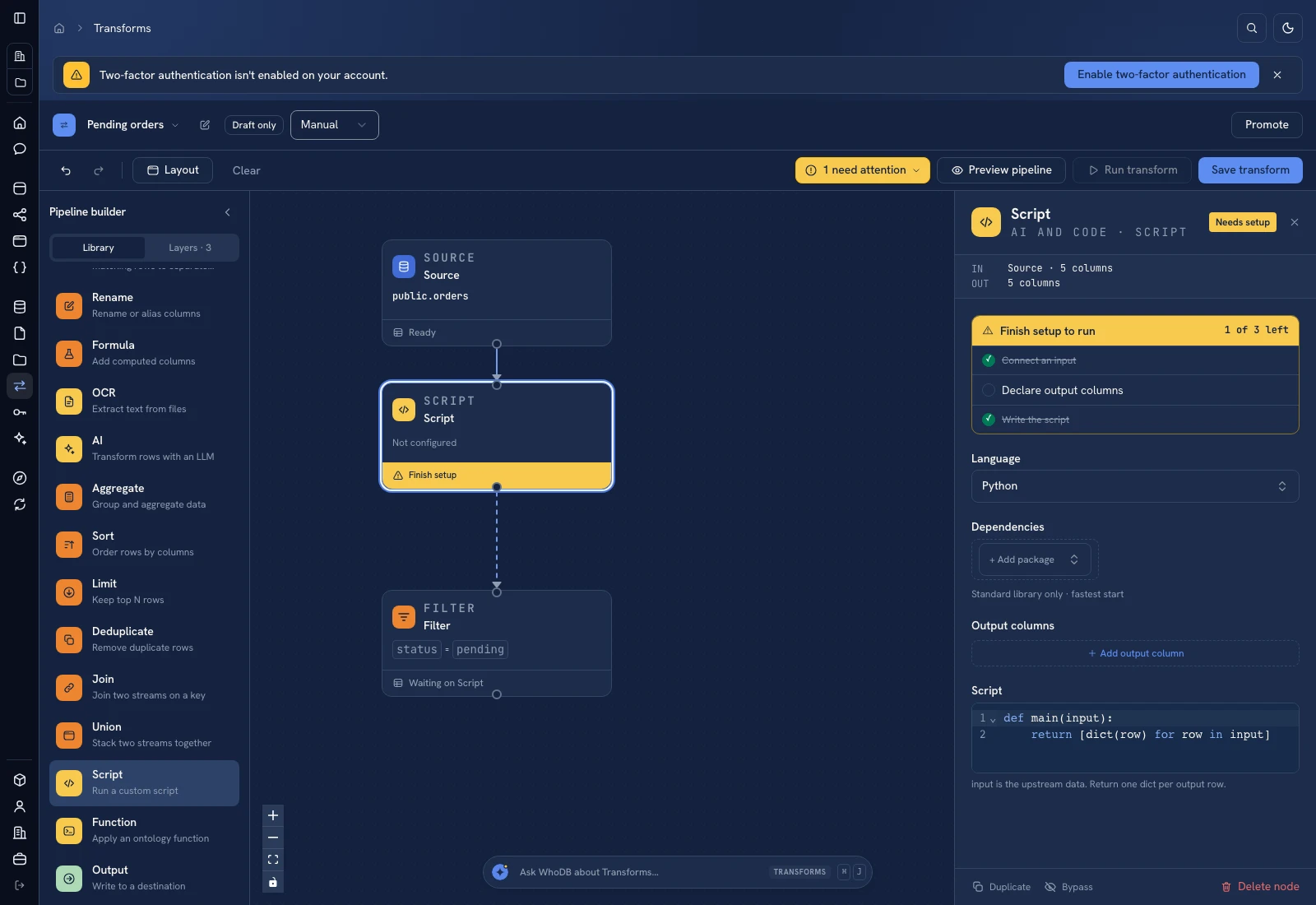 Script: select Python, declare output columns, and paste the calculation.
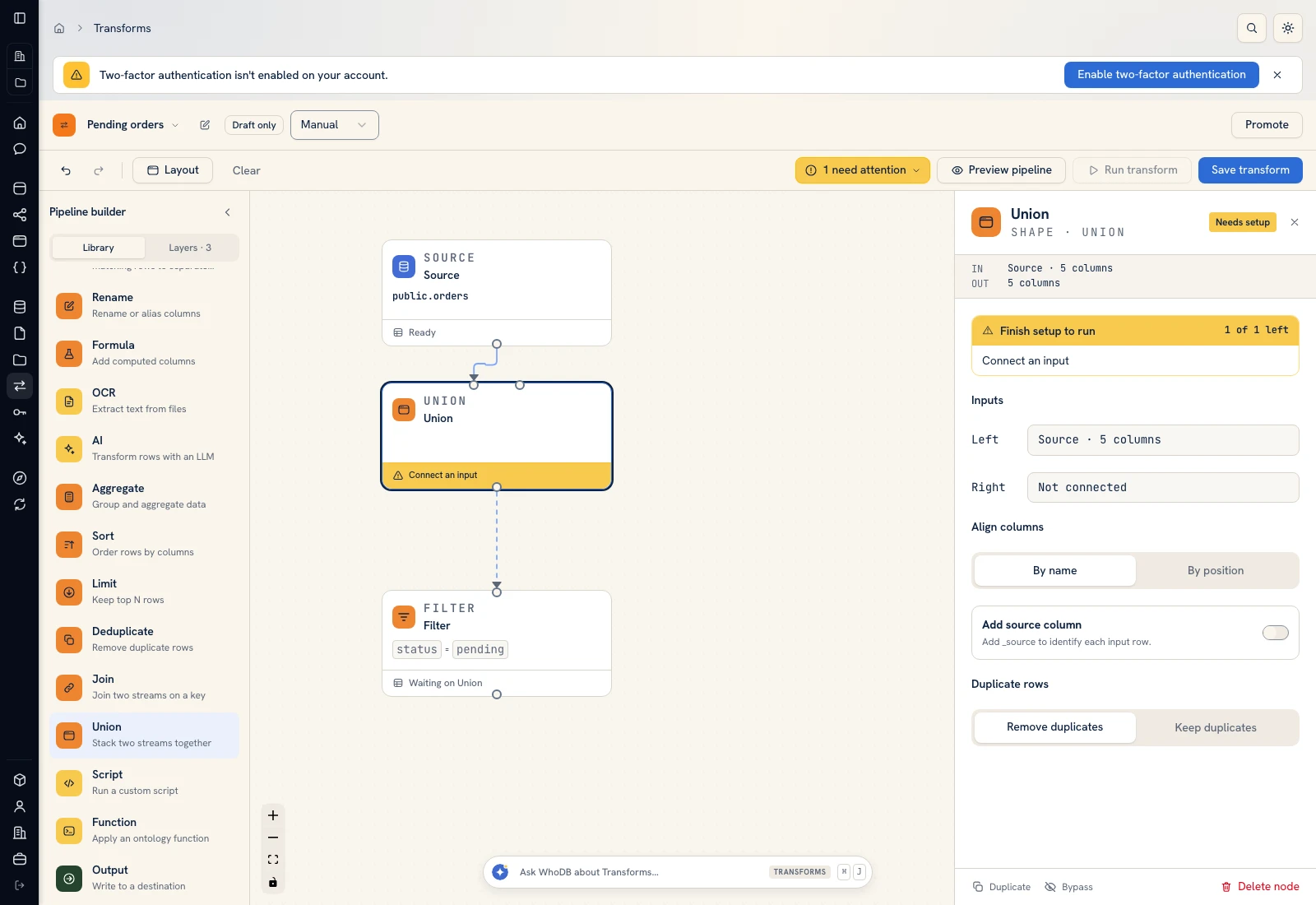 Union: align normalized input streams by column name.
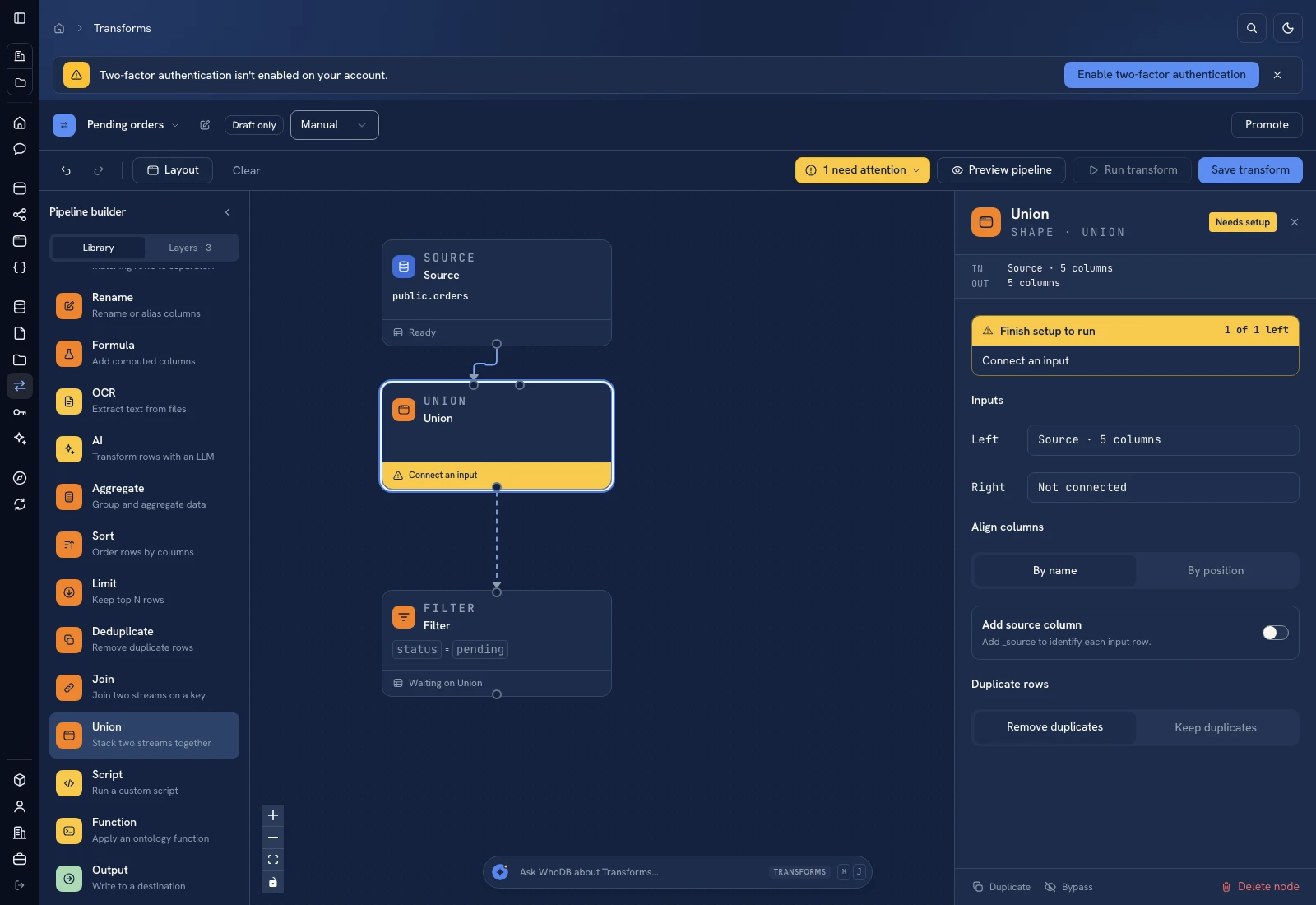 Union: align normalized input streams by column name.
Put it to work#
Choose a shift boundary and reporting timestamp, then publish them with the queue. Keep source IDs, last-updated times, and reviewer acknowledgments when moving to live data. Measure unowned work and unresolved carryover between shifts; a shorter generated summary alone does not prove a successful handover.
For output mapping and rerun behavior, follow Write pipeline outputs. For a team-facing screen, follow Create an app and Connect state and data.
Was this page helpful?