
Share models and use cross-project references
Where: Entities → select an entity → Sharing. Resource owners control deliberate sharing; cross-project references have their own ownership and target context.
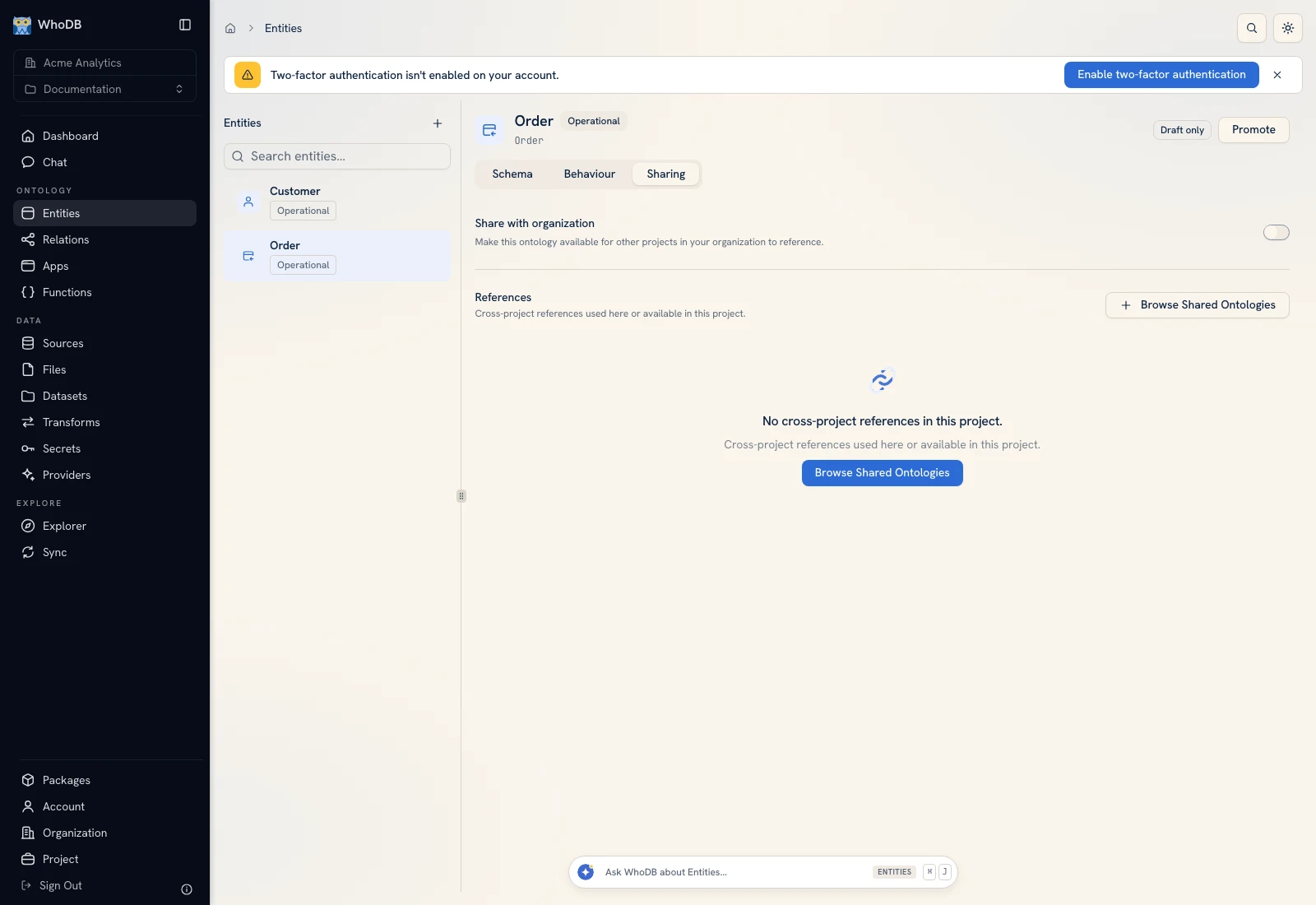 The entity Sharing tab displays resource access and model-sharing controls.
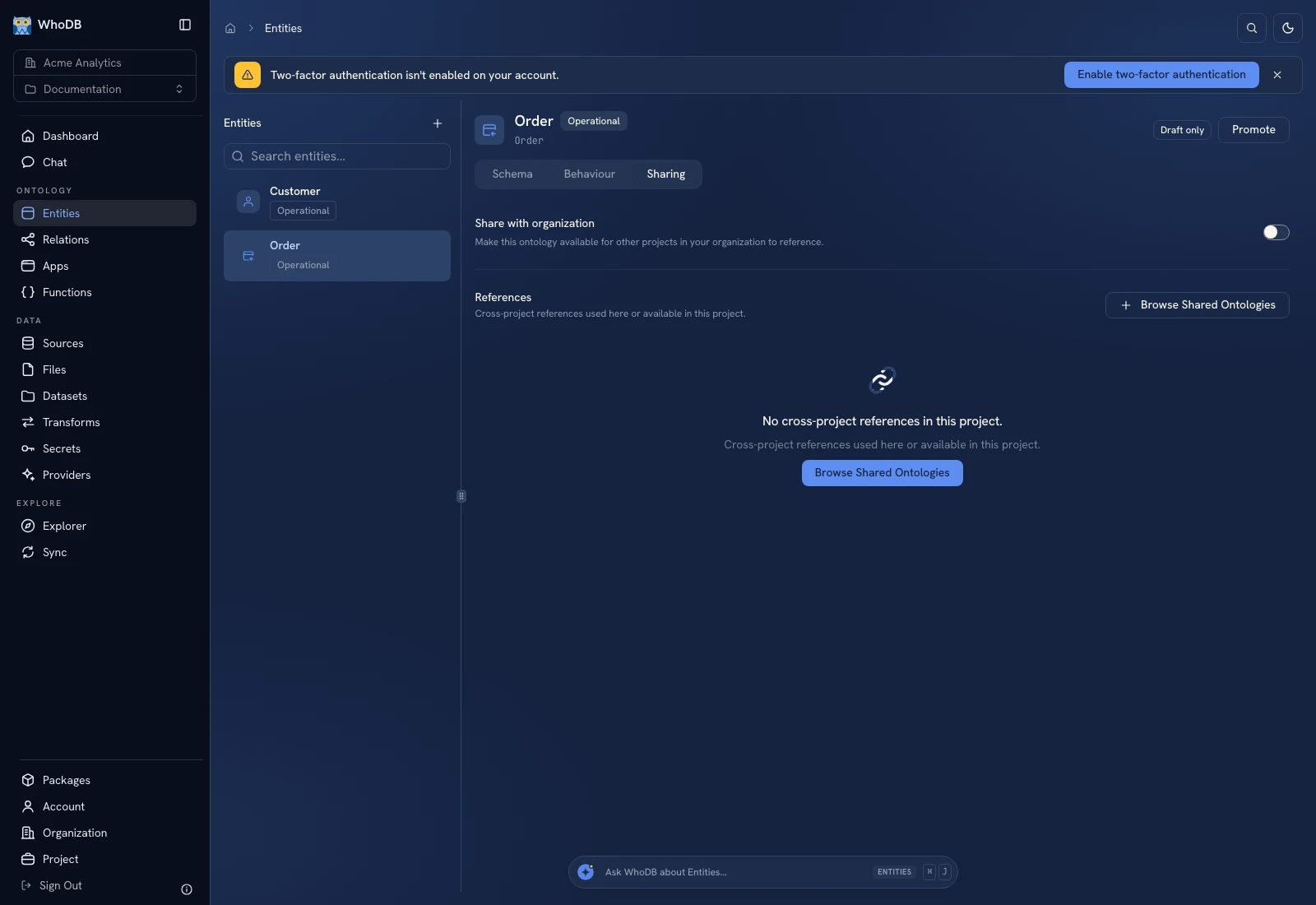 The entity Sharing tab displays resource access and model-sharing controls.
Share the entity itself#
Choose the person or team and grant the role needed by the task. Viewing the entity and executing a transform/function over it are different permissions. Verify the recipient can open the correct project's entity and perform the intended operation with their own account.
Organization membership does not automatically expose private model content. Project-level access and resource-level grants also need to be interpreted for the actual operation. See Sharing.
Reference a model across projects#
When the sharing/reference controls offer a cross-project reference, choose the owner model and receiving project explicitly. A reference has an alias and points to the owner's entity rather than silently copying all its records into a new local model.
Cross-project links must identify a reference target as such. Do not configure a local link and assume a same-named entity in another project will resolve. Check the reference's active, broken, or revoked status when a target becomes unavailable.
Choose a package when you need a copy#
Use Packages to distribute versioned models and their dependencies into another project. Import makes editable copies; managed installation tracks package versions. Resource sharing, references, package installation, and data import solve different tasks.
Verify the boundary#
Record the owner project, receiving project, alias, and caller. Test one known record and relationship through the intended path. If access is revoked or a reference breaks, fix that permission/reference rather than creating a duplicate entity to hide the underlying issue.
Was this page helpful?