
Extract invoice fields into an accounts-payable review queue
Turn invoice text into proposed supplier, reference, date, currency, and total fields. Keep the source document available so accounts payable can verify the extraction before creating a payable.
Before you begin#
You need a project where you can create transforms and datasets, plus a configured AI provider and a chat model you can use. These are implementation recipes: no live model result or quality level is claimed. The sample contains only synthetic records.
Follow Run a use-case recipe for the shared input, destination, and app steps.
Sample input#
Download the CSV, or copy it into Transforms → Library → Seed → Paste CSV.
Csv
document_id,document_text
DOC-1,"Supplier: Northwind Supplies; Invoice: INV-204; Date: 2026-11-01; Currency: USD; Total: 1250.00"
DOC-2,"Supplier: Cedar Paper; Invoice: CP-77; Date: 2026-11-02; Total: 86.40"
DOC-3,"Delivery note; order reference PO-991; 12 boxes received"
Build it in WhoDB#
- Start with the CSV in Seed to test field extraction independently of document recognition. Create Invoice extraction review.
- Connect AI, choose Each row, keep input columns, and send only
document_text. Configure the schema and instructions below. - Preview all three rows. Keep money and date values as text proposals until validation; an empty amount is different from zero.
- Write to
invoice_extraction_review, retainingdocument_id. Put incomplete and non-invoice documents into a human review queue rather than creating payables automatically. - For scanned documents, upload the files under Files, use a File input followed by OCR in Document mode, and inspect extracted text. In a Select/Rename step, map OCR
texttodocument_textand preserve its file reference before connecting AI. - Compare the proposed total, currency, and invoice reference with the original document. Only an approved, validated record should enter your payable workflow.
AI output schema#
| Field | Type | Description to enter |
|---|---|---|
document_kind | Text | invoice or not_invoice |
supplier_name | Text | Explicit supplier, or empty string |
invoice_number | Text | Explicit invoice reference, or empty string |
invoice_date | Text | ISO date when unambiguous, otherwise empty |
currency | Text | Explicit currency code, or empty string |
total_text | Text | Explicit invoice total as text, or empty string |
missing_fields | Text | Missing invoice_number, supplier_name, invoice_date, currency, or total_text |
Instructions to paste#
Text
Extract invoice fields from the supplied document text.
First decide document_kind = invoice or not_invoice.
For an invoice, extract only explicitly present values; never infer currency
from a supplier or address. Do not confuse an order number with an invoice number.
Use an ISO invoice_date only when the date is unambiguous.
Missing values are empty strings, named in missing_fields.
For not_invoice leave all invoice fields empty and explain missing fields.
Do not invent a total from individual line items.
Check the result#
DOC-1 should produce invoice INV-204, date 2026-11-01, currency USD, total text 1250.00, and no missing required fields. DOC-2 must leave currency empty and list it in missing_fields. DOC-3 must identify not_invoice, leave invoice fields empty, and retain the source reference.
These targets test extraction from supplied text. They do not verify OCR quality. Add scans with rotated pages, decimal separators, credit notes, and multiple totals before using OCR results operationally.
Find the controls#
These screenshots show the current AI configuration controls used in this recipe. They come from the manual’s synthetic demonstration workspace; they do not show this use case already executed.
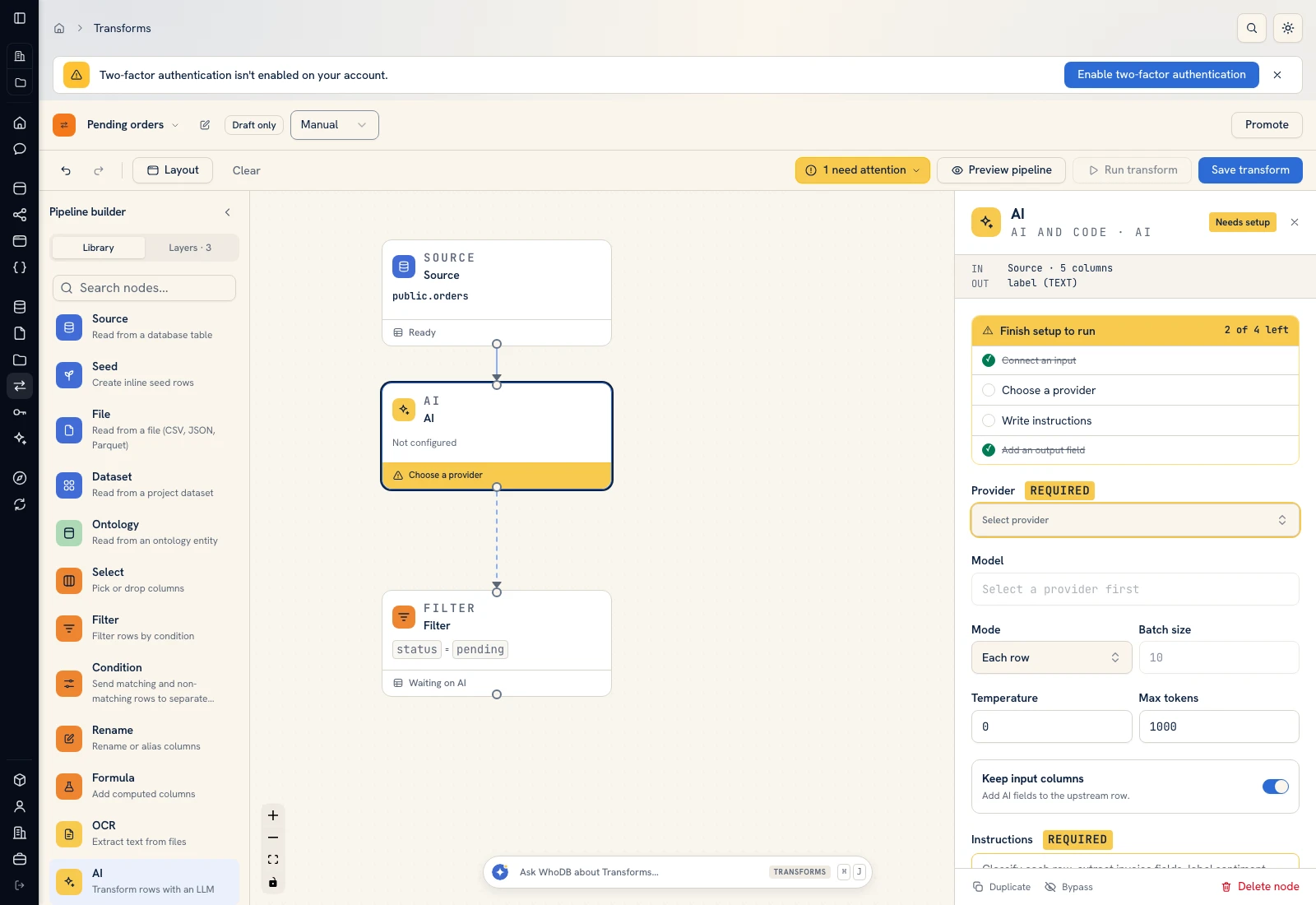 AI: choose a provider/model, supply instructions, and define output fields.
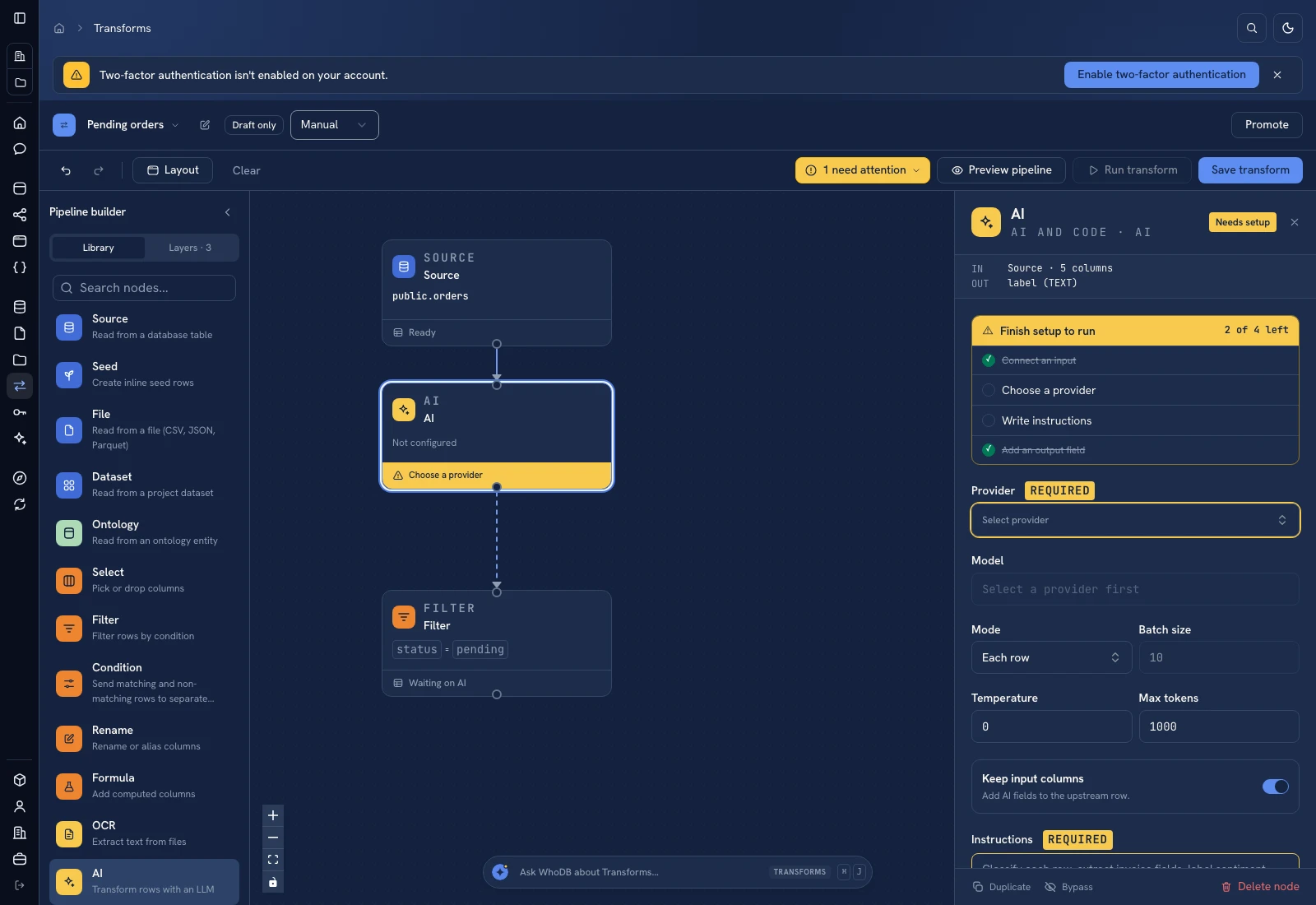 AI: choose a provider/model, supply instructions, and define output fields.
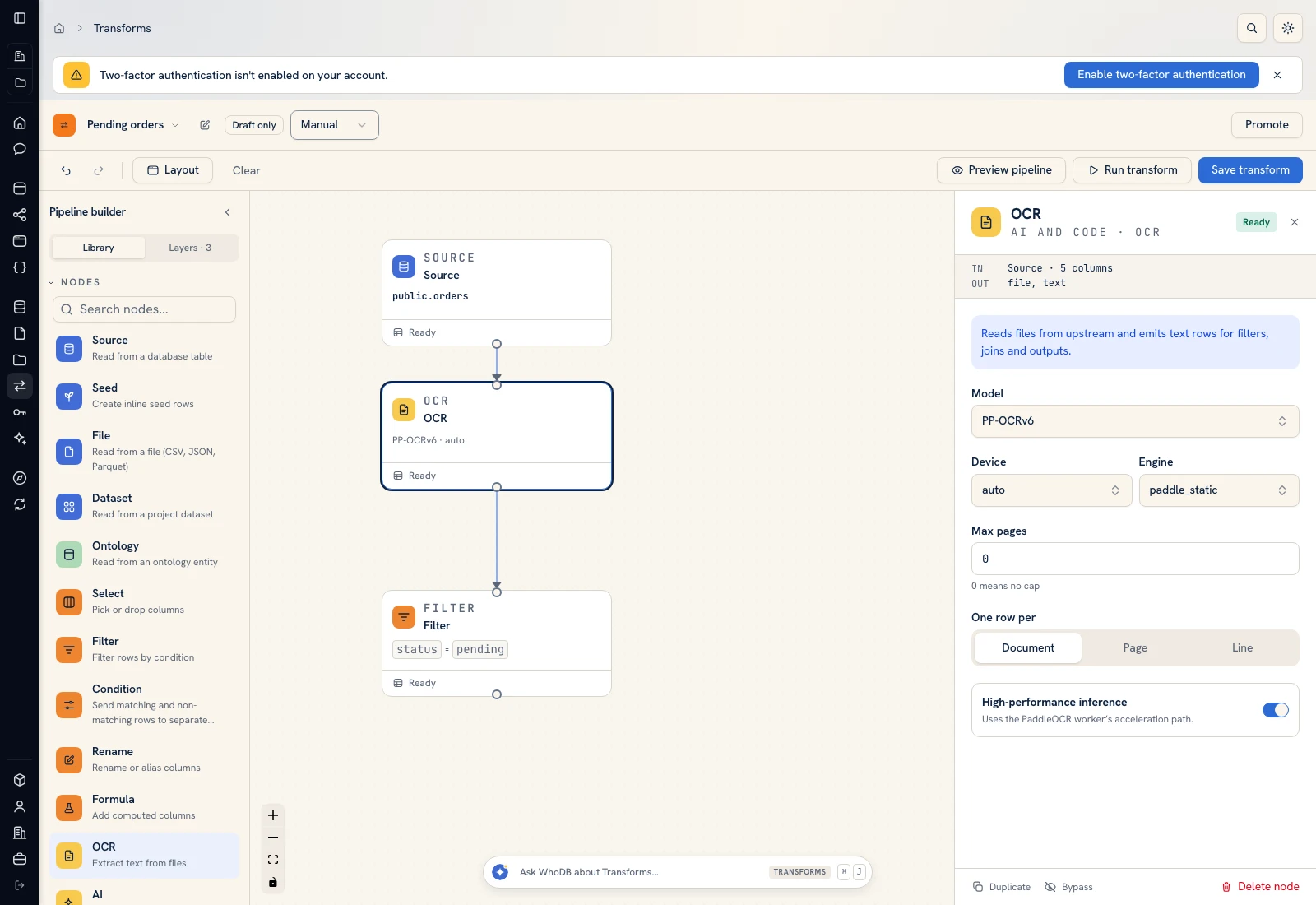 OCR: inspect document extraction settings before passing text to AI.
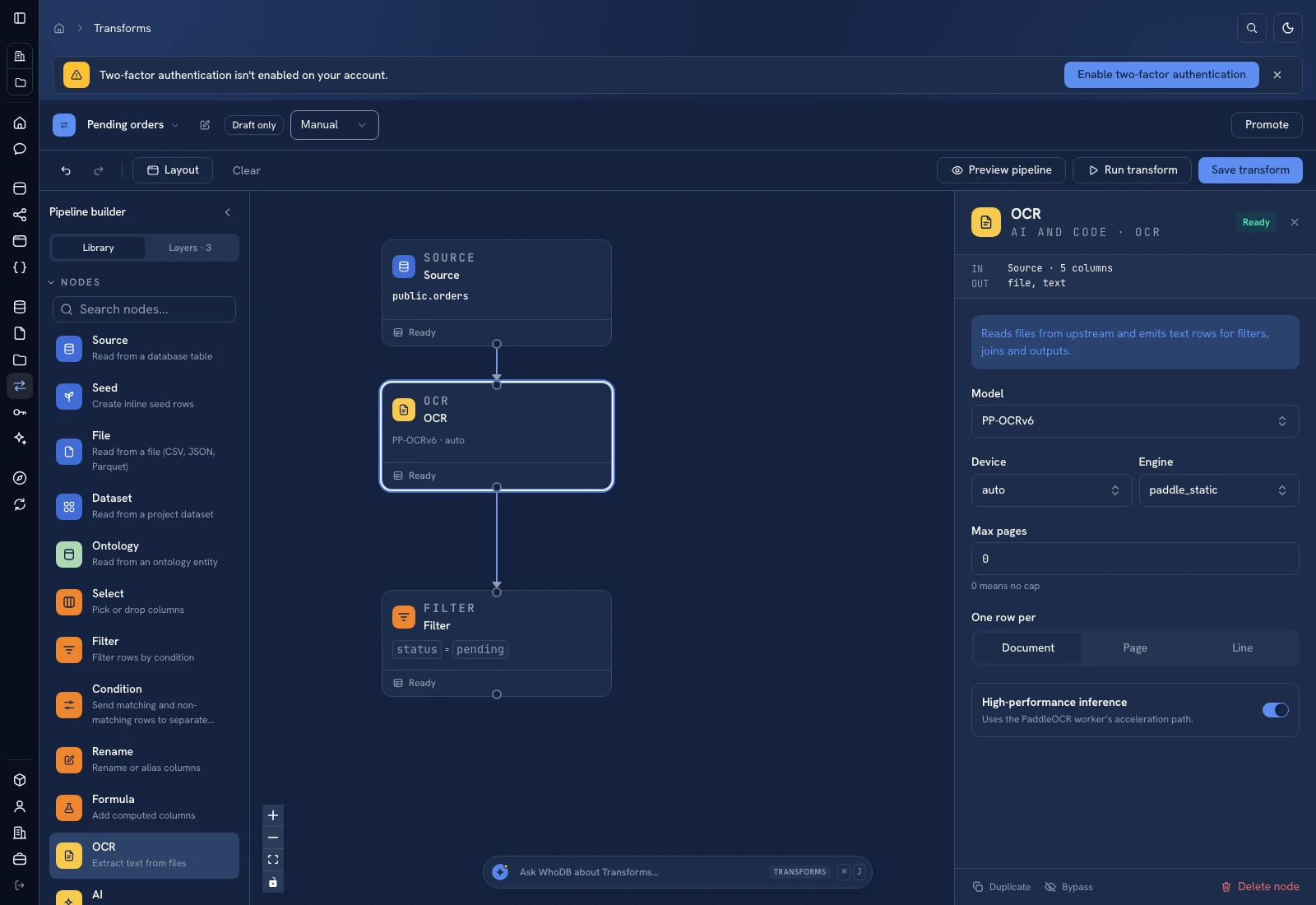 OCR: inspect document extraction settings before passing text to AI.
Put it to work#
Preserve an immutable source reference and check duplicate supplier/reference pairs before posting. Validate currencies, parse amounts with decimal arithmetic, and define tax and credit-note handling separately. The workflow does not pay invoices or establish whether an invoice is legitimate.
Continue with Reconcile invoices and receipts or Find duplicate suppliers.
For output mapping and rerun behavior, follow Write pipeline outputs. For a team-facing screen, follow Create an app and Connect state and data.
Was this page helpful?