
Install a package or import editable copies
Where: Packages → open a package, or open a shared package link. You need access to the package and permission to create the required destination resources.
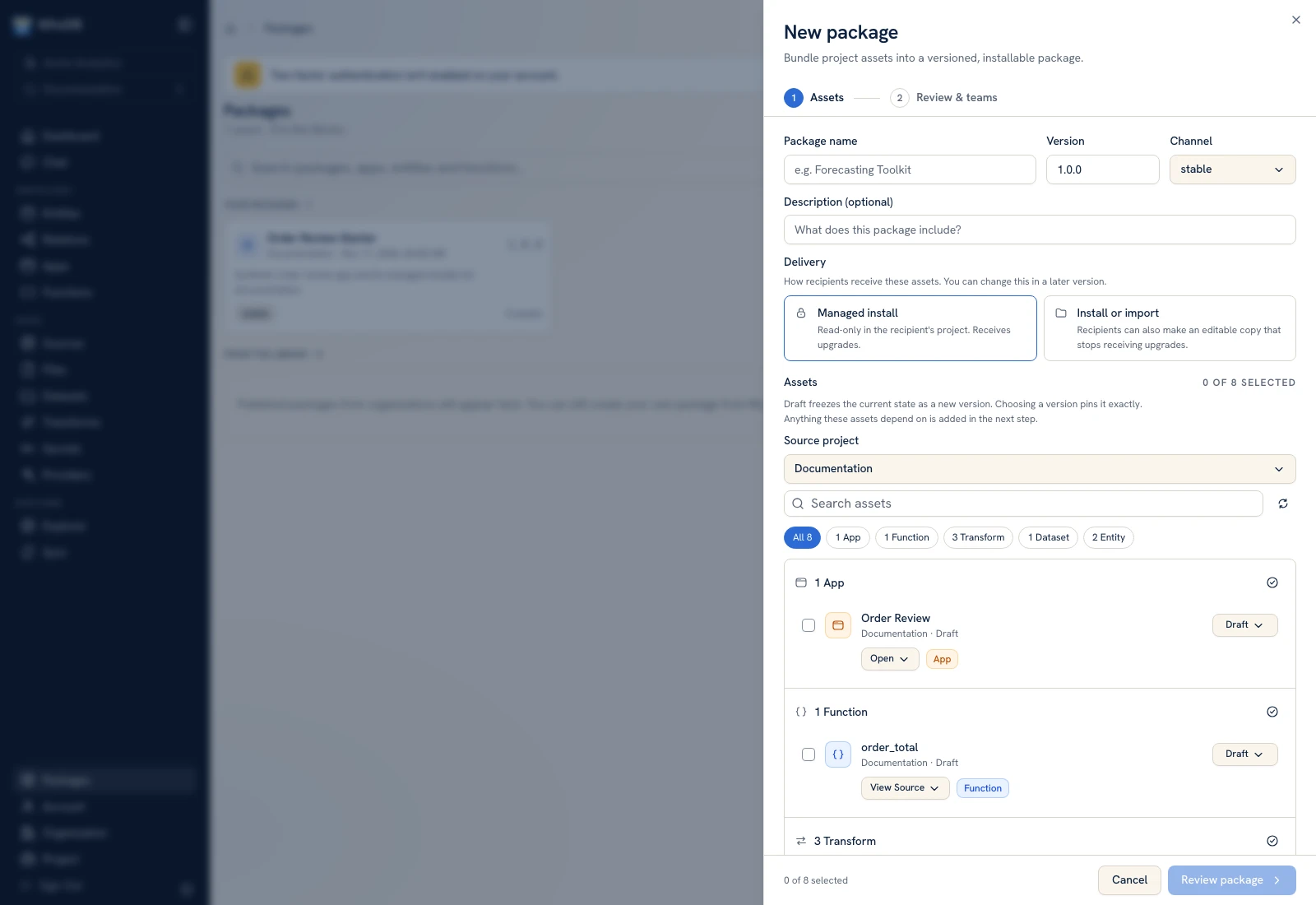 Package delivery policies determine whether recipients can install managed assets or import editable copies.
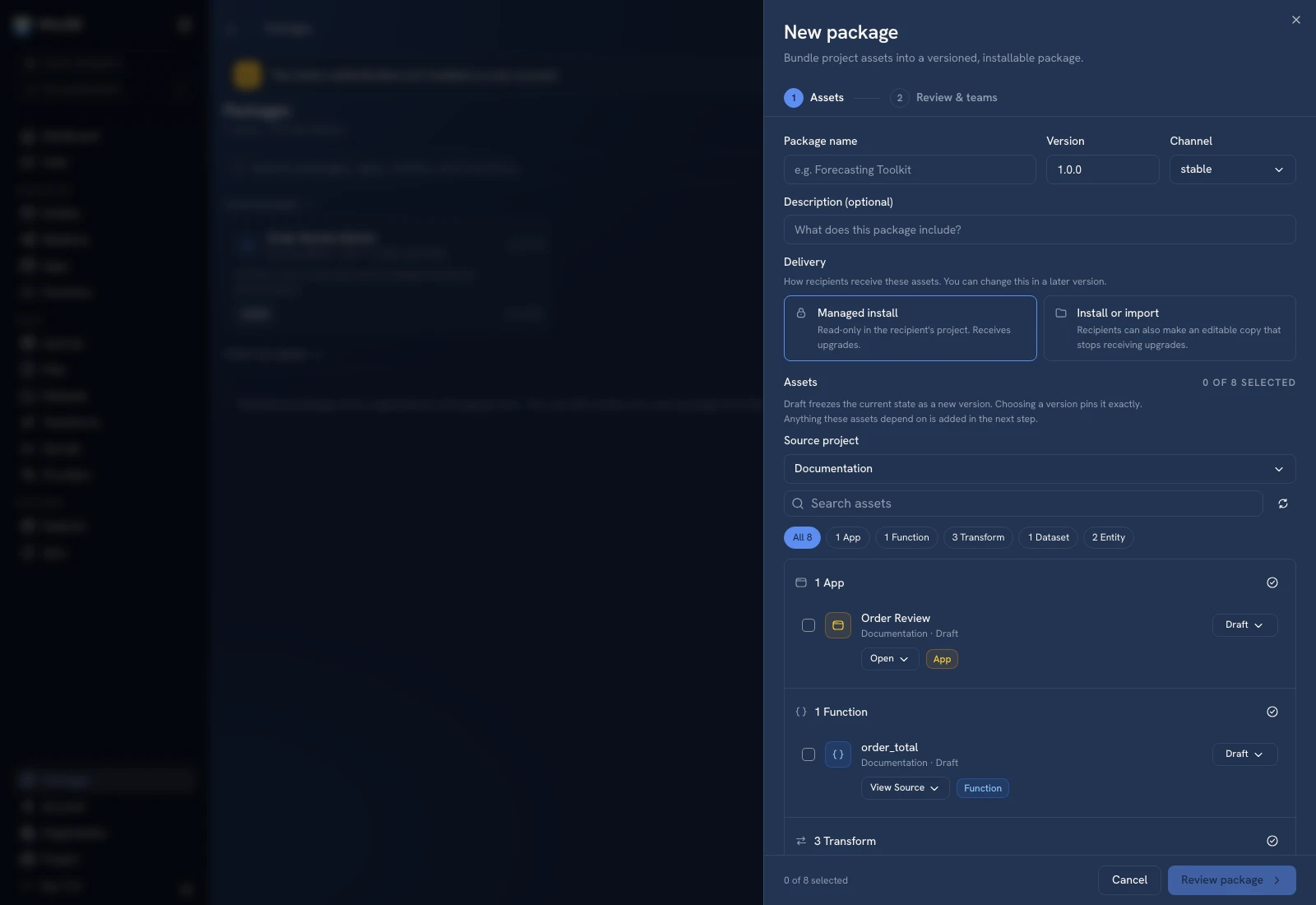 Package delivery policies determine whether recipients can install managed assets or import editable copies.
Review the package first#
Inspect Overview, Contents, Versions, and Requires. Confirm the package/version is the one you intend to use. A shared link can be expired or inaccessible; ask the publisher for the correct grant/link rather than assuming every package is public.
Choose the destination and mode#
Select Install into with the correct organization/project. Choose a managed installation when you want the publisher's update path, or an editable copy when you intend to own and change the imported resources.
Review Adds to… and the asset count. Package-level visibility/importability can restrict these choices. A phone can report that connections or secrets must be configured from desktop; use a desktop for that setup.
Bind requirements#
Map each source, secret, and AI provider requirement to a destination resource. Check the target's type, access, and runtime availability. Names that look alike in two projects do not establish that they contain the same credentials or model configuration.
Review the preview's validation issues and generated rename plan for conflicts. Do not confirm while an unresolved requirement is still pointing at the wrong project resource.
Confirm and verify#
Confirm the installation/import when the preview is correct. Inspect the resulting destination objects and their remapped dependencies. Open the app, test a known function input, and compare a record with the expected seed data.
Review active versions separately. Package materialization does not imply every copied app/function was activated or every scheduled workflow was enabled. Use Versions before exposing it to users.
An editable import and a managed installation have different maintenance paths. Use Updates for the latter; maintain imported code yourself after it becomes an editable copy.
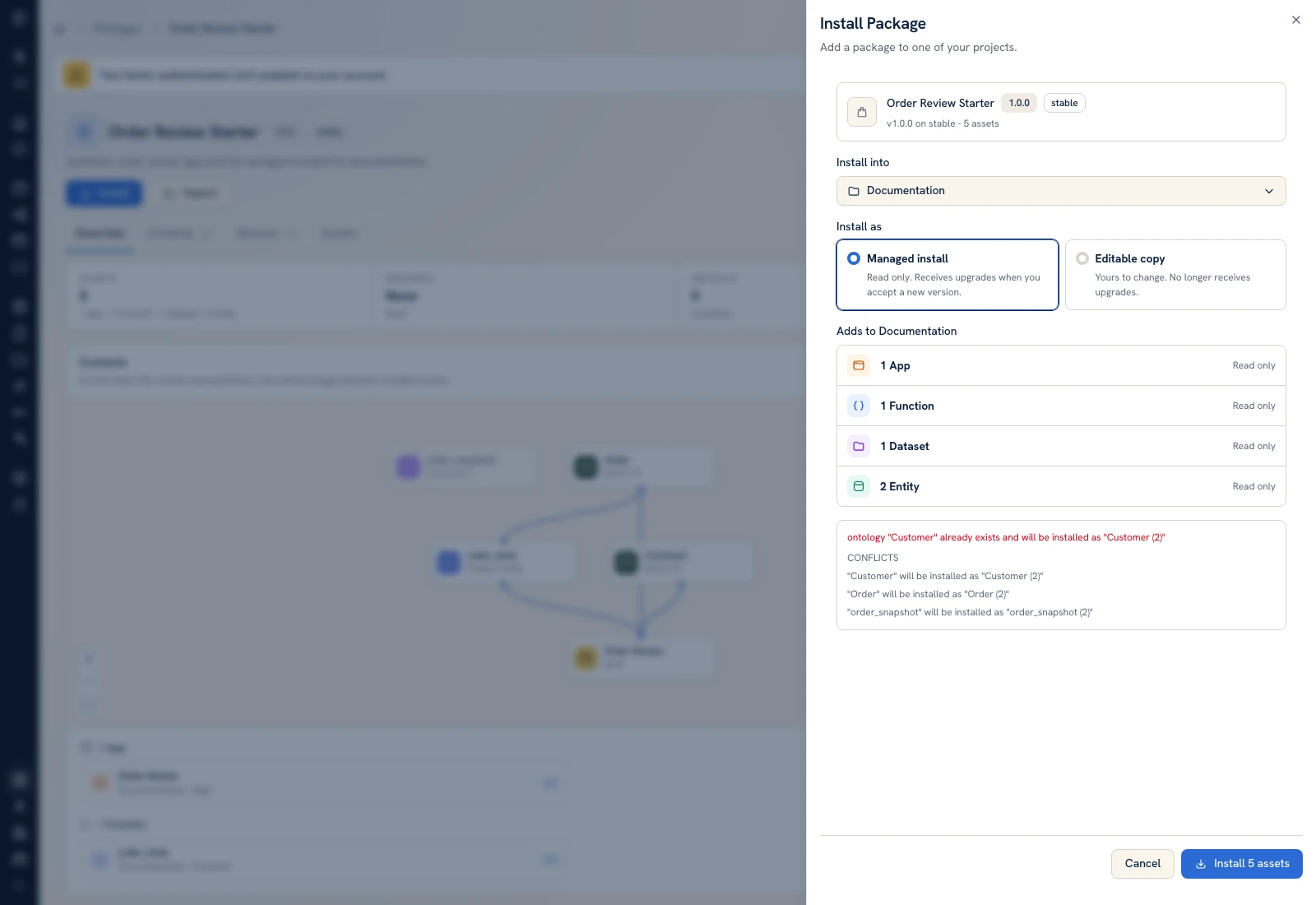 The installation preview chooses a project and managed-install mode before confirmation.
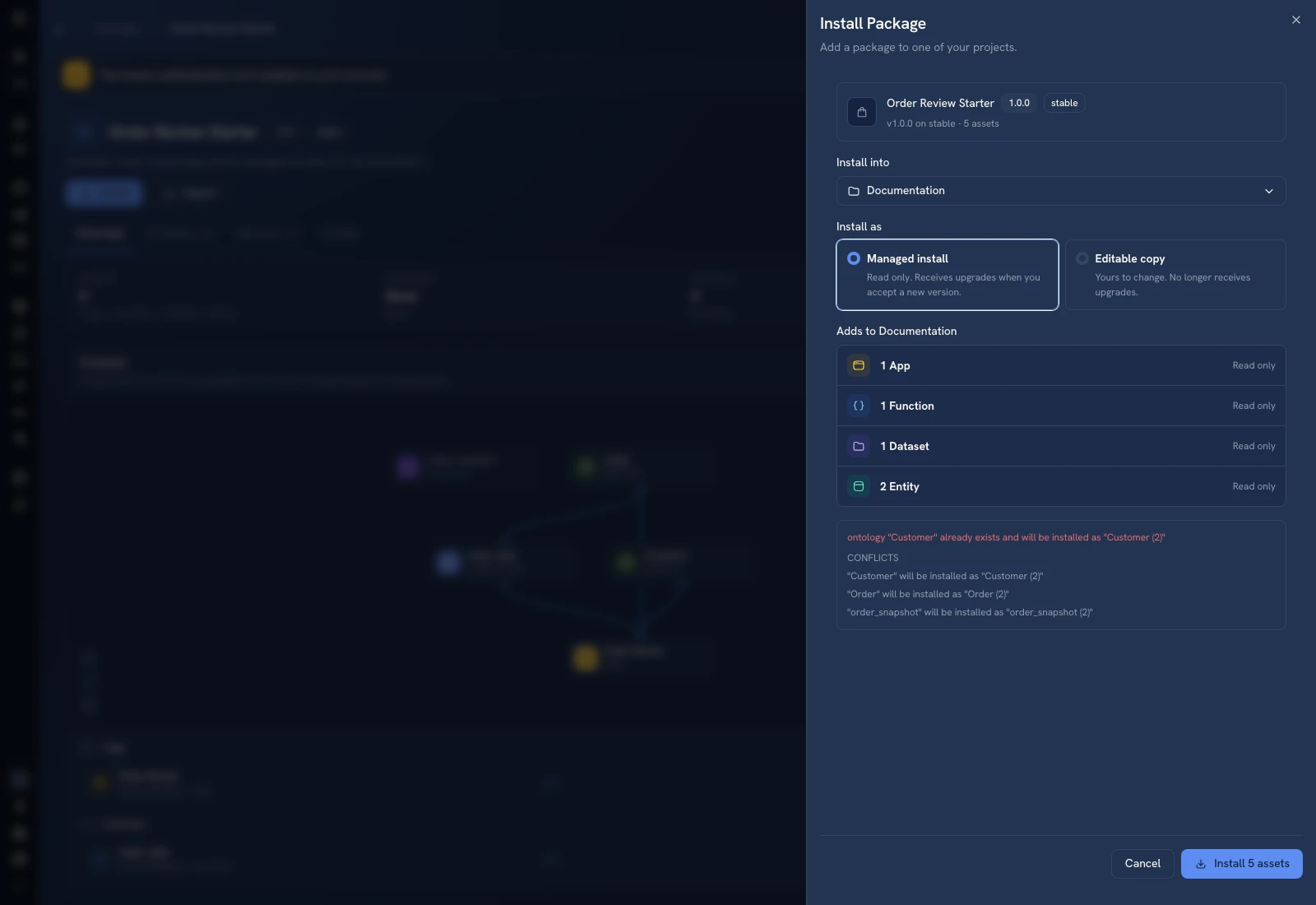 The installation preview chooses a project and managed-install mode before confirmation.
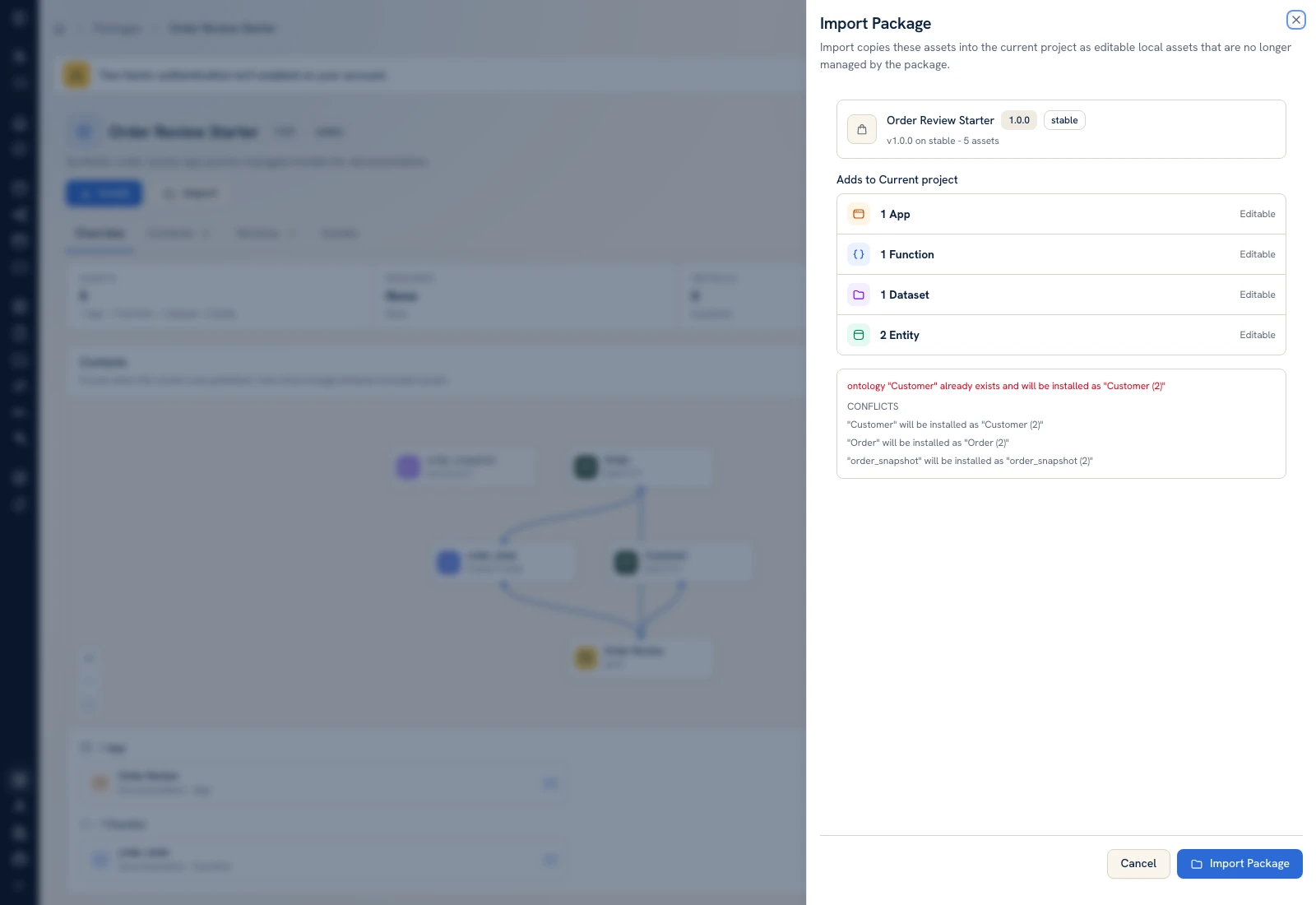 Import uses the editable-copy path and its own preview.
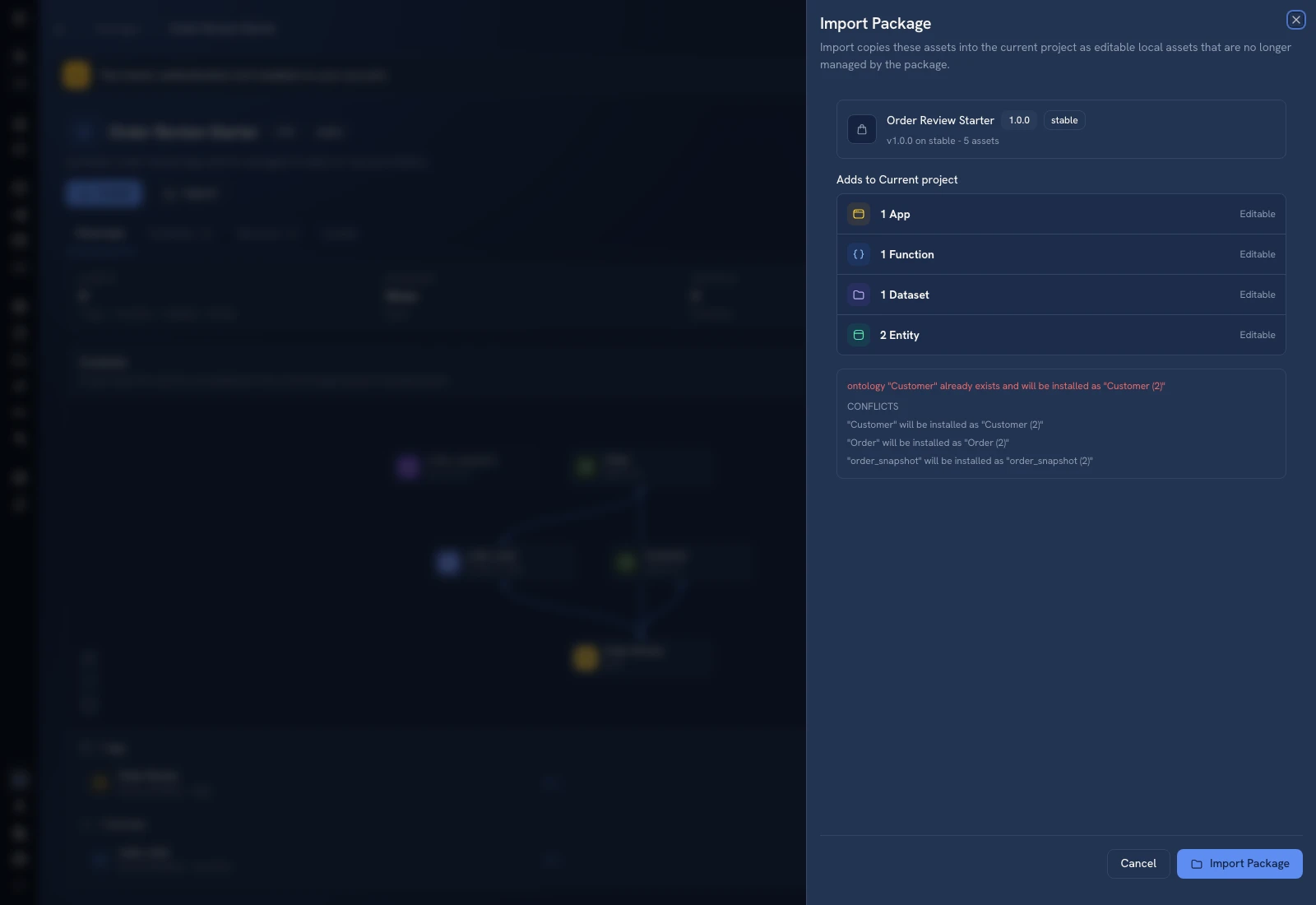 Import uses the editable-copy path and its own preview.
Was this page helpful?