
App components and layout
Where: app builder → Edit → Library. Select a component to add it, then inspect its supported properties and events.
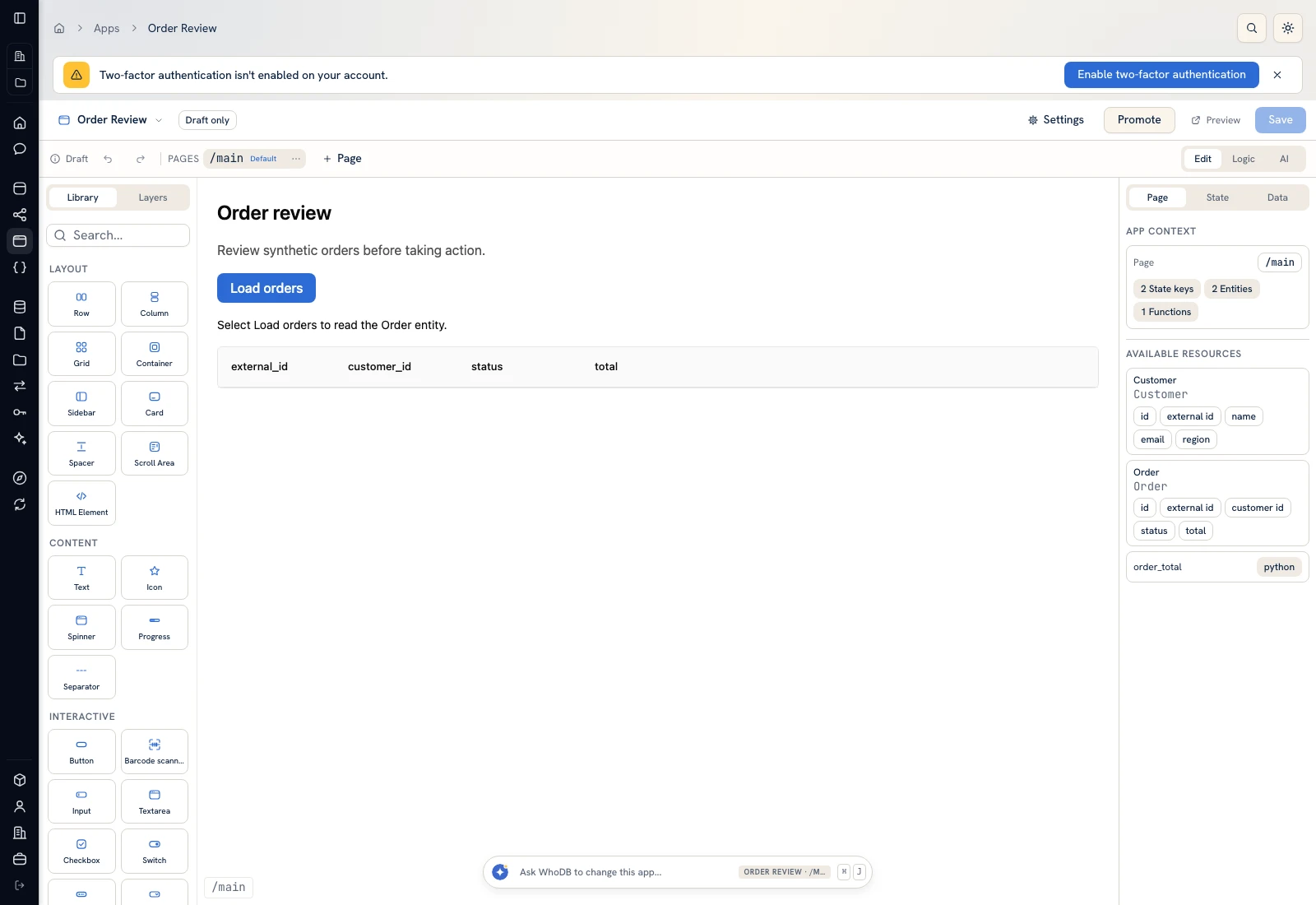 The Library groups layout, content, interaction, data, navigation, and overlay components.
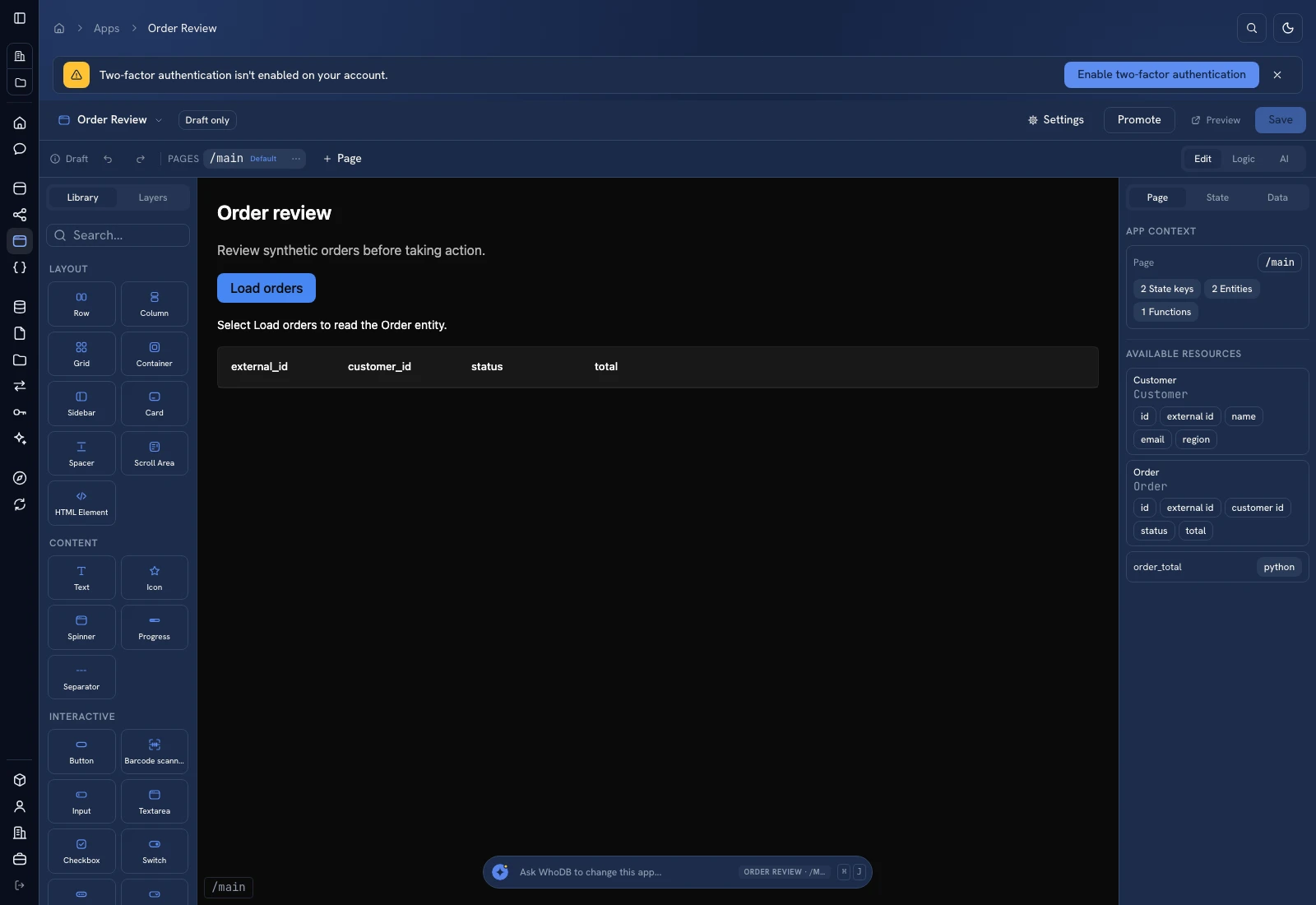 The Library groups layout, content, interaction, data, navigation, and overlay components.
| Group | Components shown by the builder | Use |
|---|---|---|
| Layout | Row, Column, Grid, Container, Sidebar, Card, Spacer, Scroll Area, HTML Element | Structure a page and its scroll regions |
| Content | Text, Icon, Spinner, Progress, Separator | Present labels, values, loading, and progress |
| Interactive | Button, Barcode scanner, Input, Textarea, Checkbox, Switch, Badge, Select, Dropdown Menu, Menu Item, Search Select | Capture choices and initiate actions |
| Data | Data Table, Chart | Present structured records and summaries |
| Navigation | Tabs | Switch related in-page views |
| Overlay | Dialog, Sheet, Drawer, Toast, Accordion | Present a focused interaction or additional detail |
Configure a component#
Select the component on the canvas or in Layers. Use Style, Actions, and Data for the controls exposed by that component. A data binding can determine a property instead of its static value. Inspect the active binding when a static edit seems ineffective.
For a table, match column names to row fields and set a stable row key. For a chart, choose the chart type, category/x field, numeric series, and dimensions. Verify that numeric values remain numbers; text that looks numeric is not a reliable plotted measure.
Repeated content#
Use the repeating-data controls when one component subtree should render for each record. Configure the source, item name, and stable key; inspect the current item context before binding labels and actions. An event in a repeated row must refer to that row, not an unrelated selected record.
Camera scanning#
The Barcode scanner opens a device camera when the browser permits it. Configure One code or Keep scanning, repeat behavior, accepted formats, and the scan event. Keep decoded values as strings to preserve leading zeroes. Scanning a code does not change inventory; wire the result to a lookup or explicit action. Camera permissions and a supported secure browser context are prerequisites.
Inspect extremes#
Test the longest label and largest expected table result, a missing image or empty result, keyboard access, phone layout, and both themes. Use Scroll Area or an intentional main-pane overflow when the page can grow. Preview the real workflow after layout edits.
Was this page helpful?