
Transform node reference
Where: Transforms → open a graph → Library. Choose a node for the operation it performs, then click the added node to configure it.
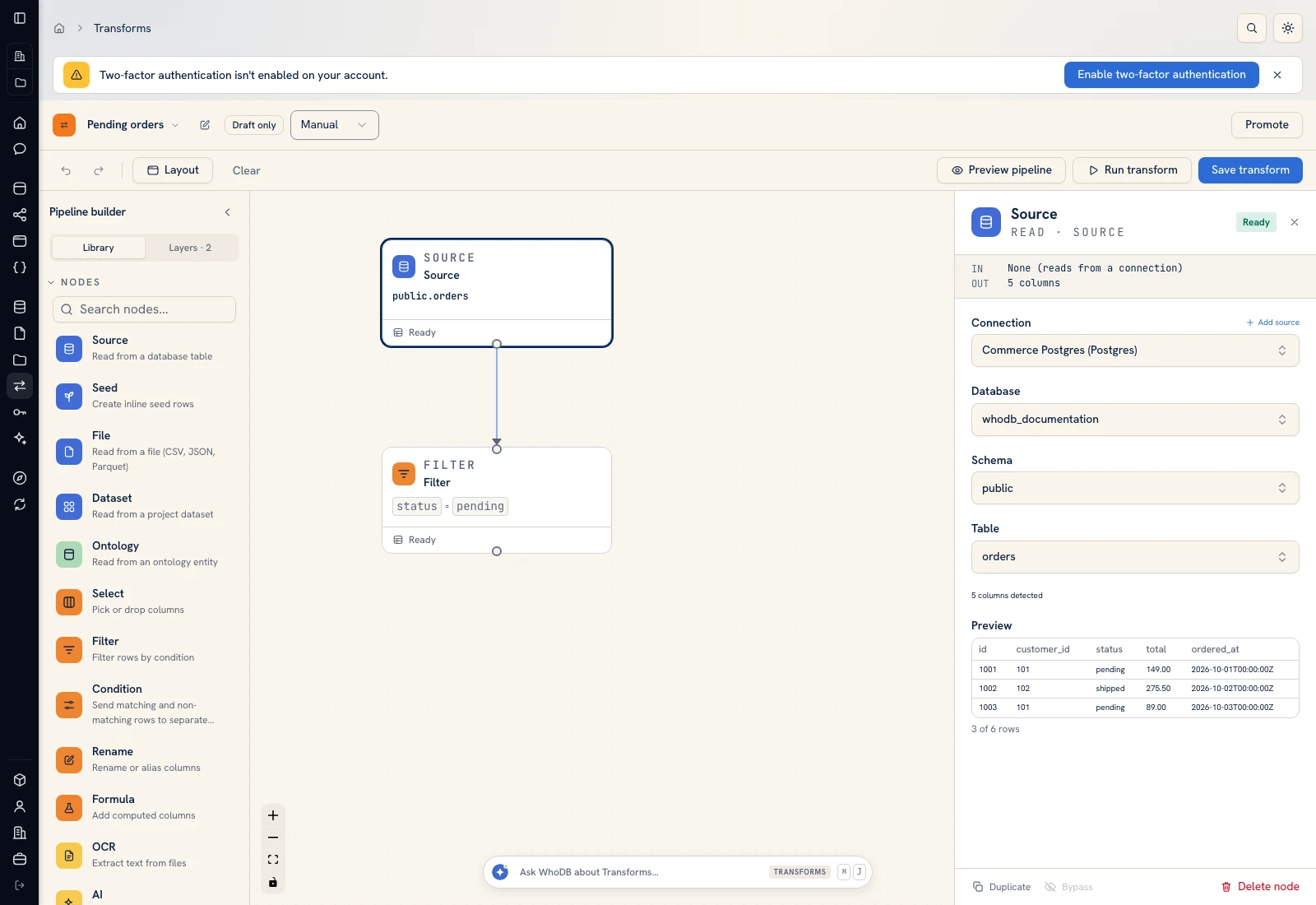 The node library is the starting point for extending a transform.
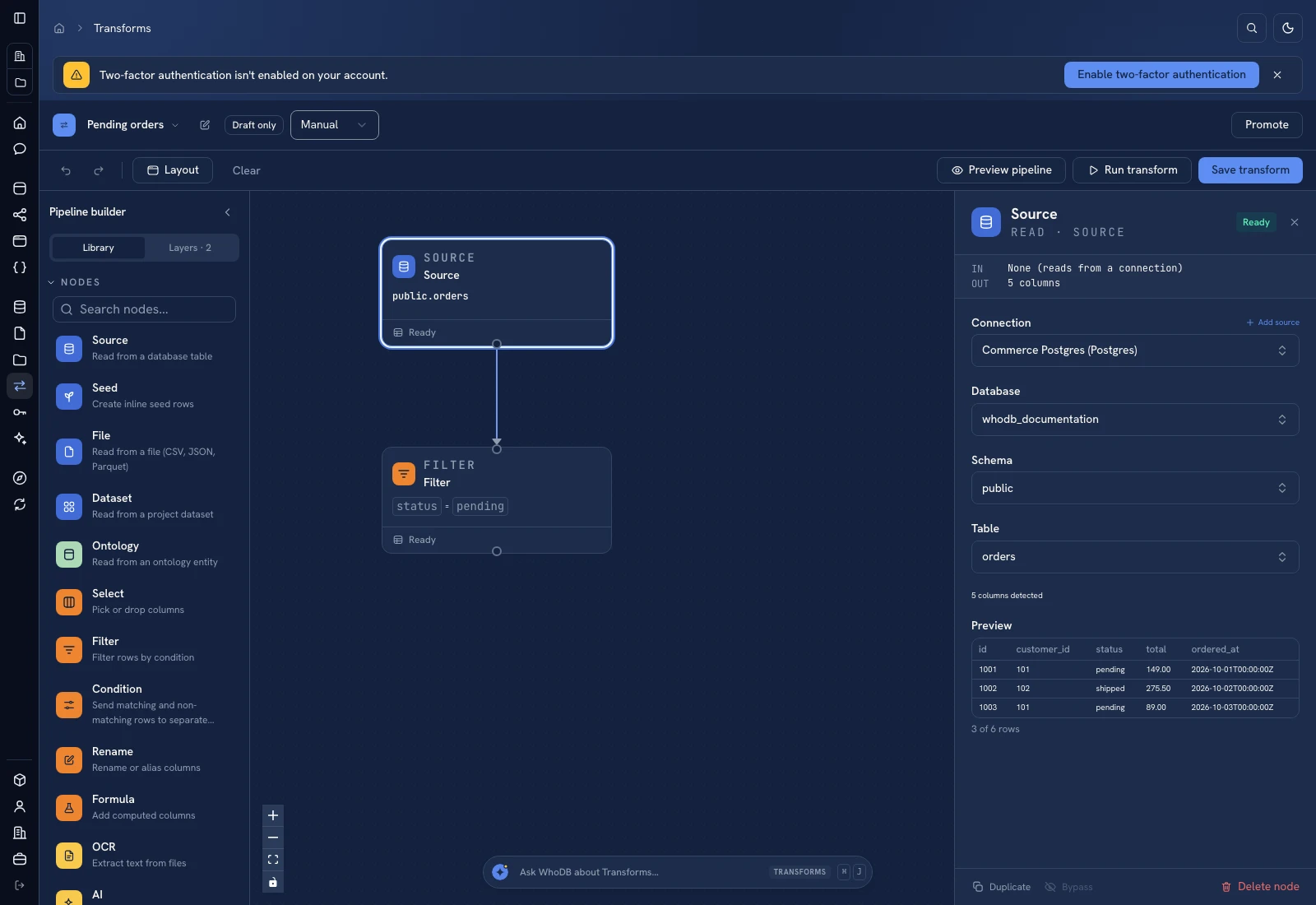 The node library is the starting point for extending a transform.
| Node | What it does | Detailed instructions |
|---|---|---|
| Source | Reads a connected database/service object | Input nodes |
| Seed | Emits inline rows or pasted CSV | Input nodes |
| File | Reads one project file or a folder selection | Input nodes |
| Dataset | Reads a project dataset | Input nodes |
| Ontology (entity) | Reads managed entity records | Input nodes |
| Select | Keeps or drops columns | Columns and filters |
| Filter | Keeps matching rows | Columns and filters |
| Condition | Splits matching and nonmatching rows into branches | Columns and filters |
| Rename | Changes output column names | Columns and filters |
| Formula | Adds or replaces computed columns | Columns and filters |
| Aggregate | Groups rows and computes measures | Combine and summarize |
| Sort | Orders rows by one or more keys | Combine and summarize |
| Limit | Keeps first N rows or a random sample | Combine and summarize |
| Deduplicate | Removes duplicate rows by selected keys | Combine and summarize |
| Join | Combines two streams on matching keys | Combine and summarize |
| Union | Stacks compatible input streams | Combine and summarize |
| OCR | Extracts text from document/image inputs | AI and OCR |
| AI | Produces structured fields using a configured model | AI and OCR |
| Script | Runs custom row-processing code | Scripts and functions |
| Function | Invokes a configured ontology function | Scripts and functions |
| Output | Writes to a dataset or entity | Output mapping |
Read a configuration panel#
The selected node shows its input and output summary. Finish required selections before interpreting a downstream error. Changing an upstream selection can change the columns available downstream. Recheck formulas, join keys, and output mappings after a source schema change.
Ready describes the node's current configuration state, not a guarantee that an external runtime, provider, or destination will succeed. Use Preview, then a controlled run, and inspect the destination independently.
Was this page helpful?